-
-
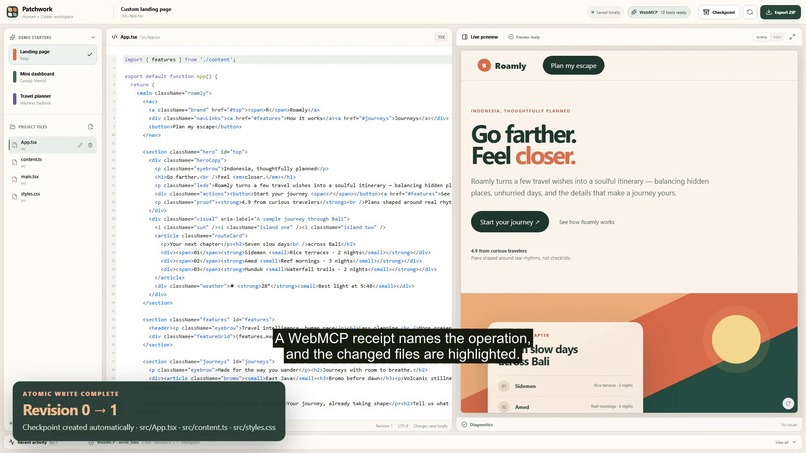
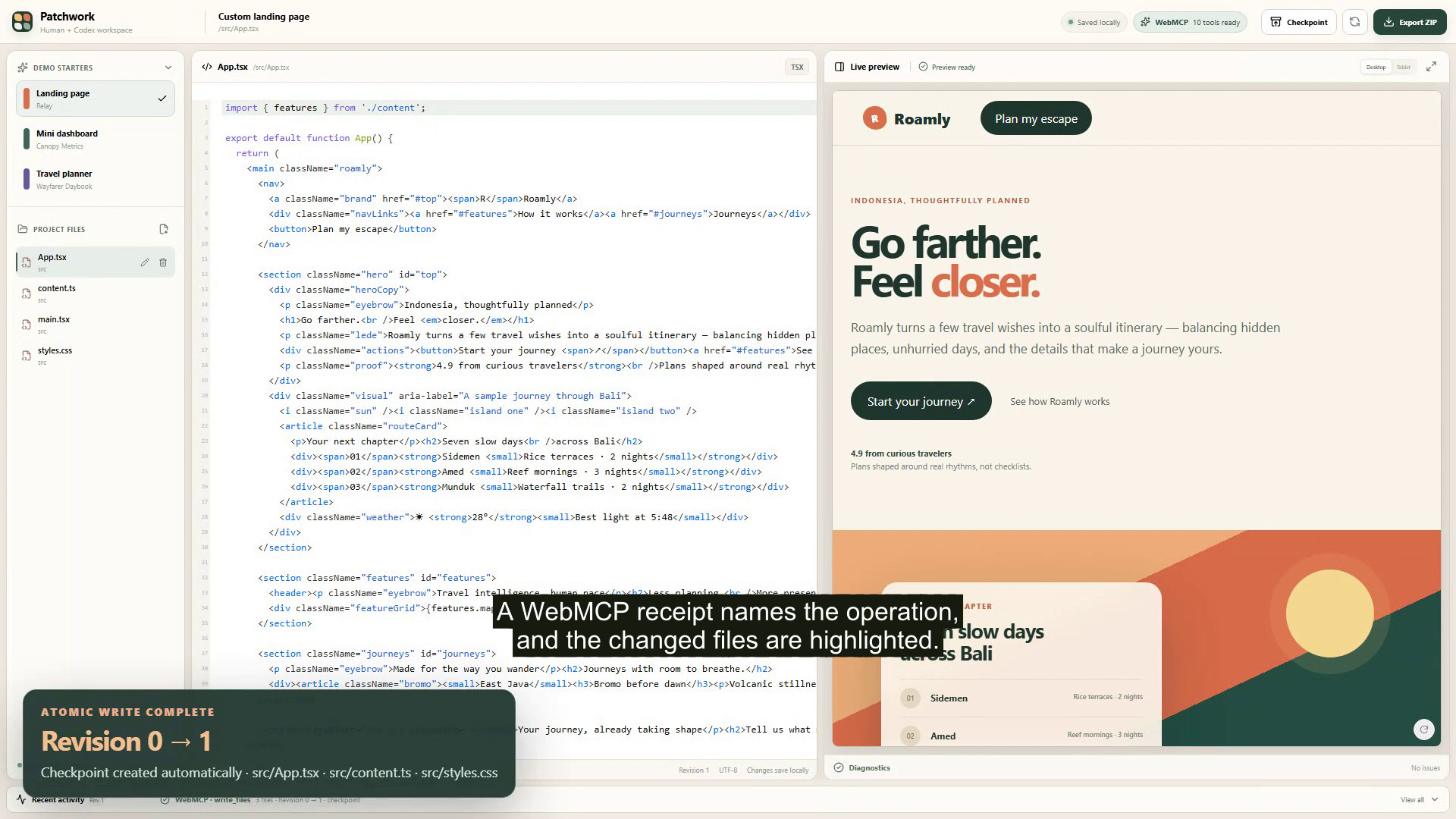
Patchwork keeps files, code, preview, diagnostics, checkpoints, and activity in one browser workspace.
-

Atomic multi-file WebMCP edit: one checkpoint, one revision, and the Roamly preview updated.
-

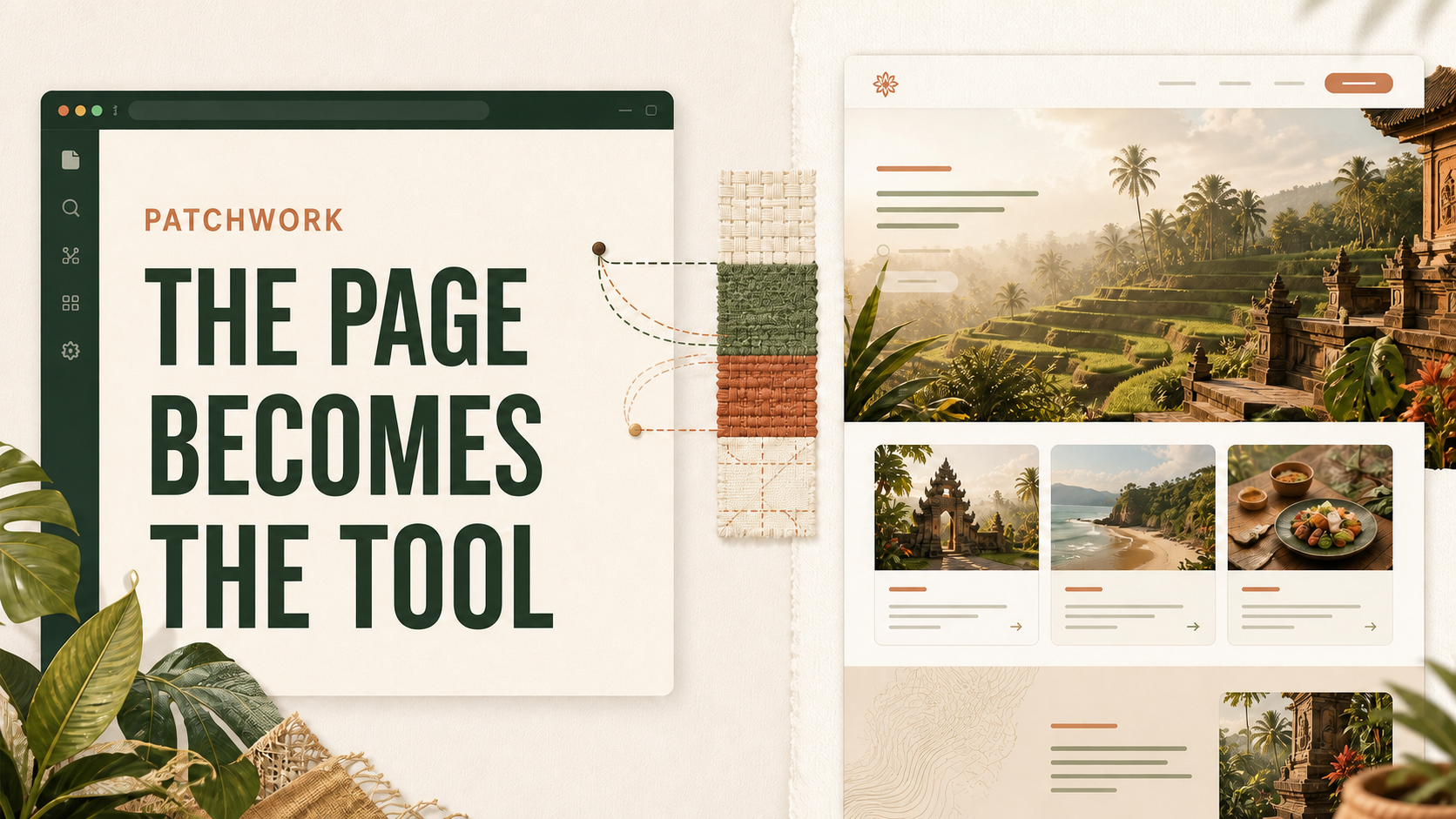
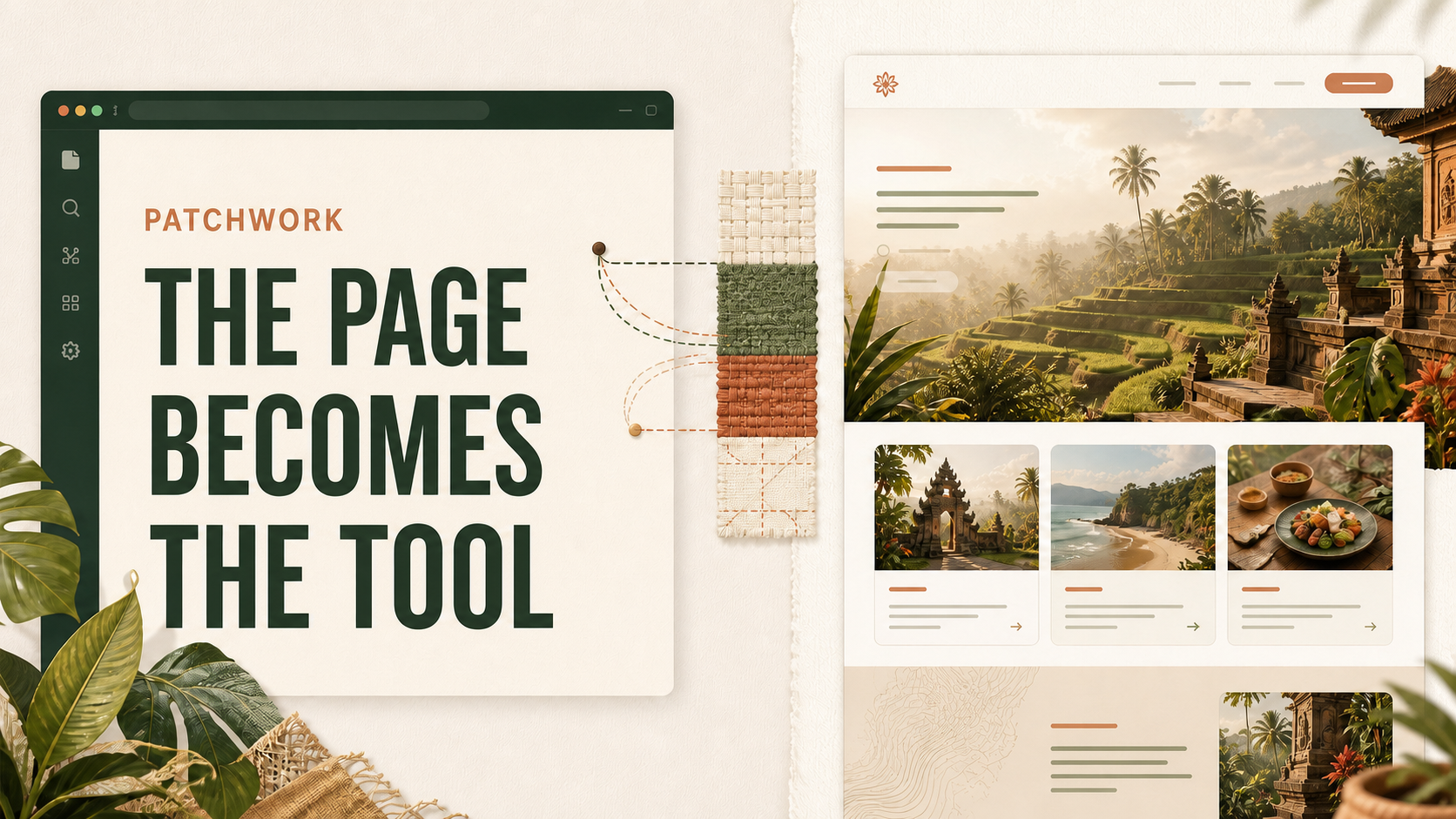
The page becomes the tool: Patchwork exposes ten WebMCP operations while the human keeps the files, preview, and recovery controls in view.
Inspiration
Most AI coding tools bring the project into the agent's interface. We wanted to explore the inverse: what if the application itself could offer a precise, safe collaboration surface to the agent the user already has?
Web development is a strong test case because the human needs visual context while the agent needs structured access to files, diagnostics, and mutations. Clicking through a file tree is possible, but it is slow and ambiguous. Patchwork keeps the project, preview, and recovery controls visible while WebMCP gives Codex operations with explicit schemas and outcomes.
What it does
Patchwork provides a browser-based workspace for small React projects. A user can load one of three deterministic starters, select and edit text files, inspect a live preview and available diagnostics, create or restore checkpoints, reset the current demo, and export the project as a ZIP.
When the page is opened in a compatible ChatGPT browser, Codex can discover Patchwork's Site Tools. It can read workspace context and explicit files, apply a validated multi-file change, move or delete one explicit file, inspect preview diagnostics, manage checkpoints, and prepare an export. UI actions and agent tools call the same workspace services, so both participants see the same revision and result.
Patchwork remains usable as a human-only application when WebMCP is unavailable.
How we built it
The host application uses React, strict TypeScript, and Vite. Sandpack provides the editor/preview runtime, IndexedDB stores local workspace state, and JSZip prepares local exports.
The workspace domain normalizes relative POSIX paths, allowlists text formats, enforces per-file, per-batch, and total-workspace limits, and stages complete mutations before commit. An optional expected revision prevents silent stale overwrites. Every committed content mutation creates a checkpoint first and increments the workspace revision once.
WebMCP is registered imperatively with document.modelContext.registerTool() in the top-level host document after workspace services are ready. The Sandpack iframe does not register tools. An injected Playwright adapter captures those production registrations and invokes the real handlers for deterministic tests; it is not a second tool implementation.
How WebMCP is used
Patchwork exposes these stable tools:
- get_workspace_context
- list_files
- read_files
- write_files
- move_file
- delete_file
- inspect_preview
- create_checkpoint
- restore_checkpoint
- prepare_project_export
Read tools return bounded, structured state without changing files, checkpoints, activity, persistence, or revision. Mutations validate the entire request before committing, create recovery checkpoints, and return stable receipts with revision and changed paths. Errors are structured and repairable, including stale revision, invalid path, collision, unsupported extension, and size-limit cases.
Why WebMCP is load-bearing
Without WebMCP, the agent would need to guess the application's state and manipulate files through pixels, focus, and keystrokes. That makes multi-file changes, concurrency, recovery, and verification fragile.
With WebMCP, the page provides explicit schemas for reading selected files, applying one atomic batch, checking the observed revision, inspecting available diagnostics, and restoring a known snapshot. This is not a shortcut around the product UI: it is the collaboration layer that lets the person and agent operate the same live application with shared state and clear effects.
Challenges
The hardest design problem was making Site Tools useful without turning Patchwork into a remote shell. We constrained the workspace to small text projects, made paths and payloads narrowly valid, and separated export preparation from the user-triggered download.
Another challenge was integrating an iframe-based preview while respecting current ChatGPT Site Tools limitations. Registration belongs to the top-level document, so the host owns the WebMCP boundary and receives only supported preview status and diagnostics from Sandpack. Patchwork does not claim visual understanding when it only has compiler or runtime signals.
Finally, UI actions and agent calls had to stay consistent. We avoided parallel implementations by routing both through the same domain and persistence services.
Accomplishments
- A browser-native collaboration model with no embedded chatbot or API key.
- A shared service layer for human and WebMCP operations.
- Atomic, revision-aware multi-file mutations with automatic recovery snapshots.
- Deterministic demo starters and reset behavior.
- Graceful human operation when Site Tools are unavailable.
- A production-handler test adapter that does not duplicate business logic.
What we learned
WebMCP is most valuable when a web product already has clear domain operations. The best tools are not generic clicks; they expose meaningful application actions with narrow inputs, honest side effects, and enough result data to verify the outcome.
We also learned that local-first architecture is a useful fit for agent collaboration. It reduces setup and data movement, but it still needs explicit limits, persistence validation, concurrency control, and recovery. Finally, preview diagnostics and visual review are different evidence and should never be conflated.
What's next
After the challenge build is frozen, potential follow-ups include a small public-GitHub import with strict limits, a human-readable diff view, and a read-only share format. These are not part of the submitted MVP unless independently implemented and verified before the deadline.
Built With
- indexeddb
- jszip
- playwright
- react
- sandpack
- typescript
- vite
- vitest
- webmcp

Log in or sign up for Devpost to join the conversation.