-
-
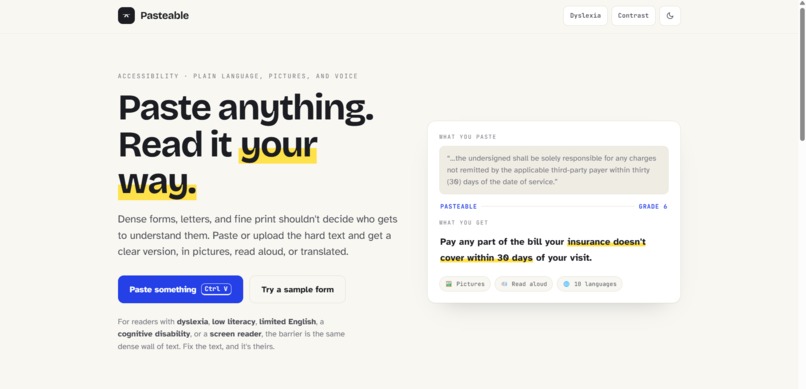
Landing Page
-
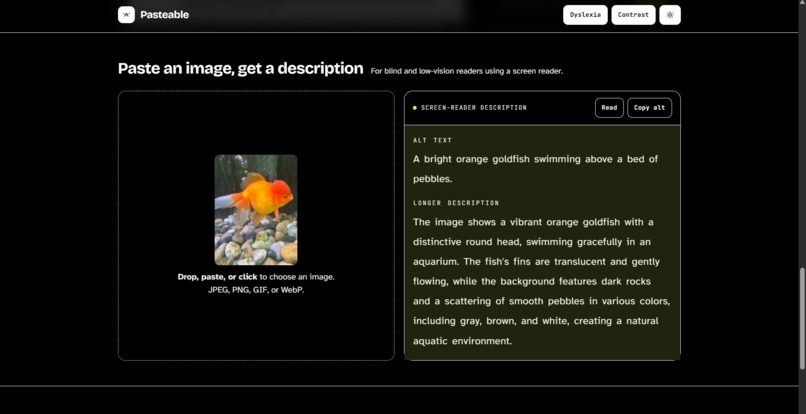
Dark mode + dyslexia + high contrast mode
-
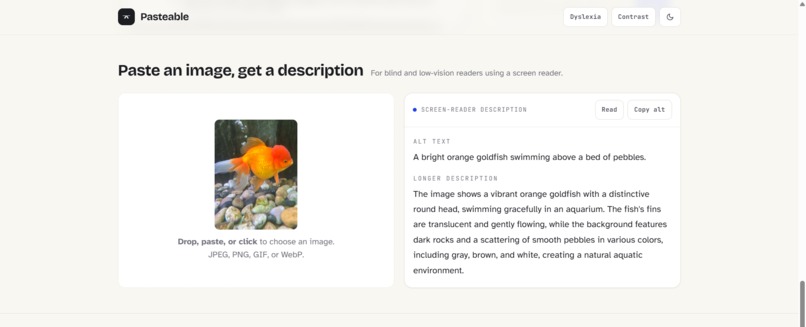
Visual image to description
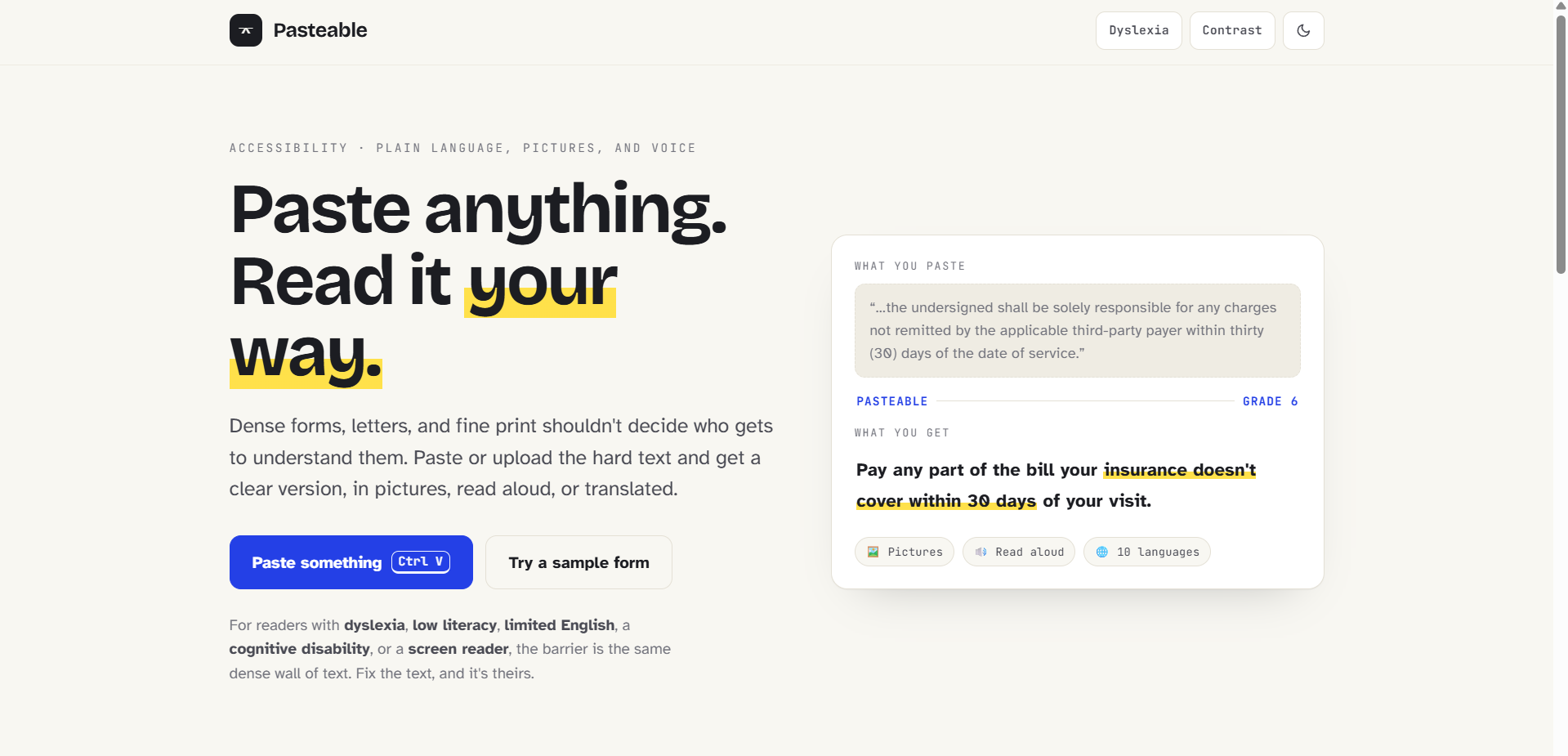
Inspiration
Almost everyone has been handed a form and told to "just sign here," a consent form at a clinic, a lease, a terms of service, a benefits letter. And almost everyone has signed one without really understanding it. For millions of people that gap is not an inconvenience, it is a wall. About 130 million American adults read at or below a sixth grade level, only around 12% can confidently understand everyday health information, and one in five people has dyslexia. Add readers in a second language and people who use a screen reader, and you are describing most of us at the exact moment it matters most.
I made pasting itself the accessibility action. You do not configure anything or learn a tool. You paste, the way you already do a hundred times a day, and the barrier is gone.
What it does
Pasteable takes anything hard to read and gives it back in a form you can actually use.
- Plain-language rewrite at a reading level you choose, from Grade 3 to Expert, streamed live, keeping every fact, date, amount, and warning.
- A live readability score so you can see the text get easier, not just take my word for it.
- Easy-read pictures, where the same information becomes short points each paired with an emoji pictogram, plus an optional AI illustration of the whole thing.
- Natural read-aloud in a warm, emotional voice, and translation into ten languages.
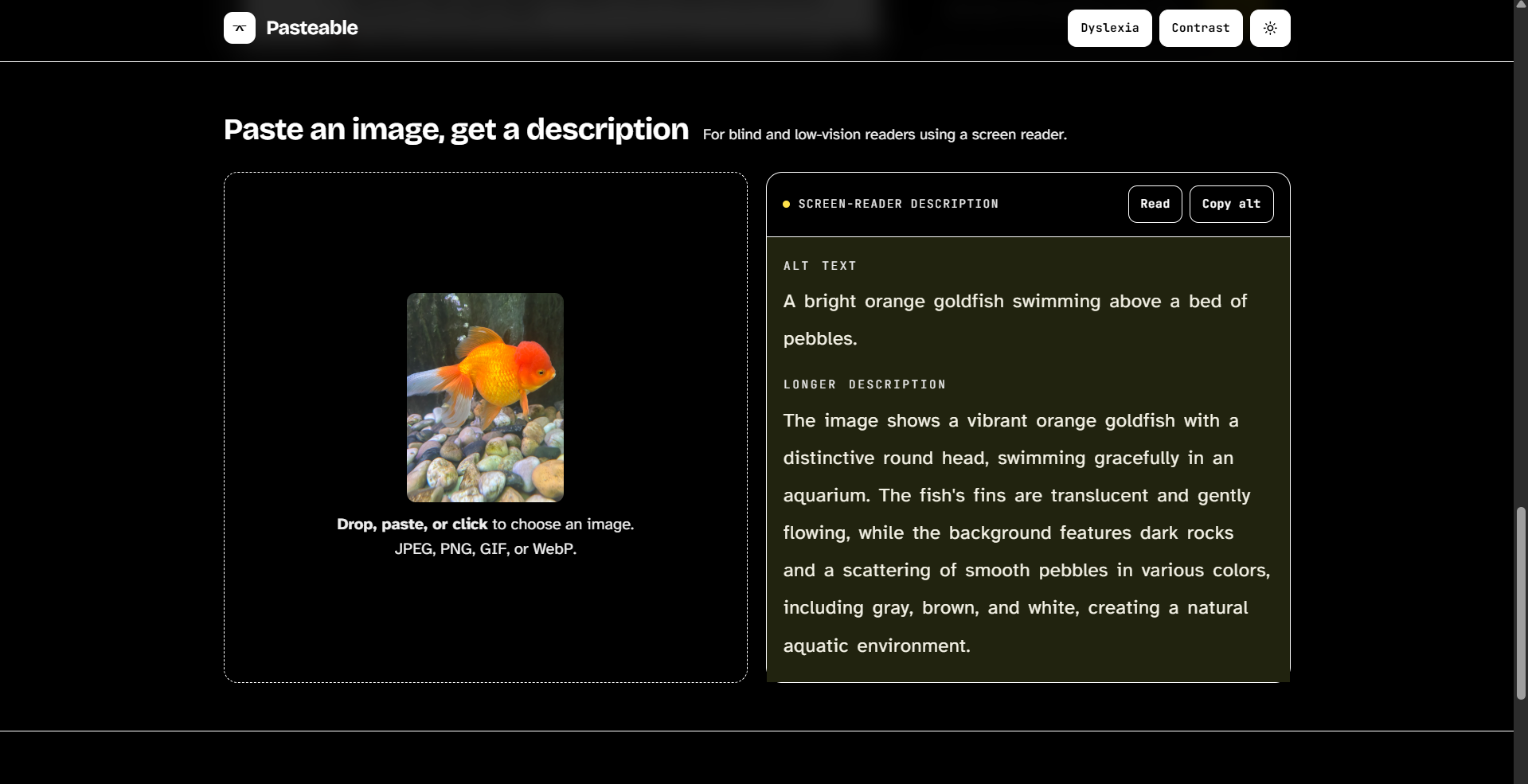
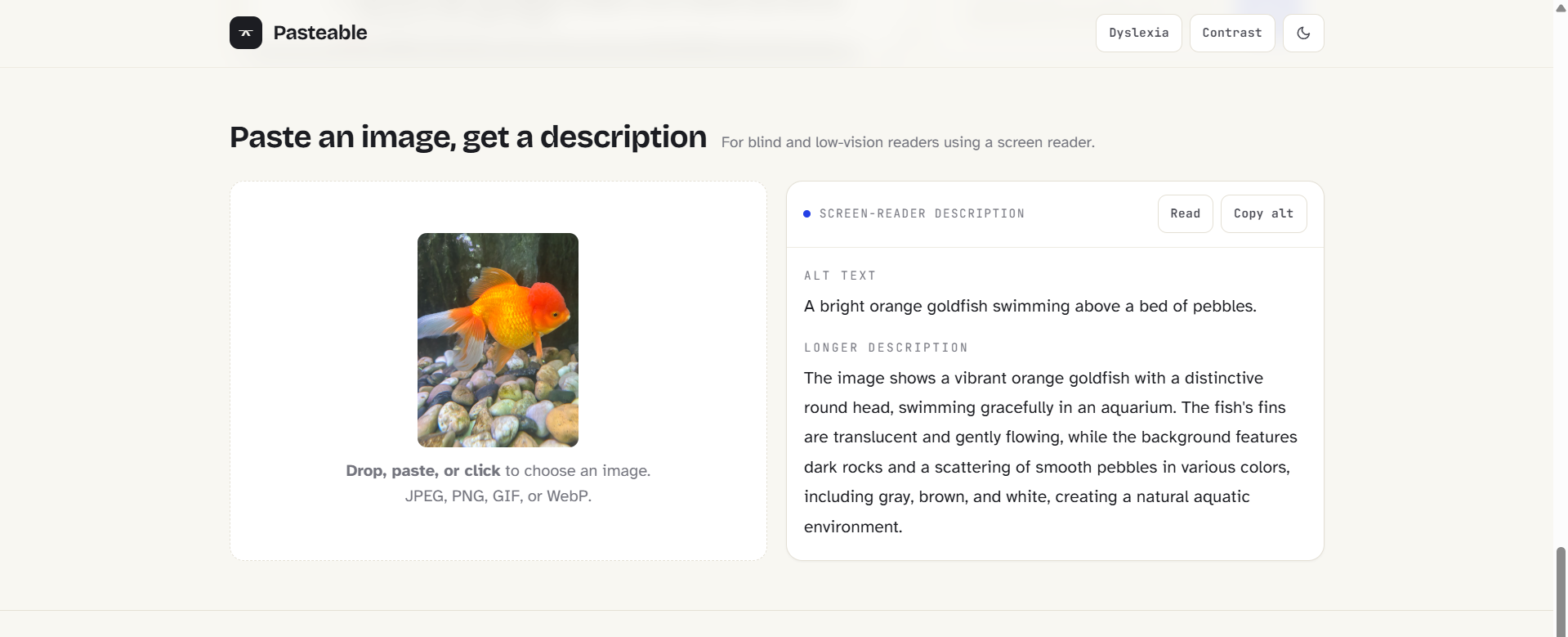
- Image to description, where you drop in an image and get screen-reader alt text plus a longer description.
- A guided, risk-rated document walkthrough, the centerpiece. You upload a real PDF and Pasteable renders the actual pages, reads the whole document, and marks up every important part directly on the page. Each part is color coded by how much it could affect you, red for the things that could cost you money or take away a right. You press one button and it walks you through the document itself, scrolling to each part, highlighting it, and explaining it out loud, then moving on by itself. You can switch between a quick key-points pass and an exhaustive clause-by-clause pass, filter to only the parts that could hurt you, and simply ask the document a question and have it point to the exact clause and answer in plain words, using only what the document actually says.
And the tool practices what it preaches: it is set in Atkinson Hyperlegible, a typeface designed for low-vision readers, with a dyslexia mode, high contrast, dark mode, and full keyboard access.
How we built it
- Frontend and hosting: Next.js with the App Router, TypeScript, and a hand-written design system, deployed on Vercel.
- AI: OpenAI
gpt-4o-minifor the streaming rewrites, easy-read extraction, and the document walkthrough, vision for image descriptions,gpt-image-1for illustrations, andgpt-4o-mini-ttsfor the emotional voice. The backend is provider-flexible and also runs on Anthropic's Claude with one environment variable. - Documents:
pdf.jsrenders each PDF page to a canvas in the browser and extracts the text with per-item coordinate transforms.unpdfandmammothhandle server-side text extraction for uploads. - The walkthrough engine: the model returns each step anchored to a verbatim phrase from the document. The app then finds that phrase in the rendered text layer, computes its bounding box, and draws a highlight synced to the step panel. For comprehensive mode, the document is split into sections and every important point is extracted from each section in parallel, then merged in order.
- Readability is computed on the client with the Flesch Reading Ease formula, which is why the meter can update live as text changes:
$$\text{Reading Ease} = 206.835 - 1.015\left(\frac{\text{total words}}{\text{total sentences}}\right) - 84.6\left(\frac{\text{total syllables}}{\text{total words}}\right)$$
- Voice falls back to the browser's built-in speech if no key is present, so read-aloud always works.
Challenges we ran into
The hardest part by far was pointing at the real document. Mapping a clause the AI identified back to exact pixels on a rendered PDF meant learning pdf.js internals, composing its text transforms with the page viewport, matching anchor phrases across text items that are split in unpredictable ways, and getting the scroll math right so the highlight actually lands where you expect.
Comprehensiveness was another. A single prompt over a whole contract always summarized and quietly dropped clauses, so I moved to chunked parallel extraction to guarantee coverage. Getting PDF parsing to survive serverless bundling took a couple of tries, since one library failed to trace on Vercel and had to be swapped for one built for that environment. Keeping the question answering honest was a design goal in itself, so the model is grounded strictly in the document and says when something is not covered instead of guessing. And making the tool itself genuinely accessible, keyboard paths, focus states, ARIA live regions, reduced motion, was its own layer of work on top of every feature.
Accomplishments that we're proud of
- A guided walkthrough that annotates and explains the actual document, not a summary of it, and reads you through it hands-free.
- A risk radar that reframes the whole tool from "simplify this" to "show me what could hurt me."
- Question answering that is grounded and honest, and admits when the document does not have the answer.
- A tool that is itself accessible, so it lives up to what it is asking for.
- Getting all of it, multi-modal text, pictures, voice, translation, vision, and the document engine, working together and shipped live.
What we learned
- How
pdf.jsreally works, from viewports and text-item transforms to building a searchable, highlightable text layer. - That for coverage, many small focused prompts beat one big one.
- That grounding and honesty are features, not afterthoughts, and they are what separate a real product from a thin wrapper.
- A lot of unglamorous but important lessons about serverless bundling, streaming, and graceful fallbacks.
- Most of all, that the value is in the product around the model, the way it points at the page, rates risk, and reads you through a form, not in the model call itself.
What's next for Pasteable
- A browser extension so any selected text on any page becomes a one-keystroke clarify.
- Support for scanned or photographed documents with OCR, and a camera mode so you can snap a paper form.
- Saved reading-level and language preferences that follow you across documents.
- An action plan view that pulls out what you must do and by when, and exports it to your calendar.
- More languages and offline voices, so access does not depend on a connection.
Built With
- next.js
- openai
- typescript
- vercel
- web-speech-api


Log in or sign up for Devpost to join the conversation.