-
-
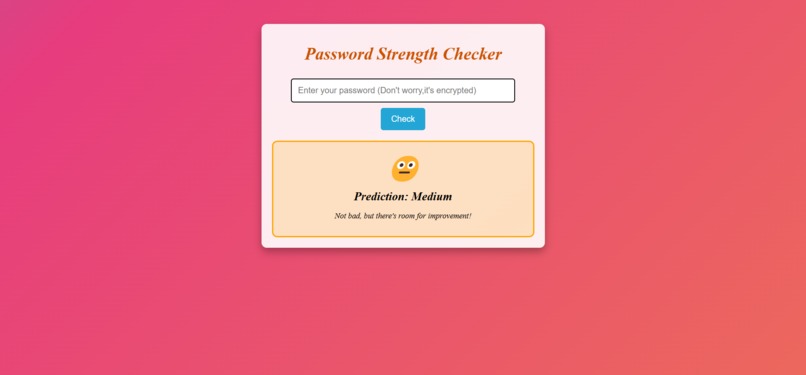
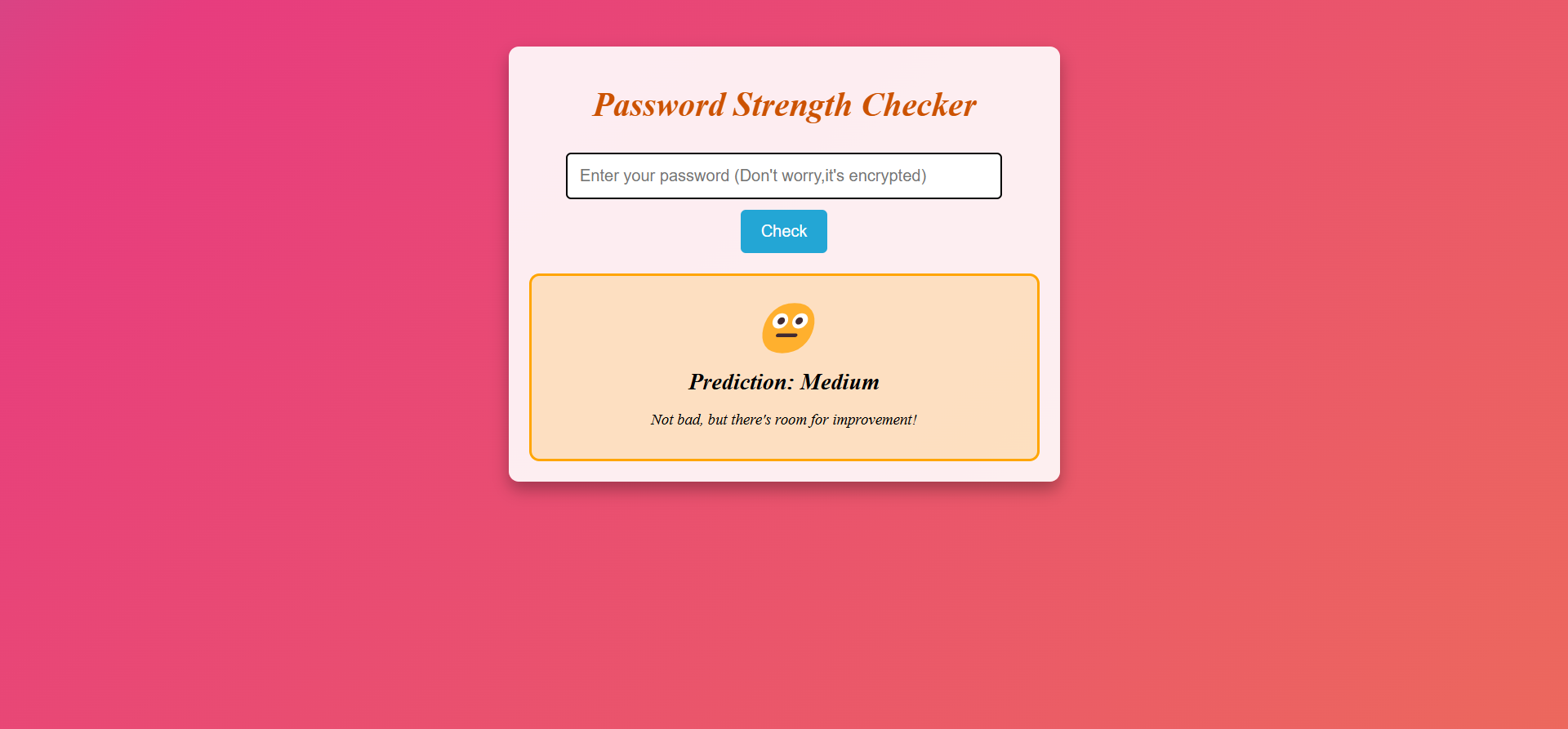
Medium Password
-
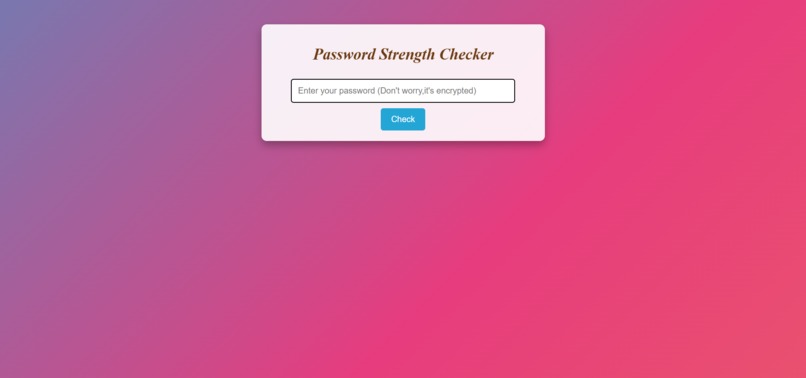
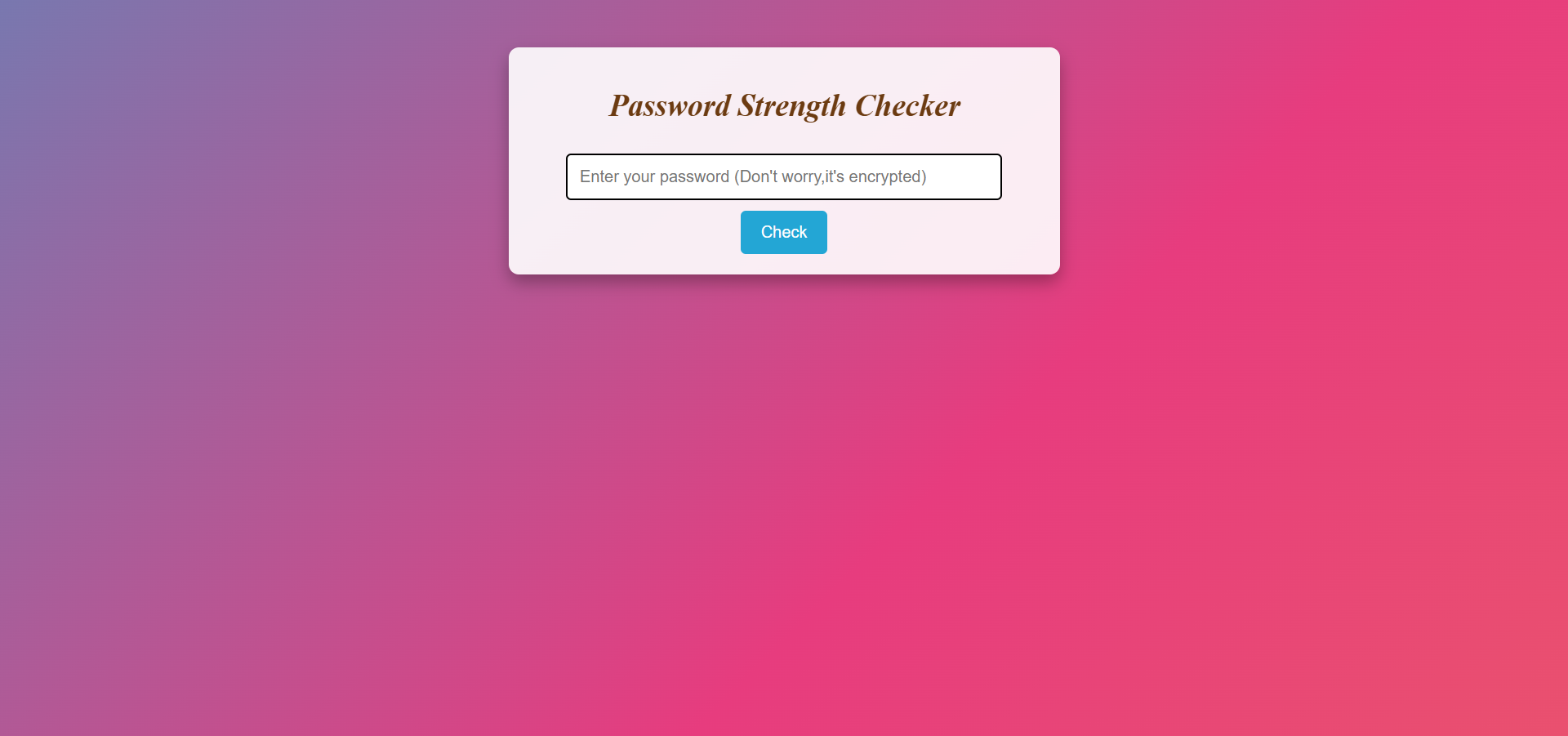
Opening Page
-
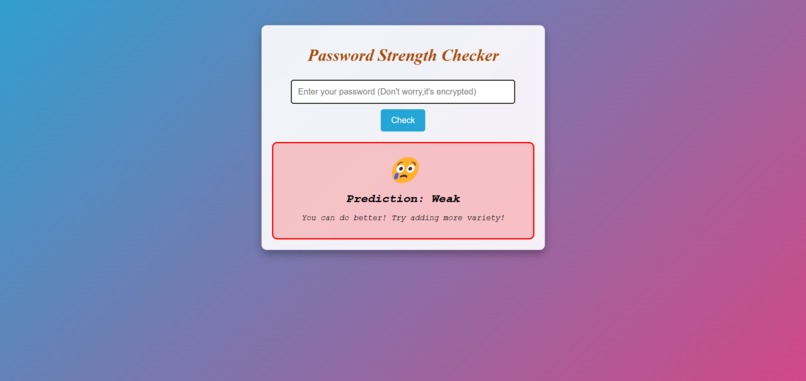
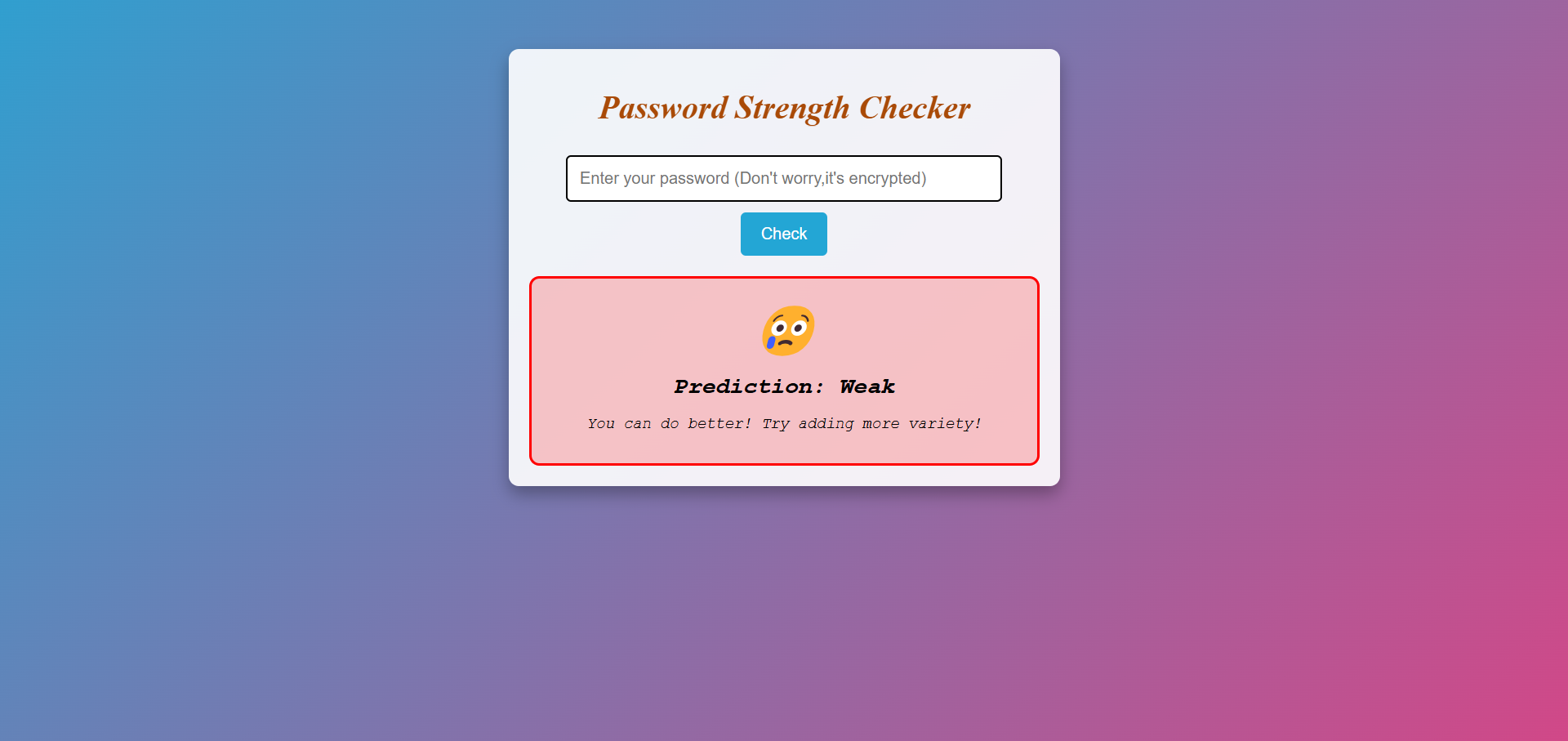
Weak Password
-
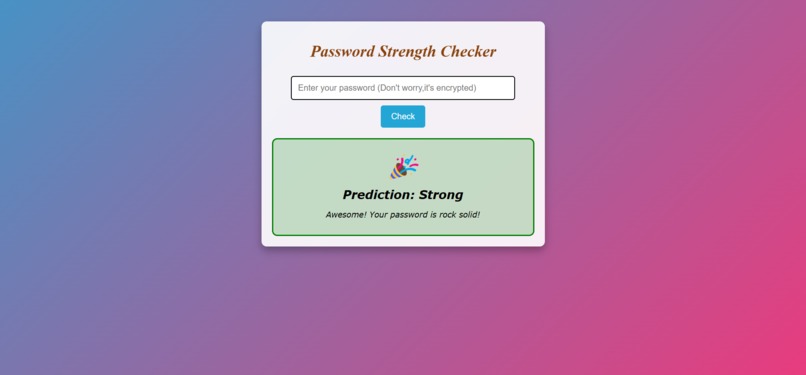
Strong Password

🔐 ML Password Security Checker
🚀 Live Demo: ML Password Security Checker
💡 Inspiration
With increasing cybersecurity threats, weak passwords remain a major vulnerability. People often use predictable passwords, making them easy targets for hackers. We wanted to create a machine learning-powered solution that helps users assess their password strength instantly and encourages them to adopt stronger, more secure passwords.
⚡ What It Does
Our ML Password Strength Checker analyzes passwords and provides instant feedback on their security level.
Features:
- ✅ Machine Learning Powered - Uses
RandomForestClassifierto predict password strength. - ✅ Live Strength Prediction - Instantly classifies passwords as Weak, Medium, or Strong.
- ✅ Interactive UI - A sleek, animated interface that reacts to password strength.
- ✅ Emoji Feedback - Fun visual feedback to make security engaging! 🎉😐😢
- ✅ Encourages Strong Passwords - Helps users create safer passwords effortlessly.
🏗 How We Built It
Data Collection & Preprocessing:
- We used a dataset containing passwords labeled as Weak, Medium, or Strong.
- Extracted key password features like length, presence of uppercase/lowercase letters, special characters, etc.
- We used a dataset containing passwords labeled as Weak, Medium, or Strong.
Machine Learning Model:
- Trained a RandomForestClassifier on extracted features.
- Encoded password strengths as numerical labels (
Weak = 0, Medium = 1, Strong = 2).
- Trained a RandomForestClassifier on extracted features.
Frontend & Backend:
- Python (Flask): Handles ML model predictions.
- HTML, CSS, JavaScript: Provides an interactive and visually appealing UI.
- Deployment: Hosted using Render for a smooth user experience.
- Python (Flask): Handles ML model predictions.
Extracting Password Features
def extract_features(password):
    has_lower = any(c.islower() for c in password)
    has_upper = any(c.isupper() for c in password)
    has_special = any(not c.isalnum() for c in password)
    length = len(password)
    return [int(has_lower), int(has_upper), int(has_special), length]

## 🚧 Challenges We Ran Into
- **Choosing the right features:** We had to experiment with different combinations of features to improve prediction accuracy.
- **Optimizing performance:** ML models can be slow, so we worked on optimizing model efficiency.
- **Frontend & Backend Integration:** Ensuring smooth communication between Flask and the UI.
- **Deployment Issues:** Deploying a machine learning model with limited resources required several optimizations.

---

## 🎉 Accomplishments That We're Proud Of
- Successfully built a **real-time ML password strength checker**!
- Created an **interactive, user-friendly UI** that makes security fun.
- Optimized the ML model to provide **fast, accurate predictions**.
- Overcame deployment challenges to make our project **accessible online**.

---

## 📚 What We Learned
- Improved our understanding of **machine learning model training** and feature engineering.
- Gained experience in **full-stack development** (Python, Flask, HTML, CSS, JavaScript).
- Learned to handle **deployment challenges** for ML applications.
- Understood how to **optimize ML models for real-time applications**.

---

## 🚀 What's Next for Password Strength Checker
- **Advanced ML Models:** Experimenting with deep learning approaches for even better accuracy.
- **More Features:** Adding suggestions for improving weak passwords.
- **Password Breach Check:** Integrating APIs to check if a password has been exposed in data breaches.
- **Multi-Language Support:** Expanding accessibility to users worldwide.
- **Browser Extension:** Making it easier for users to check password strength while signing up on websites.

Log in or sign up for Devpost to join the conversation.