-
-
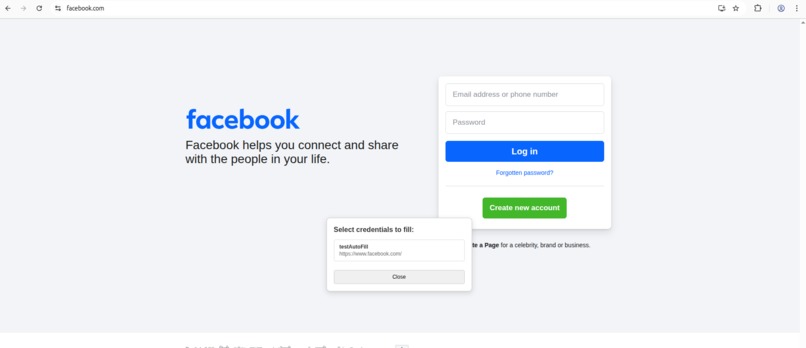
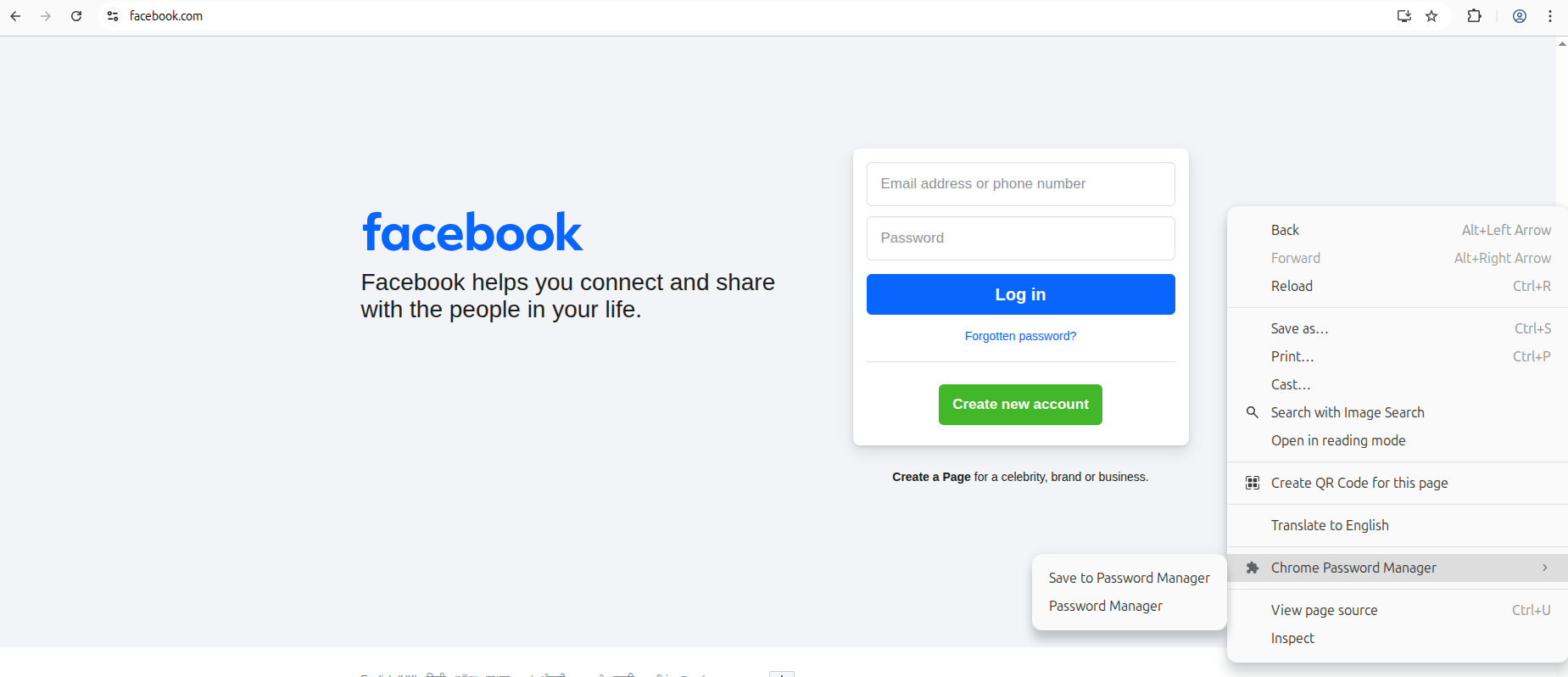
right click context menu showing extension
-
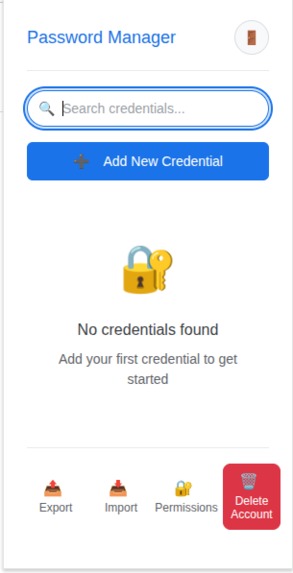
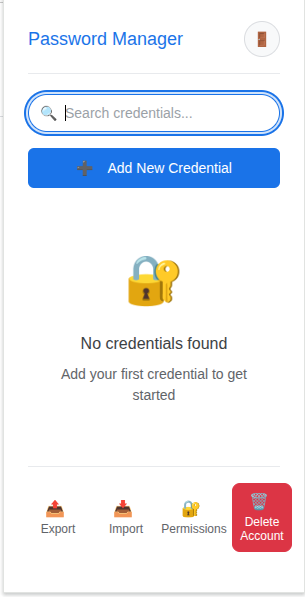
password manager dashboard
-
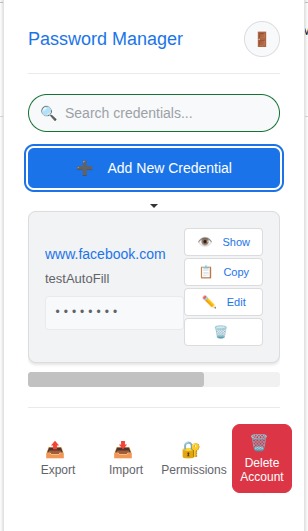
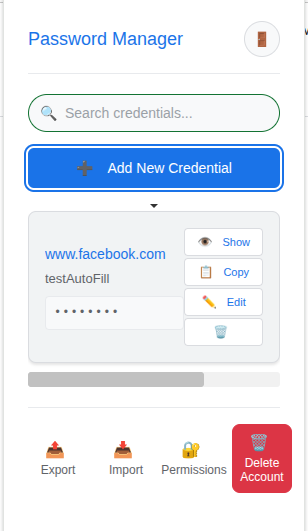
password manager dashboard with cred
-
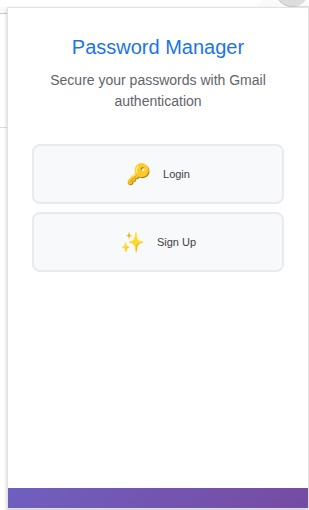
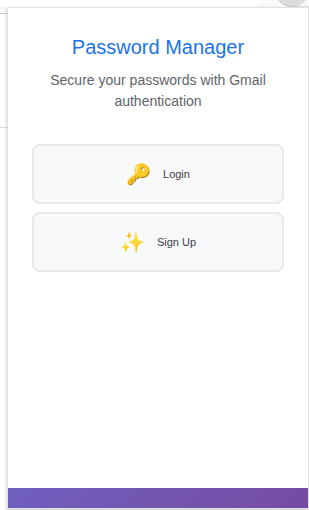
login page
-
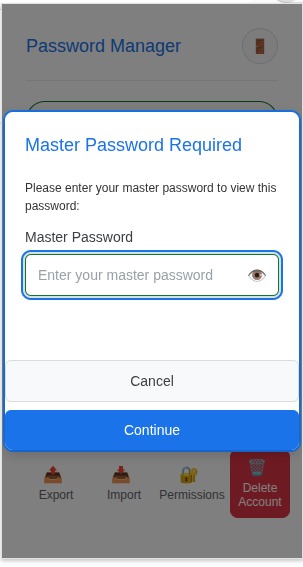
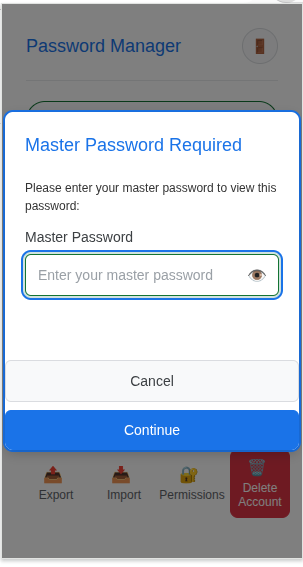
Master password popup
-
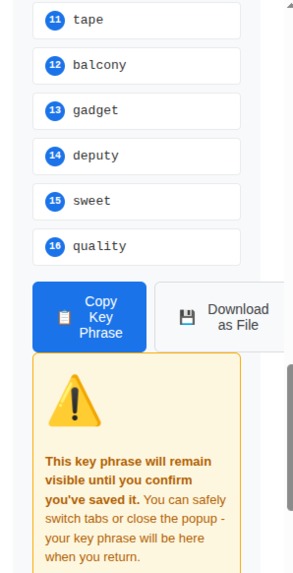
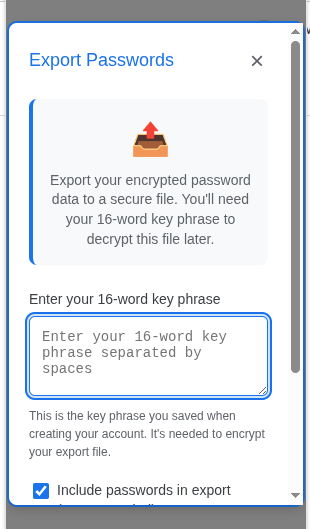
Export Key phrase option
-
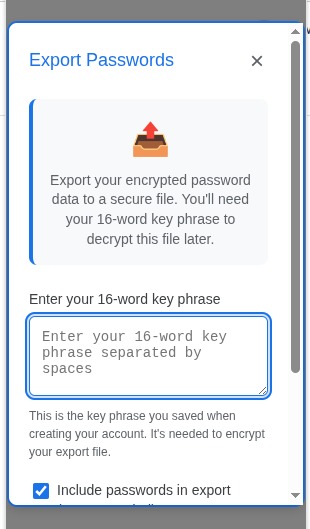
Export Creds
-
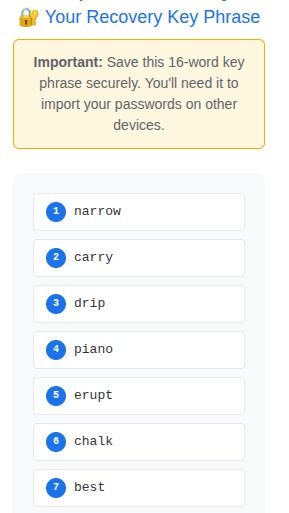
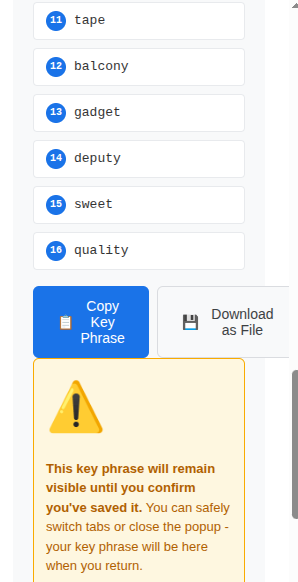
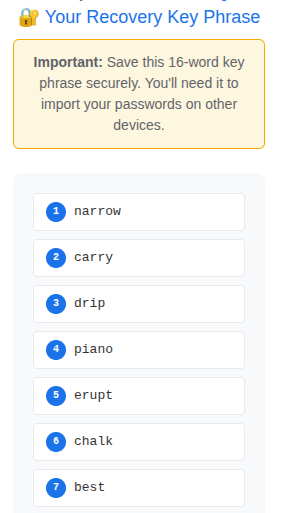
16-word english key phrase for recovery
-
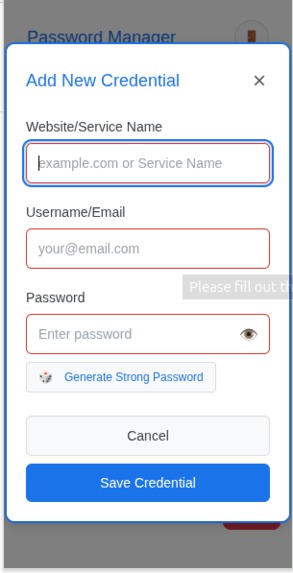
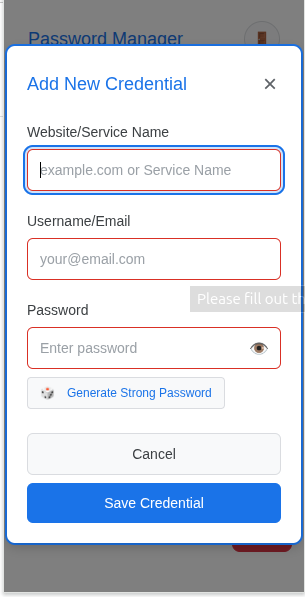
add credential page
-
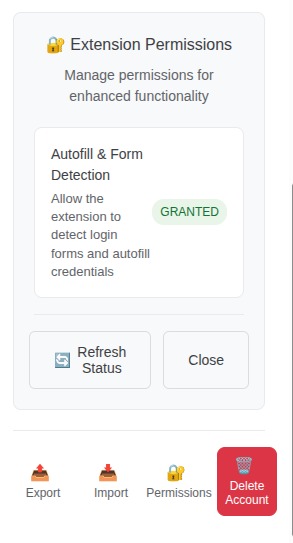
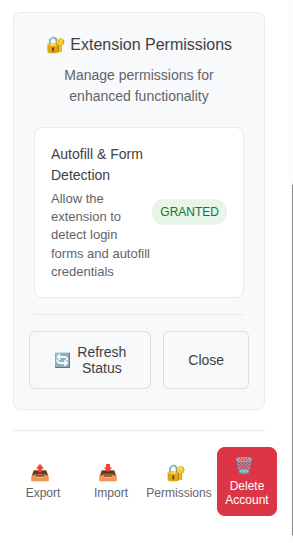
permission setting page
-
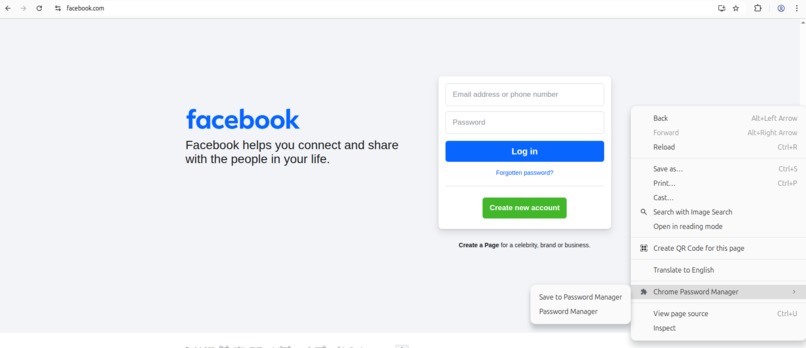
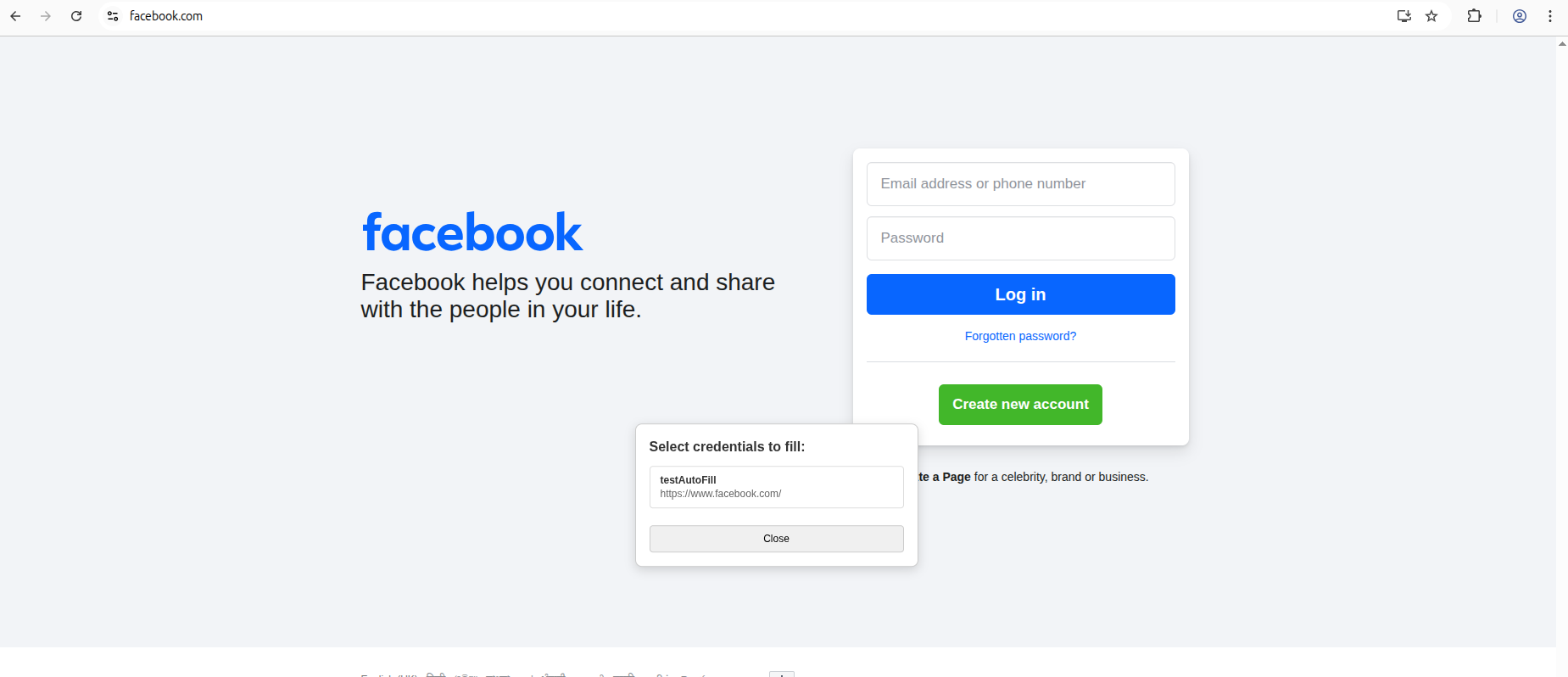
Autofill option
-
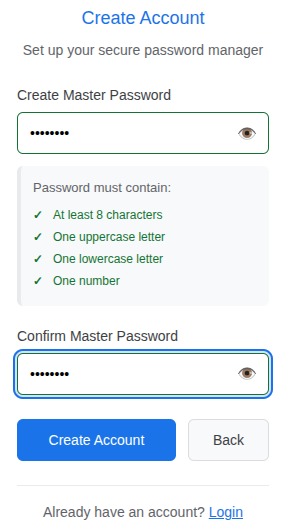
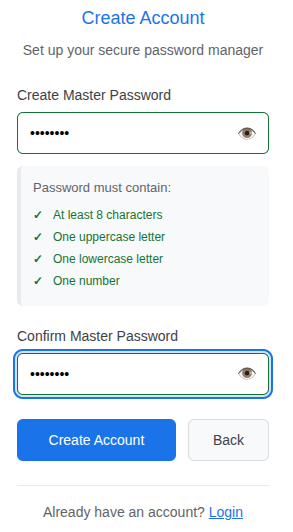
Signup page
Inspiration
The inspiration behind building this Chrome Password Manager came from a strong desire to provide users with full control over their sensitive credentials without relying on cloud storage. With growing concerns about privacy and data breaches, I wanted to create a tool that stores everything locally on the user's device, ensuring maximum security and privacy.
What it does
This extension keeps all your credentials stored locally on your device, giving you full control and peace of mind knowing your sensitive information never leaves your system.
How we built it
Using the Kiro IDE, I started by defining the project requirements in plain English. The AI broke these into smaller features and created a high-level design that I could refine interactively. The system then generated subtasks with corresponding tests before implementing the code—following a test-driven development (TDD) approach end-to-end.
Challenges we ran into
Kiro did not completely eliminate the need for manual oversight, particularly around complex error scenarios. Few cases, need to manually debug and fix.
Accomplishments that we're proud of
- Successfully developed and deployed a fully functional Chrome extension that securely manages user credentials locally.
- Implemented advanced cryptographic methods including AES-256-GCM encryption and PBKDF2 key derivation to ensure data security.
- Created a seamless user experience with features like login, credential management, autofill, and secure import/export.
- Integrated AI-assisted development workflows to accelerate coding and maintain high-quality standards throughout the project.
What we learned
Starting this project was both exciting and challenging. Before this, I had limited experience with Chrome extension development, about manifest files, background service workers, content scripts, and how to manage permissions securely. Also has limited understanding of cryptographic principles, such as AES-256-GCM encryption, PBKDF2 key derivation, and secure generation of salts and initialization vectors (IVs). Moreover, I experienced firsthand how AI-assisted tools like Kiro IDE’s vibe coding drastically simplify development by transforming natural language requirements into robust, tested code. This workflow was a major paradigm shift compared to traditional coding methods.
What's next for Password Manager Chrome Extension
Implement a robust import feature to allow users to seamlessly transfer their existing credentials into the password manager. This will support encrypted file formats ensuring security during the import process. Refine the user interface to enhance usability and visual appeal. Focus will be on creating a more intuitive user experience with modern design principles and responsive layouts across devices. And deploy the extension to chrome extension store.


Log in or sign up for Devpost to join the conversation.