-
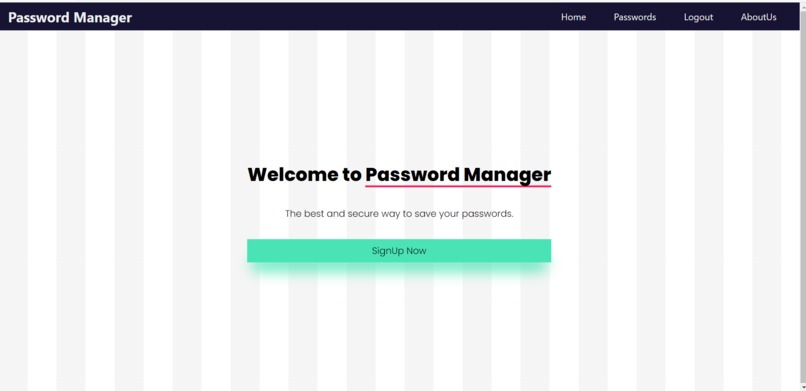
Home Page
-
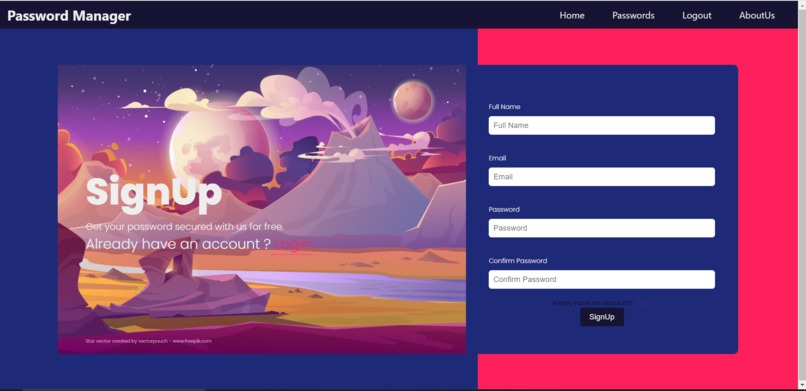
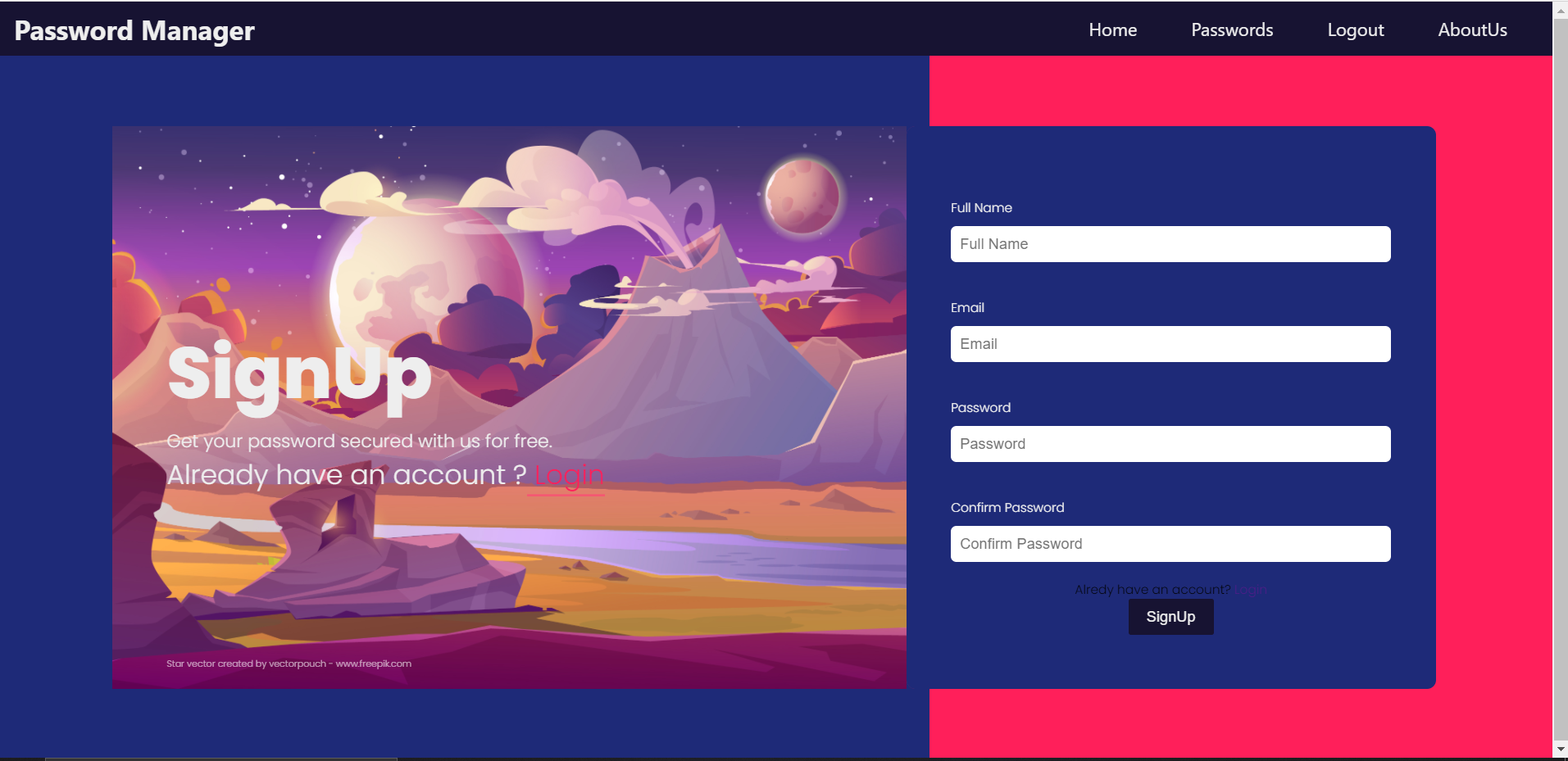
Sign up Page
-
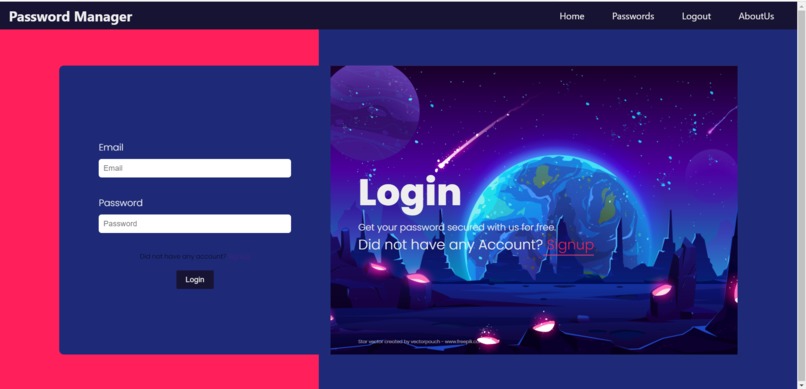
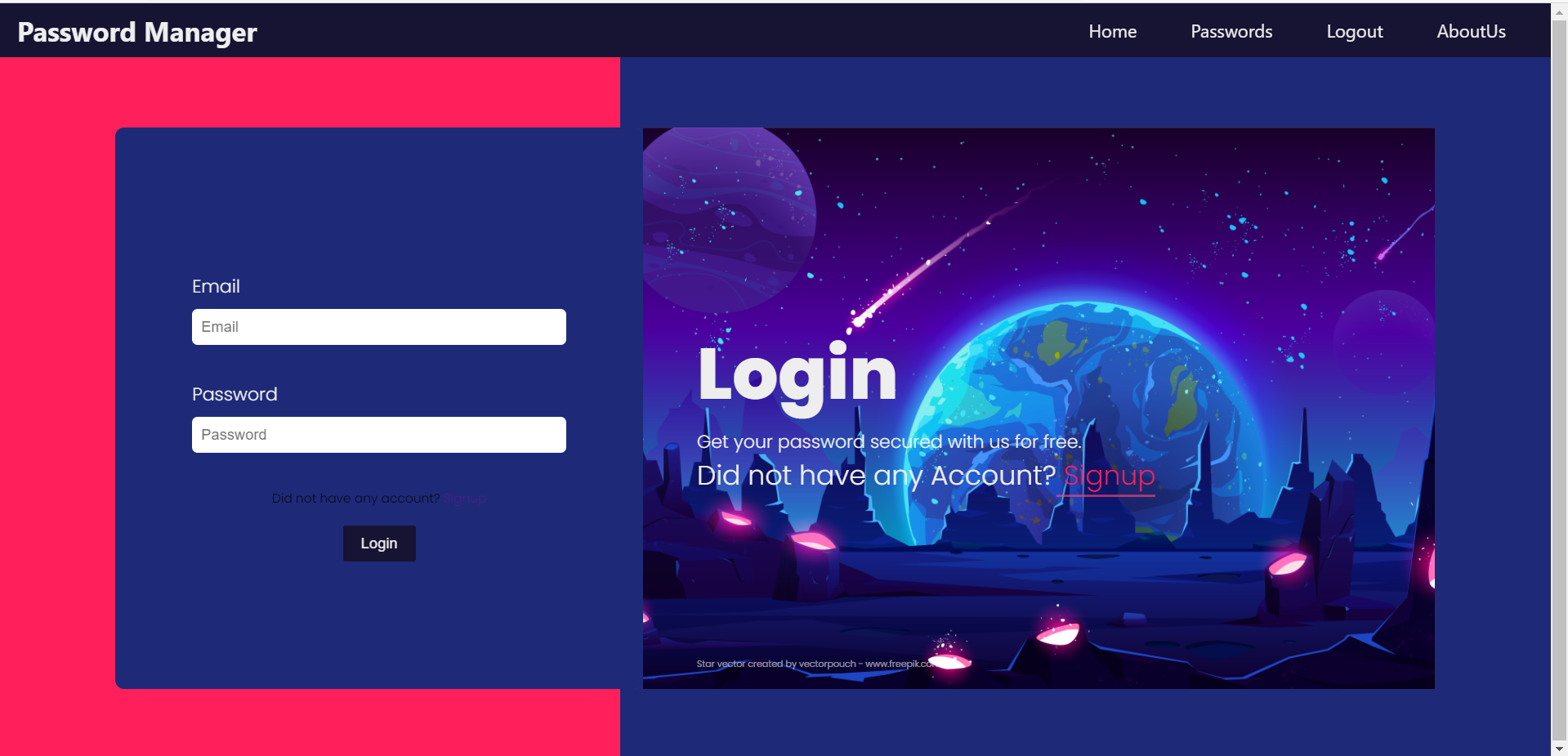
Log in Page
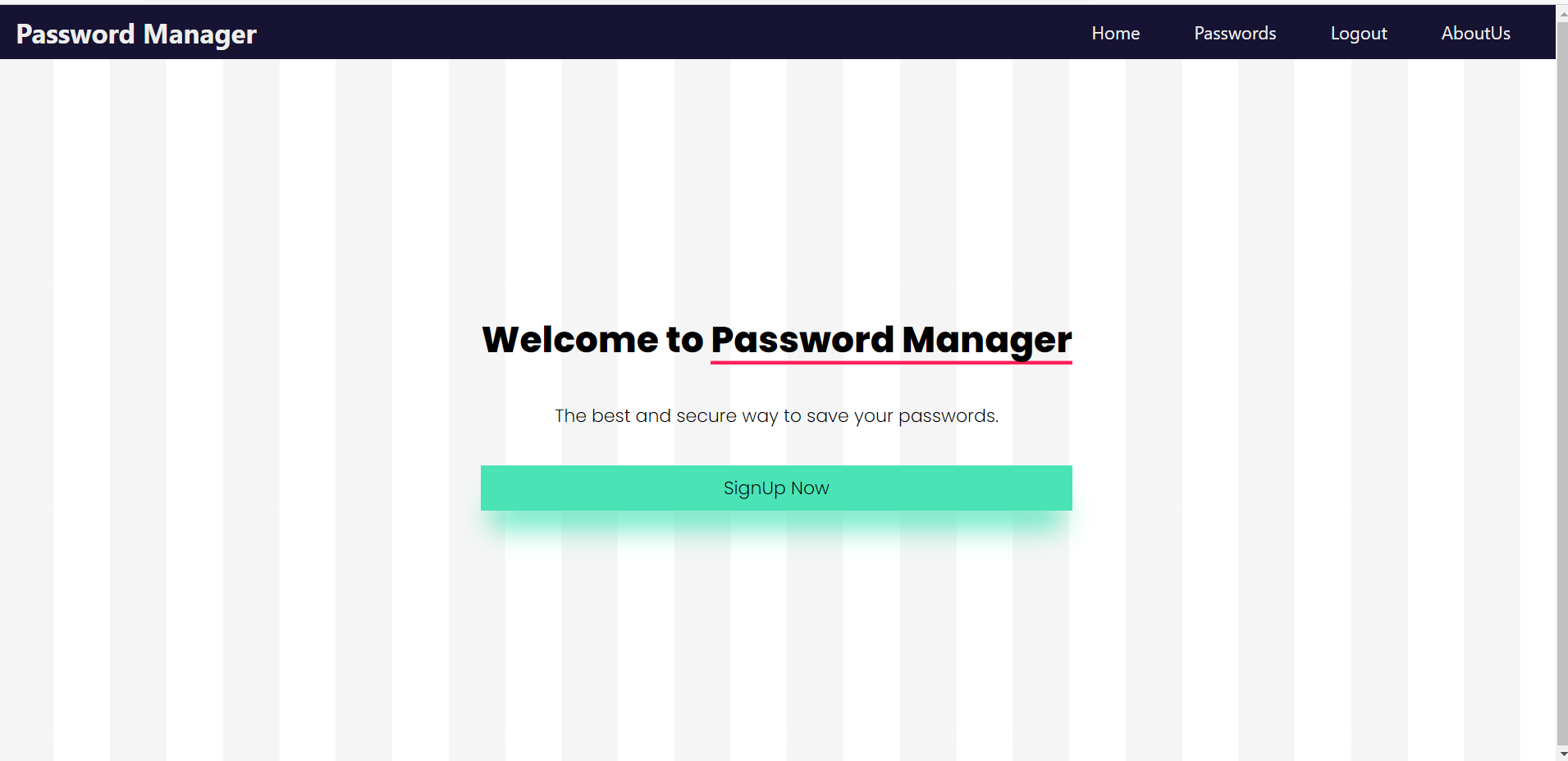
Password Manager 💙
A Password Manager project created using the MERN stack. You can login and save your passwords. Passwords are saved in the database after AES encryption ⛓️ . So, your passwords are safe here. 🦺
Setting up the project
Go to the folder in which you want to clone the project and run the following command
git clone https://github.com/rockingrohit9639/password-manager-mern.git
Setting up the server
To setup the server in your system run the following commands
cd server
npm install
After installing all the server dependencies run the server using the following command
nodemon app.js
Now, the server will be up and running
**Note :- You have to configure all the environment variables by creating a config.env file in root server folder.
Setting up the client
Go to the client folder and run
npm install
All the dependencies should be installed. Now, you just have to start the React server by following command
npm start

Log in or sign up for Devpost to join the conversation.