PassShelf
Inspiration
I’m one of those people who used to collect heavy metal concert tickets and airplane tickets as mementos. They were a physical record of concerts, trips, and places I wanted to remember.
After multiple moves—including moves to other countries—I eventually got rid of most of them. Now that tickets and boarding passes are digital, I’ve found myself doing the same thing with Apple Wallet passes instead.
During a recent trip, I was looking through my old passes and wondered if there was a better way to manage them. Apple Wallet is great when you need to get through a gate, board a flight, or enter a concert, but it isn’t really designed as a place to revisit those experiences later.
With Shipaton happening, I thought: maybe I could finally build a better way for myself and share it with more people.
That became PassShelf.
What it does
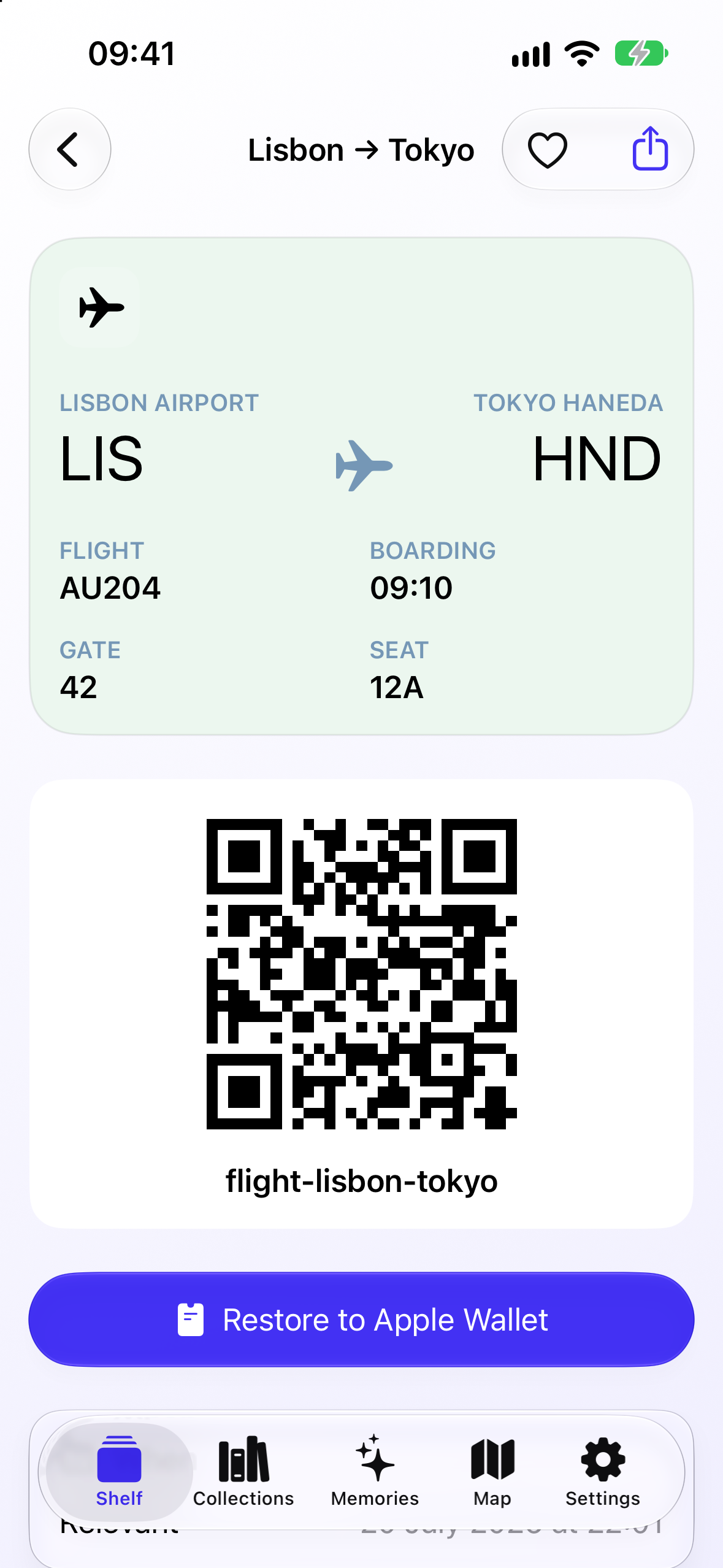
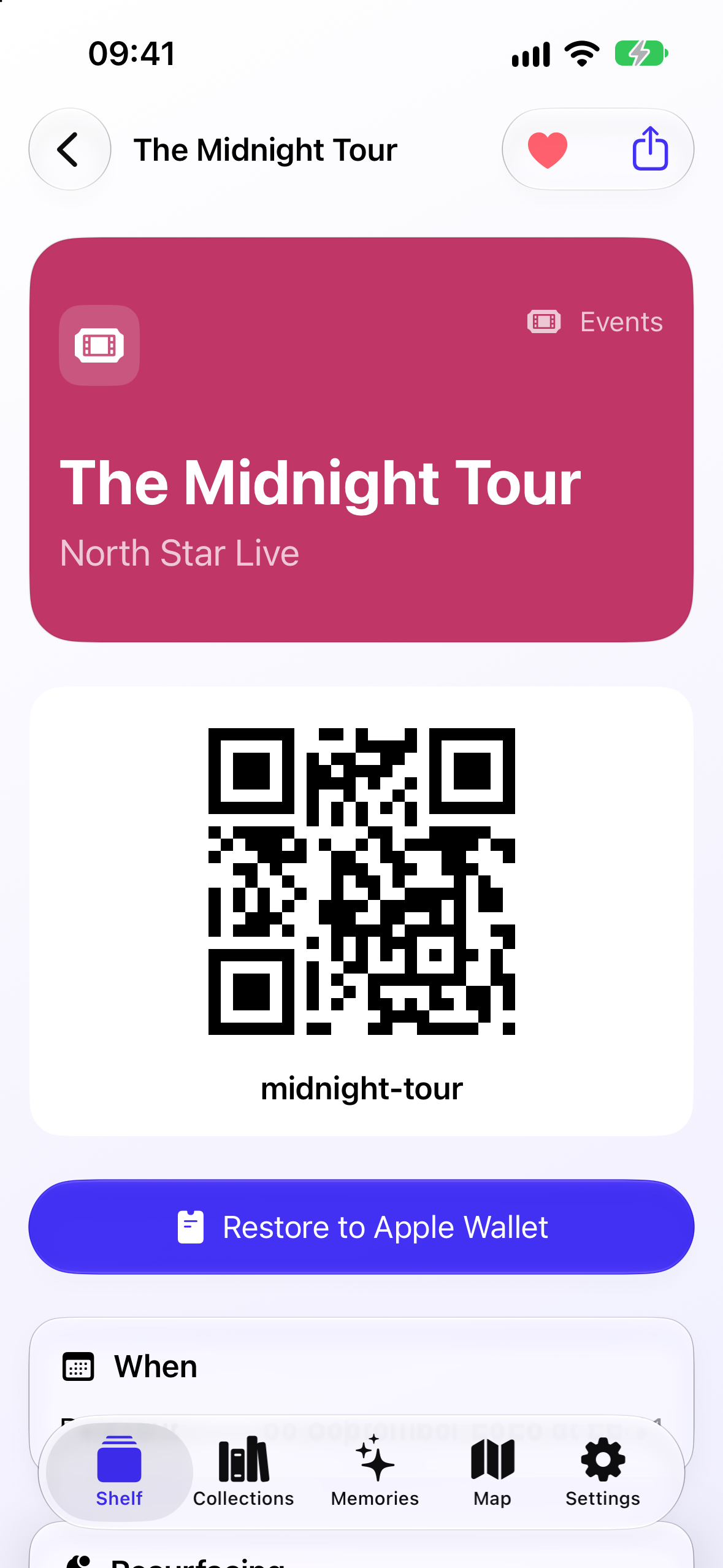
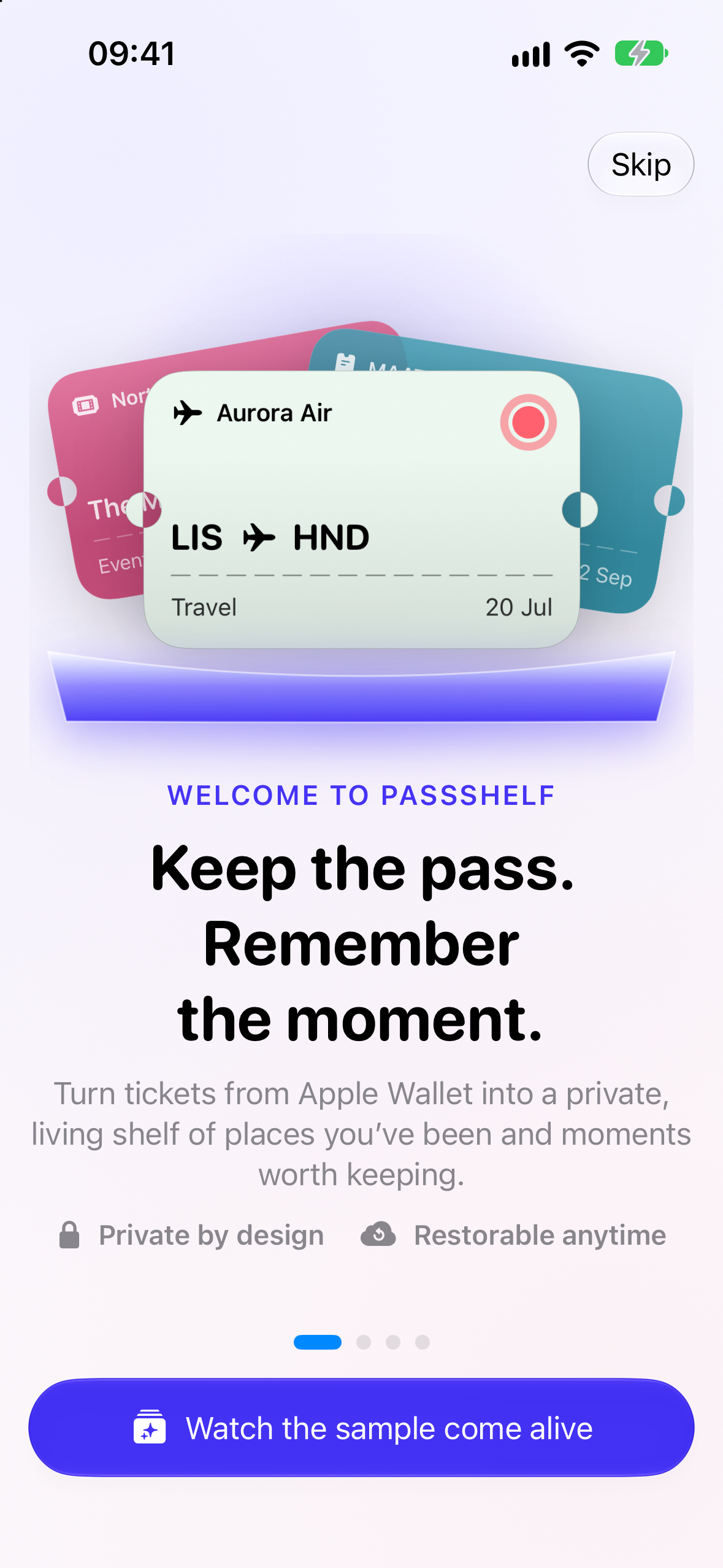
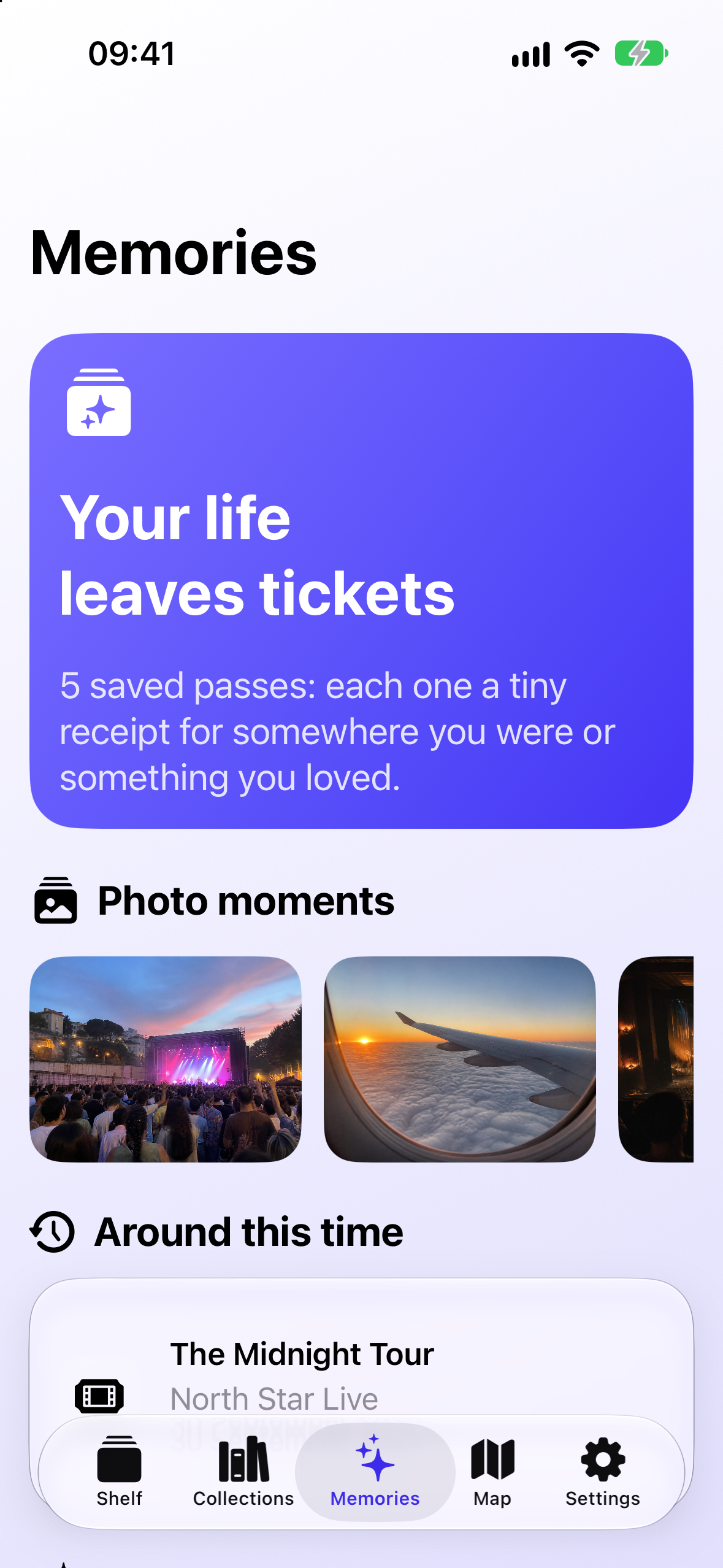
PassShelf is a private home for boarding passes, concert tickets, loyalty cards, coupons, and the little moments connected to them.
You can import signed .pkpass files from Apple Wallet, Files, Mail, and other apps. PassShelf preserves the original pass so it can be viewed, exported, shared, or restored to Apple Wallet later.
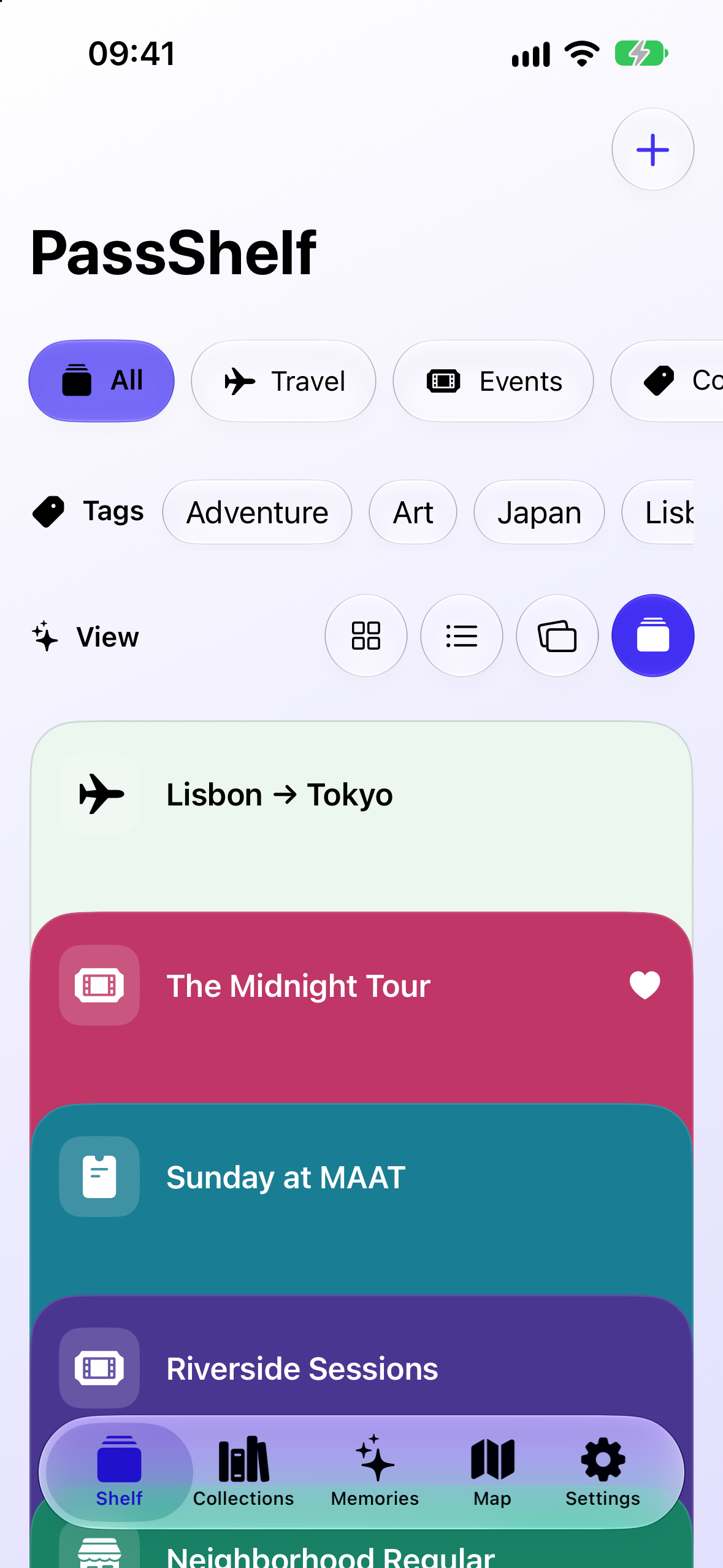
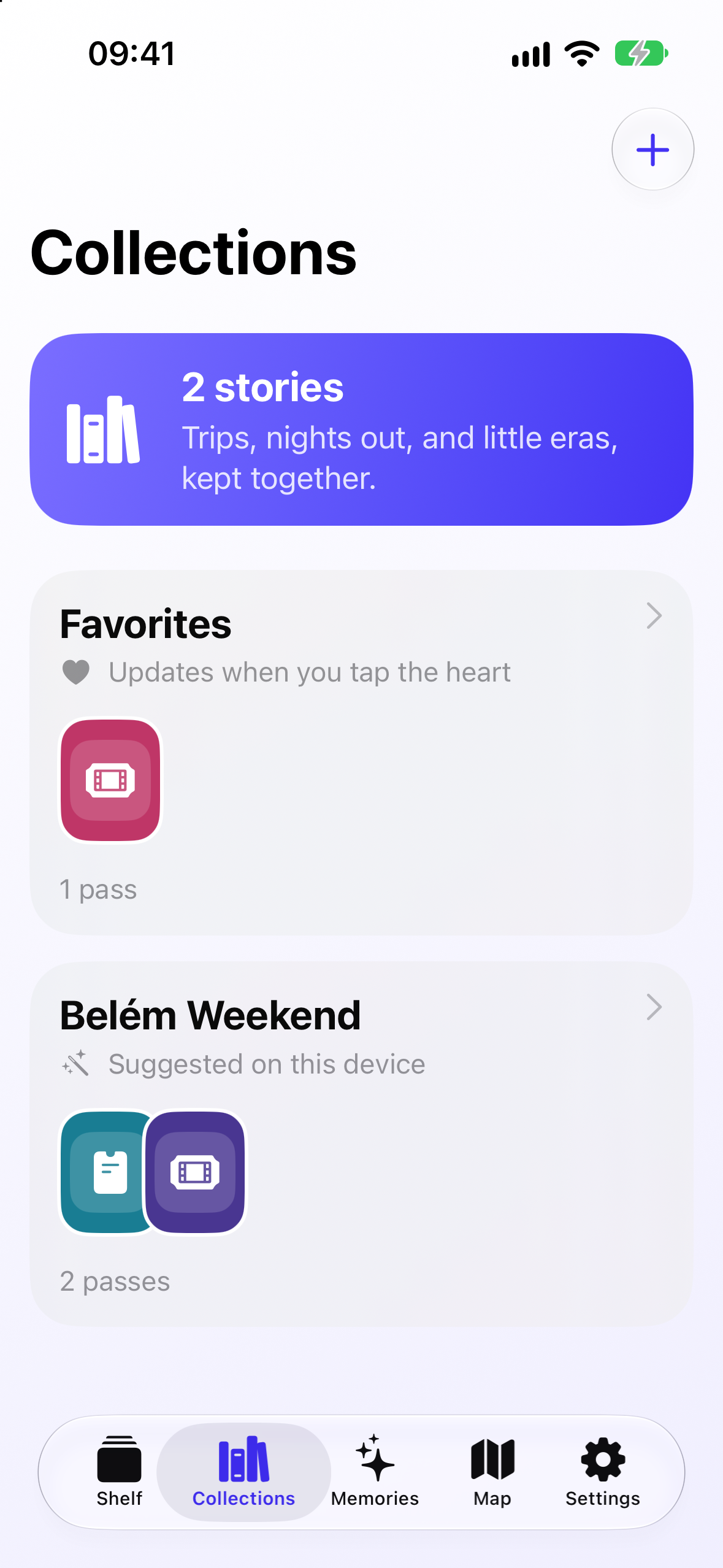
Instead of treating passes as temporary utilities, PassShelf turns them into a personal archive. You can:
- Search and organize passes
- Create collections and favorites
- Add notes, tags, photos, and memories
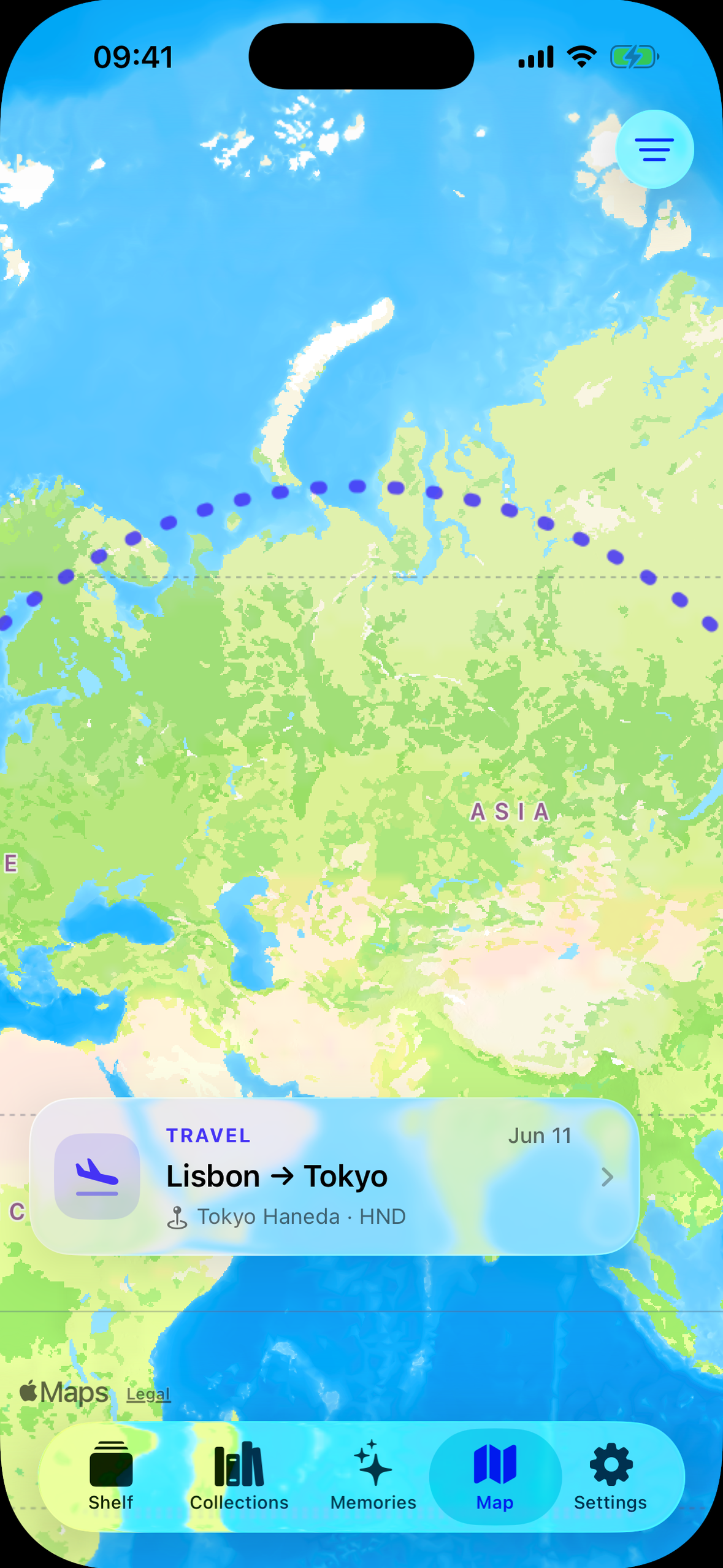
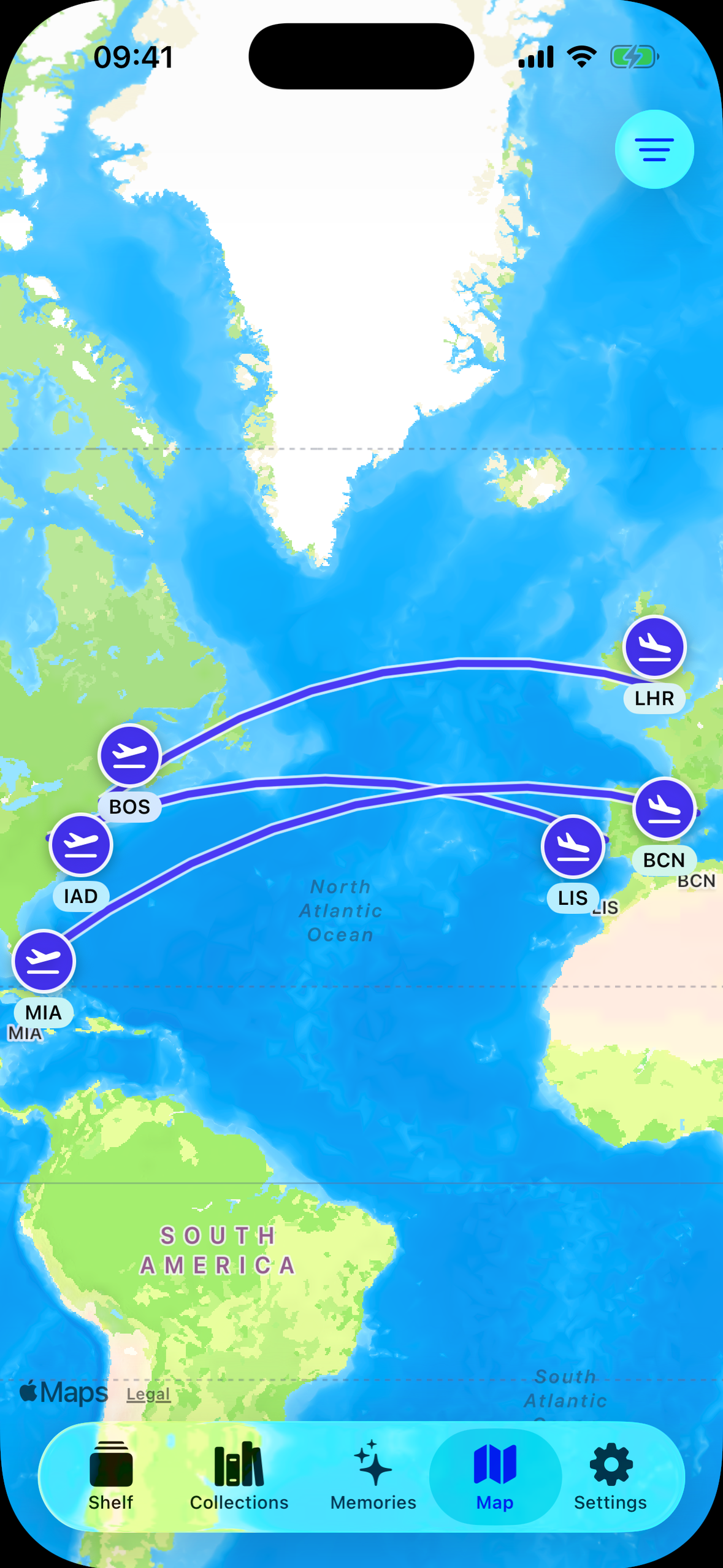
- See trips and events on a map
- Revisit anniversaries and recaps
- Restore archived passes to Apple Wallet
- Use widgets to resurface favorite and past experiences
- Sync everything privately through your own iCloud account
The goal is to make your passes feel less like digital clutter and more like a shelf of places you’ve been and things you’ve done.
How I built it
PassShelf is a native iOS app built with SwiftUI and designed for iOS 26.
I used PassKit to validate every imported pass and extract its issuer information, dates, locations, colors, artwork, barcode, and other available fields. The original signed pass is kept intact rather than being recreated or converted into a screenshot.
A Share extension accepts passes shared from Wallet and places them into a temporary App Group inbox. The main app imports them safely the next time it becomes active. PassShelf also registers as a .pkpass viewer, providing a fallback for passes opened from Files, Mail, and other apps.
The archive is stored with SwiftData and automatically synced using the user’s private CloudKit database. PassShelf doesn’t require an account and doesn’t have a developer-owned server containing anyone’s passes or memories.
I also used:
- MapKit for the Memory Map and flight routes
- PhotosUI for attaching photos to passes
- WidgetKit for shelf, favorite-pass, and anniversary widgets
- UserNotifications for memory reminders
- RevenueCat for yearly and lifetime PassShelf Plus purchases
- XcodeGen to keep the project configuration reproducible
Challenges I faced
One of the biggest challenges was working within the boundaries of Apple Wallet.
Pass issuers control whether their passes can be shared, and payment cards or secure-element passes aren’t regular .pkpass files. PassShelf can only archive passes that iOS and the issuer allow the user to access. I had to design clear fallback instructions instead of pretending every Wallet item could be imported.
Another challenge was the variety of real-world passes. Airlines, concert venues, cinemas, and loyalty programs all structure their fields differently. A route, date, seat, gate, or location might appear in different places, or be missing entirely. PassShelf has to interpret that data carefully while still preserving the original pass exactly as it was issued.
Syncing also required some architectural decisions. The Share extension and main app should not write to the same SwiftData store simultaneously, so I built a separate App Group inbox. The extension validates and stores the incoming file there, and the main app handles the final database import.
Monetization created a different kind of challenge. I wanted Plus to unlock meaningful new features without holding someone’s own data hostage. Free users can import up to some passes, but they never lose the ability to read, search, restore, or export passes they already own. Plus adds unlimited imports, richer memories, maps, smart collections, recaps, widgets, and advanced backups.
What I learned
I learned that a simple product idea can hide a surprising amount of technical complexity.
“Save a Wallet pass” sounds straightforward, but it involves system sharing restrictions, signed archives, inconsistent issuer metadata, extension communication, duplicate handling, private cloud synchronization, and reliable restoration.
I also learned that privacy works best when it is part of the architecture rather than just something written in a policy. Using private CloudKit means the app can sync across devices without requiring me to build an account system or store people’s travel history and memories on my own server.
Most importantly, building for myself helped me make clearer product decisions. Whenever I wasn’t sure whether a feature belonged, I came back to the original question: would this help me preserve or rediscover the story behind a pass?
What’s next
My next focus is testing PassShelf with more real-world passes from airlines, events, cinemas, and loyalty programs.
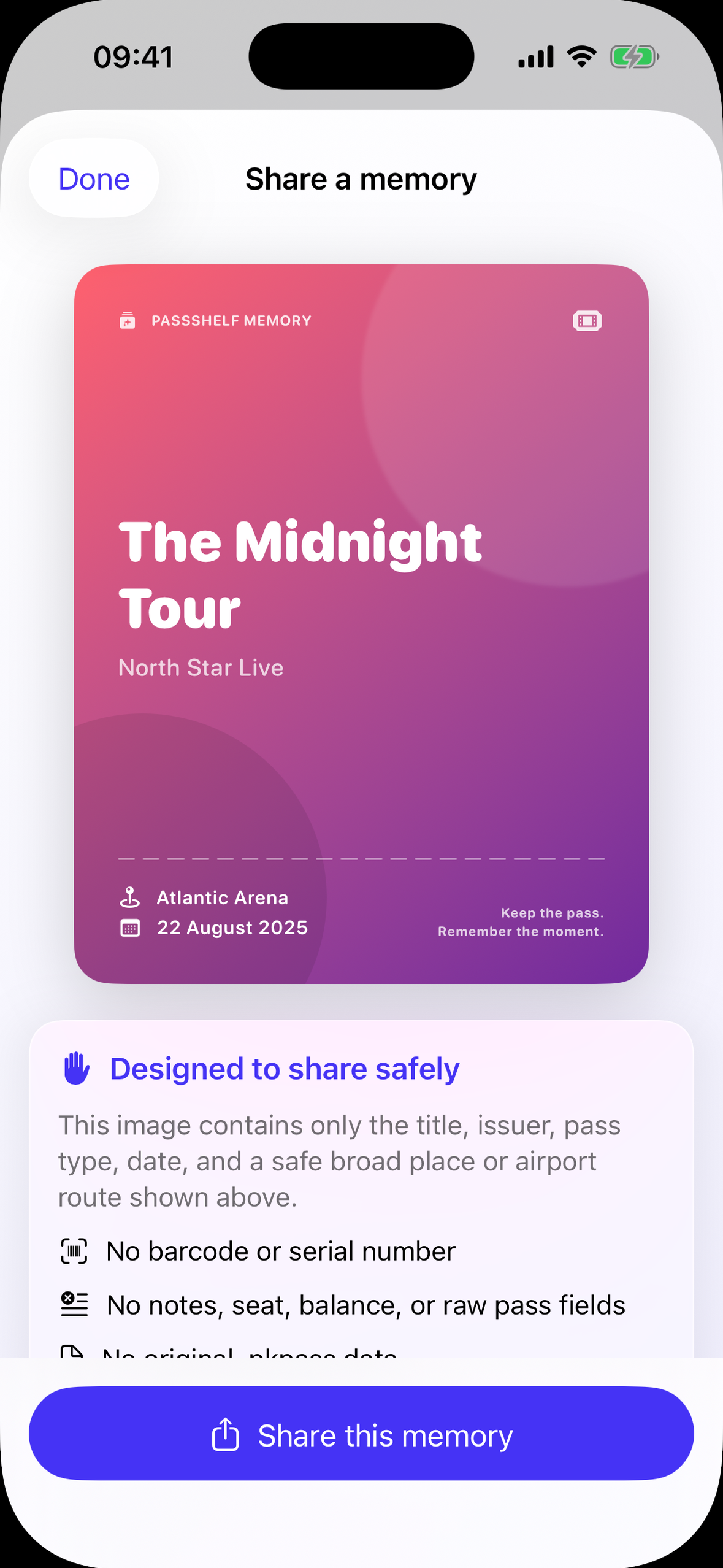
I also want to improve onboarding, create privacy-safe sharing cards that automatically hide barcodes and personal information, and continue refining the memory and map experiences based on feedback from people who also keep their old tickets and boarding passes.
The goal is to ship PassShelf during Shipaton and keep building it into the app I wish I had before I let my original ticket collection go.

Log in or sign up for Devpost to join the conversation.