Inspiration
We wanted to create a fun and simple application which can help users come up with different passwords. We decided to use a lion as that is the first animal that we think of when we think about the word security.
What it does
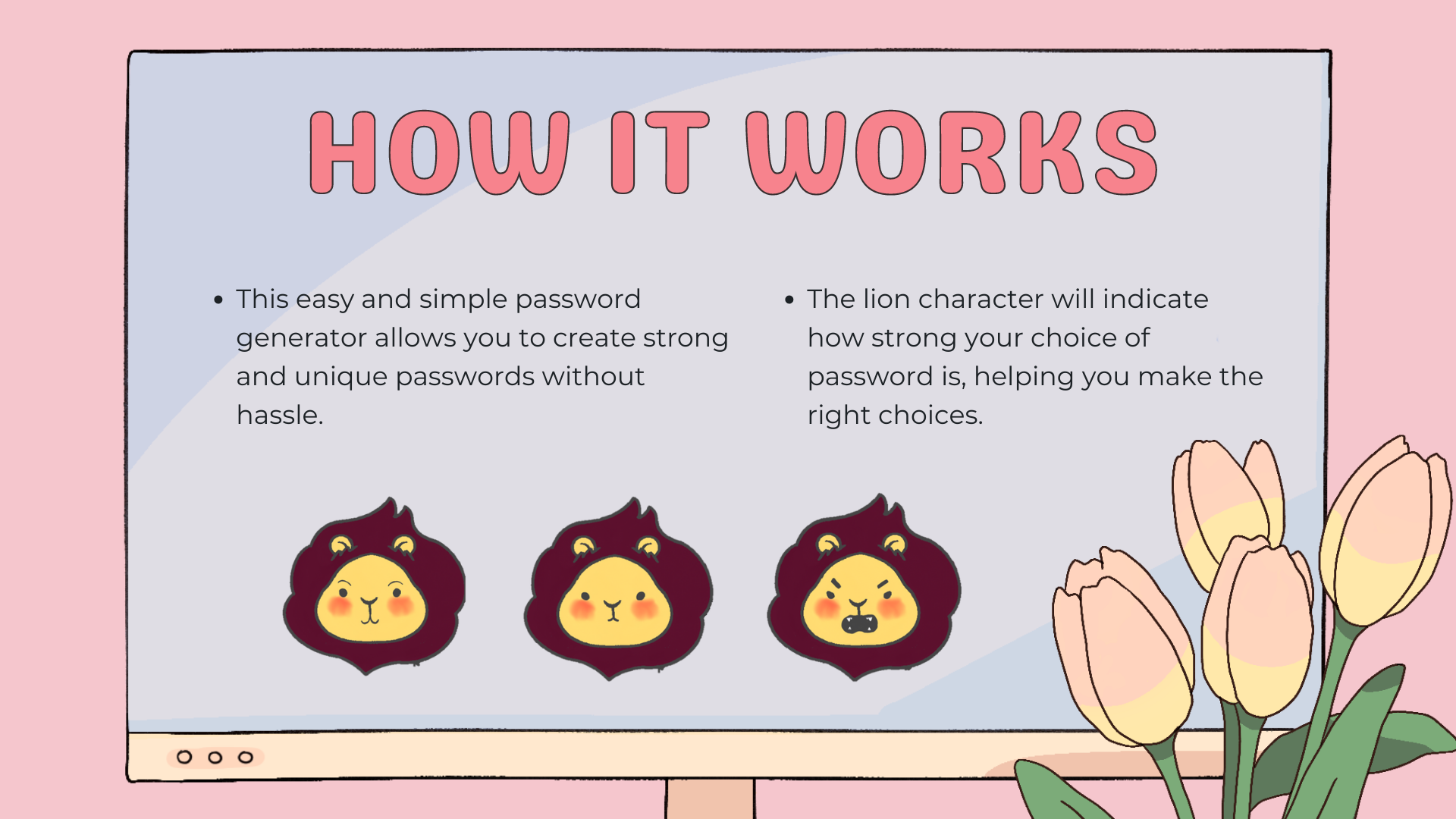
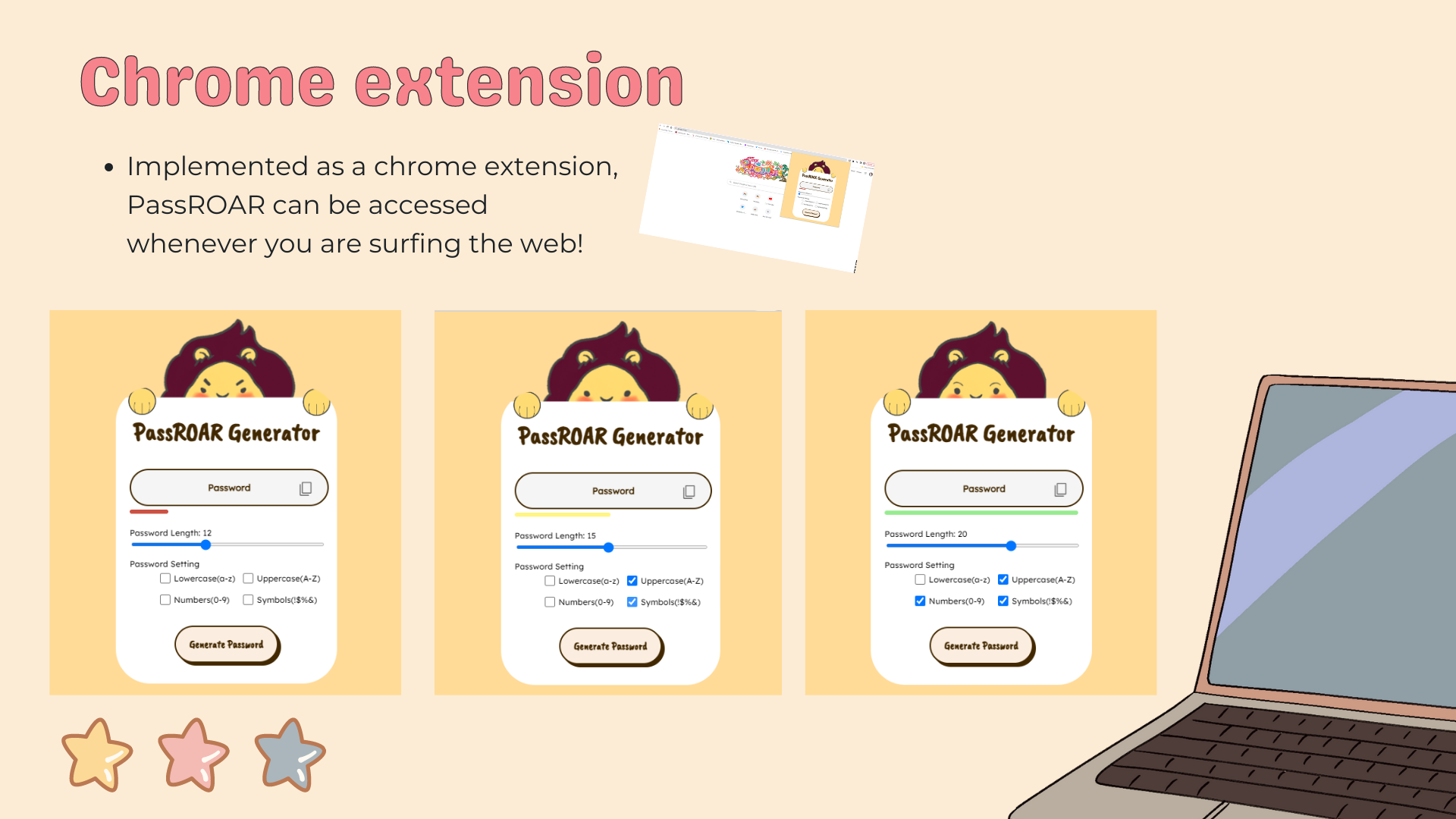
This extension generates different passwords depending on the choices and requirements of the user. The strength bar as well as the lion animation helps the user by showing which passwords are considered strong or weak according to basic Internet standards.
How we built it
We built this project with very basic HTML, CSS and Javascript.
Challenges we ran into
As we were in a time crunch, debugging did take us some time, especially for the animation aspect.
Accomplishments that we're proud of
We're proud we managed to submit and participate in this hackathon! No matter how simple our project is, we had a lot of fun working on it together.
What's next for PassROAR Generator
As of right now, the passwords are generated with random letters, symbols and numbers. These passwords can be quite difficult to remember. Later, we would like to incorporate random words into the passwords to help the user. Giving the option to the user to also choose a word for the password would also be our next goal.
We would like to note that the lion design was taken from an online source and modified for our application, we will not be publishing or profiting off of someone else's artwork


Log in or sign up for Devpost to join the conversation.