-
-
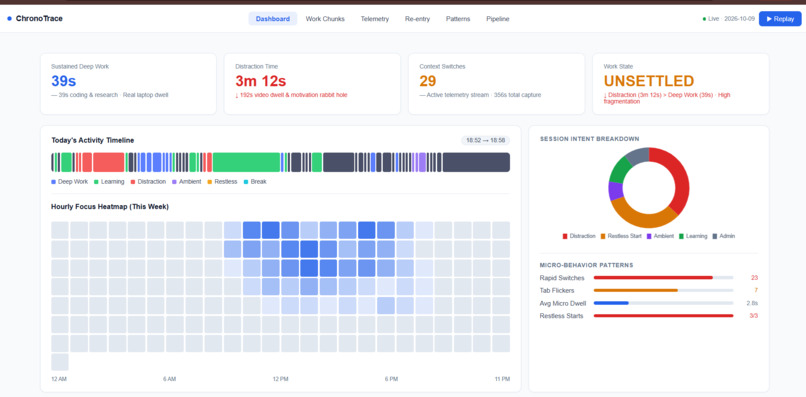
Dashboard Page
-
Inspiration
Most productivity tools require users to manually start timers, create tasks, or record what they are doing. We wanted to explore a different approach: can an AI system reconstruct a user's workday automatically from the digital activity already generated while they work?
This idea led us to build Passive Activity Reconstruction Agent, a system that transforms passive desktop signals into meaningful activity sessions, timelines, and productivity insights.
Our goal was to move beyond simple screen-time tracking and answer a deeper question: what was the user actually doing, how did their attention change, and what can they learn from their activity?
What it does
Passive Activity Reconstruction Agent follows a six-stage intelligence lifecycle:
- Connect Device - Connect the laptop through a telemetry agent or screen bridge.
- Capture Activity - Capture foreground applications and window activity with timestamps.
- Reconstruct Timeline - Group related events into continuous activity sessions.
- Understand What Happened - Categorize activities and infer task intent and cognitive depth.
- Get AI Insights - Analyze focus, context switching, attention distribution, and work patterns.
- Take Action - Allow users to ask questions and receive personalized recommendations through an AI agent.
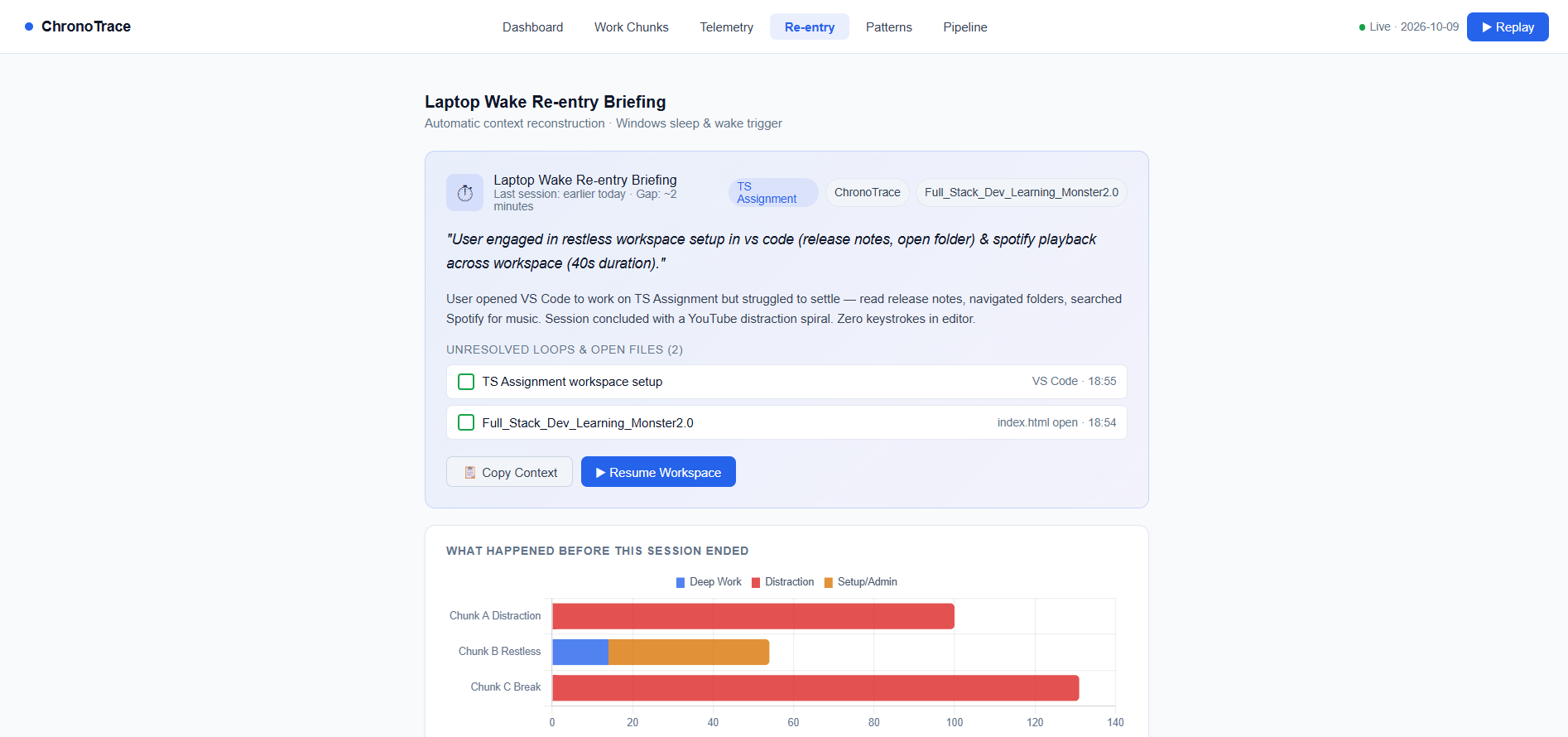
The platform provides a dashboard, chronological activity timeline, productivity analytics, attention analysis, and a natural-language Ask Agent interface.
Users can ask questions such as:
- "What did I work on today?"
- "Which activity took most of my time?"
- "How many context switches did I have?"
- "How much time did I spend in VS Code?"
The agent uses recorded activity data to answer these questions instead of inventing unsupported information.
How we built it
The system begins with passive desktop telemetry. A lightweight Windows PowerShell/Python-based mechanism captures the active foreground application, window title, and timestamp.
These raw events are converted into structured activity records and grouped into meaningful sessions based on temporal continuity and application/window information.
Each reconstructed session contains information such as:
- Application
- Window title
- Start time
- End time
- Duration
- Activity category
- Inferred intent
- Cognitive depth
The reconstructed sessions become the foundation for the Dashboard, Activity Timeline, Insights, and Ask Agent.
The application is organized around the pipeline:
Telemetry → Event Processing → Session Reconstruction → Semantic Understanding → Analytics → AI Agent
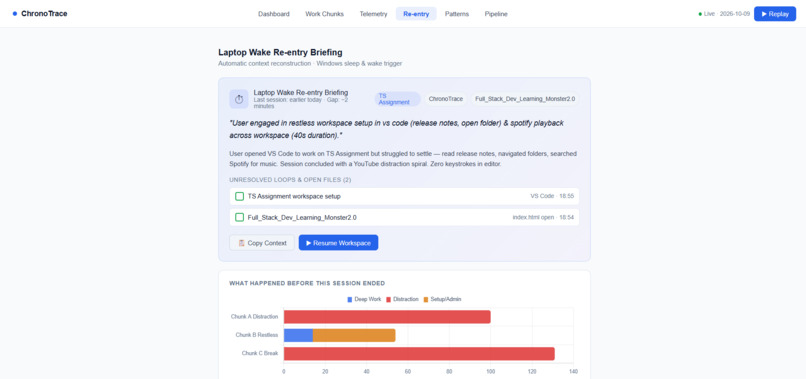
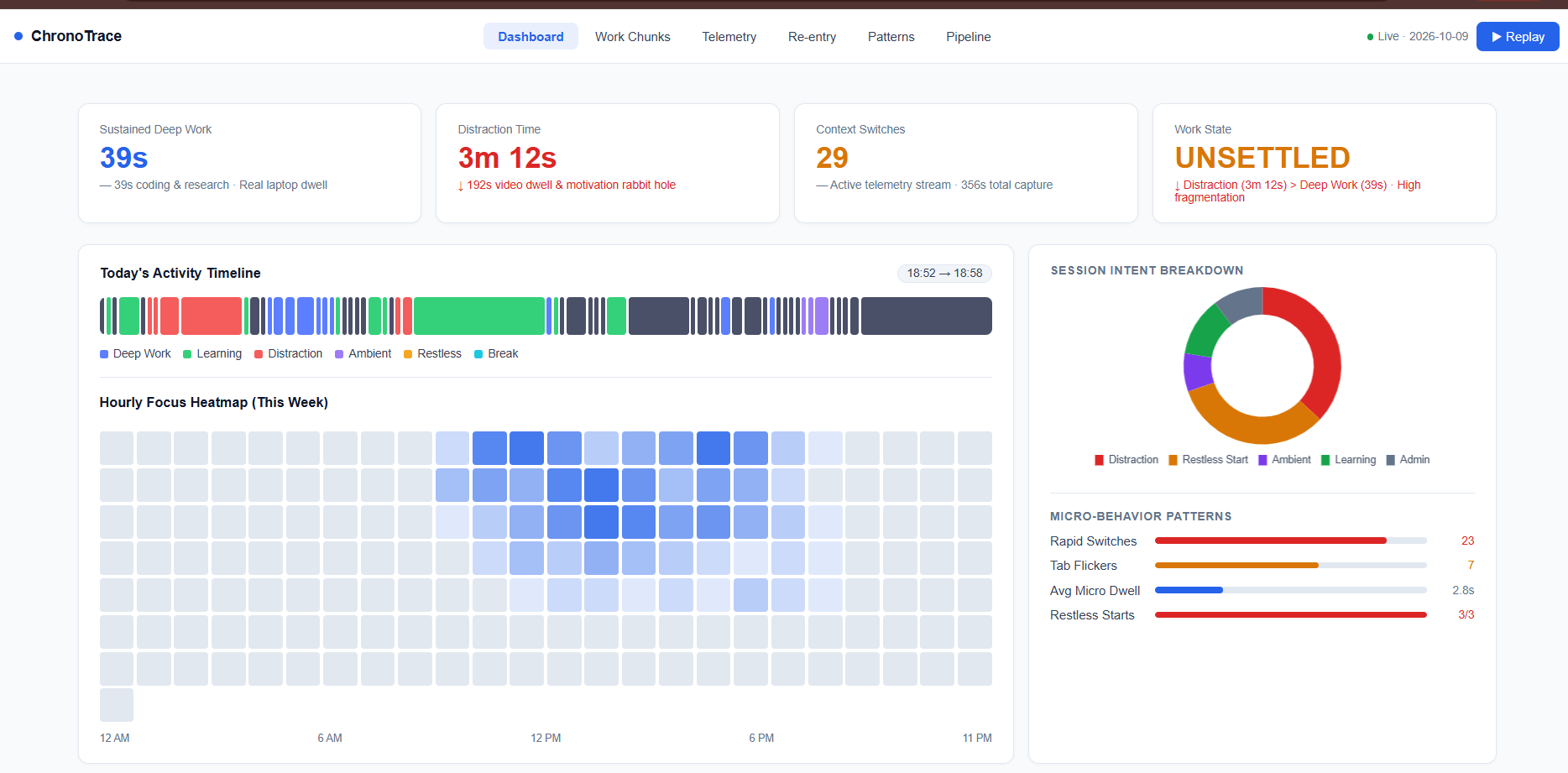
The Dashboard presents tracked activity, deep-work ratio, context switches, attention distribution, daily intentions, and recent activity reconstruction.
The Activity Timeline provides a chronological representation of reconstructed sessions, while the Insights layer analyzes focus and attention patterns.
The Ask Agent provides a natural-language interface over the stored activity data, allowing users to interact with their own activity history conversationally.
The system also supports separate Real Data and Demo Data modes, allowing actual laptop activity to be distinguished from demonstration data.
Challenges we ran into
One of our biggest challenges was converting low-level computer events into meaningful human activities.
For example, a telemetry system may produce events such as:
10:01:03 - Chrome
10:01:04 - Chrome
10:01:05 - VS Code
10:01:06 - VS Code

Log in or sign up for Devpost to join the conversation.