-
-
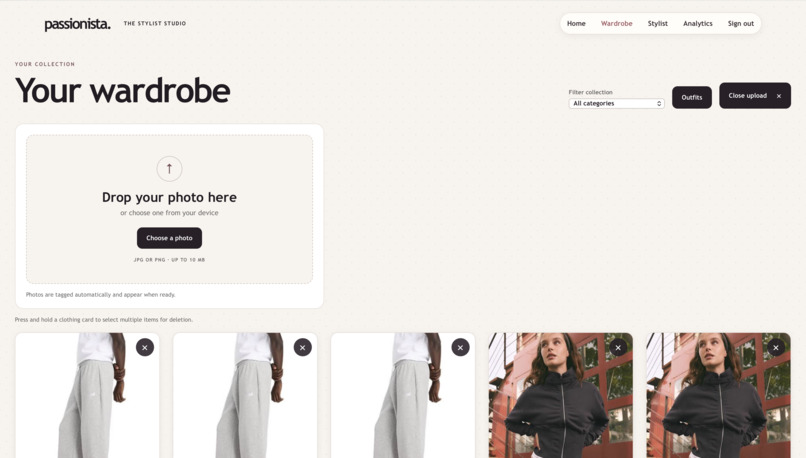
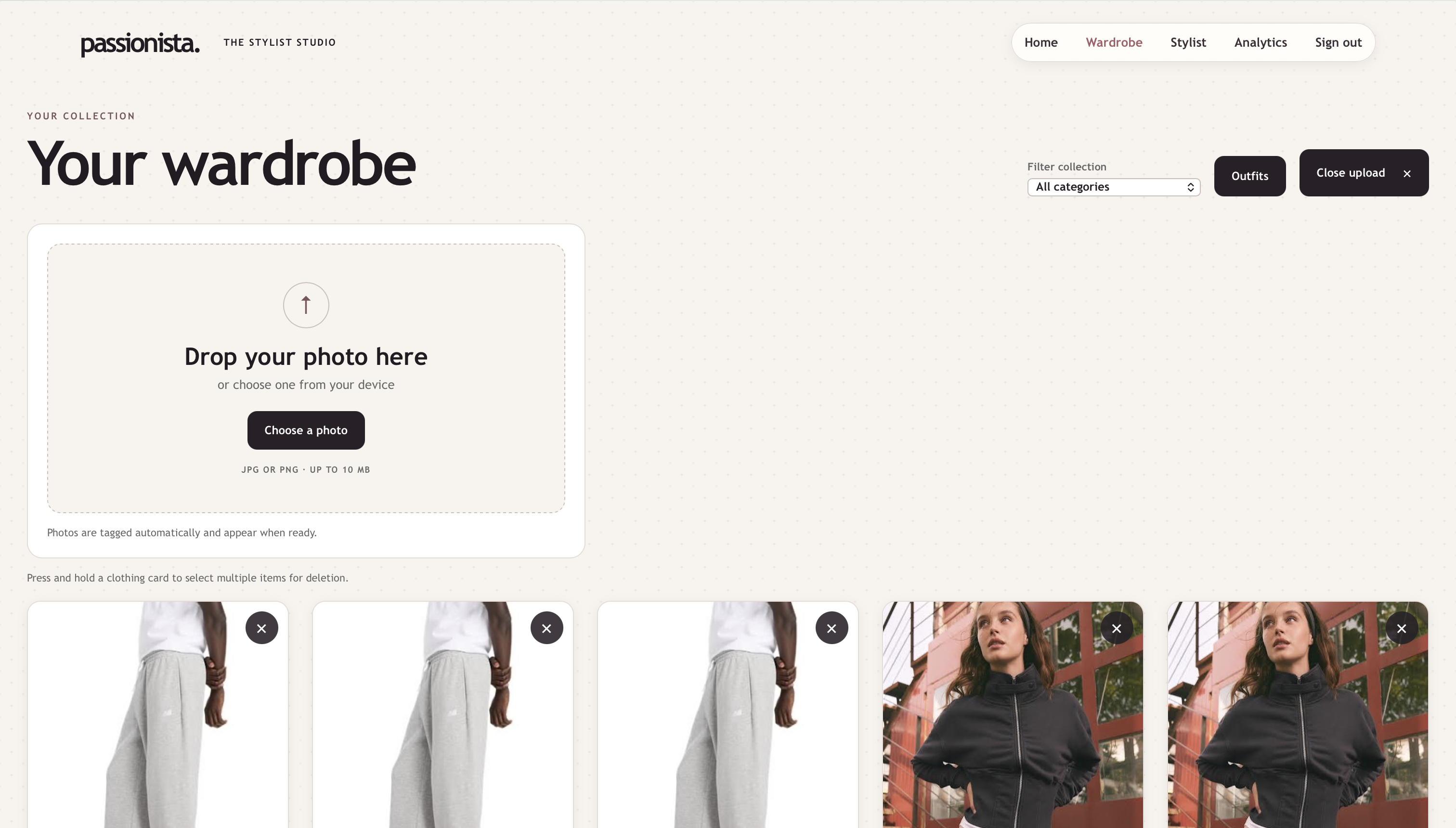
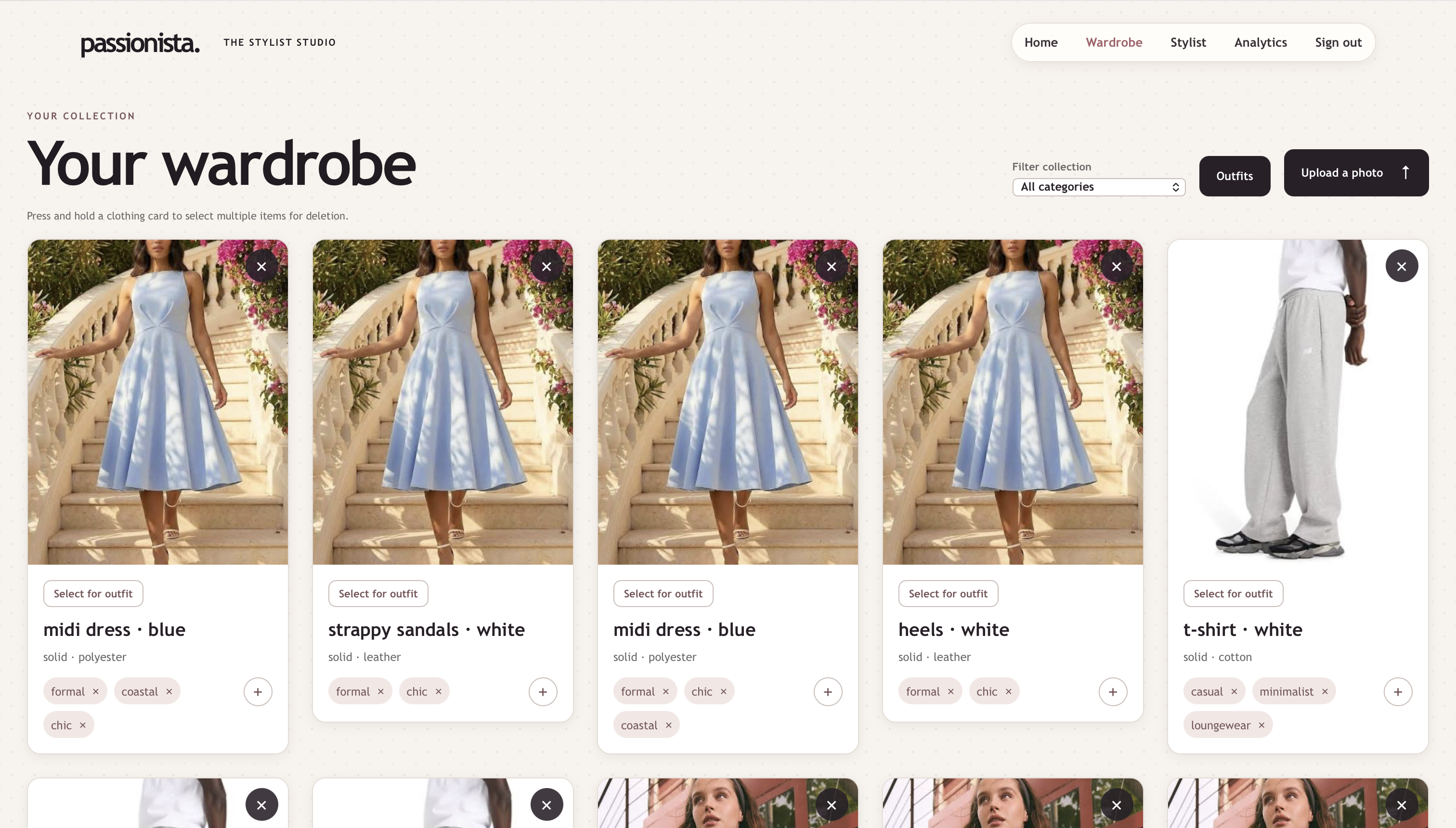
Uploading a photo into the wardrobe (1)
-
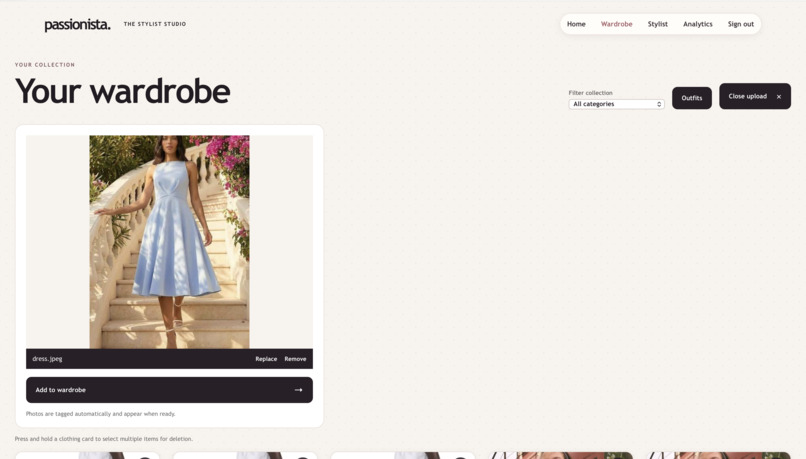
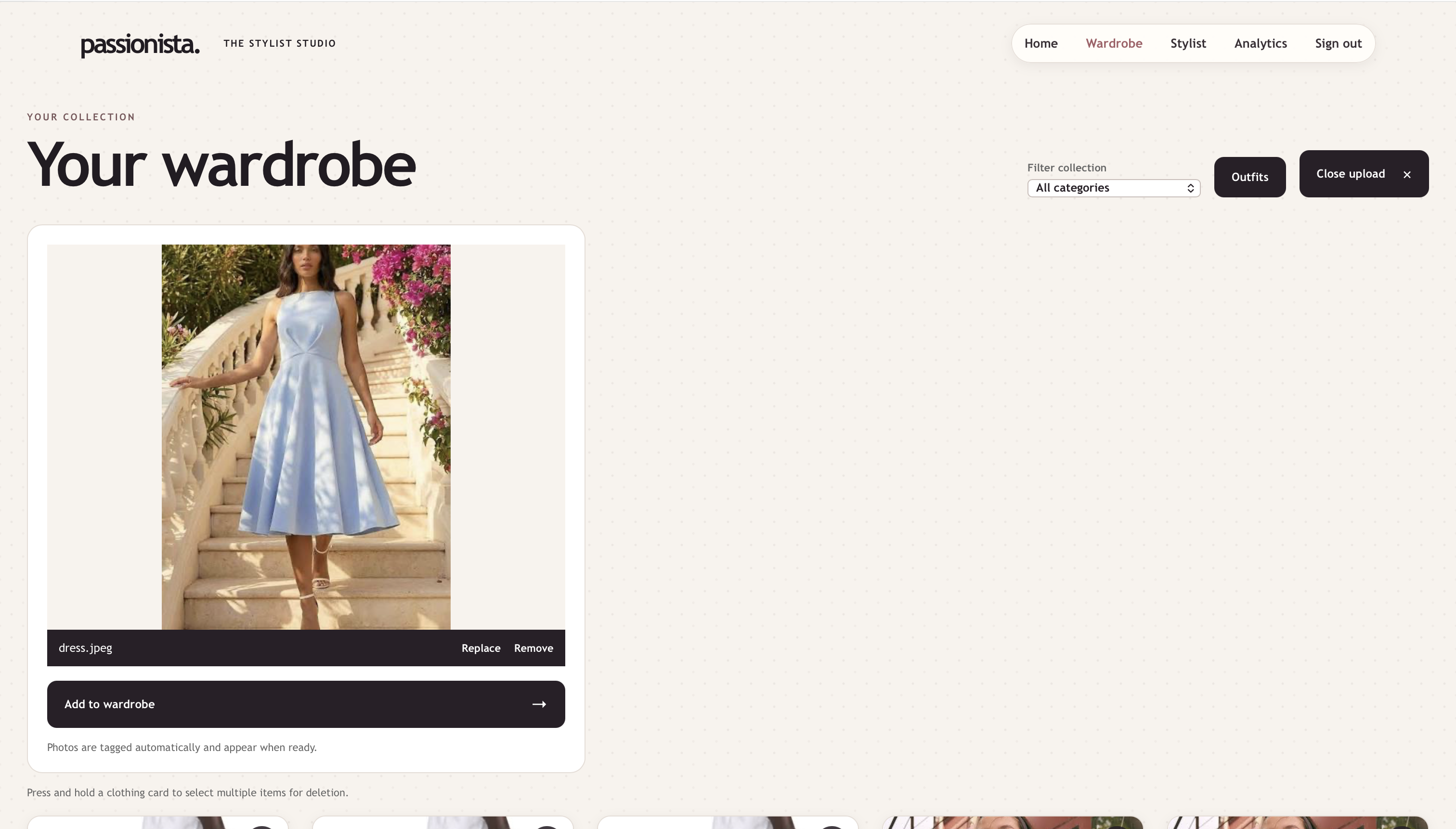
Uploading a photo into the wardrobe (2)
-
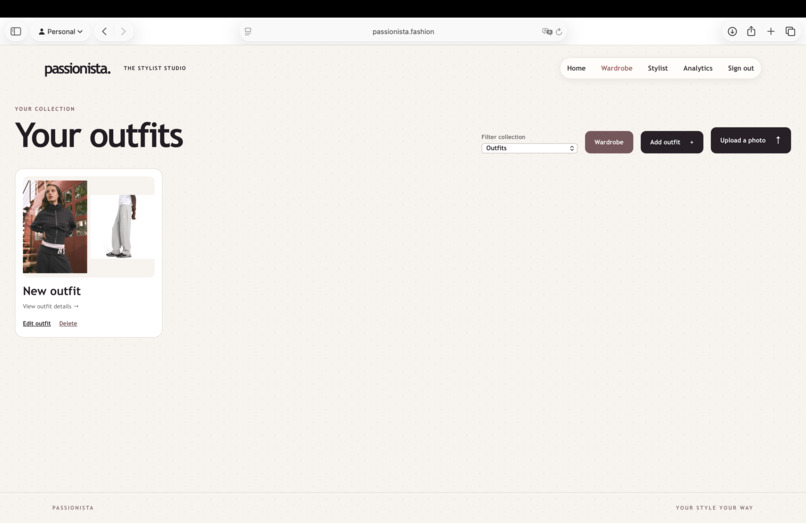
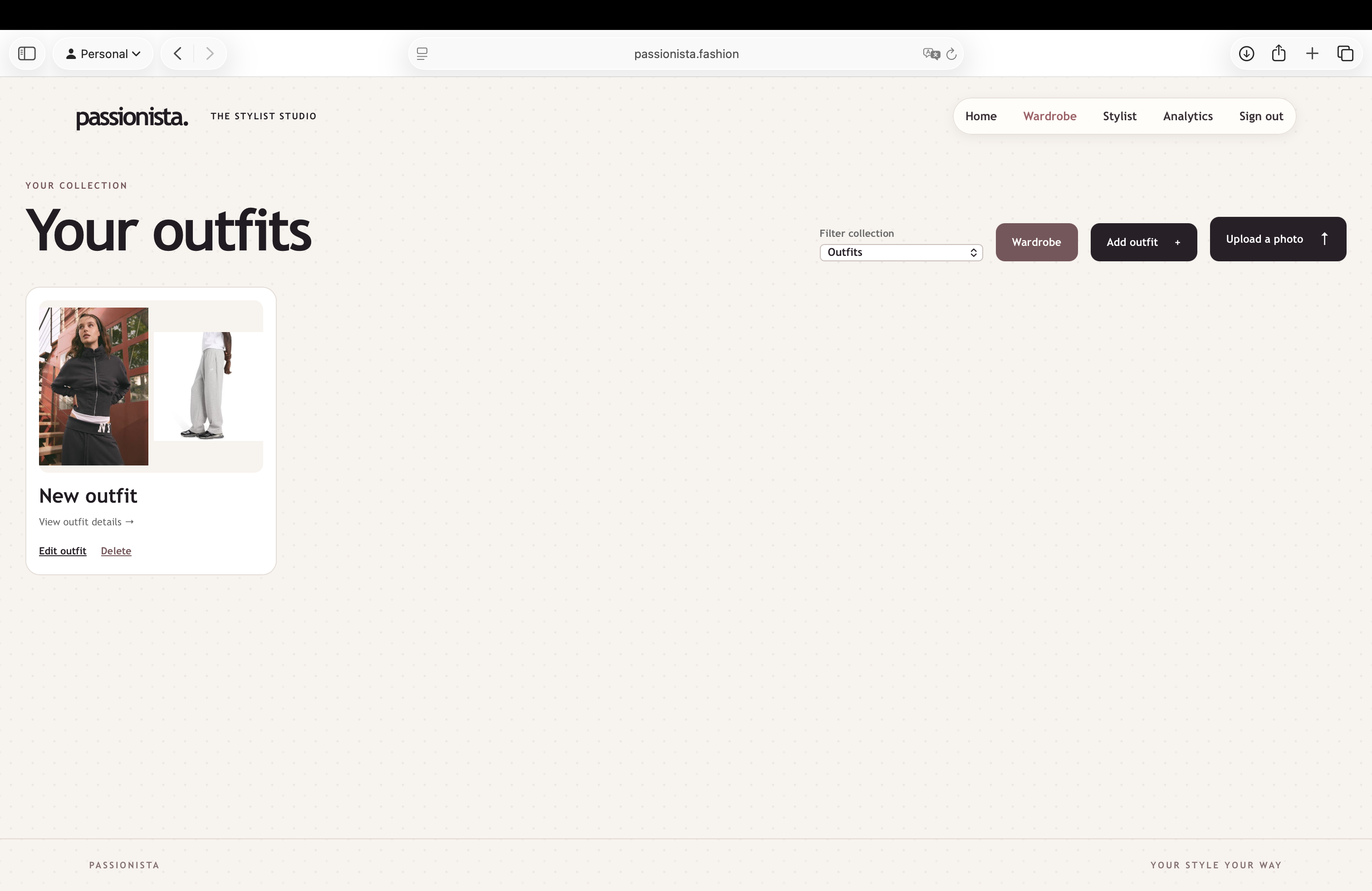
Created outfit
-
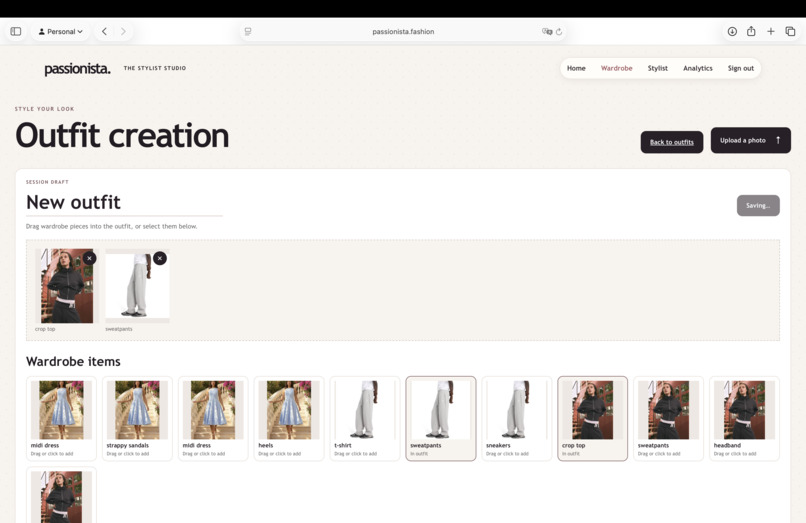
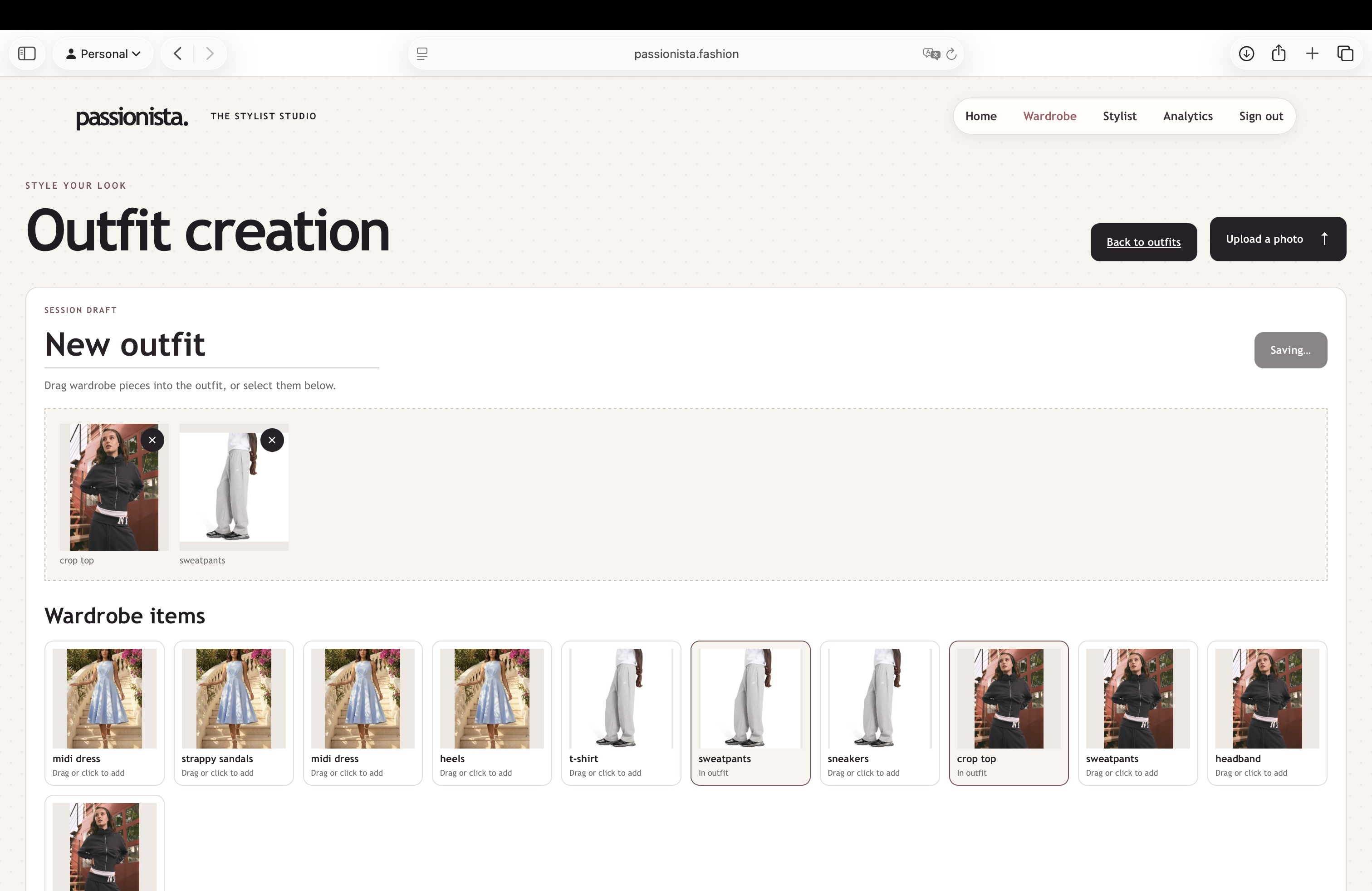
Creating an outfit
-
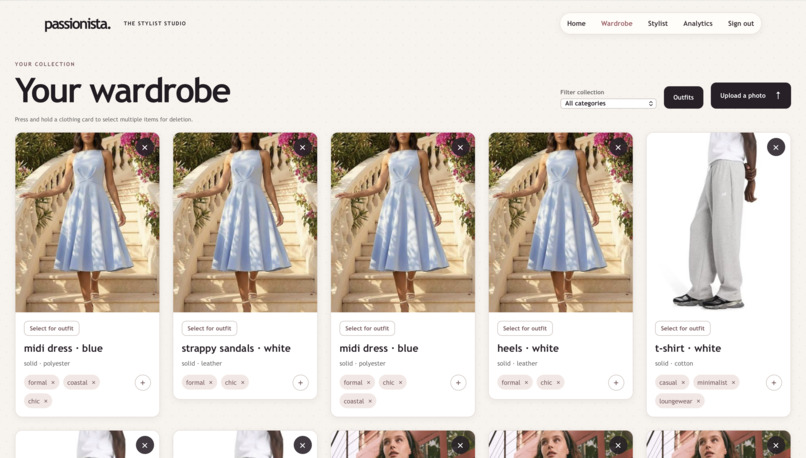
Uploading a photo into the wardrobe (3)
-
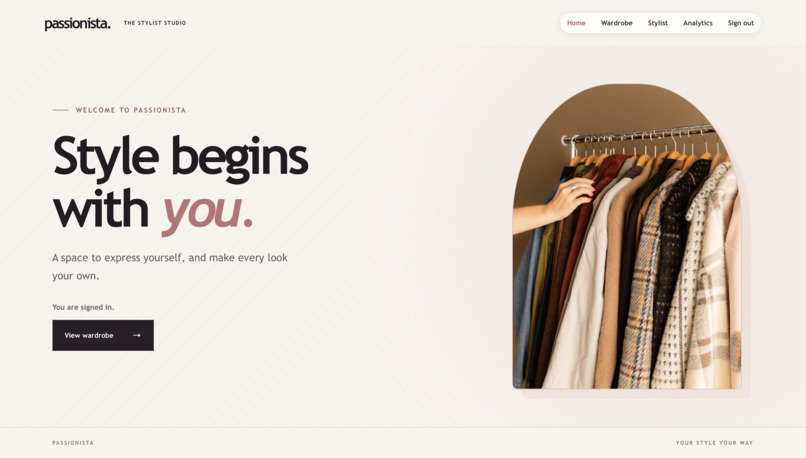
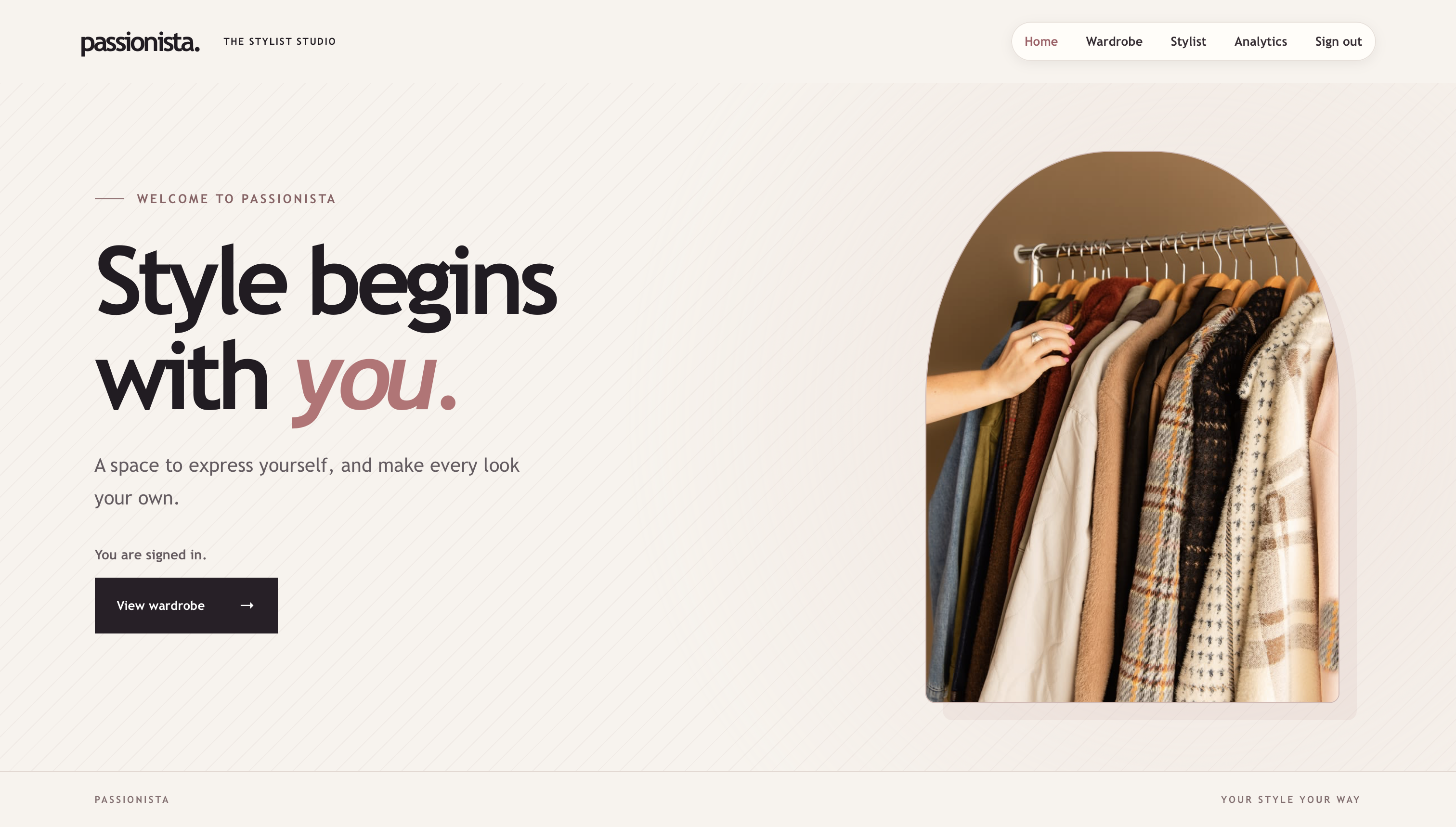
Home Page of Passionista
Inspiration
It's often hard to think if a piece you find in shop will work with the clothes in your wardrobe. Passionista makes this a lot more easier by bringing your wardrobe and personal stylist in one place.
What it does
Passionista has wardrobe page and stylist page. Users can upload their clothing pictures into your digital wardrobe. Gemini identifies clothing details from each photo and tags them and Databricks stores the images and wardrobe data. On the stylist page, users can upload a piece they’re considering and ask what it is, whether it fits their style, what in their wardrobe goes with it, or how to wear it.
How we built it
We built the website with React and TypeScript, an Express API, and Auth0 for sign-in. The API sends photos to Gemini for image analysis and styling advice. We use Databricks to store images, clothing details, and saved outfits.
Challenges we ran into
Our biggest challenge was making Gemini break down photos into useful, consistent clothing details. We experimented with prompts and added checks before saving its results in Databricks. We also had to work through image uploads, connecting the AI responses to the right wardrobe items, and API quota limits.
Accomplishments that we're proud of
We connected photo uploads, AI clothing analysis, a Databricks-backed wardrobe, and the stylist that can use wardrobe context to suggest outfits. We’re also proud that the stylist’s answers are becoming shorter and more natural.
What we learned
We learned that when using an AI model, clear prompts, structured responses and validation are very important. We also learned how to connect image analysis with stored wardrobe data.
What's next for Passionista
We want to strengthen the tagging and keep improving outfit suggestions. We have a few quality of life features we want to implement, as well as plans to expand and make our app more valuable to fashionable individuals!
Built With
- auth0
- css3
- databricks
- express.js
- gemini
- node.js
- react
- typescript
- vite


