-
-
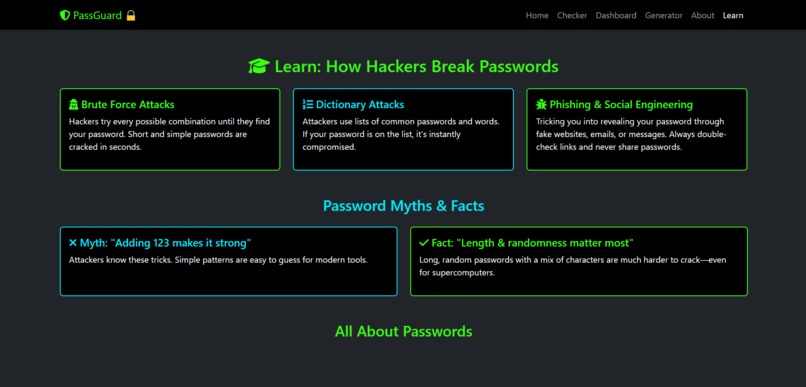
learn
-
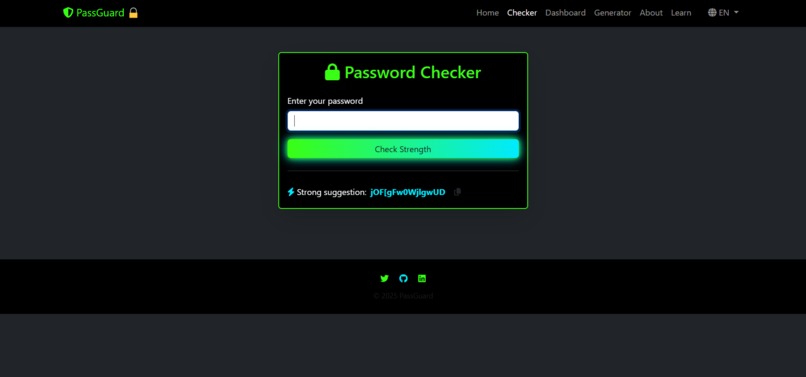
checker
-

generator
-
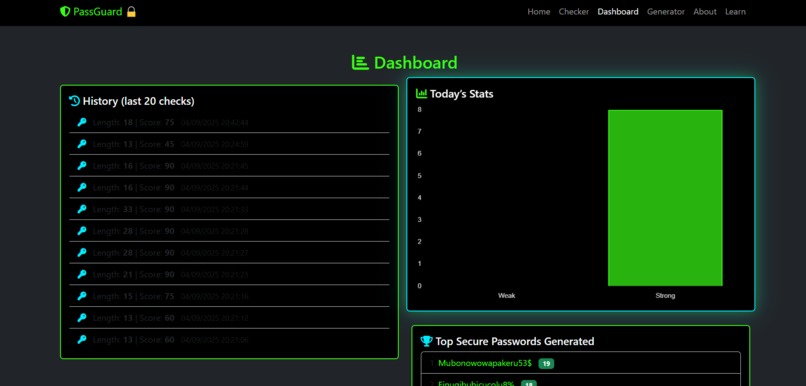
dashboard
-
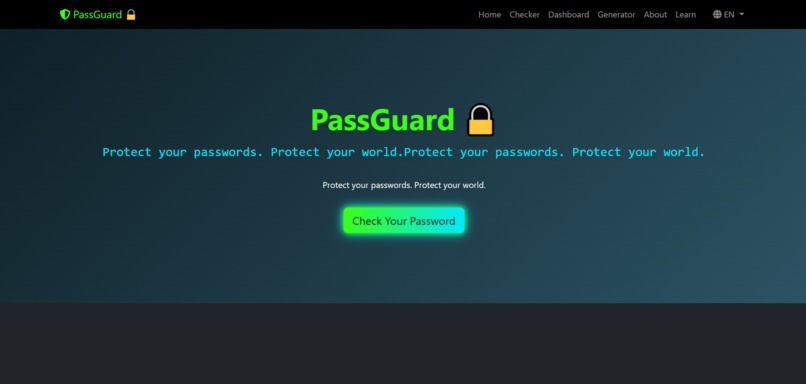
home
-
Logo

Inspiration
The idea for PassGuard came from a personal experience. A while ago, some of my passwords were leaked, and I realized how common weak and reused passwords are. As a 13-year-old who is passionate about technology and cybersecurity, I wanted to create something practical that helps people immediately.
What it does
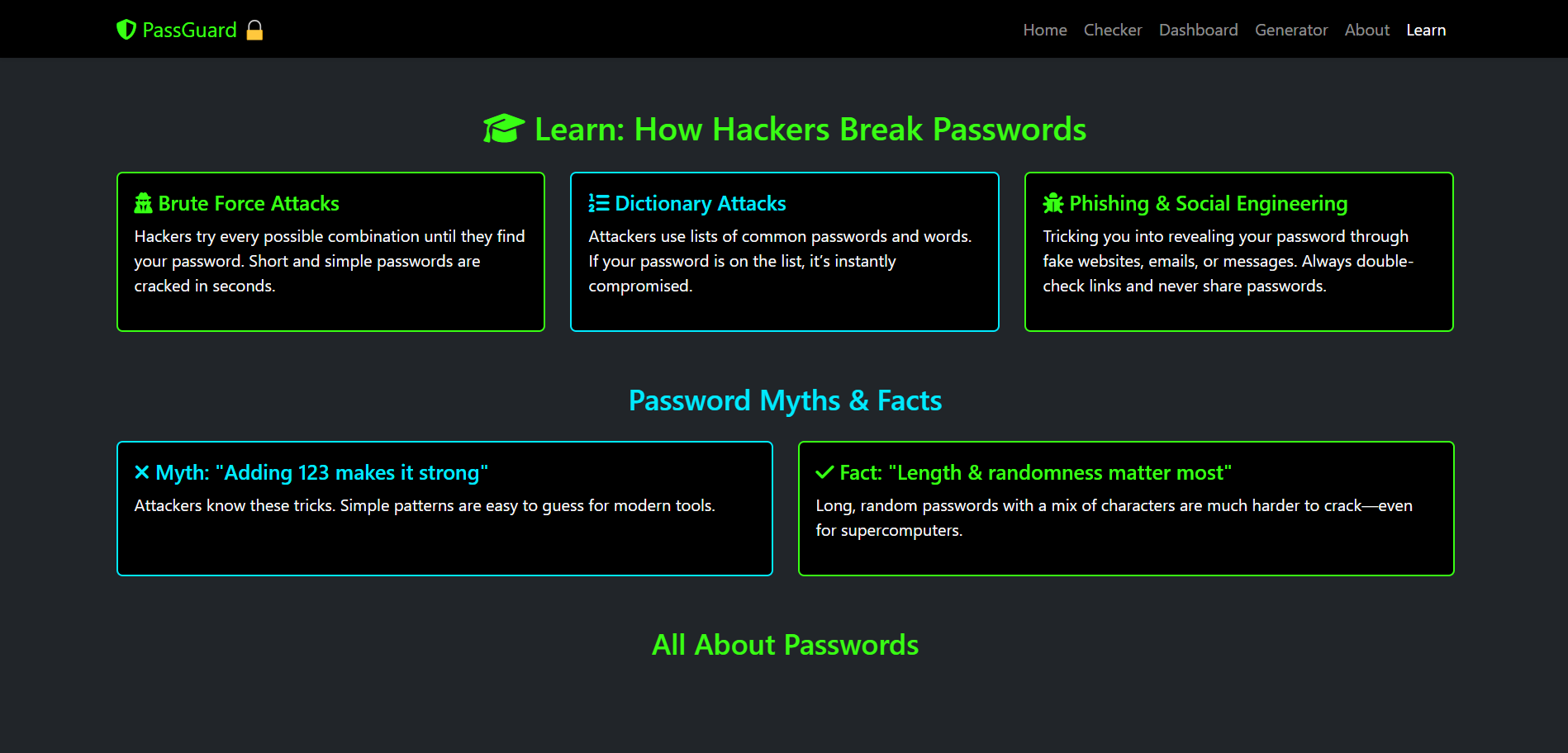
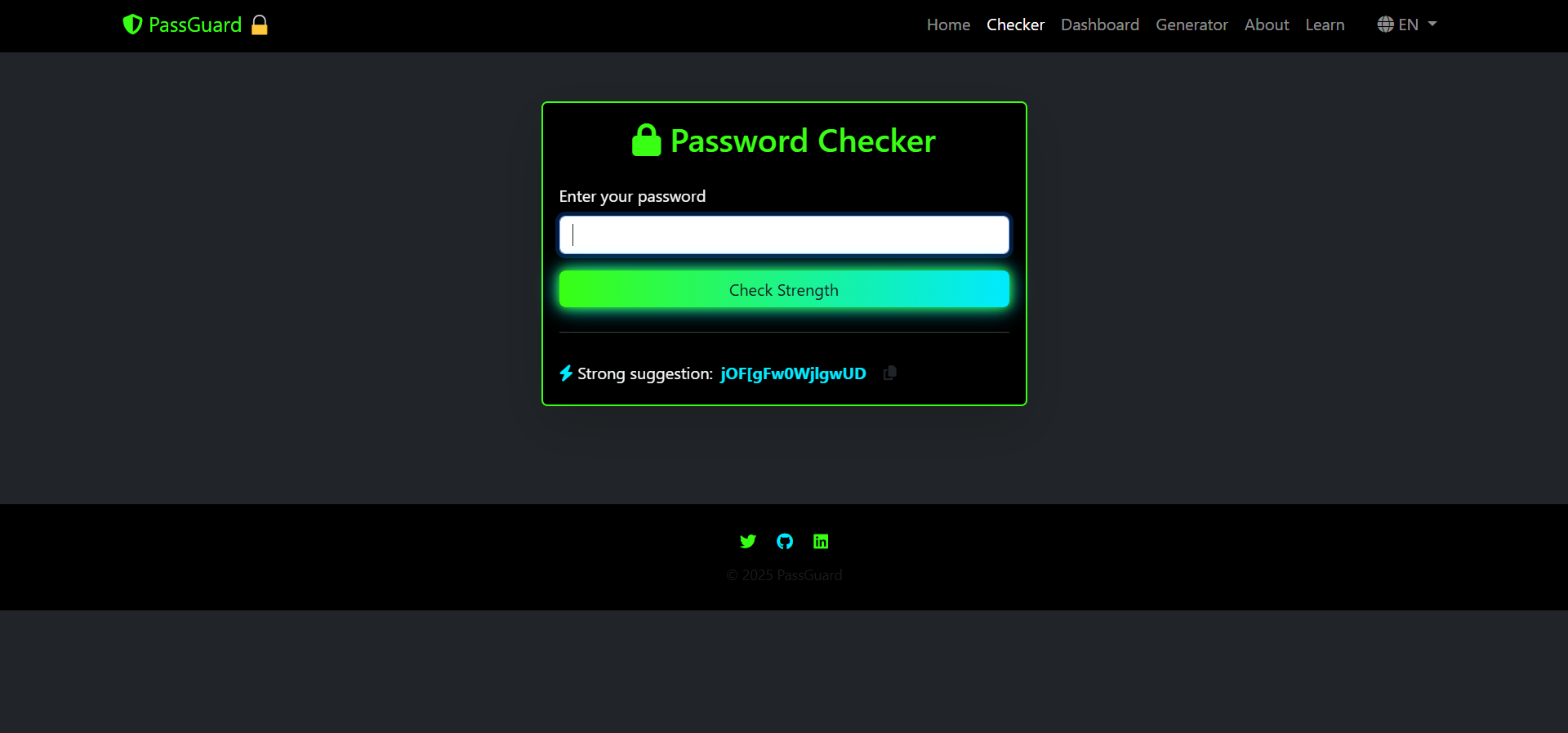
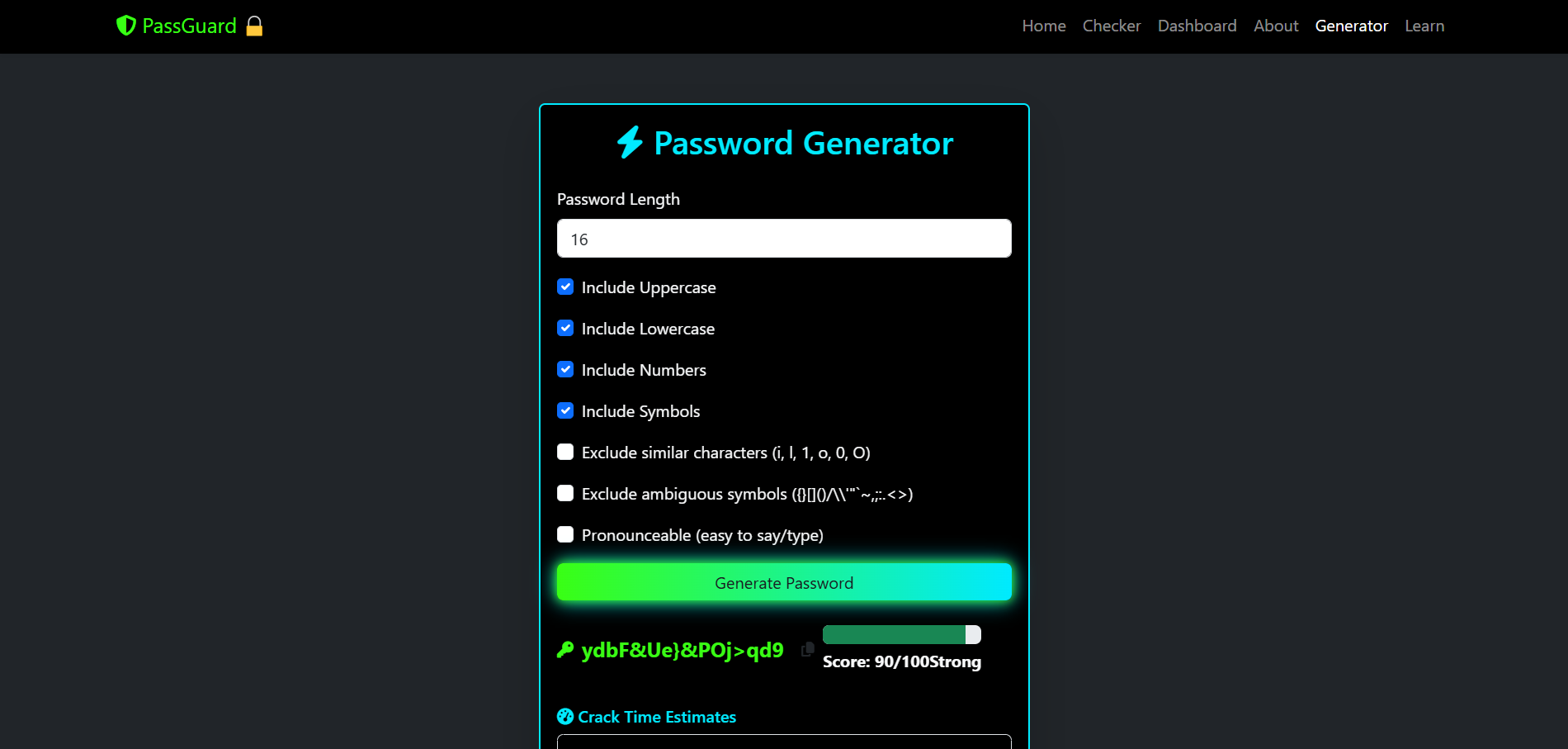
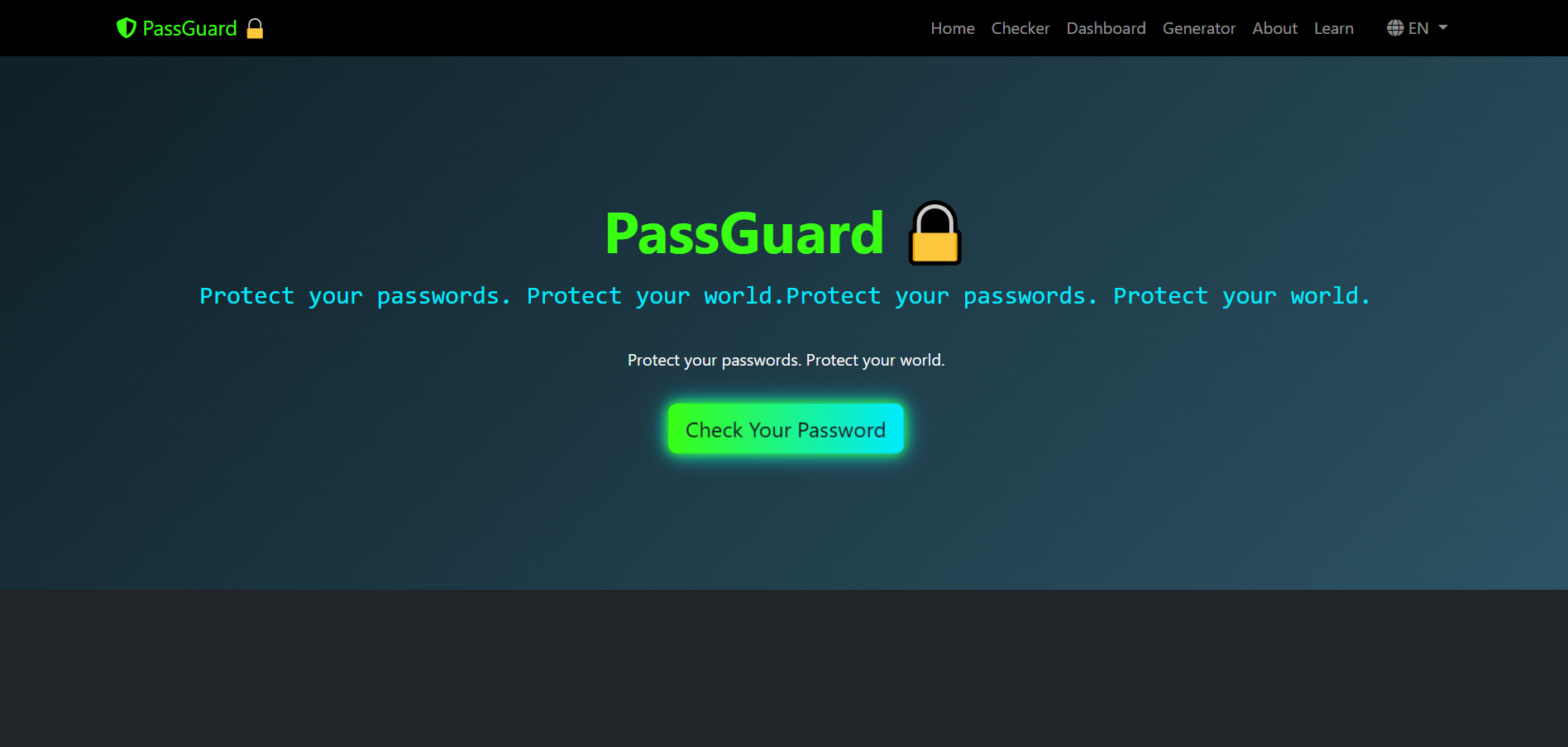
PassGuard is a simple web app that checks the strength of a password, suggests improvements, and even generates strong alternatives. It’s designed to be fast, clear, and accessible — no need for complicated tools or sign-ups.
How I built it
I built PassGuard in one day using HTML, CSS, and JavaScript. I hosted it on Netlify to make it accessible to anyone instantly. The design focuses on clarity and usability, with real-time feedback as users type their passwords.
Challenges I ran into
One challenge was balancing simplicity with usefulness. Many password checkers exist, but I wanted PassGuard to feel lightweight while still providing valuable insights. Another challenge was presenting the information in a way that educates users without overwhelming them.
Accomplishments that I’m proud of
I turned a personal problem into a working solution.
Built and deployed my first public project entirely on my own.
Learned how to make the interface clear and user-friendly.
What I learned
I learned that building something helpful doesn’t always require advanced frameworks — even simple code can make a difference. I also learned how to communicate technical ideas in a way that anyone can understand.
What’s next for PassGuard
Add support for multiple languages (English, French, Arabic).
Introduce features like password breach checks (via HaveIBeenPwned API).
Create a mobile-friendly version for easier use on phones.
Open source the project to get feedback and contributions.

Log in or sign up for Devpost to join the conversation.