PassGuard — Honest Password Strength Checker
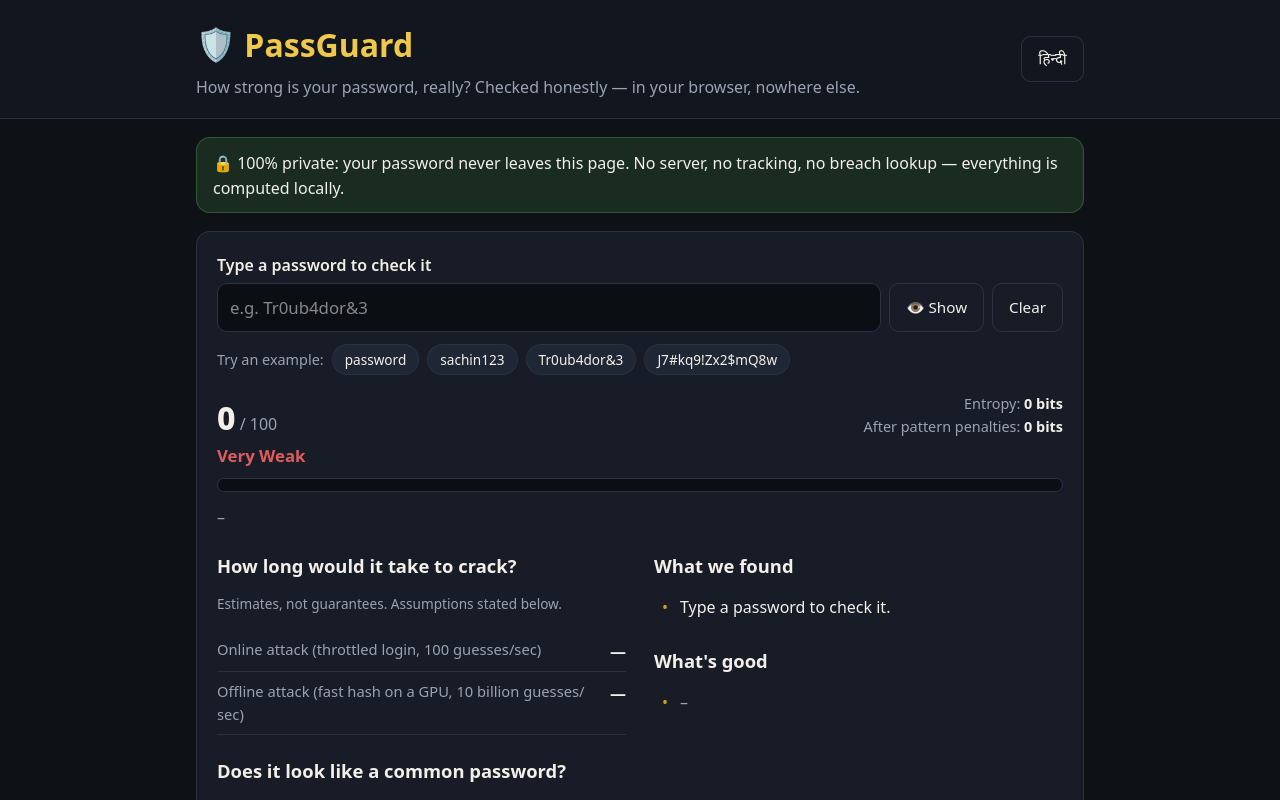
Tagline: How strong is your password, really? Checked with real maths — in your browser, nowhere else.
Try it out: Live demo — https://devilking7x.github.io/slay-passguard/ · Source code — https://github.com/devilking7x/slay-passguard
Inspiration
Most password meters lie. They count character types, show a green bar, and call it "strong" — while P@ssw0rd sails through. People reuse weak, guessable passwords because the meters they trust are vague: password, qwerty123, sachin123 are among the first guesses in every attack, yet many checkers wave them through once a capital letter or a ! is added. I wanted a checker that tells the truth and shows its working.
What it does
PassGuard scores a password from evidence you can inspect:
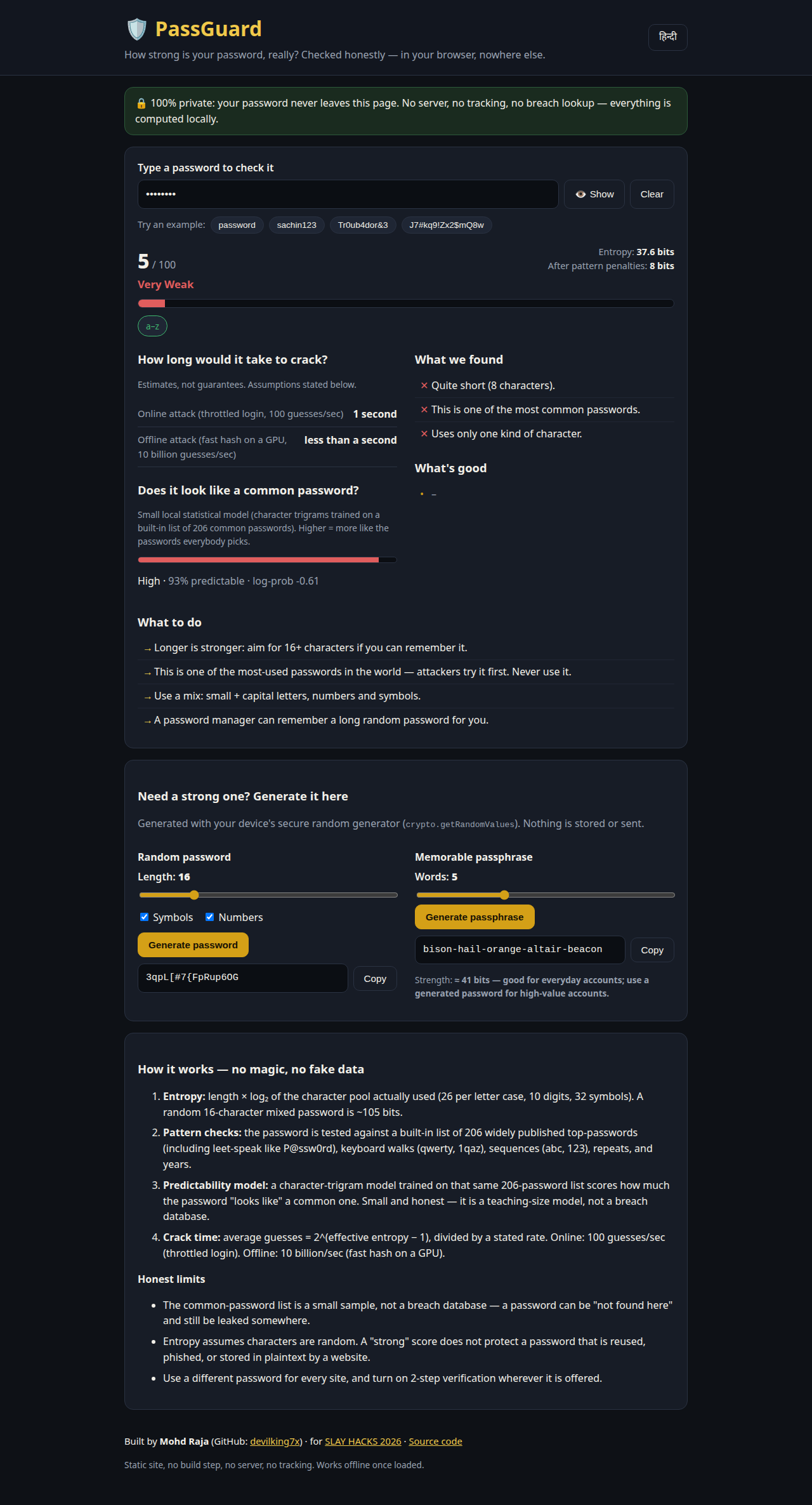
- Real entropy — length × log₂ of the character pool actually used (26 per letter case, 10 digits, 32 symbols). A random 15-character mixed password is ~98.3 bits;
passwordis 37.6. - Pattern checks — a built-in list of 206 widely published top-passwords (leet-speak like
P@ssw0rdis caught too), keyboard walks (qwerty,1qaz), sequences (abc,123), repeats, and years. - A predictability model — a small character-trigram statistical model trained on that same 206-password list. It measures how much a password "looks like" the passwords everybody picks. It is deliberately small and the app says so — a teaching-size model, not a breach database.
- Crack-time estimates with stated assumptions — average guesses = 2^(effective entropy − 1), at a throttled online rate (100 guesses/sec) and an offline GPU rate (10 billion guesses/sec). Labelled estimates, not guarantees.
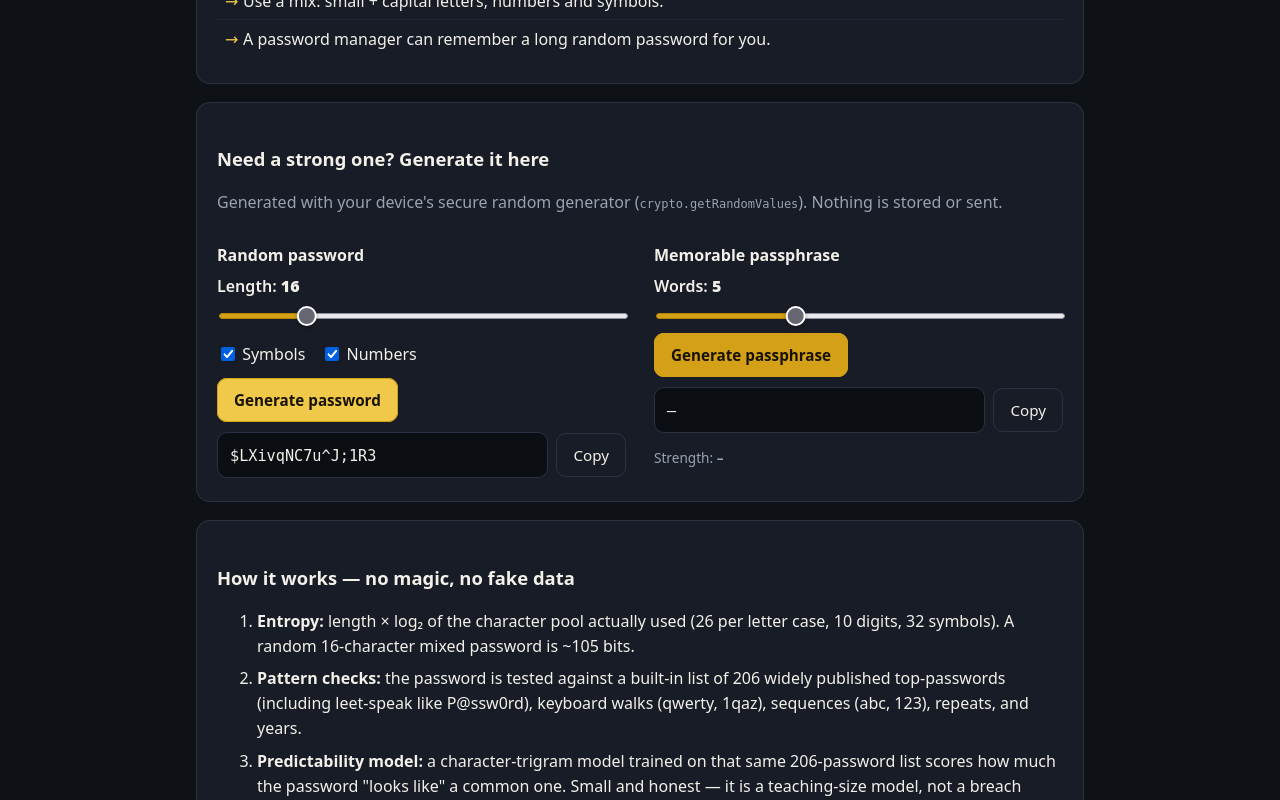
- Plain-language advice in English and Hindi (हिन्दी toggle), plus a crypto-secure password generator and a memorable passphrase generator (4–7 words, honest bit count shown).
Privacy is the point: everything is computed locally in the browser. No server, no tracking, no breach lookup, no data leaves the page. The app works offline once loaded, and the "How it works" section on the page lists its honest limits — including that the common-password list is a small sample, not a breach database, and that a "strong" score never protects a reused or phished password.
How we built it
Plain HTML, CSS and JavaScript — no frameworks, no build step. The scoring engine is passguard.js: entropy from the actual character pool used, pattern checks against the 206-password list, and a character-trigram n-gram language model that computes the average log-probability of a password's trigrams and maps it to a 0–100% predictability score. Calibrated and tested: password scores 93% predictable, a random 16-character password scores 2–9%. A rule-based expert advisor maps pattern findings to specific, plain-language fixes in English and Hindi. No external AI API is used and no data leaves the browser. Tests: 18 unit tests (npm test) and 12 Playwright smoke checks (npm run smoke) — both pass.
Challenges we ran into
The entropy number itself was the first bug. My first draft claimed a random 16-character mixed password was ~105 bits — but the generator I actually shipped produces 15 characters, which is ~98.3 bits. The app was advertising a stronger password than it generated. I caught it while re-reading the draft against the code, corrected the number everywhere, and added a test that pins the generator's length to its claimed entropy. The trigram model needed calibration too: uncalibrated, it scored random passwords as far too predictable, so the mapping from log-probability to the 0–100% score was tuned against known cases (password 93%, random 16-char 2–9%) and the crack-time estimates were capped so they never promise more than the assumptions support.
Accomplishments that we're proud of
- A checker that catches
P@ssw0rd— leet-speak and all — where most meters wave it through. - An honest entropy figure (98.3 bits for a 15-char generated password) that matches the generator exactly, pinned by a test.
- A trigram predictability model with published calibration points, not a magic score.
- Plain-language advice in English and Hindi, plus a passphrase generator with an honest bit count (≈41 bits for 5 words).
- 18/18 unit tests and 12/12 Playwright checks passing, fully offline.
What we learned
- A password meter's job is not to make people feel good — it is to make the risk legible. Showing the maths (entropy, patterns, predictability) teaches more than any green bar.
- The most dangerous bug in a security tool is an inflated number: a wrong bit count makes a user less safe than no meter at all.
- Small models can be honest models: a 206-password trigram model, labelled as teaching-size, is more trustworthy than a black box that claims breach data it doesn't have.
What's next for PassGuard
- Add a larger, clearly-sourced common-password list (still local, still labelled) and re-calibrate the trigram model against it.
- Add a "check my passphrase" mode that scores multi-word passphrases by word-list size, not character entropy.
- Add a breach-check explainer that shows why a local checker can't check breaches — and what to do instead (unique passwords + a manager).
Built With
HTML, CSS, JavaScript (no frameworks, no build step), Node.js 20 (tests), Playwright (smoke tests)
Testing instructions (for judges)
- Open https://devilking7x.github.io/slay-passguard/
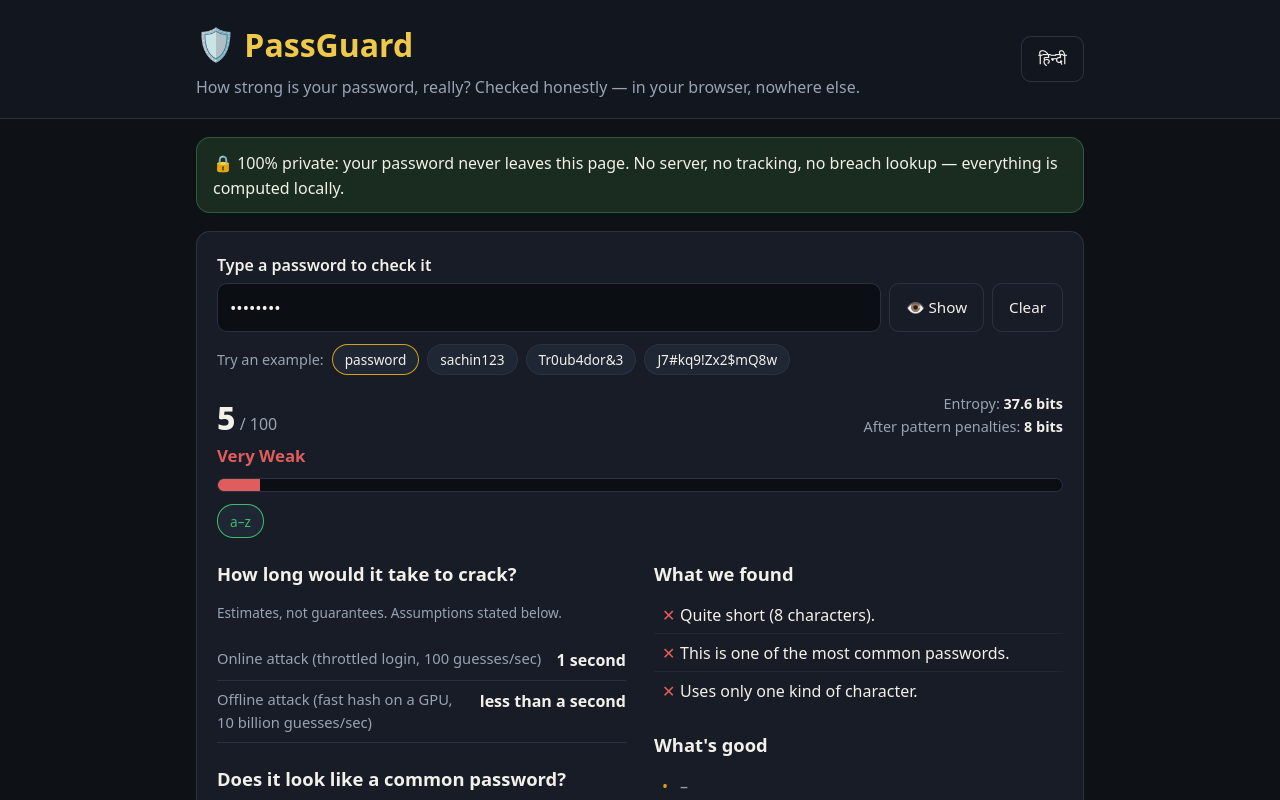
- Click the password example chip → score 5/100, "Very Weak", with findings ("one of the most common passwords") and crack time "less than a second" offline.
- Click the J7#kq9!Zx2$mQ8w example chip → score 100/100, "Very Strong".
- Type
sachin123→ "Weak", flagged as containing a common password. - Click Generate password and Generate passphrase — both work offline; the passphrase shows its honest bit count (≈41 bits for 5 words).
- Click हिन्दी (top right) — findings and advice switch to Hindi (Devanagari).
- To run the tests locally: clone the repo, then
npm test(18 unit tests) andnpm run smoke(12 Playwright checks). Both pass.
Built With
- css
- html
- javascript
- node.js
- playwright
