-
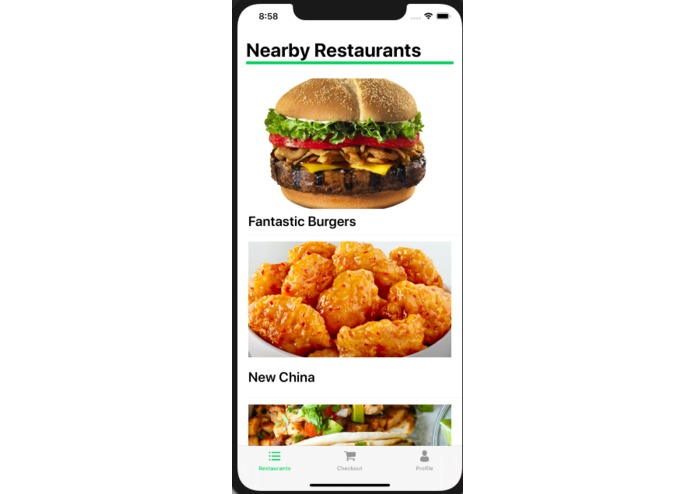
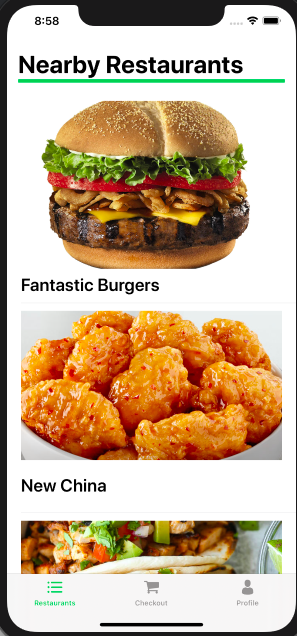
This is the first screen that appears when you open the app.
-
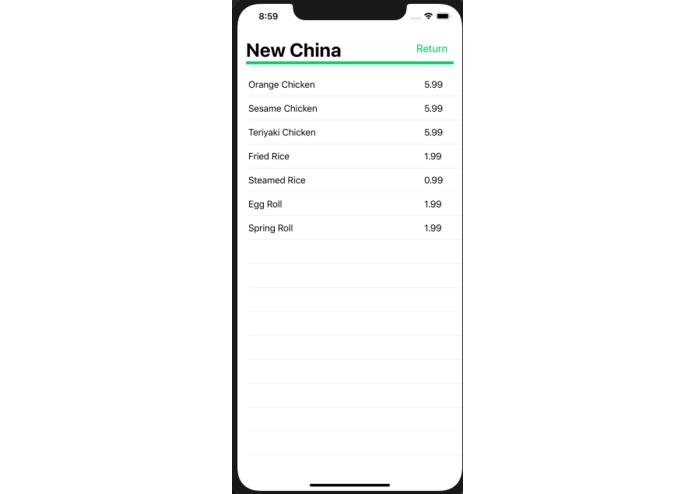
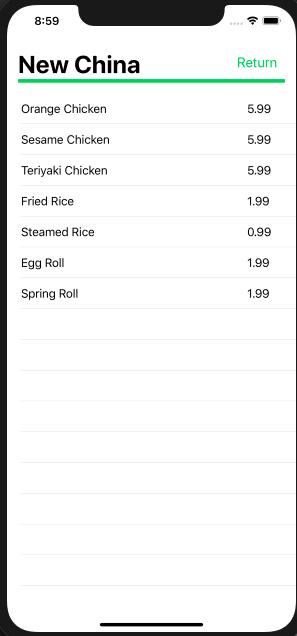
We selected the restaurant "New China," and their menu appears for us to look through.
-
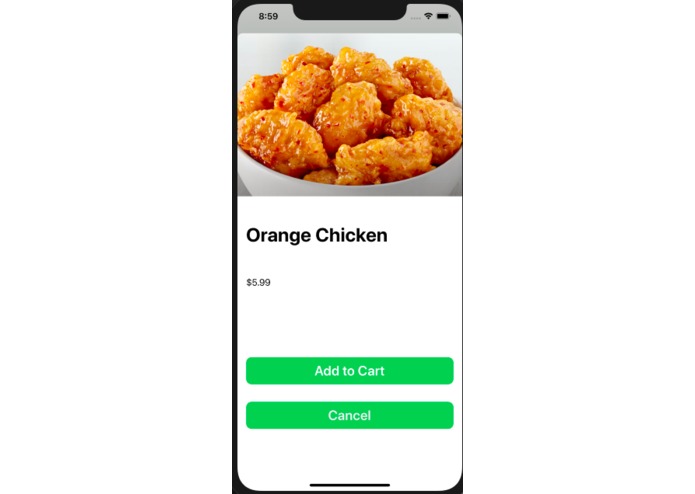
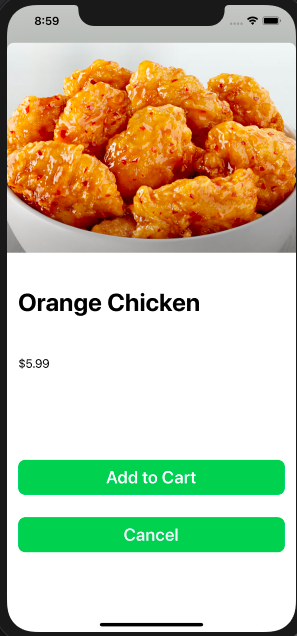
We selected the orange chicken dish at New China. We decided to add it to our cart.
-
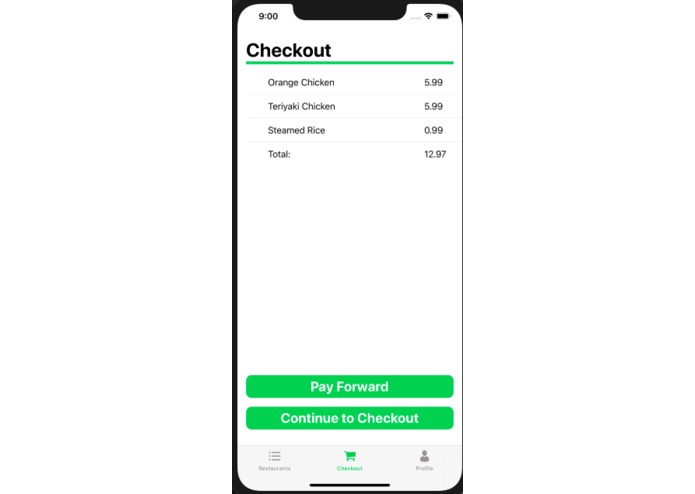
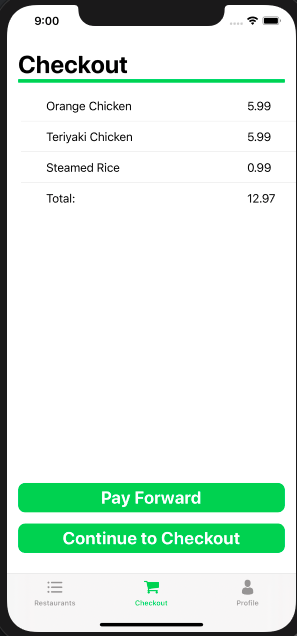
After ordering some more food, we are ready to order our food. We decide to Pay Forward to the next person's meal.
-
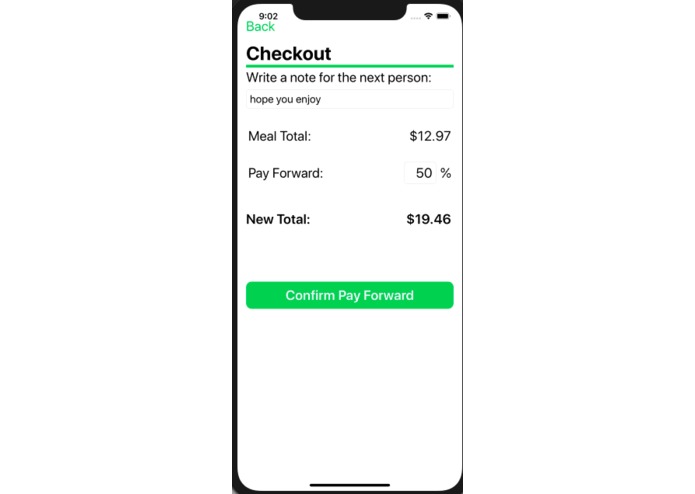
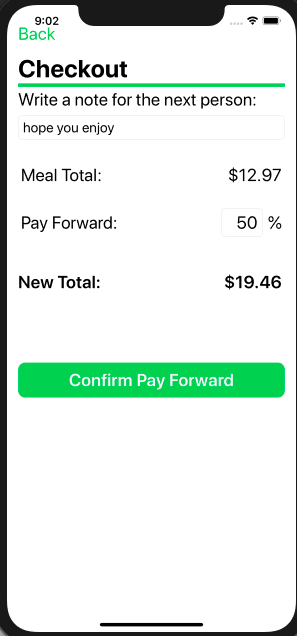
We select the amount that we want to pay forward towards the next person's meal. The app calculates our new total.
-
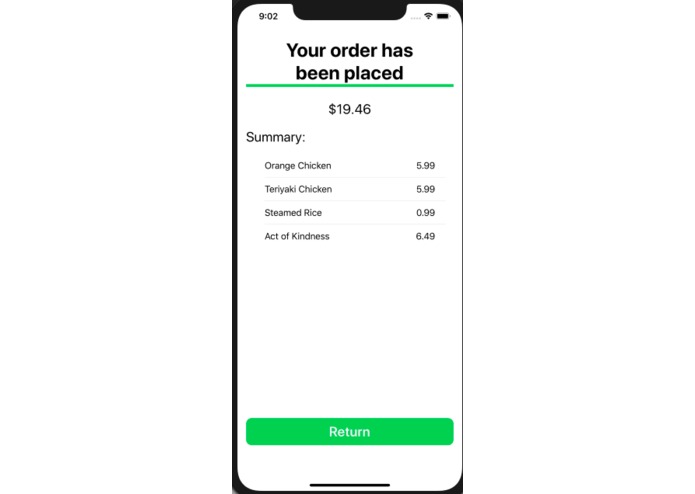
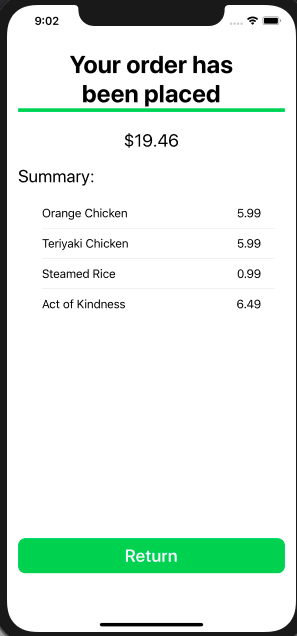
Order is confirmed.
-
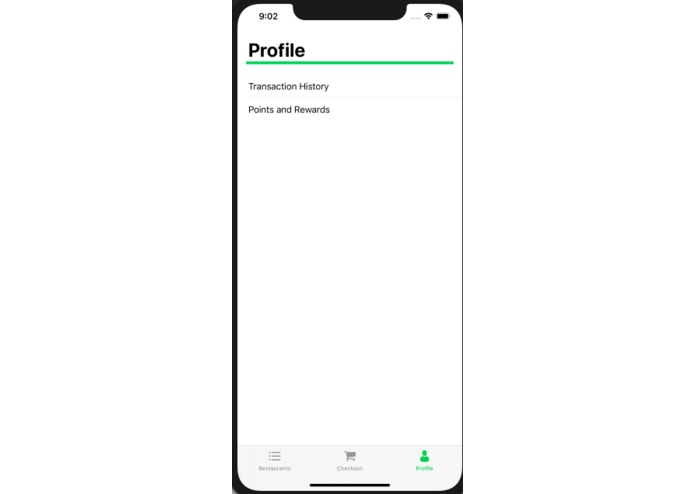
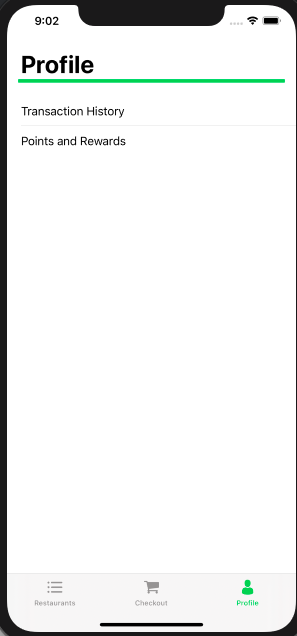
The profile/settings part of the app. We can see our transaction history and points we have earned.
-
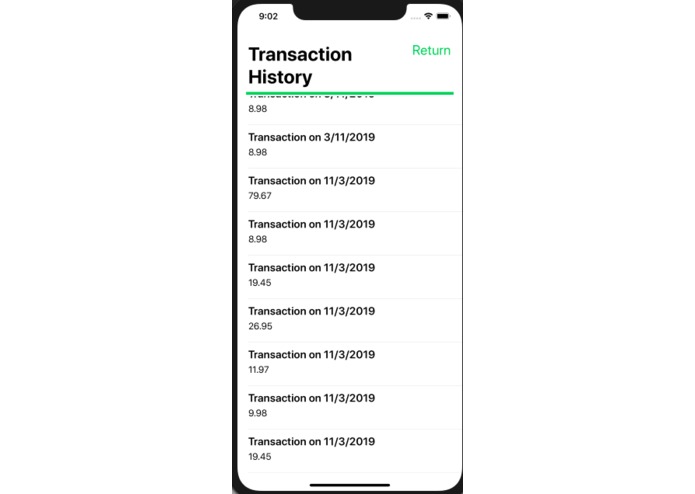
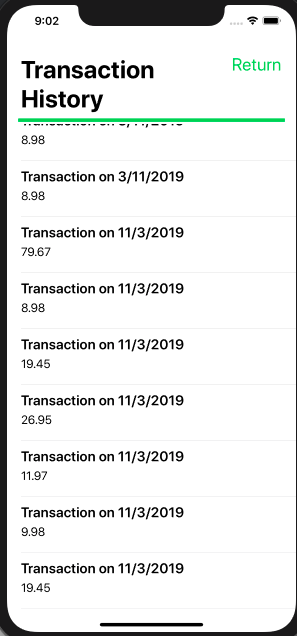
The transaction history for the app. If you select a specific transaction, the entire order from that time will appear.
-
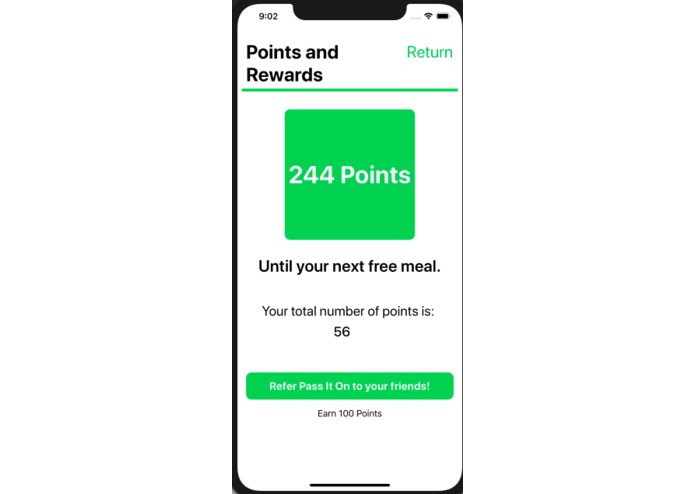
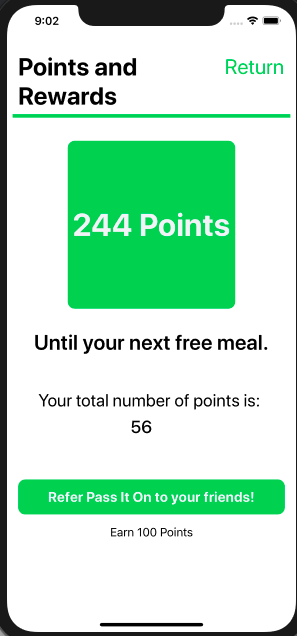
The screen that shows the amount of points the set has.
Pass It On
"Pass It On" is an iOS application that works with restaurants and allows users to give a little extra towards their meal to pay for someone else’s.

Updates

Leave feedback in the comments!
Log in or sign up for Devpost to join the conversation.