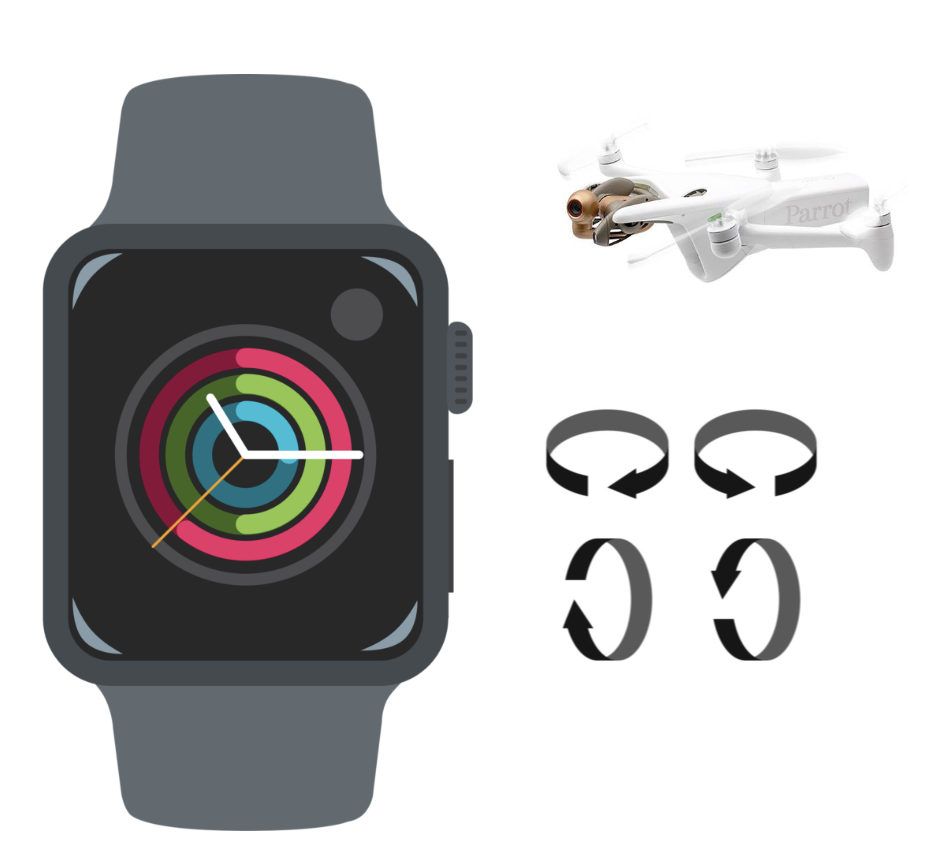
Parrot on Your Hand 🦜👋⌚
Ever imagine controlling your Parrot drone from just the gestures of your hand?
Parrot on Your Hand is a Remote Controller for the Anafi Parrot Drone using Your Apple Watch.
A Stanford Treehacks 2024 🌳 Project!
Video Demonstration

Implementation
I use Core Motion from Apple WatchOS to derive and record hand gestures -- rotate right (across pitch axis) to move right, rotate left (across pitch axis) to move left, move hand up (rotate up on roll axis) to move the drone up. Tap the land button to land the drone.
I then route these commands to Firebase using the low-level networking libraries from Apple Watch (note this was particularly difficult as Apple Watch supposedly no longer supports Firebase Realtime Database (link to issue)). I pilot the Parrot drone via the Olympe SDK -- which connects to our Firebase Realtime Database and listens to actions from the Apple Watch.
Usage
- Install Olympe (link to original API reference)
- Install Firebase_admin (original) and set up a Firebase Realtime Database (tutorial)
- Get the correct service account JSON file and change here:
python
cred_path = ''
databaseURL = ''
Connect the drone to the correct IP:
DRONE_IP = "10.202.0.1"You will need to connect your antenna to the node hosting the Olympe controller, as this connects to the Parrot drone while maintaining an internet connection to the Firebase server.
Then build and deploy the WatchOS application (note you cannot do this on a simulator as you need access to a gyroscope).
Then run
python3 firebaseDrone.py

Log in or sign up for Devpost to join the conversation.