-
-
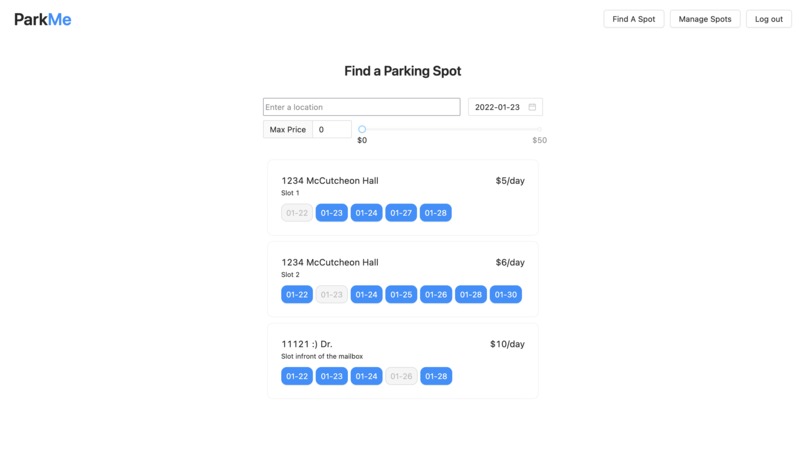
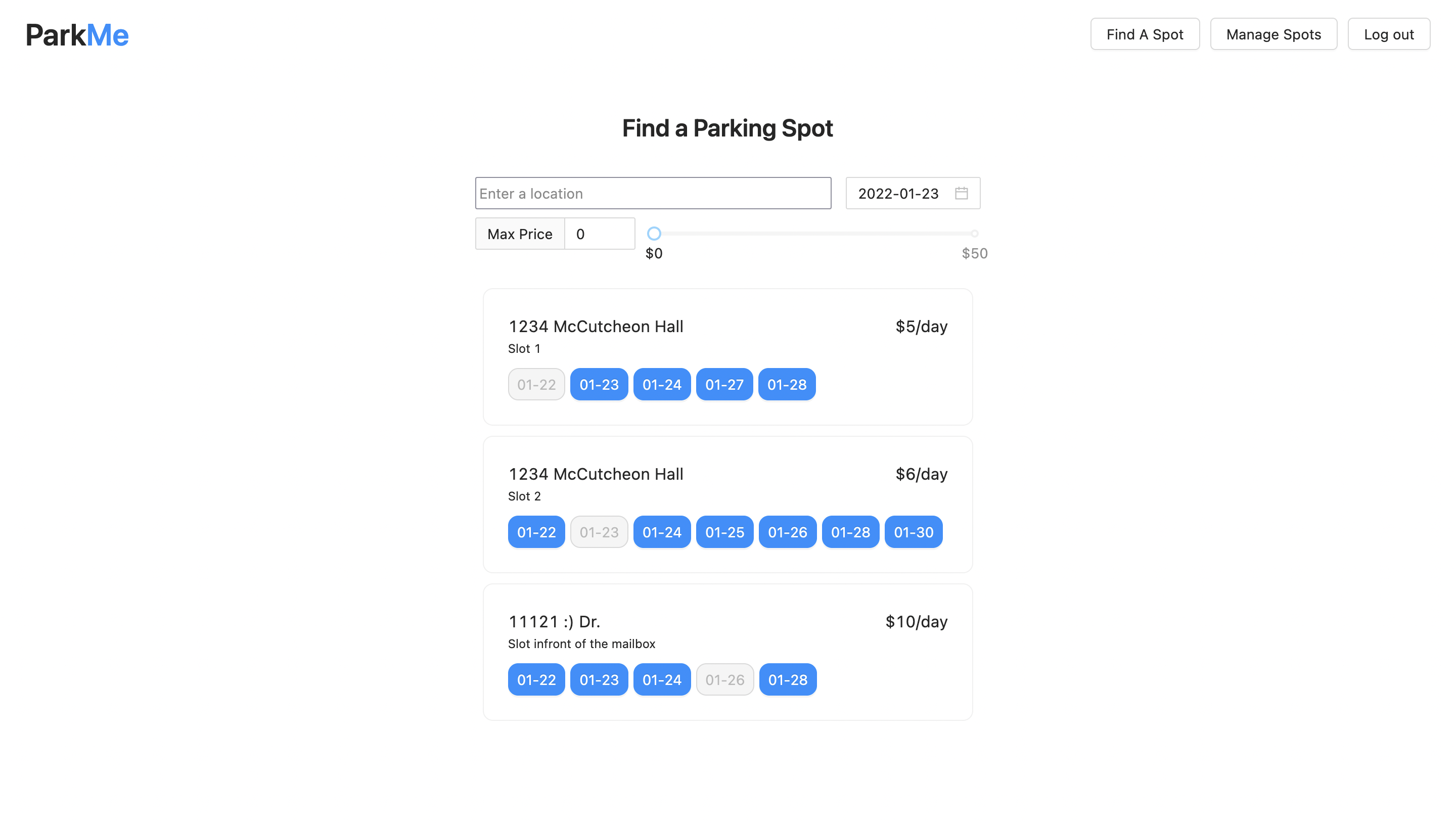
The home page, where users can view available parking spots and available times.
-
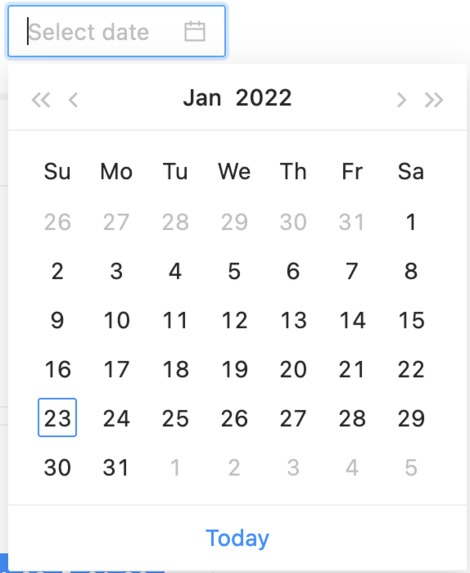
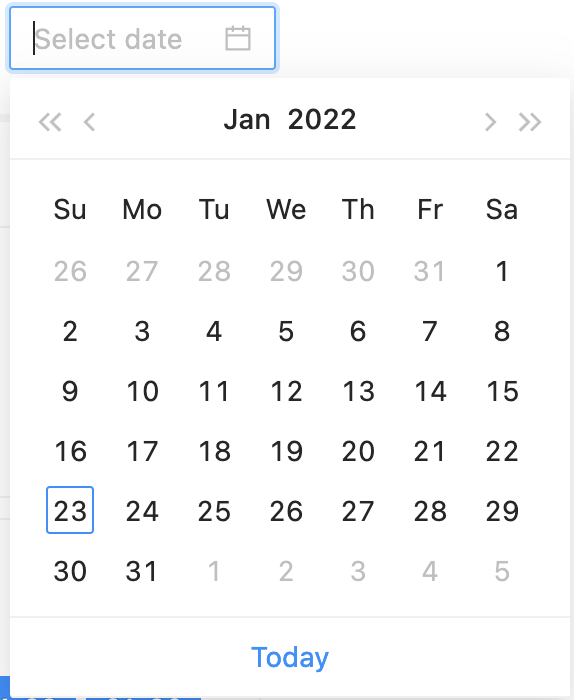
Users can filter by dates to make the search quicker and organized.
-
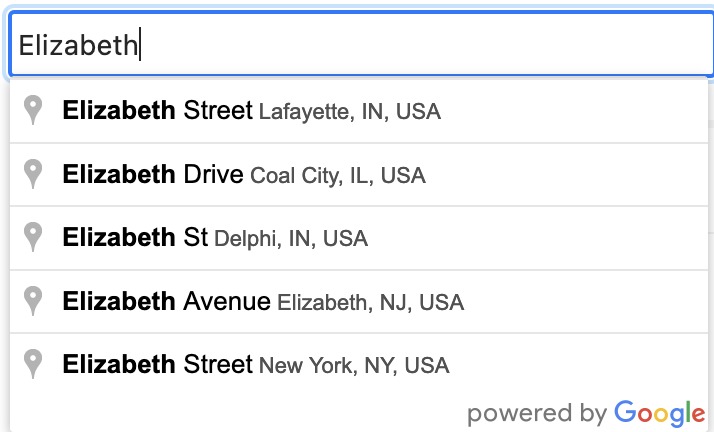
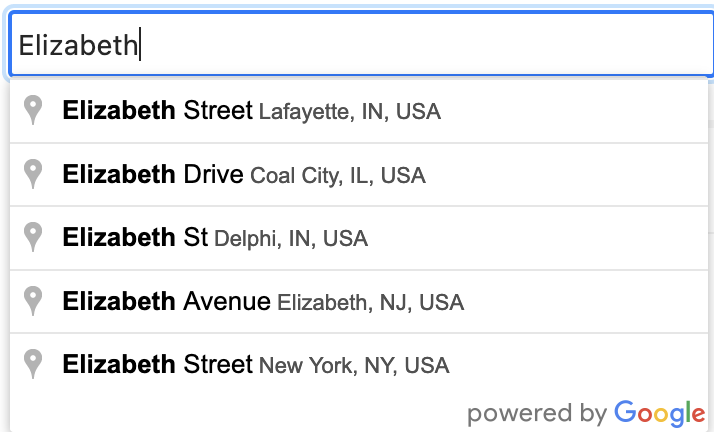
Address auto complete lets users search addresses quicker and easier.
-
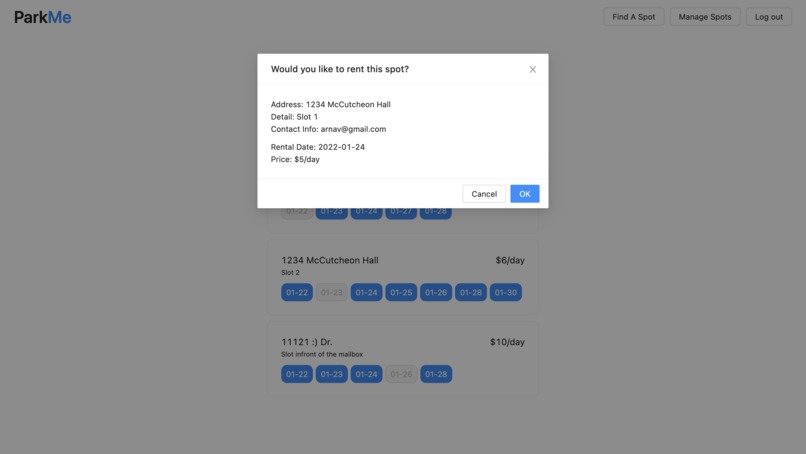
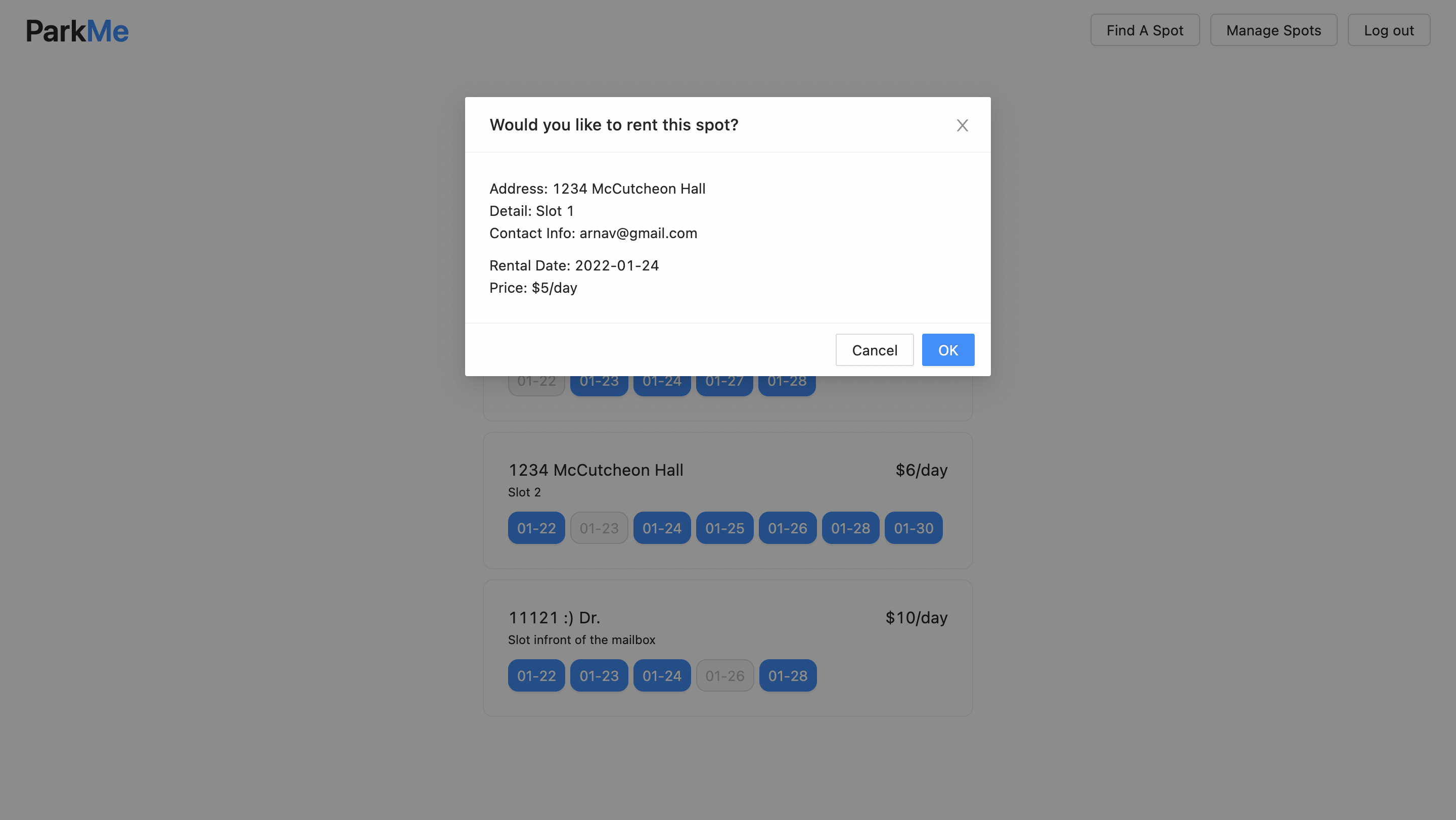
By clicking on a time to rent a parking spot, users can view more information about it and confirm their selection.
-
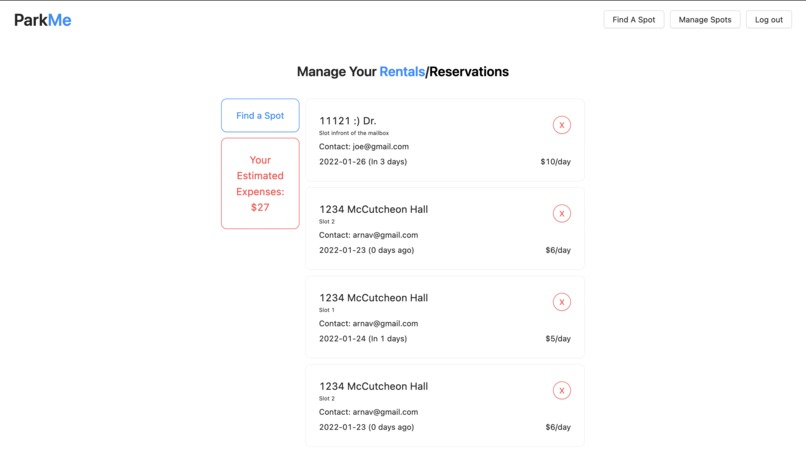
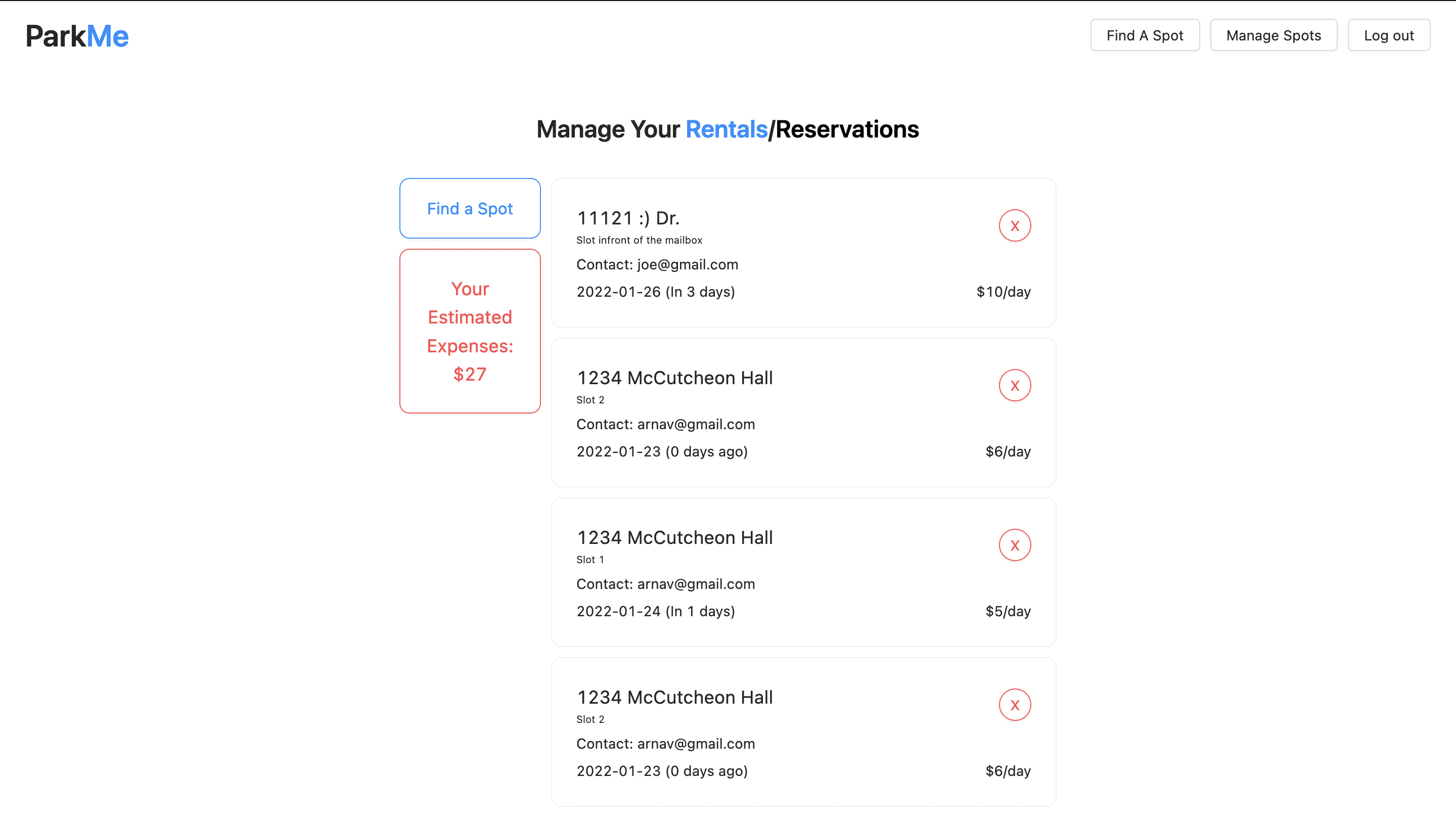
It's easy to view all rentals for the day in one place with all the information useres need at a glance. It is also possible to cancel.
-
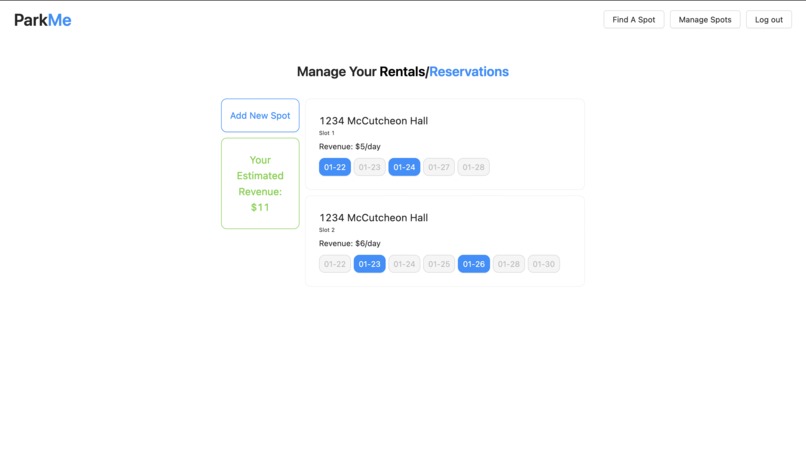
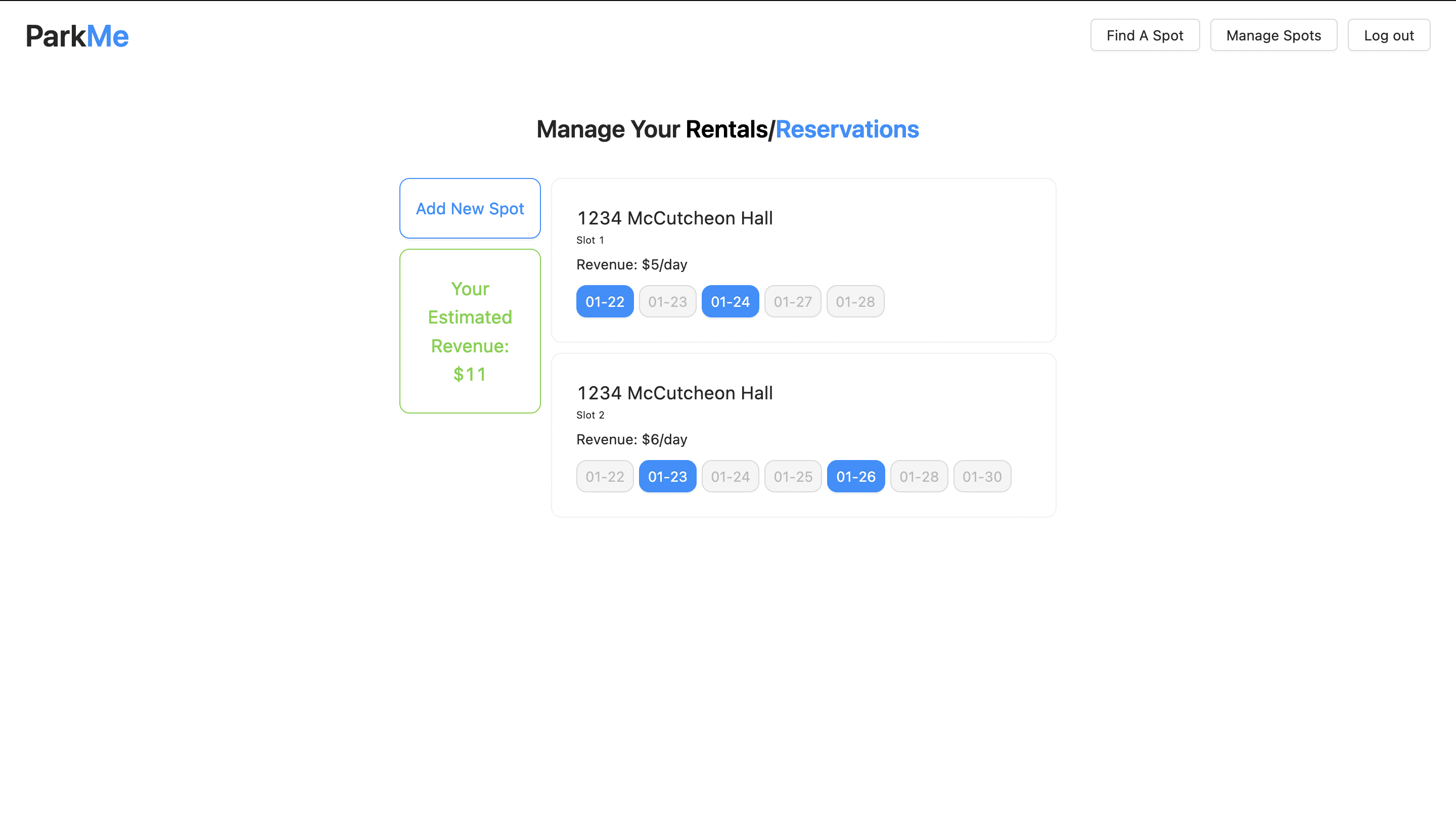
With a quick toggle, property owners have all their rentals in one place with important information available at a glance.
-
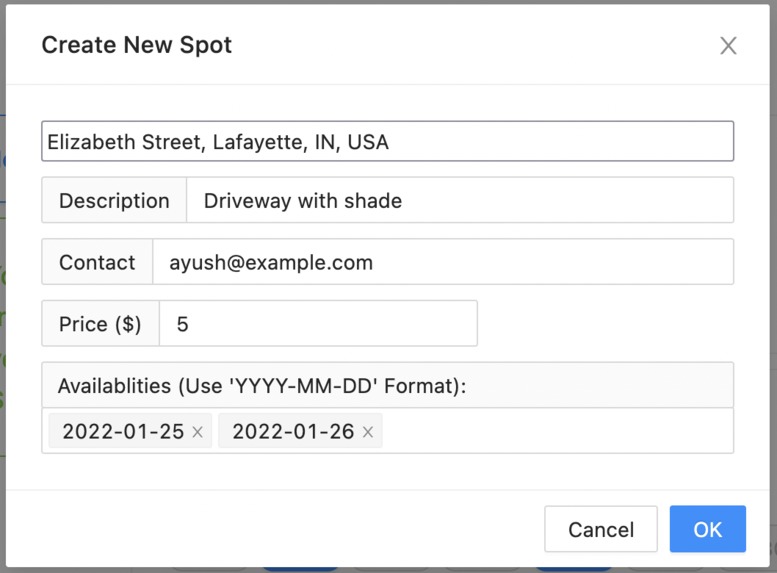
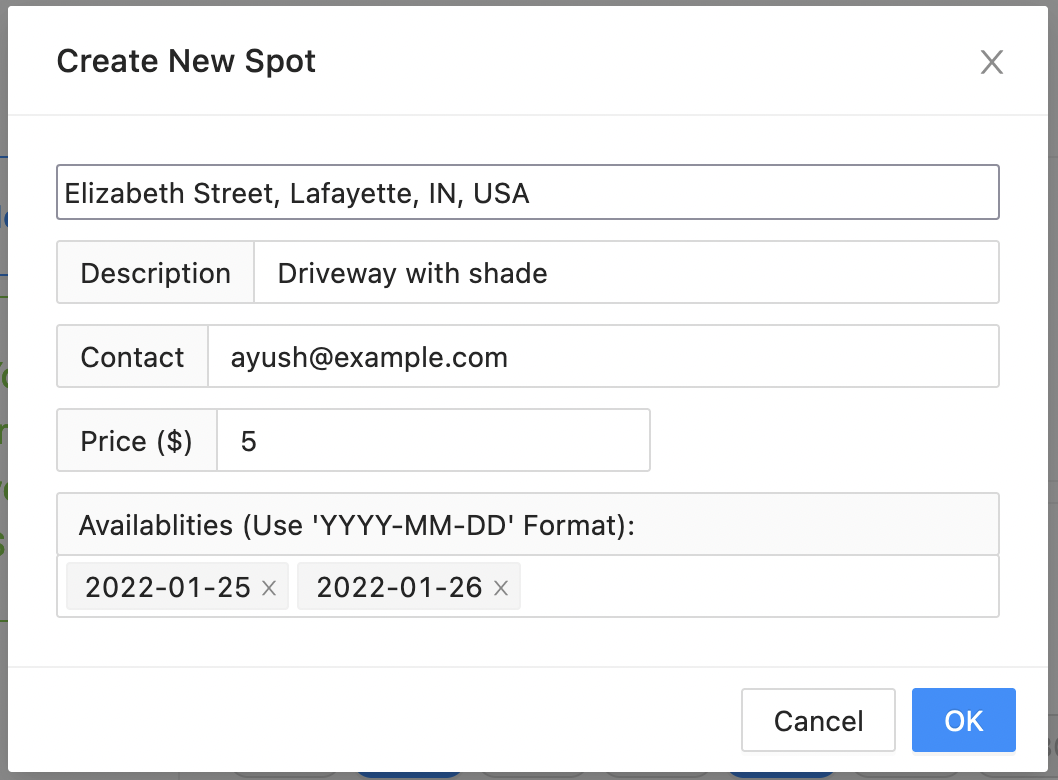
Property owners can easily post a new spot. The address box includes address autocomplete and after basic information the spot is posted.
-
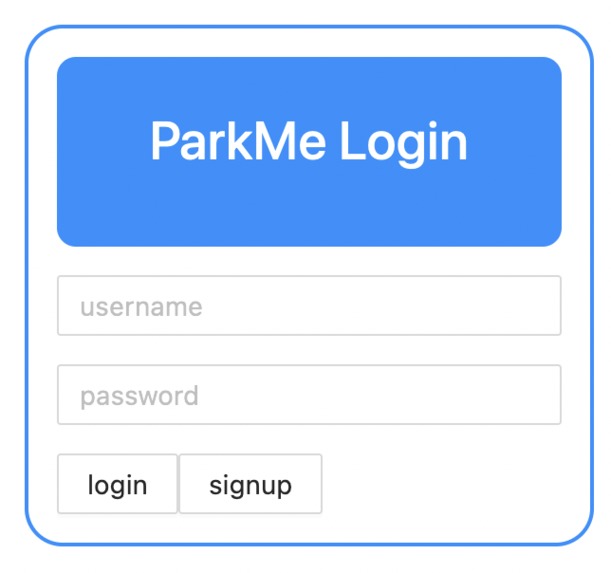
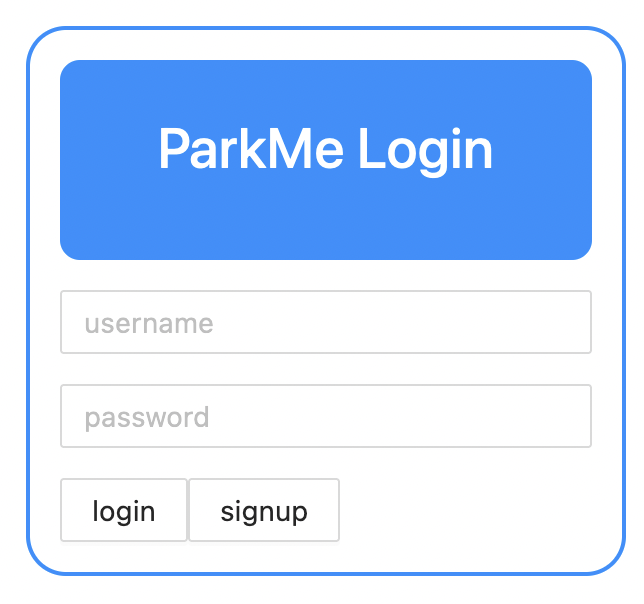
The login screen starts with our minimal, but functional UI which flows through the app.
-
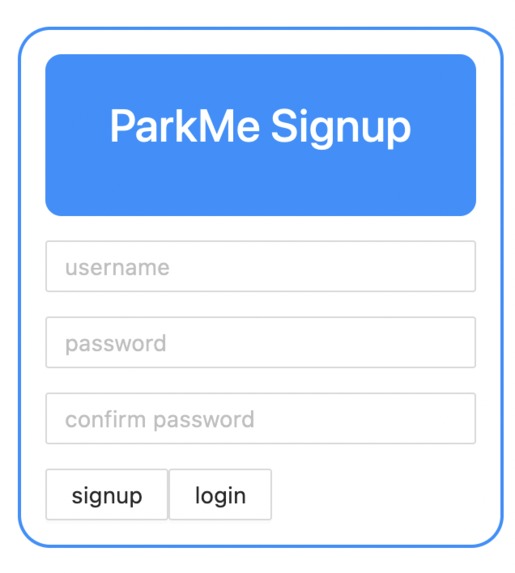
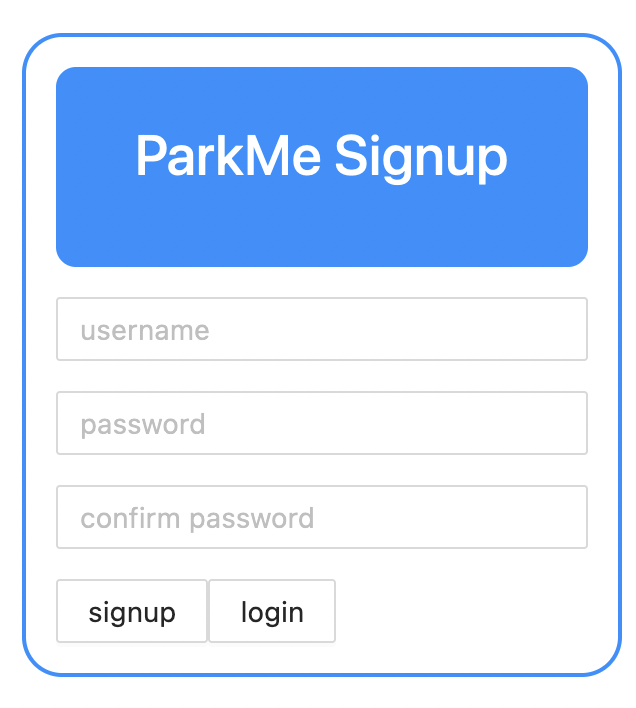
It only takes basic information for users to quickly create an account and start looking for spots/renting them out.
Inspiration
The app was inspired from a very common problem we commonly faced: we need to visit some high-attraction point for a short period of time, but there is no nearby parking. The current solution is parking garages, but they are large and don't really solve what we're looking for. Neighborhoods are almost always empty, but there currently no benefit a homeowner gets from giving up his curbside to a stranger.
What it does
The app provides both property owners and drivers to to create accounts. Anyone with an account can view available parking spaces and book reservations to rent out the parking spot. They can also host parking spots and set prices and times that drivers are able to rent out the parking spots for.
How we built it
The app was built using the MERN stack: MongoDB, Express, React, and Node.js. MongoDB served as our database service, react was used to build the fronted. Express and node was used in our backend. Due to the need of location services, we used Google Cloud's Maps API that would fetch data for autocomplete for addresses and to sort parking spots by distance.
Challenges we ran into
There were various challenges we ran into. Of the most prominent, when using react there were issues with various UI elements that were not functioning correctly due to logic errors although they were quickly identified and fixed but spontaneously came up. The greatest hurdle that we faced was integrating the Google Maps API, although the docs were straightforward for regular use, we used the API for autocomplete and simply telling distance of parking spots for the user. Due to our implantation, integrating the API took a significant amount of time and resources but it was rewarded with a flawless autocomplete and sorting by distance that works with the app extremely well.
Accomplishments that we're proud of
The greatest accomplishment that we are proud of is our address autocomplete and displaying parking spots sorted by distance. These two are critical to the app and took a significant amount of work to get working with our implementation but makes the app stand out. We are also proud to have a clean, modern and eye-appealing UI that pops and make the user want to continue to use our app that we were able to build in such a short time given the design decisions that went into it.
What we learned
After completing this project there were many lesson we learned. As our group split into frontend and backend inconsistencies began to rise and the frontend had issues communicating with the backend thees issues were quickly resolved but we learned to keep things cohesive from the start. Adding on, the organization of our code was different in each file which lead to some confusion but also was quickly resolved but taught us also agree on standard from the beginning.
What's next for ParkMe
This version of ParkMe is just the beginning. Our team looks on the the future to build exciting new features that will take the app to the next level. Features that we plan to build are: a functioning map that has visual representations of where drivers can finding parking spots with markings on the map representing each parking spot. We also plan to add more advanced sort/filter features with more options to play with so that the user can find the exact parking spot they intend to look for along with adding more details to each parking spot entry such as the type of parking. The team also looks to enhance discovery of parking spots by displaying points of interests near parking spots that one might want to reserve a parking spot for.

Log in or sign up for Devpost to join the conversation.