-
-
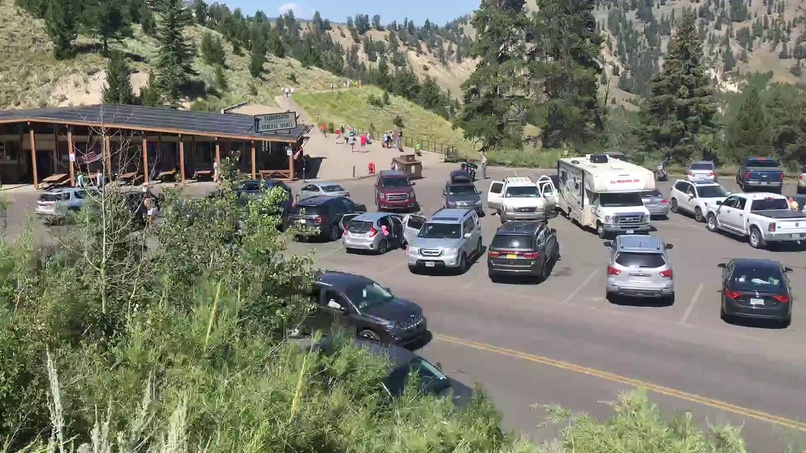
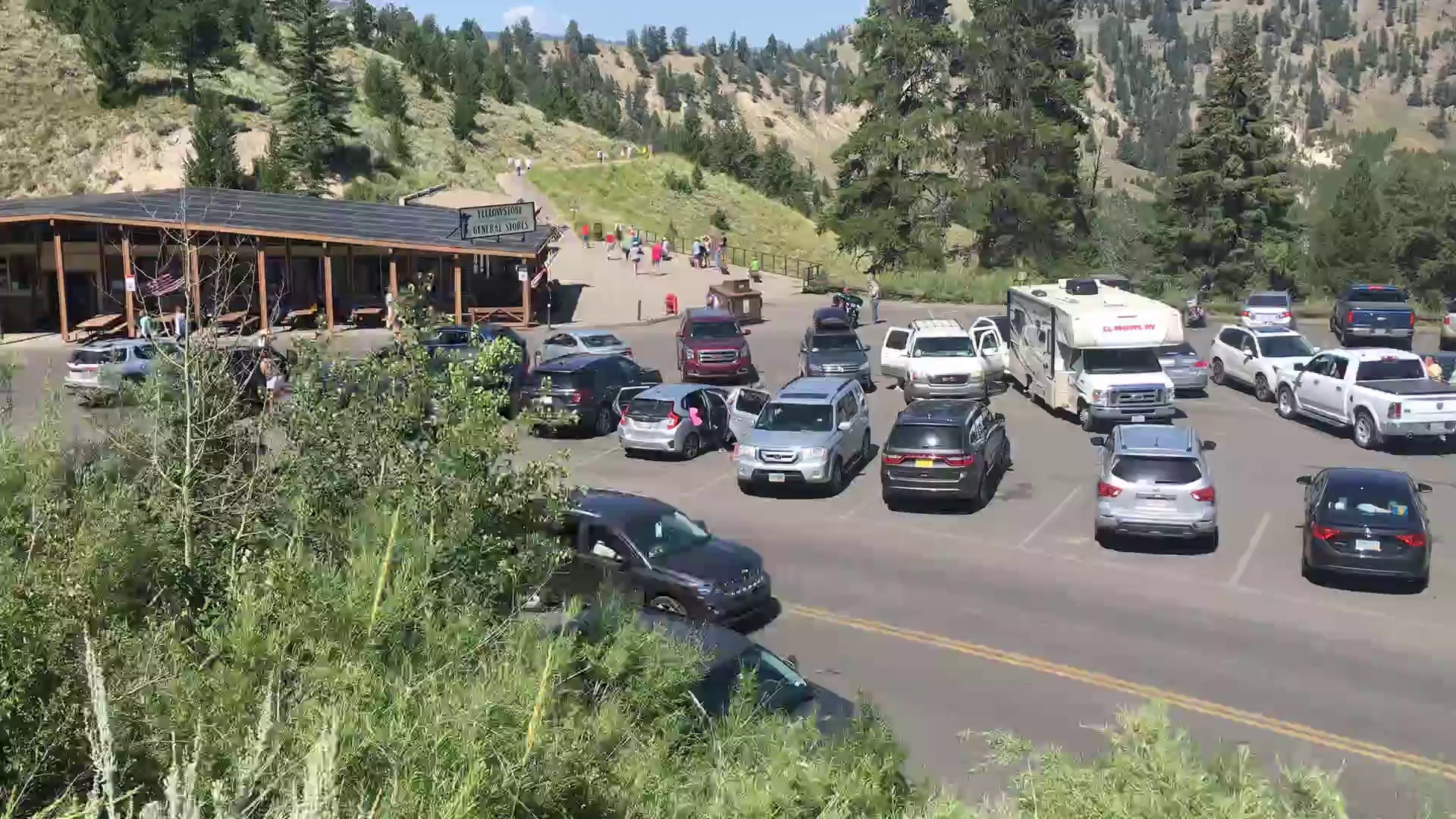
Original parking video frame before AI processing.
-
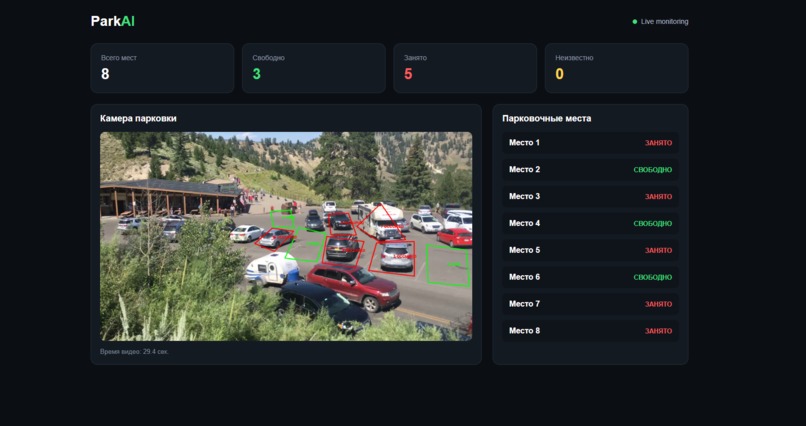
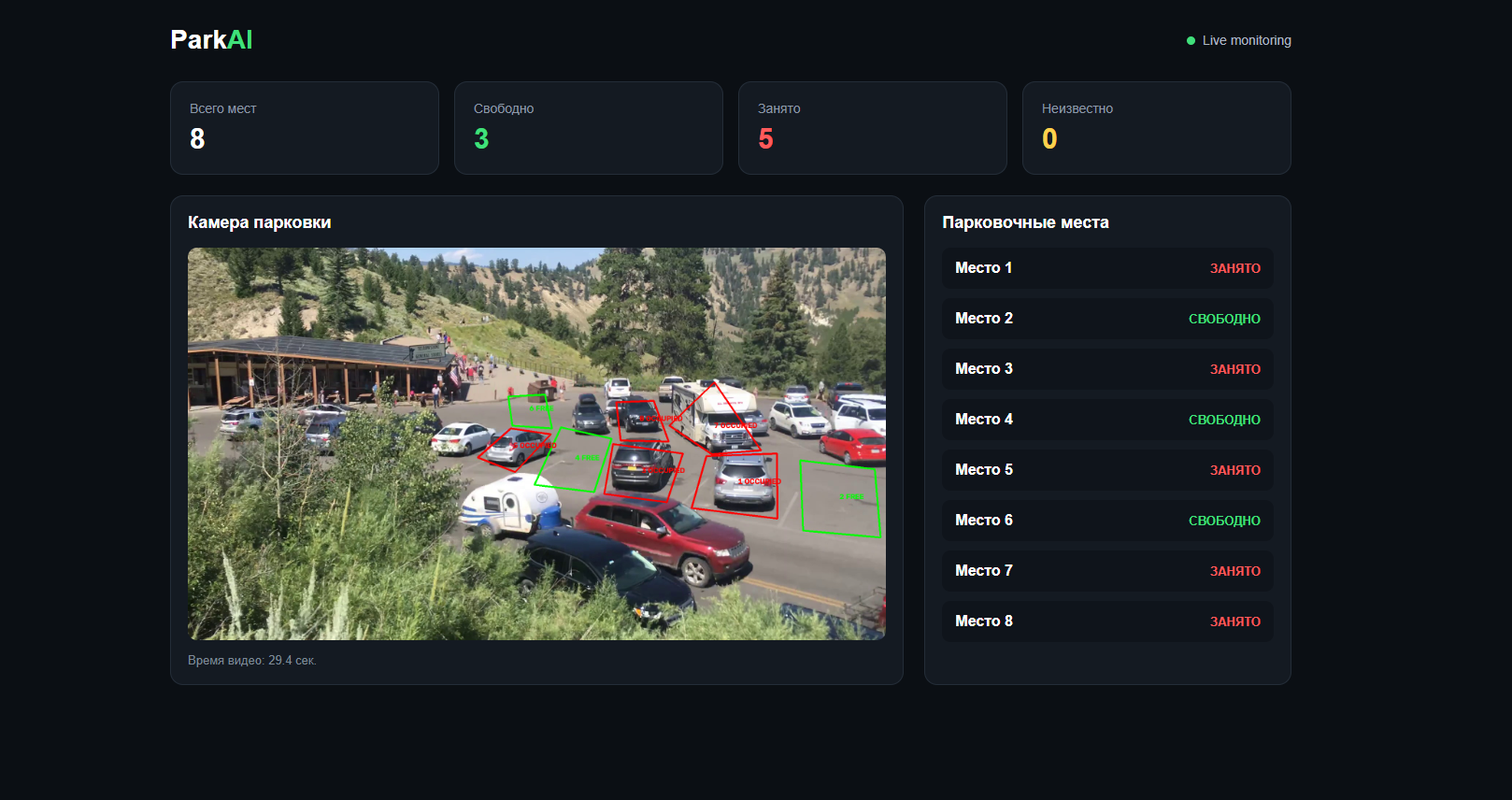
Live ParkAI dashboard showing the current parking status. Live ParkAI dashboard showing the current parking status.
-
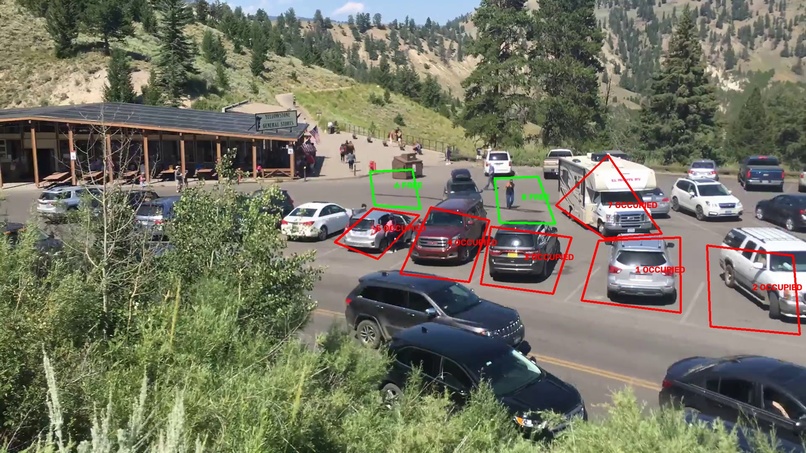
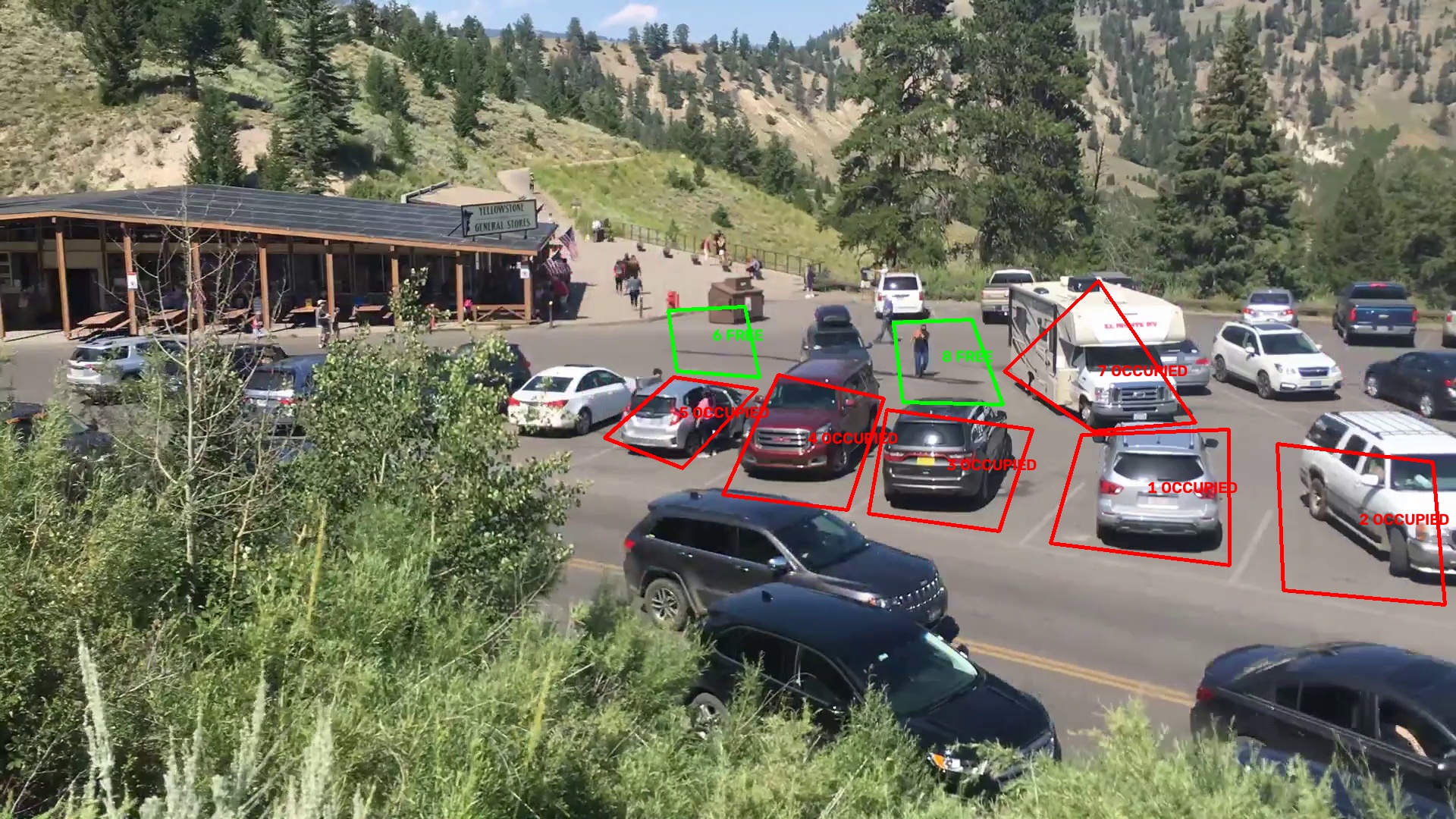
ParkAI detects vehicles and marks parking spaces as FREE or OCCUPIED.
-
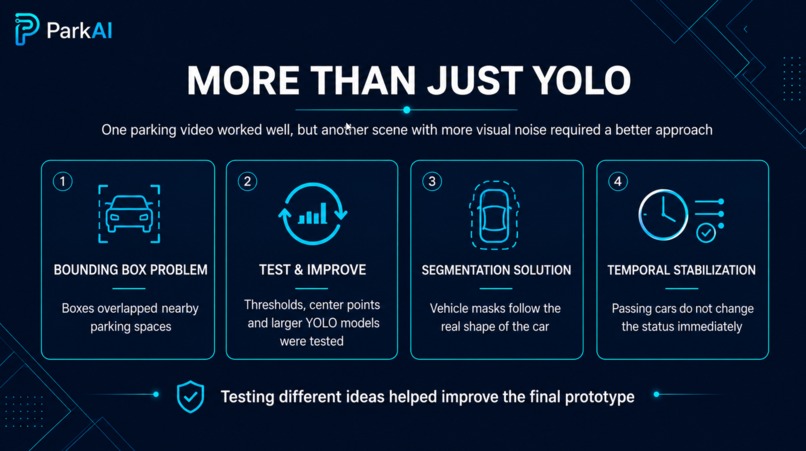
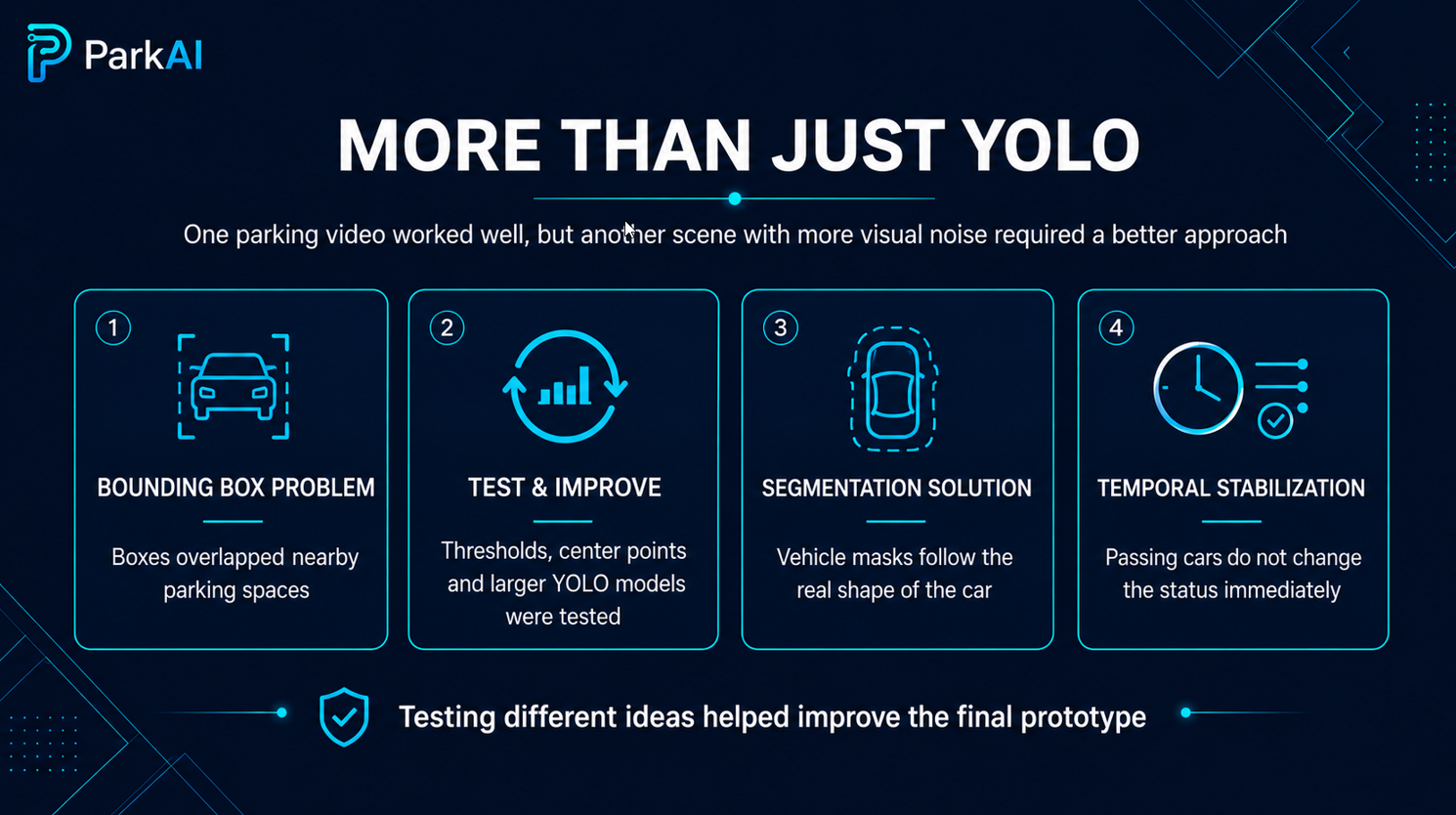
How I improved ParkAI by moving from bounding boxes to segmentation and stabilization.
Inspiration
Finding a free parking space can take time. I wanted to see if computer vision and one fixed camera could make parking availability easier to understand.
What it does
ParkAI analyzes parking video and shows whether marked parking spaces are FREE or OCCUPIED in a live web dashboard.
How I built it
I built ParkAI with Python, YOLO Segmentation, OpenCV, FastAPI, HTML, CSS and JavaScript. Vehicle masks are compared with marked parking zones to determine their status.
Challenges I ran into
Bounding boxes sometimes overlapped nearby parking spaces and caused wrong results. After testing different approaches, I switched to instance segmentation and added temporal stabilization.
Accomplishments I'm proud of
I am proud that ParkAI became a complete working prototype during the hackathon, from video processing and AI detection to a live web dashboard.
What I learned
I learned that building an AI system is not only about choosing a model. Testing different ideas and improving the logic were important parts of making ParkAI work.
What's next for ParkAI
Next, I would like to add real-time camera streaming, object tracking, multiple cameras, parking history and analytics.
Built With
- ai
- css
- fastapi
- html
- javascript
- opencv
- python
- yolo
