-
-
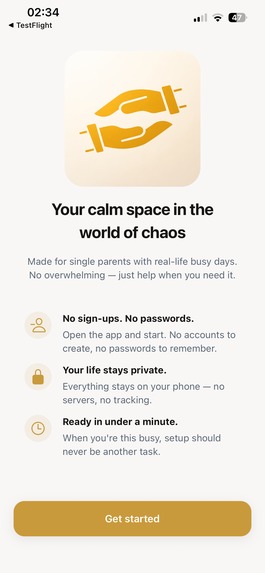
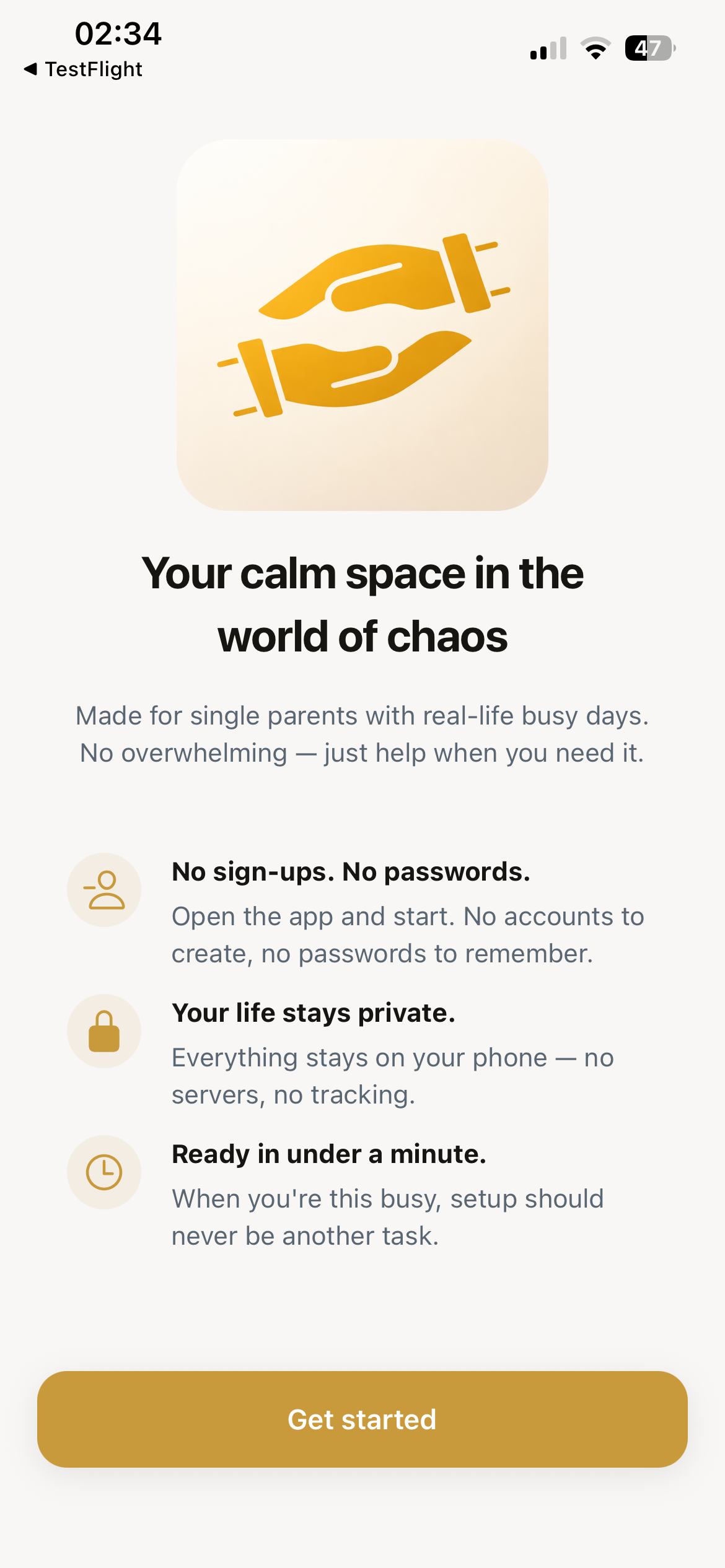
Welcome screen
-
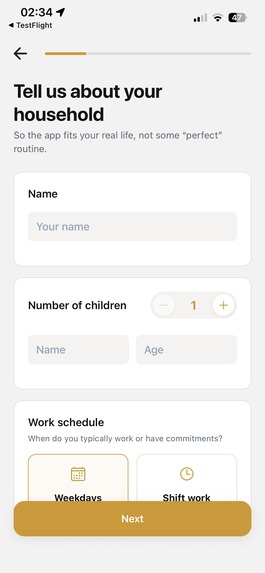
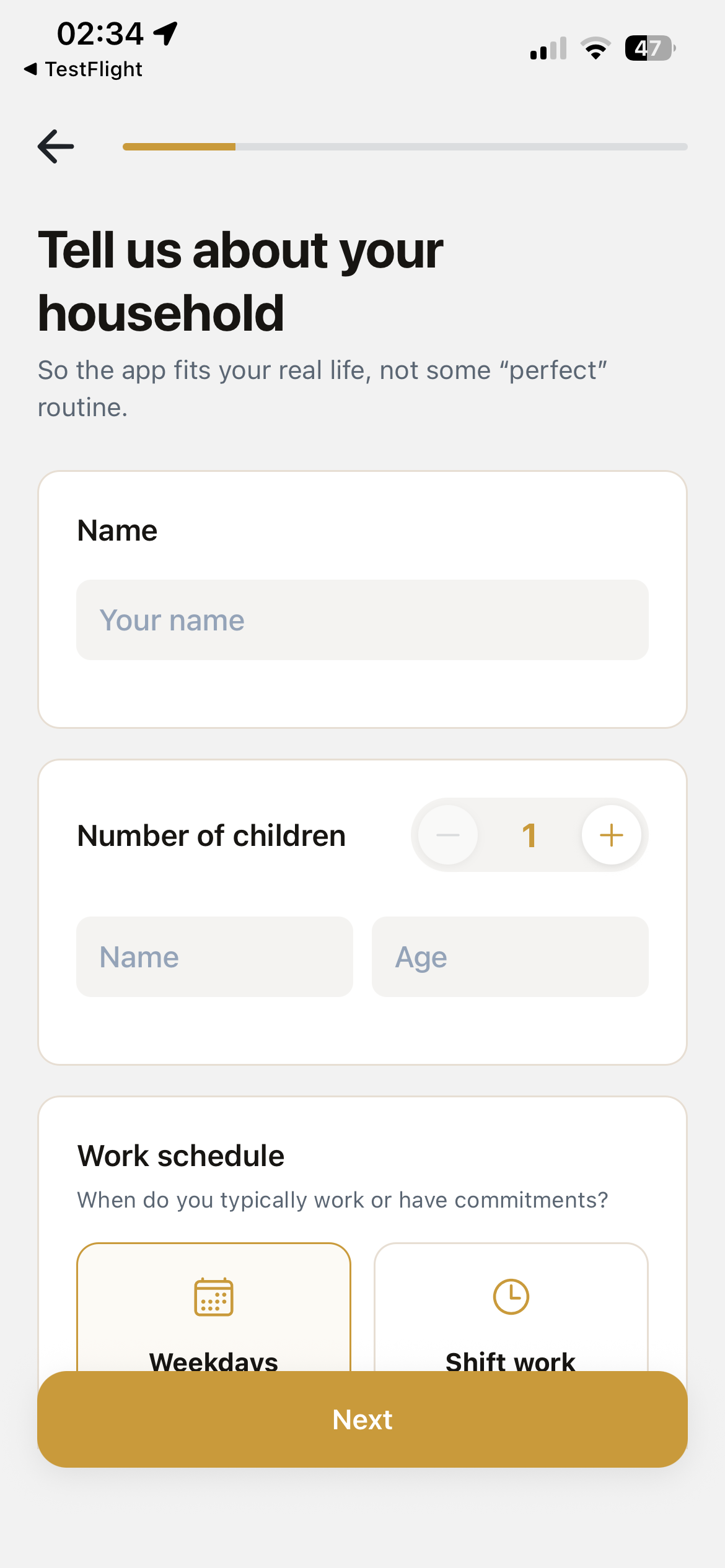
Household setup
-
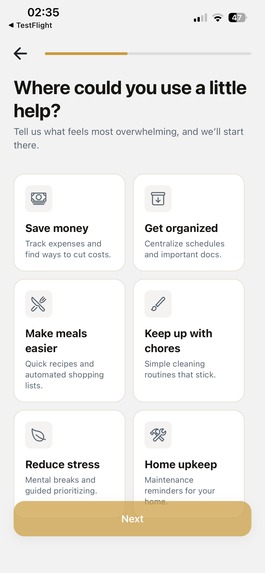
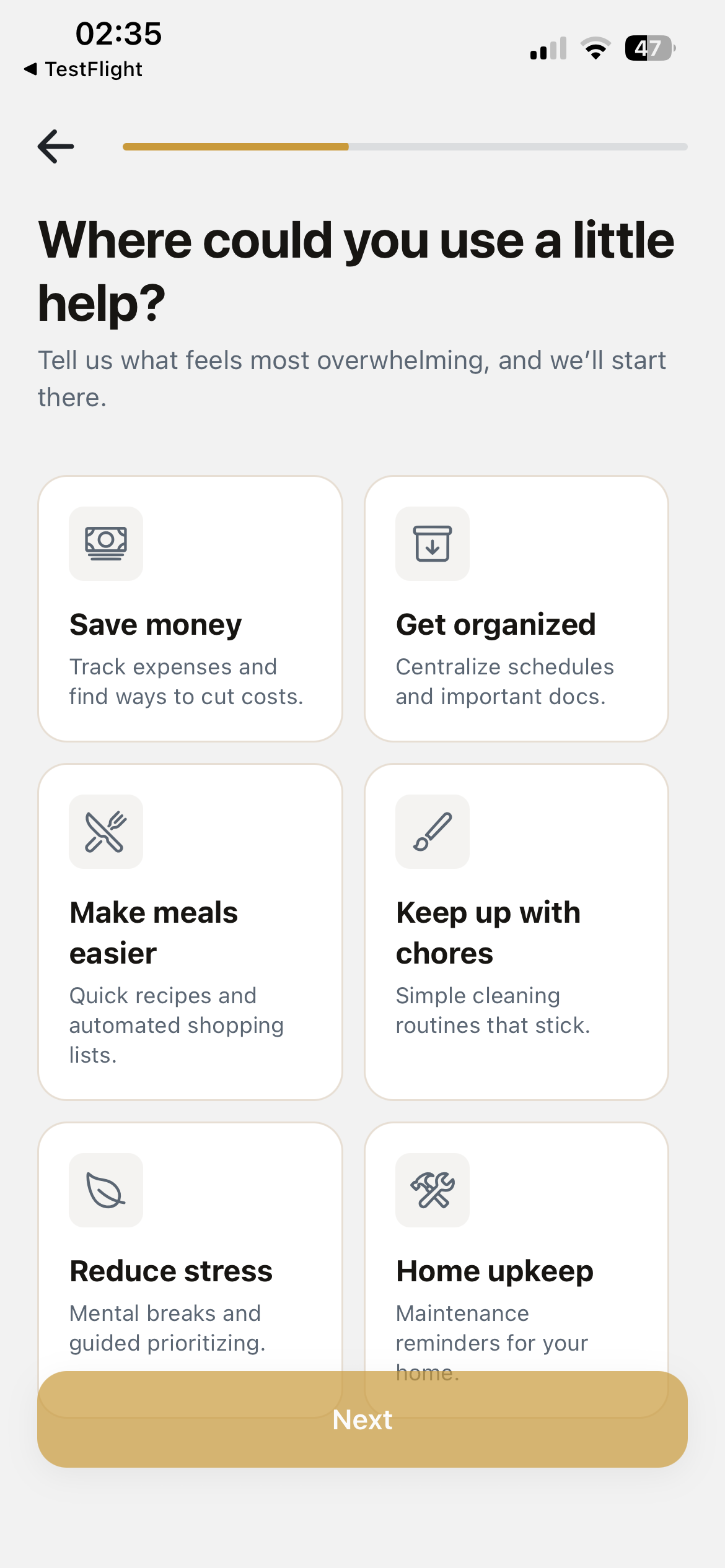
Goals setup
-
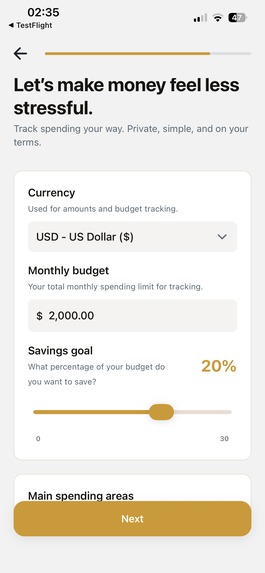
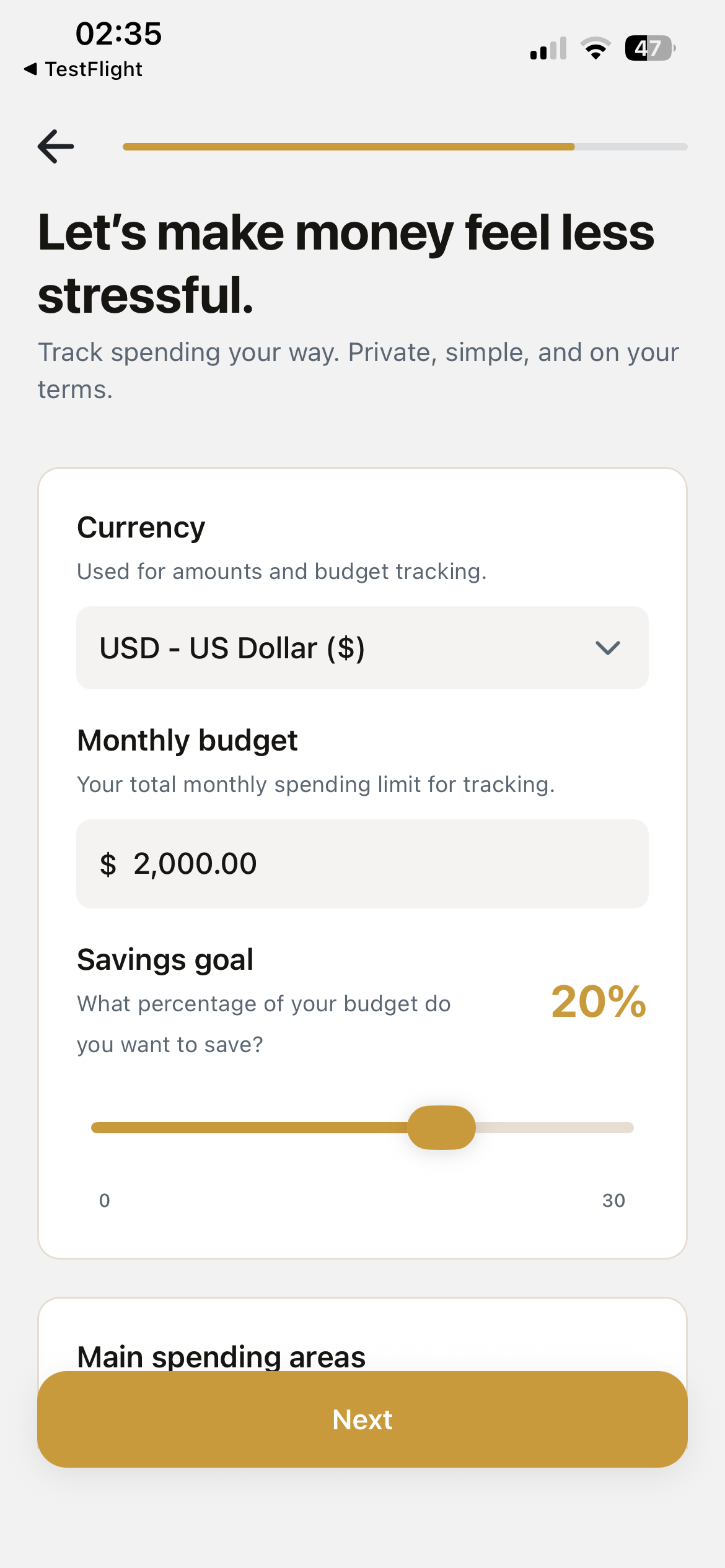
Finance setup
-
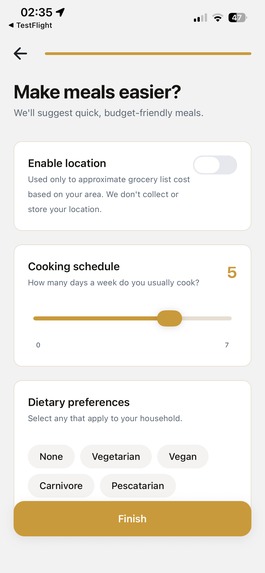
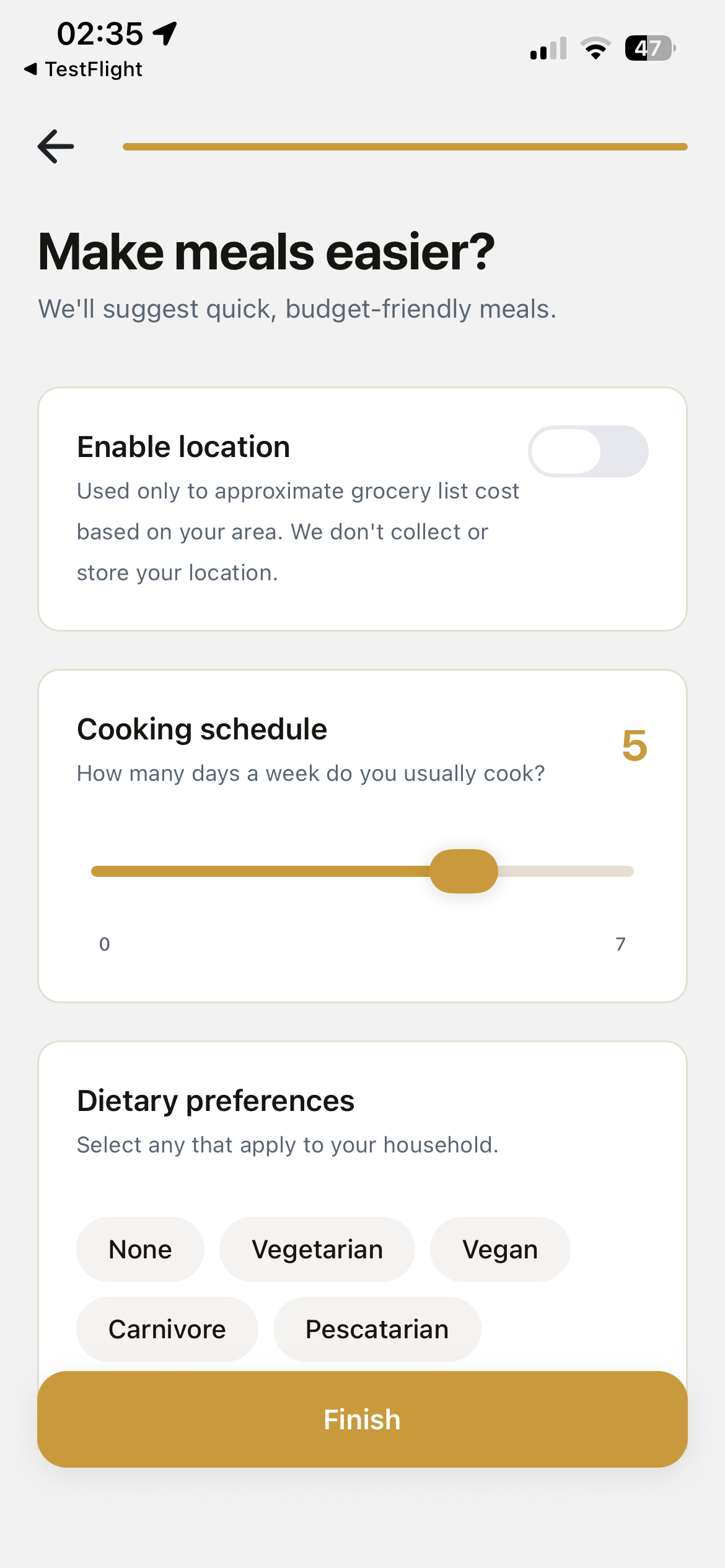
Meals setup
-
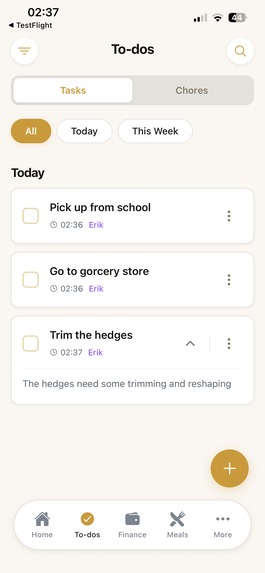
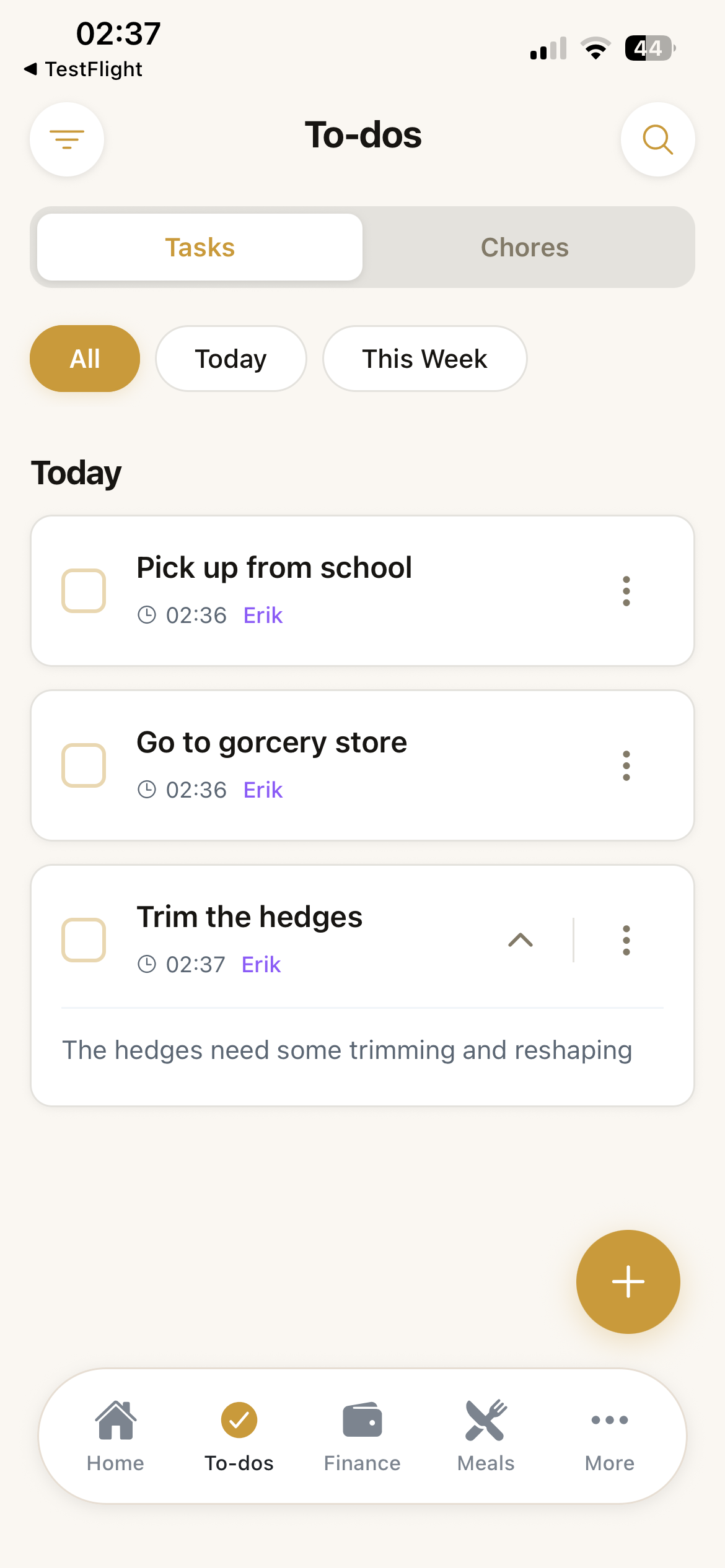
Tasks screen
-
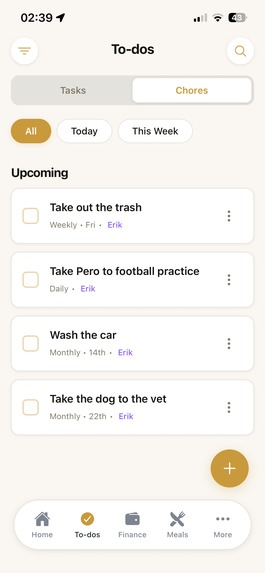
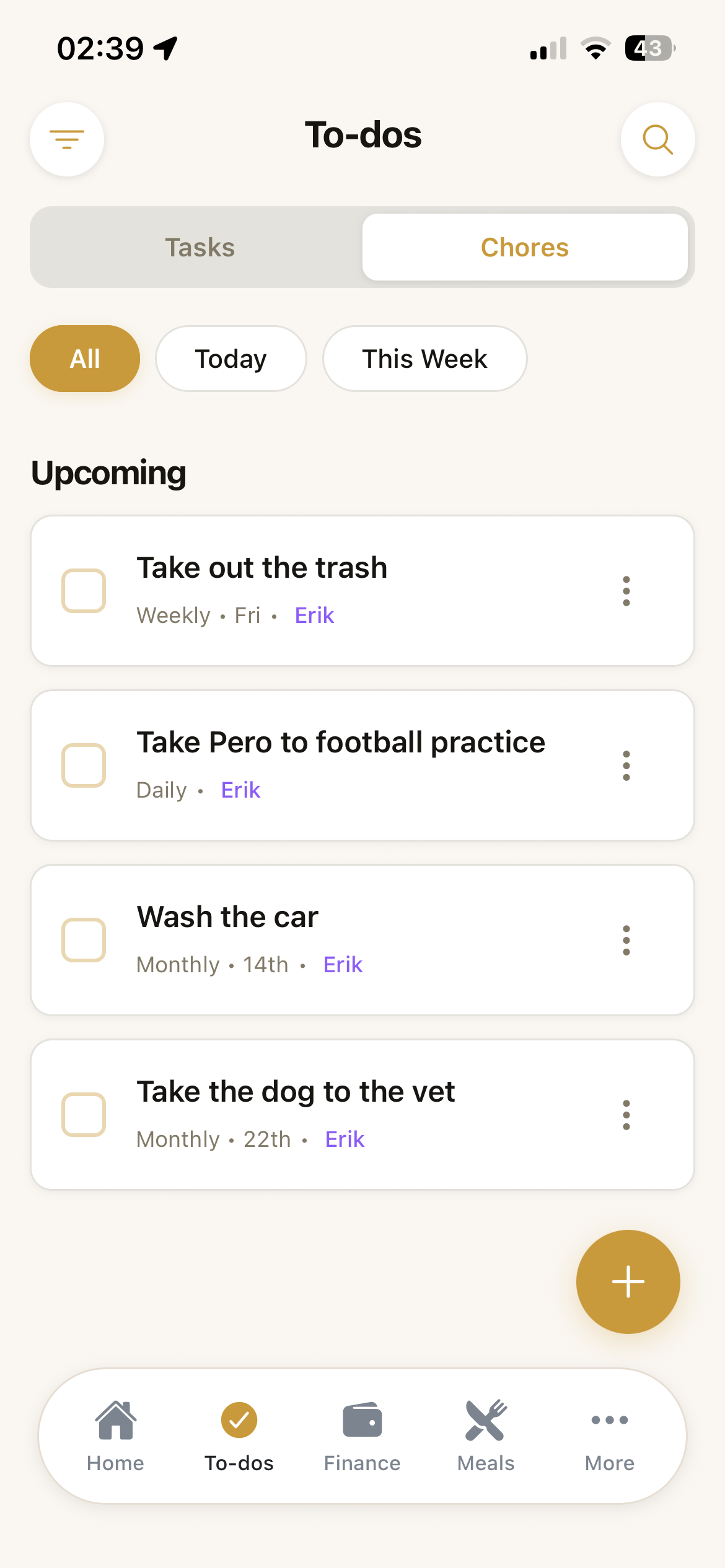
Chores screen
-
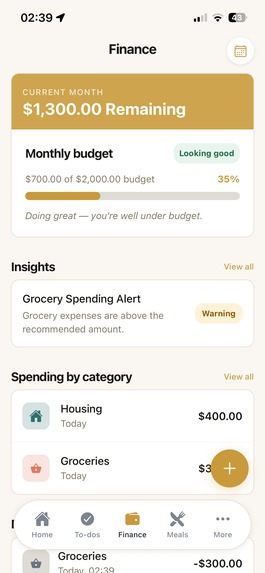
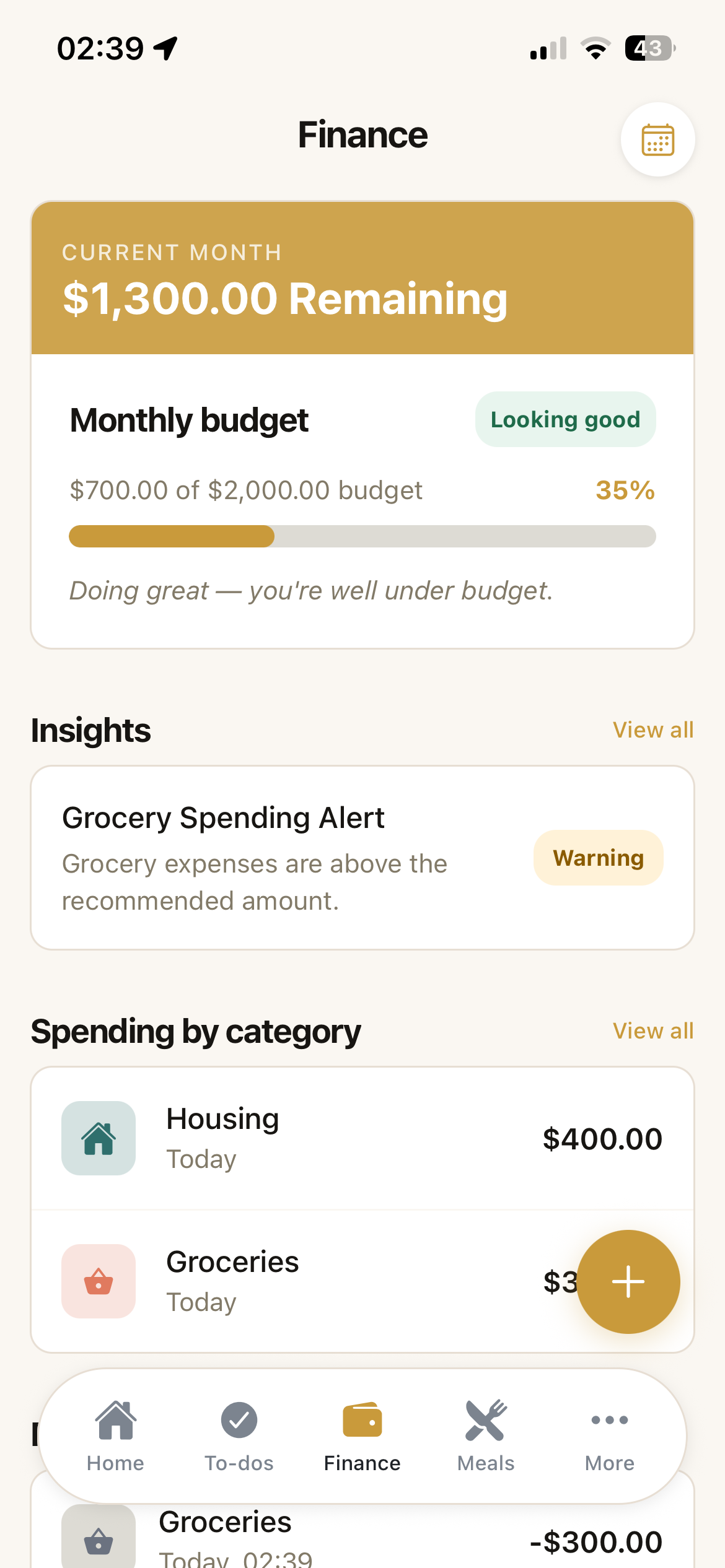
Finance overview screen
-
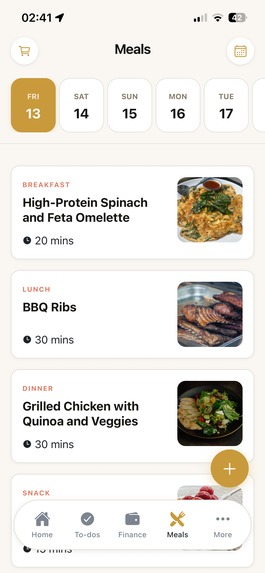
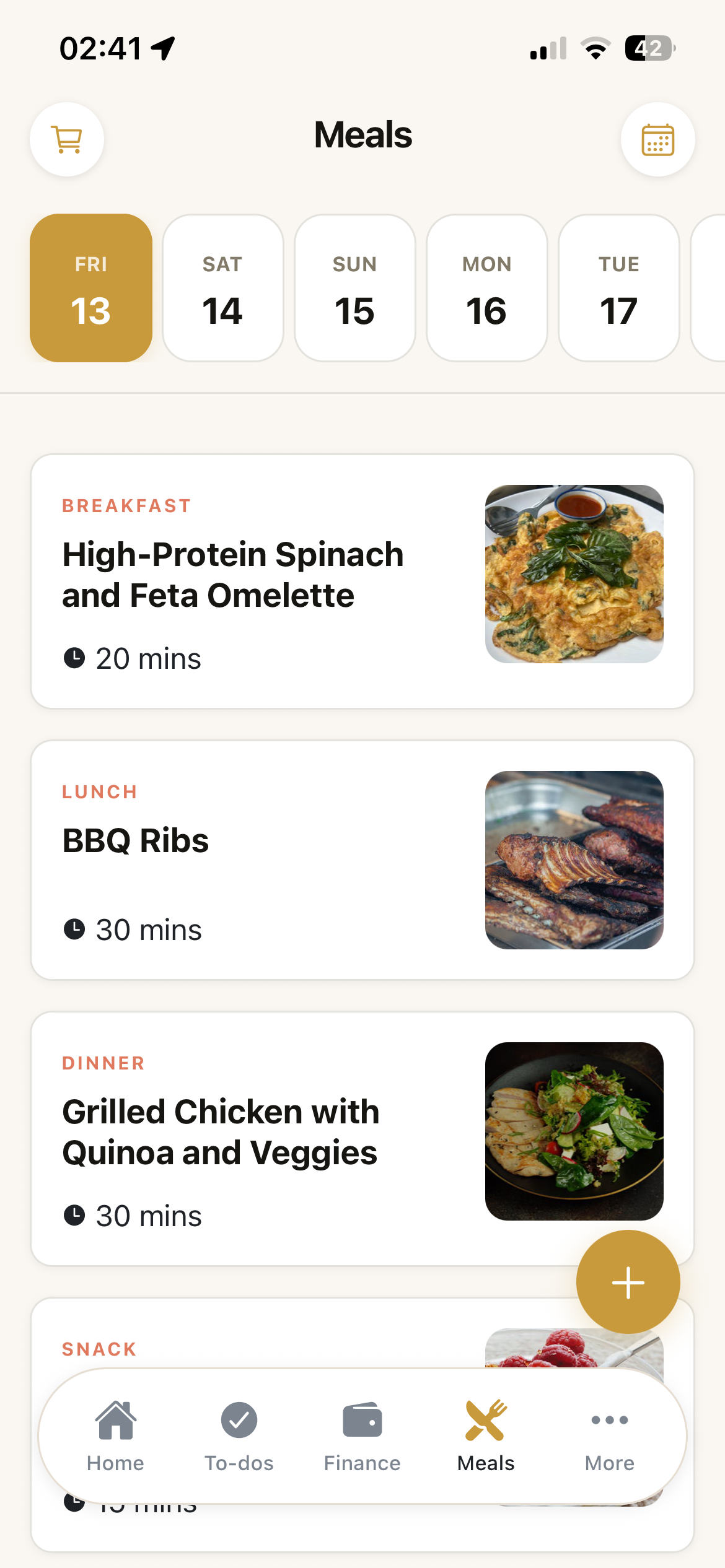
Meal planning screen
-
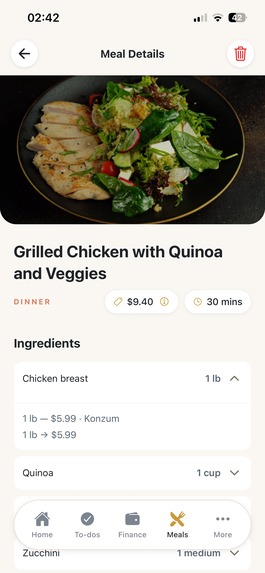
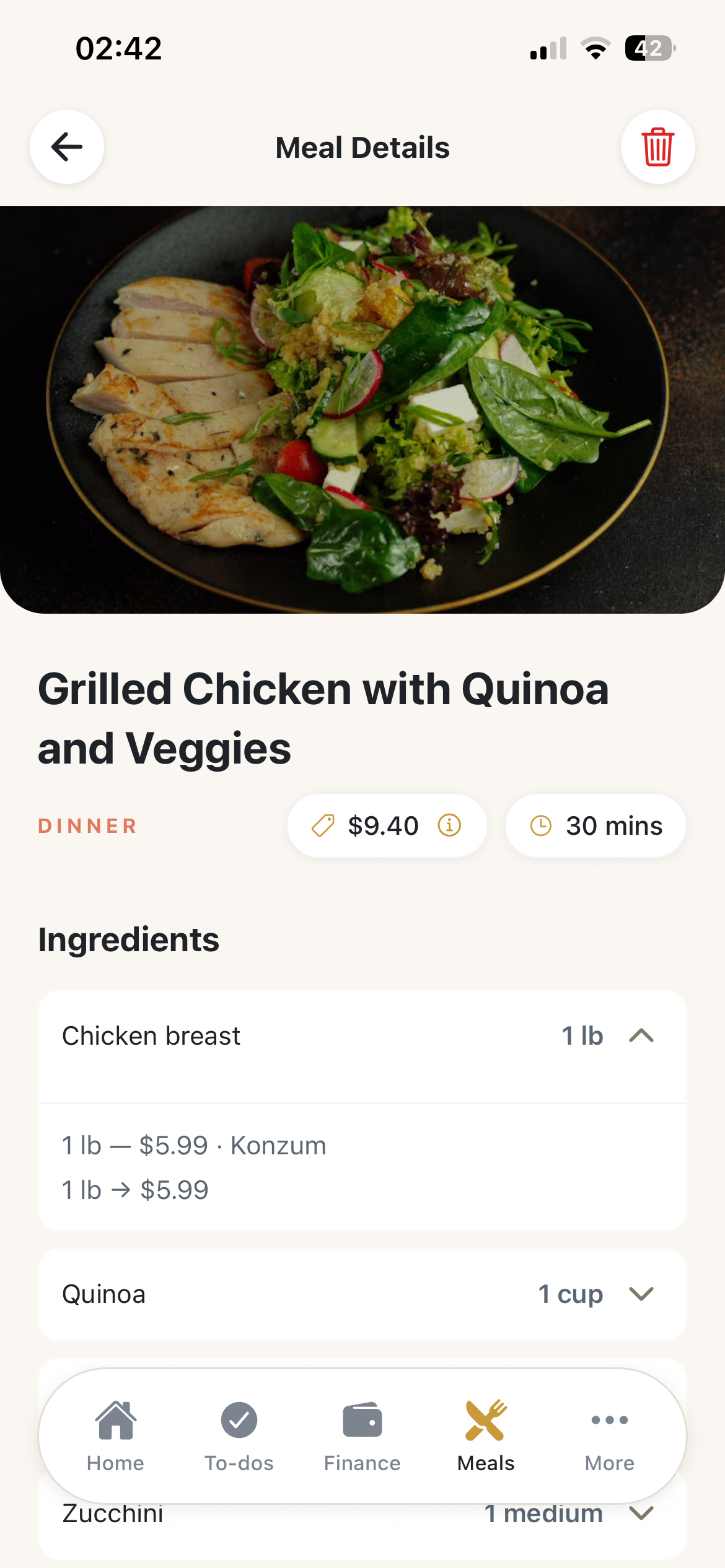
Meal details with cost breakdown screen
-
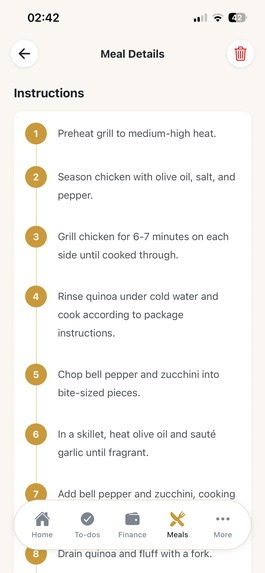
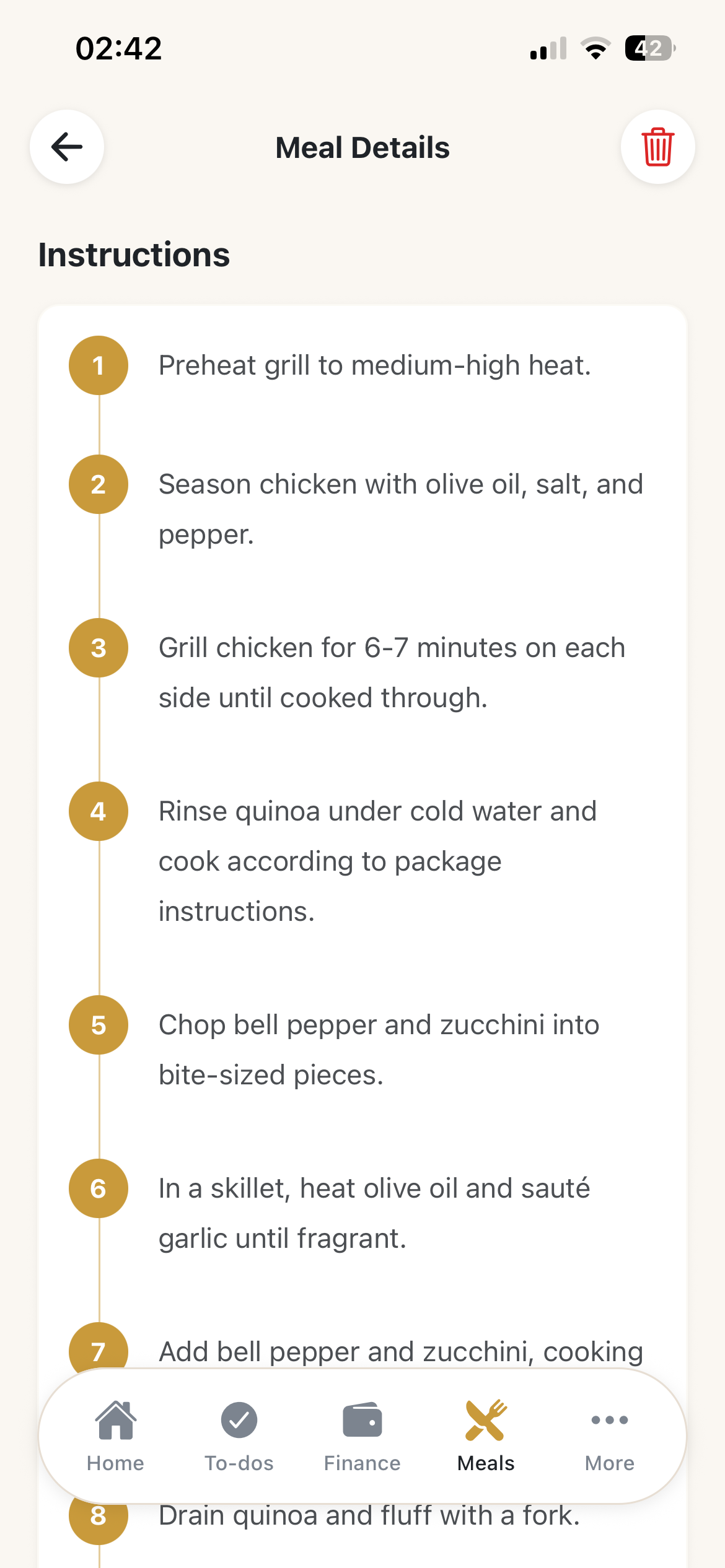
Cooking instructions on meal details
-
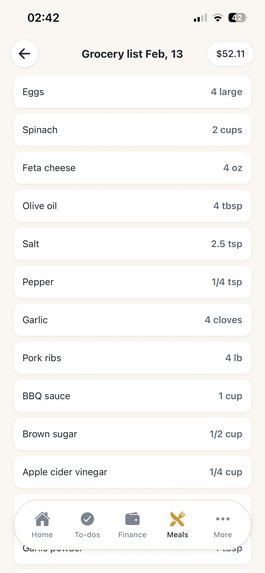
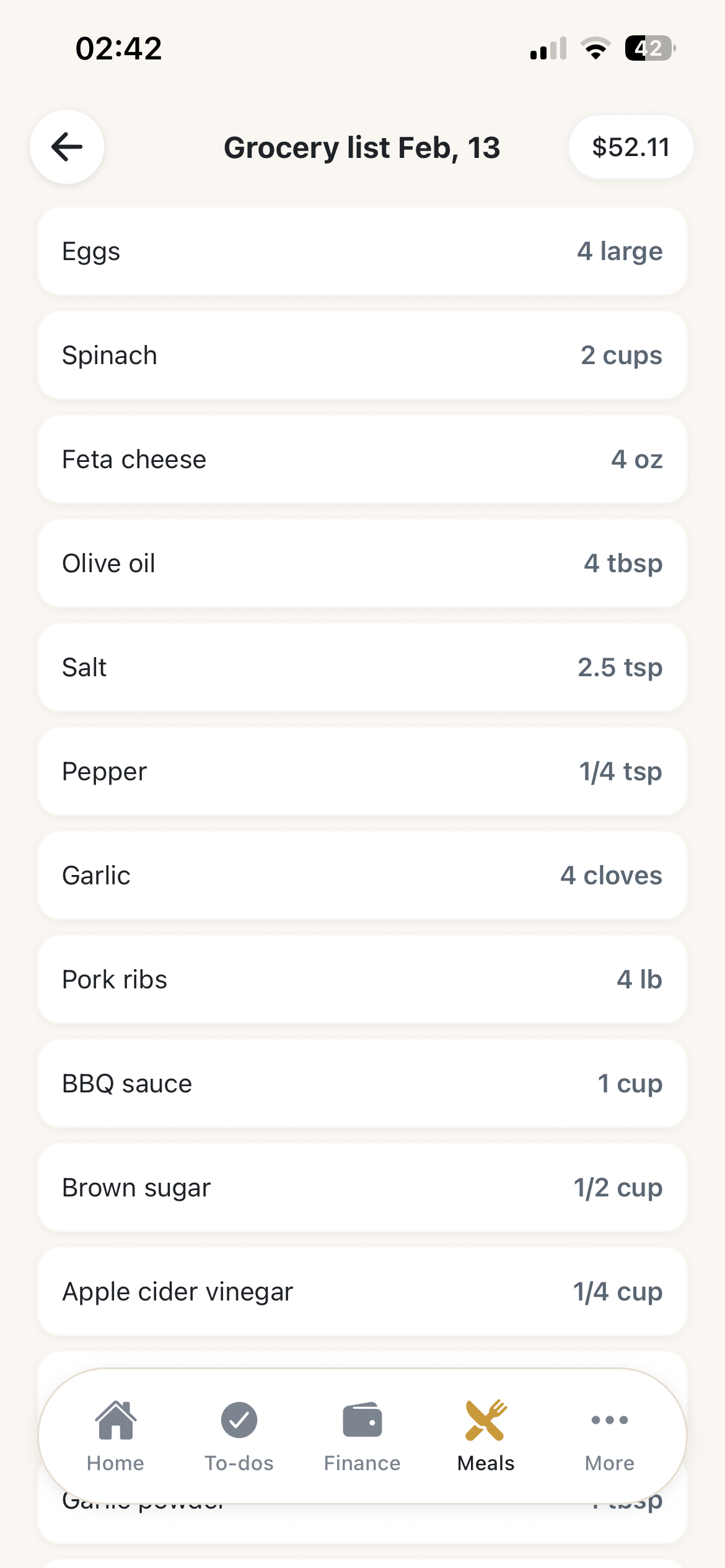
Ingredient list on meal details
-
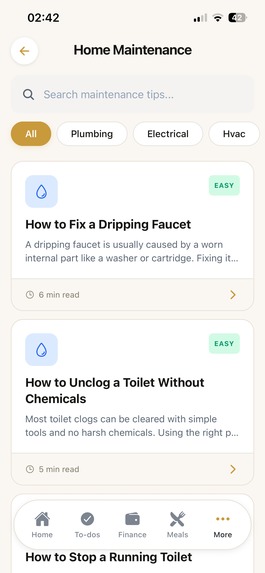
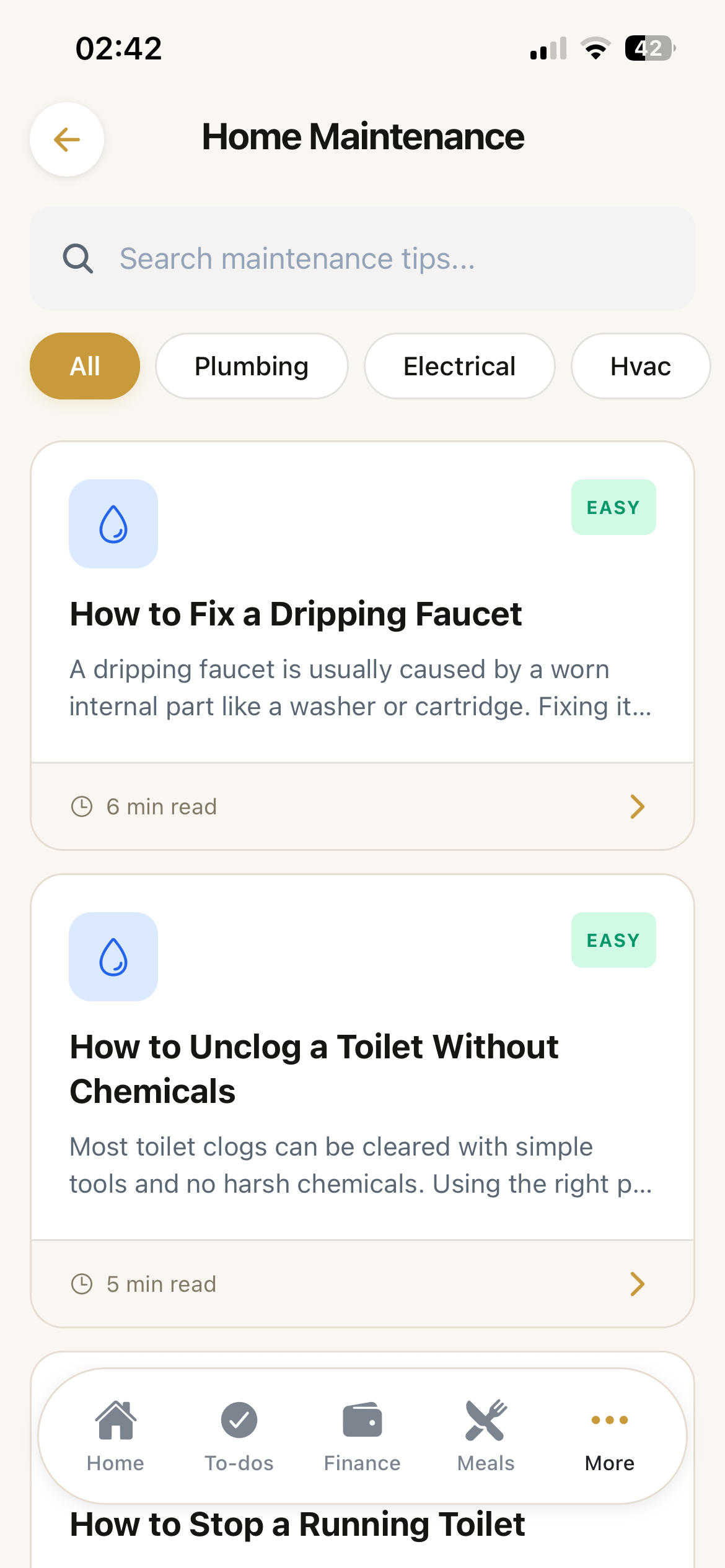
Home & Maintenance blog posts
-

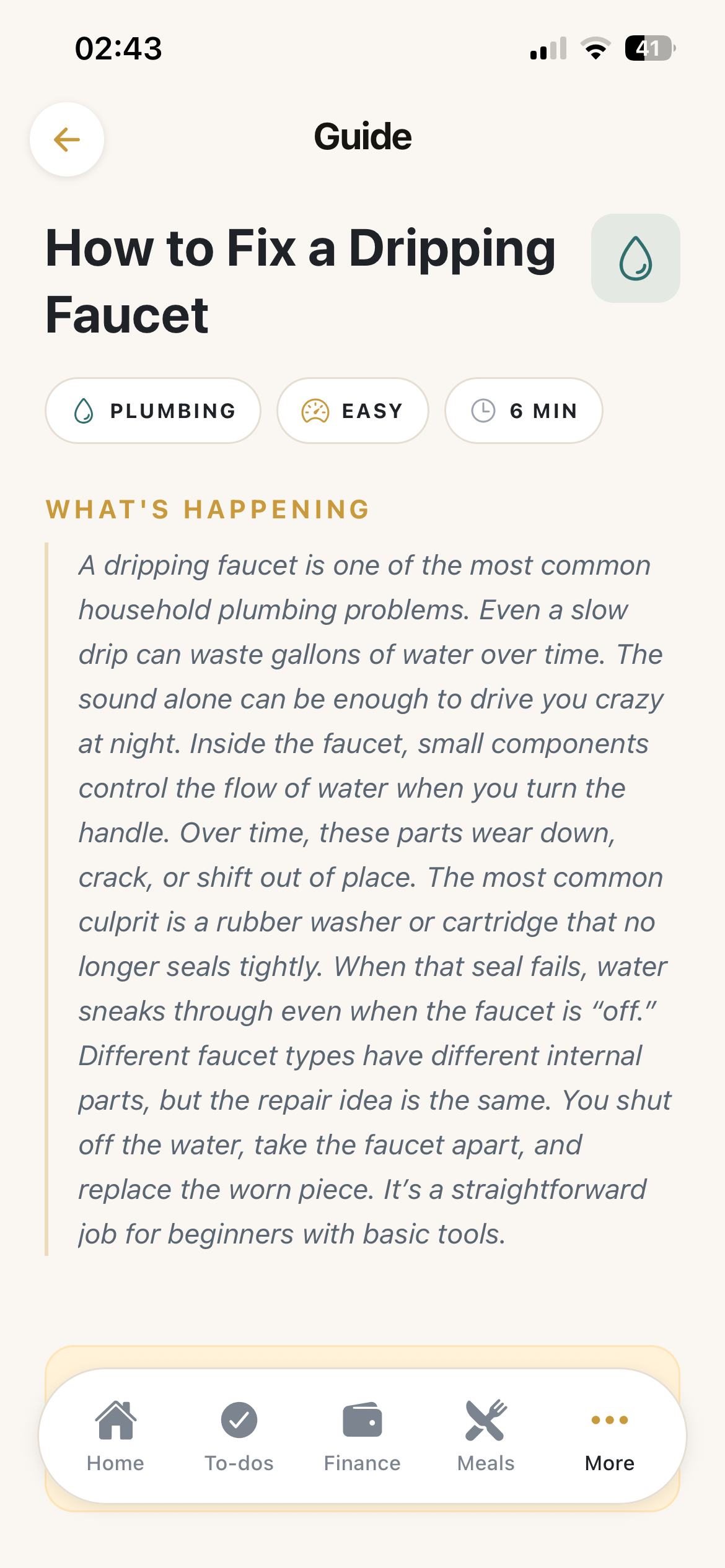
Home & Maintenance blog post details
-
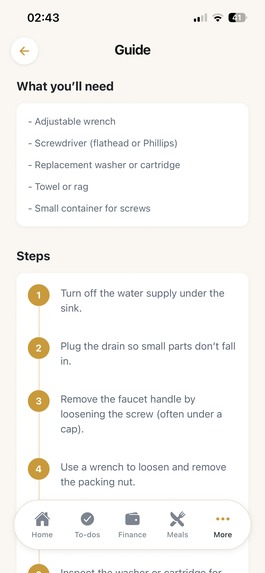
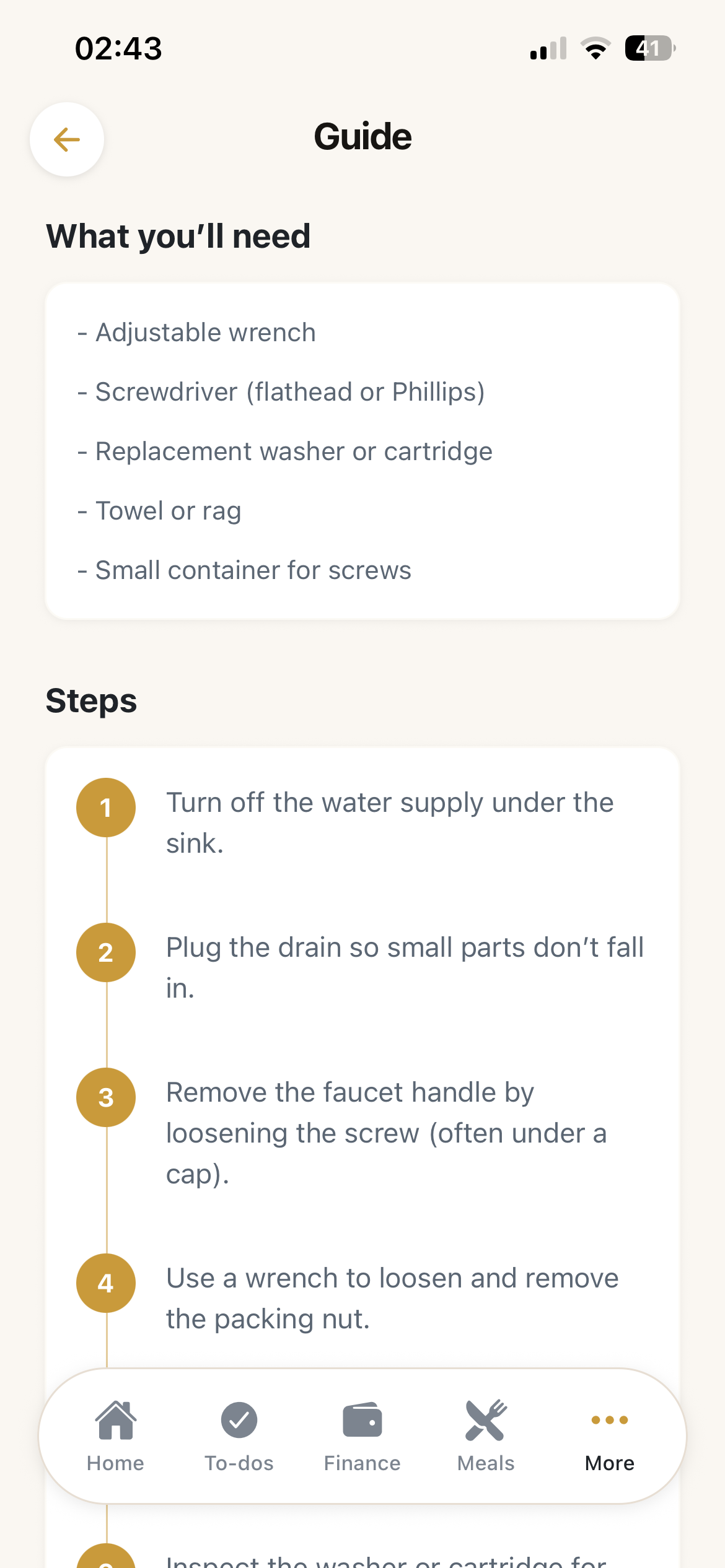
Home & Maintenance blog post details
-
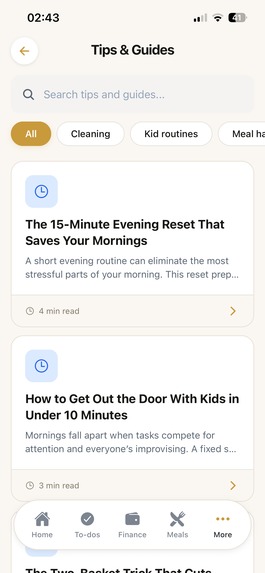
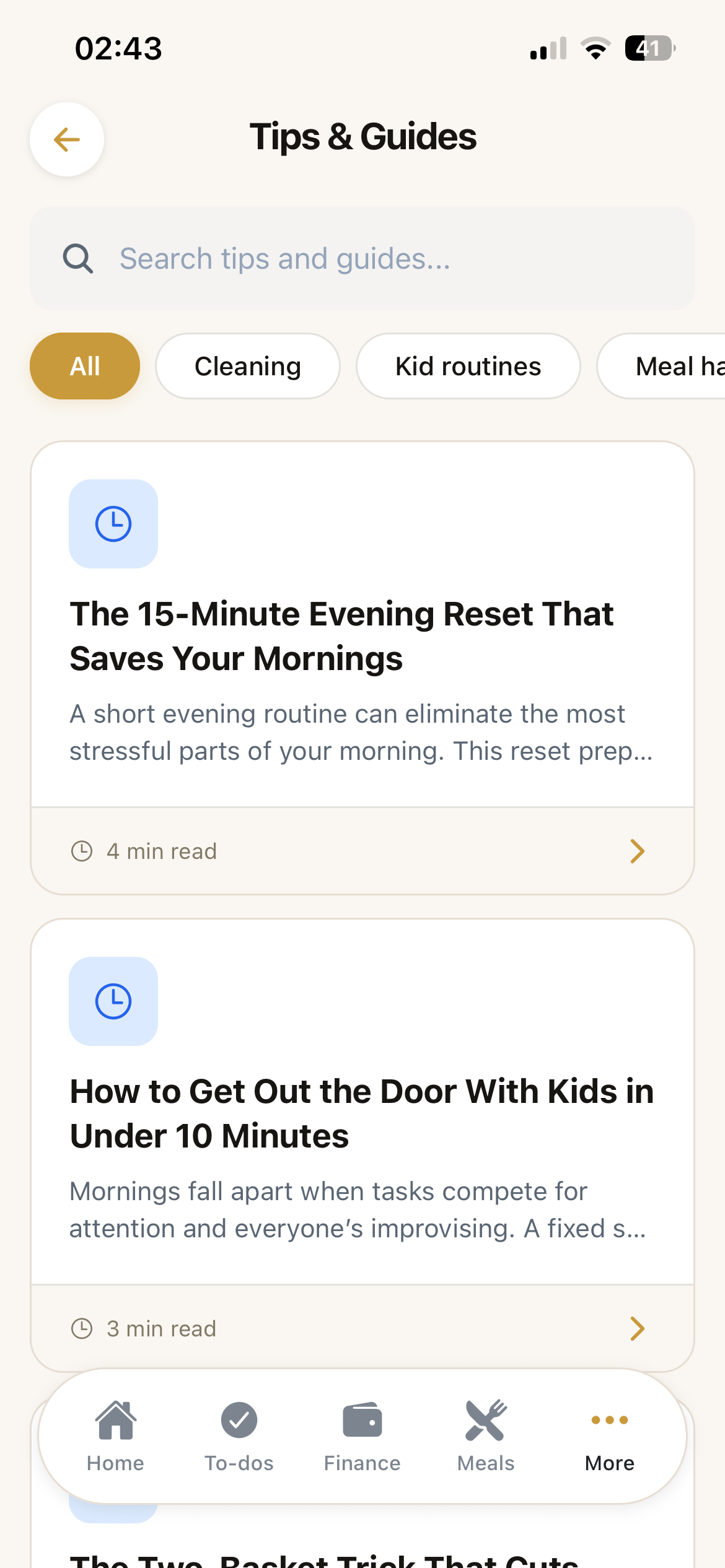
Tips & Guides blog posts
-
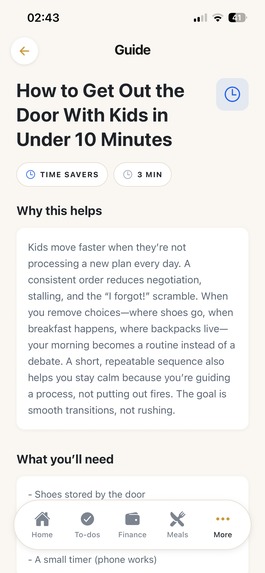
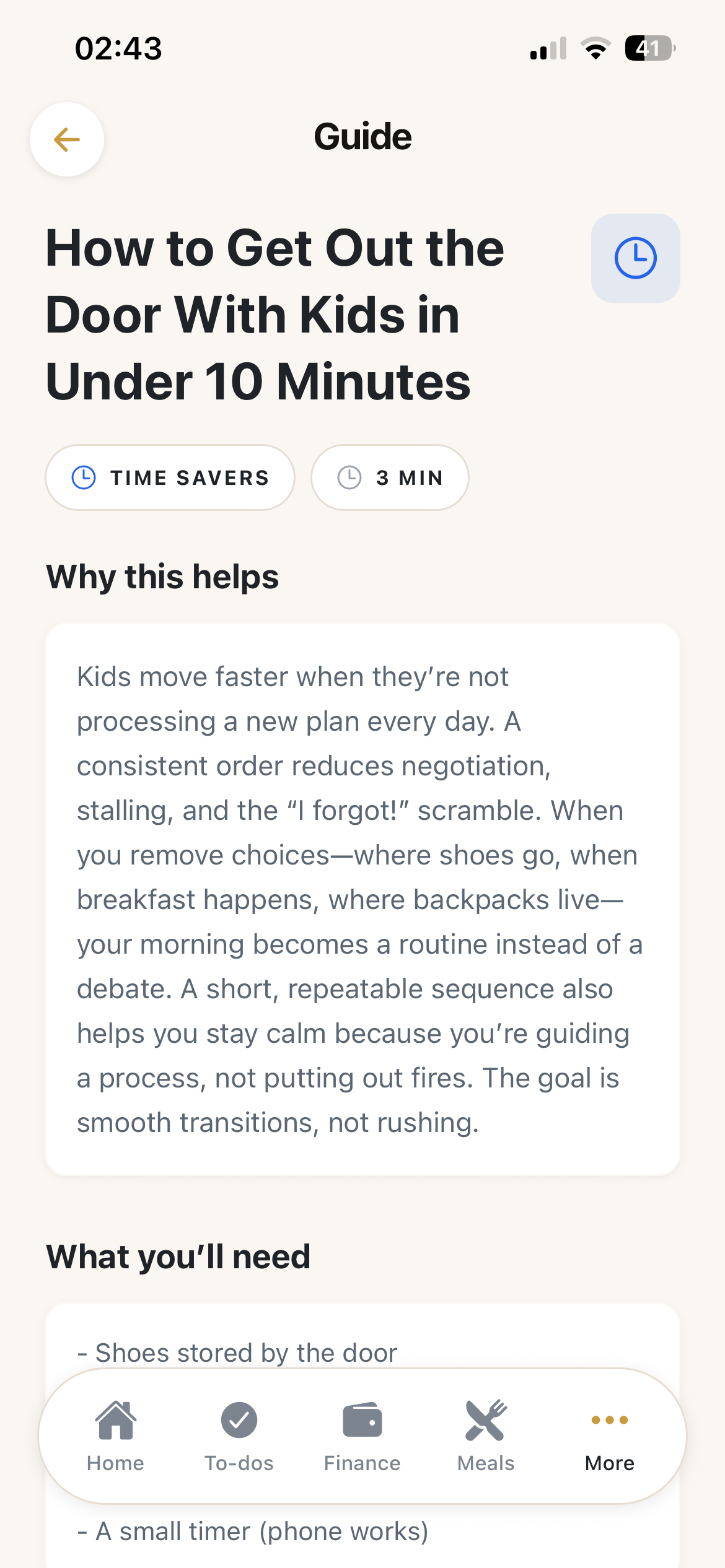
Tips & Guides blog post details
Inspiration
ParentPal was inspired by a simple but powerful observation: single parents carry the full mental load alone.
Budgeting, meals, chores, school logistics, bills, emotional support, everything runs through one person. Most tools solve only one piece of that puzzle. There are budgeting apps, meal planners, task managers. But there isn’t a calm, unified space built specifically for someone doing it all alone.
ParentPal was created to act like a digital co-parent, helping single parents feel more in control, reduce stress, and make smarter everyday decisions without spending hours researching or planning.
What it does
ParentPal combines the most important parts of daily life into one hub:
- Budget tracking with smart AI insights
- Meal planning with AI-generated recipes and grocery lists
- Task and chore management for the whole household
- Spending analysis that alerts users when categories exceed healthy thresholds
- Savings-aware budgeting, adjusting spendable income based on a chosen savings percentage
- Helpful blog posts for Home & Maintenance and parental Tips & guides to make life easier
How we built it
ParentPal is built using:
- React Native (Expo) for cross-platform development
- TypeScript for type safety
- Local device storage for privacy and simplicity
- OpenAI API for contextual AI insights and recipe generation
We designed a rule-driven + AI hybrid system E.g. for the financial feature:
- Financial caps are defined per category (e.g., dining out ≤ 5% of spendable budget).
- When a new expense is added:
- The app calculates monthly totals.
- It adjusts the budget based on the user’s savings percentage.
- It sends structured data to the AI.
- The AI returns a short JSON response
- Responses are validated with Zod before being stored and displayed.
This ensures insights are both intelligent and constrained — avoiding vague or misleading advice.
Challenges we ran into
Preventing “AI being too nice” Early versions of the AI would say spending was “okay” even when clearly excessive. We solved this by defining strict category percentage caps, passing explicit rule flags into the prompt, enforcing severity logic in the prompt itself.
Avoiding financial advice risk We wanted to include investment guidance without crossing into regulated territory. The solution was designing educational, general guidance, not recommendations.
Balancing simplicity and power Single parents don’t have time for complex dashboards. We focused on:
Short insights (2 lines max)
Clear signals
Minimal cognitive load
Designing for emotional impact This isn’t just a productivity app. It had to feel calm and supportive, not overwhelming.
Accomplishments that we're proud of
- A real-time AI financial insight system triggered by new expenses
- Savings-aware budgeting logic built into core calculations
- A unified “life hub” experience instead of fragmented tools
- Clean UX focused on clarity and mental load reduction
- Thoughtful safety design around financial education
Most importantly, we built something that feels like support, not another thing to manage.
What we learned
- AI must be constrained with strong guardrails to be reliable.
- Financial apps need clarity more than complexity.
- Emotional design matters as much as functionality.
- Short, actionable feedback beats long explanations.
- Users don’t just want tracking, they want guidance.
What's next for ParentPal: Single Parent Hub
Next steps include:
- Expanded AI budget recovery plans
- Smarter meal cost optimization
- Weekly “Money Wins” micro-tips
- A safe, education-focused investing module, the idea is to build out a blog with the influencer that is willing to work with us where they can share their tips and guides,
- Improved onboarding personalization
- Enhanced visual financial analytics
Our long-term goal is to build the ultimate digital co-parent, helping single parents feel supported, organized, and financially empowered.
Built With
- expo.io
- ios
- openai
- react-native

Log in or sign up for Devpost to join the conversation.