-
-
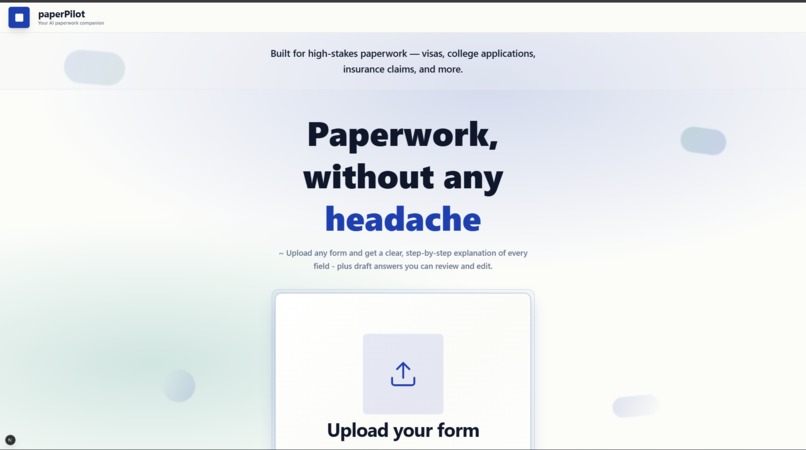
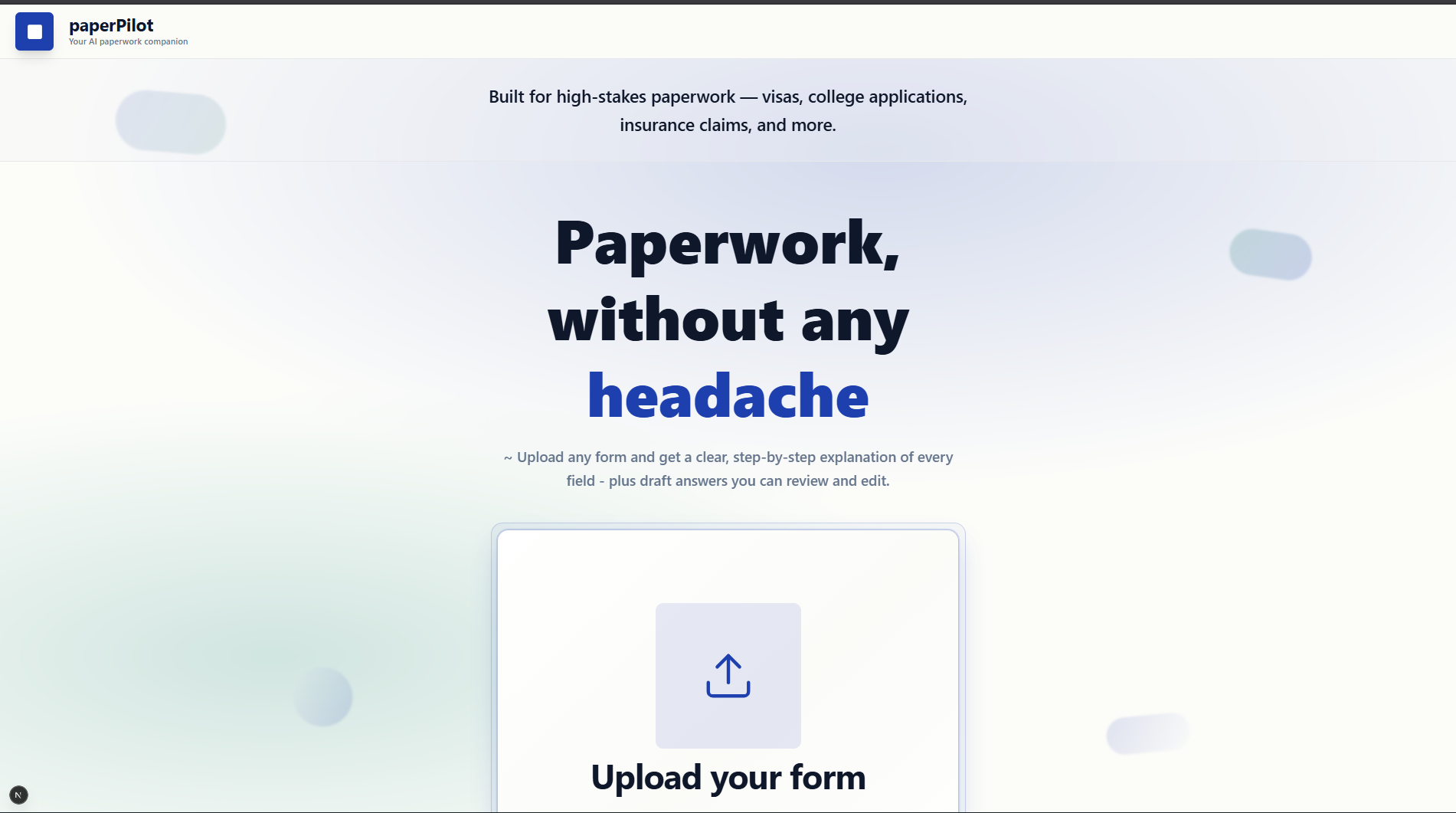
home page
-
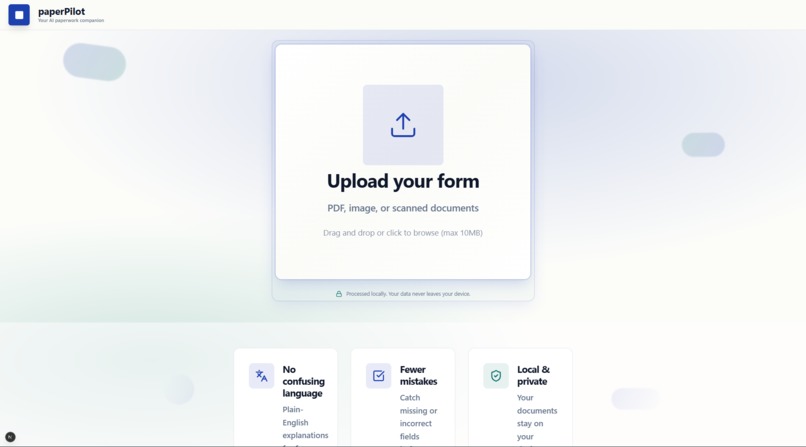
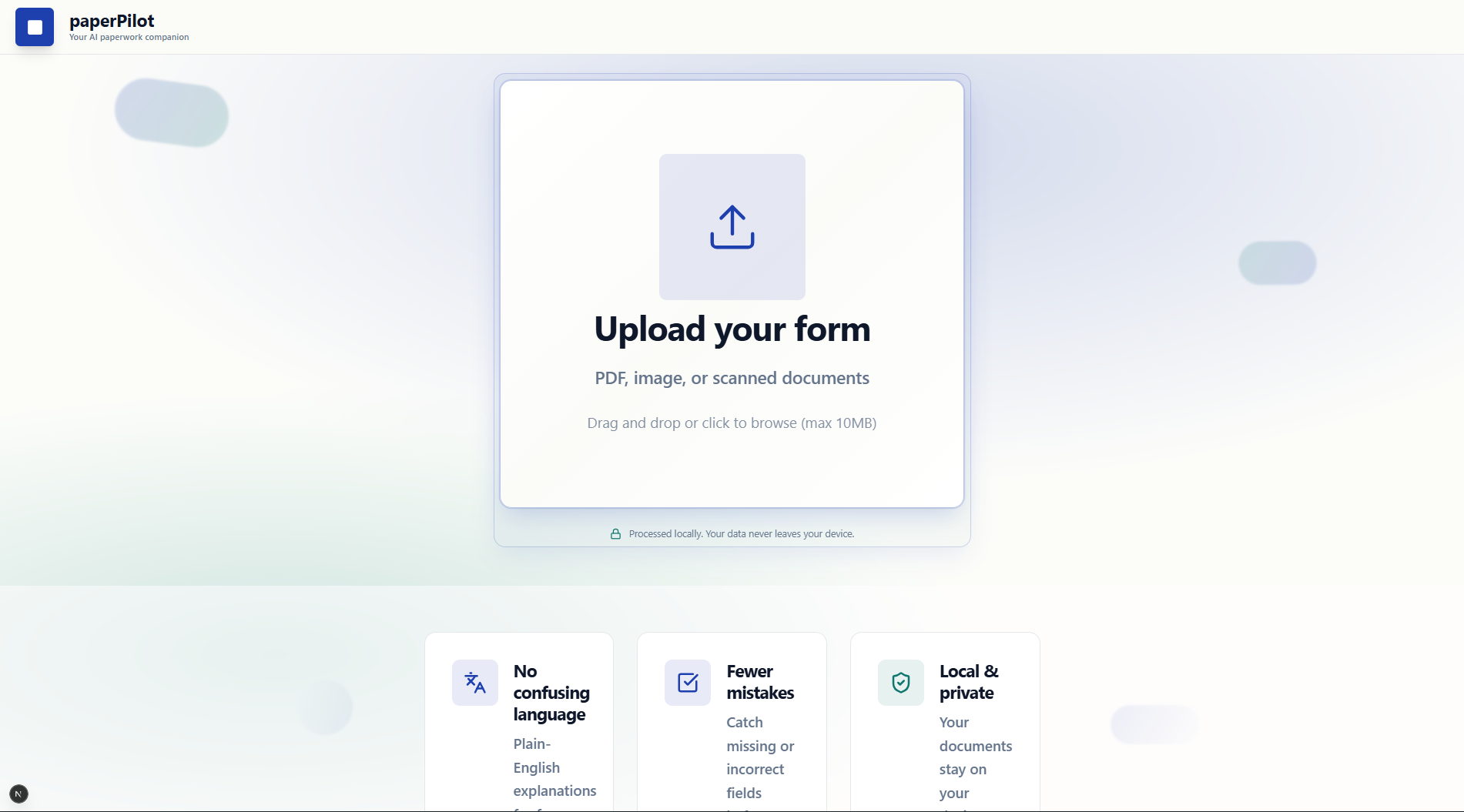
upload your form
-
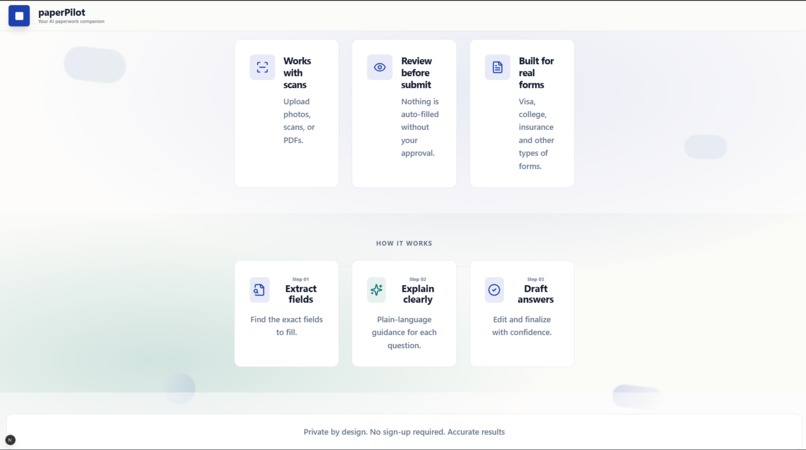
features and how it works
-
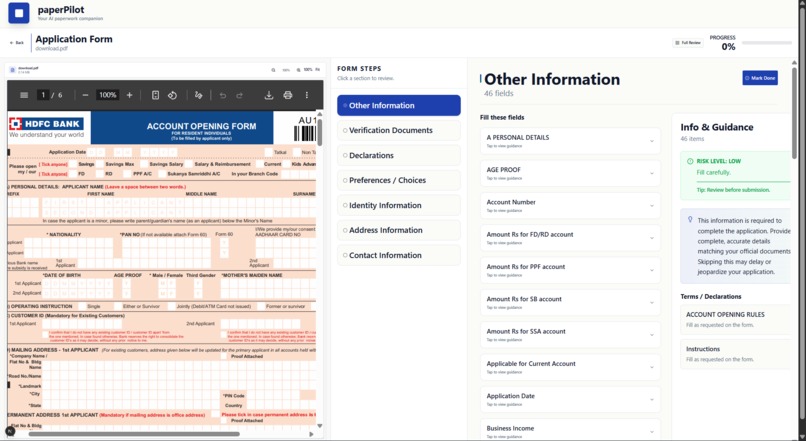
fill it by guidance
-
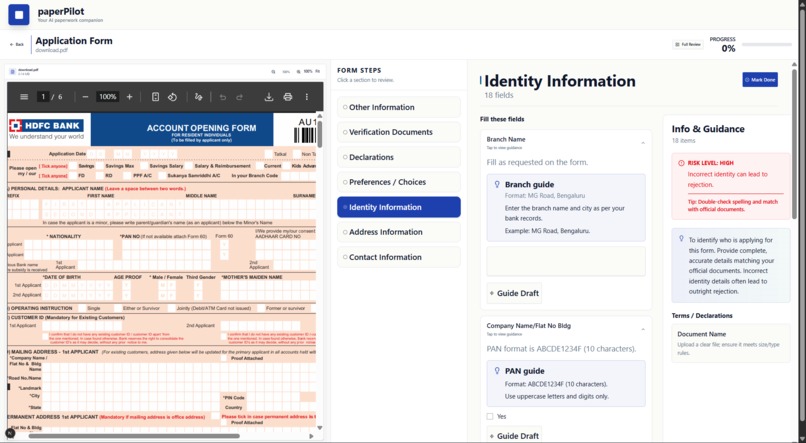
do it
-
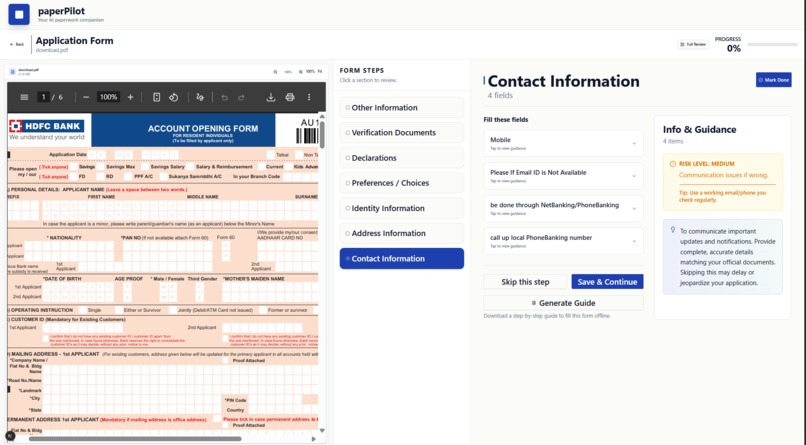
save it or generate guide text
Inspiration
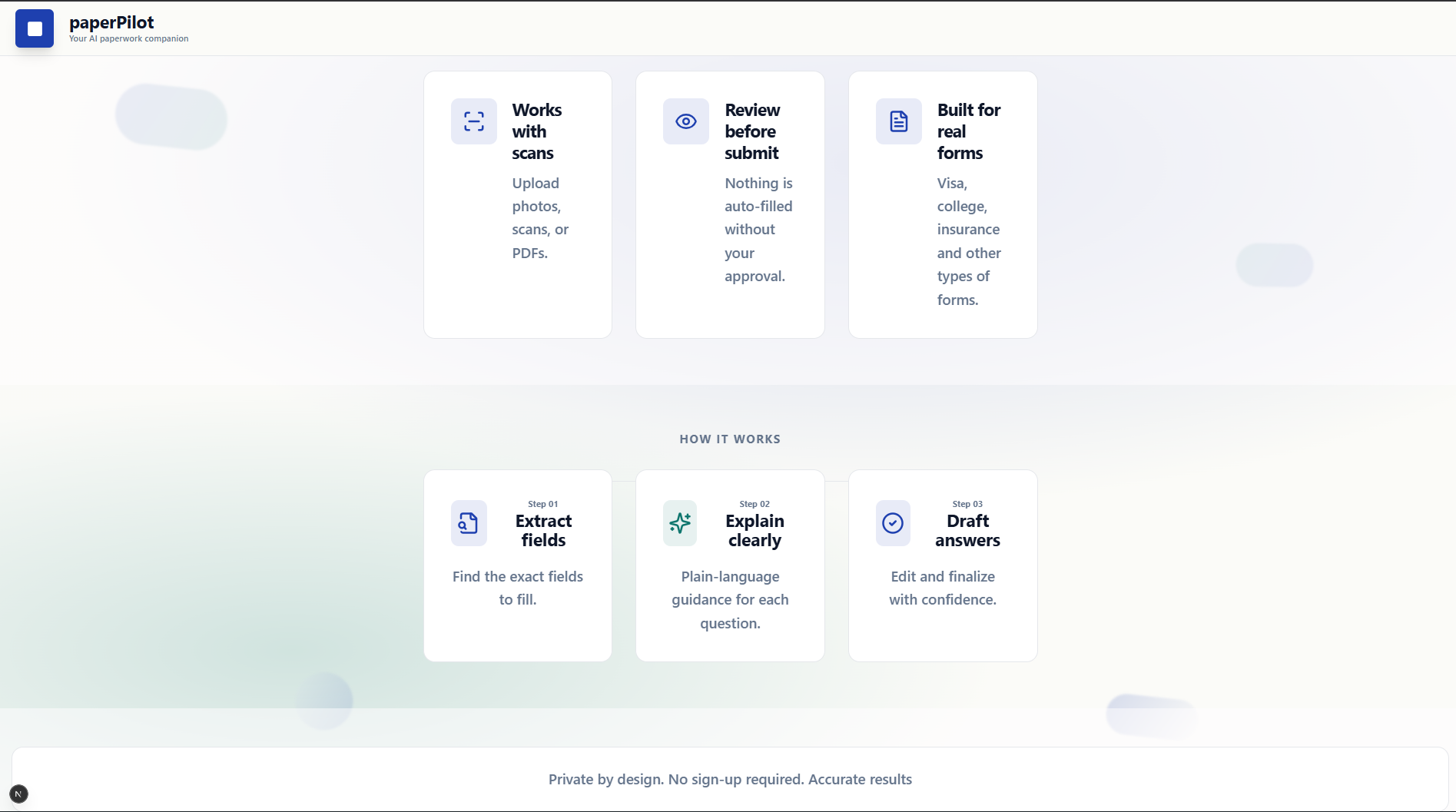
PaperPilot was inspired by the frustration of filling out important forms without fully understanding what was being asked. Many real-world documents—such as visa applications, college forms, and insurance paperwork—are written in dense, formal language designed for systems and reviewers, not for the people completing them.
While there are many tools that summarize PDFs or allow users to ask questions in a chat format, these tools often fall short when accuracy matters. A misunderstood field, a wrongly formatted answer, or a skipped declaration can lead to rejection or delays. This highlighted a gap: people don’t just need explanations—they need guided, step-by-step help to complete forms correctly.
PaperPilot was created to turn confusing paperwork into a clear sequence of actions, helping users understand what to fill, why it matters, and how to avoid mistakes—without sacrificing privacy.
What it does
PaperPilot is a local-first paperwork assistant that analyzes uploaded documents (PDFs, images, or DOCX files) and converts them into structured, actionable steps.
Key capabilities include:
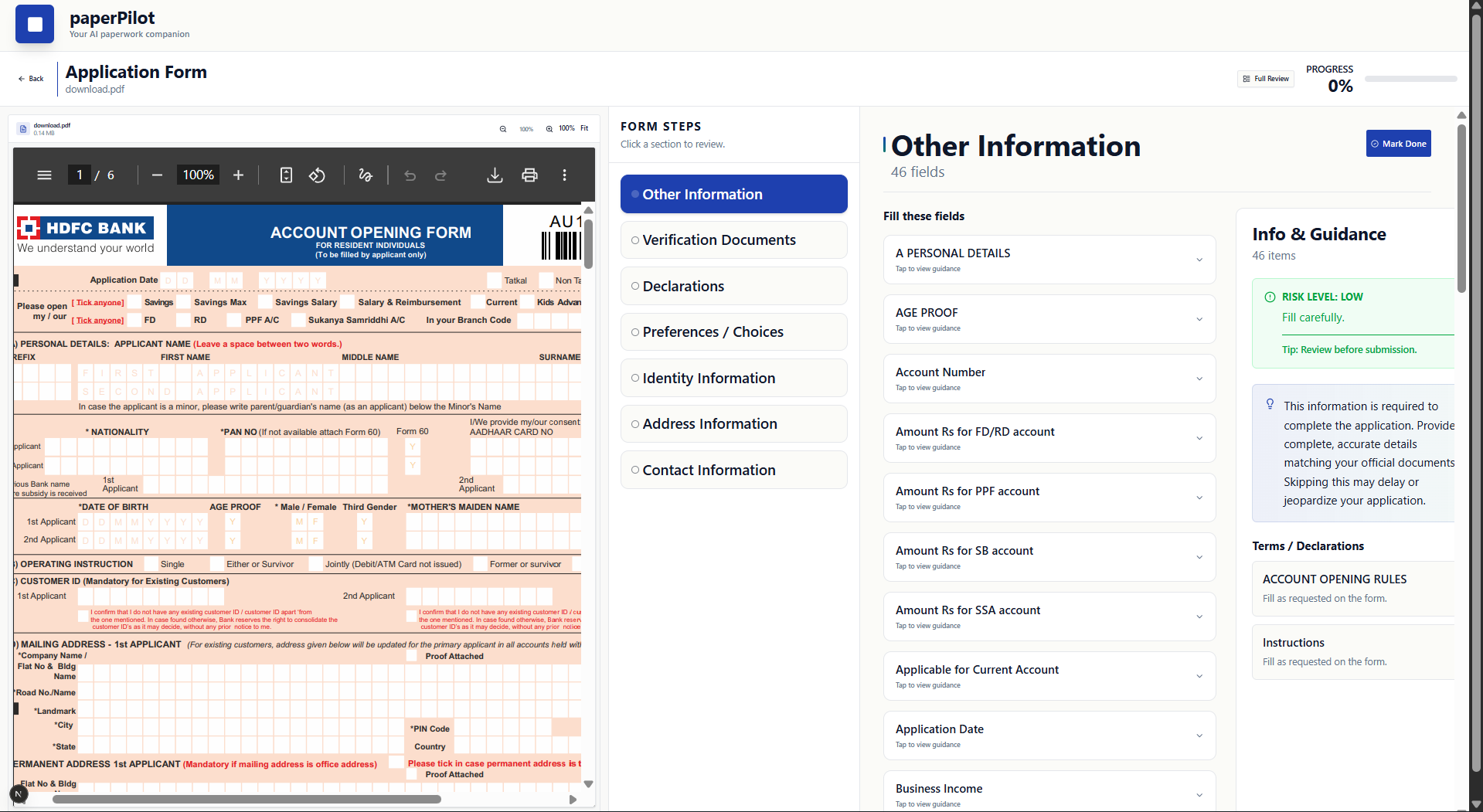
Breaking documents into logical steps grouped by intent (identity, verification, declarations, etc.)
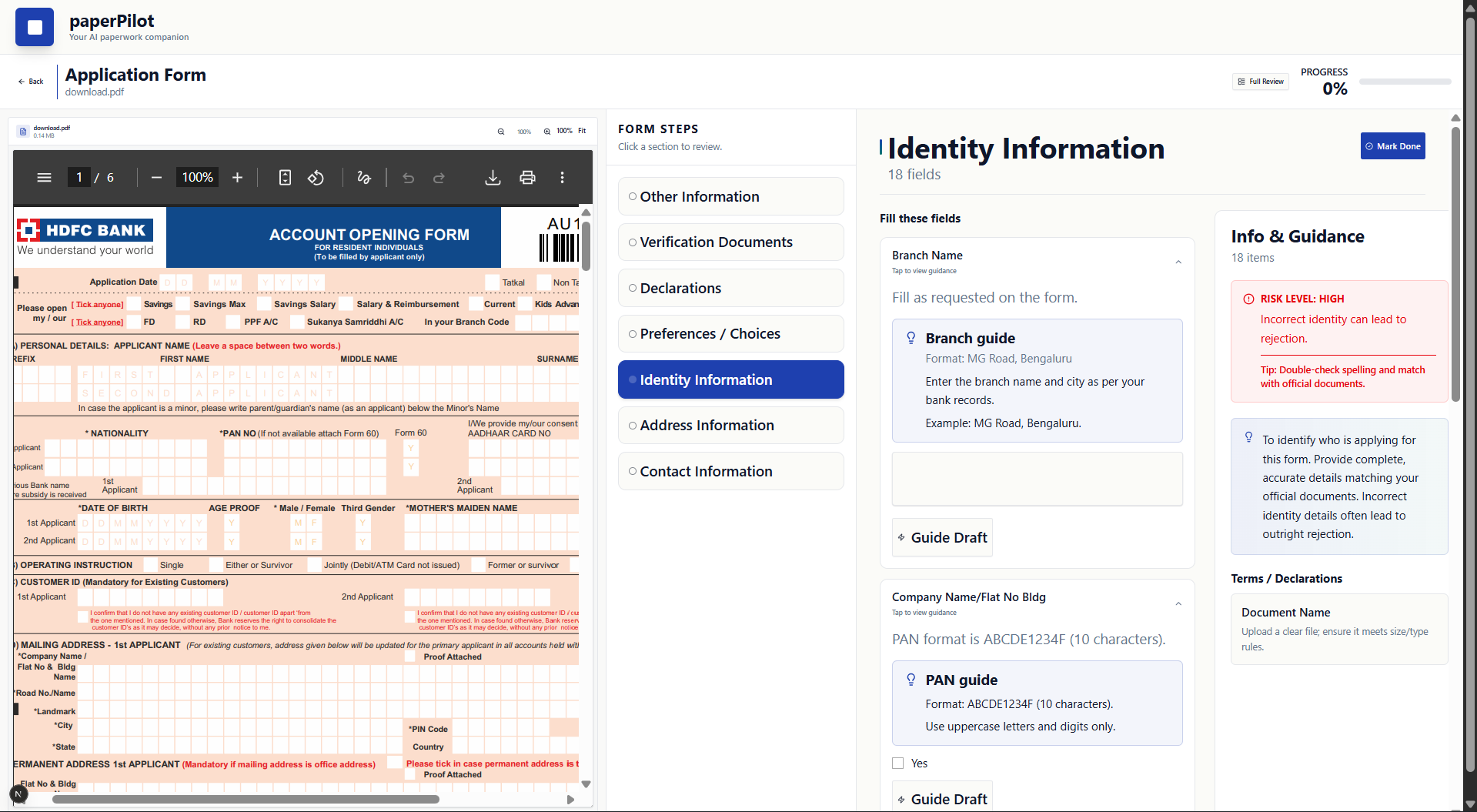
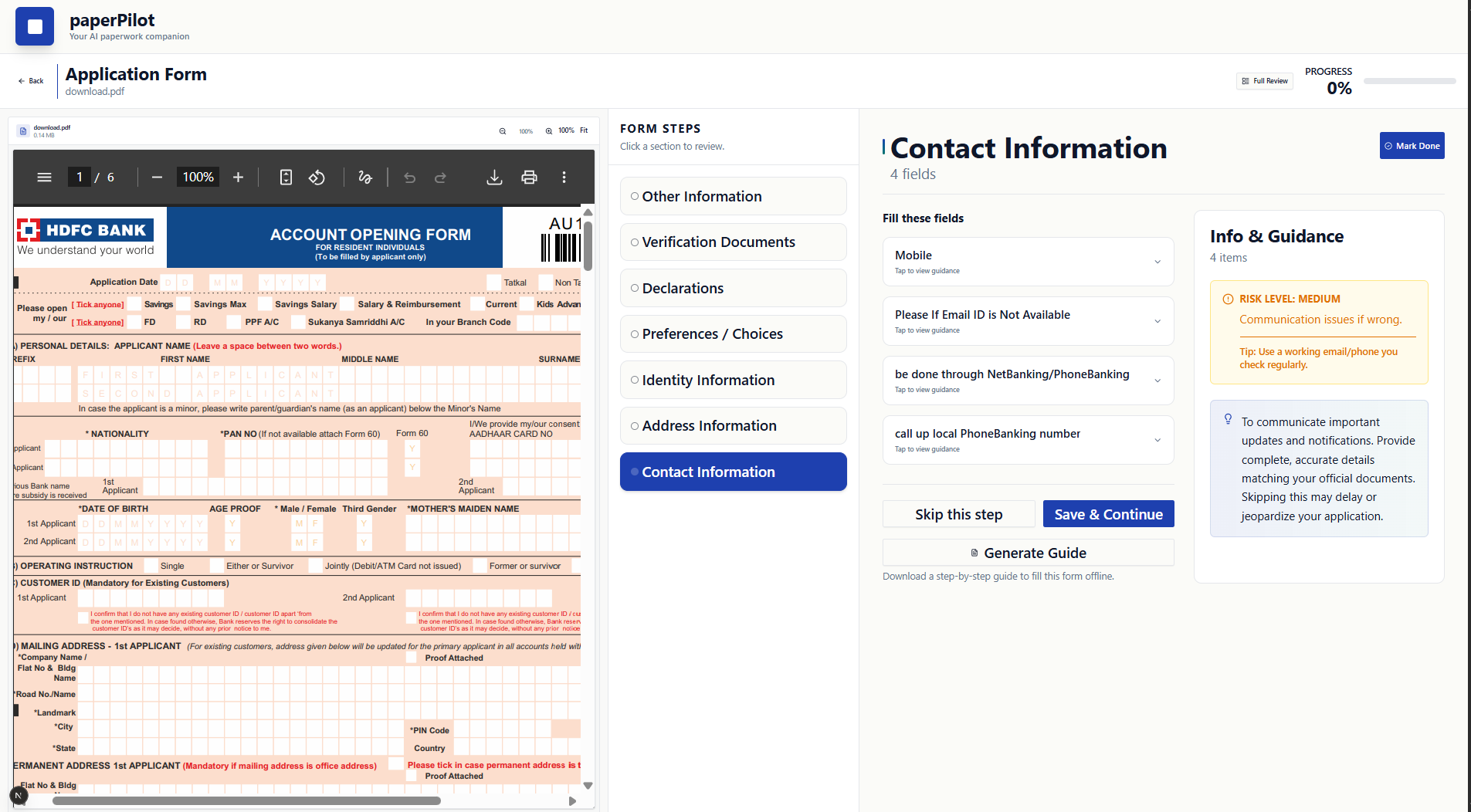
Highlighting risk levels for each step and explaining why errors matter
Separating fillable fields from informational or instructional content
Providing safe draft guidance using professional templates instead of fabricated data
Tracking progress so users can mark steps as completed or skipped
Exporting a filled PDF when the document contains true AcroForm fields
The result is an interface that helps users understand their paperwork before submitting it, rather than guessing or copying blindly.
How we built it
PaperPilot is built with a clear separation between analysis and presentation.
Backend
FastAPI powers the backend API
PyMuPDF is used to extract text and detect AcroForm fillable fields in PDFs
EasyOCR provides OCR fallback for scanned documents and images
python-docx handles DOCX file extraction
Custom heuristics detect field-like text and reduce OCR noise
The backend converts extracted content into a structured step format consumed by the frontend
Frontend
Built using Next.js (App Router) with React and TypeScript
Tailwind CSS and Radix UI components are used for a clean, readable interface
The main “after-upload” experience is handled by a FormProcessor component that:
Displays steps
Shows guidance and risk indicators
Allows safe draft suggestions and review
Supports filled-PDF export where applicable
The system is designed to be modular, so extraction, step generation, and UI rendering can evolve independently.
Challenges we ran into
One of the biggest challenges was handling the variability of real-world documents. Some PDFs contain clean text layers, others are scanned images, and many mix instructions, declarations, and form fields in inconsistent layouts.
OCR quality was another challenge. Scanned documents often contain noise, skew, or formatting artifacts, requiring text cleaning and heuristics to avoid misleading field detection.
Balancing automation with safety was also difficult. Automatically generating answers can be risky for paperwork, so PaperPilot had to avoid hallucinated personal data and instead provide guided templates that users explicitly review and edit.
On the frontend, maintaining readability for dense forms—without overwhelming users—required careful layout, spacing, and typography decisions.
Accomplishments that we're proud of
1.Building a system that goes beyond summarization and focuses on actionable clarity
2.Successfully detecting and filling AcroForm PDFs while maintaining user control
3.Designing a UI that separates fillable fields from explanatory content
4.Implementing a privacy-first workflow with no account requirement
5.Creating a complete end-to-end experience from upload to review to export
What we learned
This project reinforced that accuracy matters more than automation when dealing with high-stakes documents. Users benefit most when tools explain why something is required, not just what to enter.
We also learned the importance of designing AI systems with constraints. By limiting suggestions to safe templates and structured guidance, PaperPilot avoids common pitfalls of over-confident automation.
From a technical perspective, the project deepened our understanding of document parsing, OCR limitations, and building maintainable full-stack systems with clear boundaries between logic and presentation.
What's next for paperPilot
Future improvements for PaperPilot include:
Coordinate-based overlays to support filled-PDF export for scanned forms
Better form field classification using layout and semantic signals
Optional offline-only processing modes for enhanced privacy
Support for additional document types and regional form formats
More advanced review and validation checks before final submission
The long-term goal is to make PaperPilot a reliable companion for anyone dealing with important paperwork—helping them submit with confidence rather than uncertainty.
Built With
- easyocr
- fastapi
- next.js
- numpy
- pillow
- pymupdf
- python
- python-docx
- react
- tailwind-css
- typescript
- uvicorn


Log in or sign up for Devpost to join the conversation.