-
-
-
-
About section
Inspiration
A huge number of students in India do not have steady or unlimited internet access. Many have to rely on limited cellular data or share a family member's mobile hotspot just to study. Most quiz and paper generator apps out there are made for a global audience and require you to be constantly online. Even worse, generic AI tools don't understand the exact regional syllabus blueprints used by Indian boards like CBSE and ICSE.
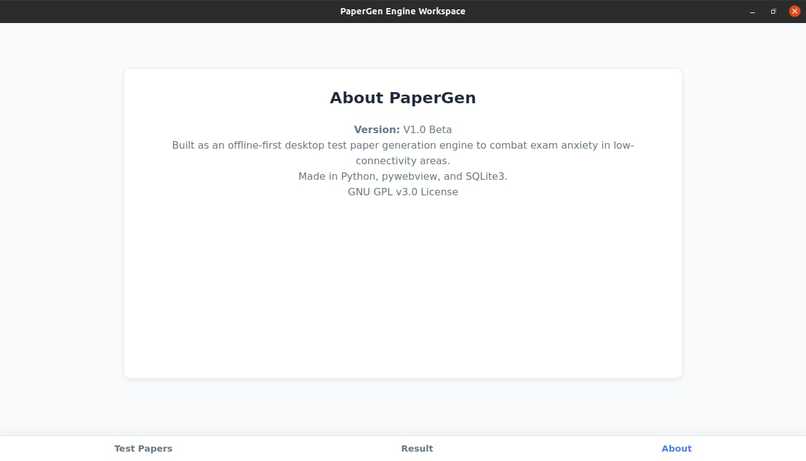
We built PaperGen to solve both problems at once. It is an offline-first app that follows the local curriculum, uses zero data, and keeps everything on your device so students can study without worrying about network lag or server crashes. Education shouldn't break just because the Wi-Fi did.
What it does
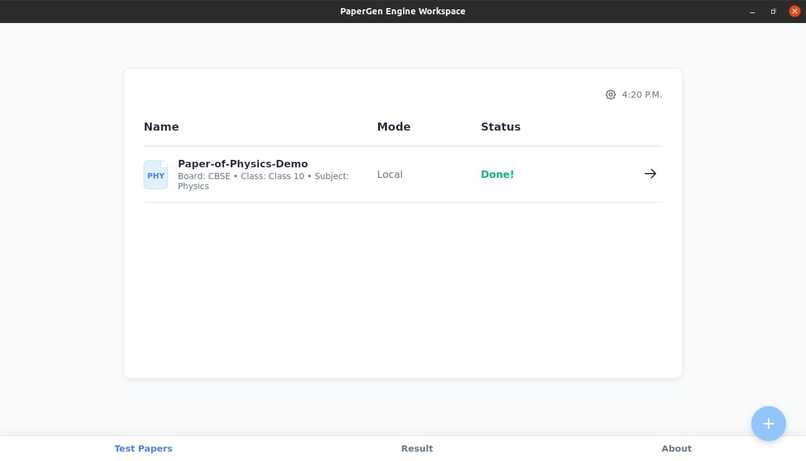
PaperGen is a lightweight application that creates test papers for subjects like Physics, Chemistry, Biology, Mathematics, and Computer Science based on the selected class, chapters, board, and subject.
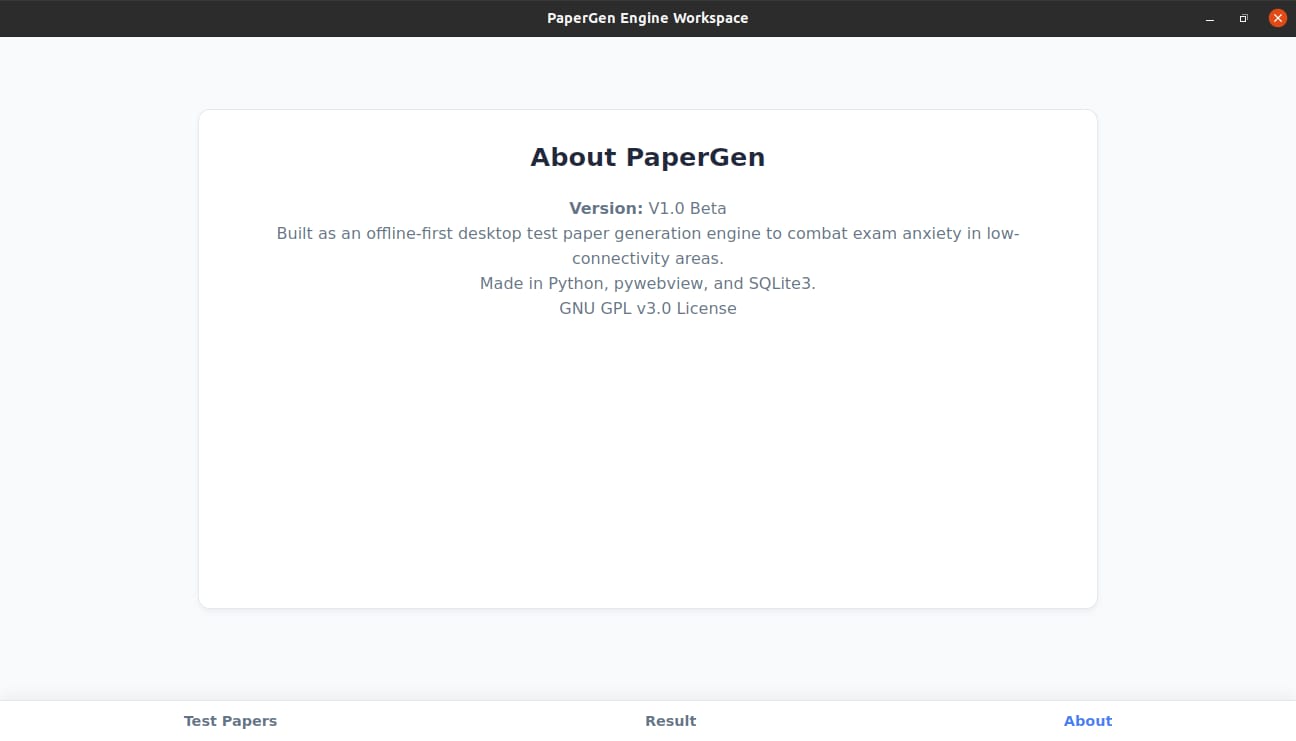
It does everything completely locally without any internet access, making it incredibly useful for areas with poor connectivity. Instead of relying on online AI models that fail to grasp regional Indian syllabi (like CBSE, ICSE, and State boards), PaperGen uses a built-in database packed with questions and answers from trusted regional sources. The core files that generate and display the papers are under 1MB, meaning it runs perfectly even on low-end, budget devices.
How we built it
We designed, built, and debugged the core architecture of this Offline Board Exam Engine during a fast-paced weekend hackathon sprint. The project uses a clean, local three-tier architecture:
- Backend Core: Built with Python 3.x to manage application routing and filter exam criteria.
- Database Layer: Powered by SQLite3 using a robust 10-column schema. It handles randomization natively via
ORDER BY RANDOM()to pull unique 20-question test sheets. - Desktop Bridge: Powered by
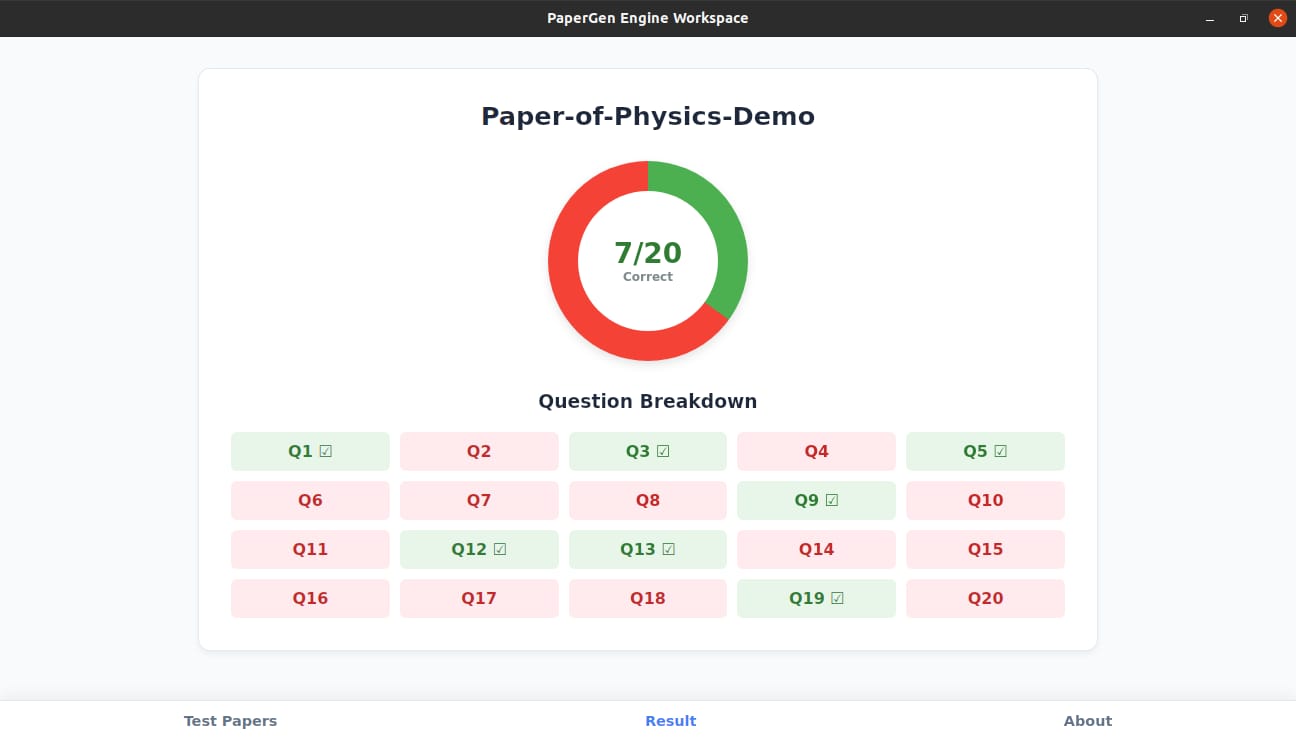
pywebviewto render native GUI app windows cleanly without the bloat of massive frameworks like Electron or outdated layouts like Tkinter. - Frontend Interface: Written in vanilla HTML5, CSS3, and JavaScript, creating a smooth Single-Page Application (SPA) flow with bottom navigation tabs and a custom analytics screen.
Challenges we ran into
Building a complete MVP on a tight timeline brought up some stressful late-night bugs:
- SQLite Schema Locks: We ran into classic database lock errors when updating table structures because older database versions clashed with our new scripts. We had to drop the old tables completely to rebuild the environment cleanly.
- Data Key Mismatches: We fought a frontend bug where the UI tried to read a variable as
classNamewhile our backend expectedclass_name. - Git Merge Errors: Dealing with divergent branches right before the final submission freeze tested our troubleshooting limits under extreme pressure.
Accomplishments that we're proud of
- Crossing the Finish Line: We are incredibly proud that we did not give up when the bugs got messy, successfully pushing the app to completion.
- True Local Randomization: We built a fully operational, zero-internet dynamic randomization engine that completely eliminates network lag and server dependencies.
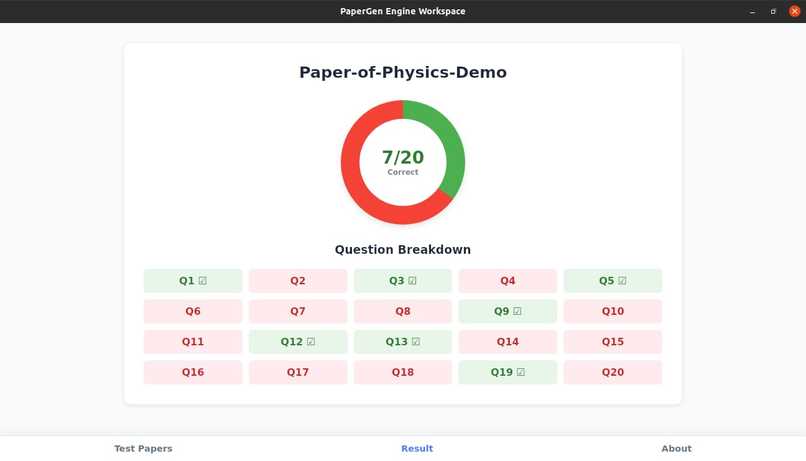
- Zero-Dependency Analytics: We successfully built a UI analytics view that dynamically paints a custom CSS conic-gradient pie chart using local SQLite data, completely independent of external charting packages or online CDNs.
What we learned
- The Value of a Vertical Slice: This project taught us to focus on building a functional prototype to prove a concept rather than getting trapped trying to build every single feature during a short marathon sprint.
- Bridge Communication: We mastered using
pywebview's built-in JavaScript API bridge to pass data seamlessly between a web frontend and a Python backend completely offline. - State & Git Management: We learned how to properly manage database state changes and handle advanced Git operations like rebasing to safely resolve remote code history conflicts.
What's next for PaperGen
If we had two more weeks to develop this application further for real-world school environments, here is exactly what we would build next:
- Printable PDF Report Cards: Allow students and teachers to export their test results and performance pie charts into a clean, professional PDF file to print or share offline.
- Multi-Student Profiles: Add a simple login screen so multiple students or siblings can share the exact same app on a single home or school computer while keeping their scores separate.
- Offline AI Question Creator: Integrate a small, lightweight AI model that runs completely locally on the device to automatically generate brand new math and science questions so the database never runs out.
- Full Subject & Board Catalog: Finish populating the question banks for ICSE and various State Boards, alongside adding extra subjects like Chemistry, Mathematics, and Computer Science.
Built With
- css3
- html5
- javascript
- python
- pywebview
- sqlite

Log in or sign up for Devpost to join the conversation.