Inspiration
What it does
How we built it
Challenges we ran into
Accomplishments that we're proud of
What we learned
What's next for PaperCue AI
Inspiration
Every year, students miss scholarships, admission opportunities, and important exam deadlines—not necessarily because they are ineligible, but because crucial information is buried inside long, confusing notices.
A single school notice can contain deadlines, required documents, eligibility conditions, and instructions scattered across paragraphs. Students often have to read everything repeatedly just to understand one question: What exactly do I need to do next?
I built PaperCue AI to make that answer clearer.
What it does
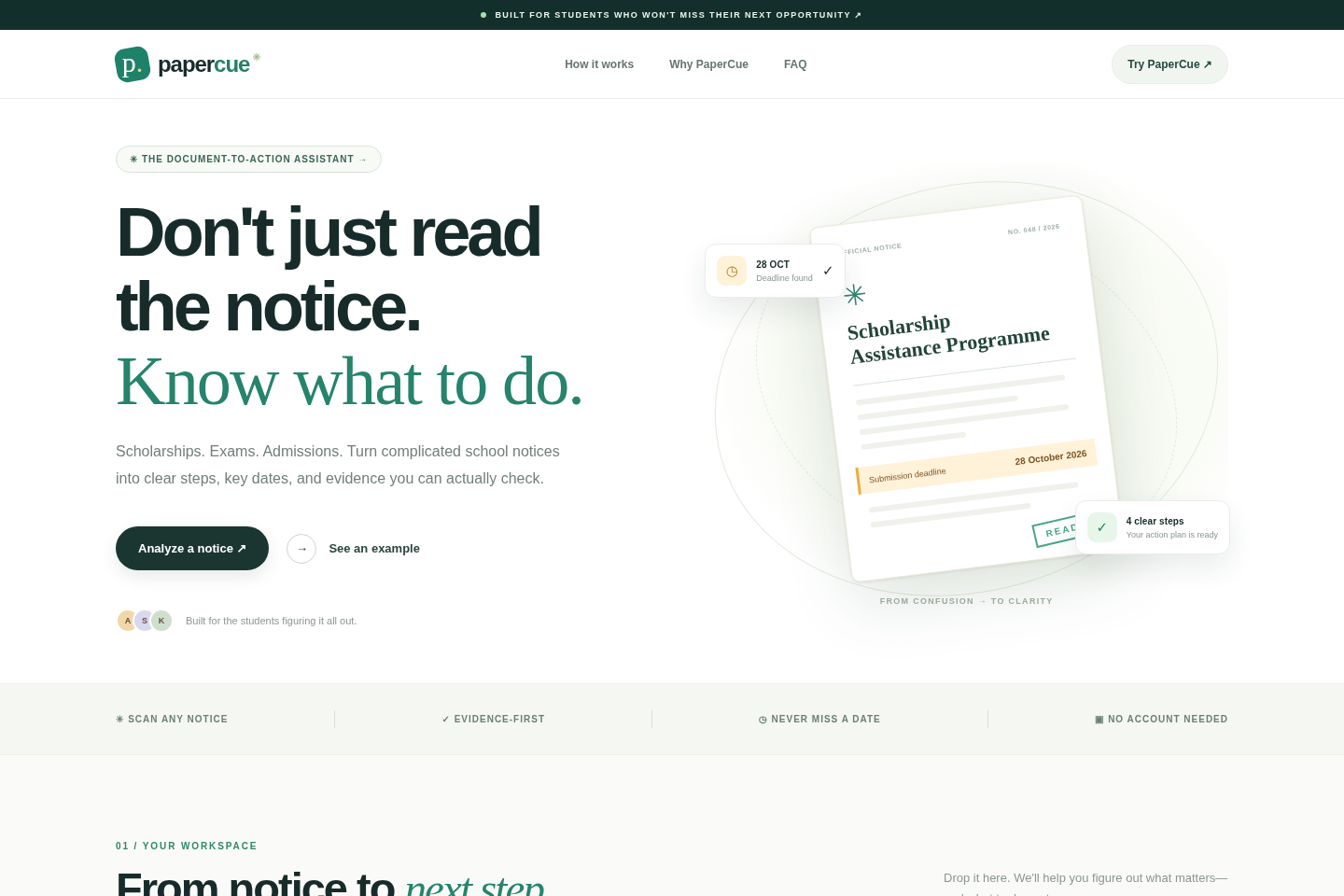
PaperCue transforms school, scholarship, admission, and examination notices into simple, actionable plans.
Students can upload a notice image, submit a text-based PDF, or paste notice text. PaperCue then helps them:
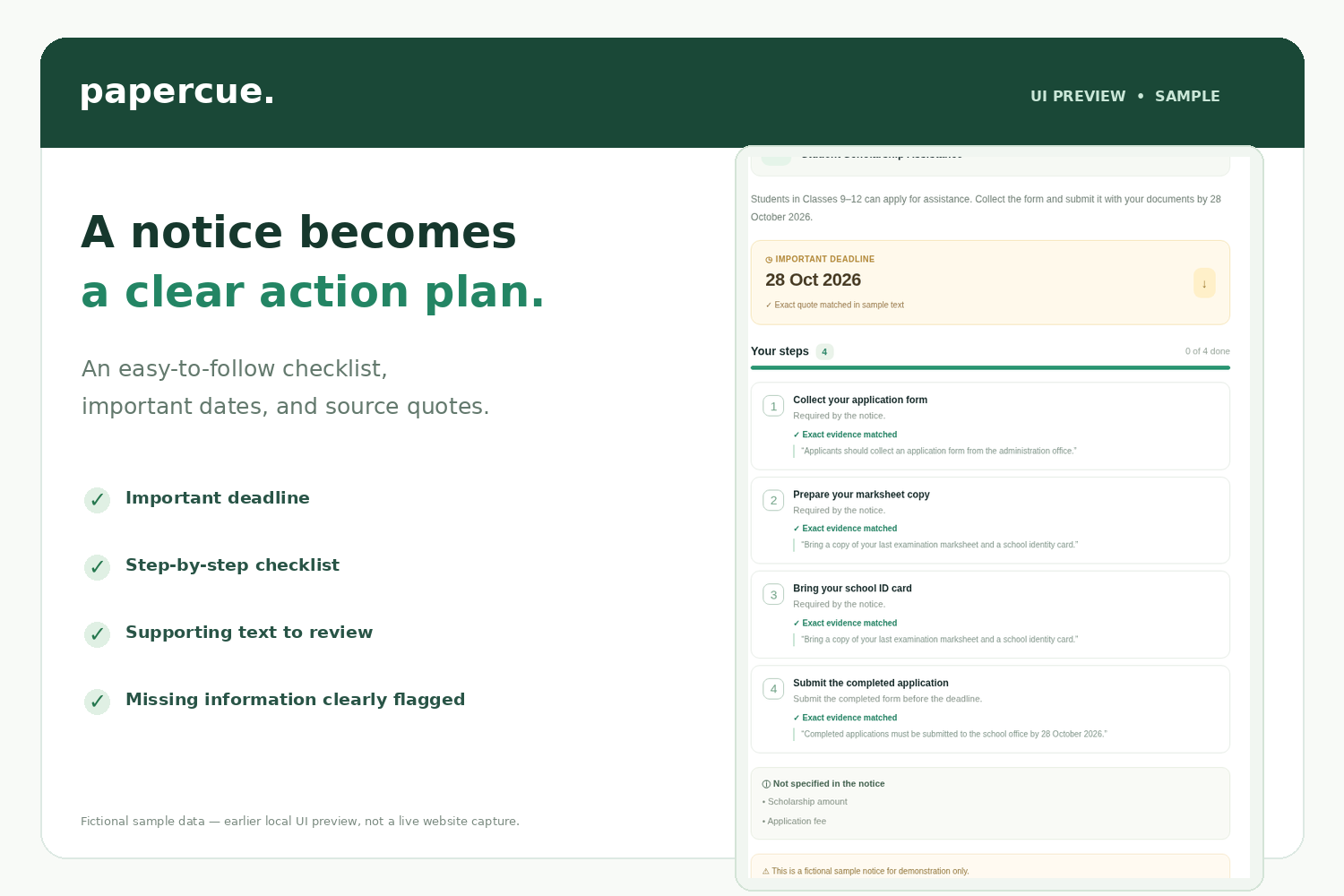
- Find important deadlines and instructions.
- Understand the required documents and next steps.
- Follow an interactive action checklist.
- Identify missing, unclear, or incomplete information.
- Review supporting quotes from the notice.
- Export their action plan and calendar dates.
The goal is not just to summarize a document. It is to turn information into action.
How I built it
I built PaperCue using Next.js, React, TypeScript, and Groq's AI API, with a responsive interface designed for students using phones or computers.
The backend processes user-submitted notices and uses AI to extract structured information. For uploaded images, it first checks whether the content appears to be a readable educational notice.
The system then organizes relevant instructions, deadlines, and requirements into a structured response. It checks extracted quotes against available text and flags information that needs human review.
Zod provides schema validation, while additional application logic handles date validation, file restrictions, incomplete documents, and potentially unsupported information.
The final result is presented as a dedicated action-plan page with a checklist, important dates, and downloadable exports.
Challenges I faced
The biggest challenge was reliability.
An AI model might extract something from an unrelated image, misunderstand a cropped document, or produce a task that the original notice does not support.
I worked on making PaperCue more cautious by introducing document classification, image-readability checks, source-quote matching, and explicit handling of missing information.
Another challenge was creating an experience that feels genuinely useful rather than overwhelming students with technical details. I redesigned the product around a straightforward flow:
Upload a notice → Analyze it → Follow the next steps.
What I learned
Building PaperCue taught me that a useful AI product needs more than a capable model. It needs input validation, reliable error handling, understandable results, and a clear distinction between what the system found and what still requires verification.
AI should help students make better-informed decisions—not invent missing facts.
What's next
I want to improve multilingual recognition, support more document formats, add stronger source verification, and make PaperCue even more accessible to students with limited technical experience.
My long-term vision is simple:
No student should miss an important opportunity just because the instructions were difficult to understand.
Current limitations
PaperCue is a working prototype, not an official school or scholarship service. Users should verify deadlines and eligibility against original notices. Image interpretation can be imperfect, and scanned PDFs currently work best when submitted as clear images. Calendar files can be exported, but automatic reminders are not implemented.
Built With
- github
- github-actions
- google-ai-studio
- groq
- javascript
- next.js
- node.js
- pdf-parse
- qwen
- react
- typescript
- zod


Log in or sign up for Devpost to join the conversation.