-
-

Plan your meals ahead with the built-in meal planner
-

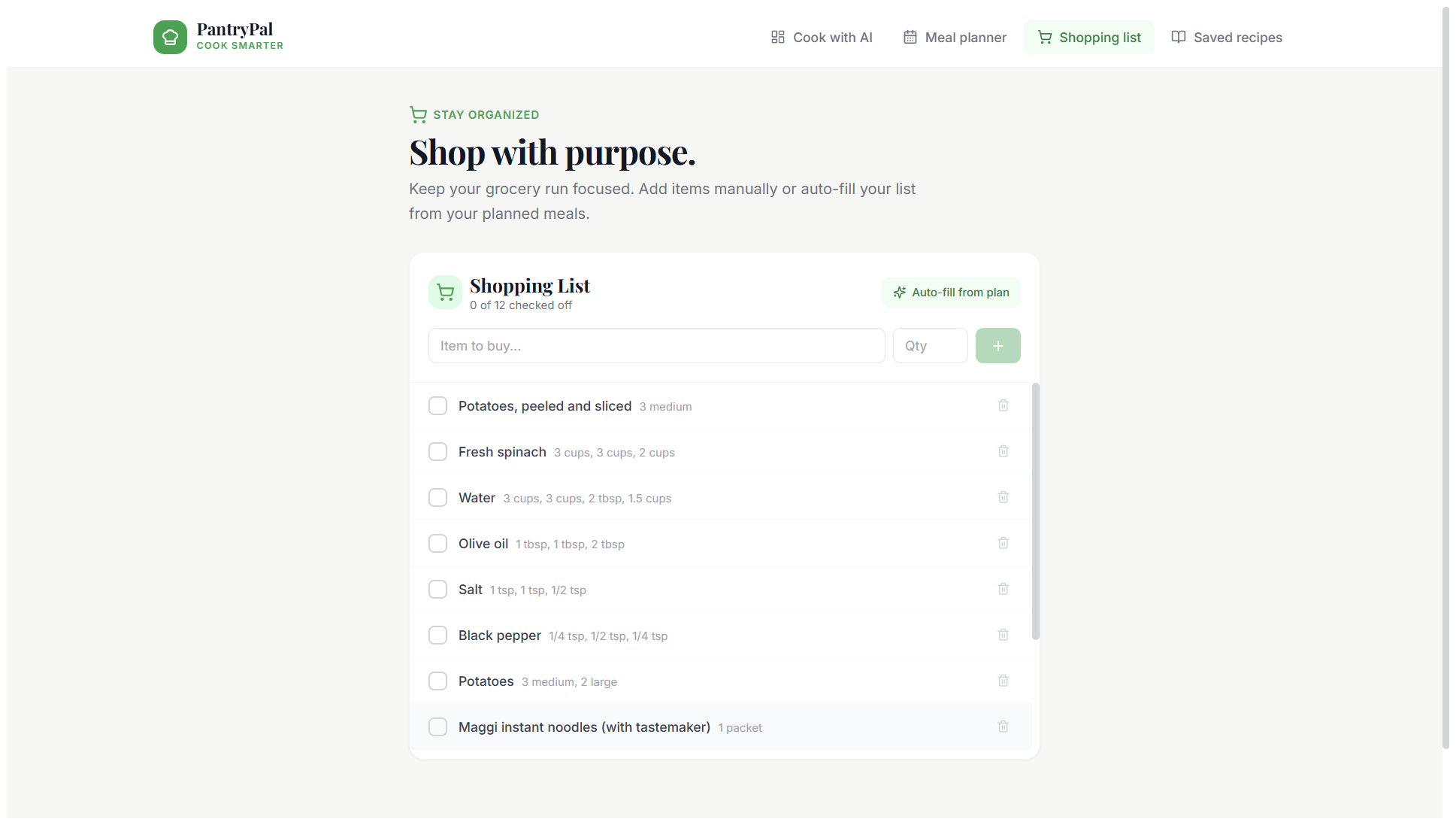
Shopping list auto-generates missing ingredients for your recipes
-
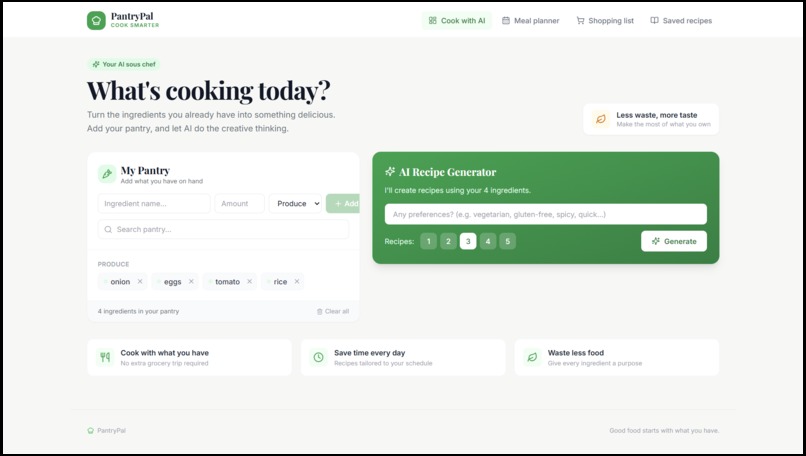
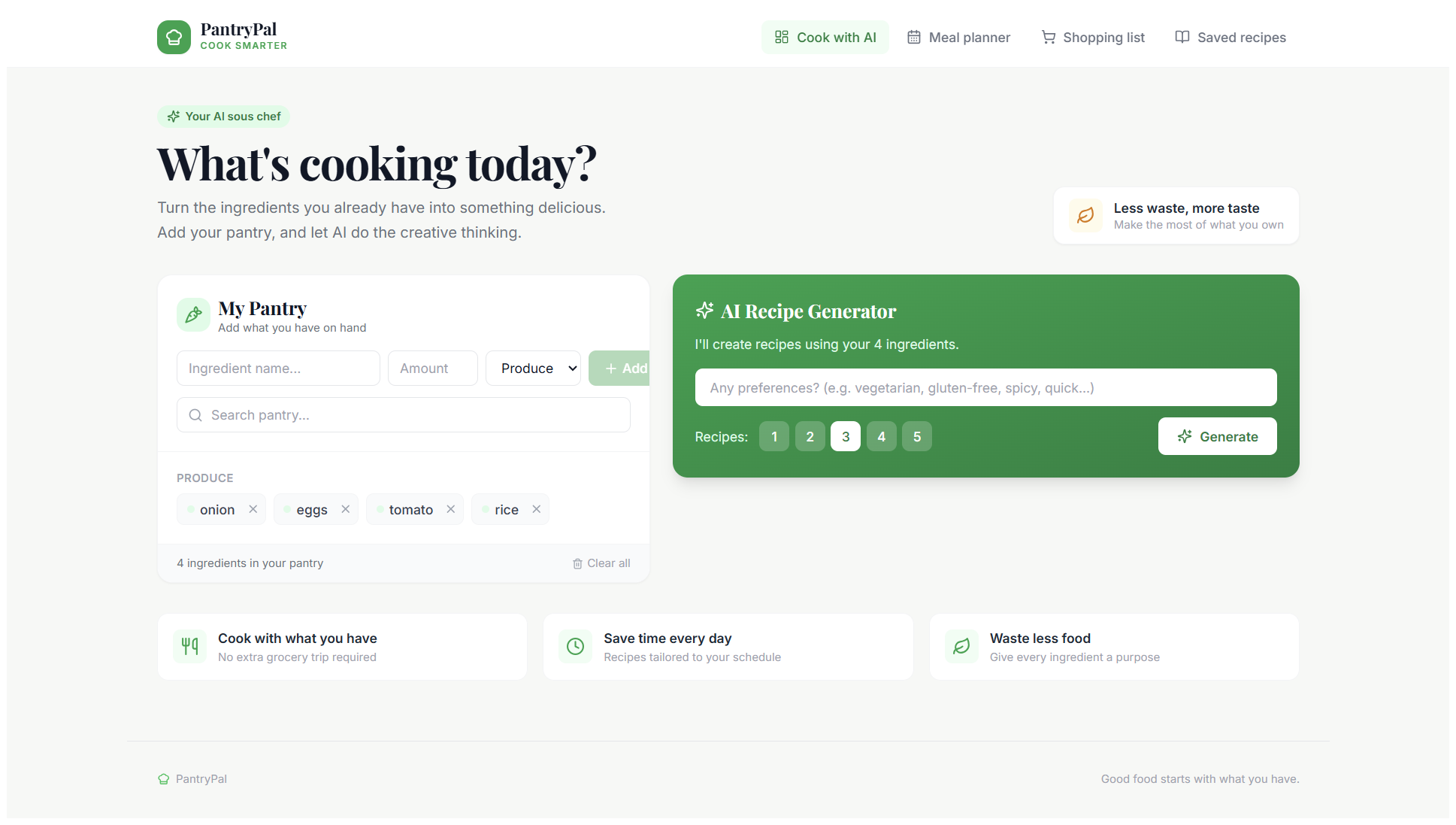
Add your pantry ingredients and dietary preferences to get started

Inspiration
I often have ingredients sitting at home but don't know what to cook with them, leading to food waste and repetitive meals. I wanted to build something that turns "what's in my fridge" into "here's what you can cook" instantly, using AI.
What it does
PantryPal lets you add the ingredients you have in your pantry, along with any dietary preferences, and instantly generates personalized recipes using AI. Each recipe comes with a title, description, cook time, servings, ingredient list, and step-by-step instructions. It also includes a meal planner, shopping list, and saved recipes feature.
How I built it
- Frontend: React, TypeScript, and Vite for a fast, modern UI, styled with Tailwind CSS
- Backend: Supabase for the database and Edge Functions to handle server-side logic
- AI: Google Gemini API integrated via a Supabase Edge Function to generate recipes in real time based on user input
- Deployment: Hosted on Netlify, connected to GitHub for continuous deployment
Challenges I ran into
- Switching AI providers mid-project due to billing constraints and adapting the request/response format accordingly
- Handling free-tier API rate limits gracefully
- Structuring the AI prompt to reliably return well-formatted JSON recipes
Accomplishments that I'm proud of
Building a fully functional, end-to-end AI-powered application — from pantry input to AI-generated recipes — deployed and live for anyone to try.
What I learned
- Working with AI APIs (prompt engineering, structured JSON outputs)
- Building and deploying serverless edge functions with Supabase
- Managing environment variables and secrets securely across frontend and backend
What's next for PantryPal
- Adding recipe images via a more reliable image API
- User authentication so people can save their pantry and recipes long-term
- Nutritional information for generated recipes
Built With
- api
- css
- gemini
- netlify
- react
- supabase
- tailwind
- typescript
- vite

