-
-
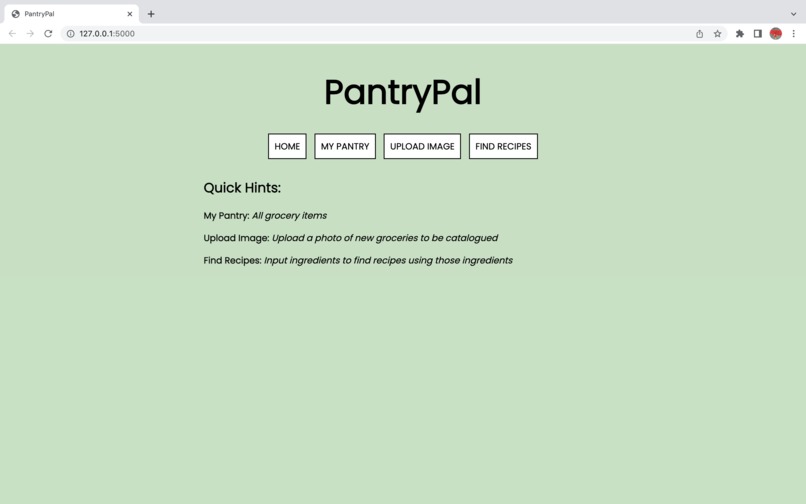
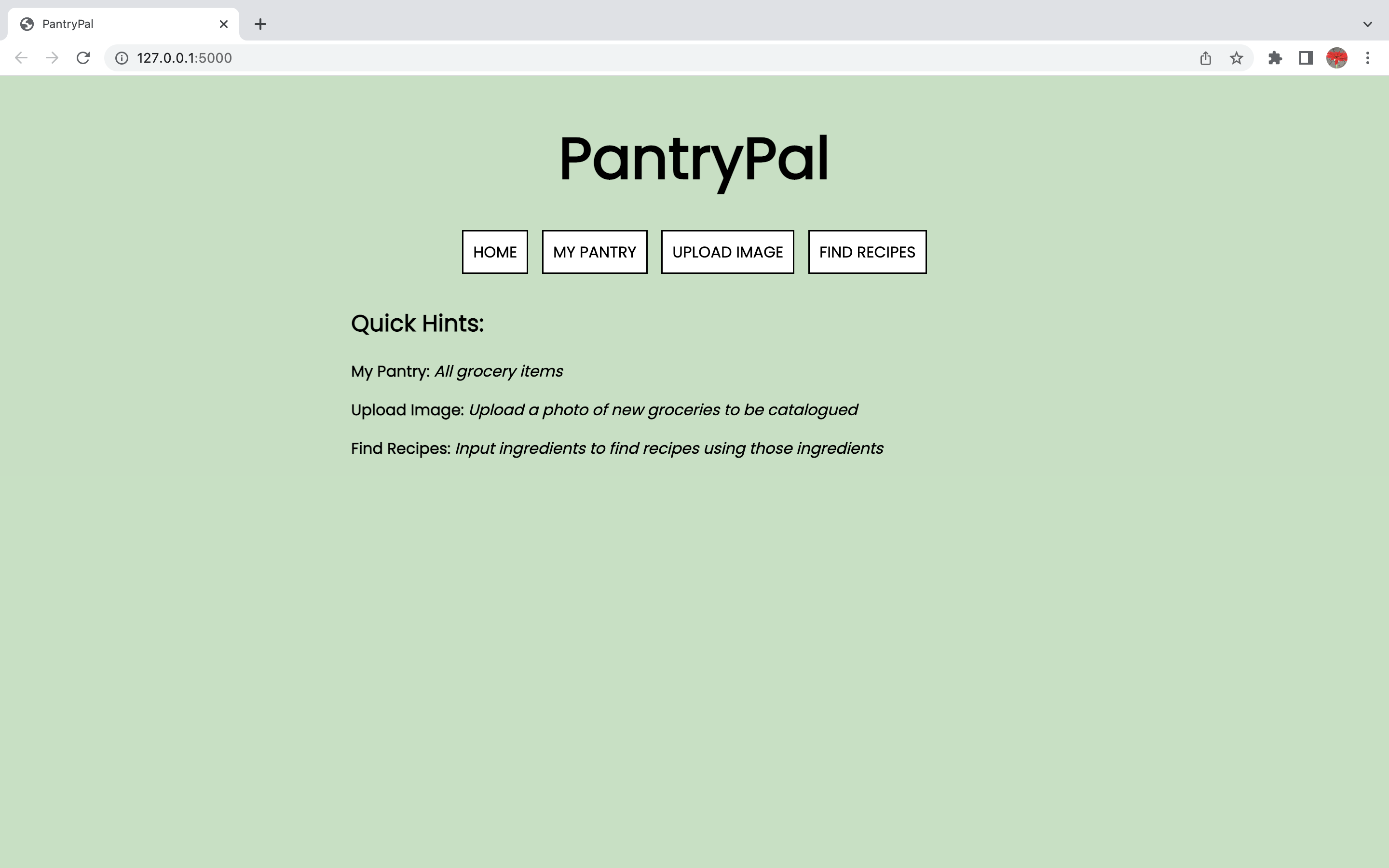
Home page
-
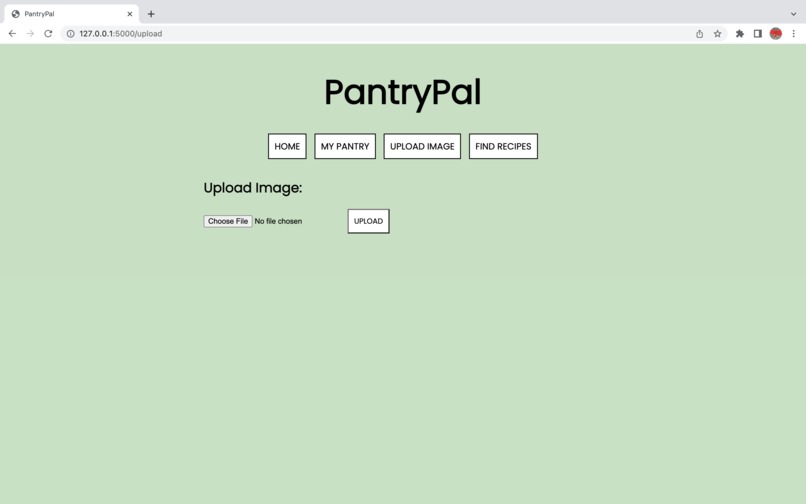
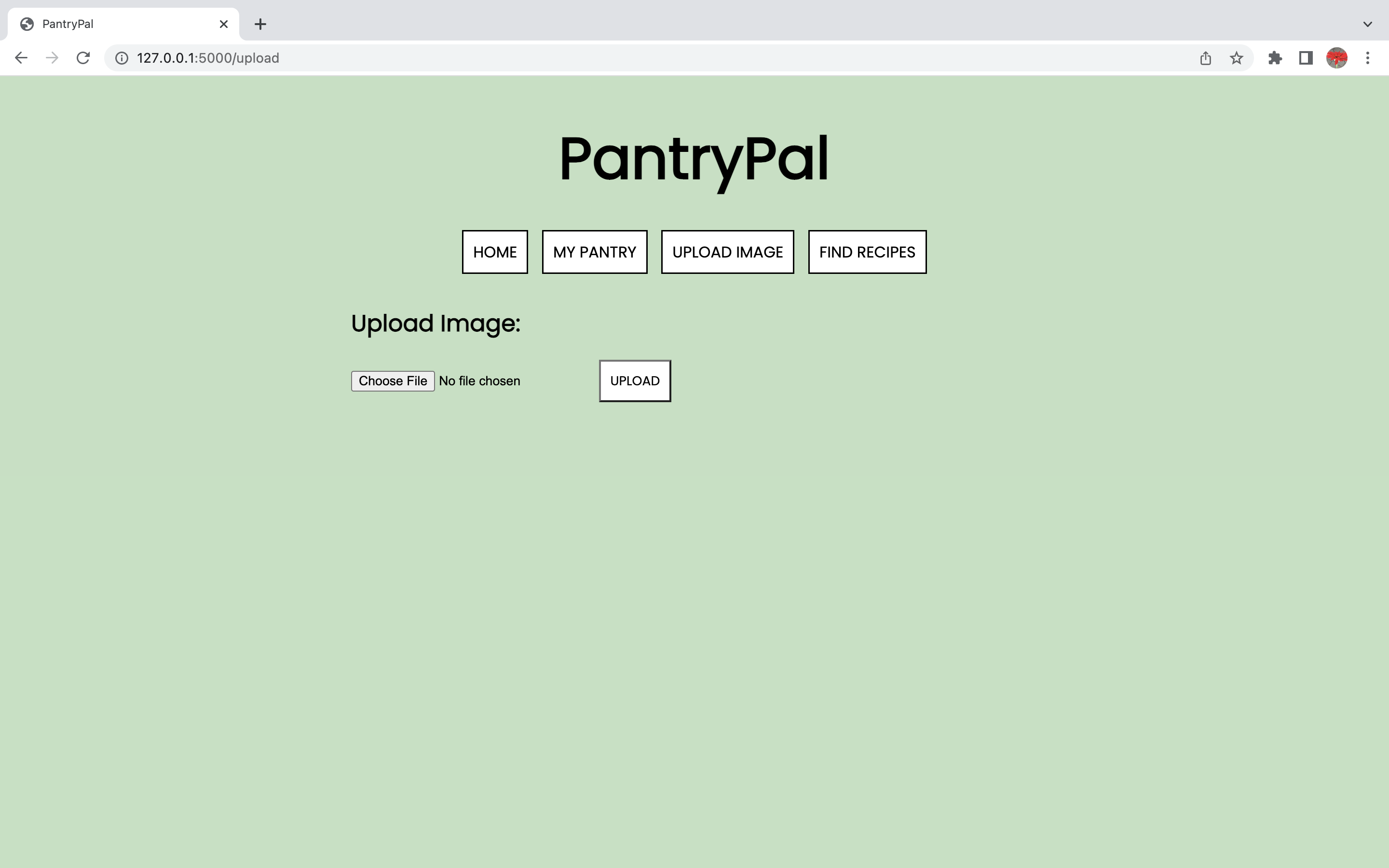
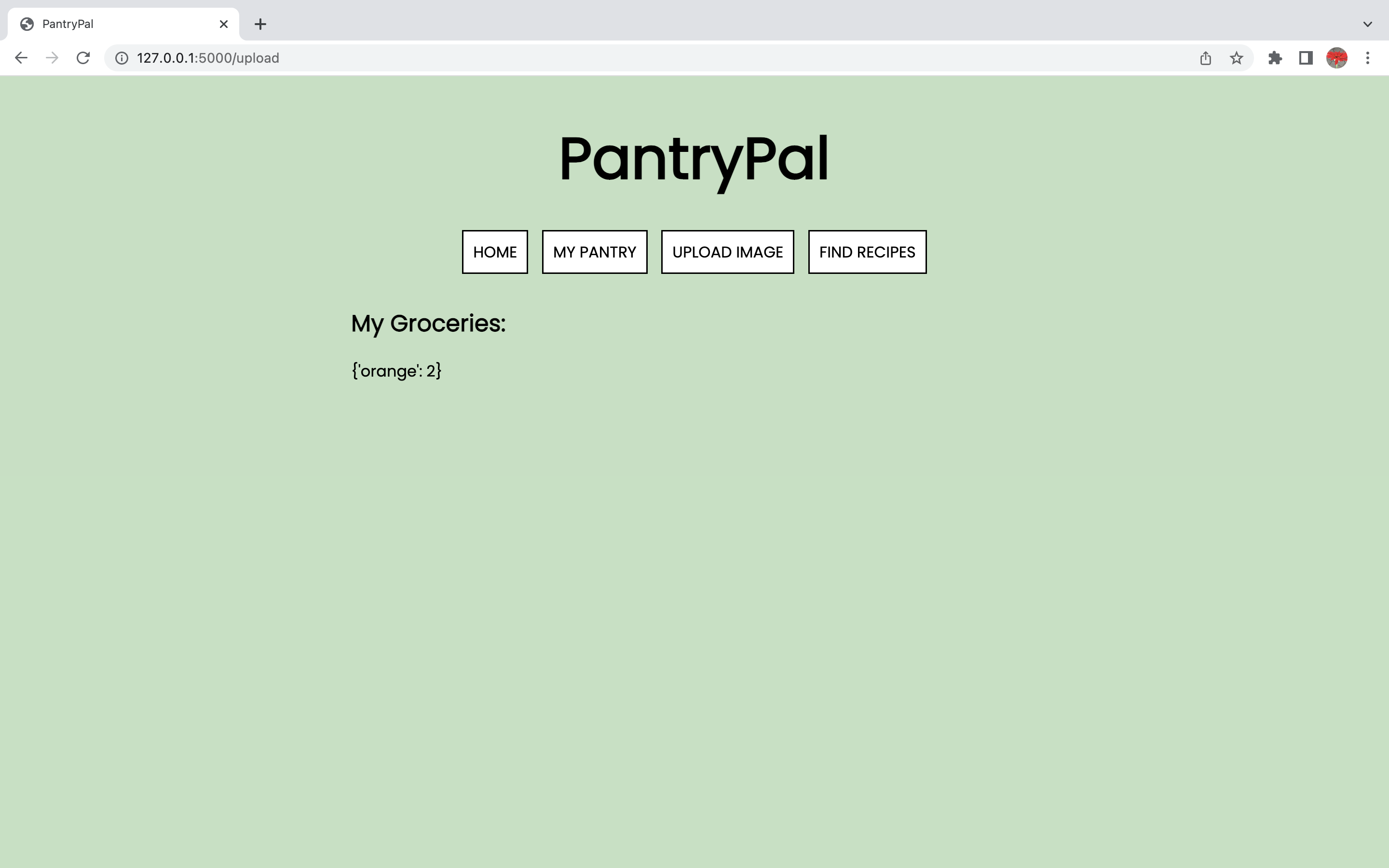
Upload page
-
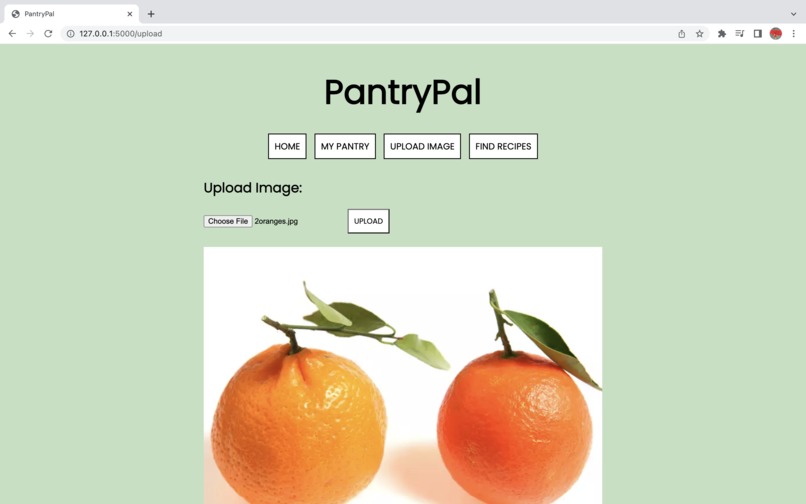
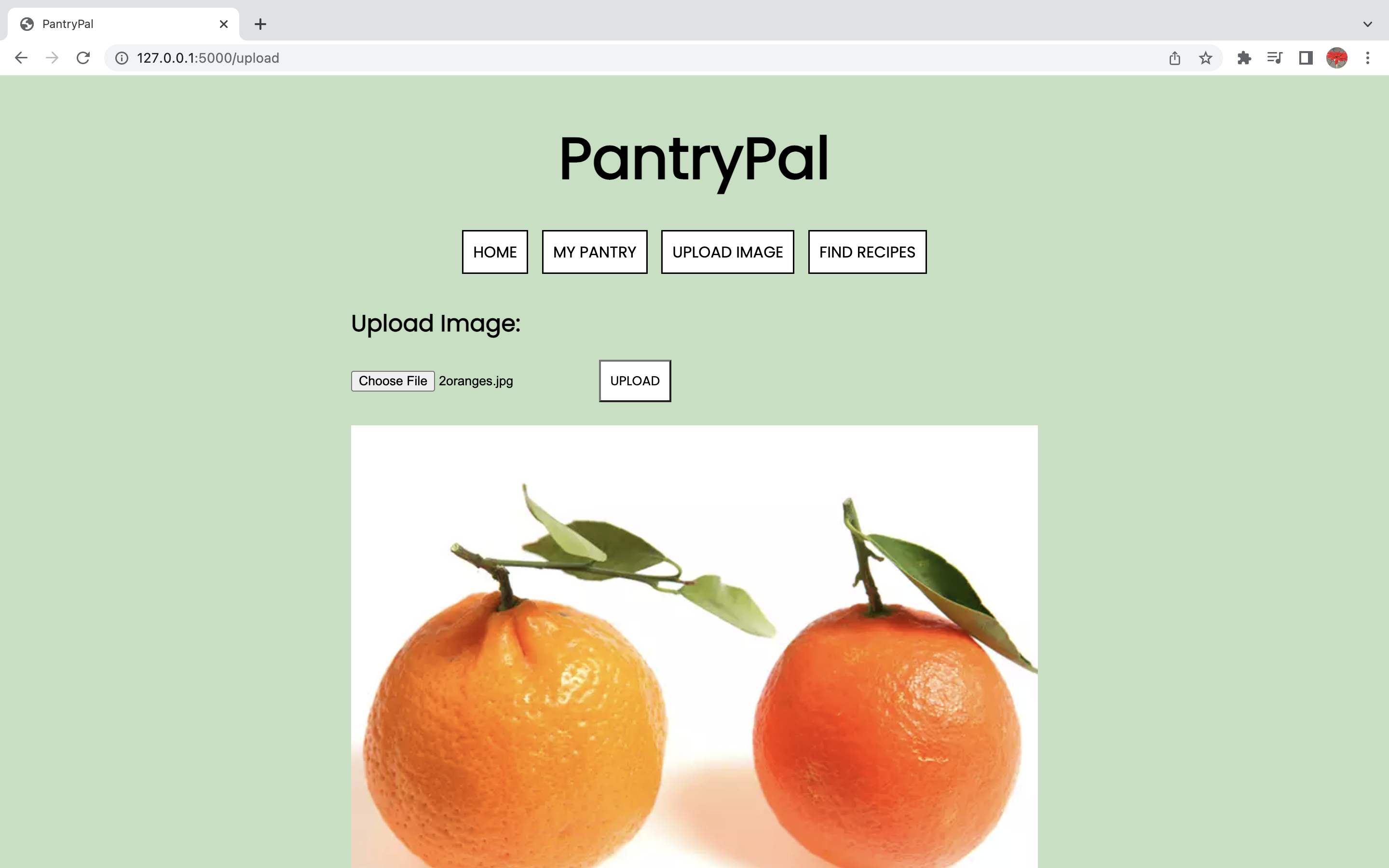
Upload page with image
-
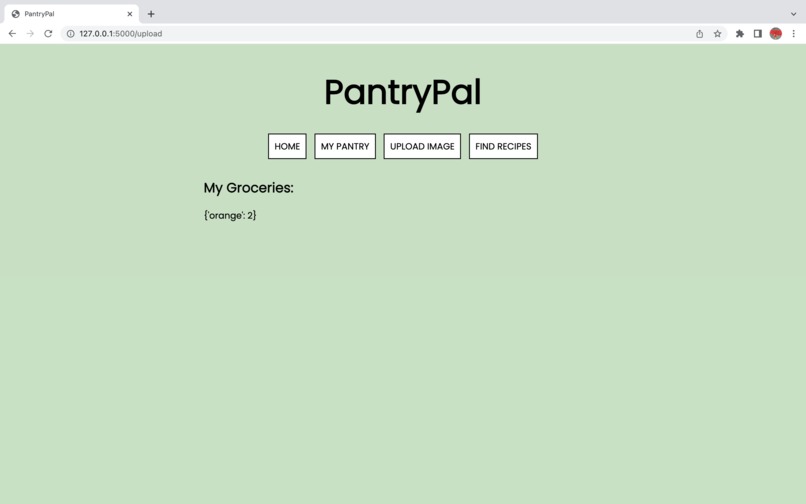
Pantry page
-
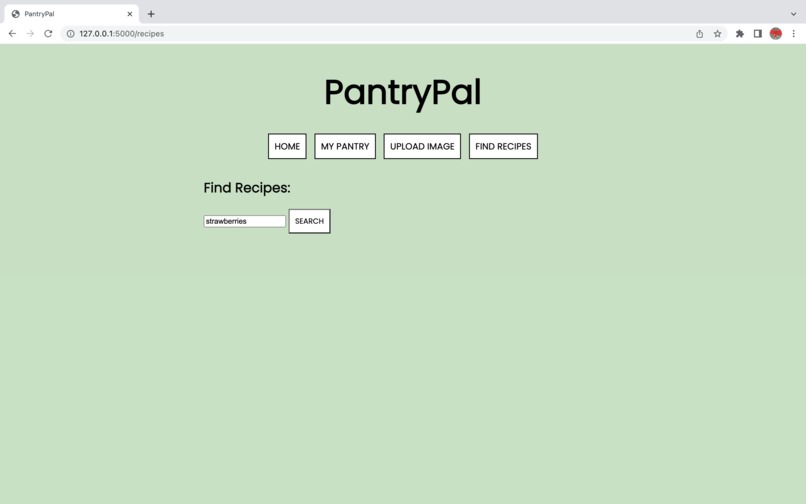
Recipe search page

Inspiration
Throwing out food you didn't know you still had? Having trouble figuring out what to cook each day? These were some of the many challenges I was facing when it came to keeping track of my groceries. As a busy student, I did not have time to plan out all my meals and often forgot about the food I had until it went bad.
What it does
PantryPal uses images of your groceries to catalogue what foods you have in your pantry/fridge/freezer. Knowing which foods (and amounts of foods) you have, you can find recipes to make a delicious meal and prevent food waste.
How we built it
Frontend: Flask, HTML, CSS, JavaScript. Backend: Python, DETR object detection model API, Google Cloud Vision API. Tools: Google Cloud SDK.
Challenges we ran into
Implementing all the initial ideas for PantryPal in a short period of time; some features did not make it into the final program. Despite the time crunch, all essential features were implemented with an easy-to-use interface.
Accomplishments that we're proud of
PantryPal is easy and quick to use! Also, implementing both object detection and image-to-text processing in a working project.
What we learned
How to implement AI, specifically with object detection and text processing. Gained a lot of Flask knowledge as well.
What's next for PantryPal
Sorting food by expiry date and generating recipes based on earliest expiry date to prevent wasting leftover groceries. Training the model to recognize food items quicker.
Built With
- ai
- css
- flask
- google-cloud
- google-vision-api
- html
- javascript
- python


Log in or sign up for Devpost to join the conversation.