-
-

Icon
-

Beta Icon
-
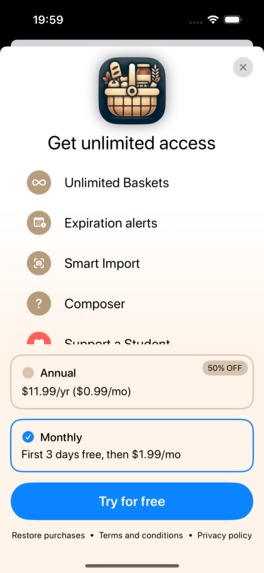
Paywall
-
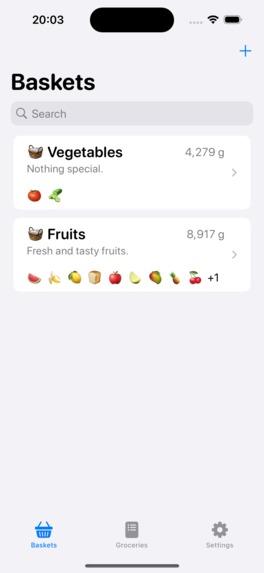
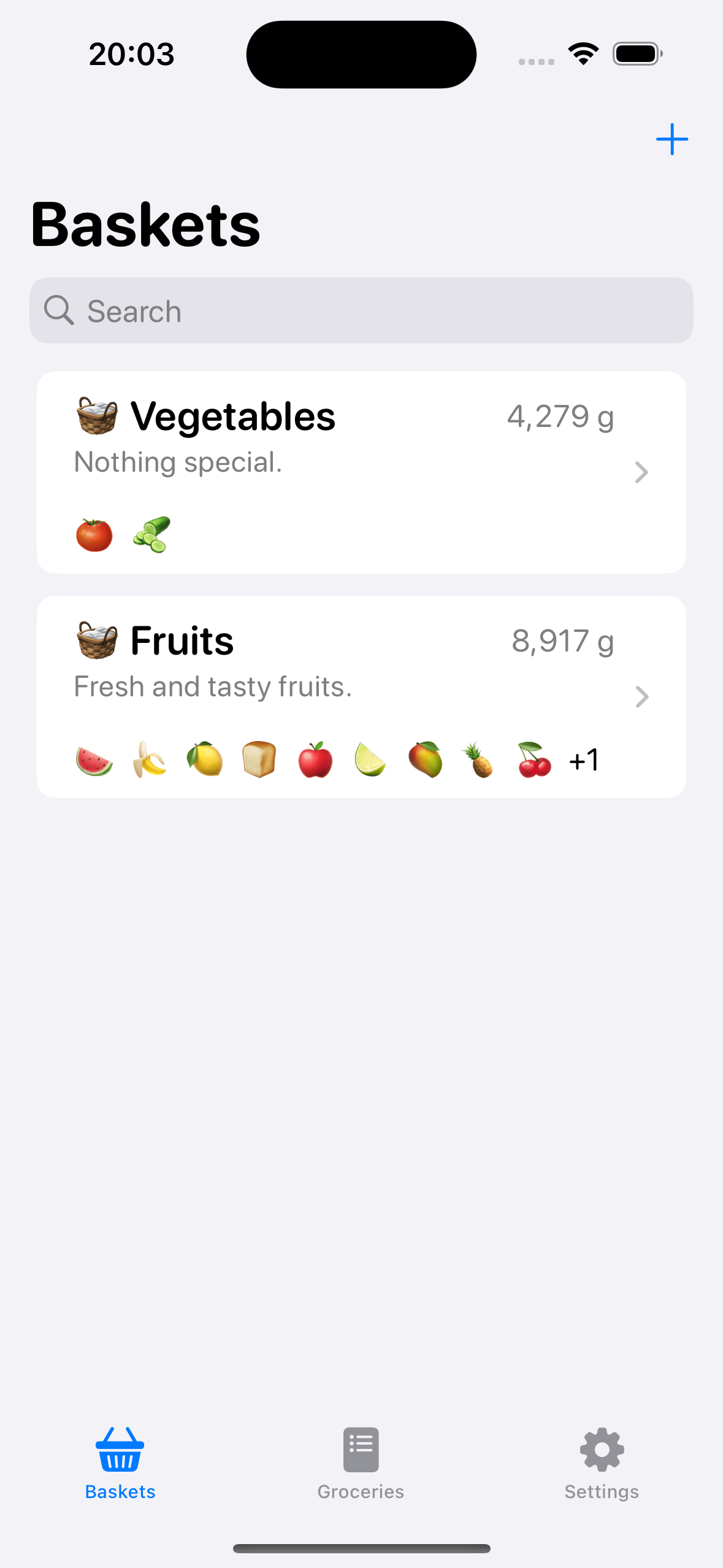
Home screen
-
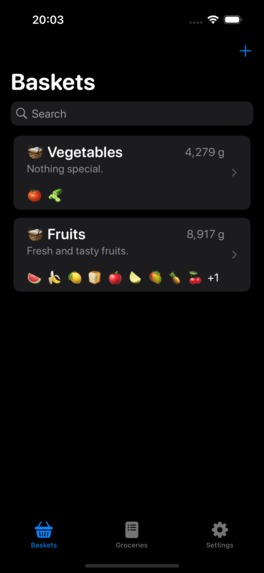
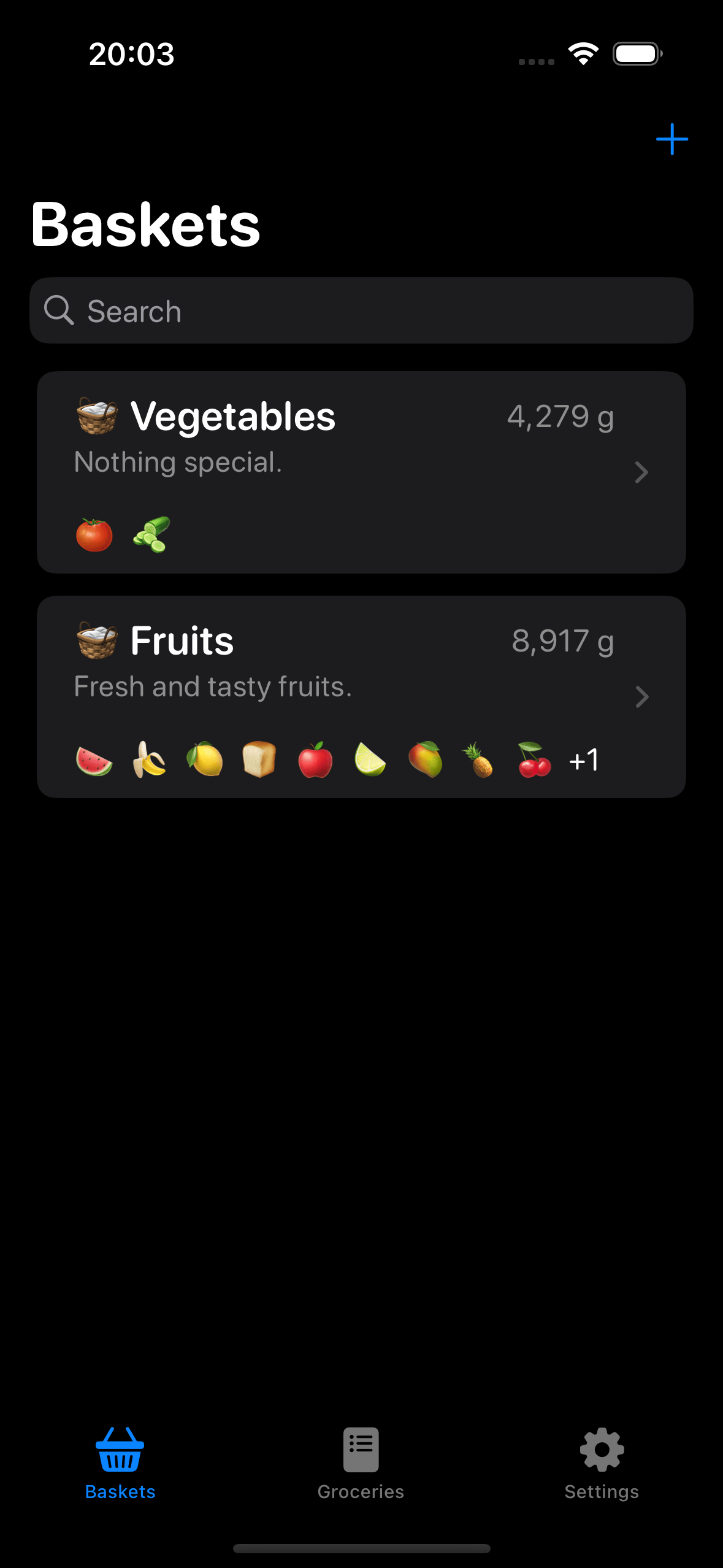
Home screen - Dark Mode


Inspiration
The inspiration for PantryKit stemmed from real-life experiences. I frequently find myself buying groceries when I’m in need, but after a few days or weeks, when I go through my pantry or fridge, I discover a lot of expired items. This waste of food prompted me to consider a solution that would allow me to stay informed about the expiration dates of my food items, enabling me to prioritize consuming them. And the idea evolved from there.
What it does
PantryKit currently offers two primary features: Baskets and Groceries. Let’s examine them separately:
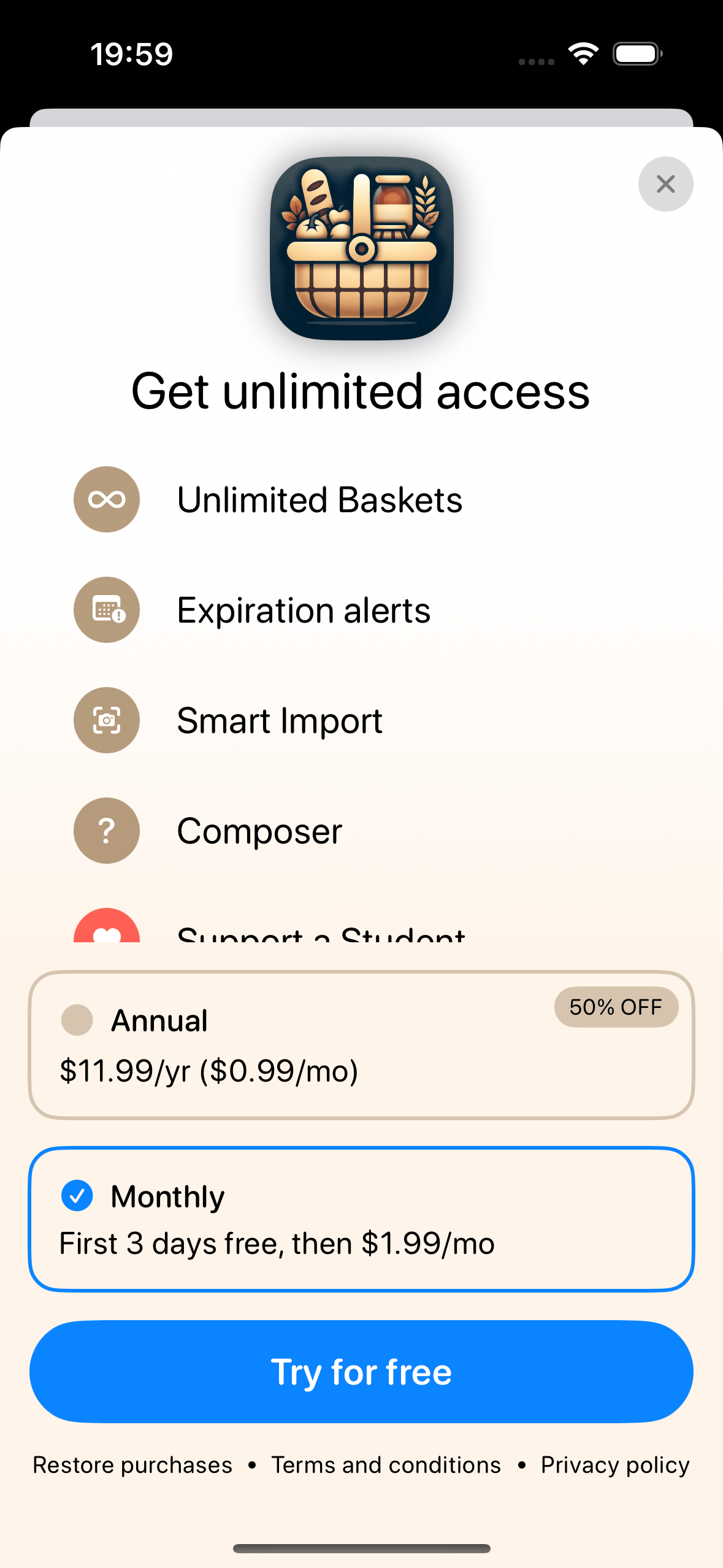
Baskets: Users can create Baskets, which categorize items in their pantry. (Free users are limited to two Baskets, while Pro users have unlimited access.) Each Basket has a name and description and can store an infinite number of products. Free users can manually add products by providing details such as name, icon, quantity, weight, and expiration dates (PantryKit Pro is required). Pro users gain access to Smart Import, which utilizes an AI to automatically fill in details like name, icon, count, and weight after taking a picture of the product.
Groceries: Groceries serves as a shopping list feature. Free users can add products they are running low on and mark or remove items they have purchased. Pro users have access to the Composer feature, which simplifies meal planning. Simply type in your desired meal (e.g., strawberry cake), and the app automatically generates a shopping list for you.
All Baskets, Products, and Groceries are seamlessly synced with iCloud.
How we built it
I built PantryKit using a combination of tools and frameworks. CloudKit was essential for data storage and syncing, while SwiftData helped manage the app’s local database. I integrated IAPs for monetization and used the RevenueCat SDK to handle subscriptions seamlessly.
For AI-powered features, I relied on AIProxy and the OpenAI API to analyse images for Smart Import and to generate Grocery Lists with Composer. Navigating App Store Connect for submissions and updates was a learning curve, but it was crucial for getting the app out to users. Every tool played a key role in bringing PantryKit to life, and each step in the process taught us something new.
Challenges we ran into
The primary challenges centered around decisions related to the software architecture. Another issue was the camera view when using Smart Import, making sure it worked as expected and addressed all edge cases—though I'm sure there's still one I haven't anticipated. Additionally, the app review process was quite difficult. This being my first app on the App Store, it was a painful experience. I faced over seven rejections, and with a 10-hour timezone difference, the reviews typically began at 2-3 AM, which made communication frustratingly slow.
Accomplishments that we're proud of
One of the accomplishments I’m most proud of is successfully completing and publishing my first project, and engaging with the iOS dev community throughout the process. I’m also proud of the variety of tools and frameworks I worked with, like CloudKit, IAPs, SwiftData, and RevenueCat, which gave me a broad skill set.
What we learned
I have to say, I’ve learned a lot throughout this process. I worked with tools I’d never used before, like CloudKit, in-app purchases, SwiftData migrations, and I also learned how to integrate the RevenueCat SDK, navigate App Store Connect, and use AIProxy and the OpenAI API. I’d be lying if I said I enjoyed every single moment of building PantryKit, but seeing it gradually come together far outweighs the frustrations.
What's next for PantryKit
What's next? I’m hoping for something truly remarkable. I have plenty of ideas still waiting to be realized. These range from importing products via barcodes and receipts to enhancing Smart Import from images and speeding up product access and additions. I’m even considering moving image recognition directly onto the device for better performance.
Another exciting idea is a feature I’m tentatively calling The Chef (name subject to change). This tool would analyze your available ingredients, the weather, your mood, preferred cuisine, and various other factors to generate personalized recipe suggestions—helping you decide what to cook with ease.
No matter the future, I’m all in, willing to do anything to make PantryKit better.
Built With
- aiproxy
- cloudkit
- openai
- revenuecat
- swift
- swiftdata
- swiftui

Log in or sign up for Devpost to join the conversation.