Inspiration
For a long time, I've been frustrated with a common problem: the daily question of "What should I cook today?" When I turn to resources like YouTube, I'm often faced with an overwhelming number of recipes, each with a long list of ingredients I don't have. This paradox of choice often leads to more confusion than clarity.
My inspiration for Pantry Planner came from a simple desire for a solution that works for me, not the other way around. I wanted a web app that could truly understand my needs and work with what I already have. Too many times, I’ve had a few leftover ingredients that I didn't know what to do with, and they would end up going to waste.
Pantry Planner was built to solve this exact problem. It's a tool that takes the guesswork out of meal planning by providing recipes based on your actual pantry inventory. By focusing on available ingredients, it not only helps reduce food waste but also simplifies the cooking process and empowers users to be more creative with their resources.
What it does
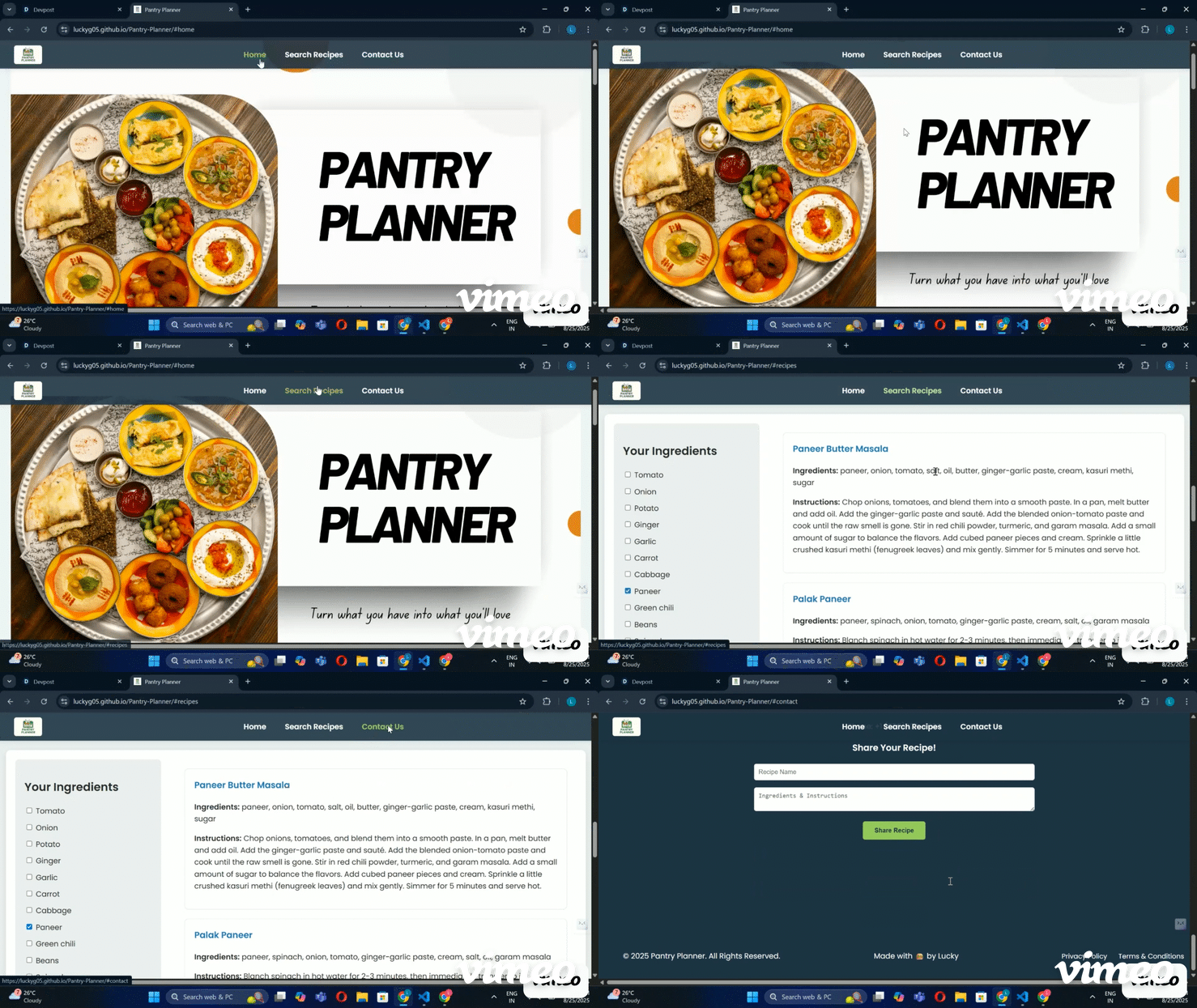
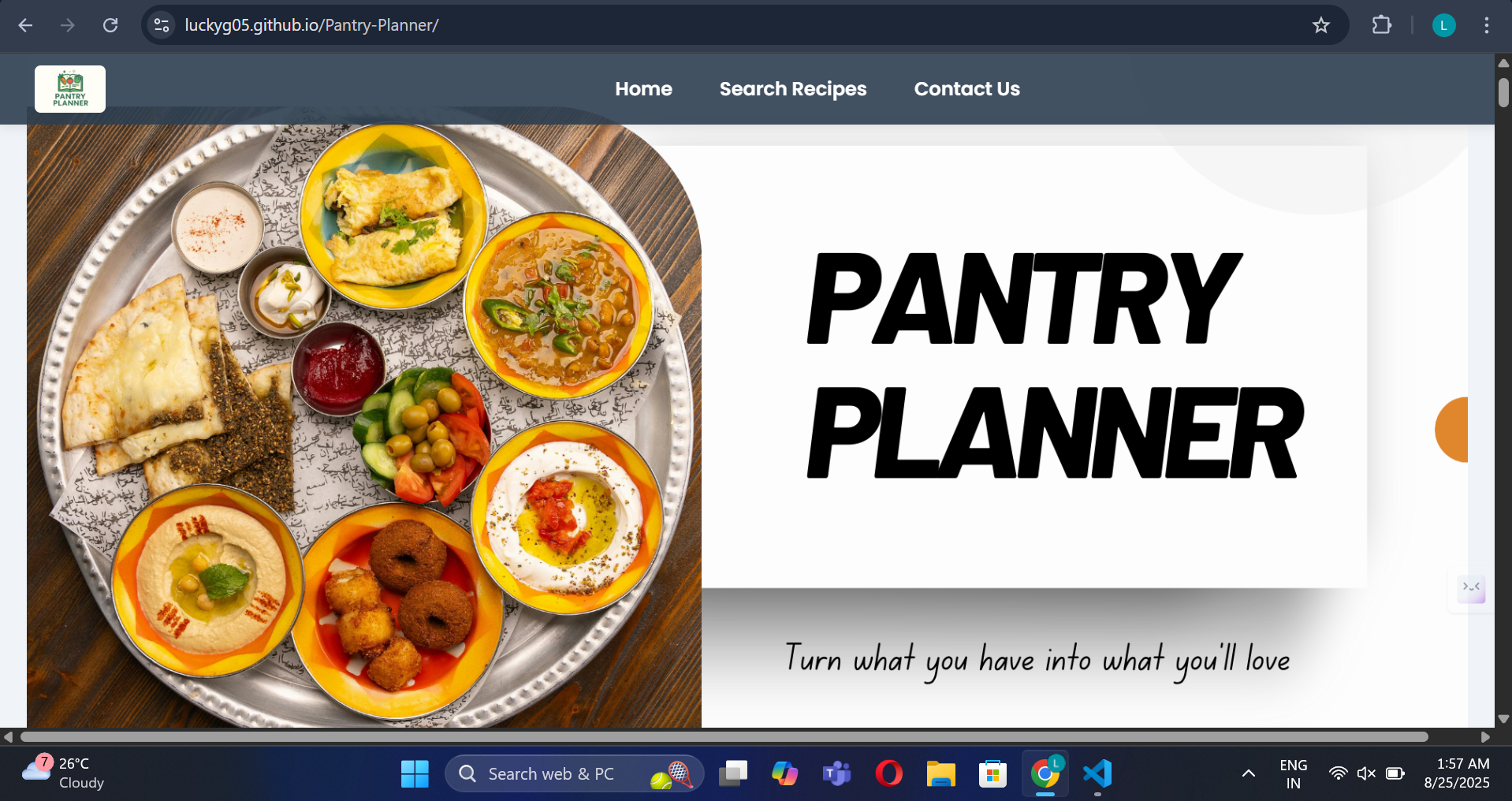
Pantry Planner is a web-based application designed to bridge the gap between what you have in your kitchen and what you can cook. Its core functionality is centered on a simple, yet powerful, idea: empowering users to cook with ingredients they already own, thereby reducing food waste and simplifying meal planning.
The application works in two main ways:
Pantry Inventory Management: The first step is to create your digital pantry. Users can easily add all the ingredients they have on hand. This virtual inventory serves as the foundation for the entire application, providing a real-time overview of available resources in your kitchen. This feature helps eliminate the need for last-minute grocery runs and reduces the chance of unused ingredients expiring.
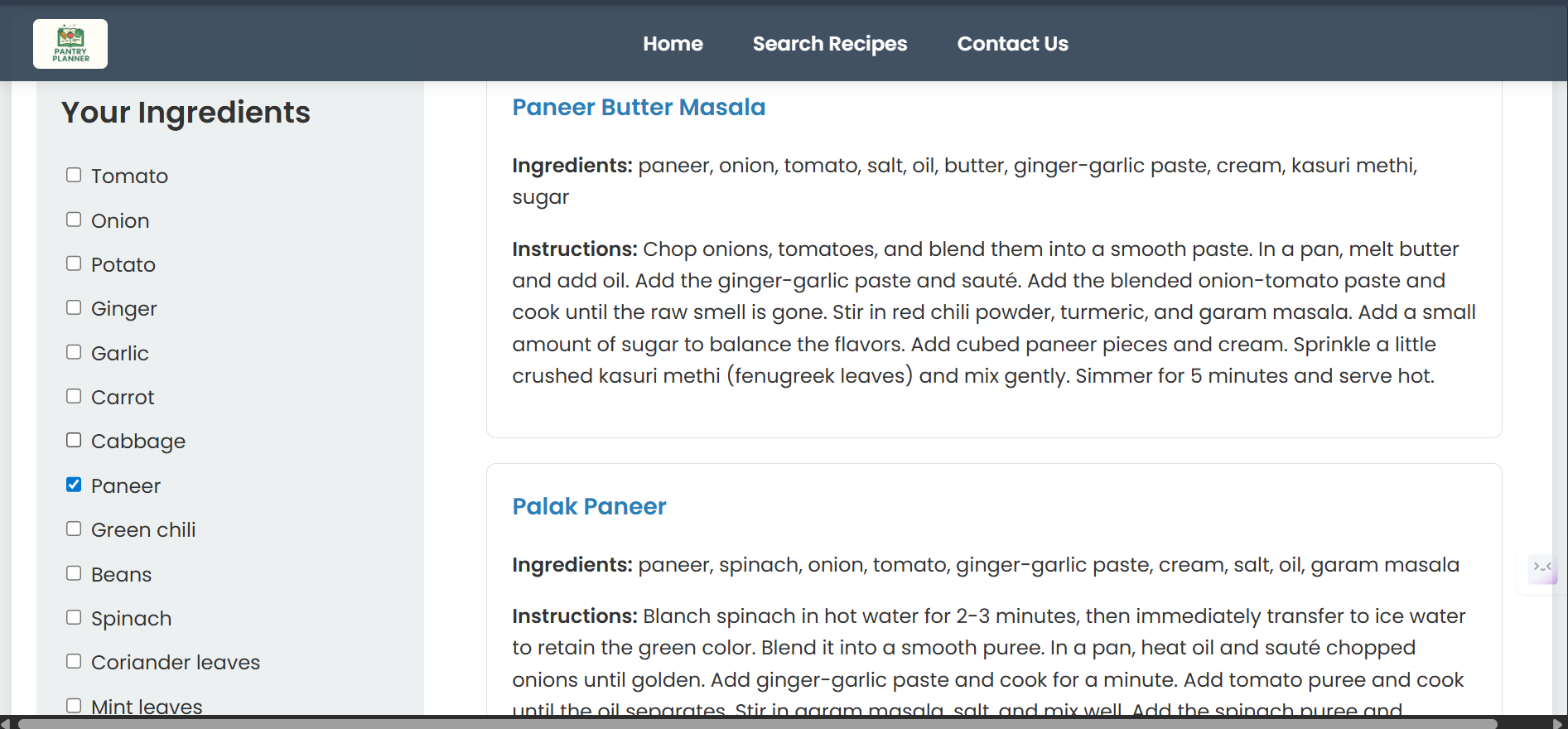
Intelligent Recipe Search: This is the heart of the application. Unlike traditional recipe sites that require you to search for a specific dish, Pantry Planner uses your pantry's inventory to suggest recipes. The app seamlessly filters a database of recipes to present you with a list of dishes that can be prepared with the ingredients you’ve already entered. This unique approach solves the common problem of finding a perfect recipe, only to realize you are missing a key ingredient.
By combining these two features, Pantry Planner saves time and effort, makes cooking more intuitive, and turns forgotten ingredients into delicious meals.
How we built it
We built Pantry Planner using a standard front-end development stack, following a step-by-step approach to ensure the application was both functional and user-friendly.
- The Foundation: HTML & CSS We started by creating the core structure of the application using HTML. The primary goal was to build a clean and intuitive layout that guides the user effortlessly. We used semantic HTML tags to properly structure the main sections of the app, from the navigation bar and the pantry input form to the recipe results display.
Next, we brought the application to life with CSS. We focused on creating a clean, minimalist design that is easy on the eyes. We also implemented a fully responsive design from the very beginning, ensuring the app looks and works perfectly on any device, from a large desktop screen to a mobile phone.
- The Logic: JavaScript The core intelligence of Pantry Planner was built with JavaScript. This is where the main functionality lives. The JavaScript code is responsible for:
User Input Management: It captures the ingredients a user enters into the pantry inventory.
Data Handling: It stores the user's pantry items as a dynamic list.
Recipe Filtering: This is the heart of the app. The JavaScript code takes the user's list of ingredients and compares it to a pre-defined recipe database. It then filters and displays only those recipes that can be made with the available ingredients.
- Deployment Once the core features were built, we used Git for version control to track all changes and manage the project's codebase. The final step was to deploy the application. We utilized GitHub Pages to host the project for free, making it accessible to anyone with the link and providing a live, functional demonstration for this hackathon.
Challenges we ran into
Every project presents unique challenges, and overcoming them is a key part of the learning process. Here are some of the hurdles we faced while building Pantry Planner and how we addressed them.
- Handling Dynamic Data & Recipe Logic The biggest challenge was creating the core logic for the recipe search. While the user interface for adding ingredients was straightforward, the real work was in the JavaScript logic that had to:
Accurately capture and store a dynamic list of user-added ingredients.
Compare this list against a pre-defined recipe database.
Filter the recipes to show only those that could be made with the available ingredients.
We solved this by meticulously structuring our recipe data in JavaScript. We then built a custom algorithm to iterate through the ingredients for each recipe, comparing them to the user's pantry list to find the most accurate matches.
- Crafting a Responsive and Intuitive UI Designing a single interface that looks and feels good on both a large desktop screen and a small mobile phone proved to be a significant challenge. The layout, fonts, and button sizes had to be adjusted to provide a seamless user experience across all devices.
To overcome this, we used CSS media queries from the very beginning. This allowed us to apply specific styles for different screen sizes, ensuring the application's layout automatically adapts, making it easy to use on any device.
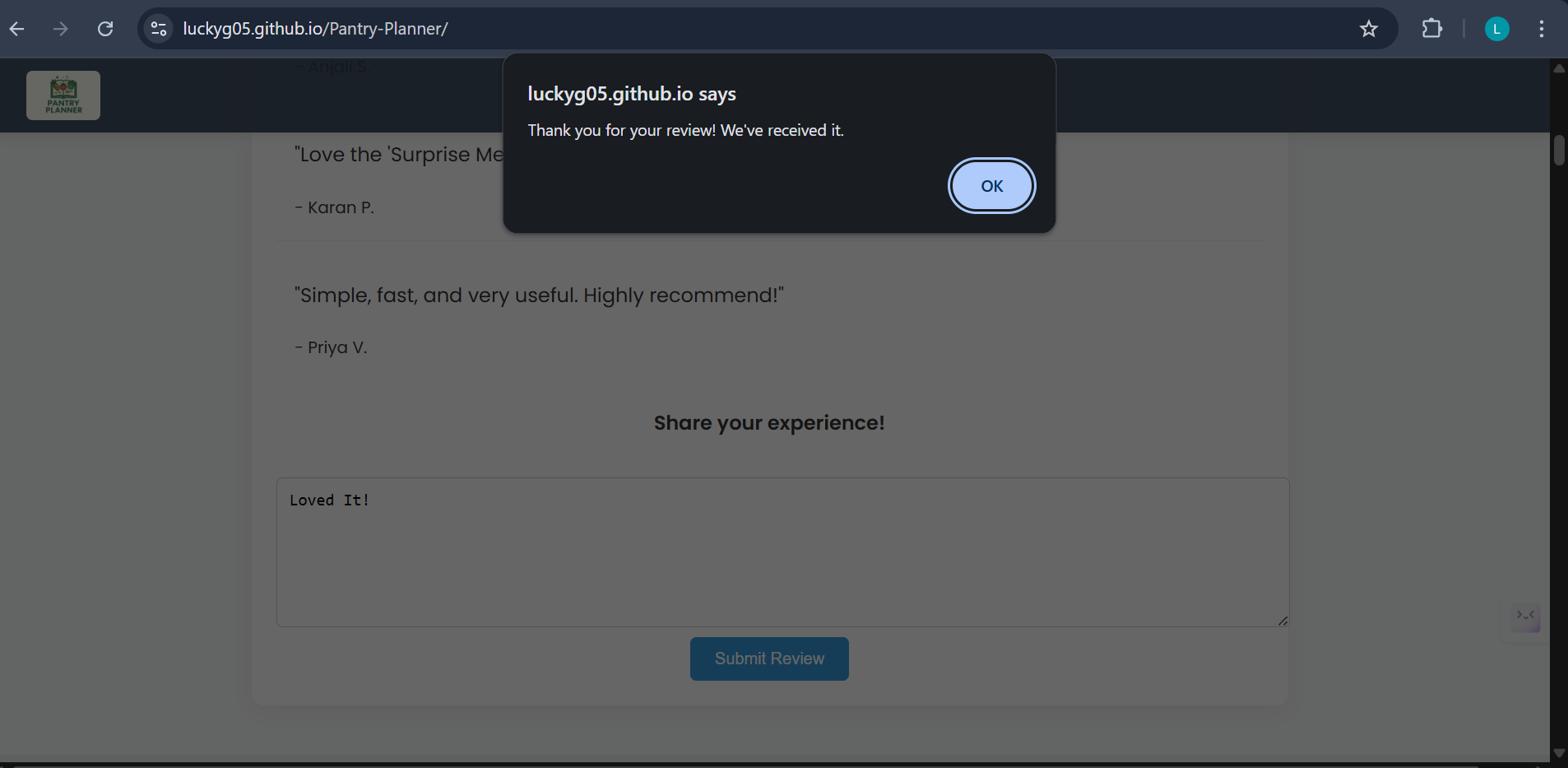
- User Feedback & Experience A subtle but important challenge was providing clear feedback to the user. When a user adds an ingredient or performs a search, the application needs to respond immediately to show that it's working. We had to ensure that the UI was dynamic enough to show real-time changes, such as displaying a "No Recipes Found" message when a search yields no results or confirming that an ingredient has been successfully added. This was essential for creating a smooth and user-friendly experience.
Accomplishments that we're proud of
We are incredibly proud of the progress we made on Pantry Planner, from a simple idea to a functional web application. The challenges we faced were opportunities for learning, and we consider the successful completion of this project a major accomplishment.
Building a Solution to a Real Problem Our greatest accomplishment is building a tool that solves a genuine, everyday problem for many people. We successfully created a product that not only helps users find recipes but also actively helps in reducing food waste by encouraging them to use what they already have. This focus on practical utility is something we are particularly proud of.
The Core Functionality We successfully developed and implemented a robust recipe-matching algorithm in JavaScript. The core functionality of intelligently filtering a recipe database based on the user's pantry inventory works exactly as intended. This was a key technical challenge that we overcame to make the entire application possible.
A Complete, User-Friendly Product Beyond the technical functionality, we are proud of building a complete and polished product. We focused heavily on the user experience (UX), creating an interface that is both intuitive and visually appealing. By ensuring the app has a responsive design, we made it a truly accessible tool that is just as effective on a mobile phone as it is on a desktop computer.
Successful Deployment Finally, we are proud to have not only built the application but also successfully deployed it on GitHub Pages. This proves that the project is more than just code on a local machine—it is a live, functional, and accessible web application ready for use.
What we learned
Building Pantry Planner was a journey of not only bringing an idea to life but also gaining valuable skills that will be crucial for future projects. This experience provided key lessons in both technical development and the overall project lifecycle.
The Full-Stack Frontend Experience We learned how to build a complete, functional web application from the ground up using only front-end technologies. From structuring the project with HTML and styling it with CSS to implementing all the dynamic logic with JavaScript, this project provided a holistic view of modern web development.
The Power of JavaScript This project was a deep dive into the practical application of JavaScript. We learned how to use it to not just add basic interactivity, but to handle data management, implement complex filtering logic (the recipe-matching algorithm), and dynamically manipulate the user interface based on user actions.
The Importance of User-Centric Design We learned that the user experience is just as important as the code itself. By focusing on responsive design and an intuitive interface, we understood the importance of building an application that is not only functional but also a pleasure to use for a wide range of users and devices.
The Complete Development Workflow Finally, this project provided firsthand experience with the complete development workflow. We learned to use Git for version control to manage our codebase effectively and, most importantly, how to take a local project and deploy it live on the internet using GitHub Pages. This final step of making the project accessible to a wider audience was a major learning milestone.
What's next for Pantry Planner
What's next for Pantry Planner The current version of Pantry Planner is a solid proof of concept, and we have a clear vision for its future development. Our goal is to transform this hackathon project into a comprehensive and powerful tool for everyday use. Here’s a look at our roadmap for what's next.
Next Steps for User Experience Our primary focus will be on making the application even more intuitive and user-friendly.
User Accounts: Implement user authentication (login/signup) to allow users to save their unique pantry inventory and favorite recipes.
Intuitive UI/UX: Refine the user interface to make adding and managing ingredients even more seamless. We plan to add a more visually appealing display for recipes and an option to save them for later.
Recipe Customization: Add filters and sorting options so users can search recipes by cuisine type, cooking time, or dietary restrictions (e.g., vegetarian, gluten-free).
Expanding Core Functionality We want to add powerful features that go beyond the current scope to provide more value to the user.
Automated Shopping List: Develop a feature that automatically generates a shopping list based on a selected recipe, highlighting the ingredients a user is missing from their pantry.
API Integration: Move away from the static, hard-coded recipe database. We plan to integrate with a professional recipe API to access a vast and diverse library of recipes, making the search feature much more robust.
Ingredient Scanner: Explore the possibility of adding a barcode scanner feature to allow users to quickly add ingredients to their pantry using their phone's camera.
Building a Robust Backend To support these new features and handle dynamic user data, we will build out a proper backend for the application.
Database Management: Transition from storing data in the browser to a backend database (e.g., Firebase or MongoDB). This will allow users' data to be saved securely and accessed from any device.
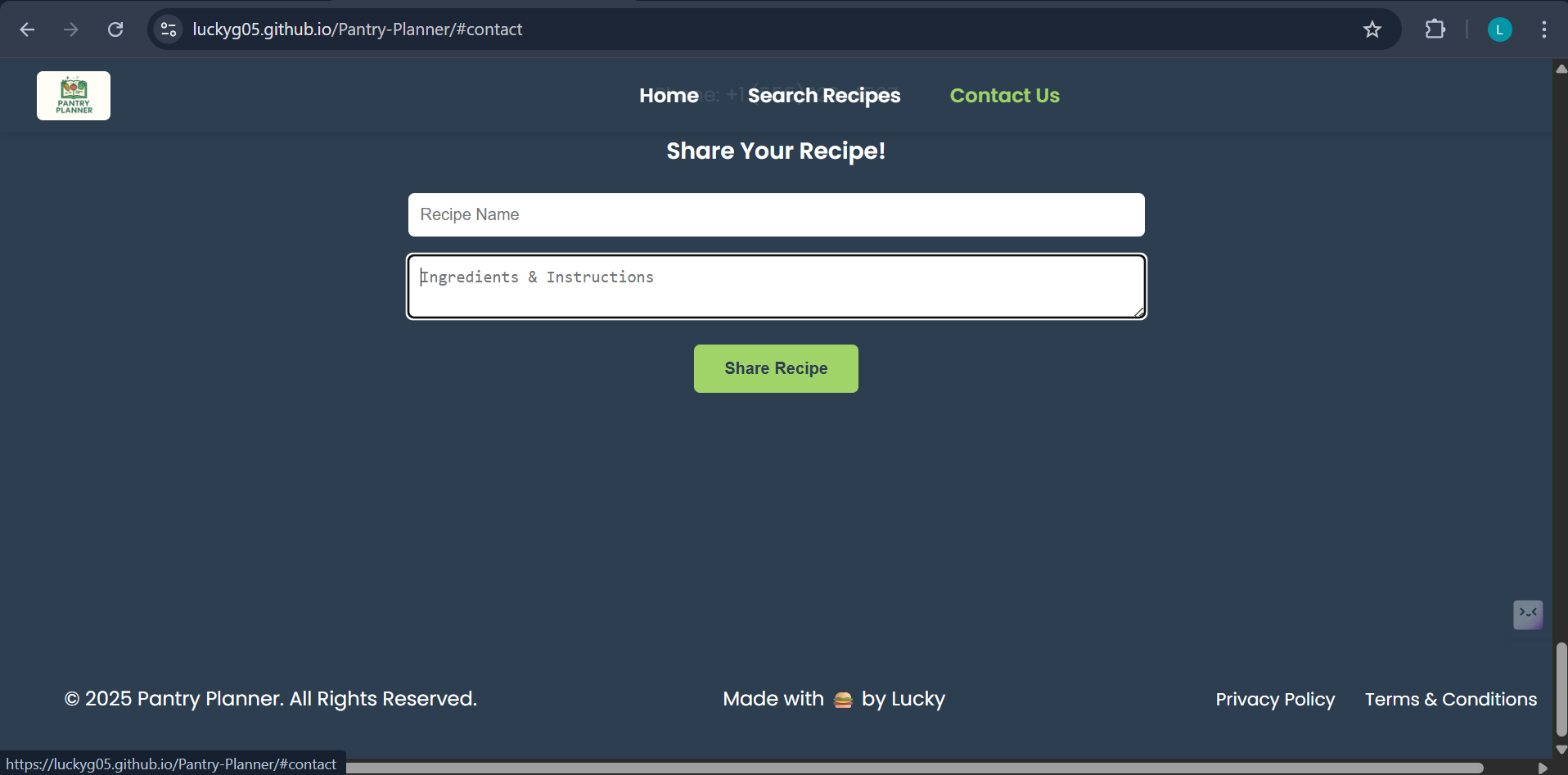
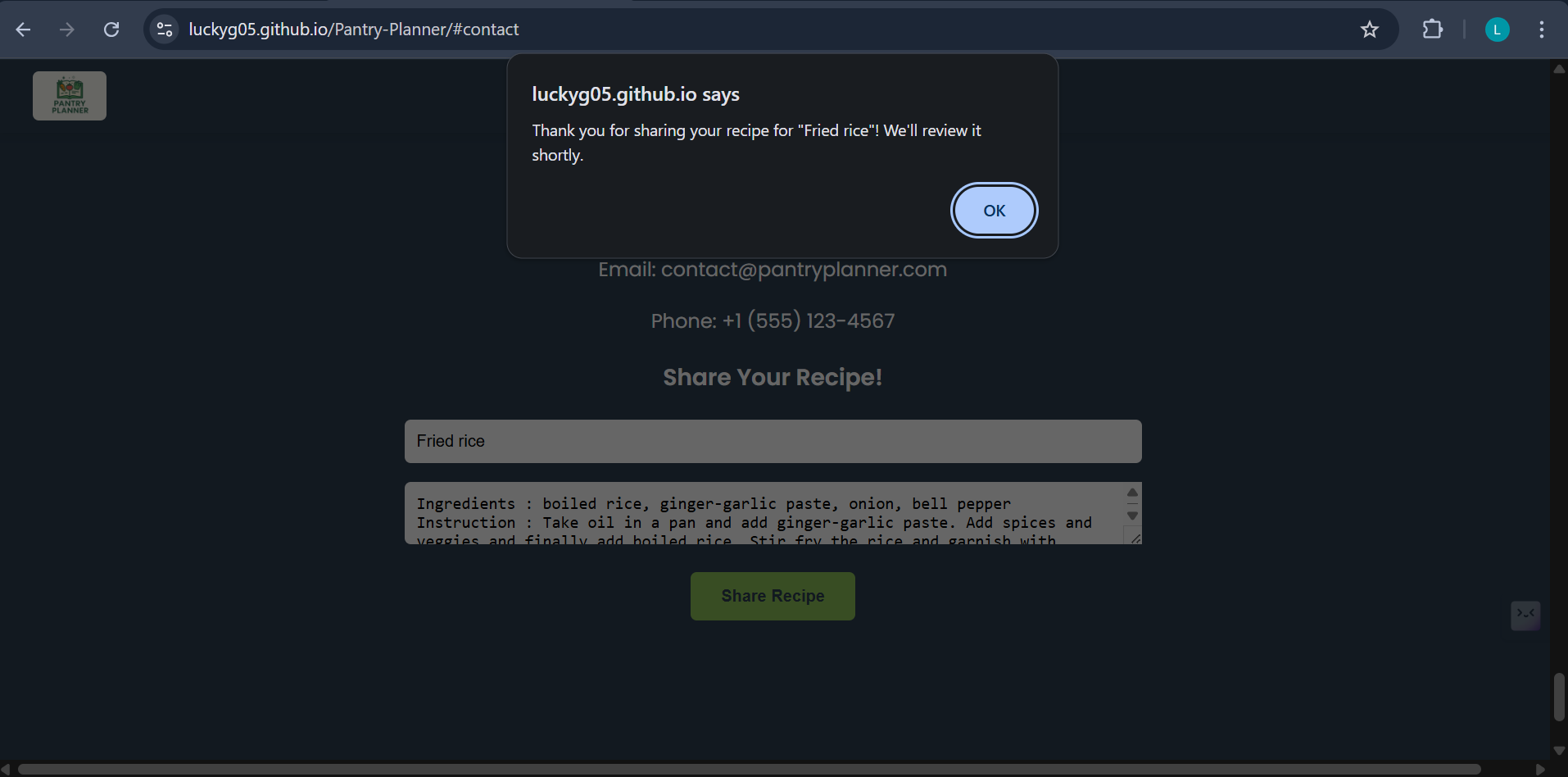
User Profiles & Community: Enable users to create profiles and potentially share their own recipes with a community of users.
Built With
- css
- github
- html5
- javascript
- vscode

Log in or sign up for Devpost to join the conversation.