-
-
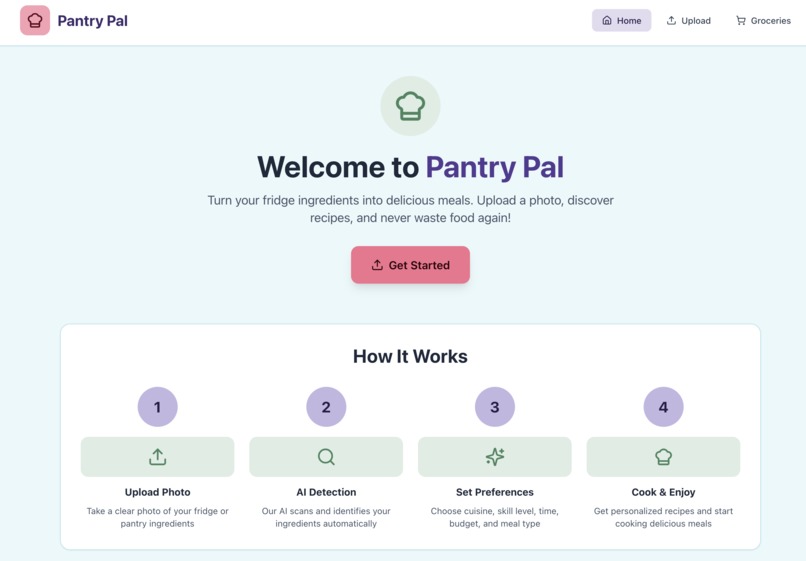
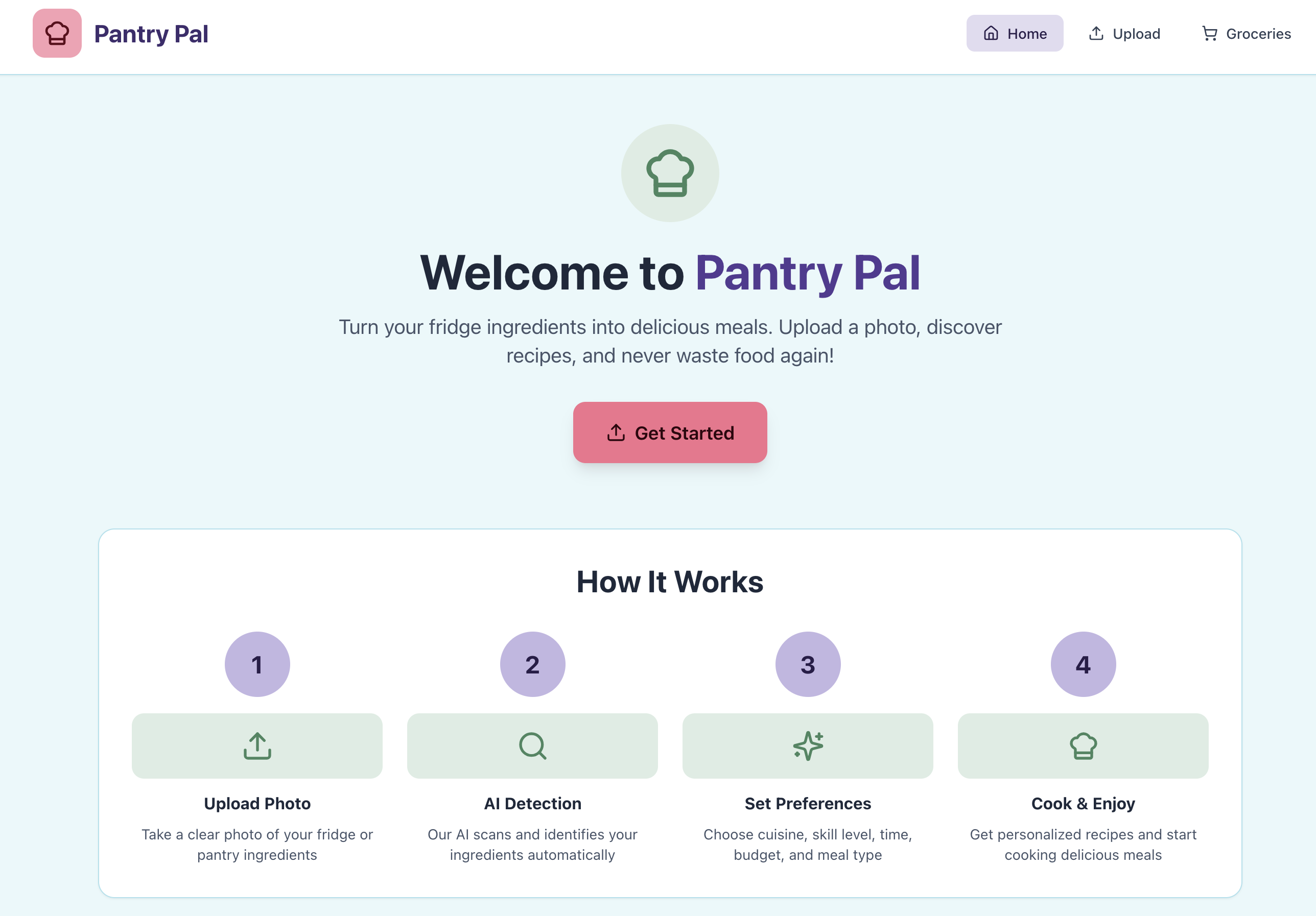
The homepage of our webapp with a quick intro of how it works
-
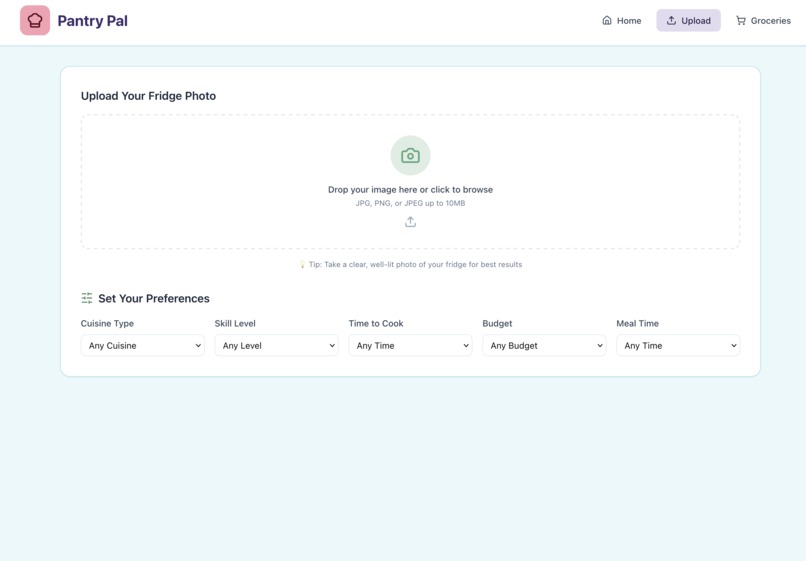
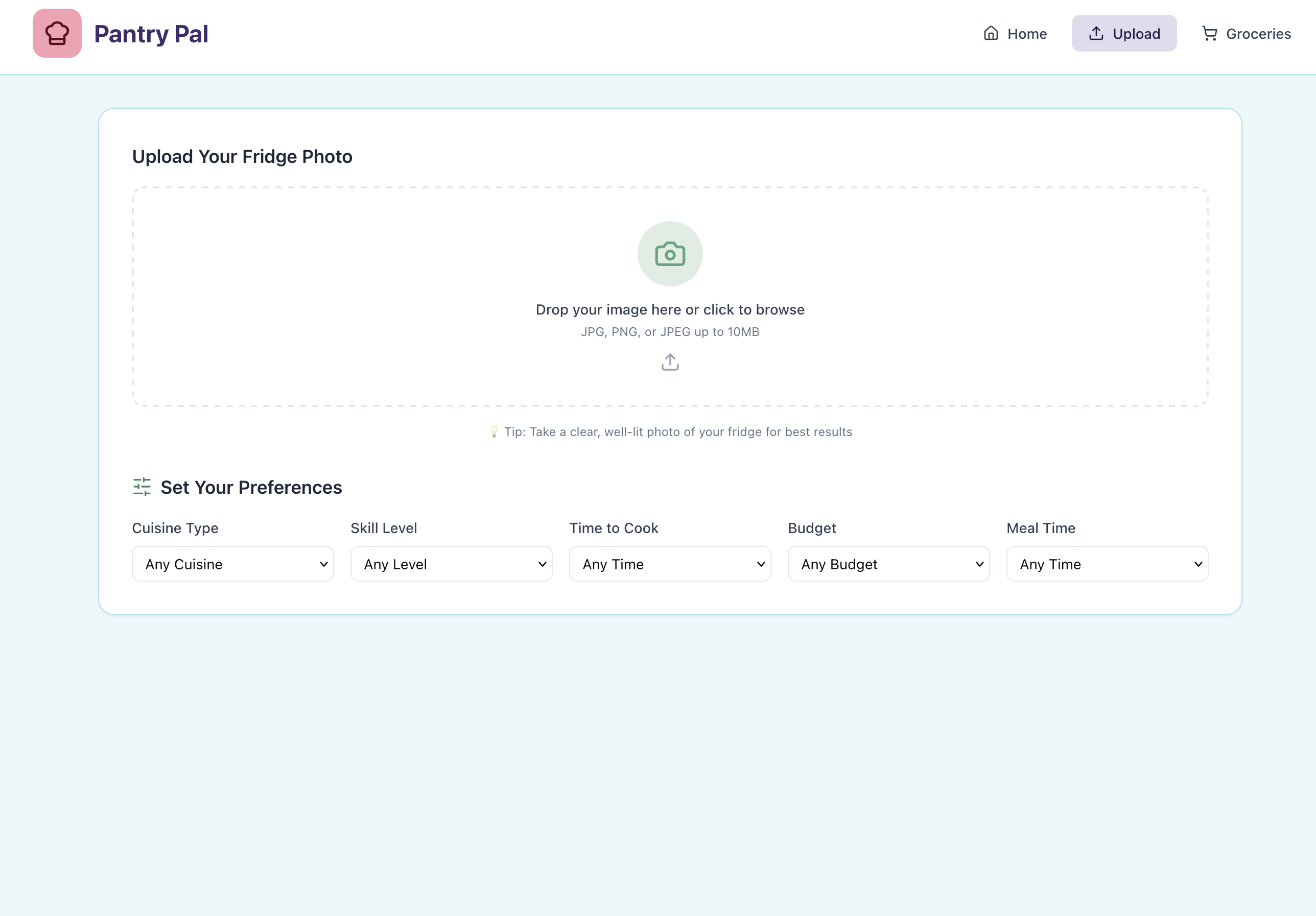
Interface for uploading images of what you have
-

Architecture Diagram
-
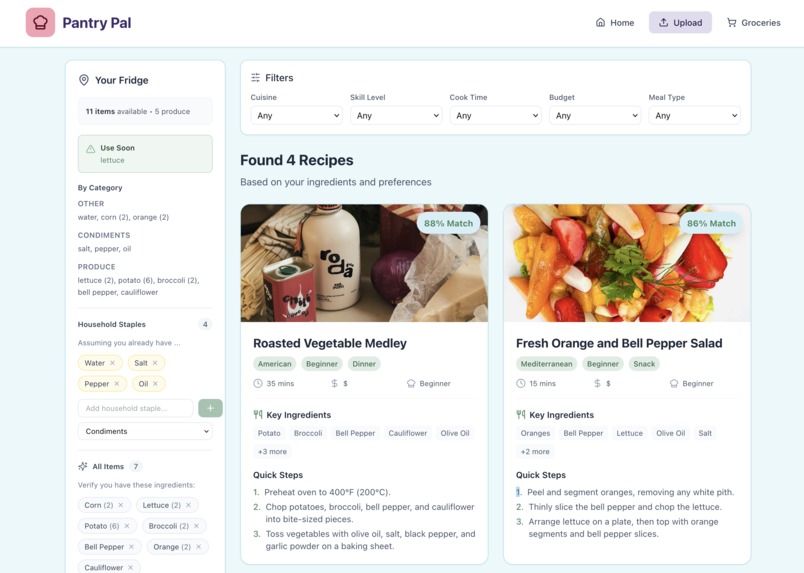
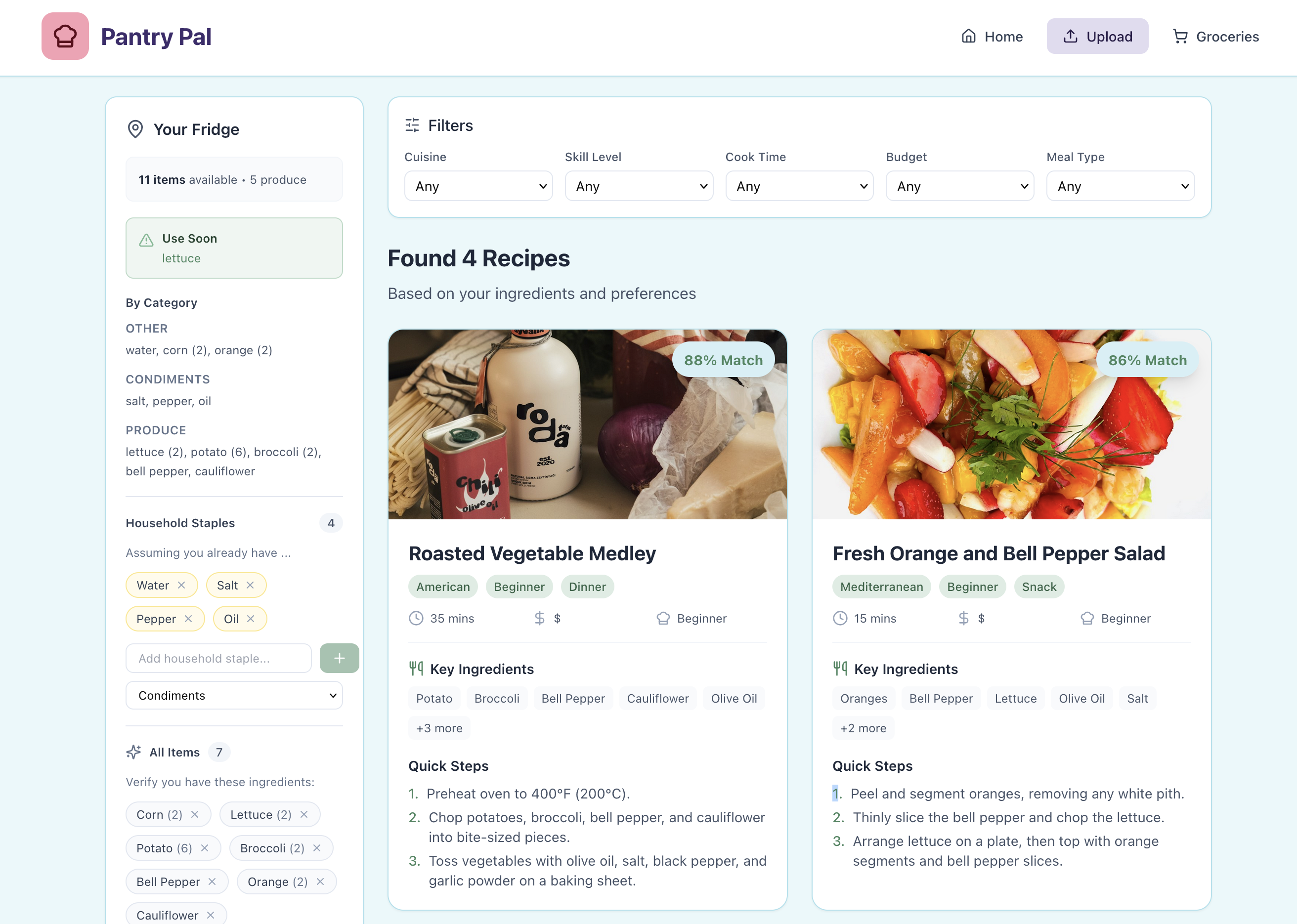
Recipe Ideas
-
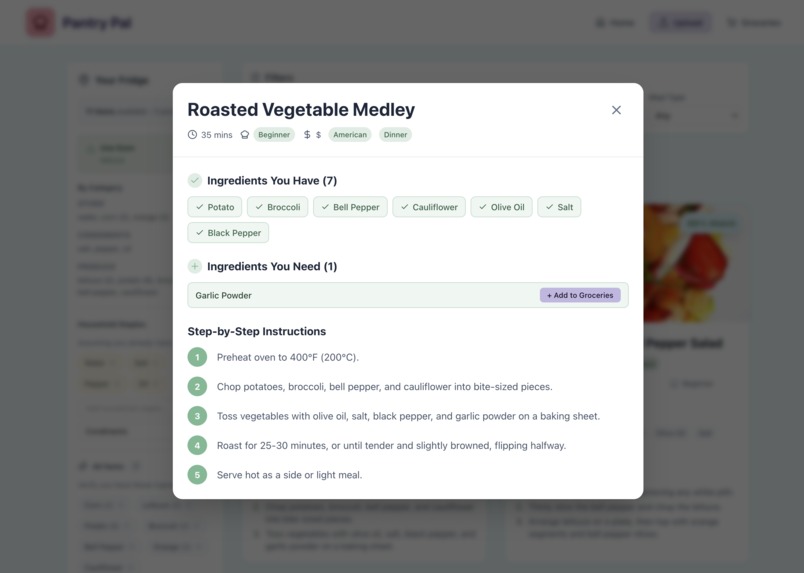
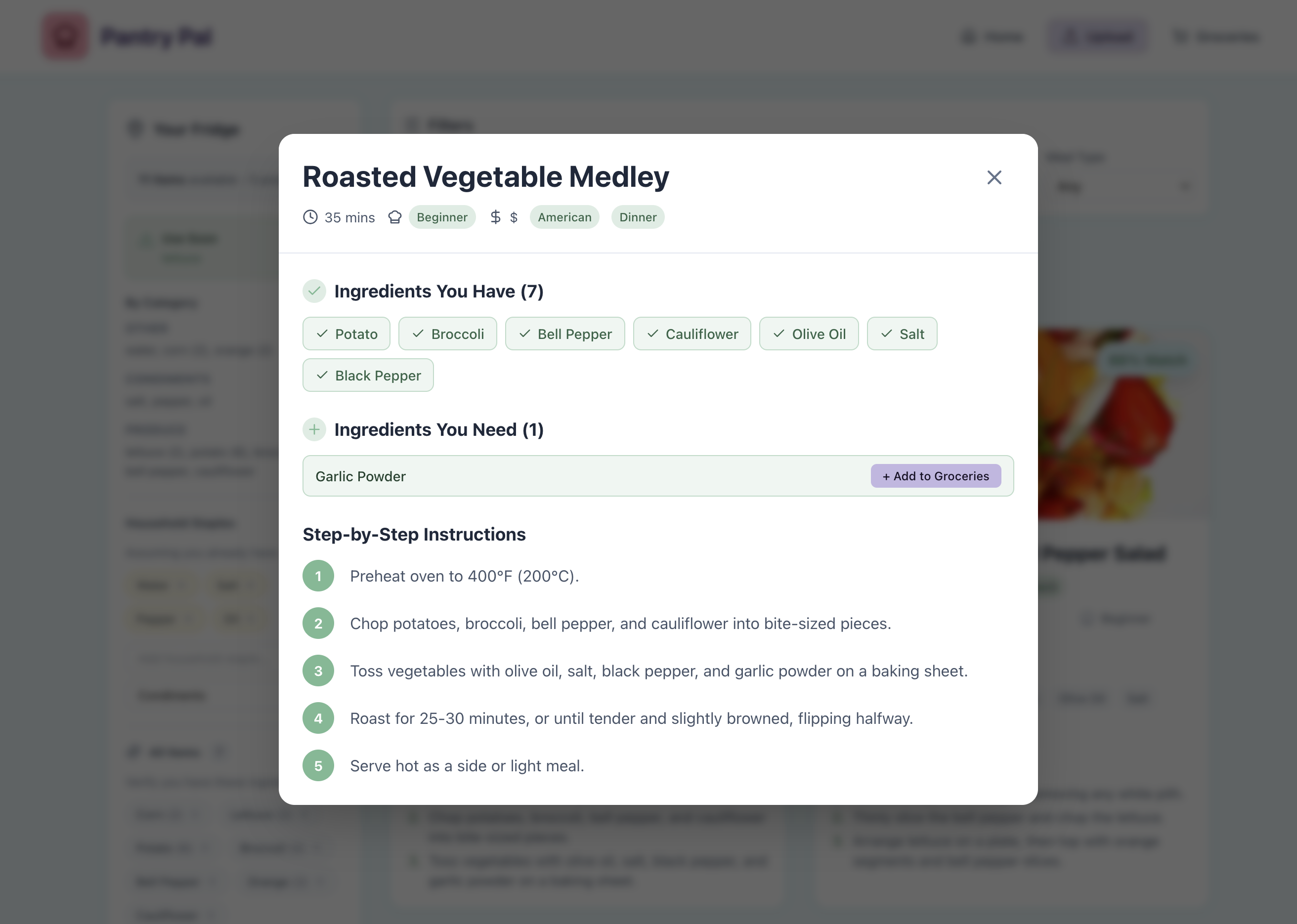
Recipe Details

Inspiration
As broke college students, and as people who do not like wasting food, we wanted to create a tool to make cooking for yourself easier, accessible, and affordable. There have been many times we have let food go bad in our fridge or pantry because we did not know what to use it for.
What it does
With Pantry Pal, you can now take a picture of what food you have in your fridge or pantry and you will get a few recipe options based on your cuisine preferences, cooking skill level, and available time.
How we built it
On the frontend, we built Pantry Pal using Next.js, React, Tailwind CSS, shadcn/ui, and Figma for both development and UI design. On the backend, we leveraged Next.js API routes and Vercel for deployment and server-side functionality. For input and output processing, we integrated Roboflow, Ultralytics YOLO, and Google Gemini. One of the biggest technical decisions we faced was determining the best approach for image detection. Initially, we planned to use Ultralytics YOLO. However, during early testing, we found limitations in its available datasets and inconsistencies in item detection accuracy for our specific grocery use case. This led to trial and error as we evaluated alternative solutions. Ultimately, we transitioned to Roboflow, which provided access to open-source datasets. We used an existing dataset and added to the training set to better fine tune our model which allowed us to customize and tailor a model for grocery detection. This gave us greater control over accuracy and performance. Once Roboflow processed the uploaded image and identified the ingredients, we used Google Gemini to generate structured, user-friendly recipe outputs based on the detected items. This pipeline enabled a seamless flow from image input to intelligent recipe generation.
Challenges we ran into
A major challenge our team faced while developing Pantry Pal was unfamiliarity with GitHub workflows and integrating individual features into one shared codebase. While we could build components independently, merging them often led to errors and inconsistencies. We overcame this by adopting a clearer branching strategy, making smaller commits, and reviewing pull requests before merging into the main branch. We also aligned on folder structure and coding conventions early on. By improving communication and organizing our workflow, we were able to reduce conflicts and build a more stable, cohesive application.
Accomplishments that we're proud of
At a beginner level:
Creating a web app for the first time Training our own model for food detection Designing a website UI on Figma Iterating the UI, and have it working after
What we learned
We learned how to develop an app from scratch and how the frontend and backend work together to create a cohesive application with an intuitive UI.
What's next for Pantry Pal
With more GPU and available datasets, we can fine tune our model to have better image detection, and thus more accuracy in the ingredients, so we will have more accurate recipes.


Log in or sign up for Devpost to join the conversation.