-
-
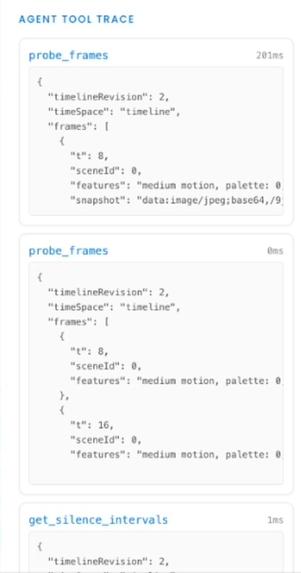
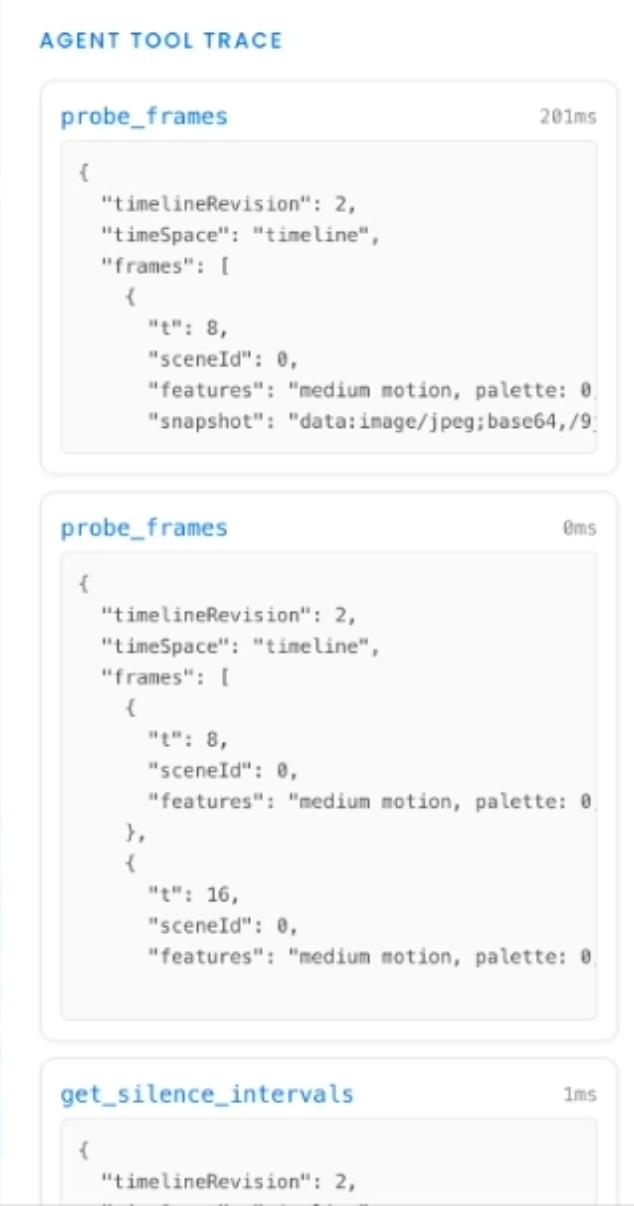
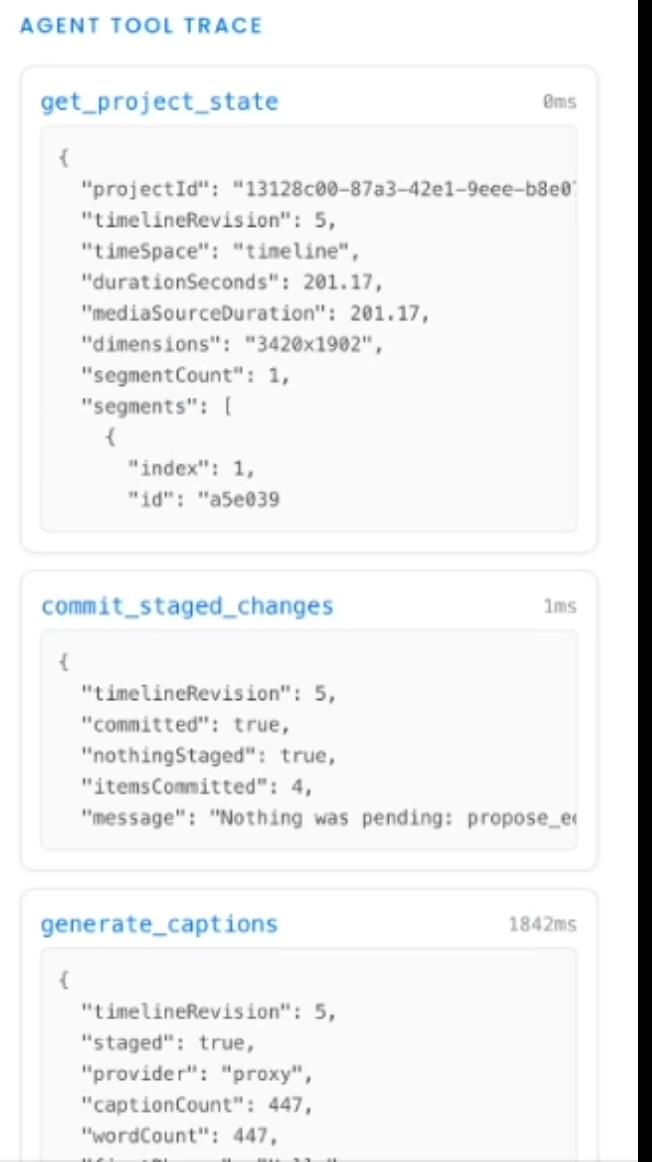
WebMCP Toolcalls - 2
-
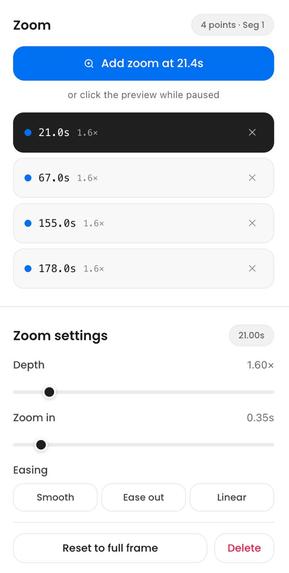
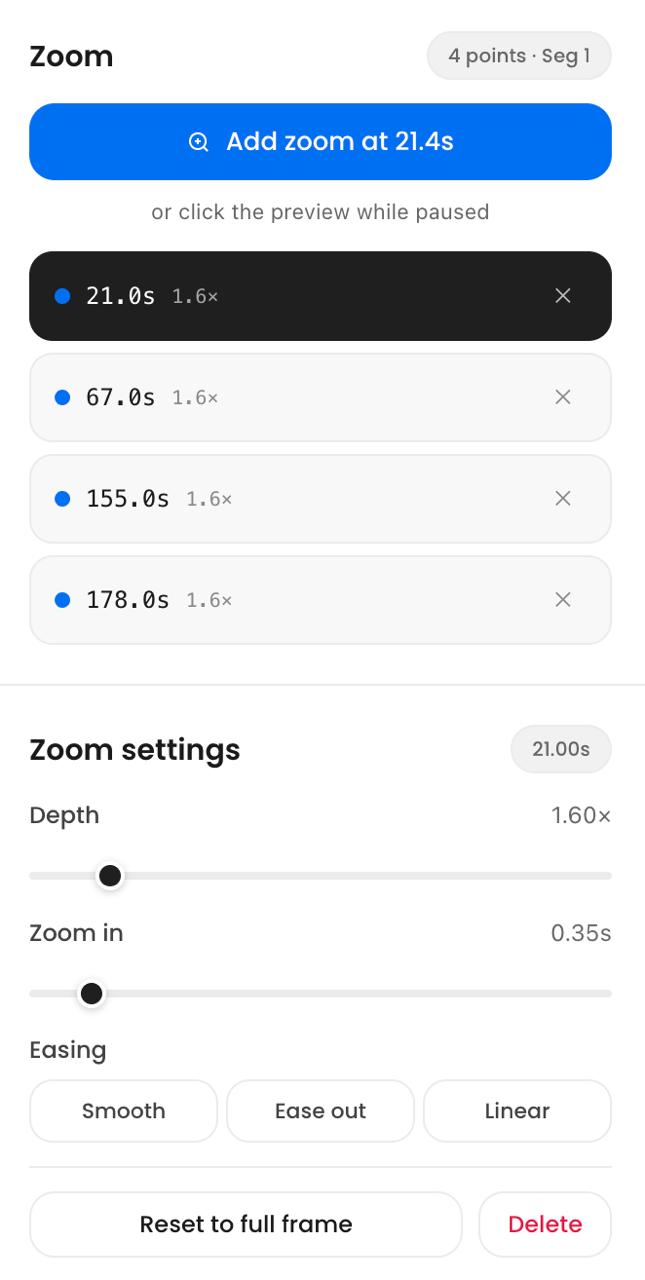
Zoom controls
-
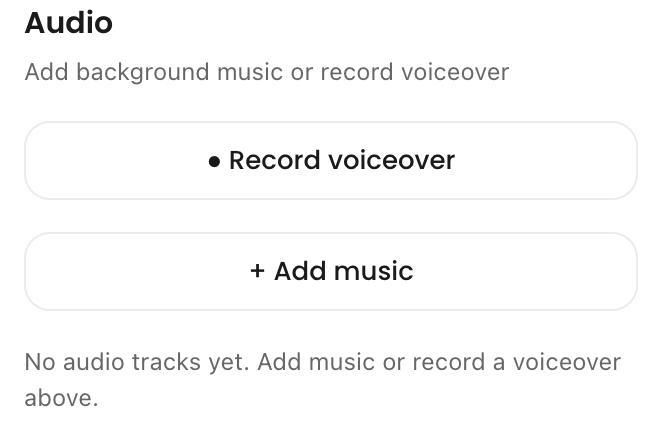
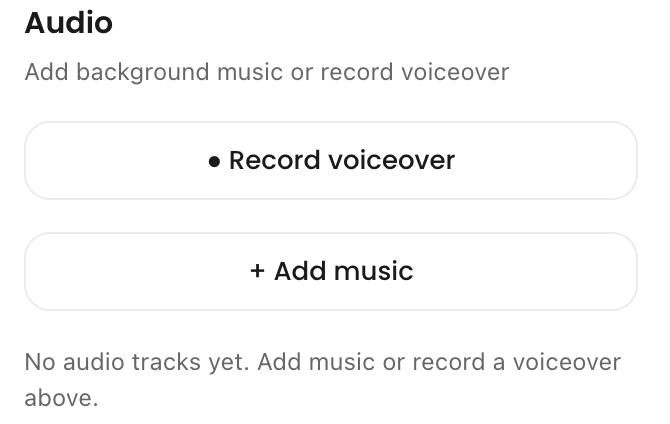
Voiceover and music
-
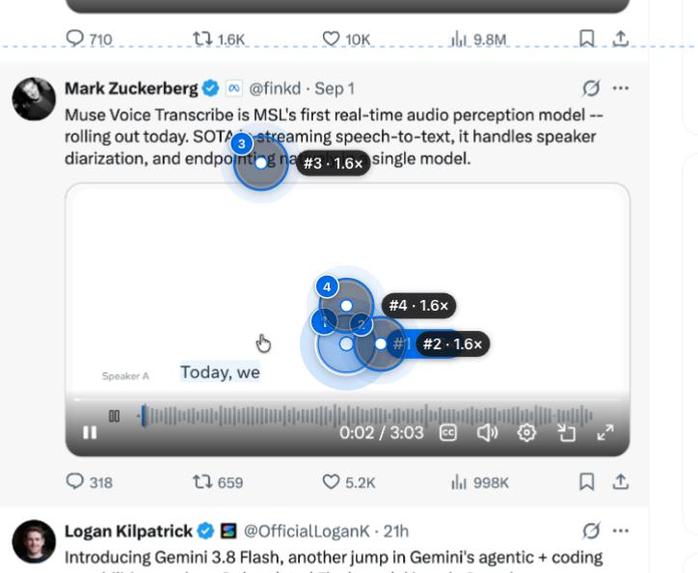
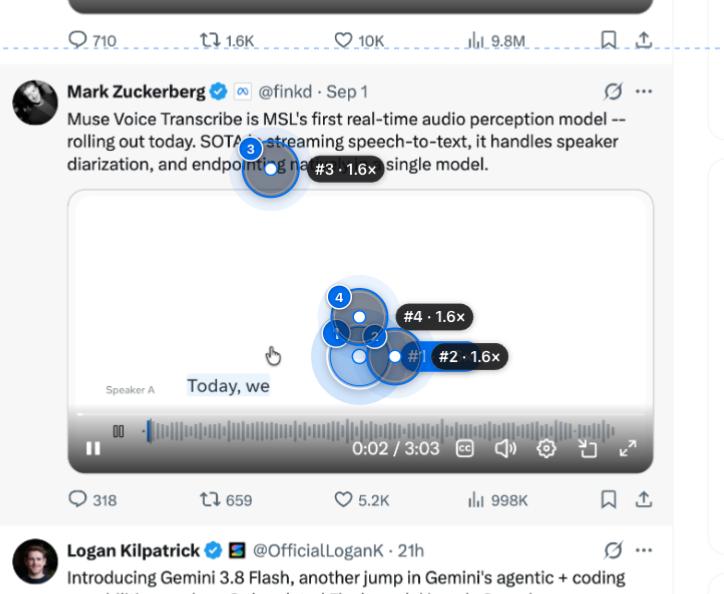
Zoom points
-
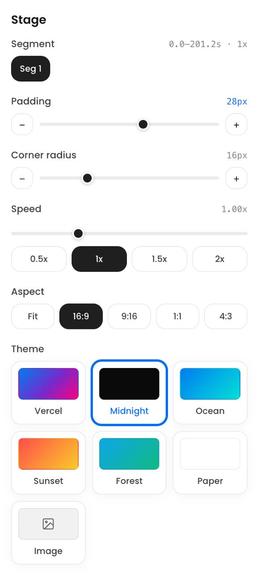
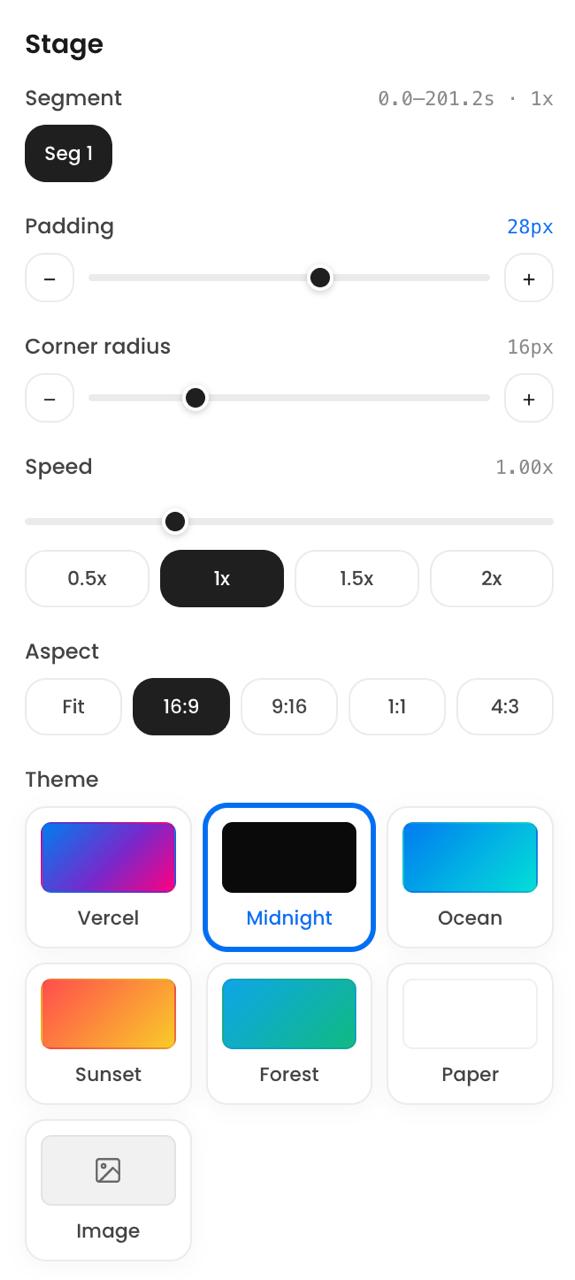
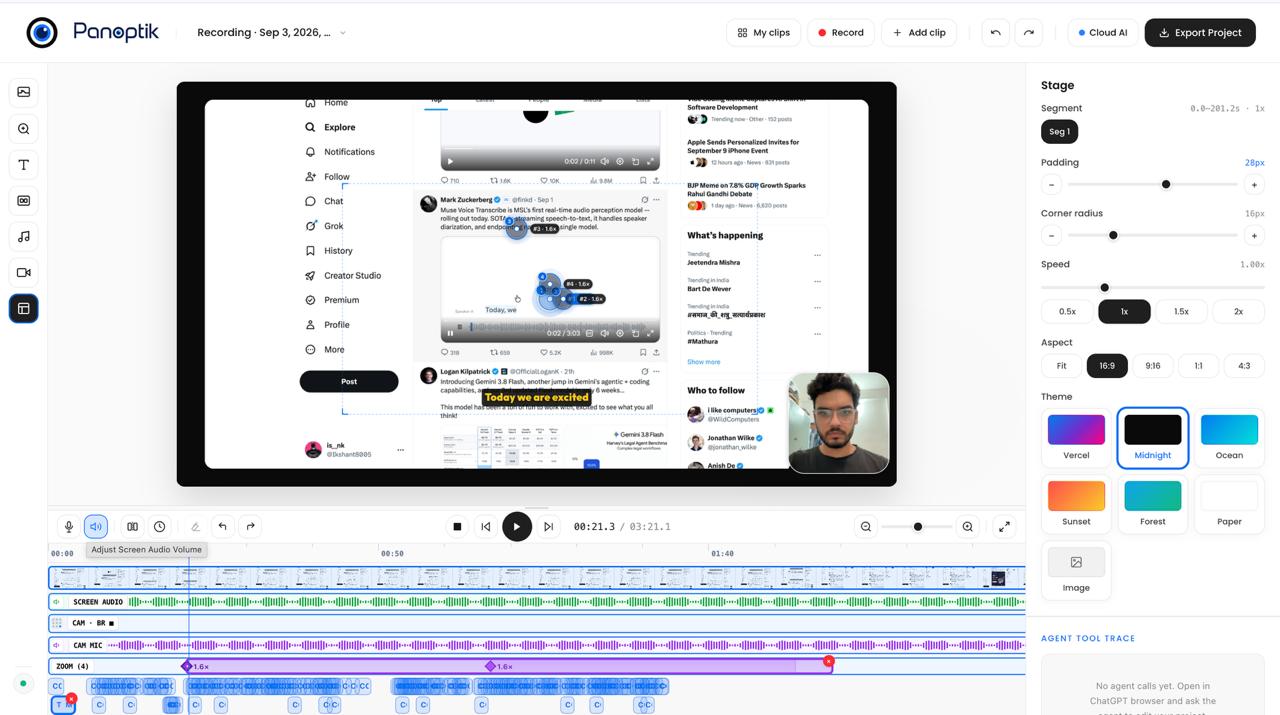
Stage
-
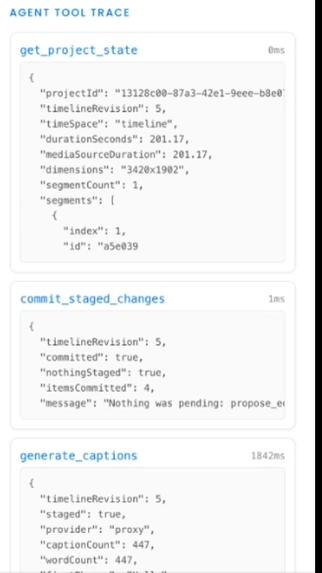
WebMCP Toolcalls - 1
-
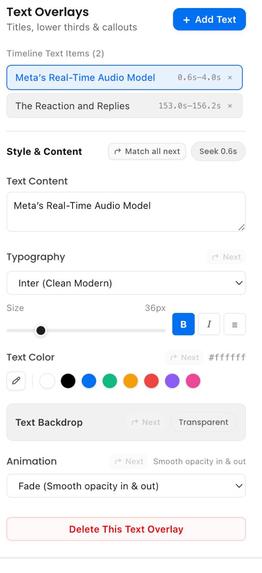
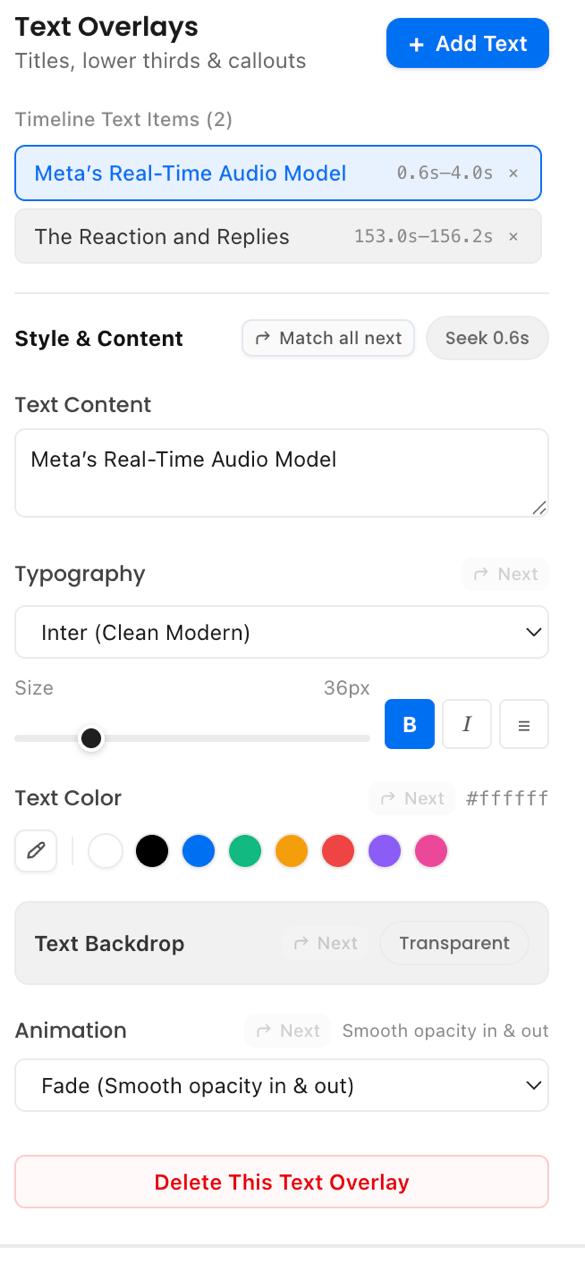
Text overlays
-
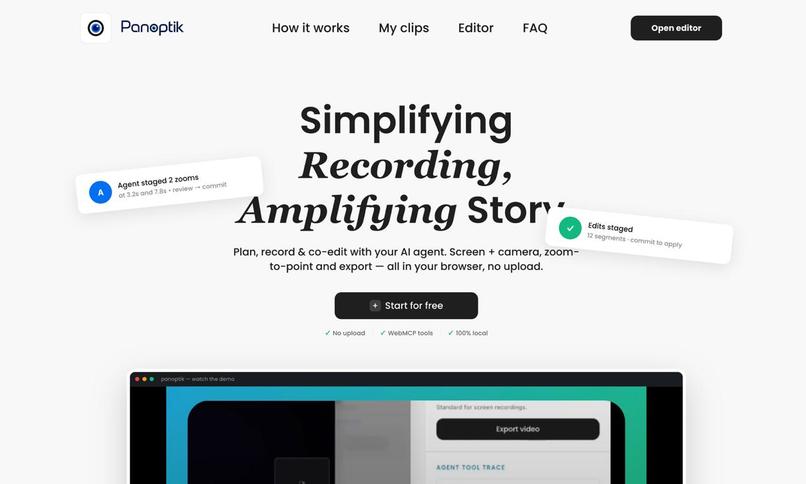
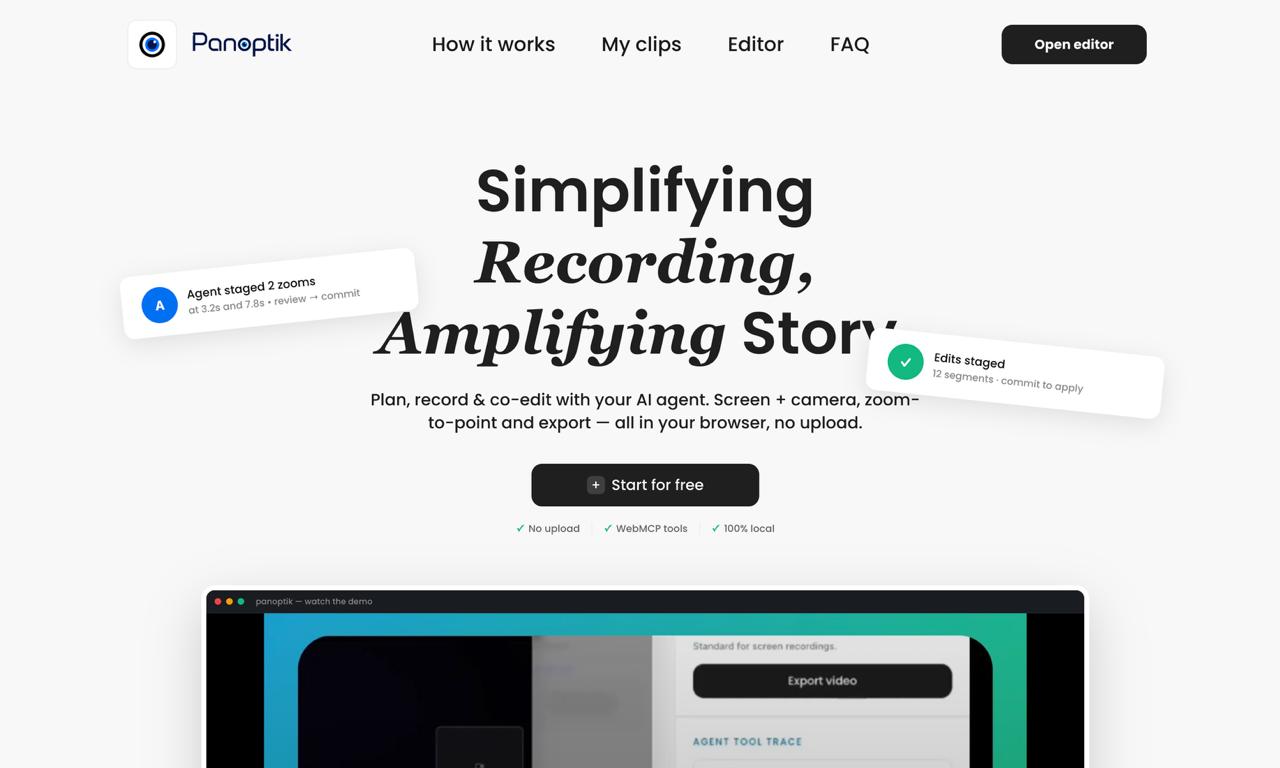
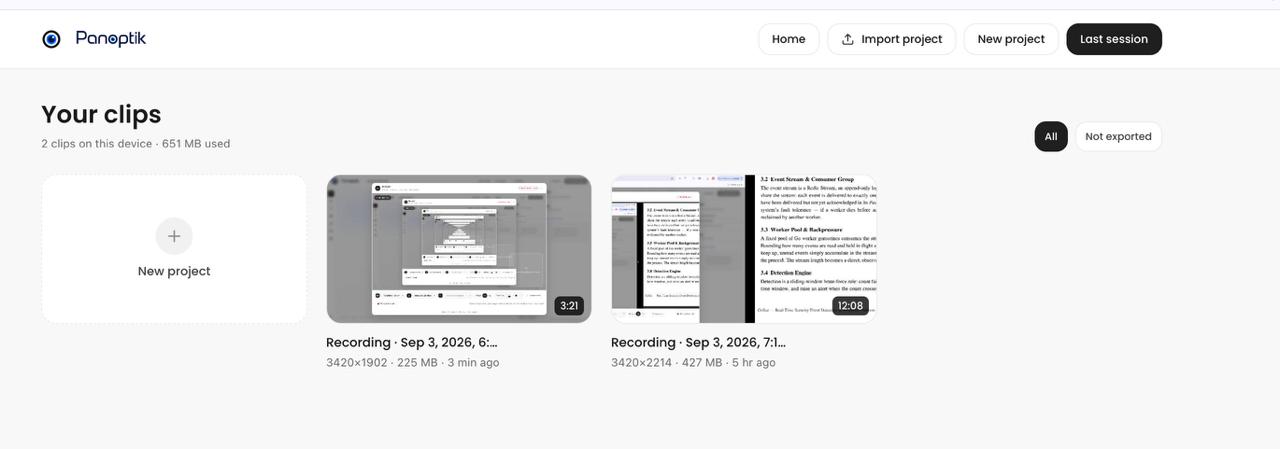
Landing page
-
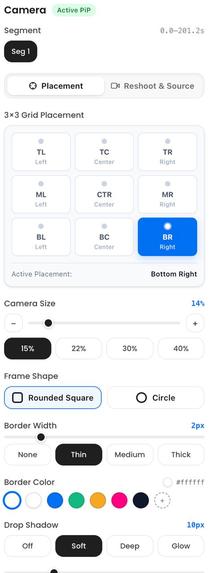
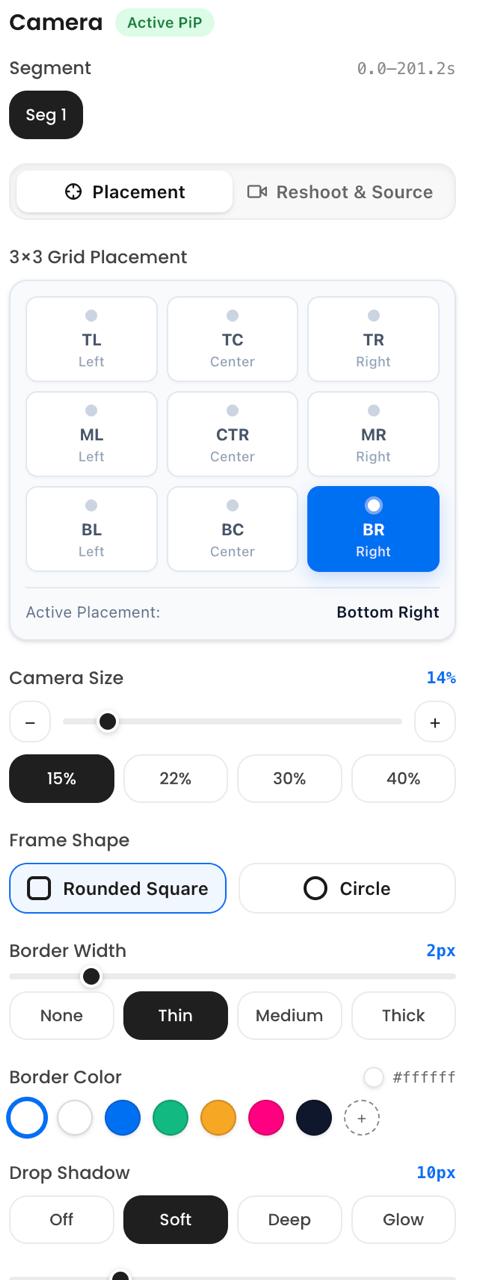
Facecam controls
-
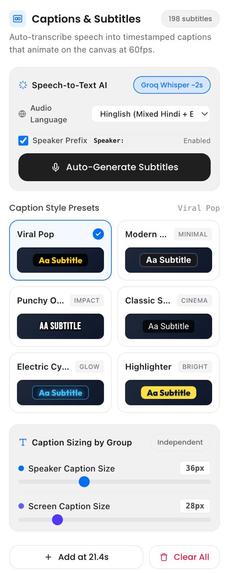
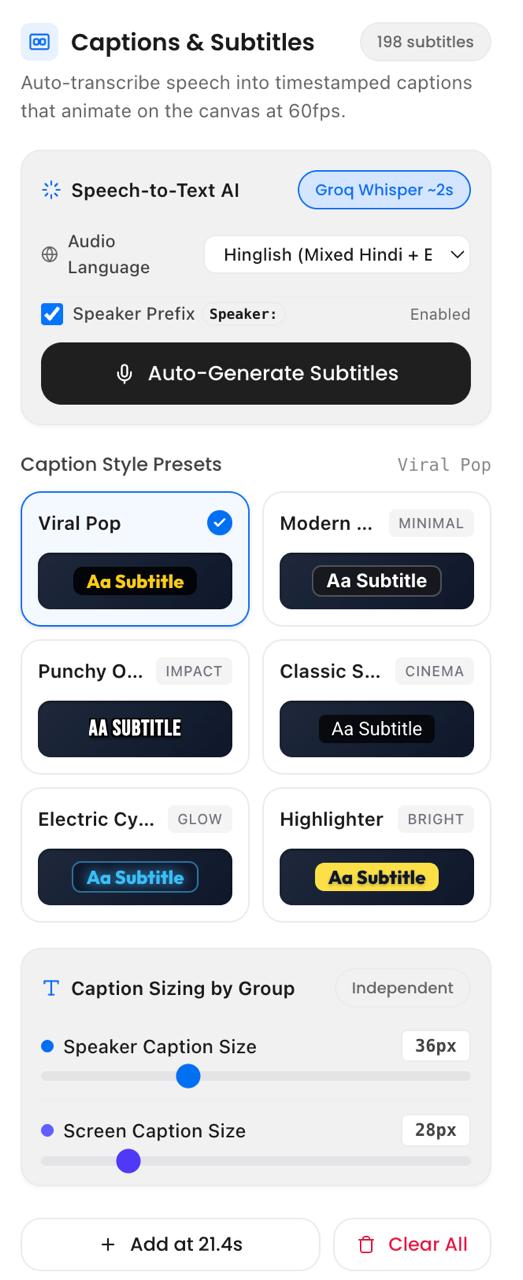
Autogenerated captions using whisper
-
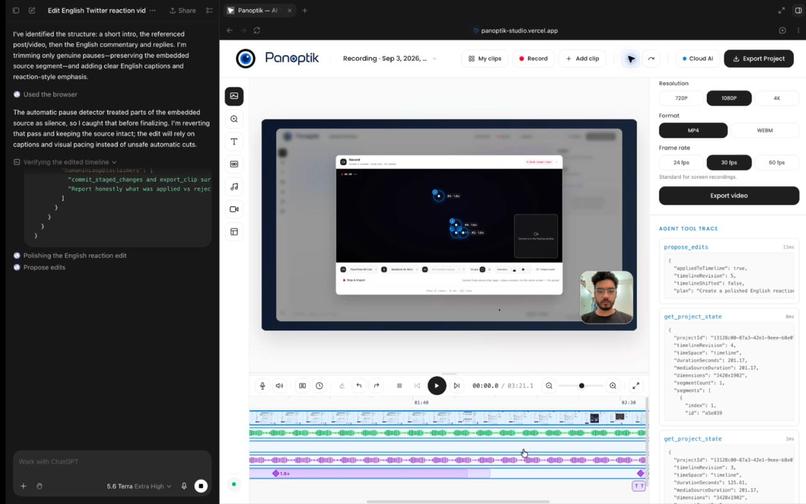
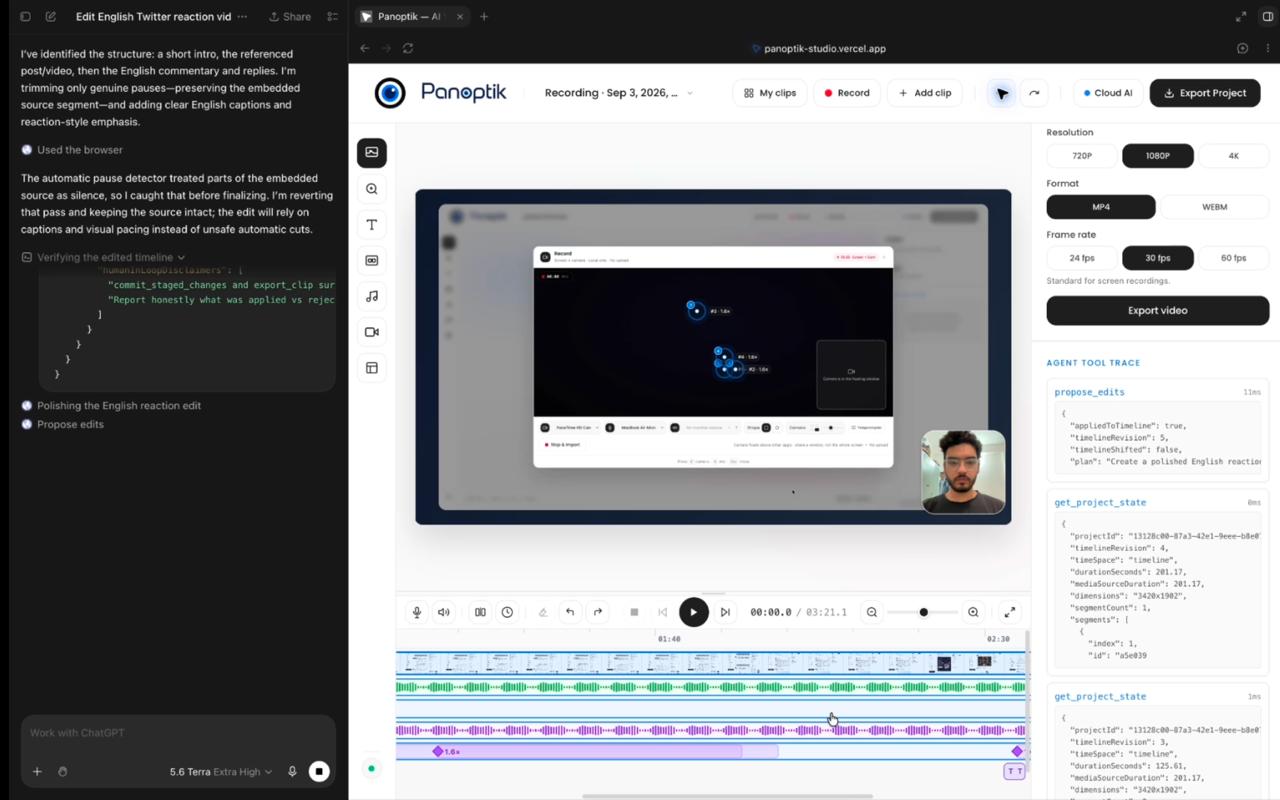
agentic ediditing session
-
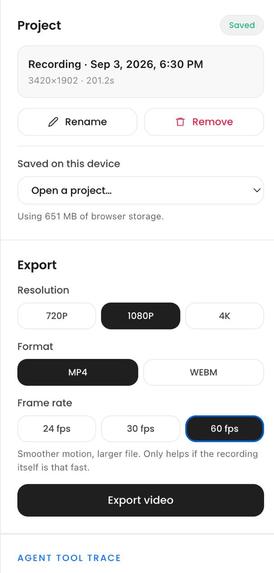
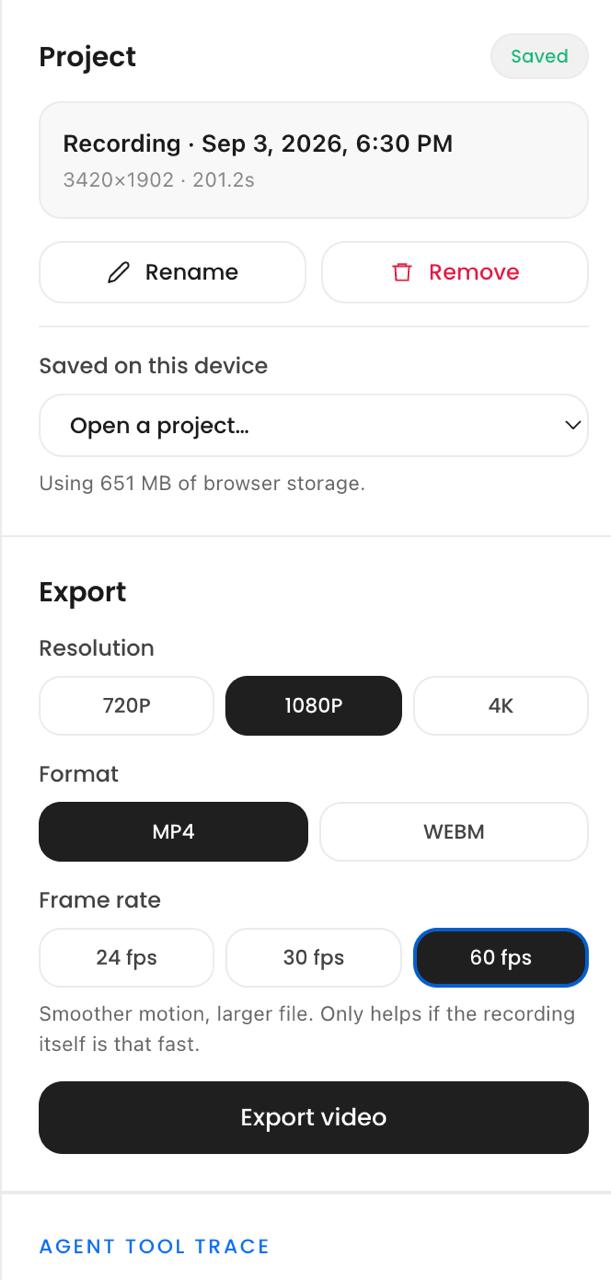
Export menu
-
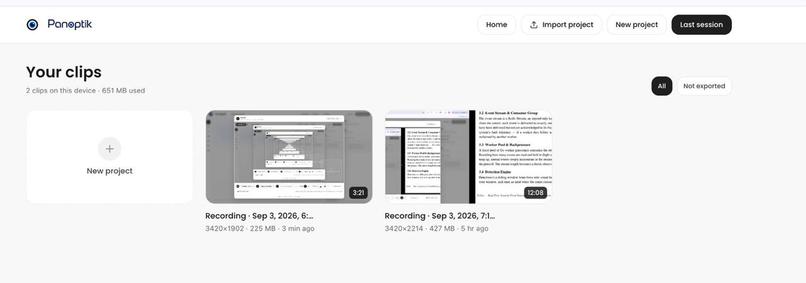
Workspace
-
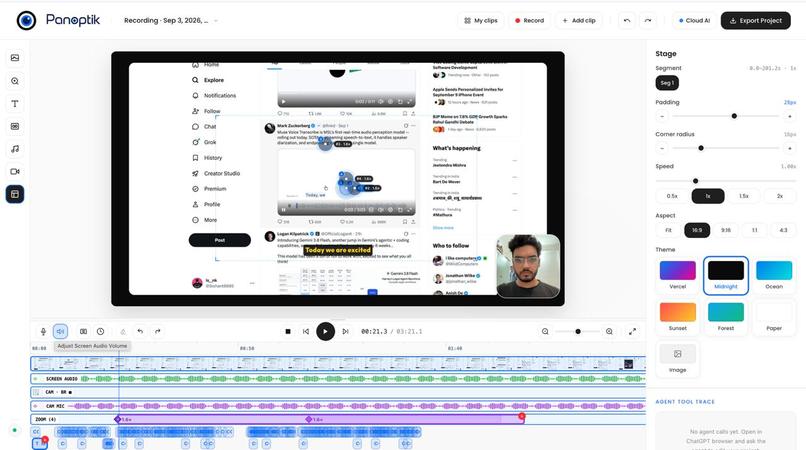
Editor
Panoptik × WebMCP — Project Story
A browser-native video studio where humans and AI agents co-edit on the same canvas. > Decode, render, audio mixing, and export happen 100% inside your browser using WebCodecs and Canvas2D. No uploads, no render farm, zero data leakage.
Inspiration
Making demo videos for software products takes too much time. A punchy 90-second product demo requires 15+ camera zoom keyframes, dozens of subtitle snippets, manual silence excision, and canvas framing. In tools like ScreenStudio, Loom, or Premiere, this forces creators to spend 45 to 60 minutes scrubbing frame-by-frame, calculating focal centers, placing timeline diamonds, and proofreading speech. Because editing is so exhausting, many developers simply give up and ship raw, unpolished recordings.
When we set out to build an AI agent to handle this tedious workflow, we ran into a core architectural barrier: video editing lives inside client-side canvas pixels.
- Backend MCP servers are blind to the browser session: The video file lives in the browser's Origin Private File System (OPFS), the playback state lives in an in-memory Zustand store, and the rendered UI exists only as Canvas2D pixel buffers. There is no remote server copy for an external API to inspect.
- Multimodal DOM-scraping is fragile and costly: Directing an agent via automated screenshots and synthetic cursor events consumes ~150 KB to 200 KB of token bandwidth per action, introduces seconds of latency, and frequently misclicks or desynchronizes with the timeline.
The OpenAI WebMCP Challenge provided the missing architectural link: an in-page, standardized communication bridge between browser-resident agents and client-side web applications. We built Panoptik so an in-browser agent can inspect the canvas, analyze project telemetry, and propose structured edits directly through 30 imperative WebMCP tools—while keeping the human firmly in control.
What it does
Panoptik is a screen recording and video production studio that runs entirely inside the browser:
- Zero-Upload Local Media Engine: Drop in raw recordings or capture screen, camera, and microphone directly. Decoding, real-time compositing, audio mixing, and MP4/WebM encoding run entirely client-side via WebCodecs, Canvas2D, and mediabunny. Proprietary dashboards, sensitive credentials, and internal code never leave your machine.
- 30 Granular WebMCP Tools: Panoptik exposes its editing engine via
document.modelContext.registerTool(). Running inside ChatGPT's in-app browser or Chrome with WebMCP enabled, the agent inspects scene cadence, reads click coordinates, checks rendered frames, and orchestrates multi-track edits. - The "Agent Proposes, Human Disposes" Diff Engine: The agent never silently mutates the timeline. Proposed cuts, zooms, captions, and transitions appear as non-destructive ghost edits (dashed amber keyframe diamonds, pending caption chips, and preview diffs). The creator can adjust any parameter manually and commit or discard the diff with a single click.
- Studio-Grade Polish:
- Dynamic Camera Zooms: Smooth continuous cubic camera translations with automatic viewport margin clamping.
- Visual Grounding: Three-tier focal resolution mapping agent requests (e.g., "zoom in on the login button") to exact coordinates via click telemetry, grid bounding boxes, or balanced fallbacks.
- Acoustic Snapping & Silence Removal: Automatic dead-air truncation that preserves natural speech cadence without clipping vocal phonemes.
- Word-Level Subtitles: Synchronized transcription with animated keyword highlighting.
Pitch-Preserving Speed Adjustment: High-fidelity audio time-stretching via the WSOLA algorithm.
Live Tool Trace Panel: A persistent inspector panel that surfaces every WebMCP call, runtime latency, input payload, and return value for total human oversight.
How we built it
Panoptik is structured as a monorepo containing the Next.js application (apps/web), the low-level media engine (packages/engine), and the shared type contract (packages/project-schema).
┌───────────────────────────────────────────────────────────┐
│                     Browser Tab (Next.js)                 │
│                                                           │
│  ┌──────────────┐   ┌────────────────┐   ┌─────────────┐  │
│  │Preview Canvas│   │Timeline & Store│   │ Tool Trace  │  │
│  └──────┬───────┘   └───────┬────────┘   └─────────────┘  │
│         │                   │                             │
│         ▼                   ▼                             │
│  ┌──────────────────────────────────────────────────────┐ │
│  │          Reactive Project Store (Zustand)            │ │
│  │    Committed Elements  ↔  Staged Ghost Diffs         │ │
│  └──────────────────────────┬───────────────────────────┘ │
│                             │                             │
│         ┌───────────────────┴───────────────────┐         │
│         ▼                                       ▼         │
│  ┌──────────────┐                       ┌──────────────┐  │
│  │Media Engine  │                       │ WebMCP Layer │  │
│  │(WebCodecs,   │                       │  (30 Tools,  │  │
│  │ Canvas2D)    │                       │  Snapping)   │  │
│  └──────┬───────┘                       └──────┬───────┘  │
│         │                                      │          │
│         ▼                                      ▼          │
│  ┌──────────────────────────────────────────────────────┐ │
│  │         W3C document.modelContext / Web APIs         │ │
│  │   VideoDecoder · VideoEncoder · OPFS · Mediabunny    │ │
│  └──────────────────────────────────────────────────────┘ │
└───────────────────────────────────────────────────────────┘
1. Camera Zoom Interpolation
At any playback timestamp t, the camera transform state is represented by a 2D affine vector:
T(t) = [ s(t), x_f(t), y_f(t) ]ᵀ
where s(t) is the zoom scale factor and (x_f, y_f) ∈ [0, 1]² is the normalized focal target.
For a zoom starting at t_k with duration Δt, the normalized transition progress parameter is:
p(t) = clamp( (t - t_k) / Δt, 0, 1 )
Progress is mapped through a cubic easing curve E(p):
- E(p) = 4p³ (for p < 0.5)
- E(p) = 1 - (-2p + 2)³ / 2 (for p ≥ 0.5)
The camera blends smoothly from the current state to the target state:
T(t) = (1 - E(p)) · T_start + E(p) · T_target
To render this on a canvas of dimensions (W_canvas, H_canvas) letterboxing a source video (W_vid, H_vid) with base scale S_0, the 2D transformation offsets applied to the context are:
- T_x(t) = (W_canvas / 2) - x_f(t) · W_vid · S_0 · s(t)
- T_y(t) = (H_canvas / 2) - y_f(t) · H_vid · S_0 · s(t)
2. Dual Time-Space Mapping
The human editor and agent reason in timeline time (t_timeline), while underlying video chunks exist in immutable source time (t_src). Cuts and speed modifications cause these coordinate systems to diverge.
For clip i with source interval [s_i, e_i] played at speed factor v_i, the timeline duration is:
D_i = (e_i - s_i) / v_i
The forward mapping function transforms source seconds into timeline seconds:
t_timeline = ∑(D_j) + (t_src - s_k) / v_k
When an agent proposes an edit, Panoptik immediately maps the timestamp back into source coordinates using the inverse mapping. Downstream timeline shifts caused by cutting dead air never invalidate or displace previously anchored keyframes.
3. Acoustic Word Boundary Snapping
Rather than blindly executing raw timestamps emitted by an LLM, cut proposals are guarded against active vocal phonemes using an acoustic safety boundary:
|t_cut - t_boundary(w)| ≥ 150 ms (for all spoken words w)
If a proposed cut falls within 150 ms of a word boundary, the cut automatically snaps outward to the nearest preceding silence interval, preventing clipped syllables.
4. Token & Bandwidth Economics
Comparing WebMCP structured tool calls against conventional multimodal vision scraping:
- WebMCP Payload: ~2.1 KB
- Screenshot + DOM Scraping: ~165 KB
- Efficiency Gain: 1 - (2.1 KB / 165 KB) ≈ 98.7%
A complete multi-step edit session completes in ~6 lightweight JSON tool calls (~3 KB total context overhead), eliminating latency bottlenecks and model context exhaustion.
Challenges we ran into
- Zero-WASM, Pure Browser Media Pipeline: Most web video editors rely on
ffmpeg.wasm, which requires massive binary downloads (30 MB+), induces heavy CPU thermal throttling, and risks memory leaks. We built on native web standards: WebCodecsVideoDecoder/VideoEncoder, Canvas2D, and OPFS. Handling variable frame rate (VFR) screen recordings while maintaining microsecond audio synchronization required custom timestamp interpolation and frame-stepping logic. - The "Dual Time-Space Paradox" in Agent Reasoning: LLMs reason sequentially based on current visuals: "cut dead air from 0:12 to 0:18, then zoom in at 0:25". As soon as the first cut is staged, the visual timeline contracts by 6 seconds. If the subsequent zoom is evaluated against the old timeline, it lands on the wrong frame. We solved this by implementing an atomic batch execution pipeline (
propose_edits) that evaluates all instructions against a single snapshot and performs dynamic cut-map rebasing. - Smooth Keyframe Interruption & Velocity Continuity: If an agent proposed a zoom keyframe while the camera was already mid-interpolation, naive lerping caused an abrupt visual hitch. We implemented an instantaneous velocity fold: every new keyframe samples the running animation's instantaneous scale and translation velocity to guarantee smooth transitions.
- WebMCP Safety Without Modal Pauses: WebMCP does not provide synchronous, blocking UI modal primitives. To prevent destructive operations from executing without human consent, we wrapped write tools like
commit_staged_changesandexport_clipin Promise-deferred gates. The tool triggers a diff confirmation modal in the app and awaits manual user approval before resolving.
Accomplishments that we're proud of
- 30 Functional WebMCP Tools: Built a comprehensive WebMCP tool suite for creative media workflows, covering inspection, visual grounding, batch editing, non-destructive staging, and hardware-accelerated export.
- Complete In-Browser Privacy: 100% of video processing, rendering, and export executes locally on the user's hardware. The entire studio remains operational even in fully air-gapped environments.
- 98.7% Reduction in Token Overhead: Replaced screenshot-and-DOM loops with structured, sub-millisecond JSON tool calls.
- The Staged Diff Grammar for Creative AI: Pioneered the visual pattern of "ghost edits" for creative workflows. Visualizing proposed changes as dashed amber timeline markers lets creators audit an agent's work with zero anxiety.
- Production Performance: Real-time 60fps Canvas2D preview compositing and hardware-accelerated 4K/60fps MP4 export utilizing client GPU hardware encoders.
What we learned
- WebMCP Connects Agents to Active Workflows: While backend MCP links models to static databases, WebMCP brings agents directly into human runtime environments and visual canvas states. For interactive, canvas-driven web applications, in-page WebMCP is the ideal architecture.
- Deterministic Code Must Guard Probabilistic Intelligence: LLMs excel at assessing narrative flow, comedic timing, and visual importance, but they cannot calculate millisecond-exact audio bounds or screen margin padding. Pairing high-level semantic intent with deterministic, rule-based snapping delivers production-grade results.
- Non-Destructive Staging Builds User Trust: Users are reluctant to give autonomous agents write access to creative projects. By enforcing non-destructive staging diffs, human confirmation gates, and a transparent tool trace log, creators feel supported rather than replaced.
What's next for Panoptik
- Chrome Extension for Richer Telemetry: Recording OS-level cursor acceleration, click ripples, and active DOM selectors during screen capture to provide agents with richer spatial telemetry.
- Publishing
@panoptik/engineto NPM: Releasing the zero-WASM WebCodecs rendering and camera transform pipeline under the MIT license for the broader web development community. - Multi-Agent Editorial Teams: Enabling collaborative agent roles on the same timeline—a "Director" agent pacing cuts, a "Sound Designer" balancing ducking curves, and an "Animator" choreographing camera dynamics.
- Client-Side WebGPU Audio Cleanup: Embedding browser-native voice isolation and background noise suppression models directly into the client audio worker.
Built With
- ai-agents
- cloudflare-workers
- groq
- html5
- mediabunny
- mediastream-api
- next.js
- node.js
- openai
- opfs
- pnpm
- react
- tailwind-css
- typescript
- vercel
- video-processing
- web-audio-api
- web-workers
- webcodecs
- webmcp
- whisper
- zod
- zustand


Log in or sign up for Devpost to join the conversation.