PanoCraft — Devpost project page
Inspiration
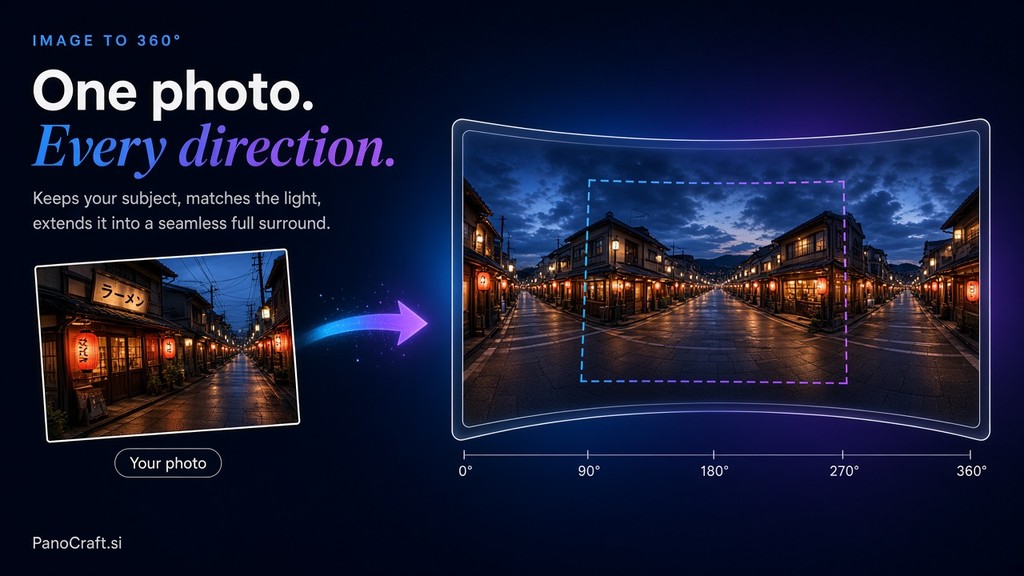
A 360° panorama is a very specific output: 2:1 equirectangular, seamless at the wrap point, and with correct geometry so it looks right inside a viewer. Generative image models produce 1:1 or 16:9 images. Asking for "a panorama" gets you a wide picture that is not a sphere — the left and right edges do not meet, and the top and bottom are wrong for a viewer that expects the poles.
The gap is not artistic, it is geometric. I started PanoCraft to close that gap properly rather than by cropping a wide image and hoping.
What it does
Text or photos in, real 360° geometry out.
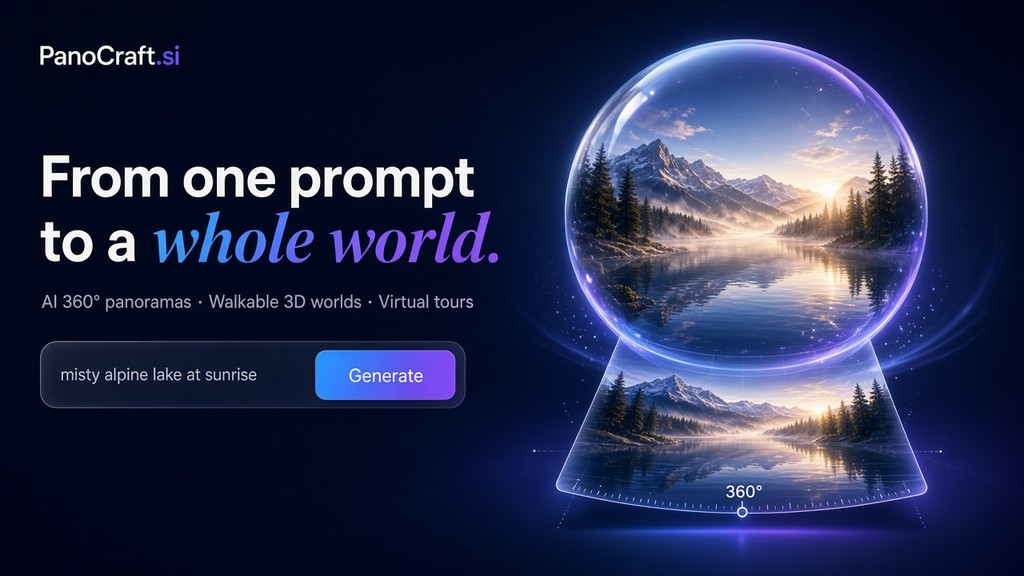
- Text-to-panorama
- Image-to-panorama, including multi-reference
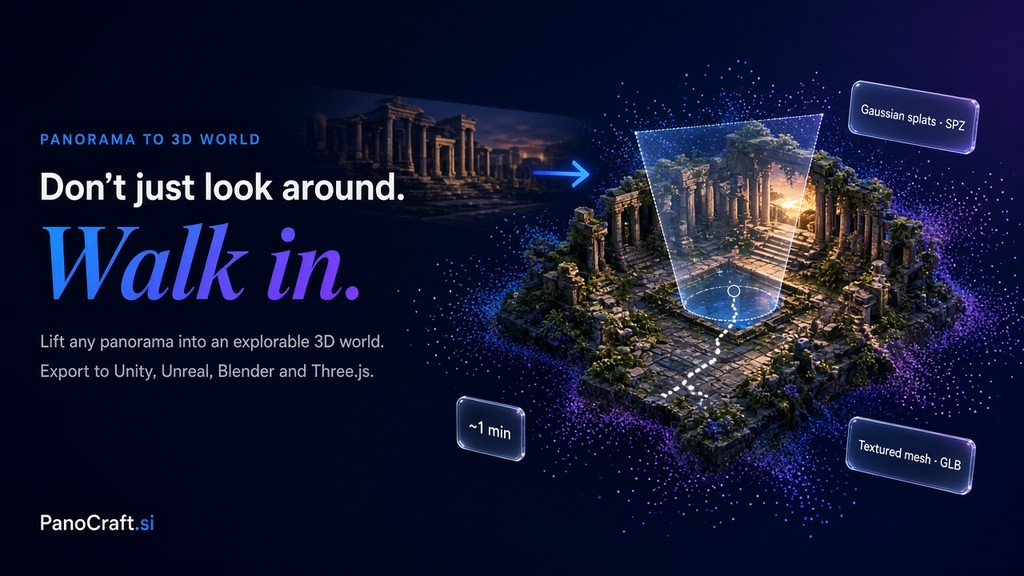
- Converts a panorama into a walkable 3D world with a downloadable collider mesh
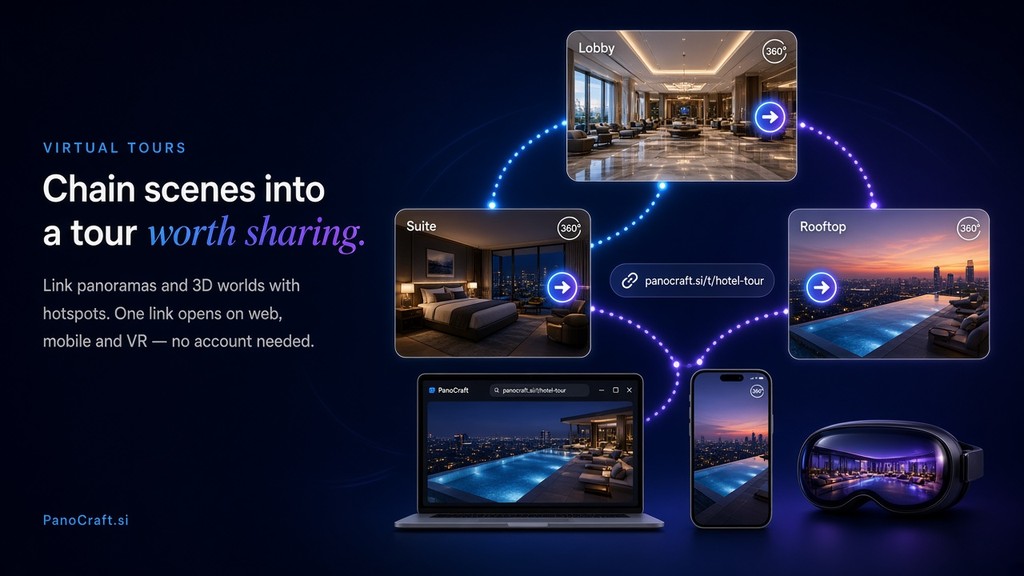
- Virtual tours with scene links and hotspots
- Production 2:1 output in WebP, PNG, or JPEG
How I built it
1. Generate wide, then enforce the seam. The generation step works in a wide aspect, but the output is not accepted until the wrap point matches. I compare the two edge columns and reconcile them — either by inpainting the overlap or by blending across the seam with a horizontal offset. A panorama with a visible seam is unusable in a viewer, so this check is a hard gate rather than a polish step.
2. Correct the projection. The generated image is treated as an equirectangular source: the top and bottom are resampled with the appropriate vertical distortion so that looking straight up produces what a viewer expects. Skipping this produces panoramas that look fine as flat images and wrong the moment they are loaded.
3. Panorama to walkable world. The 2:1 panorama is converted into a 3D representation — a Gaussian-splat style scene — with an extracted collider mesh. The mesh is what makes it walkable: without collision geometry you can fly through walls and the illusion breaks immediately.
4. Tour assembly. Multiple panorama scenes are linked into a tour with hotspots and shareable links, and the scene transitions have to be oriented consistently or the viewer gets disorienting jumps.
Challenges I ran into
The seam is the whole product. Every panorama generator produces something that looks convincing as a flat strip. Load it in a viewer and the join is obvious. My early versions shipped with visible seams and I did not notice until I tested in an actual panorama viewer rather than looking at the image file.
Top and bottom need different treatment. Equirectangular distortion means the poles stretch horizontally by an enormous factor. Content that looks correct at the horizon becomes badly warped near the top and bottom, and the fix is not a uniform resample — it depends on what the prompt put there. Sky at the top is forgiving; a building at the top is not.
Collider mesh extraction is coarse. A mesh derived from a panorama is a rough approximation, and the walkable area needs to be constrained to what the panorama actually shows, or users walk into regions that have no visual content.
Accomplishments that I'm proud of
- Enforcing the seam as a hard gate instead of assuming generation got it right.
- Getting panoramas to load correctly in standard 360 viewers, which is the actual acceptance test.
- The panorama-to-walkable-world step, because it turns a static image into something people can explore.
What I learned
Test in the medium the output is for. I looked at panorama files as images for a long time before loading one in a viewer. Every geometric problem was invisible until then, and visible immediately afterwards. The lesson generalises: check the artifact where the user consumes it, not where it is convenient.
Format constraints are design constraints. Once I accepted that 2:1 equirectangular is the output, a lot of pipeline decisions became obvious. Trying to stay flexible about output format was actually the source of most of my geometry bugs.
What's next for PanoCraft
- Scene graph for multi-room tours. Link rooms with accurate spatial relations rather than arbitrary hotspots.
- Depth-aware generation. Use estimated depth to make the generated geometry consistent instead of inferring it after the fact.
- Engine-ready export. Direct output for Unity, Unreal, and Three.js with correct import settings documented.
- Re-light a panorama. Change time of day or lighting on an existing panorama without regenerating it, which is the most common request for real-estate work.


Log in or sign up for Devpost to join the conversation.