Introduction
The Pangea Graphical User Interface (GUI) client is a one-stop shop GUI interface that takes care of all your cybersecurity needs by interacting with the APIs offered by Pangea. One of the problems with the current Pangea setup as it is currently is that it can be a bit off-putting to beginners: references to concepts such as "bash", "environment variables" and so on can easily intimidate a beginner. To overcome this, a GUI client was made that eases a user into the world of Pangea's API. Another benefit with the Pangea GUI client is that users can access the core features of Pangea without having to rely on a browser to interact with the Pangea APIs; the Pangea GUI client is sufficient, thus saving on computer resources, as computer browsers are typically very RAM-intensive.
Technical Background
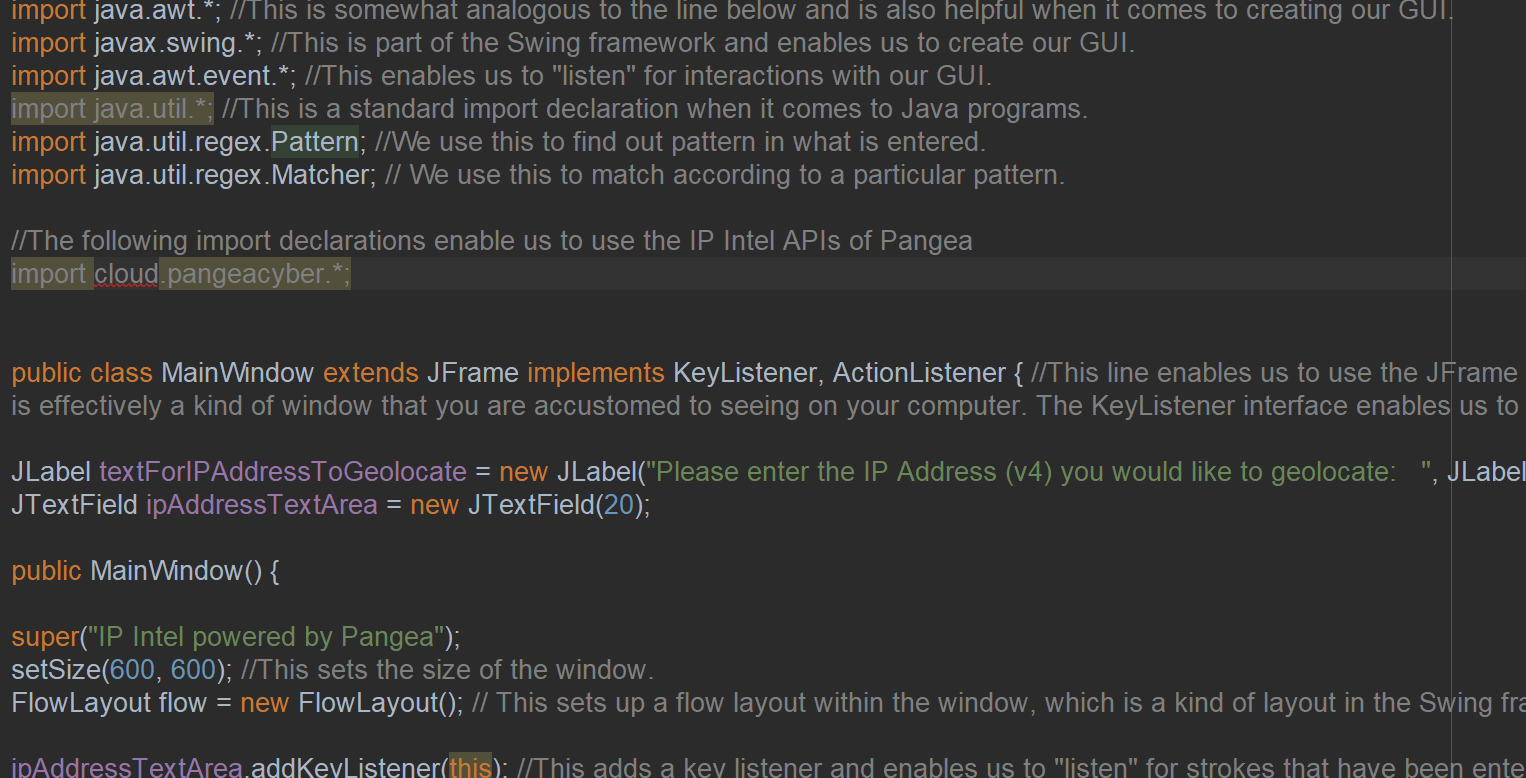
This program was built in Java and uses the Swing framework. Swing is a popular framework when it comes to creating graphical user interfaces in Java. Java was chosen because of its architecture which makes it very portable across different operating systems (e.g. Windows, macOS, Linux, etc), which is suitable for the audience that is targeted here. Java was also chosen because it is one of the SDK options offered by Pangea.
Requirements
In order to use this program, you will need the following:
- A Pangea account, together with token and requisite services.
- Internet access.
- Java SDK installed on your system.
- Maven installed on your system.
- Git installed on your system (optional but preferred).
- Integrated Development Environment/IDE (optional but preferred).
This project is focused on the Windows operating system, but the Github repository may showcase source code files in the future.
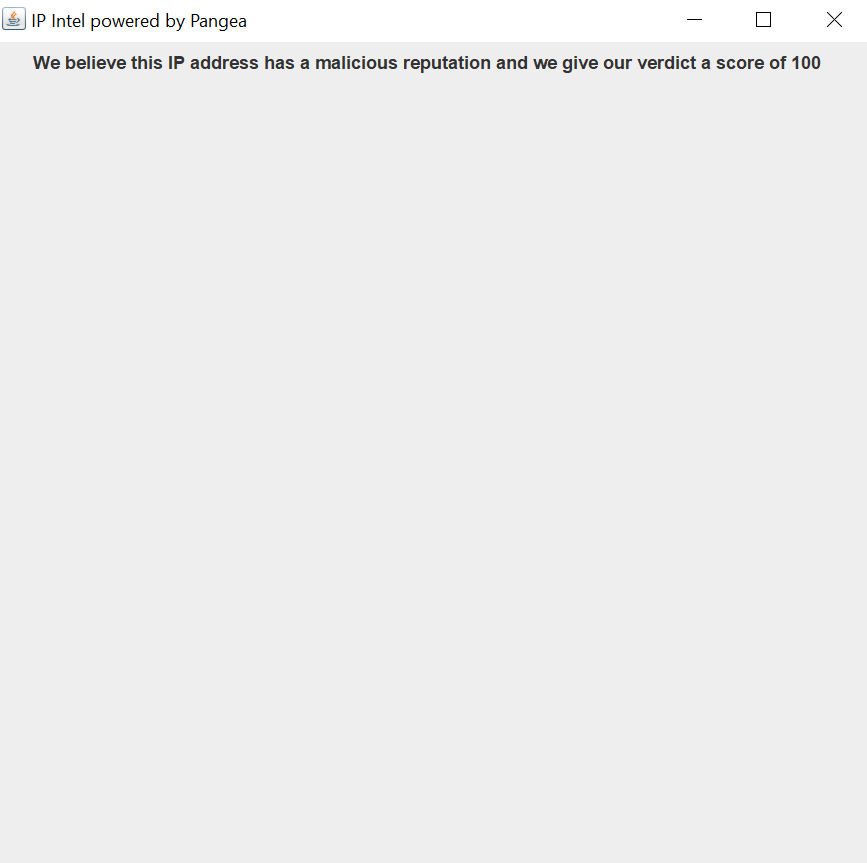
For the purposes of this hackathon, this GUI client focuses on the IP intel and File intel service offered by Pangea.
Instructions
In order to run this program, you can do any of the following
Installation
With an IDE (Apache Netbeans)
- Open up Apache Netbeans
- As Pangea only returns responses in JSON as opposed to XML, we need to a way to parse the JSON responses as it is not straightforward to do this in Java. In Apache Netbeans, open up your IDE and click on the file pom.xml and copy the following underneath :
<dependency>
<groupId>com.google.code.gson</groupId>
<artifactId>gson</artifactId>
<version>2.10.1</version>
</dependency>
Then click "Build Project" in the Apache Netbeans IDE. This will enable us to obtain the dependency GSON from the Maven repository, which is a workaround that enables us to parse JSON files within the context of Java programs.
Installing the .jar file
Usage
Future developments
In an updated version of the program, it is envisaged that Pangea Redact and Embargo will be included. This could include uploading the

Log in or sign up for Devpost to join the conversation.