-
-
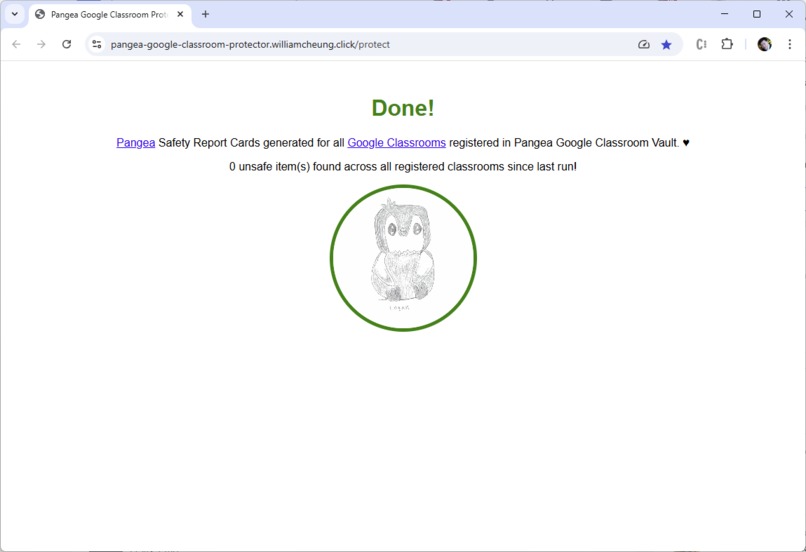
Google Classroom Protector Scan
-
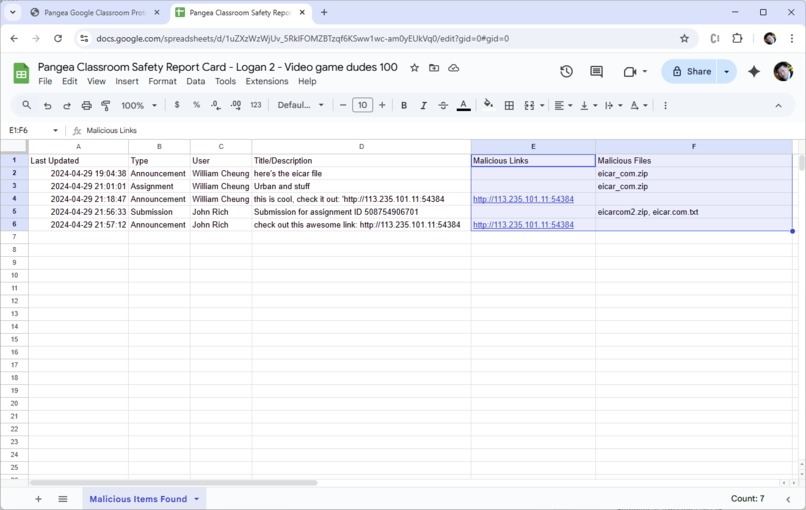
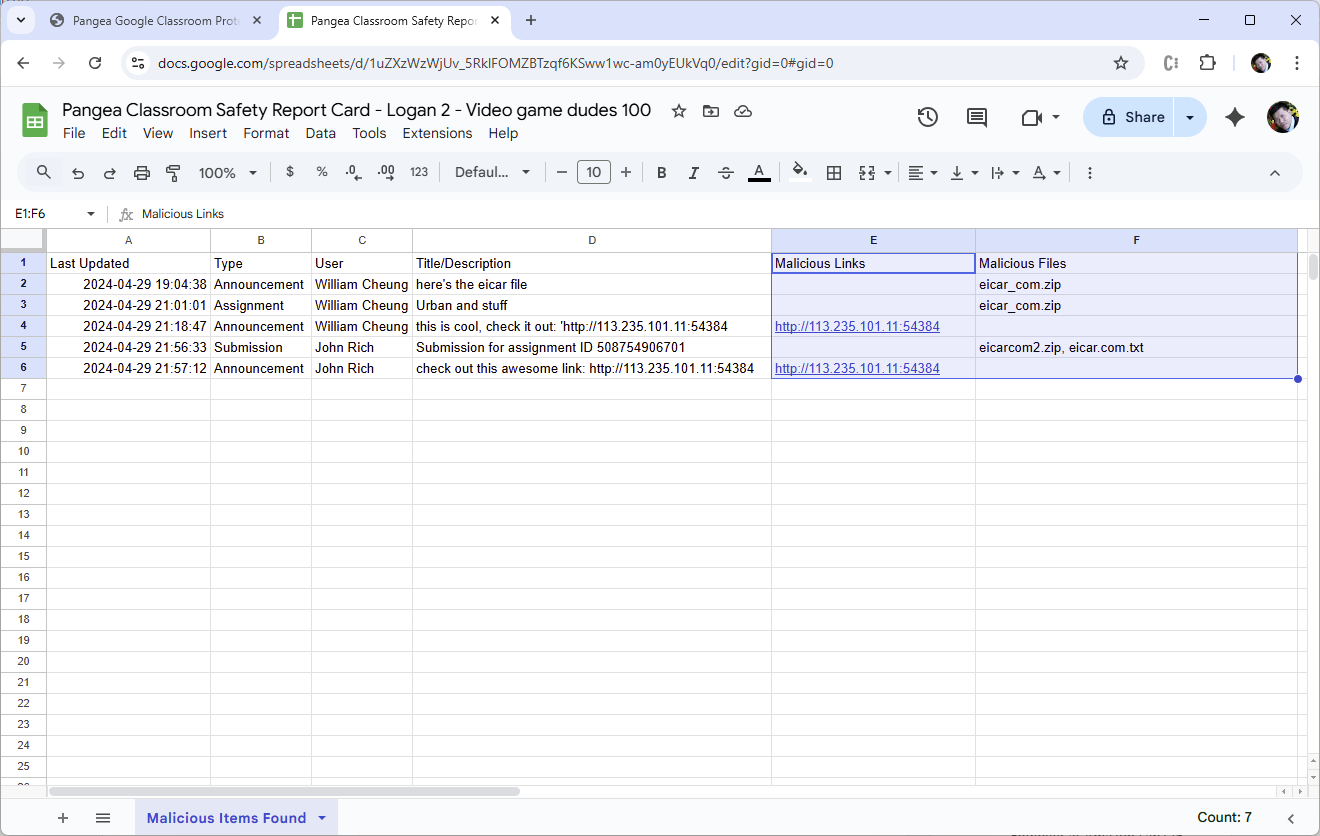
Safety Report Card for each Google Classroom Course
-
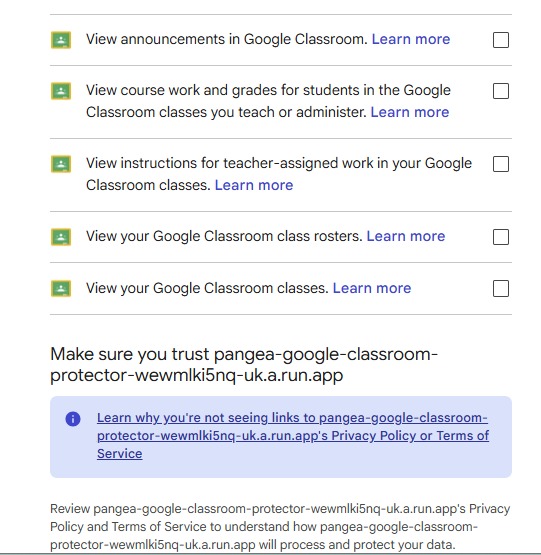
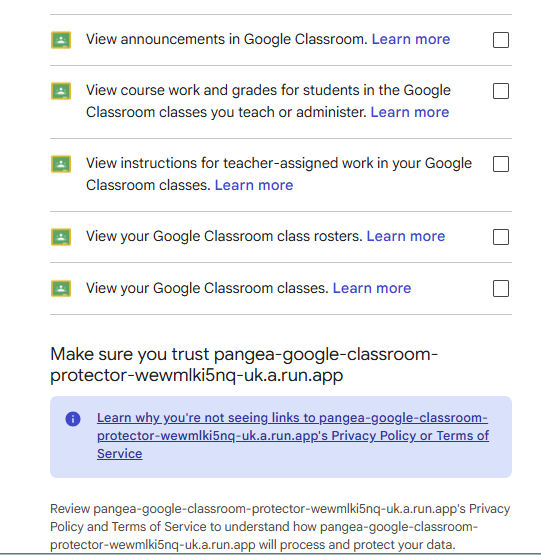
Google Classroom Scopes Used
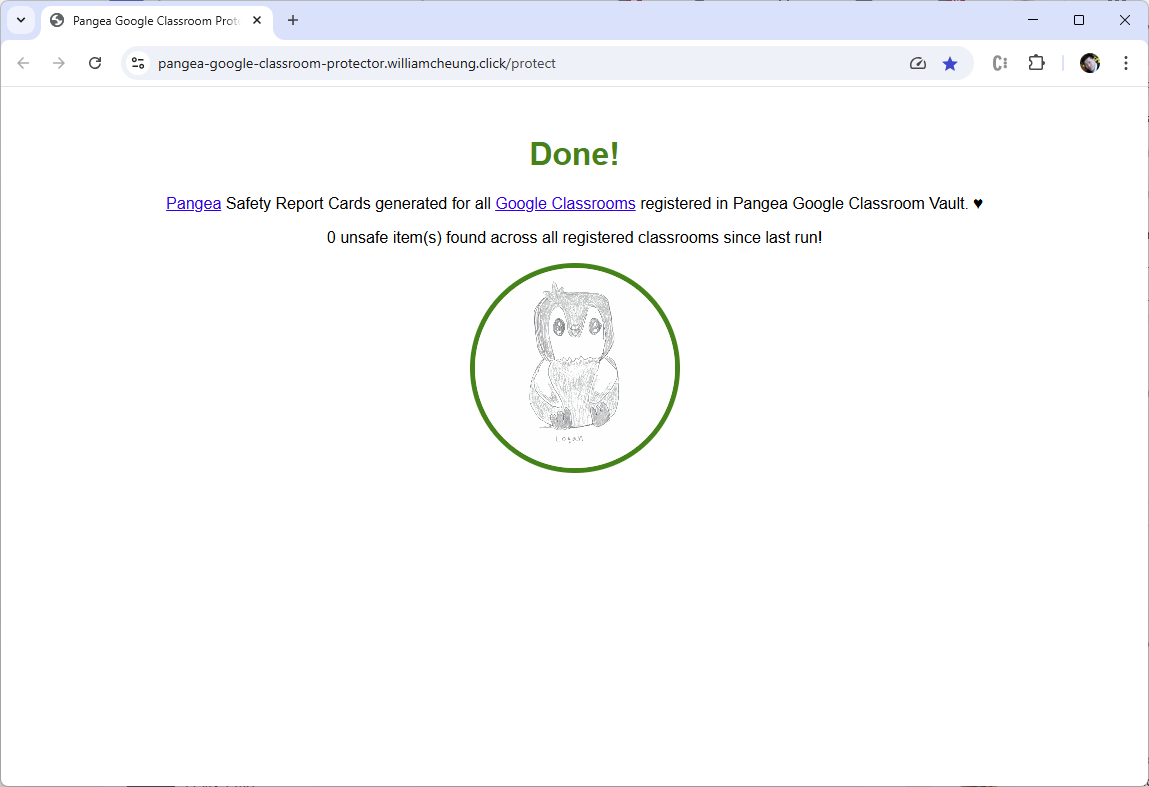
Pangea Google Classroom Protector
Intro
I live in Toronto, Canada’s largest city. The public school board here has over 238,000 students K-12 (https://www.tdsb.on.ca/About-Us). Two of those students are my kids, Luke and Logan who are 10 years old (twins), just finished Grade 5. The Toronto public school board uses Google Classroom for online homework, assignments, and communication. I want my kids to be safe when using Google Classroom and be protected from accessing malicious links and files, especially at home after school when they are unsupervised. I came up with the idea of the Pangea Google Classroom Protector to use Pangea URL and File Intel services to identify malicious items in classroom posts, assignments, and student submissions, recorded in a "Safety Report Card" for each classroom registered in the Pangea Vault. If the average class size is 25 students, there would be over 9,000 classrooms in Toronto being protected by the Google Classroom Protector app.
Use Case
The purpose of the app is to protect a Google Classroom by scanning the courses in the classroom on behalf of the teacher for malicious links and files. A Google Classroom is owned by a teacher and can have one or multiple courses, and each course has its own announcements, assignments/student submissions, and Google Drive separate from other courses in the classroom. Announcements are added by the teacher and the students of each course like a feed for class communication. Assignments are added by the teacher, with submissions for them added by students. Both announcements and assignments/student submissions can have links added and files attached, with the files stored in the Google Drive of the course. Links can also be entered manually in the text of announcements and assignments/student submissions. These course items can be edited at any time by the teacher or student who authored them, so scanning for malicious links and files needs to continue after they are created. Google Classroom does not directly do scanning so I use Pangea (see next section) to fill this security gap.
Tech Stack
Pangea (https://pangea.cloud) is a cybersecurity company that provides APIs and services that developers can embed into their apps to enhance security for their users. For the Google Classroom Protector, I leverage the following Pangea services:
- Vault https://pangea.cloud/services/vault
- URL Intel https://pangea.cloud/services/url-intel
- File Intel https://pangea.cloud/services/file-intel
Since the app needs to interact with Google services such as Google Classroom, I use Google APIs extensively:
- Google Classroom API https://developers.google.com/workspace/classroom
- Google Drive API https://developers.google.com/workspace/drive
- Google Sheets API https://developers.google.com/workspace/sheets
- Google OAuth 2.0 API https://developers.google.com/identity/protocols/oauth2
For seamless integration with Google services, the app is deployed in GCP (Google Cloud Platform) as a Google Cloud Run Service (https://cloud.google.com/run).
The app is developed in Python 3 as a Flask app (https://flask.palletsprojects.com) and containerized using Docker. Google Artifact Registry (https://cloud.google.com/artifact-registry) is used to store the Docker images of the app. The app has a lightweight footprint and can be run with only 1 vCPU and 512 MB of memory.
What's Next
Google Classroom Protector was a winner in Pangea's Securathon Showdown hackathon last year: https://pangea-securathon-showdown.devpost.com/project-gallery
As my award, I received $500 in cash and a mention in the CEO's blog: https://pangea.cloud/blog/securathon-showdown-winners
However, I did not get mentorship from Pangea which I was hoping for to take my idea to the next level of a viable product in the K-12 education security space. If any of the judges or sponsors of this hackathon are interested in working with me to bring this prototype to a MVP, including expanding the feature set to include the latest AI developments, let me know and we can realize the vision of enhanced security for all students who use Google Classroom worldwide.
Built With
- docker
- flask
- gcp
- gcr
- google-classroom
- google-cloud-run
- google-drive
- google-oauth
- google-spreadsheets
- jinja

Log in or sign up for Devpost to join the conversation.