-
-
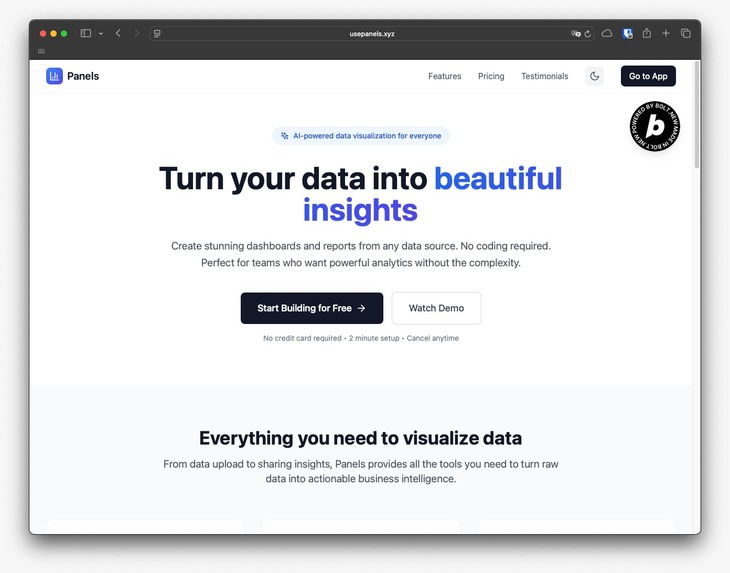
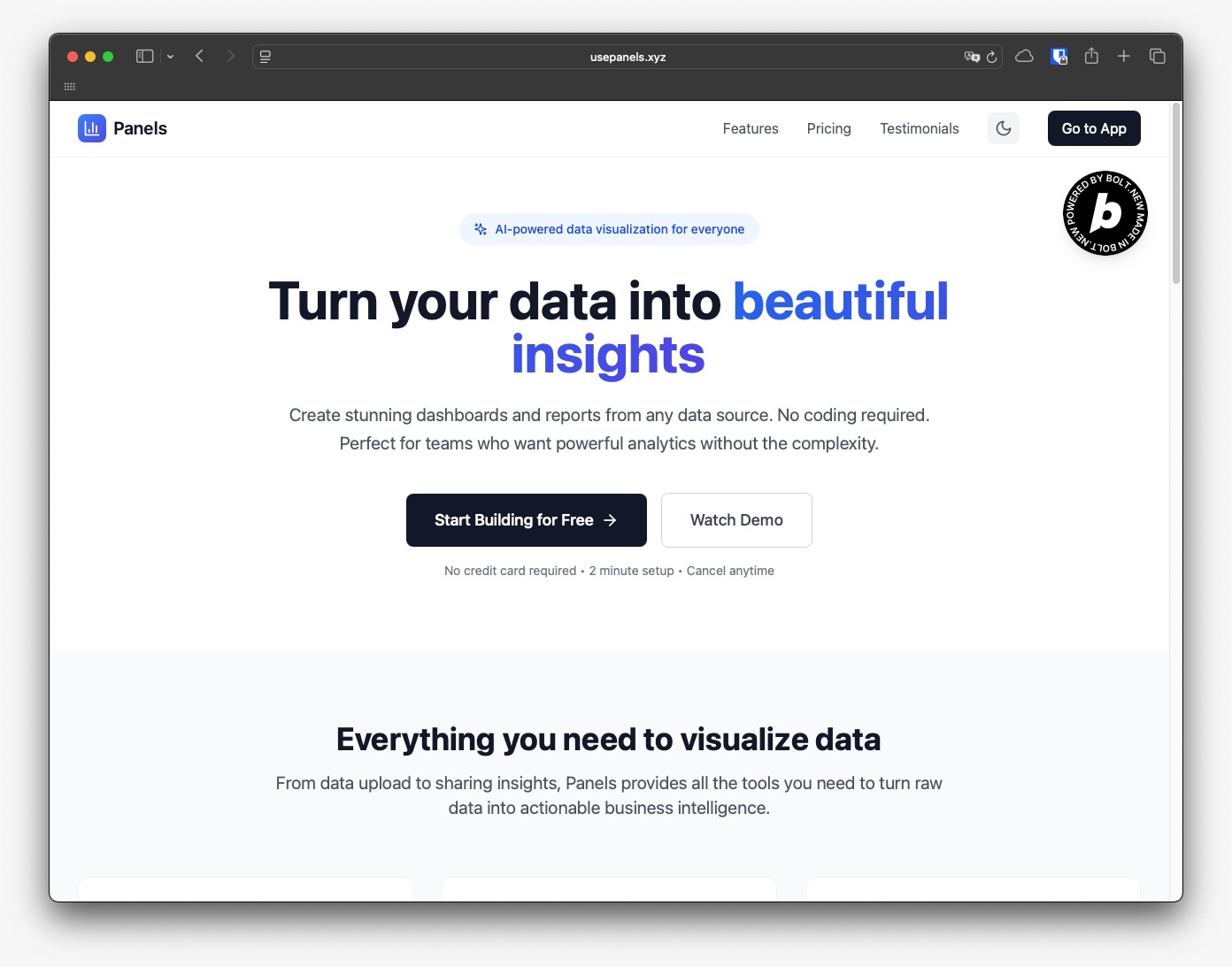
Landing Page
-
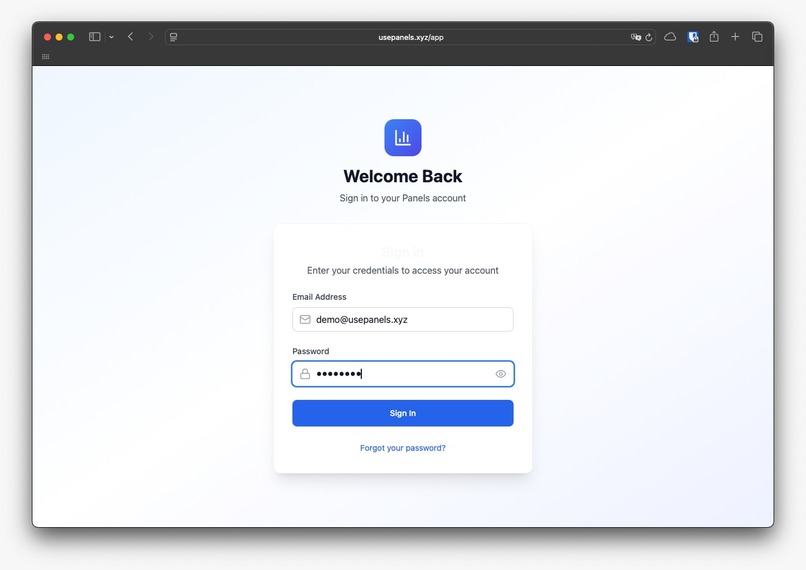
Login Form
-
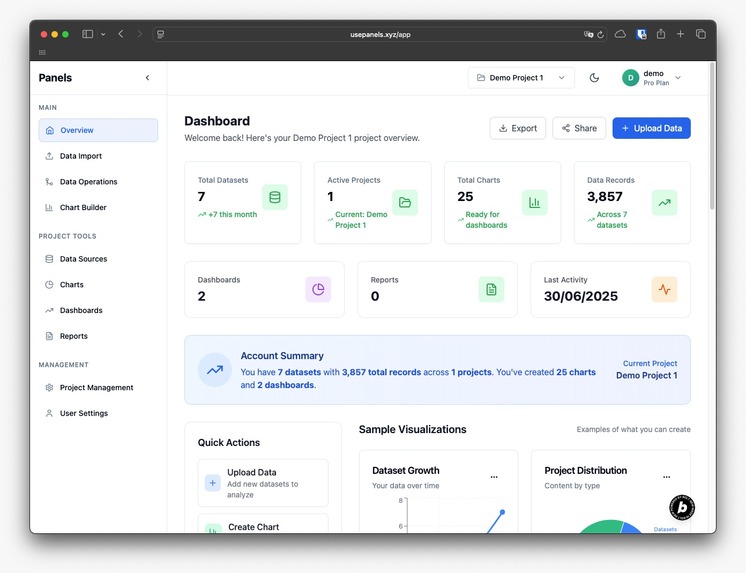
Main Screen
-
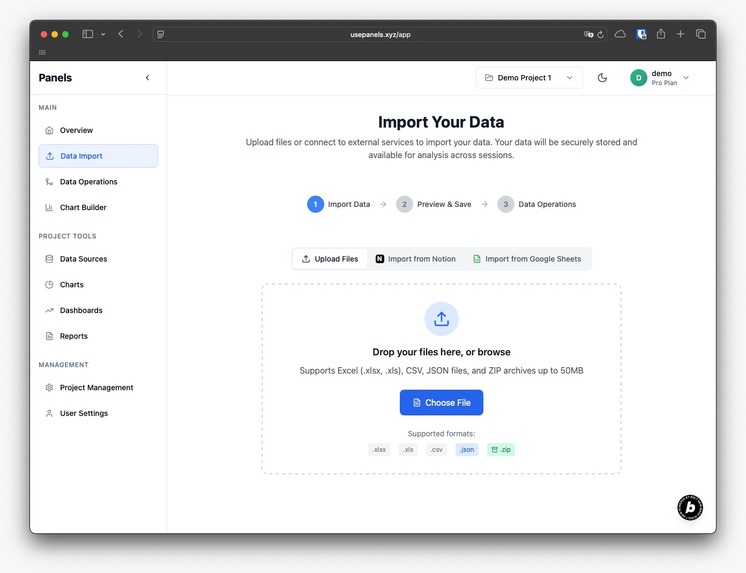
Data Import
-
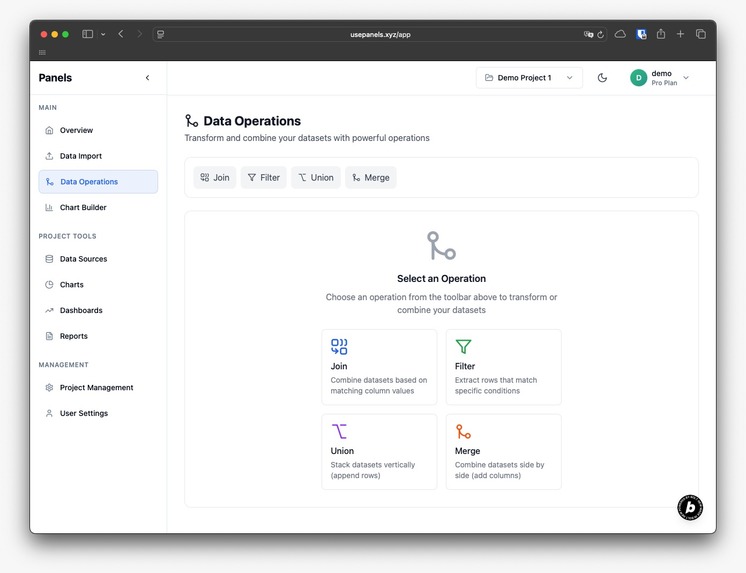
Data Operations
-
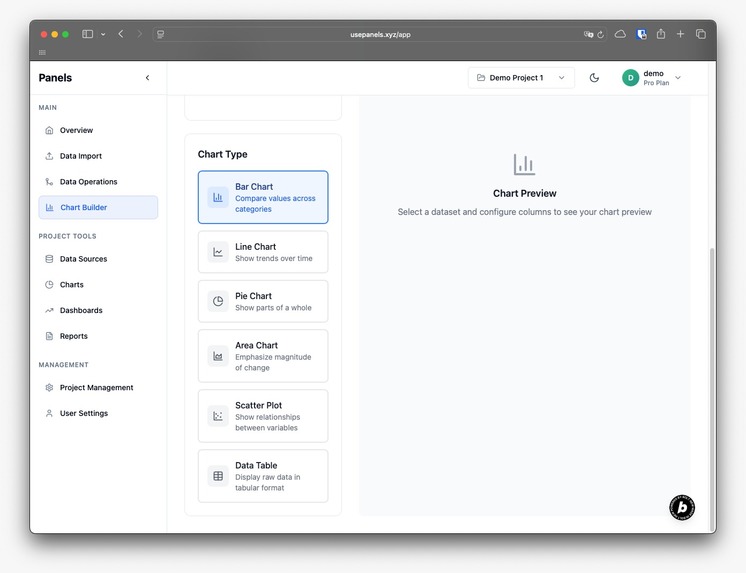
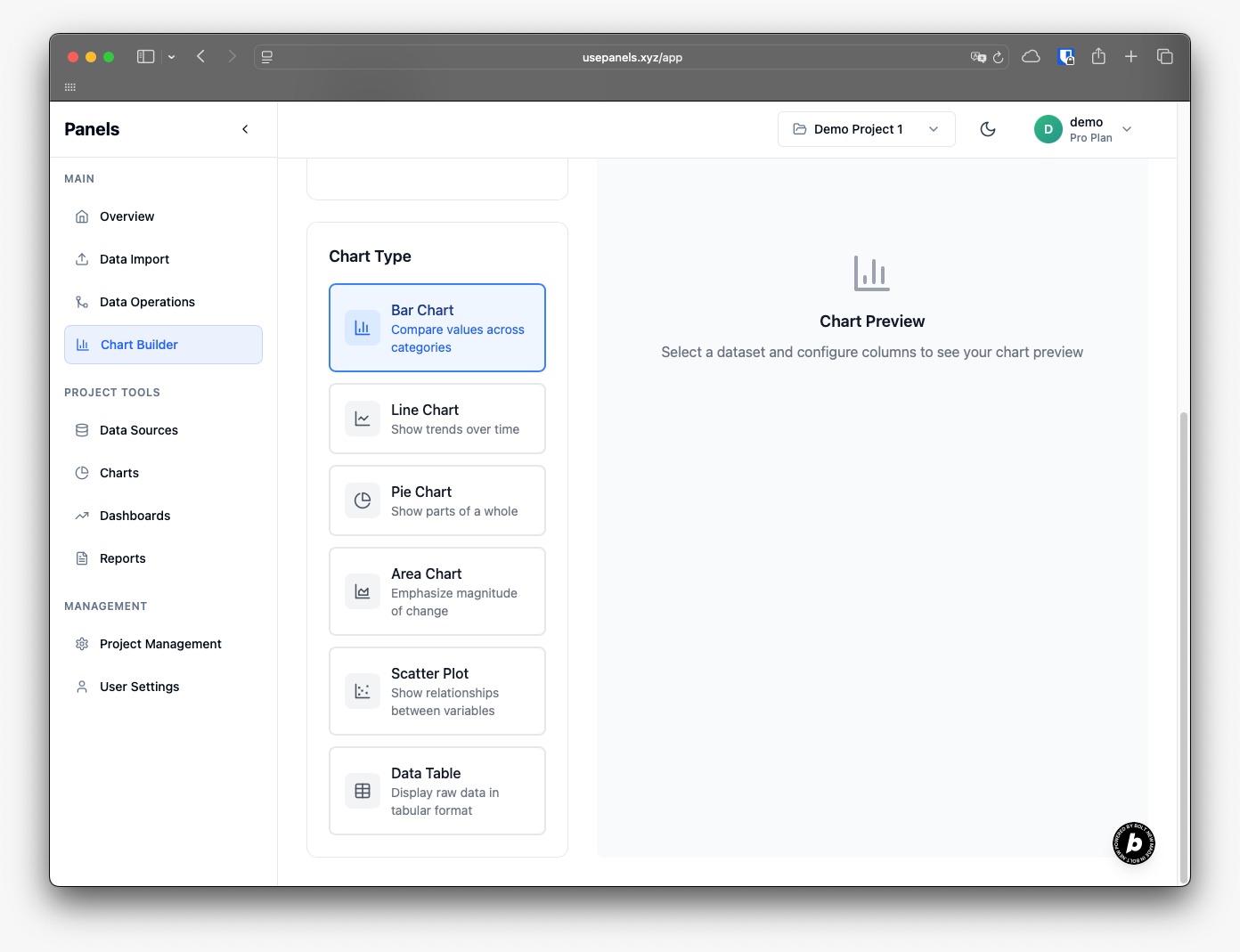
Chart Builder
-
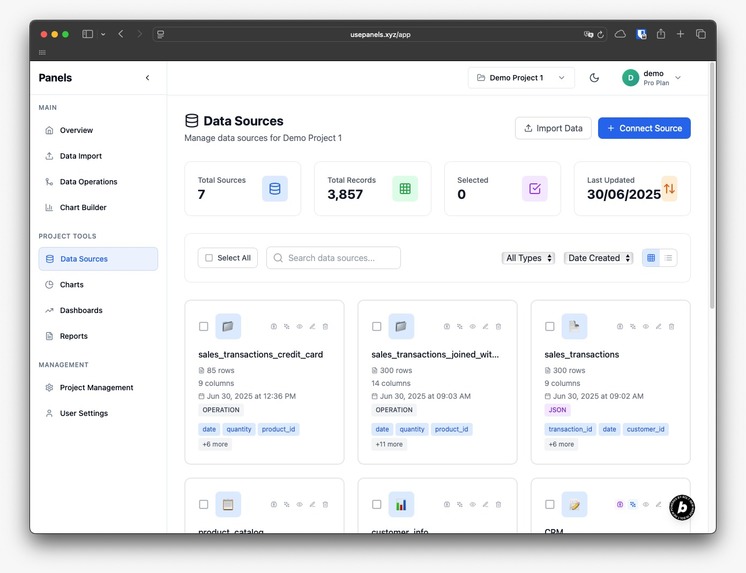
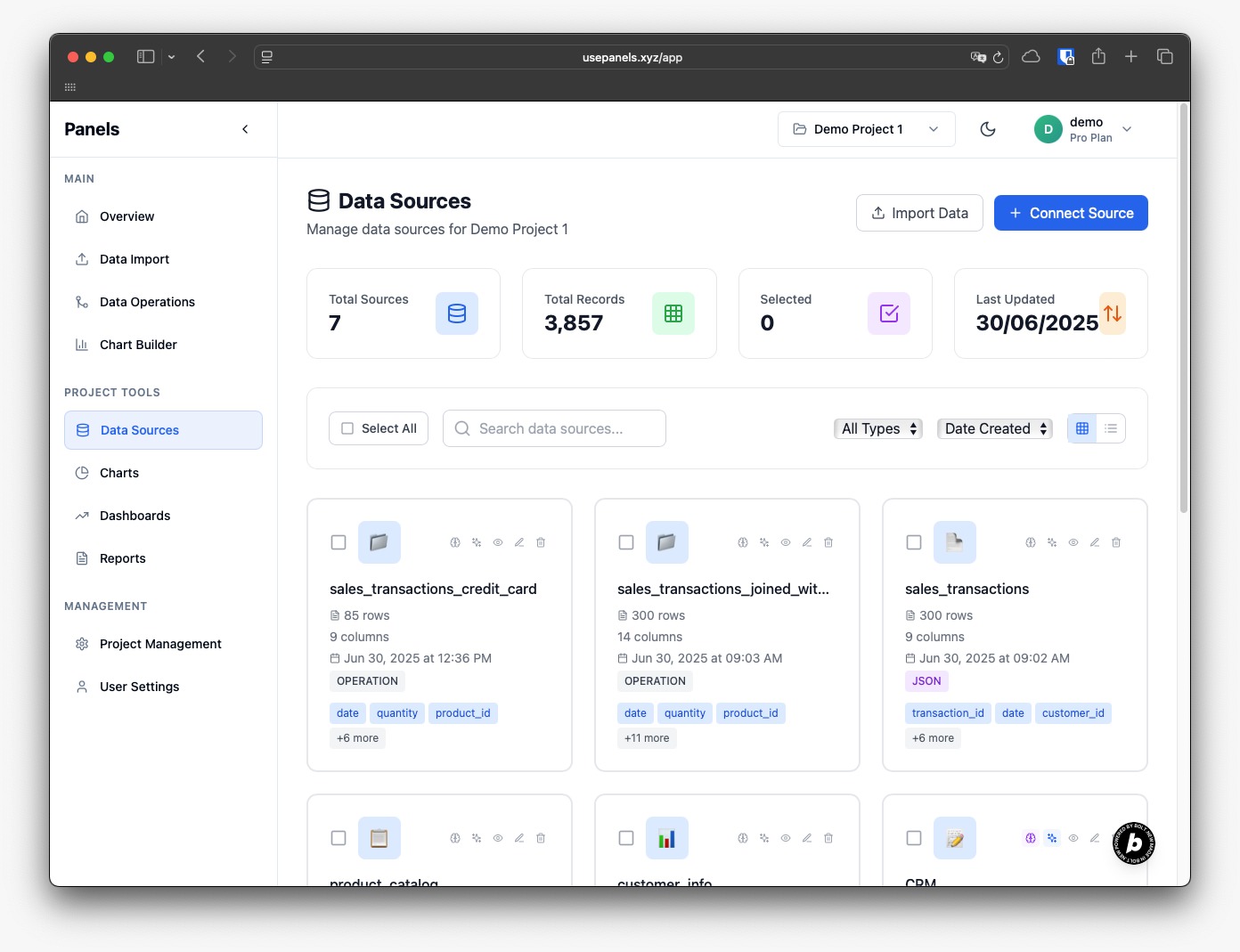
Data Sources
-
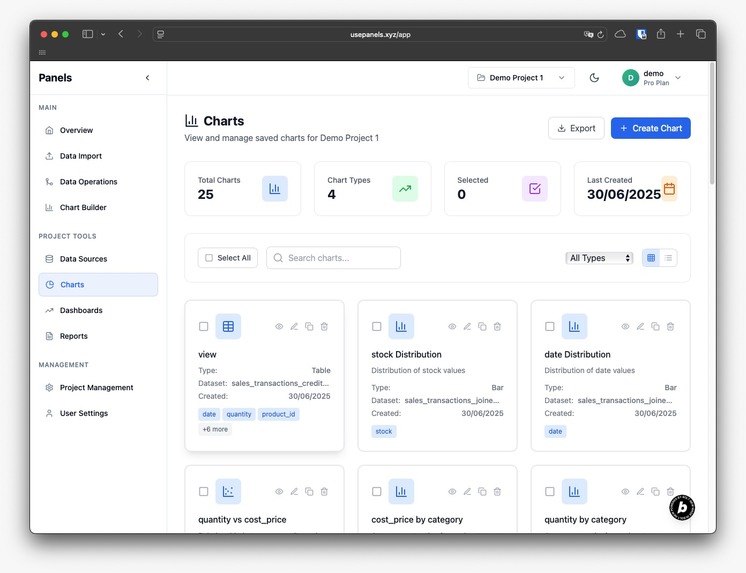
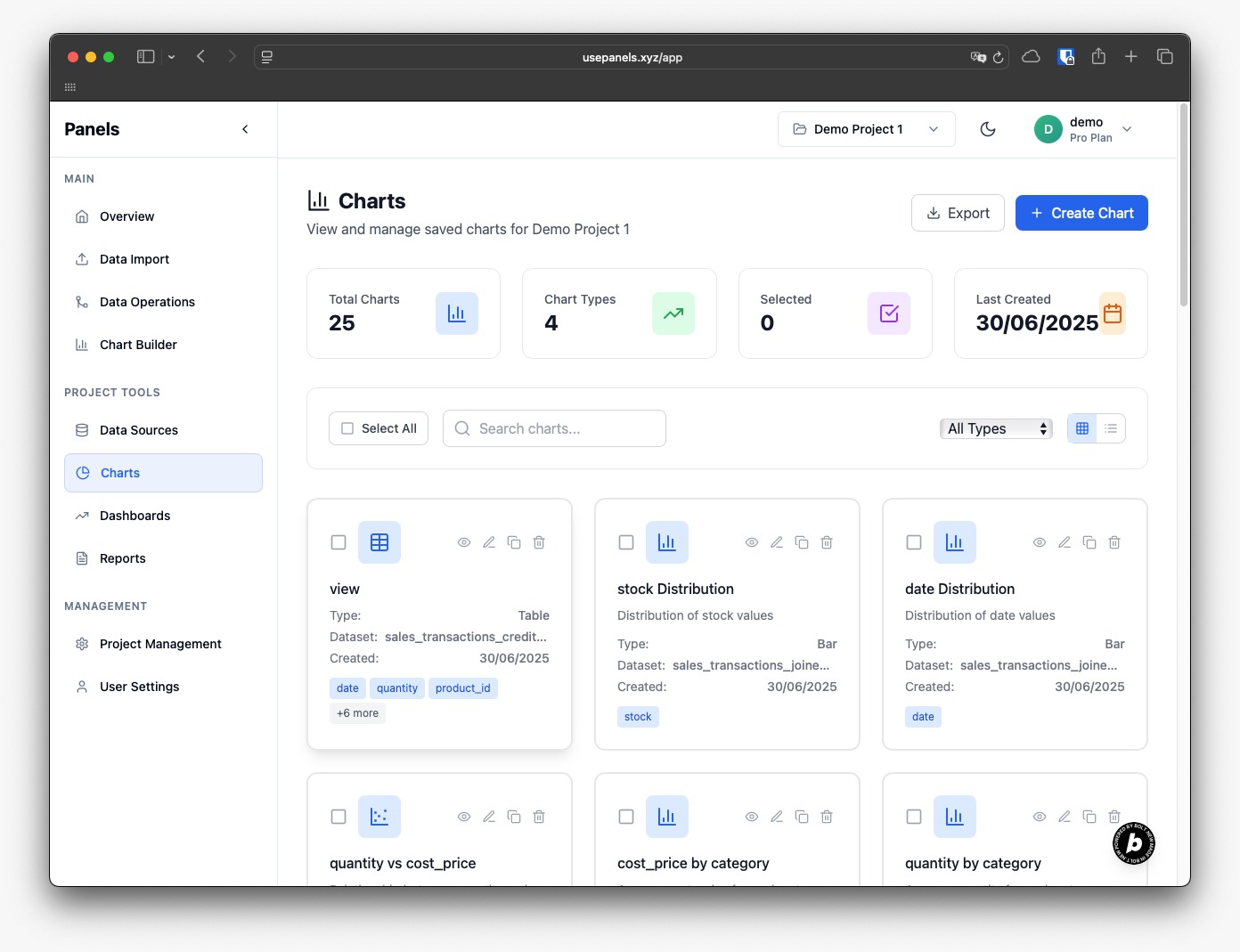
Charts View
-
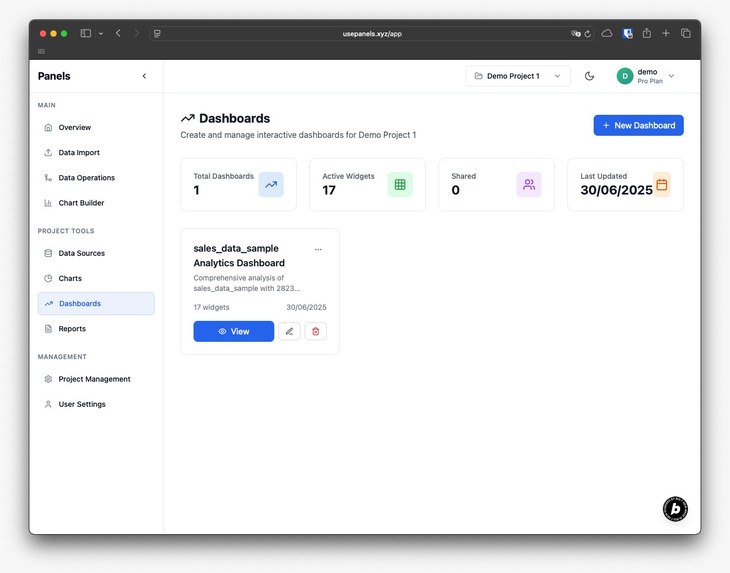
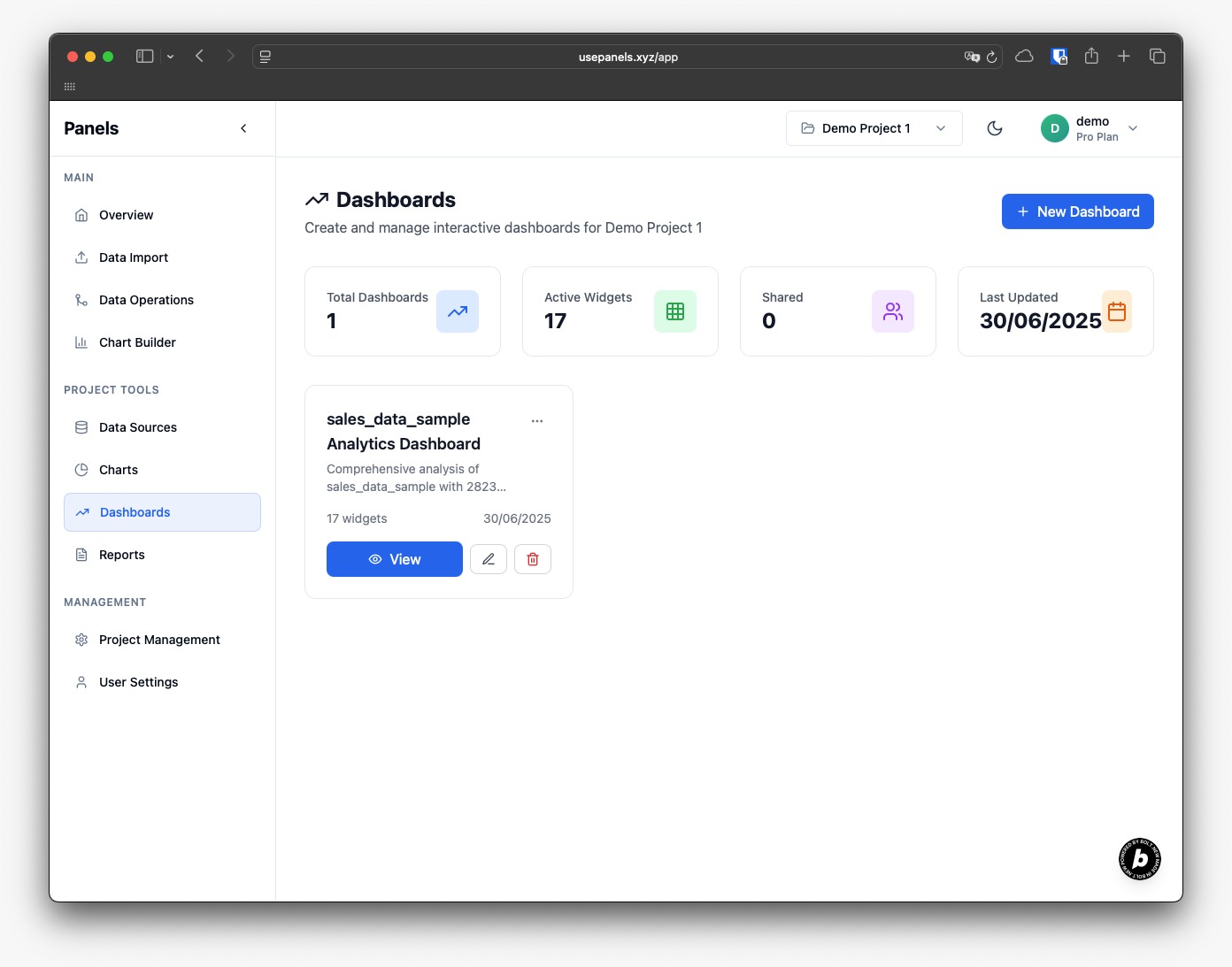
Dahsboards View
-
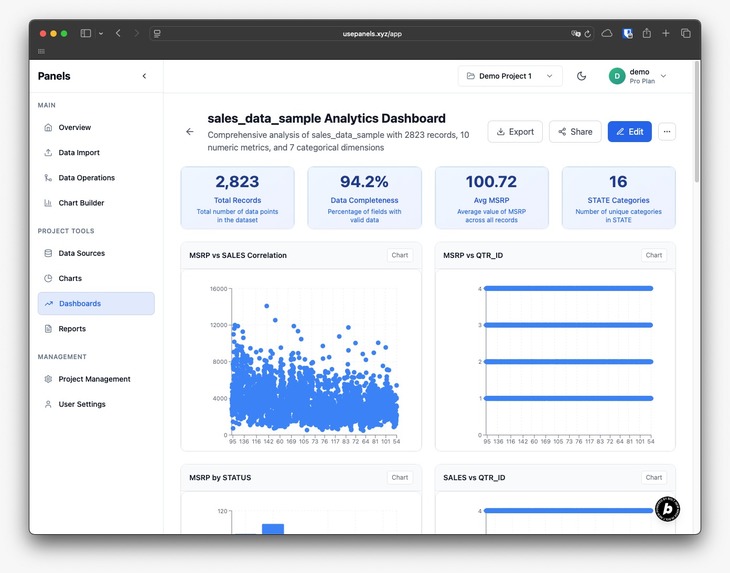
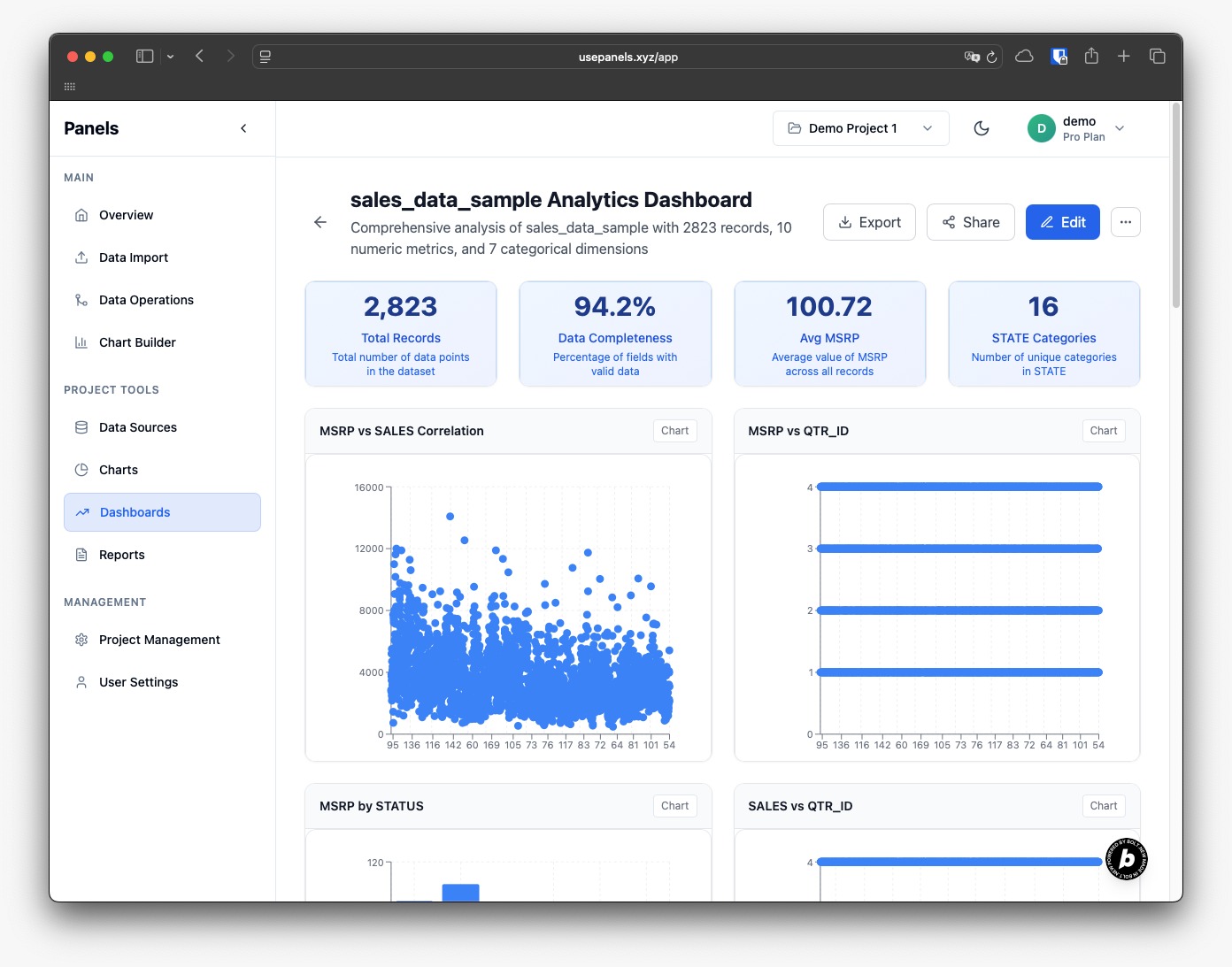
Dashboard detail
-
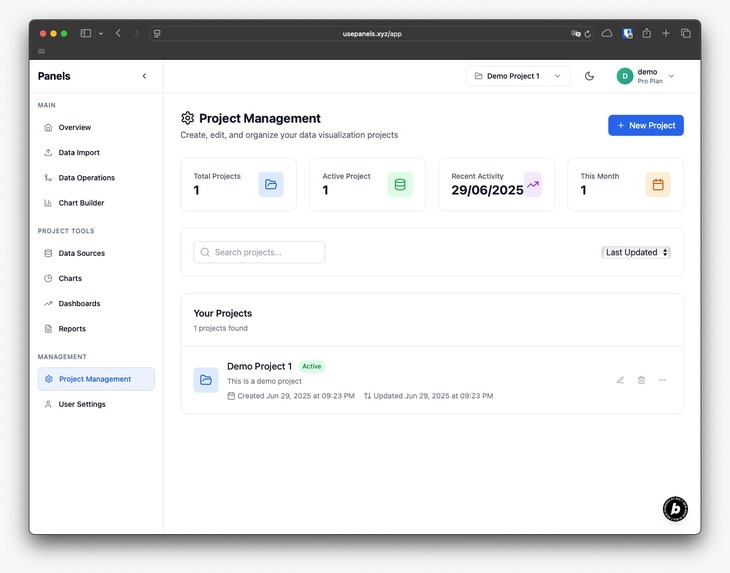
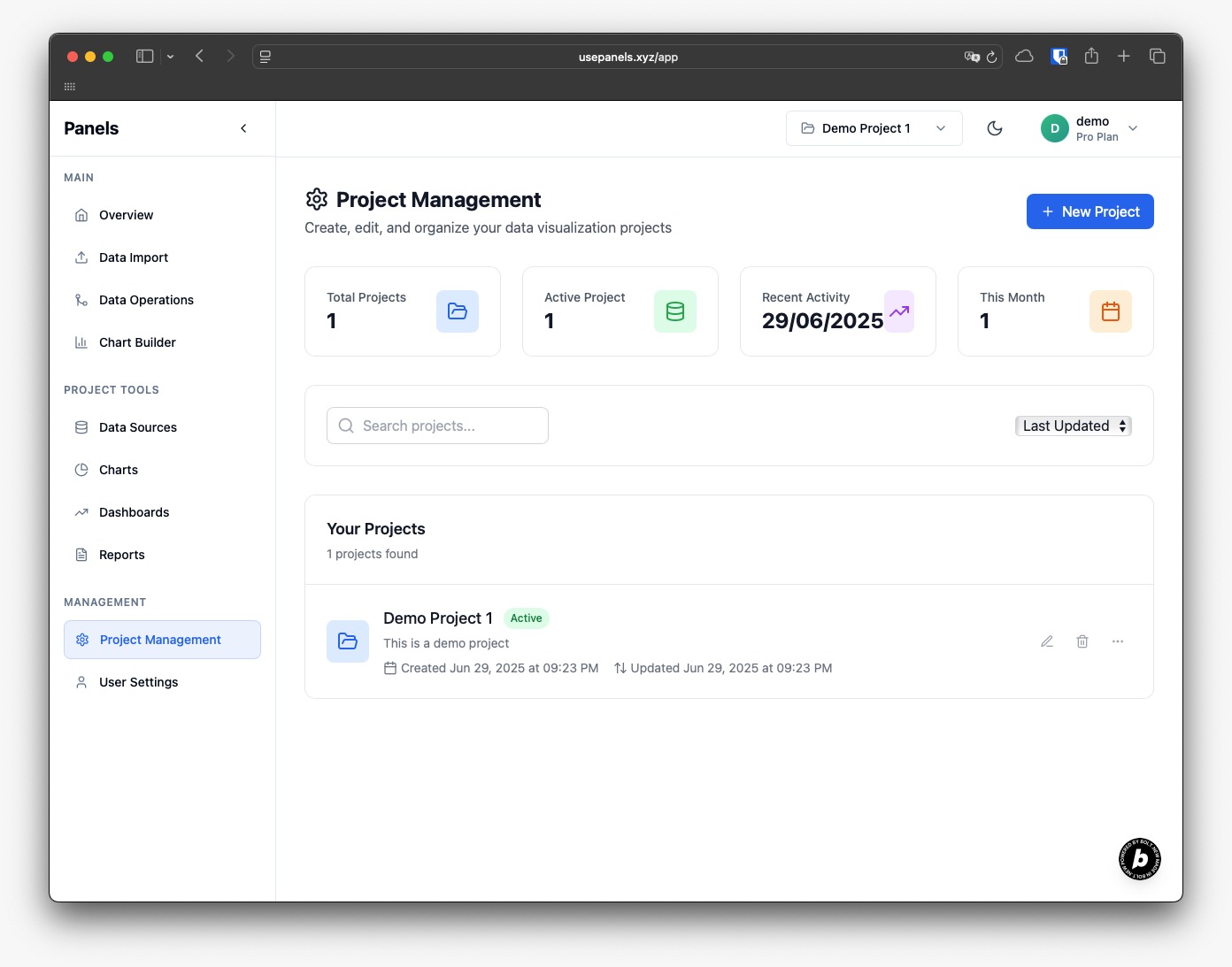
Projects
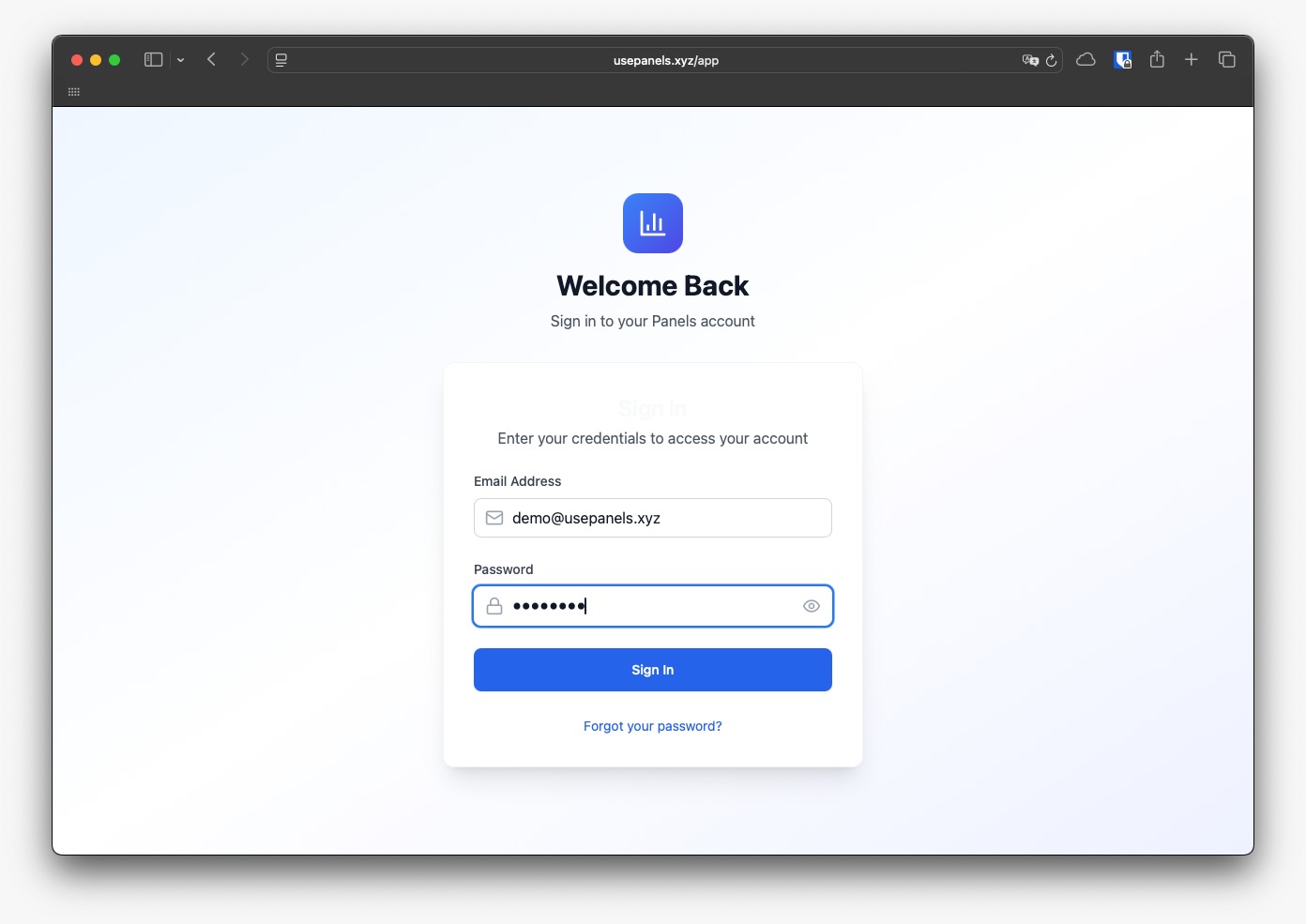
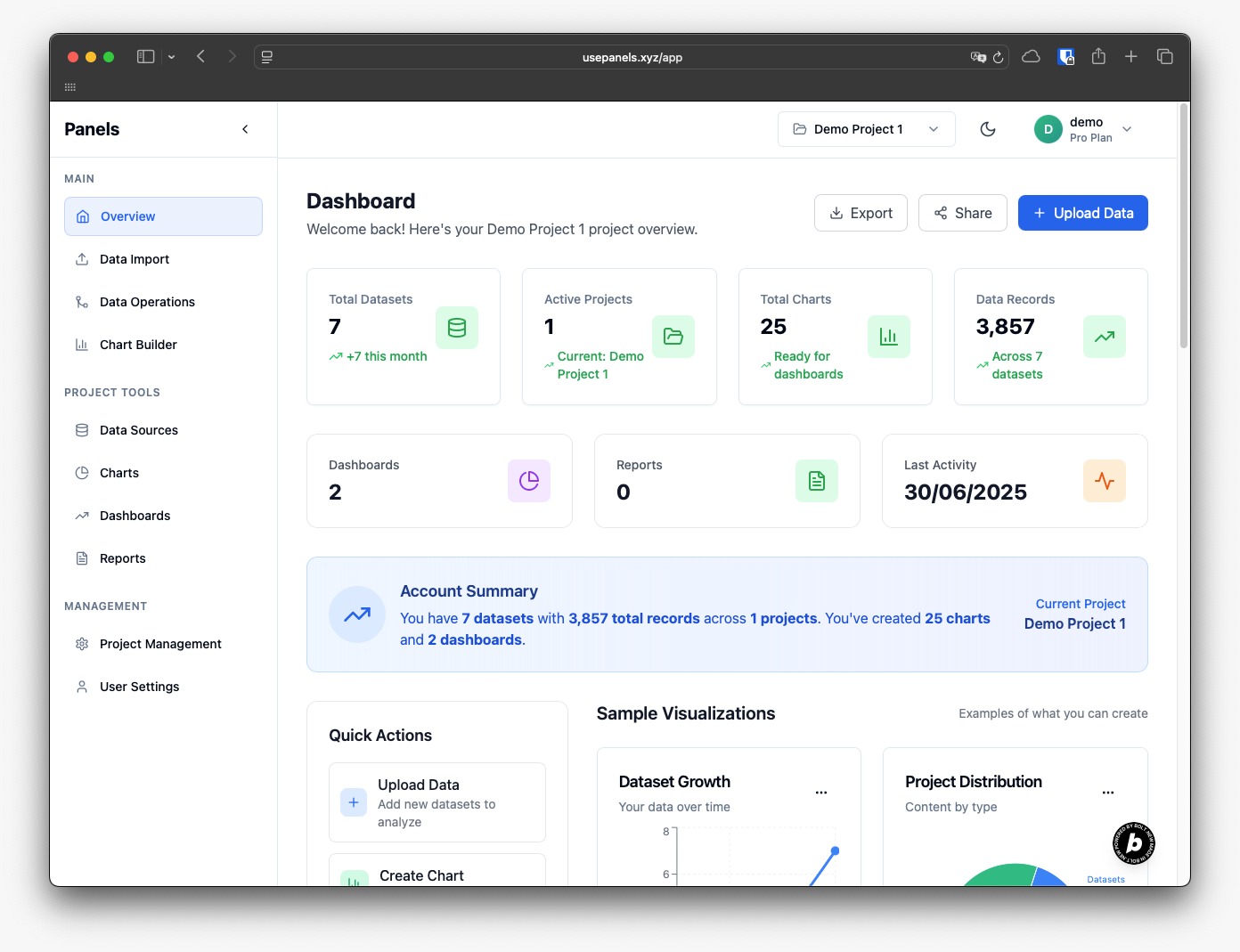
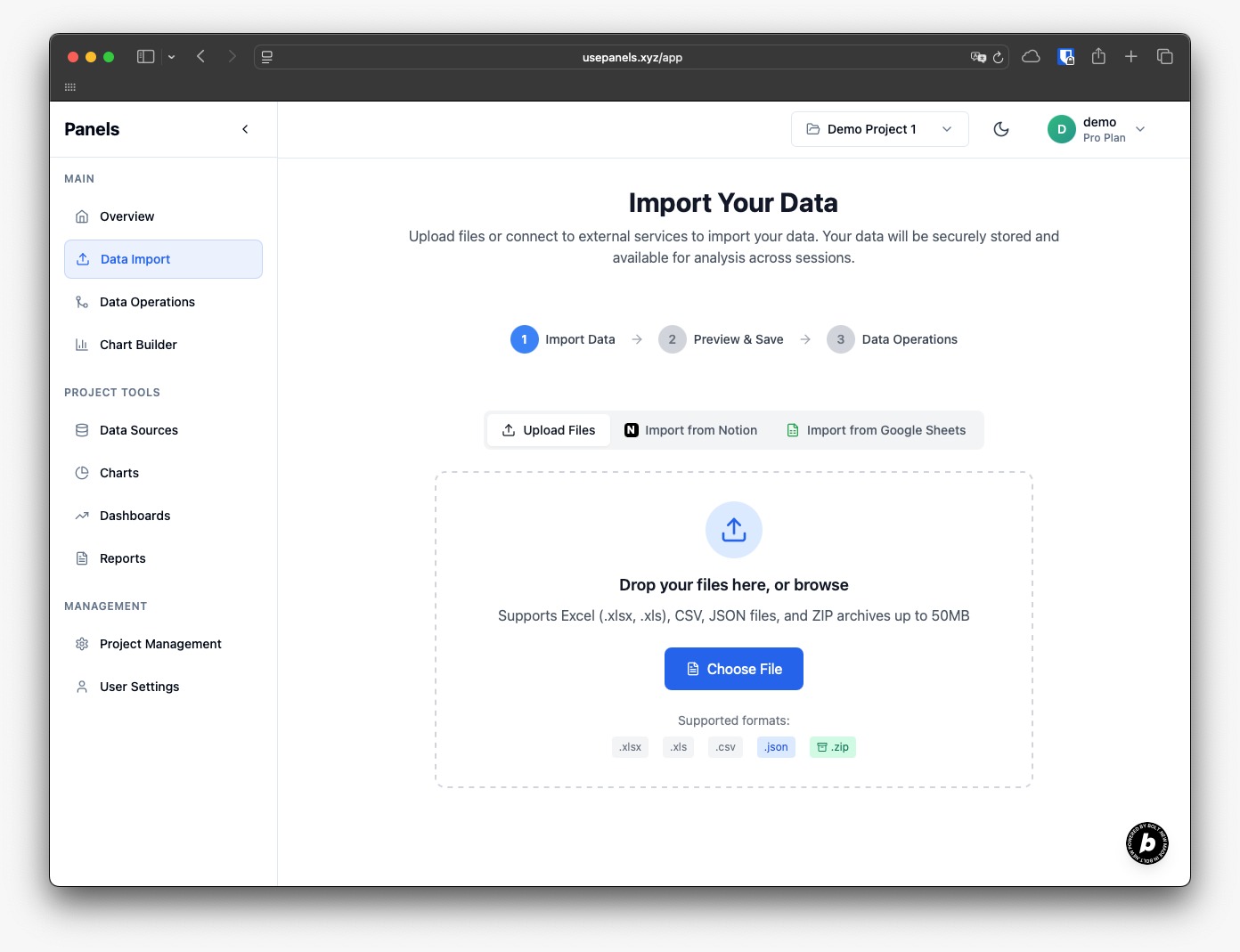
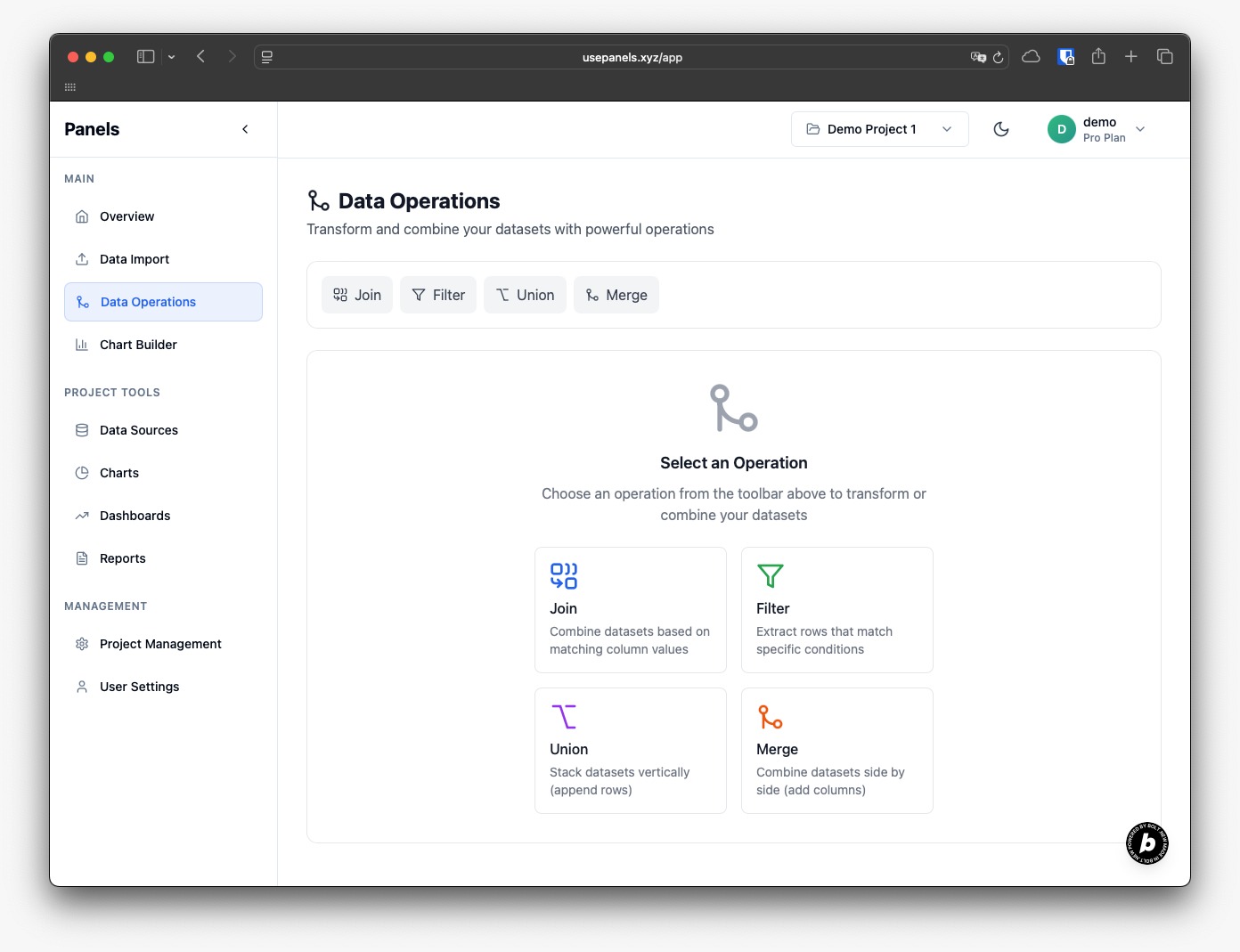
For demonstration purposes
A demo account has been set up for the judges to log in and explore the application. This account includes preloaded datasets, charts, and dashboards, along with saved AI-generated analyses stored in the database to avoid unnecessary token usage. You're also welcome to upload and test the app with your own datasets.
user: demo@usepanels.xyz
pwd: demo2025
Inspiration
After years of working in data, both in-house and as a consultant, I kept seeing the same issue: small businesses and everyday people weren’t really using their own data. They had valuable info sitting in spreadsheets or tools, but didn’t have the time, skills, or resources to make sense of it. And while some platforms say they’re built for them, it often feels like an afterthought.
At the same time, AI is unlocking incredible possibilities, but most non-technical users aren’t sure how to take advantage of it. They just want clear, simple answers, and a lot of tools end up making things more complicated instead of easier.
That’s what pushed me to create Panels. A way to help people actually use their data, make smart decisions, and not get overwhelmed in the process.
What it does
Panels makes dashboards effortless. Just upload a spreadsheet, or connect tools like Notion, and instantly get clear, shareable insights. No setup. No code. No data team required. Panels automatically builds dashboards for you using your data and AI, not through manual design or templates. It’s built for people who aren’t tech-savvy but still deserve readable, beautiful, and useful information they can actually act on.
How we built it
The app is built entirely with modern web technologies. I used React for the frontend, Tailwind CSS for styling, and shadcn/ui for components. Recharts powers the charting, and Supabase handles backend data. I integrated ElevenLabs for voice-based features and the OpenAI API to power in-app AI capabilities, such as generating summaries or insights from user data. I also used Bolt.new to help speed up development. A big part of my focus was building with modularity in mind, so future improvements and features wouldn’t mean starting from scratch
Challenges we ran into
Shifting fully to web technologies was a learning curve. My background is in both backend development and data, so moving into frontend-heavy work required a mindset shift and new technical skills. Managing token usage in Bolt.new was another challenge—it burns through tokens quickly as the app grows, so I had to be strategic about where to focus. I also learned a bit too late how to properly break down components in Bolt, which slowed me down early on. On top of that, narrowing the scope of the MVP was difficult. I initially spent too much time on aesthetics and not enough on core functionality, which I later had to realign.
Toward the end of the hackathon, we faced additional hurdles. We had to duplicate the project to optimize token usage and accommodate a name change, since the project went through several iterations in branding. We also ran into some Git issues within Bolt, which we managed to resolve by creating manual backups at every stage of development.
Accomplishments that we're proud of
I now have a working prototype that demonstrates the product’s potential and allows for real-world testing. I was able to validate some core features and gather early feedback. Tools like Bolt.new helped me move faster, but more importantly, I was able to push through imposter syndrome and personal attention challenges to actually make progress. I now have a clear foundation I can confidently build on.
What we learned
One of the biggest lessons was the importance of starting with a modular architecture, especially when working inside platforms like Bolt.new. I learned to define my MVP early and focus my time and tokens on features that matter most, instead of wasting energy on things that weren’t critical. As a developer, building features is the comfortable part, but this project forced me to grow in areas outside of code. I learned to appreciate user workflows, which aren't typically part of my experience. I had to figure out how to manage third-party APIs securely, think about how to onboard users smoothly, and even start crafting a sales and marketing strategy.
What's next for Panels
Next, I’ll be refining the MVP based on real user feedback, streamlining onboarding, improving the UI, and expanding integrations. Right now, Panels connects to Excel spreadsheets, Google Sheets, Notion, and plain text files like .csv and .json, making it easy for users to start wherever their data lives.
I plan to add more data sources like Airtable, Shopify, HubSpot, and others that are essential for small businesses. I also want to offer more types of visualizations and create a more interactive experience overall, so users not only see their data but can explore it meaningfully. My long-term goal is for Panels to become the go-to tool for individuals and small businesses looking to make sense of their data, instantly, intelligently, and without friction.
Final thoughts
Panels was born out of a simple belief: everyone should be able to understand their own data. What began as a frustration became a vision, and now, a real product. I want to empower individuals and small teams to make better, faster, and smarter decisions using tools that were once only available to large companies. Panels lowers the barrier to entry and makes data-driven thinking possible for those who need it most. And this is just the beginning.
For demonstration purposes
A demo account has been set up for the judges to log in and explore the application. This account includes preloaded datasets, charts, and dashboards, along with saved AI-generated analyses stored in the database to avoid unnecessary token usage. You're also welcome to upload and test the app with your own datasets.
user: demo@usepanels.xyz
pwd: demo2025


Log in or sign up for Devpost to join the conversation.