Pane
We also wrote a deeper dive on what building this actually taught us about agentic identity — read it here.
Inspiration
Work inside Google Workspace is fragmented by default.
A single task might start in Gmail, pull context from Drive, turn into a document in Docs, become a checklist in Tasks, and end as a follow-up on Calendar. The user has to move that work across products manually — even though it is really one workflow.
Most assistants don't solve that well. They either stay inside one product, or they hide access and permissions behind a polished demo that wouldn't hold up in a real account.
Pane was built to make Google Workspace feel like one intelligent workspace instead of a collection of disconnected apps. The goal was to create an agentic side-panel assistant that could move across those services while keeping the user in control of identity, permissions, and confirmation.
What it does
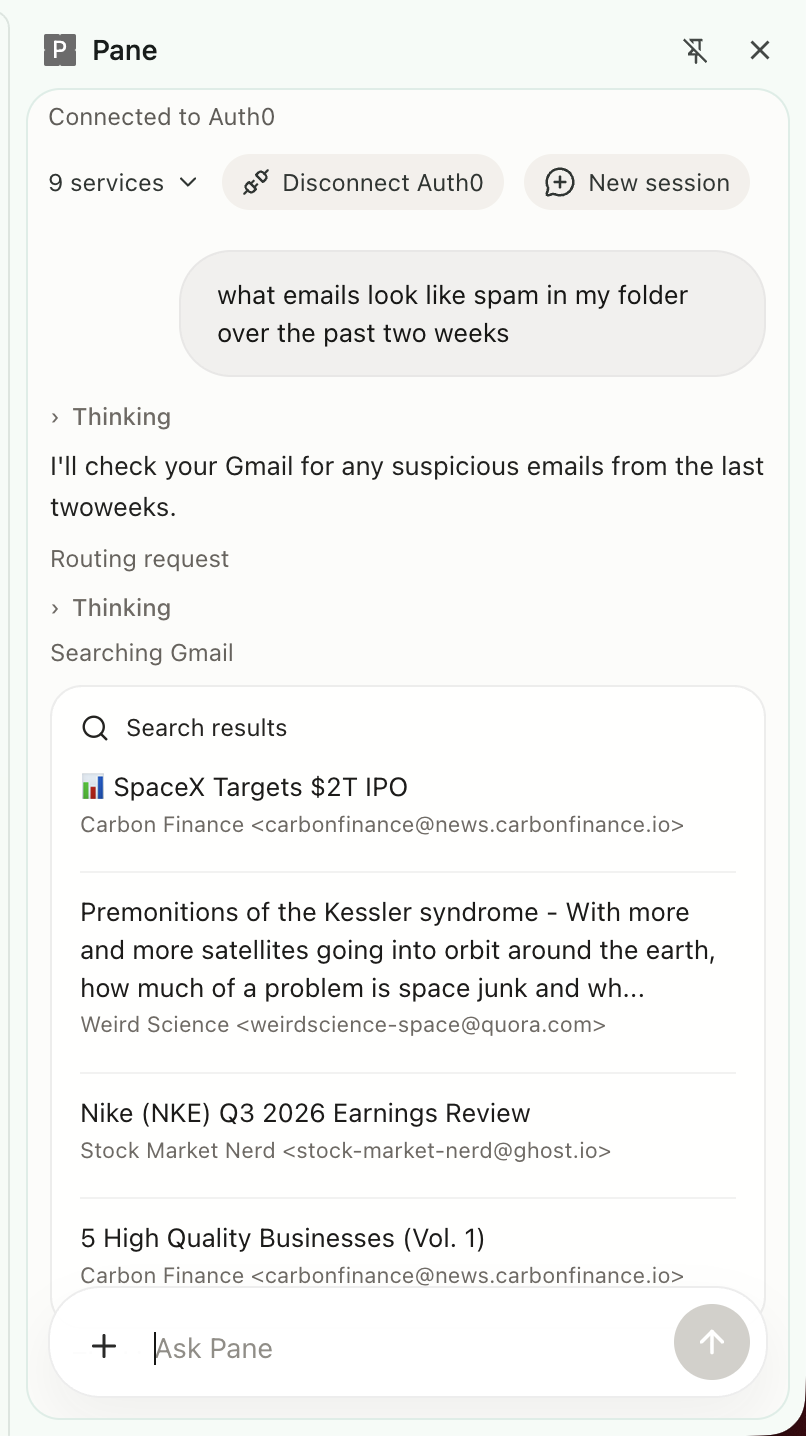
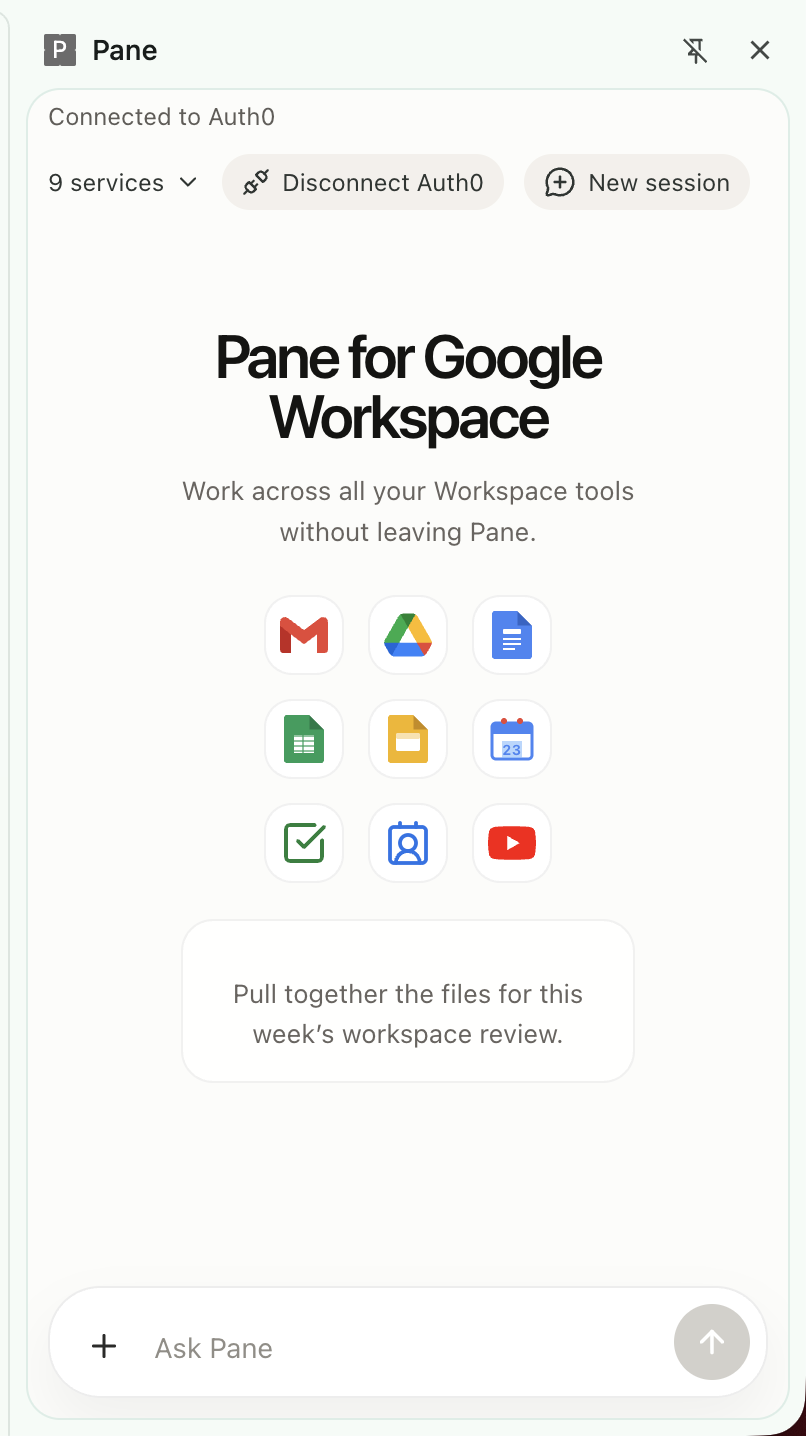
Pane is a Chrome side-panel assistant for Google Workspace. Sign in once, connect Google through Auth0, and work across multiple services from a single conversational interface.
Core Workspace workflows
| Workflow | What the user can do |
|---|---|
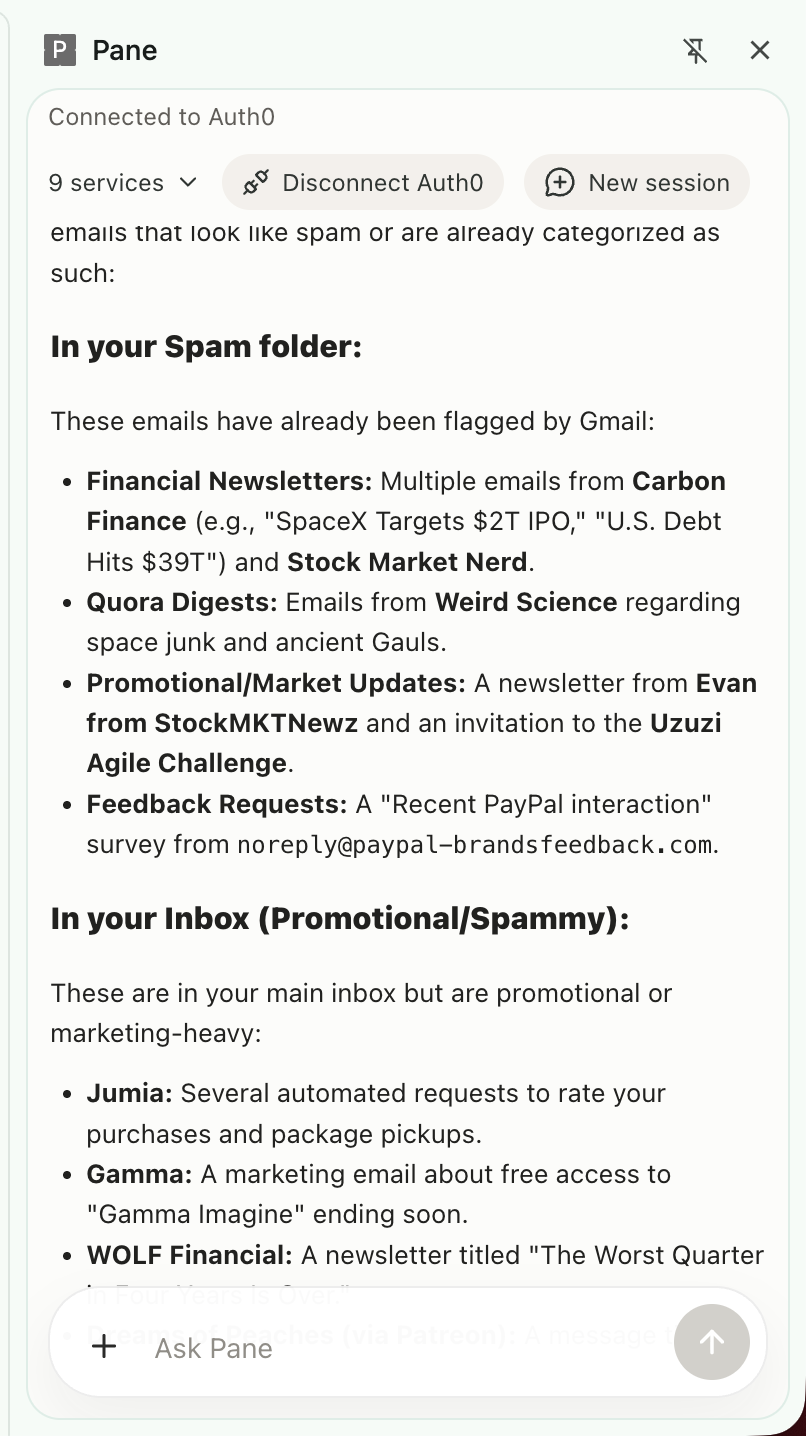
| Search Gmail, read threads, create drafts, and send drafts | |
| Files | Search Drive, inspect files, preview text files, create, update, and delete files |
| Documents | Read Docs, create documents, append, prepend, and replace text |
| Spreadsheets | Inspect Sheets, read ranges, create spreadsheets, update ranges, append rows, add sheets, and clear ranges |
| Presentations | Read Slides, create decks, add text slides, replace text, and duplicate slides |
| Scheduling | List and search Calendar events, create, update, and delete events |
| Tasks | Read task lists, inspect tasks, create, update, complete, reopen, and delete tasks |
| Contacts | Search people, inspect contact details, and resolve likely recipients |
In practice, Pane can
- Turn email context into follow-up work
- Create a document from information gathered across Workspace tools
- Turn a document or request into a task-tracking spreadsheet
- Create tasks and schedule follow-up time
- Prepare emails for review before sending
- Open the right Workspace surface when the user wants to continue manually
What makes Pane agentic is that it routes requests through a coordinator agent to specialist agents for Gmail, Drive, Docs, Sheets, Slides, Calendar, Tasks, and Contacts. Instead of treating every request as a generic chat query, Pane picks the right specialist for the job and uses that service's tools directly.
Pane also requires explicit confirmation for sensitive actions. It does not silently send email, delete files, delete tasks, delete calendar events, or open tabs without user approval.
How we built it
Pane is a Chrome extension with a Python backend and a multi-agent runtime.
System overview
| Layer | Implementation |
|---|---|
| Frontend | React, TypeScript, Vite |
| Backend | FastAPI |
| Agent orchestration | Google ADK multi-agent architecture |
| Main model | Gemini |
| Transport | WebSockets for streaming events |
| Identity layer | Auth0 for AI Agents |
| Provider access | Token Vault |
At the center is a main_agent that receives every request and routes work to focused specialist agents: gmail_agent, drive_agent, docs_agent, sheets_agent, slides_agent, calendar_agent, tasks_agent, and contacts_agent.
Auth and access design
| Feature | How Pane uses it |
|---|---|
| Authorization Code Flow with PKCE | Secure sign-in inside the Chrome extension |
| Connected Accounts | Link Google access once through Auth0 |
| My Account API relays | Start and complete connected-account flows through the backend |
| Token Vault | Exchange the Auth0 user token for service-specific Google access tokens on demand |
The frontend handles sign-in and the conversation UI. The backend manages the session, runs the agents, executes tools, and streams tool calls, tool results, agent transfers, auth-required states, approvals, and final responses back to the extension.
That architecture mattered because we didn't want Pane to behave as though it had universal access. It requests service-specific tokens when needed and stays within the user's existing permissions.
Challenges we ran into
The hardest part of the project was getting identity, connected accounts, and multi-service execution to behave reliably inside a browser extension.
| Challenge | Why it was hard |
|---|---|
| Extension auth flow | PKCE, redirect handling, and extension callback behavior are stricter than a standard web app flow |
| Connected account setup | Linking and reconnecting Google access had to work cleanly from within the extension |
| Token Vault exchange | A connected account isn't always a usable account if scopes or refresh-token state are wrong |
| Multi-agent routing | The product needed to feel like one assistant while still using specialist agents correctly |
| Approval flow UX | Sensitive actions needed user confirmation without making the chat flow feel clunky |
| Error handling | Missing scopes, expired tokens, and relink states had to surface clearly instead of failing silently |
The most instructive problem was the gap between a user appearing connected and the backend actually being able to retrieve a usable provider token. A Google account could show as linked, but Token Vault exchange could still fail if the underlying token state was stale or had insufficient scopes. That forced us to treat auth failures as first-class product states — not backend edge cases — and build explicit reconnect handling around them.
Accomplishments we're proud of
- One interface across Workspace — Users can work across Gmail, Drive, Docs, Sheets, Slides, Calendar, and Tasks without switching apps
- Auth0 and Token Vault integrated end-to-end — Pane gets Google access through linked accounts and per-service token exchange rather than a shortcut demo setup
- Sensitive actions require approval — Sending email, deleting content, and opening tabs all stay under user control
- Multi-step workflows actually work — Pane can pull information from one Workspace surface and turn it into follow-up work in another
- Specialist agents per product area — Separate agents made the system more predictable and easier to extend
What we learned
Identity is part of the product, not just infrastructure. In an agent system, permissions, reconnect flows, and approval steps shape the user experience directly.
Specialist agents fit this kind of product far better than one assistant with every tool attached. Routing to focused agents kept behavior predictable and made failures easier to diagnose.
A connected account is not the same thing as a usable token path. Token exchange and scope handling need to be treated as first-class product concerns from the start.
Approval flows matter. Users are significantly more comfortable with agent actions when high-impact steps are visible and confirmable before they execute.
Streaming tool activity and auth states builds trust. When users can see what the system is doing, the product feels transparent rather than opaque.
What's next for Pane
- Improve longer cross-service workflows that move between Gmail, Docs, Sheets, Tasks, and Calendar in a single thread
- Make reconnect and relink flows more reliable when account or scope state changes
- Improve structured editing in Docs, Sheets, and Slides so outputs are more polished
- Refine approval and review flows before high-impact actions
- Use more browser context so Pane can respond better to what the user is already working on

Log in or sign up for Devpost to join the conversation.