-
-
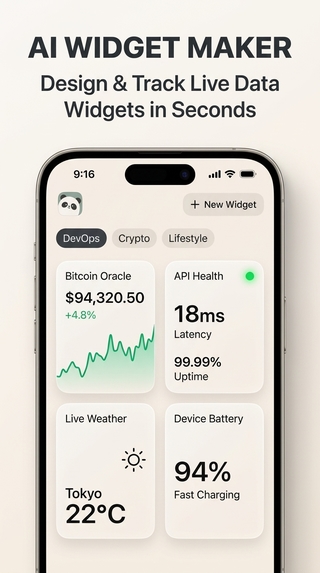
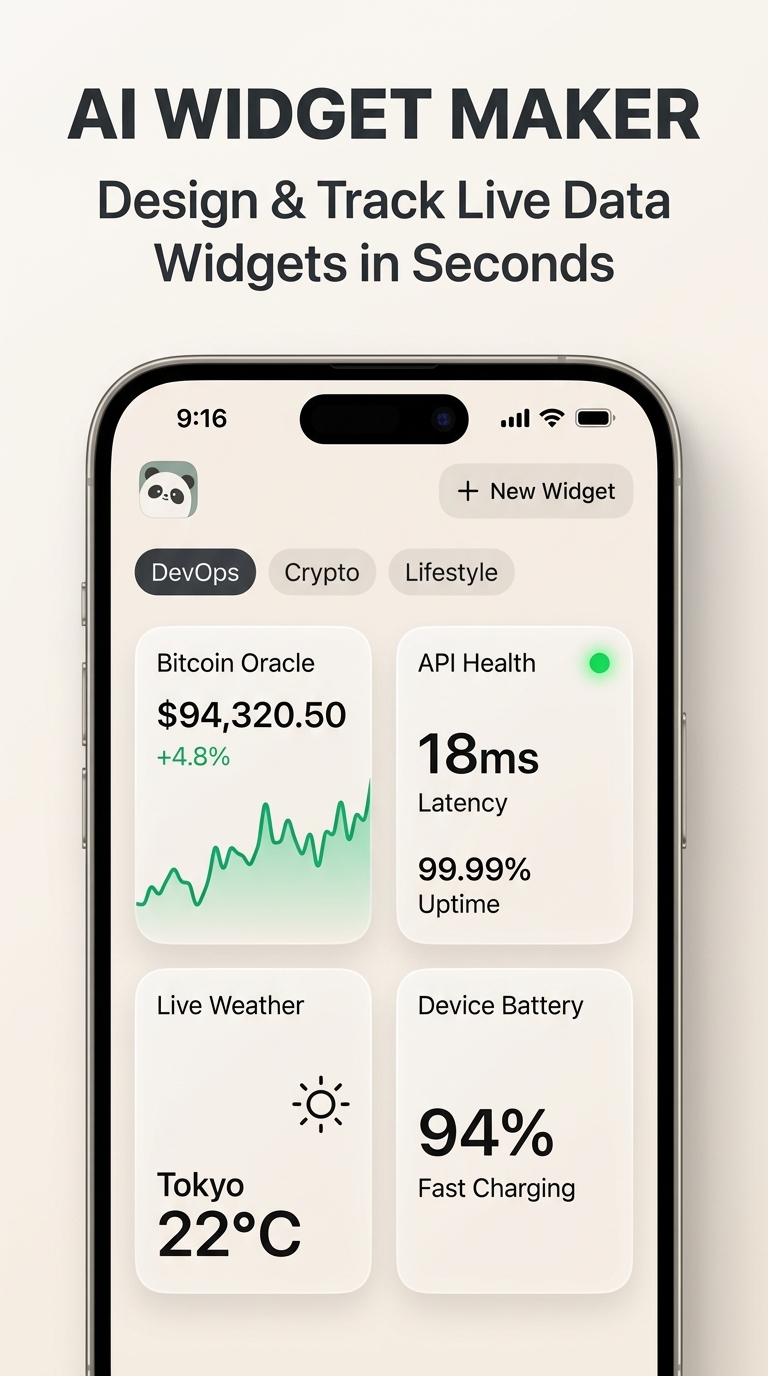
Deck Overview
-
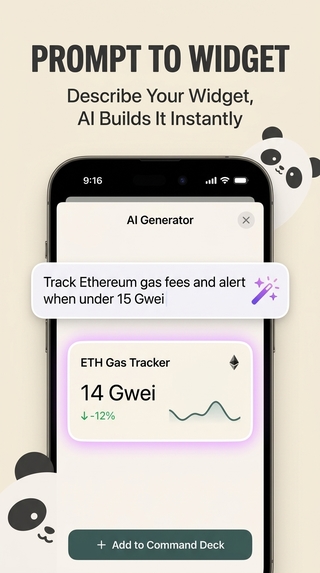
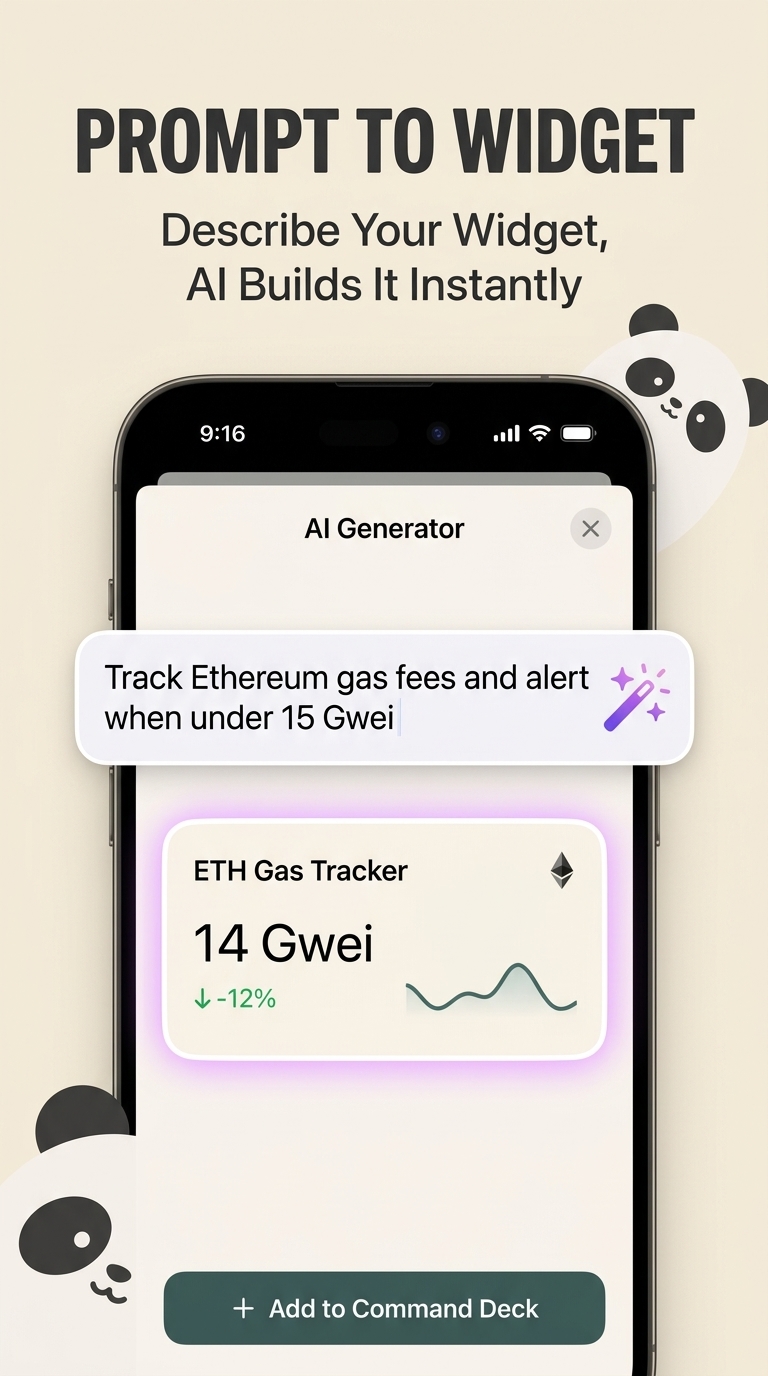
AI Generator
-
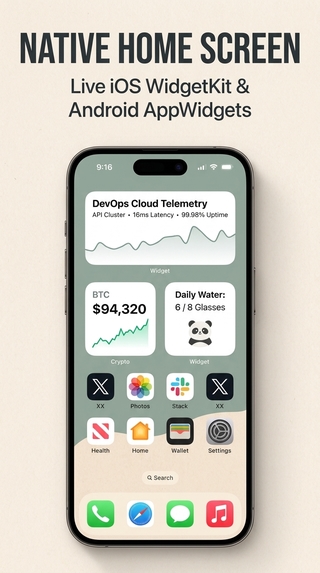
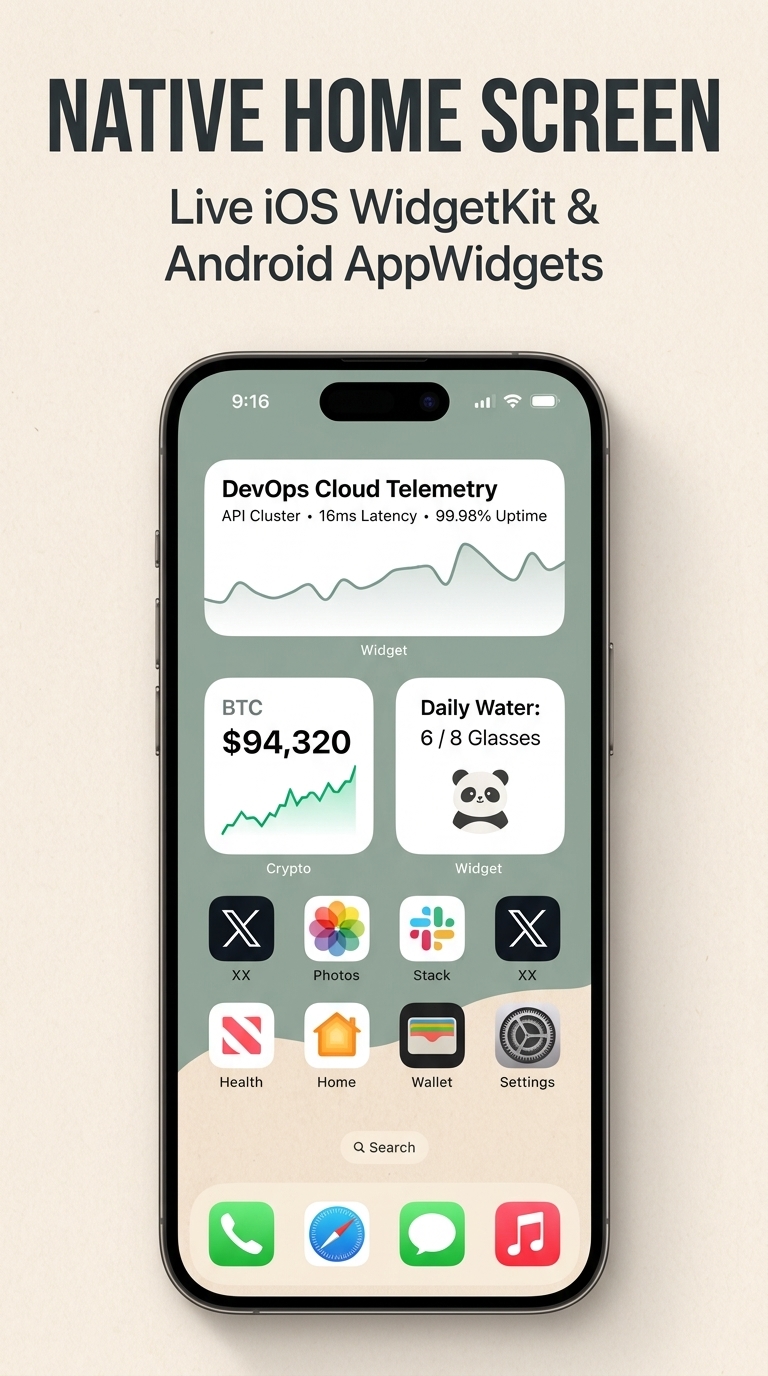
Native Home Screen
-
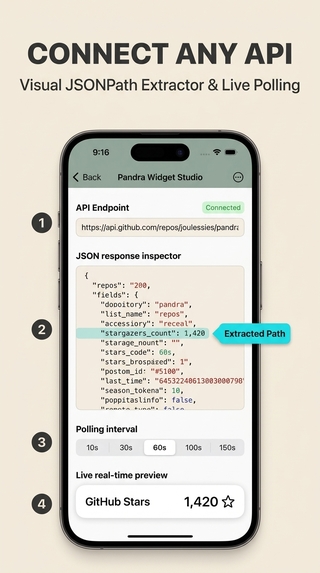
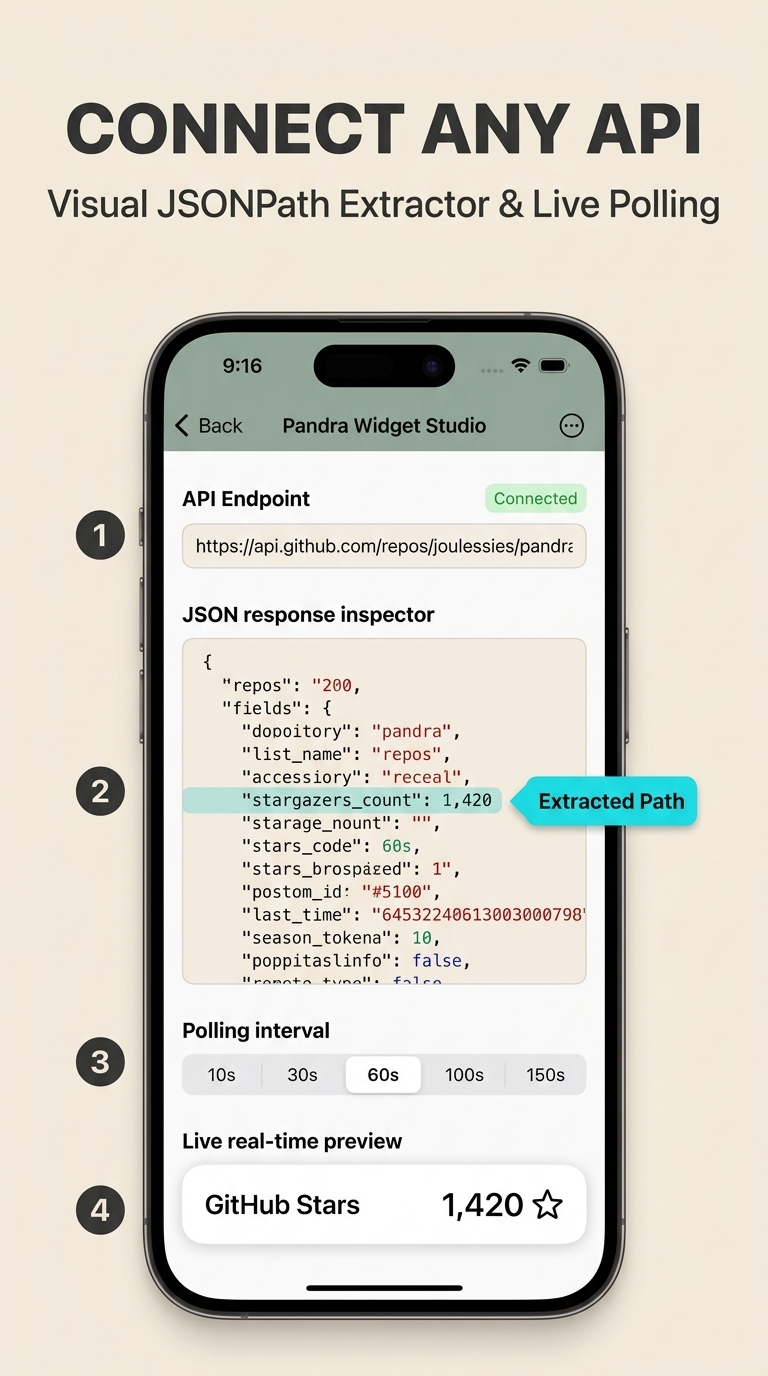
API JSONPATH
-
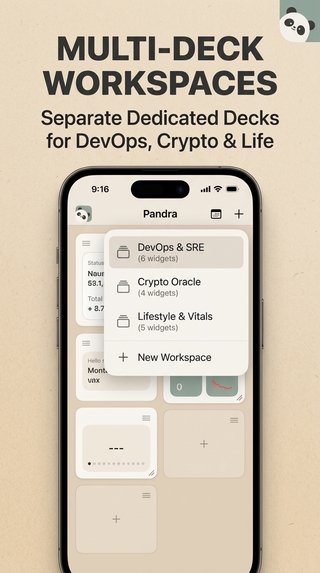
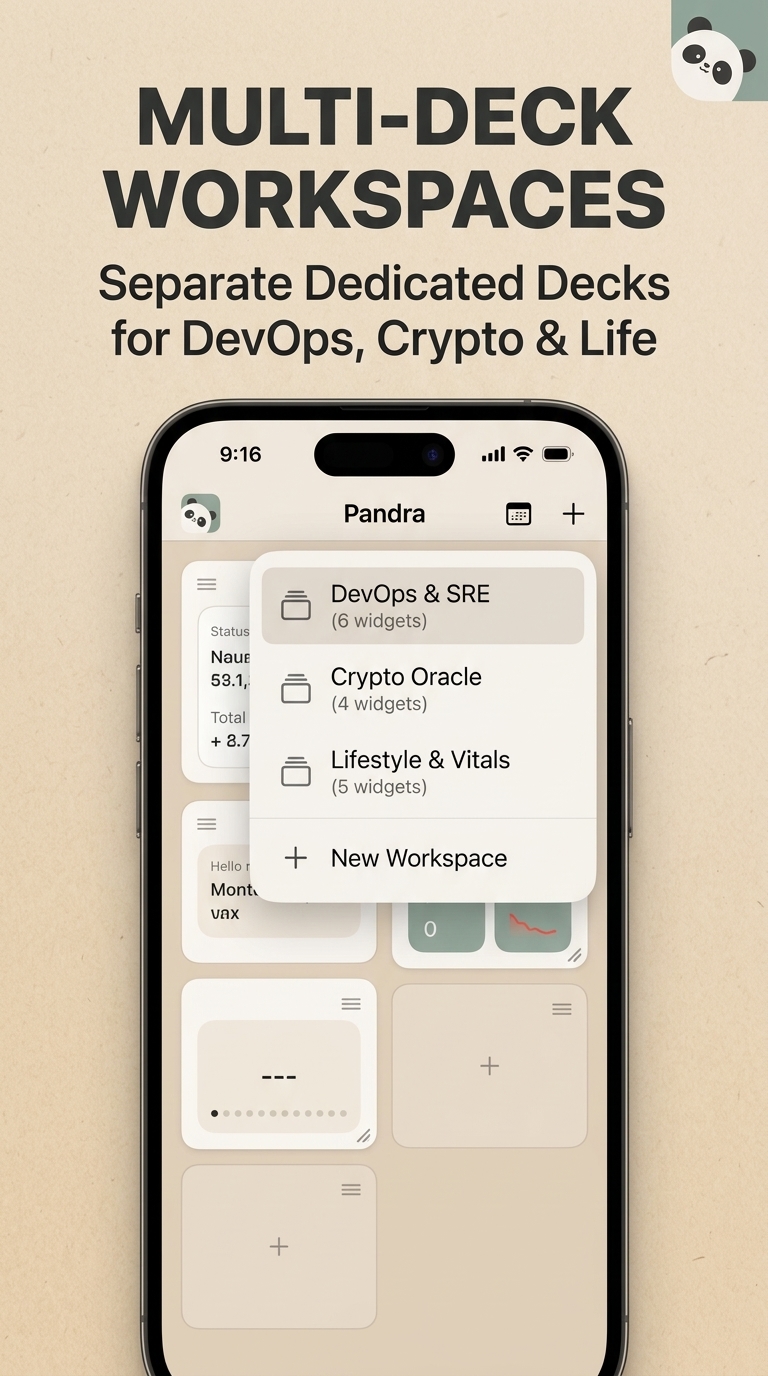
Multideck Workspaces
-
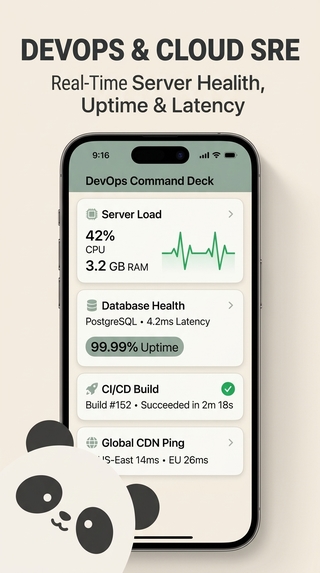
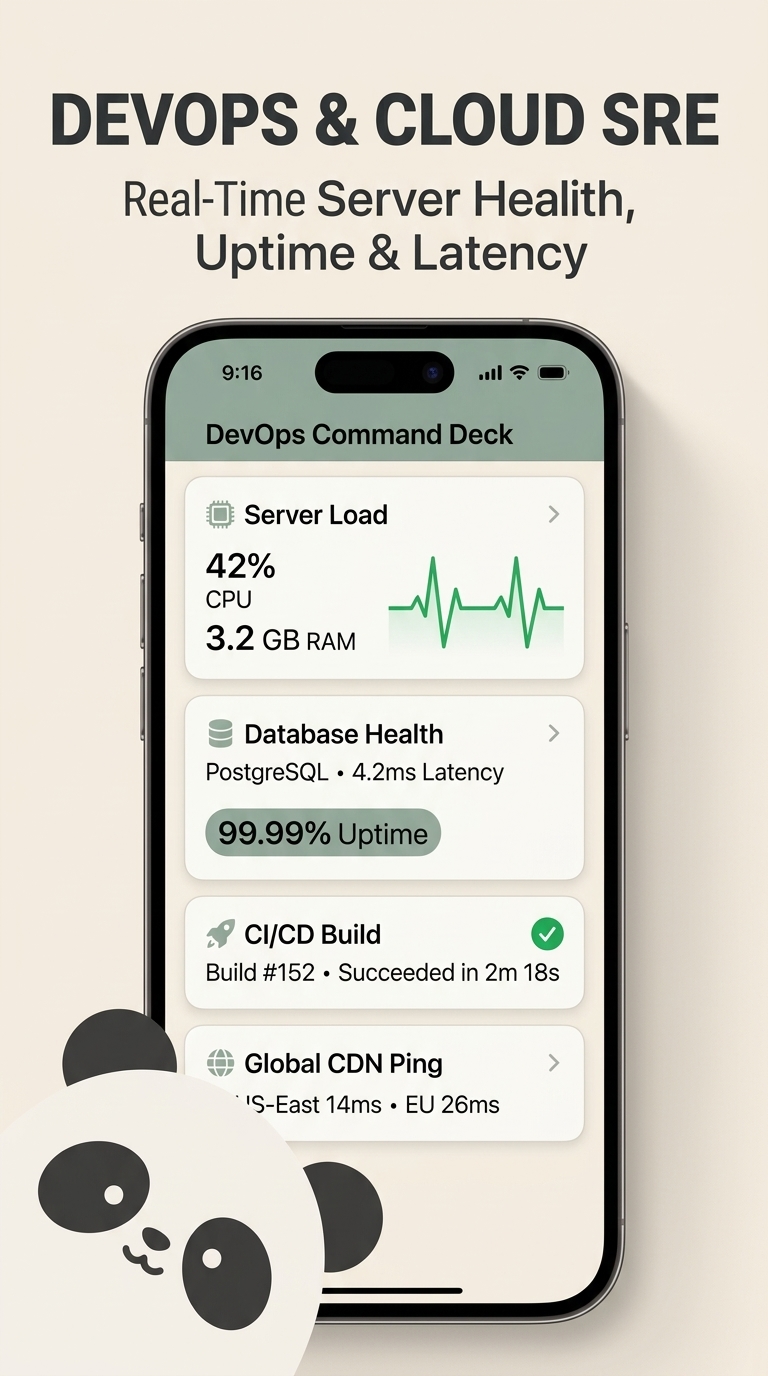
DevOps Telemetry
-
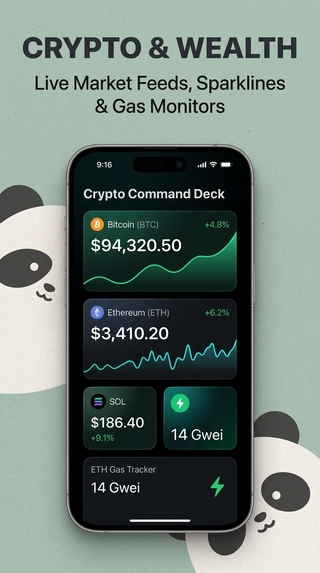
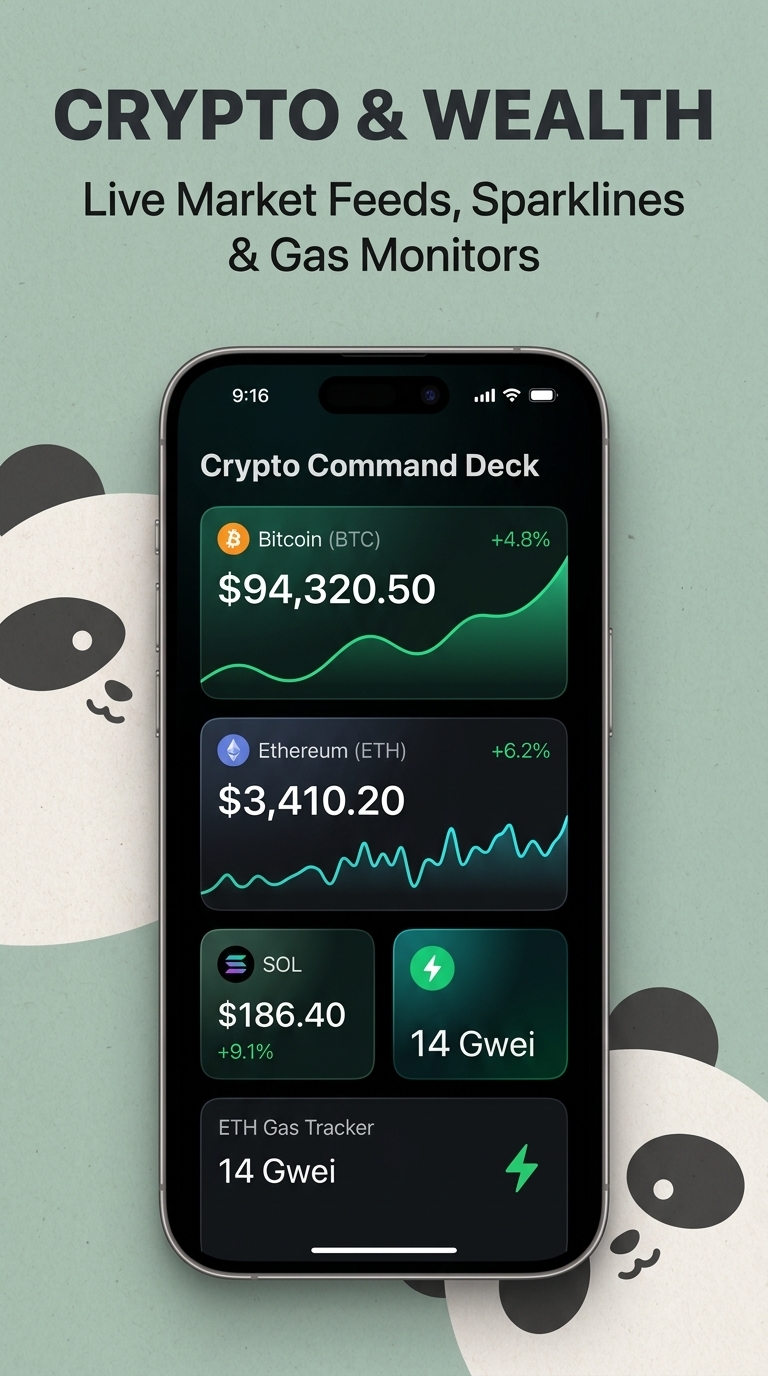
Crypto Wealth
-
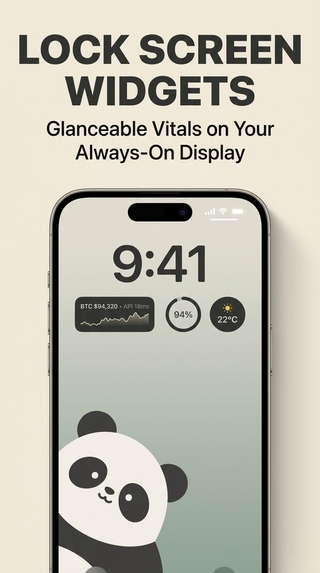
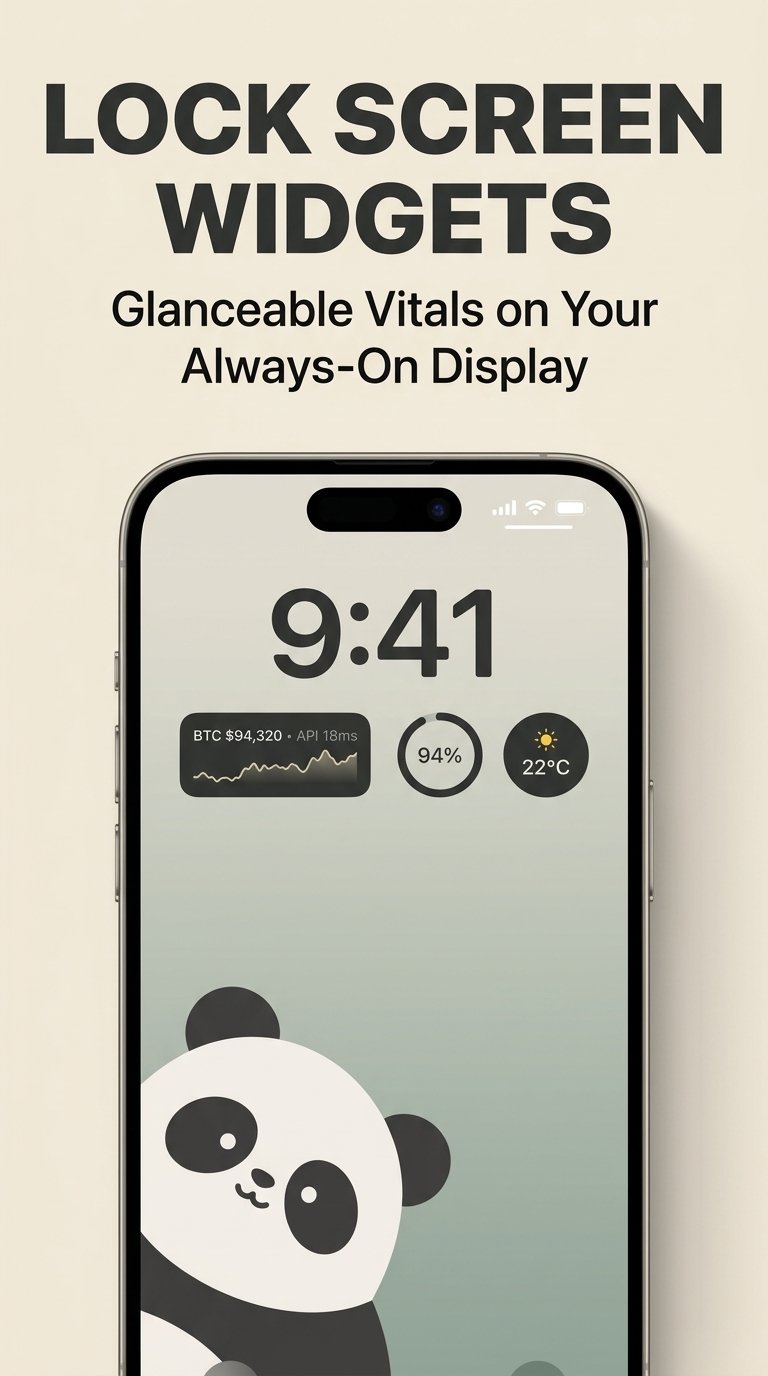
Lock Screen Widgets
-
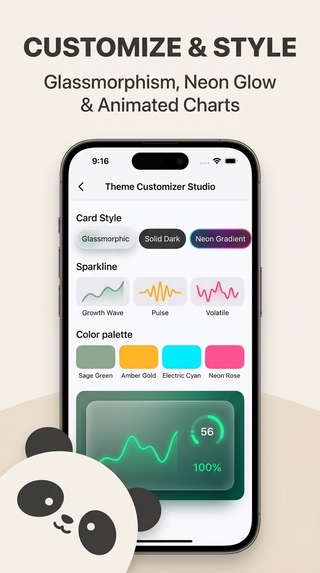
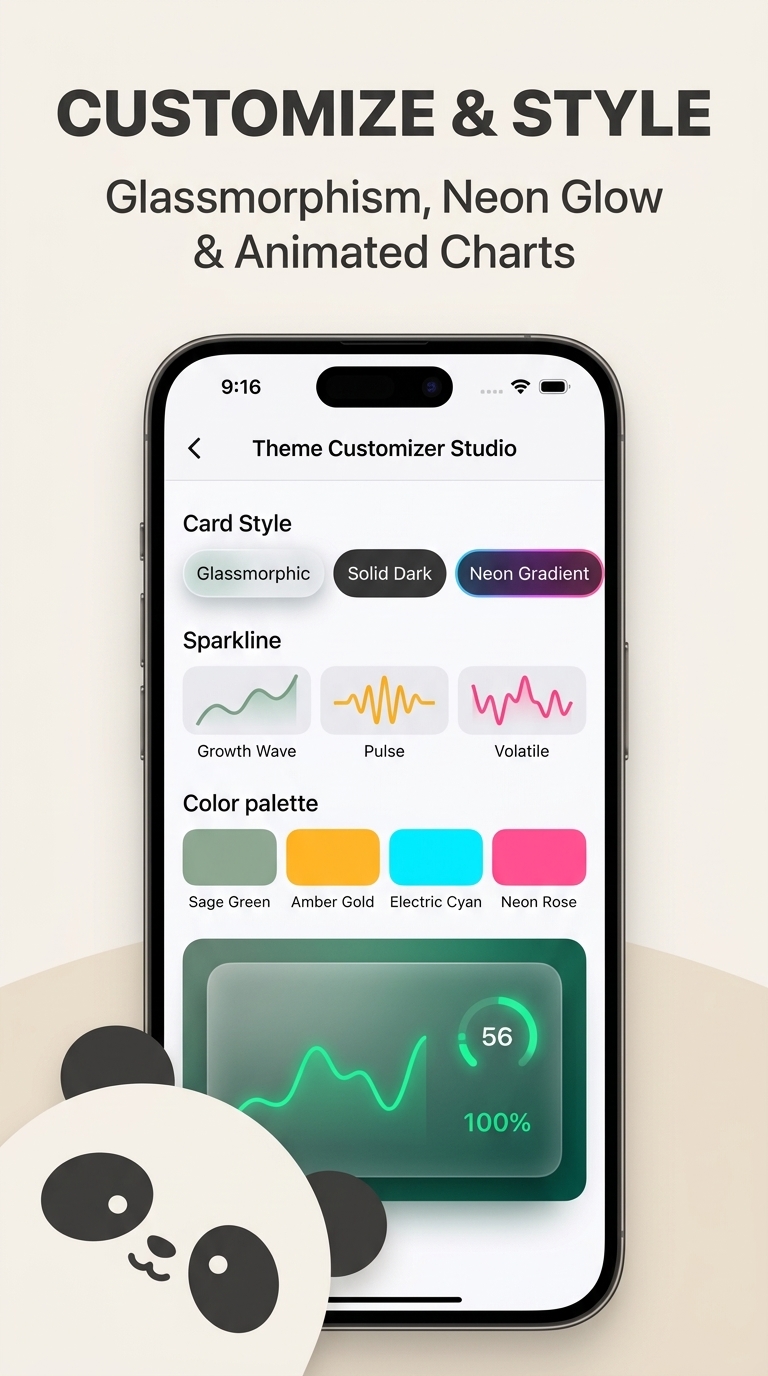
Theme Customizer
Inspiration
Everyone has a home screen. Most people waste it.
The default widgets Apple and Google ship are either too simple or locked to their own apps. We wanted a home screen that actually reflects you — your data feeds, your habit trackers, your live API endpoints, your aesthetic. We built Pandra because the tools to make that exist, but the friction to wire them together never went away.
What It Does
Pandra is an AI-powered widget studio for iOS and Android. You describe what you want in plain language — "Bitcoin and Ethereum live price tracker", "daily water intake counter", "production server health checker" — and Pandra builds it as a real home-screen widget, backed by live data.
Widgets are organized into workspaces, a deck you can switch between for different contexts: work, personal, travel. Every widget syncs to your home screen in real time through a native bridge layer, so your lock screen and home screen stay current without you lifting a finger.
The engine supports eight widget types out of the box: live weather, REST API fetchers, counters, notes, news feeds, battery monitors, photo widgets, and static metrics — each configurable down to card style, color, sparkline pattern, and size.
How We Built It
The app is built in React Native with Expo Router for navigation and Tamagui for the design system. On iOS, home-screen widgets are powered by expo-widgets via an App Extension; on Android, react-native-android-widget handles rendering into the native widget host, with small and wide slot variants.
A native bridge layer (native-widget-bridge) serializes the active deck to
AsyncStorage and shared App Group storage, so the widget extension and the app
stay in sync across process boundaries.
The backend runs on Convex — storing user decks, workspace layouts, and telemetry logs — with Clerk handling authentication (Google Sign-In on Android, with Apple Sign-In on iOS). Monetization is RevenueCat, with a Pandra Pro entitlement gating AI generation and advanced widget types.
The AI widget synthesizer parses a natural-language prompt, classifies it into a widget type, resolves live data (geocoding for weather, JSON path evaluation for REST APIs, Hacker News for news feeds), and emits a fully-formed widget record ready to drop into the deck.
What We Learned
Cross-process widget state is the hardest part of home-screen development. iOS widget extensions and Android widget hosts run in separate processes with no shared memory. Getting the app and the widget to agree on the current state — without race conditions or stale reads — required a careful serialization contract through shared AsyncStorage and App Group containers.
We also learned that natural-language widget generation only works if the classifier is precise about which live data source backs the widget. A prompt like "water tracker" should never hit a weather API — building a tight intent classifier before any data fetch was the move that made the AI feel reliable rather than random.
Challenges We Ran Into
The iOS widget extension boundary. Widgets are a separate build target with their own entitlements and App Group identifiers. Wiring Expo's managed workflow to produce a correctly-signed extension — and keeping the shared storage keys consistent between the app and the extension across EAS builds — required a custom Expo config plugin and careful entitlement management.
Keeping Android wide and small widgets visually consistent. The
react-native-android-widget renderer supports a subset of React Native
primitives. Matching the design language of the iOS SwiftUI widgets — same dark
surface palette, same live-indicator dot, same sparkline bars — using only
FlexWidget and TextWidget primitives took considerably more iteration than
building the same UI in-app.
RevenueCat entitlements across platforms. Pro access has to be enforced in both the client UI and the widget sync path. Threading the entitlement check through the native bridge — so a widget slot cannot be written with Pro content if the subscription has lapsed — required the bridge layer to be entitlement-aware.
What's Next
- iCloud-backed deck sync so workspaces roam across devices
- A community template gallery where users can publish and clone widget presets
- Deeper AI: multi-widget deck generation from a single prompt describing an entire home-screen layout
- Shortcut and Focus Filter integrations so workspaces switch automatically with iPhone Focus modes
Built With
- clerk
- convex
- expo.io
- native
- react-native
- revenuecat
- tamagui
- typescript
- widget
- zustand


Log in or sign up for Devpost to join the conversation.