-
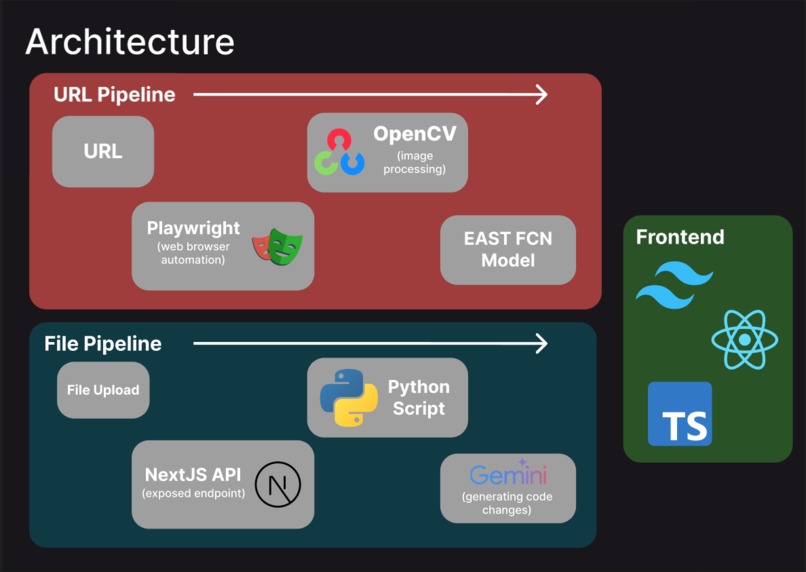
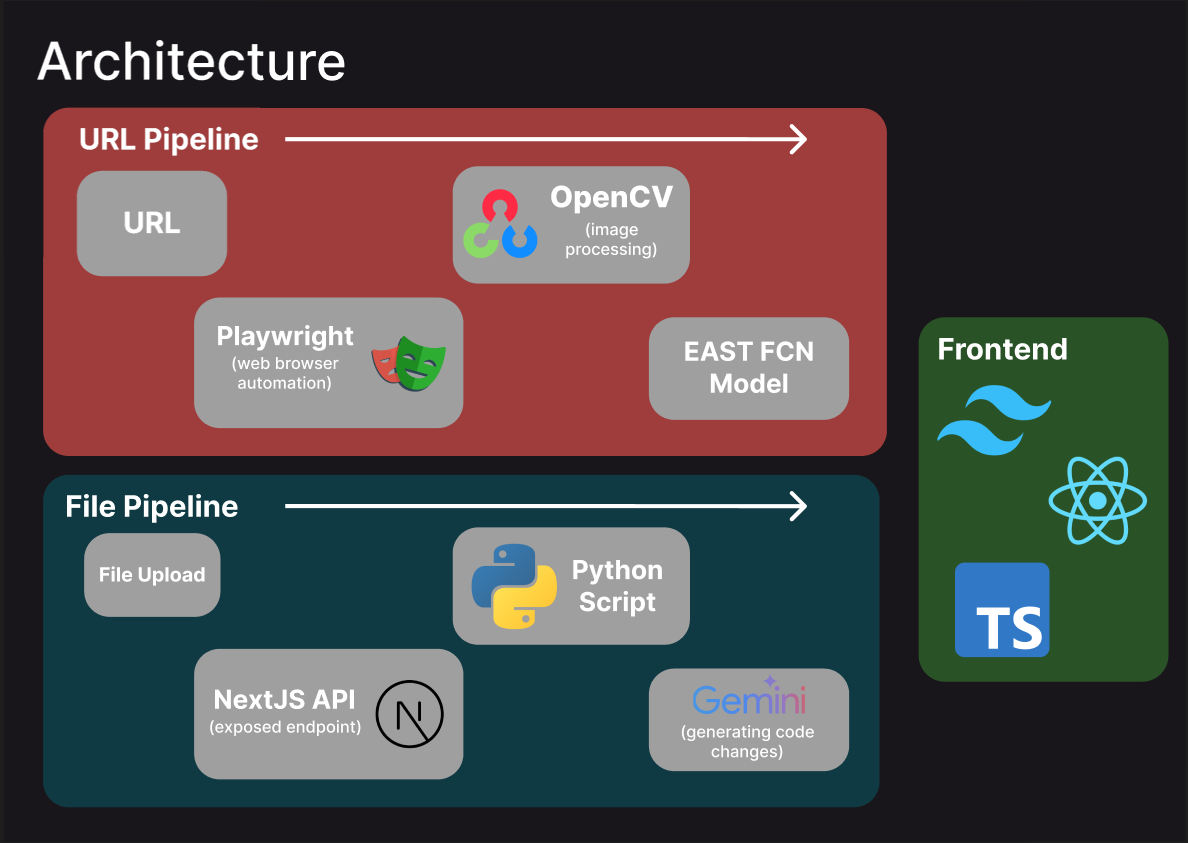
Architecture Diagram
-
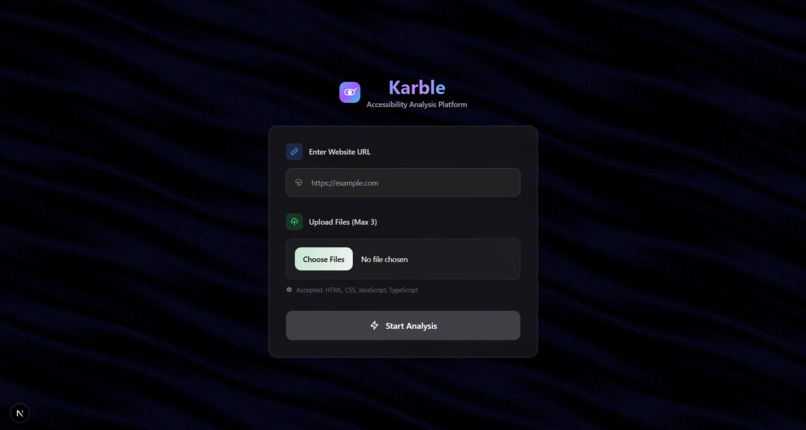
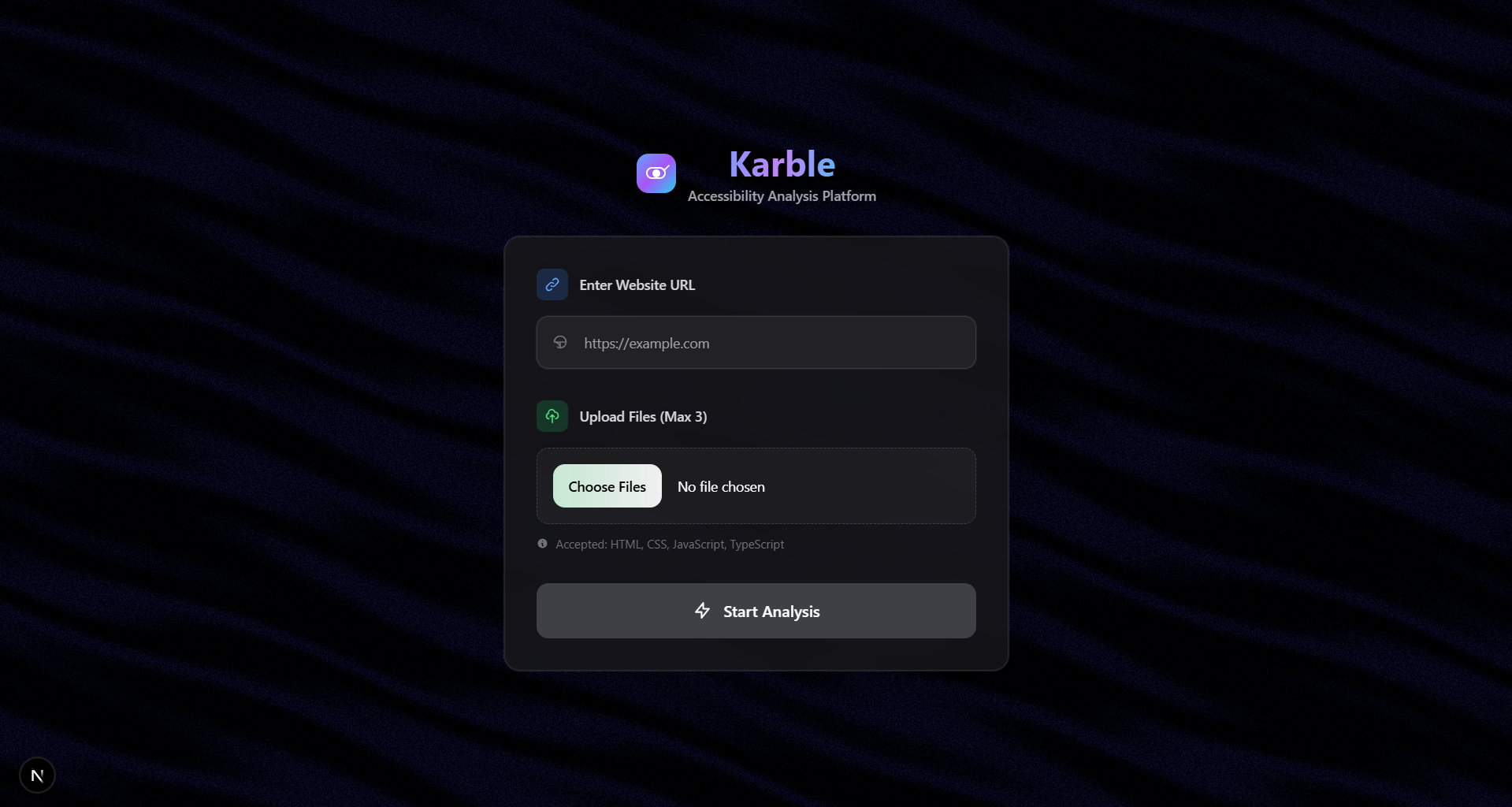
Home Page
Inspiration
We were inspired by the gap between traditional accessibility checkers and real user experiences. Most existing tools only analyze code but fail to capture what users actually see. Poor contrast ratios, missing ARIA labels, and broken structures create real barriers for people with disabilities.
A team member's prior research "Catching UX Flaws in Code" demonstrated that LLMs can provide consistent code-based usability evaluations, but was limited to semantic analysis. Karble extends this work by combining proven semantic code analysis with computer vision techniques that evaluate real visual contrast and layout issues. This dual approach bridges the gap between code compliance and actual user experience, giving developers a complete accessibility picture that encompasses both semantic correctness and visual reality.
What it does
Karble automatically checks the accessibility of any website or uploaded design. It takes a URL or file, generates screenshots, and uses computer vision (EAST text detection + contrast analysis) to find text regions. For each region, it measures the color contrast between text and background, using WCAG standards to flag issues. Karble evaluates what users actually see on the screen, while also checking the percentage of elements without ARIA tags, alt tags on images, and where properly nested structure is not used. The results are returned with annotated images, issue reports, and overall accessibility scores.
How we built it
Frontend Architecture
- Next.js + React with TypeScript for type safety
- Framer Motion for smooth animations and page transitions
- Custom WebGL Silk shader background using Three.js
- Tailwind CSS for responsive design
- Real-time file upload with progress tracking
Backend Infrastructure
- FastAPI server handling URL and file analysis
- Playwright for automated full-page screenshot capture
- OpenCV integration for computer vision processing
- Custom image segmentation for oversized pages
AI/Computer Vision Pipeline
- Screenshot Capture: Playwright generates full-page screenshots
- Image Segmentation: Tall images split into manageable chunks
- Text Detection: EAST model locates text regions with coordinate mapping
- Color Analysis: Otsu thresholding separates foreground from background
- Contrast Calculation: WCAG luminance formulas compute exact ratios
- Visual Annotation: Low-contrast regions flagged with overlay scores
Code Analysis Engine
- BeautifulSoup for HTML parsing and DOM traversal
- Regular expressions for JavaScript accessibility pattern detection
- Custom algorithms for ARIA, alt-text, and structure validation
- JSON aggregation system for unified scoring and reporting
Technical Innovation We built an accessibility tool to combine real-time visual analysis with semantic code checking. Successfully integrating cutting-edge computer vision (EAST text detection) with web accessibility standards was a significant achievement, and we created a scalable architecture that handles both live websites and uploaded files seamlessly.
User Experience Excellence Our interface stands out with its beautiful, modern design featuring custom WebGL shaders and smooth animations. We designed intuitive visual feedback that shows exactly where accessibility issues occur, making complex technical information immediately understandable. The comprehensive error handling and user guidance ensure a smooth experience even when analysis encounters edge cases.
Challenges we ran into
- Finding an appropriate text segmentation model
- Integrating our backend Python server with our frontend
- Structuring our demo
What we learned
- How to integrate computer vision models with real world data
- How to deal with challenges related to contrast analysis (non-uniform backgrounds, color differences, etc)
- How to build a full-stack pipeline with Next.js and FastAPI, and pass results between them
What's next for Karble
Enhanced AI Capabilities We plan to integrate OCR technology to verify that actual rendered text matches semantic content, helping catch discrepancies between code and visual output. Layout analysis will detect heading hierarchy issues, navigation structure problems, and content organization violations. We're also developing focus management analysis to examine keyboard navigation paths and focus indicators, plus motion analysis to detect potentially problematic animations or auto-playing content.
Broader Accessibility Coverage
- Mobile responsiveness analysis including touch target sizes and mobile-specific accessibility issues
- Cognitive load assessment examining information density, reading complexity, and cognitive accessibility barriers
- Internationalization support for multiple languages and right-to-left text analysis
Built With
- east
- nextjs
- opencv
- playwright
- python
- react
- typescript


Log in or sign up for Devpost to join the conversation.