
Inspiration
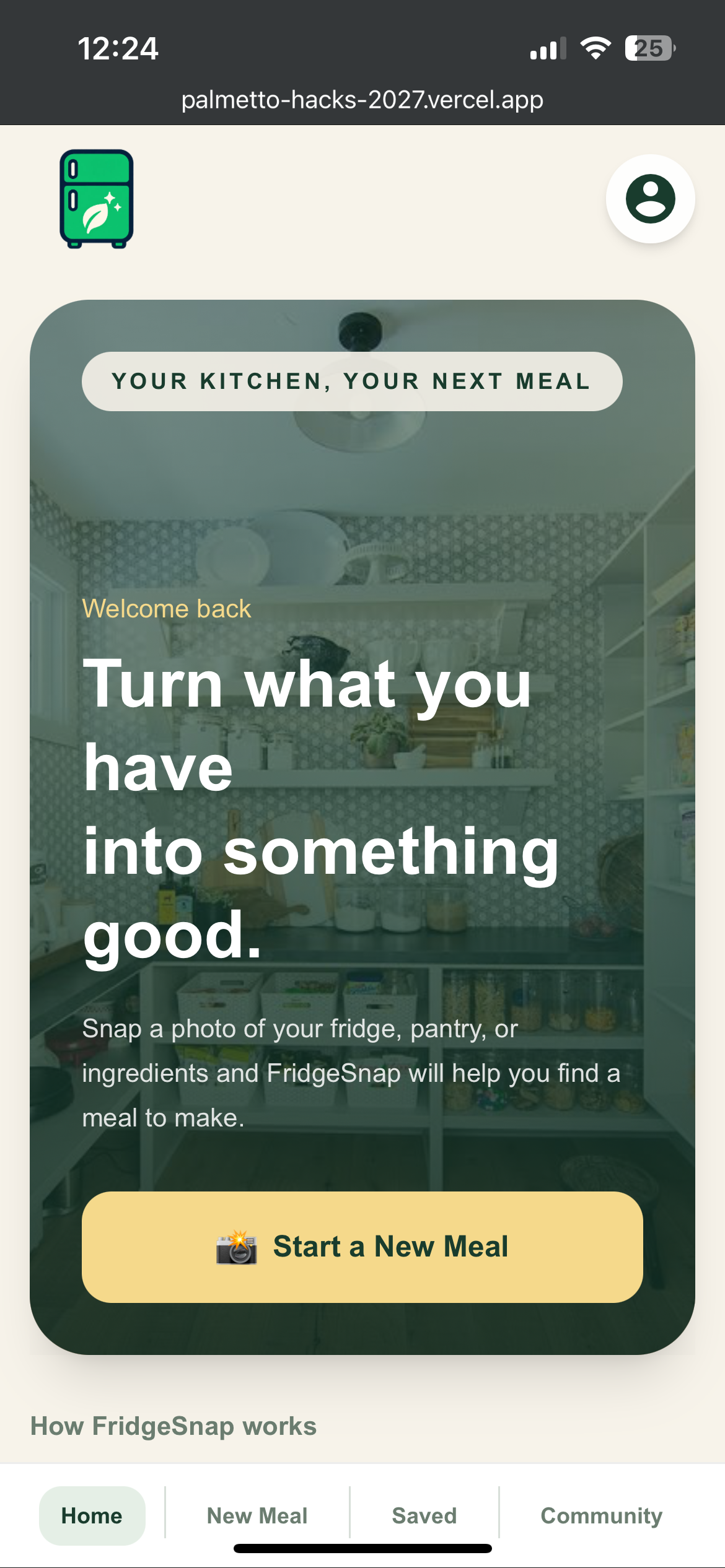
Our inspiration came from image recognition apps that solve one specific task really well, like AI math solvers that let you snap a picture of a problem and get an answer. We noticed that nothing like that existed for food. We were also inspired by nutrition apps that essentially do the reverse, telling you what ingredients are in your food, so we set out to build something that takes the ingredients you already have and tells you what you can make.
What it does
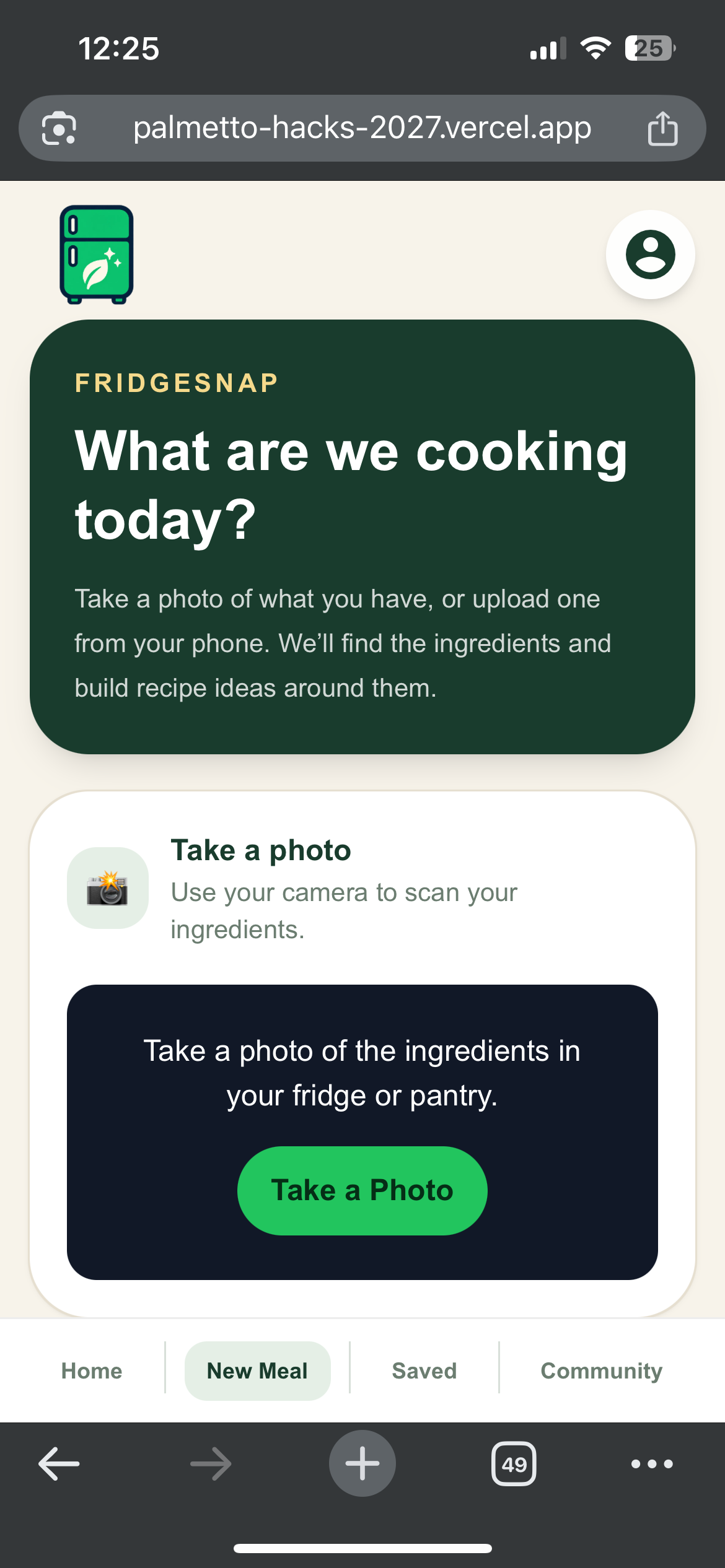
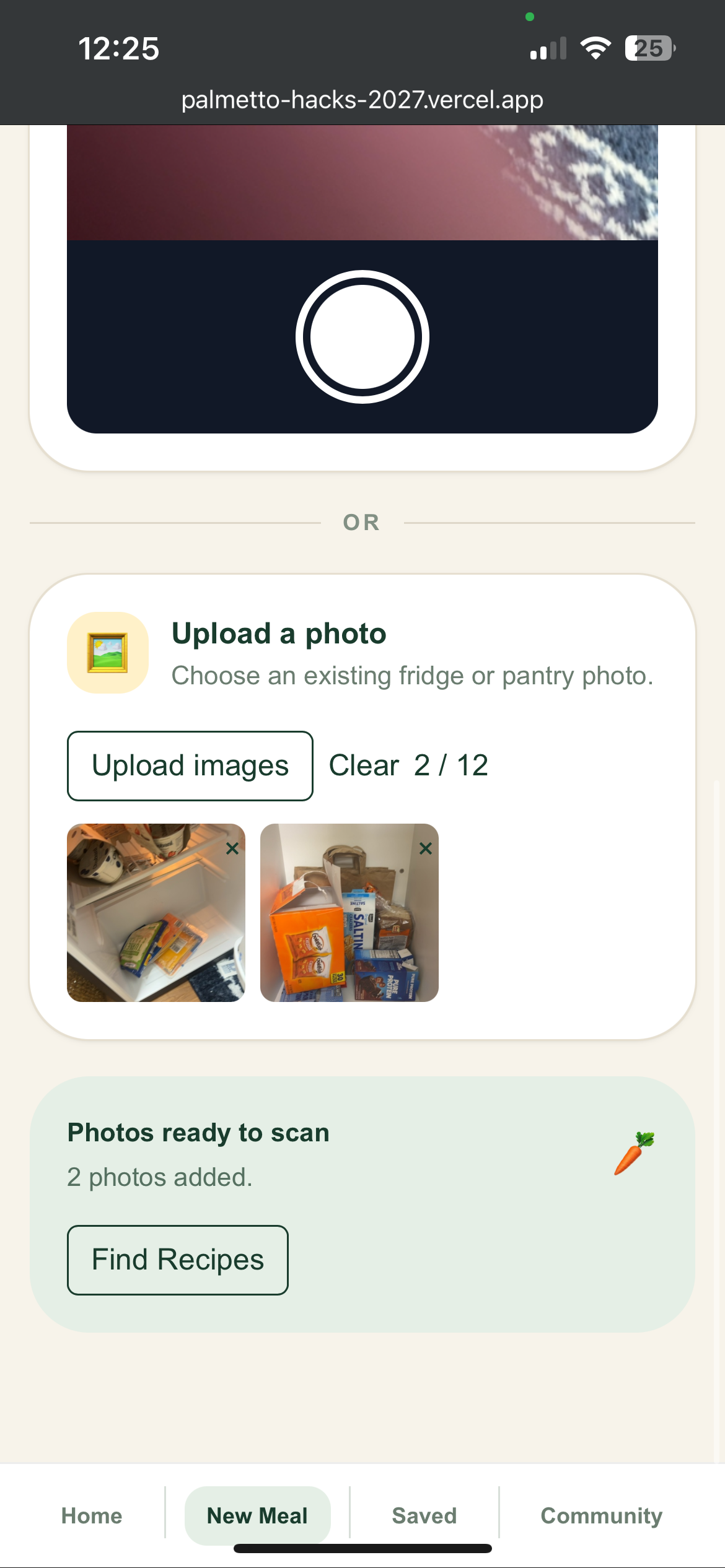
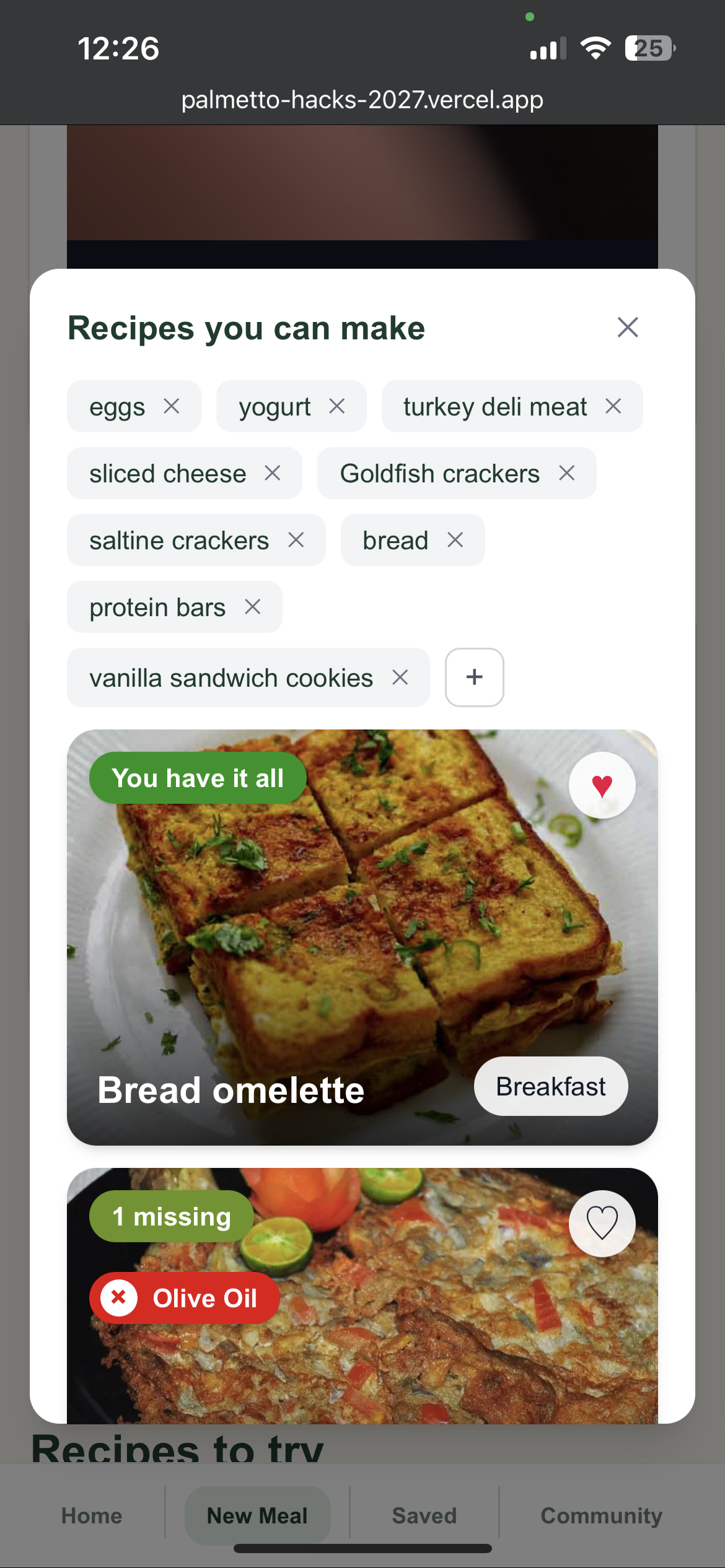
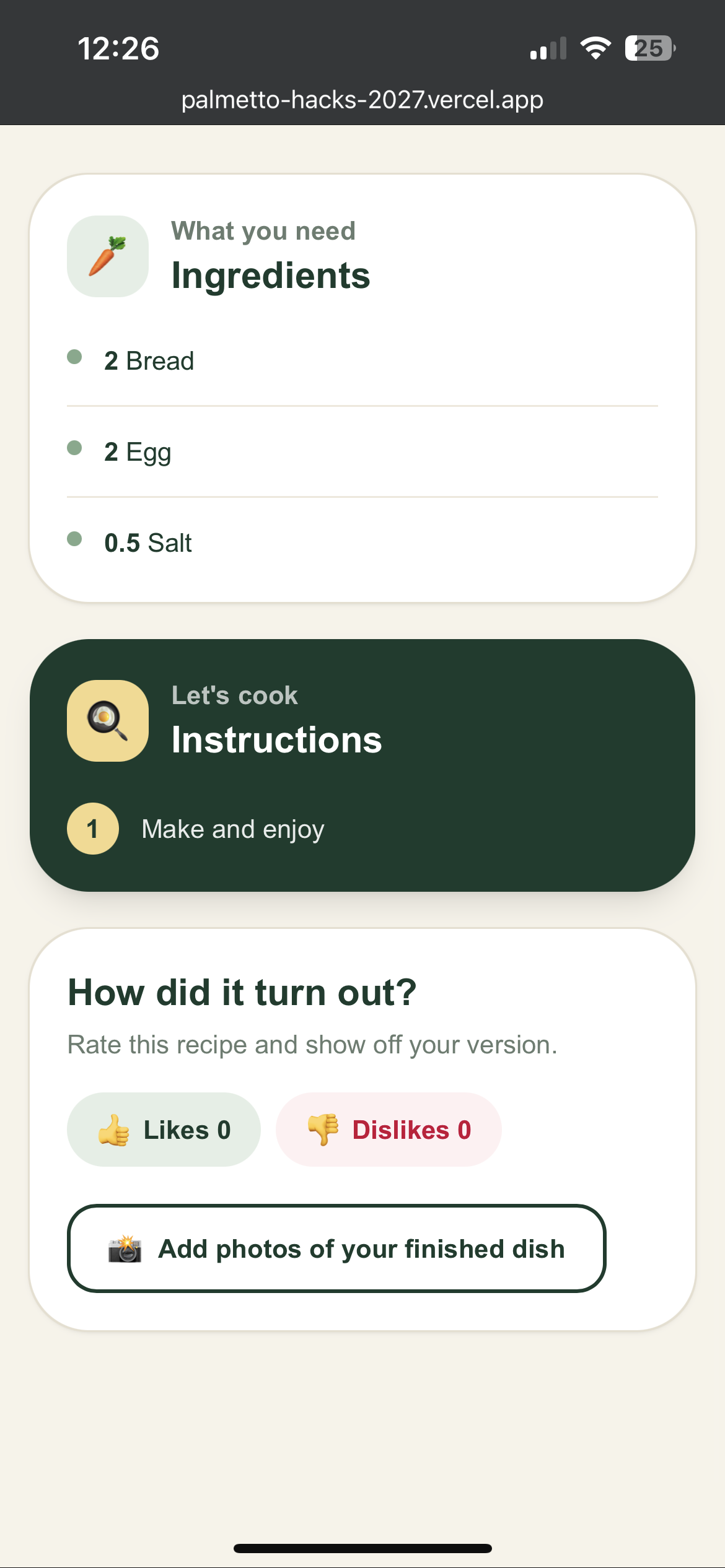
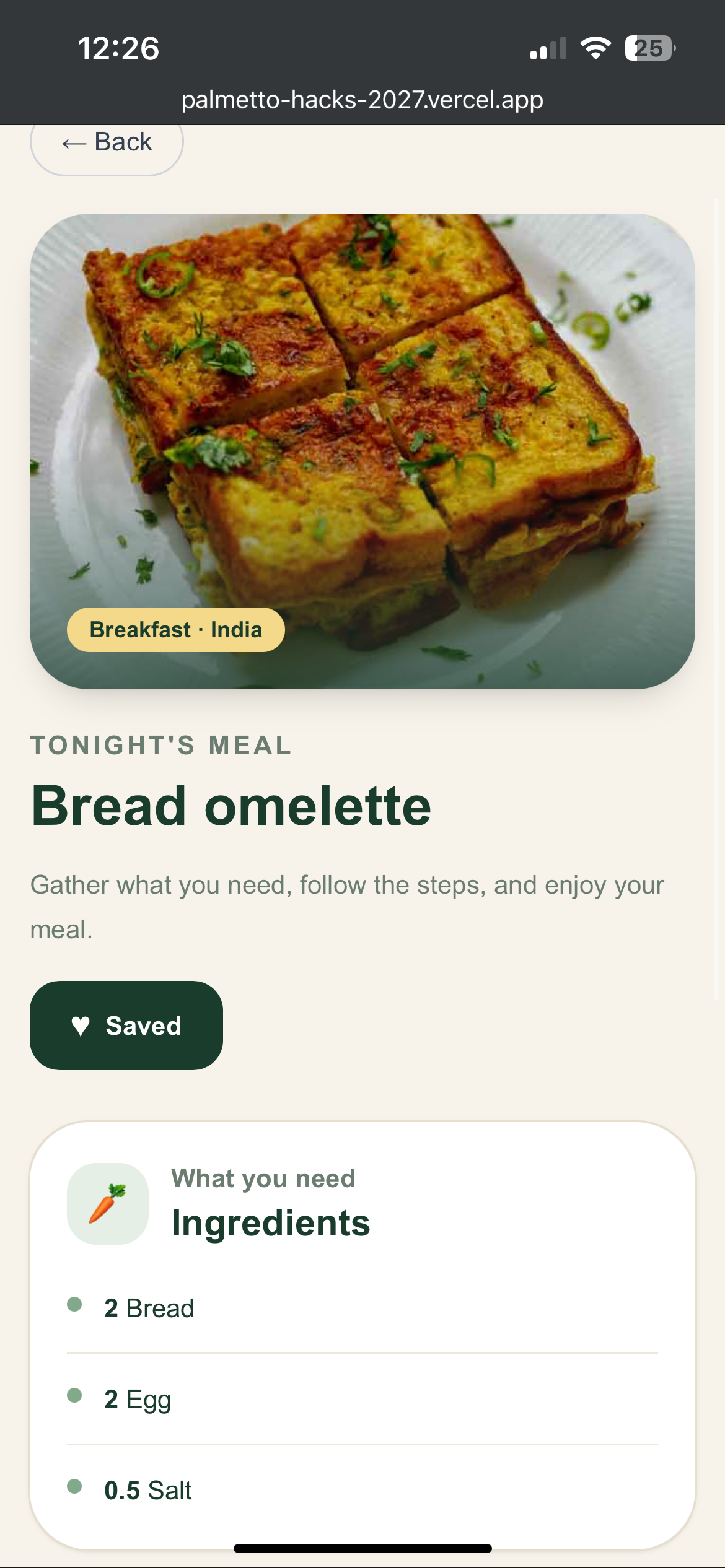
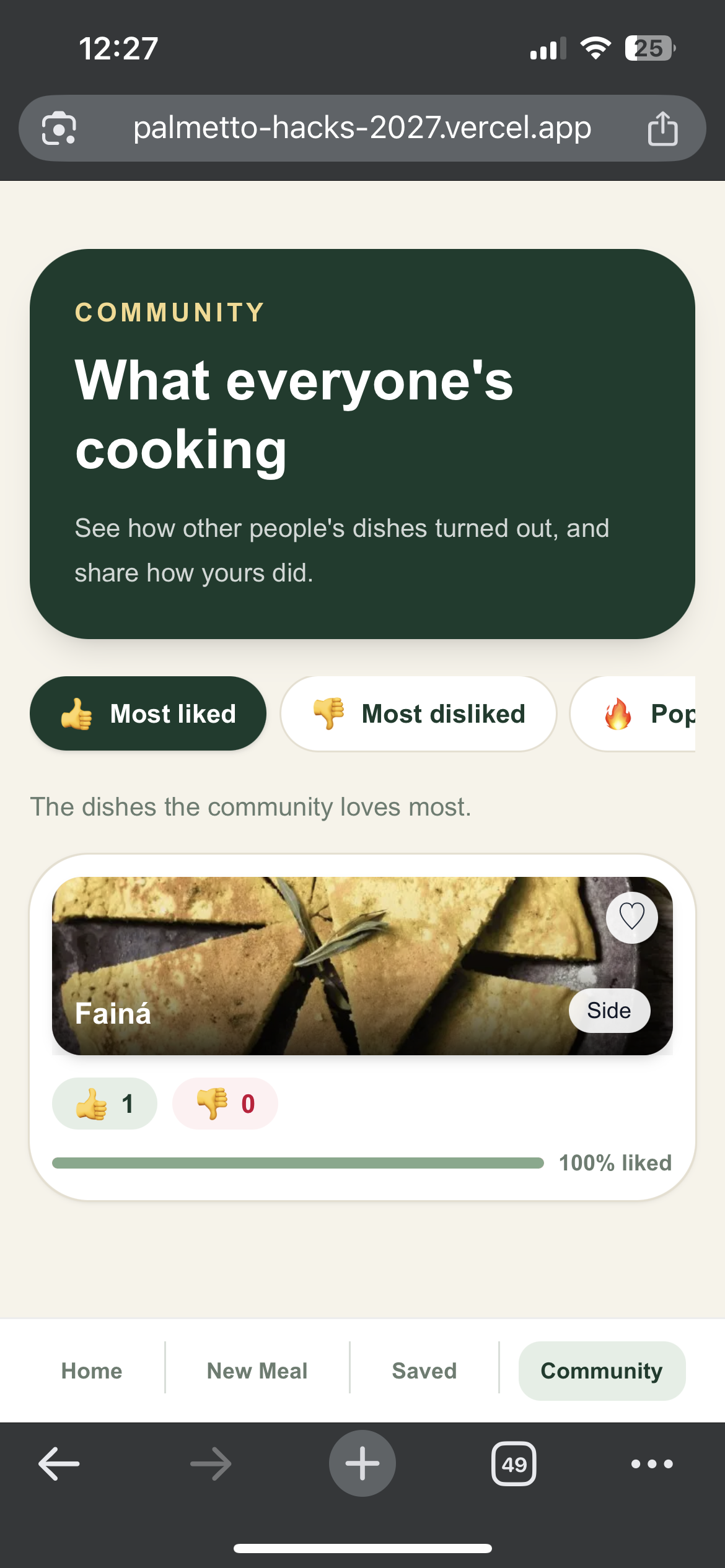
Allows users to take multiple pictures of their pantry or fridge and receive various premade recipes using the ingredients in those pictures. In addition, the app also allows users to save recipes, like recipes, and upload pictures of finished meals for other users to see. These pictures, along with the most popular recipes are shown on the community page.
How we built it
We used NextJS and React for the frontend, using the add to home screen feature on the iPhone to emulate an app's functionality through a website. For the backend, which includes the recipe and community databases, we used Tiger Data as our primary SQL database and MealDB's API to populate the recipe database. First, we created the database layout using 4 SQL commands in Tiger Data's SQL editor. The database was then populated using a custom build python script, Meal DB's API, and environment variables provided by Tiger Data's service manager. Finally, the image recognition, which provided the app with a list of ingredients to search our data base, was implemented using Google AI's Gemini-Vision. An user will upload or capture images, then the app will send those images to Gemini-Vision using an API key. Following the provided prompt, Gemini will respond with a formatted JSON file, which is then used by the app to search our recipe data base stored in Tiger Data. Saved recipes are stored via a local database, and likes/images are uploaded to Tiger Data via POST request. The entire project as seen in the link is hosted via Vercel.
Challenges we ran into
Our biggest hurdles came from the build and deployment process. We ran into npm build bugs that slowed our progress, along with version control issues with GitHub that made it difficult to keep our code in sync. Using environment variables in Vercel proved tricky, and creating our Tiger Data databases took some trial and error. We also had to work through utilizing AI API keys and fixing various UI bugs along the way.
Accomplishments that we're proud of
We are incredibly proud of our image-to-recipe recognition system that turns pictures of a pantry or fridge into usable recipes. We also successfully implemented our SQL Tiger Data database, which powers the recipe and community features. Beyond the technical side, we created a clean UI design and a community page where users can save, like, and share pictures of their finished recipes.
What we learned
Through this project, we learned how to implement SQL databases into a NextJS platform and how to utilize Google Gemini APIs, and AI API keys in general. We also gained experience with UI design in NextJS. In addition, we became more familiar with NextJS file structure, including route files, ts/lib files, and local databases.
What's next for Palmetto-Hacks-2026
Our next step is to transfer the build to Expo or React Native for true mobile development, rather than relying on a website. We also plan to implement an account system, user reviews, and 5 star ratings. To make recipes more useful, we want to add nutrition information and allow users to create or upload their own recipes. Finally, we plan to implement monetization through subscription tiers, with a set number of snaps per tier or ads.

Log in or sign up for Devpost to join the conversation.