-
-
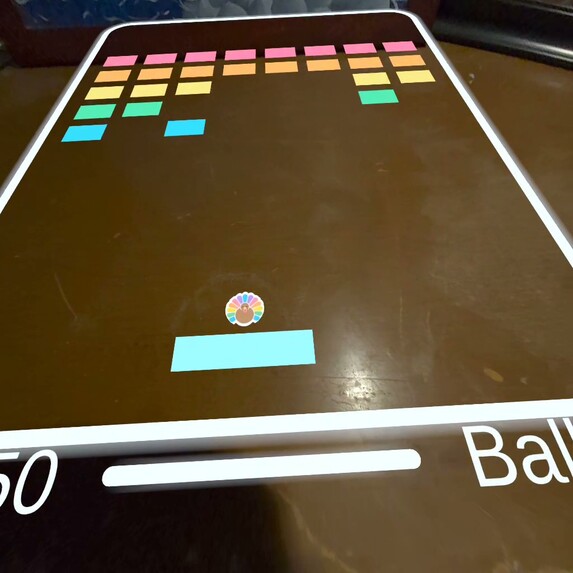
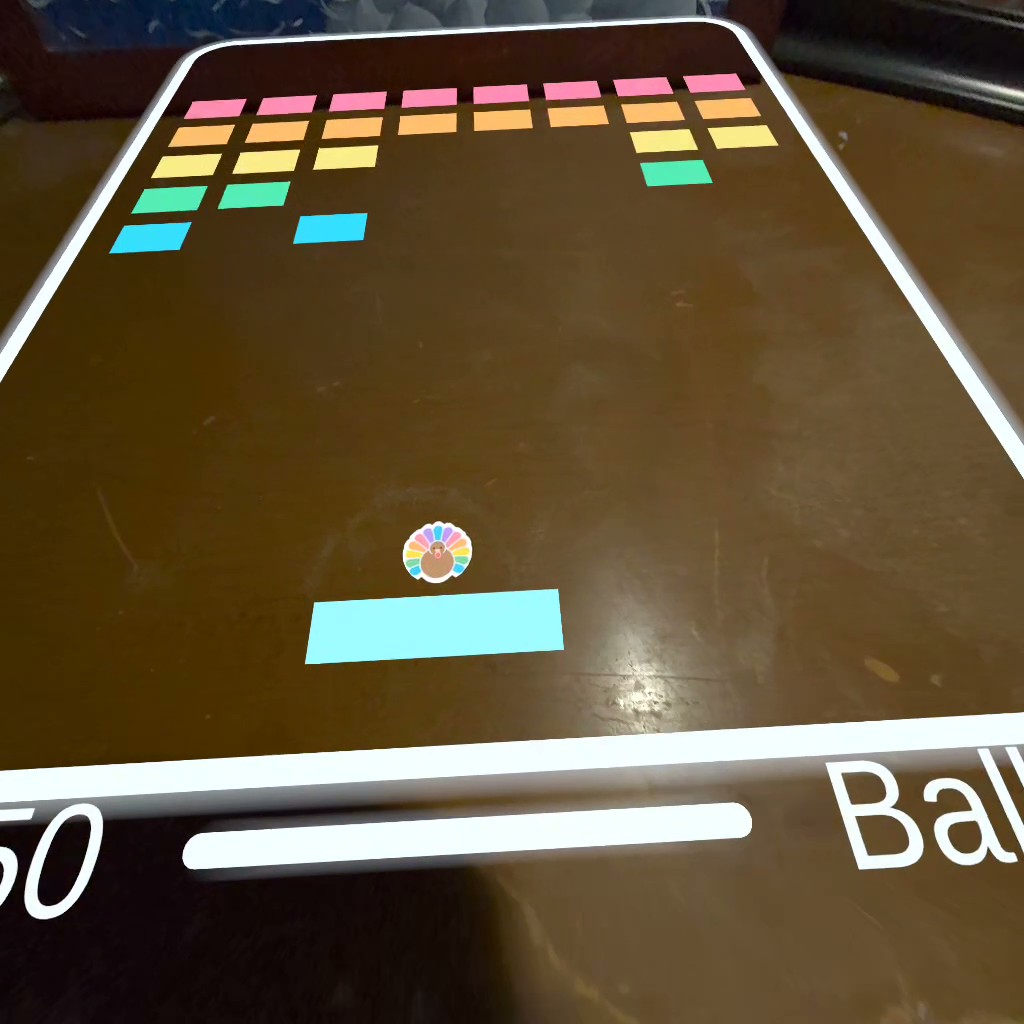
Thanksgiving turkey ball :)
-
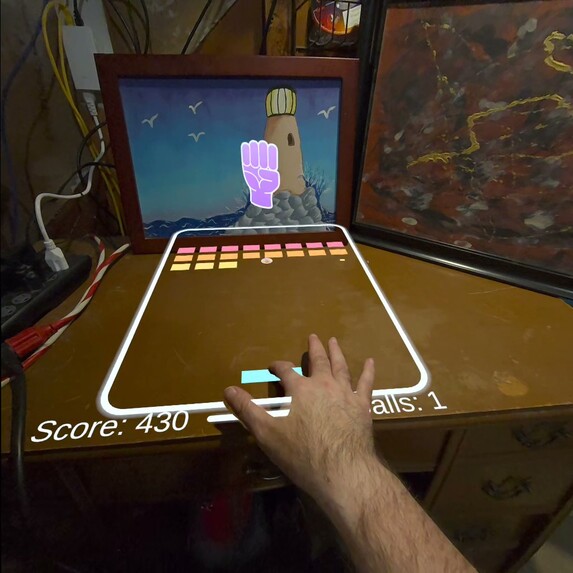
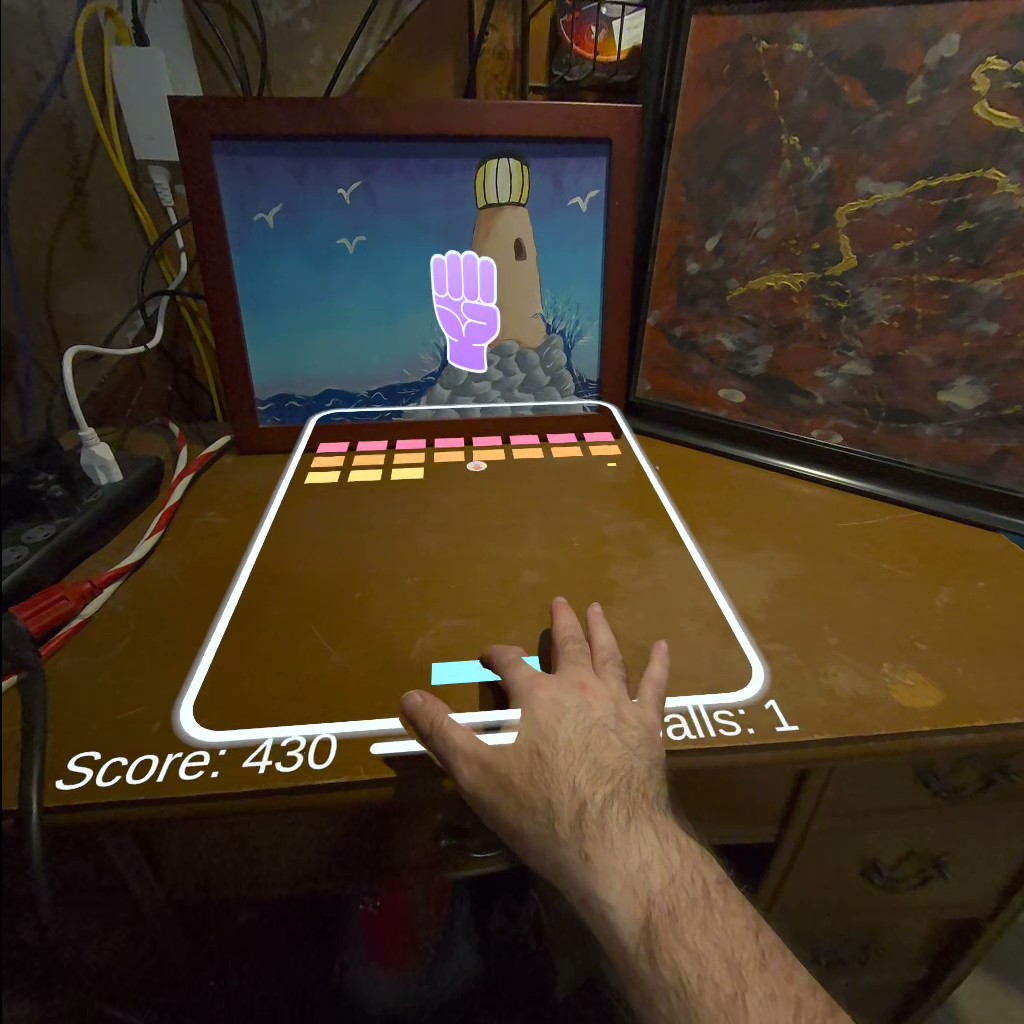
Fist smash powerup
Inspiration
Palmbreaker started with a simple question: what if Breakout lived on your actual desk, and your hands were the only controller?I grew up playing Breakout on the Atari 2600. When I started looking for a seated, hands-first mixed-reality idea that could be jumped into for a few minutes at a time, it still felt like the right fit—simple enough to understand instantly, deep enough to chase a higher score. I also liked the look of a projected game sitting flat on a surface, so the whole experience is built around that: a minimal board on your desk, controlled by your hand.
What it does
It’s Breakout in mixed reality, played flat on your desk or table with hand tracking. Your hand moves the paddle; power-ups fall onto the board, then float up into 3D space so you can grab them and activate them with a physical gesture. Slam a fist down to send a shockwave through the bricks, or (in future updates) point and carve a path with a laser. Passthrough keeps the real world visible. There’s a local leaderboard, reactive music that ramps up the longer your rally lasts, and the whole thing is designed for short sessions.
How we built it
Built in Unity 6 with the Meta XR SDK. I designed the experience, composed the music in Ableton, and tested it on standing desks, coffee-shop tables, and even a lap desk in a recliner to make sure it felt good in different environments. Coding was done with heavy help from Grok Build and Muse, with the project kept in sync via GitHub.
Challenges we ran into
Starting later than planned meant I began with AR Foundation instead of Meta’s recommended Building Blocks, which created extra friction around surface placement. Hand-tracking dropouts could also let the ball slip past the paddle, so play now pauses if the tracked finger is lost. Classic Breakout-style horizontal stalls (the ball bouncing almost perfectly side-to-side) were fixed with a subtle angle correction on wall hits so it never feels stuck.
Accomplishments that we're proud of
The fist-slam power-up feels physical and satisfying—the shockwave spreading across the bricks is a highlight. The board placement (a pinch that raycasts down and sizes itself to the available surface) is a solid compromise, with a pinch bar for manual repositioning when needed. Most of all, it’s a complete, playable vertical slice that I enjoy picking up myself. The music, the reactive audio, and the short-session design all landed the way I wanted.
What we learned
A little more upfront research into Meta’s current quickstart tools would have saved time. Microgestures turned out to be more accurate and useful than I expected for quick interactions, including bypassing the menu for instantly starting a new game. Occlusion on the hands also helps sell the physicality even when it’s not perfect.
What's next for Palmbreaker
Global leaderboards, cosmetic ball and brick skins via in-app purchases, more power-ups (whirlwind, fingertip laser, etc.), and better onboarding. After judging I’d like to refactor onto the proper Meta foundation so the original “touch the desk and the board grows from your fingertip” idea becomes possible. Seasonal content and music packs are also on the list.


