-
-
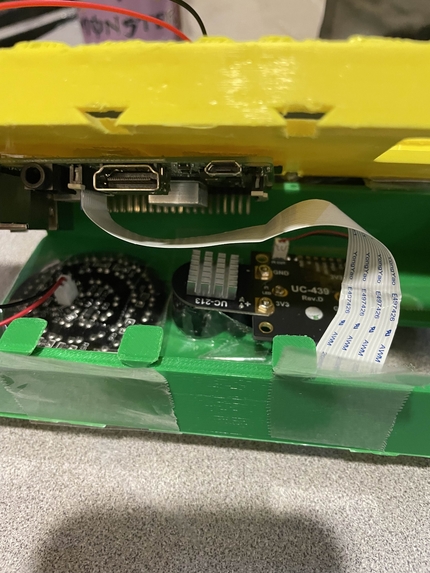
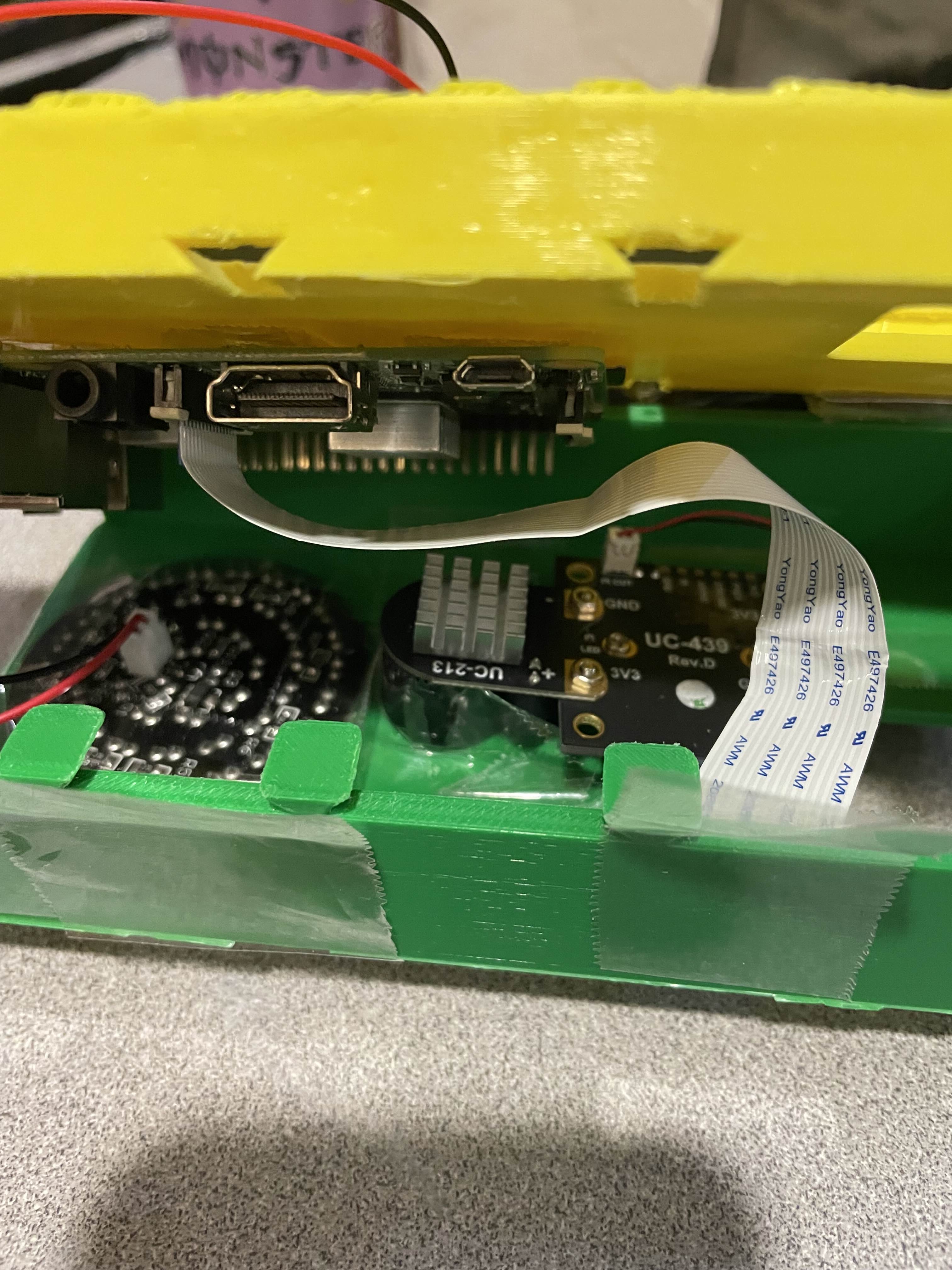
Electronics Housing internal
-
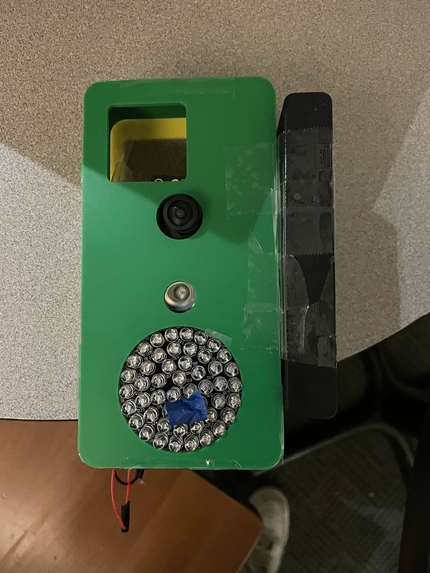
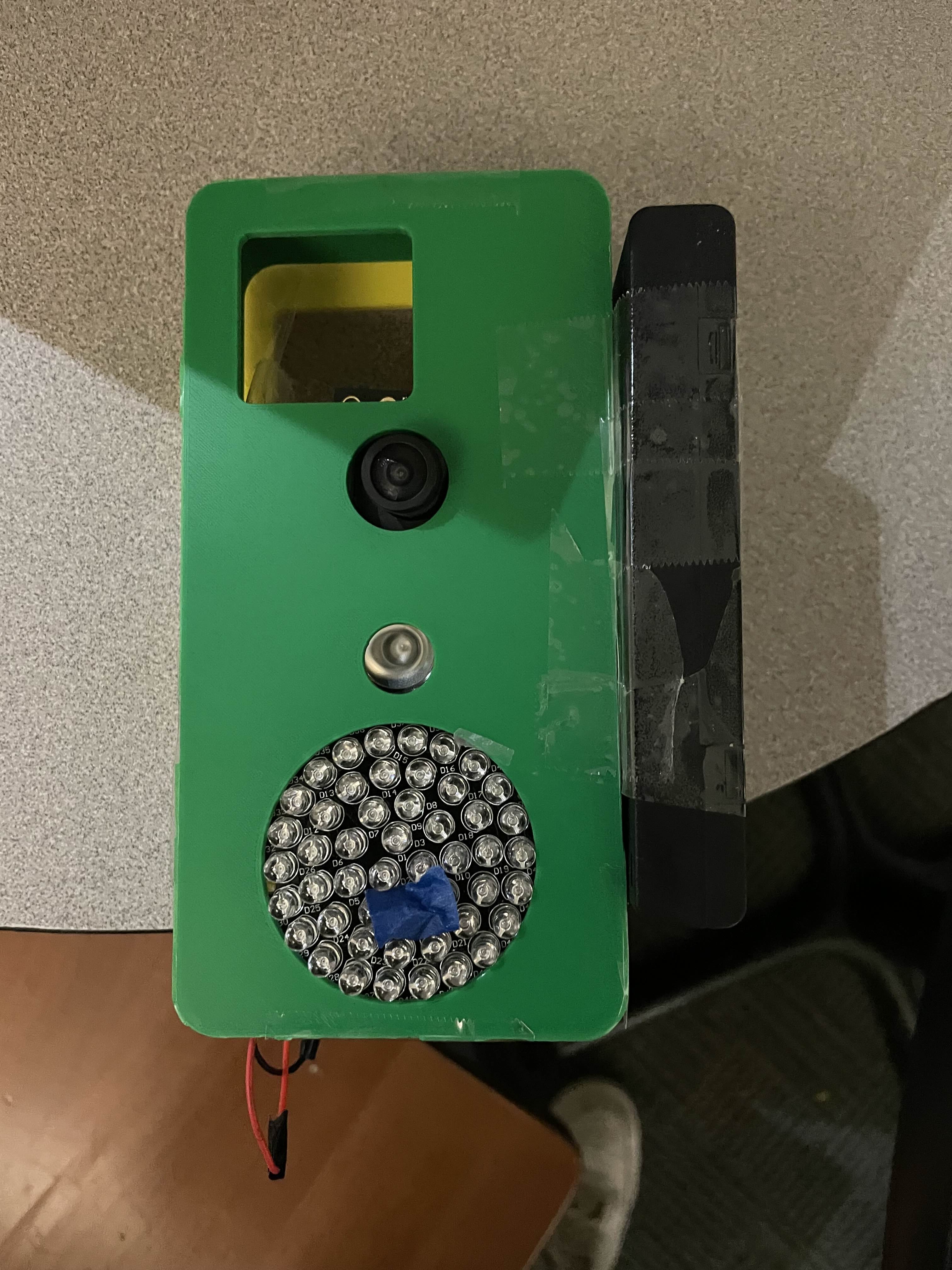
Phone Case External
-
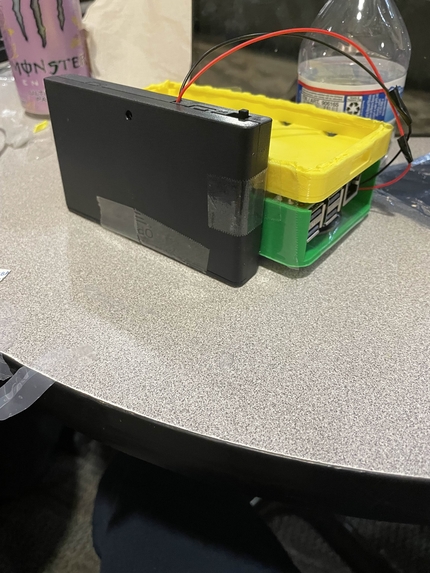
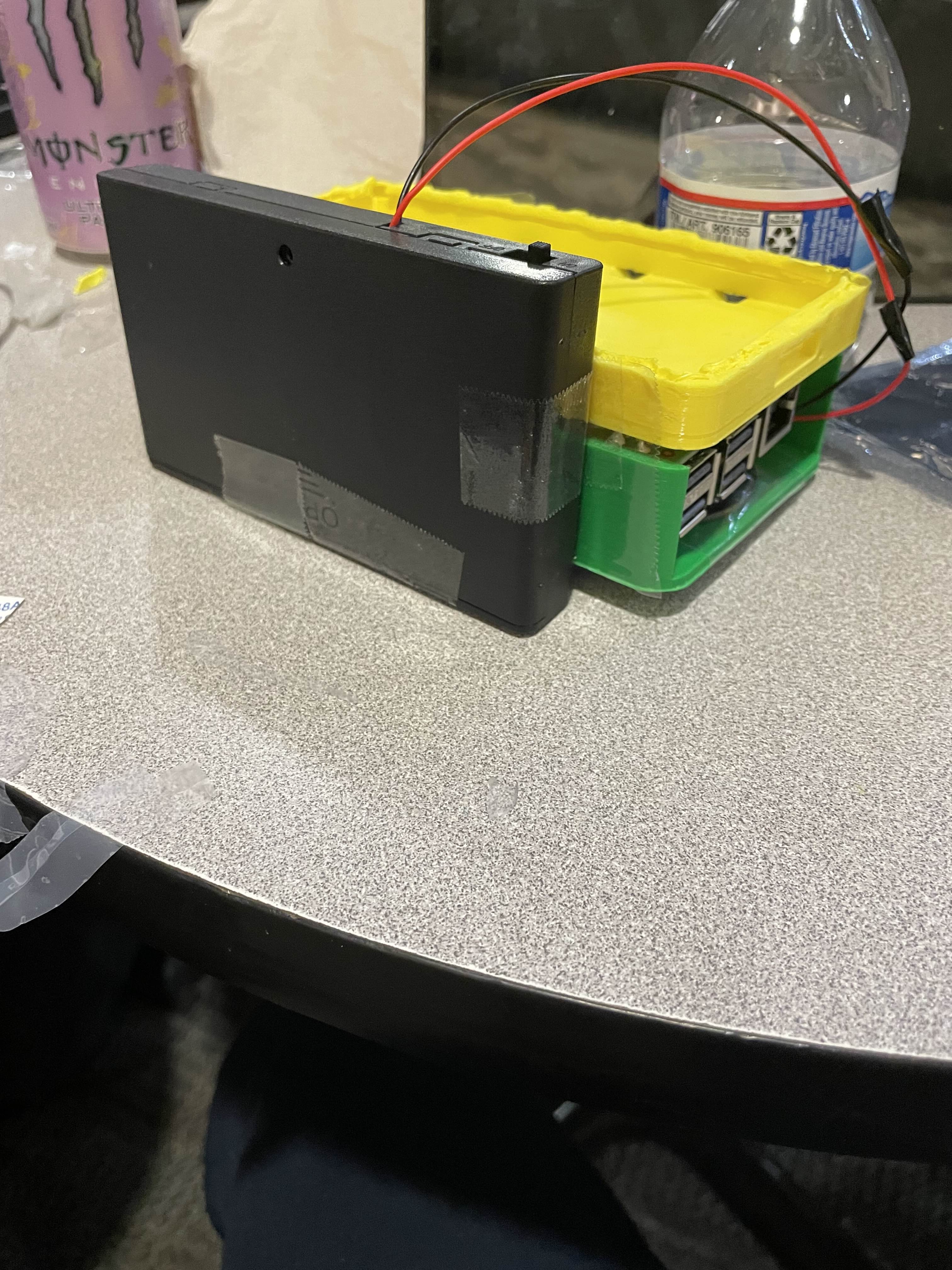
External Battery
-
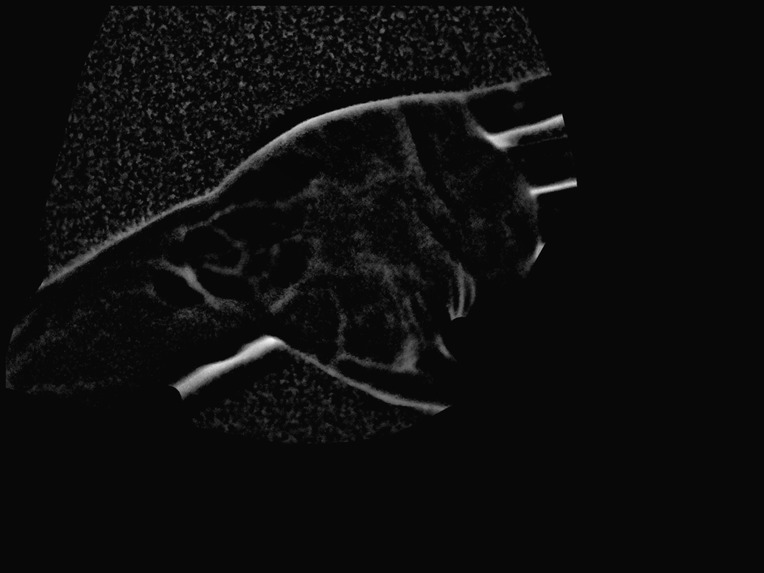
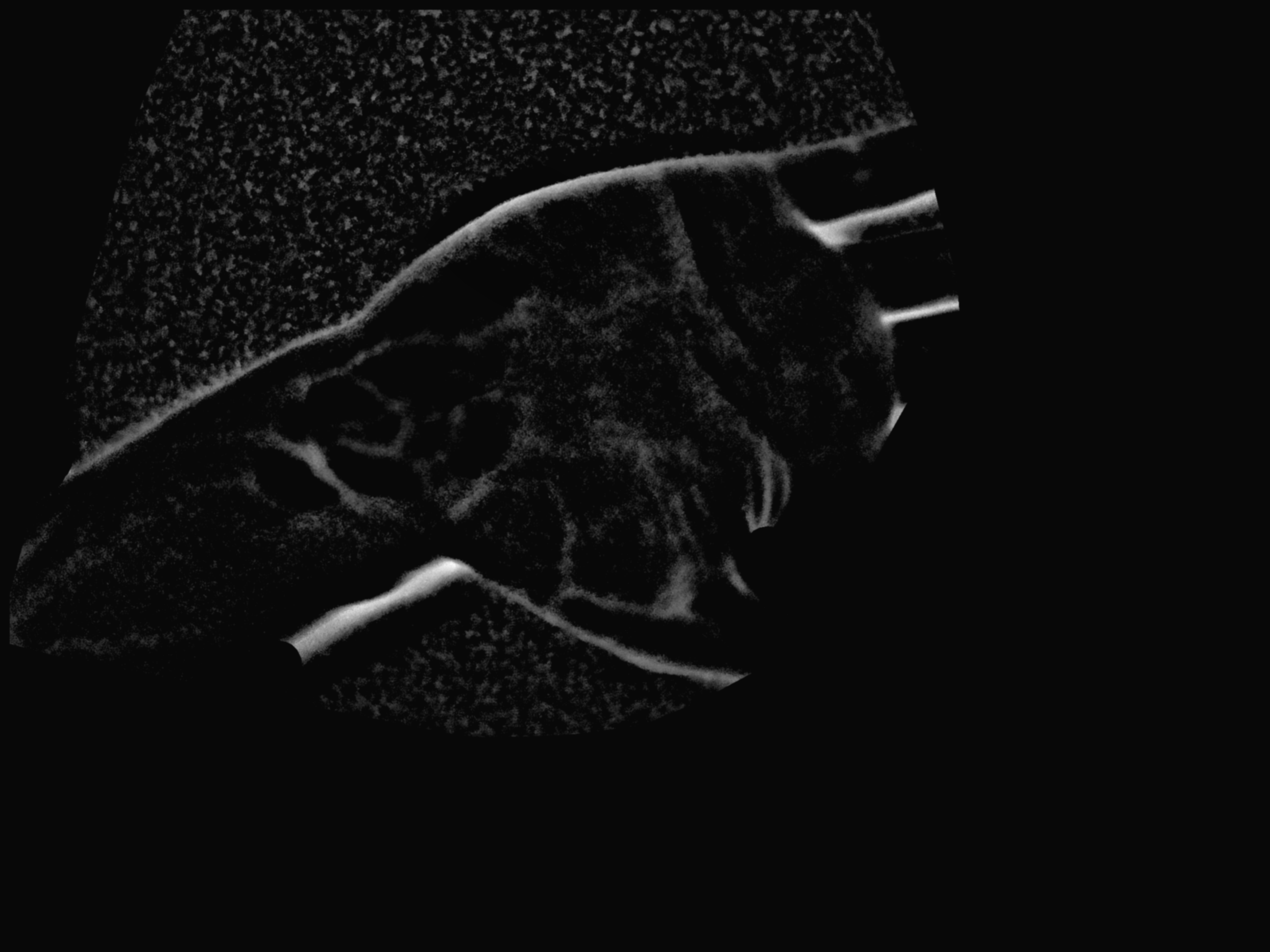
Vein Feature Capture after processing for authentication
-
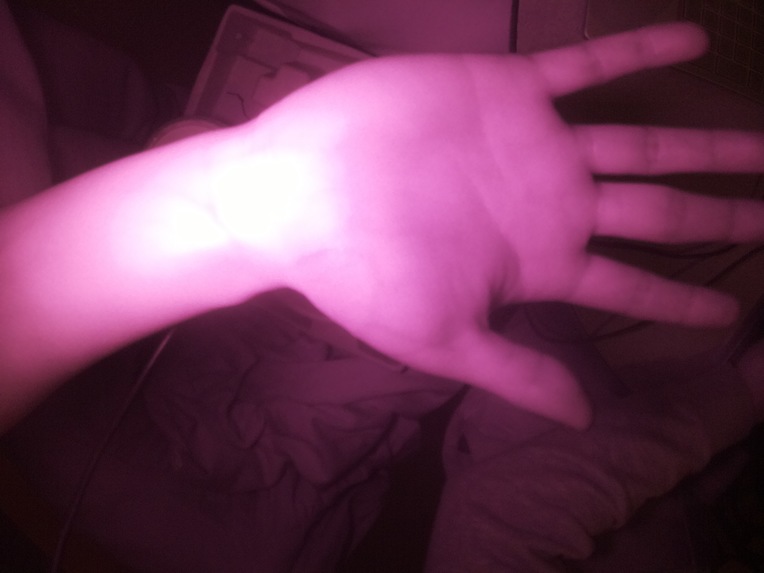
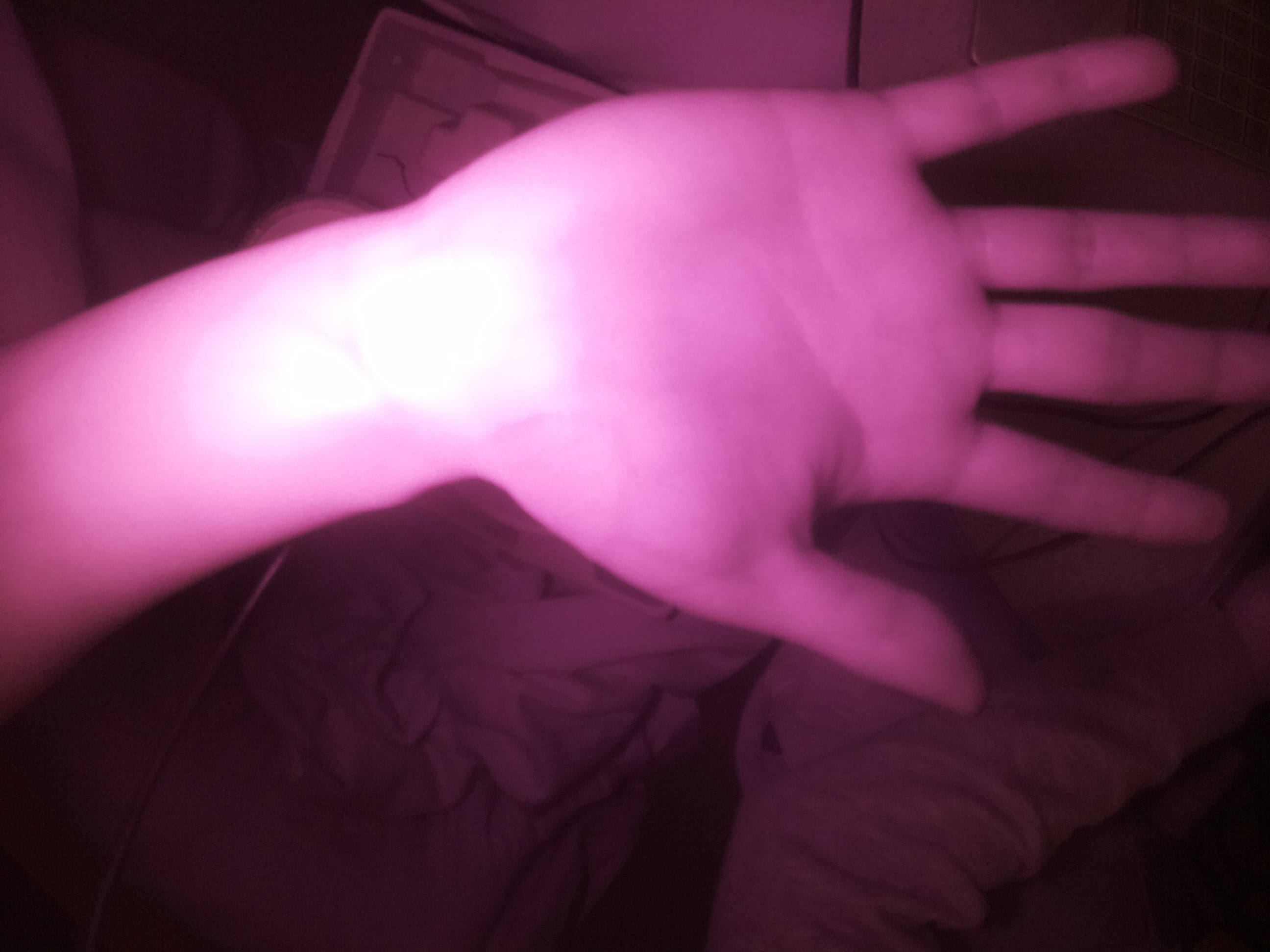
Vein Capture pre-processing for authentication
Inspiration
We wanted a biometric that’s hard to spoof, works fast, and is portable. Palm veins are compelling because they’re sub-surface (harder to fake than fingerprints) and can be captured with inexpensive near-IR/monochrome setups. Our goal was to prove you can build a practical palm-vein authenticator with a lightweight vision pipeline and a clean enrollment/verification flow.
What it does
Palm Vein Mobile Biometric Scanner turns a palm image into a vessel-enhanced feature map, extracts a compact feature representation, and uses it for authentication:
- Enroll: capture a few samples, build a stable template
- Verify: capture a new sample, compute similarity, accept/reject
- Debug visualization: optional red overlay tracing detected vessels for rapid tuning
How we built it
Vision pipeline
- Hand/palm segmentation: threshold + connected components to isolate the palm region and ignore background.
- Illumination correction: background subtraction / high-pass filtering to remove slow lighting gradients.
- Local contrast enhancement: CLAHE to bring out subtle vein contrast.
- Vessel enhancement: multi-orientation Gabor filter bank (and multi-scale variants when useful) to produce a vessel-likelihood response map.
- Final product feature map: the vessel-enhanced response map is what we feed into feature extraction and matching.
Authentication logic
- Template creation: aggregate multiple enrollment captures into a robust reference representation.
- Matching: compare verification features to enrolled template(s) using a similarity score (e.g., cosine similarity / normalized correlation) with a tunable threshold.
Engineering
- CLI pipeline that outputs the final feature map + intermediate stages for debugging.
- Parameter tuning guided by quick visualization and rough hand-marked vein traces.
Challenges we ran into
- Noise vs. sensitivity tradeoff: making vessels “pop” can also amplify skin texture and artifacts.
- Illumination variation: small changes in lighting/exposure can dominate subtle vein contrast.
- Scale mismatch: veins vary in width, so a single filter scale can miss detail or overfit to texture.
- No ground truth: debugging required strong visual tooling and careful iteration.
Accomplishments that we're proud of
- Produced a consistent vessel-enhanced feature map that highlights vein structure from raw palm images.
- Built an end-to-end enrollment → verification loop that demonstrates real authentication behavior.
- Created transparent debug outputs (overlay + intermediate saves) that made iteration fast.
What we learned
- Preprocessing (segmentation + illumination correction) largely determines success.
- Vessel enhancement is about structure, not just contrast—orientation-selective ridge filters work well when tuned properly.
- Once the feature map is reliable, downstream steps (template building, similarity metrics, thresholds) become much easier to reason about.
What's next for Palm Vein Mobile Biometric Scanner
- Robustness: exposure control, session-to-session normalization, improved artifact suppression.
- Template stability: quality checks and better aggregation across enrollment samples.
- Better matching: evaluate stronger descriptors/embeddings on top of the vessel feature map.
- Mobile deployment: optimize runtime and integrate into a clean UX for enrollment + verification.
- Security: explore liveness/spoof-resistance checks and multi-factor flows.

Log in or sign up for Devpost to join the conversation.