Inspiration
For years, artists have been emulating master artists to develop their skill. Through this practice, artists can gain a better understanding of color theory and how to create a piece that communicates better to the viewer.
What it does
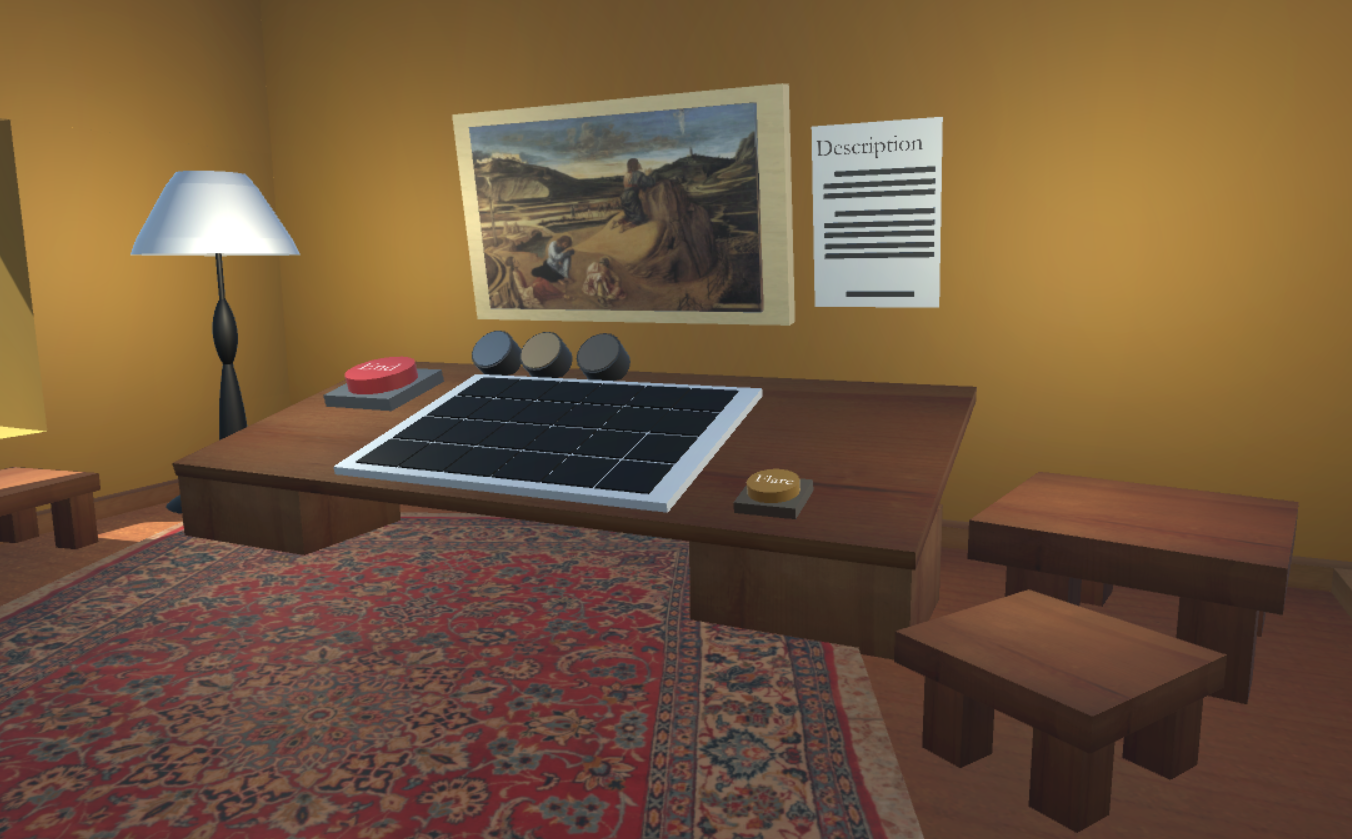
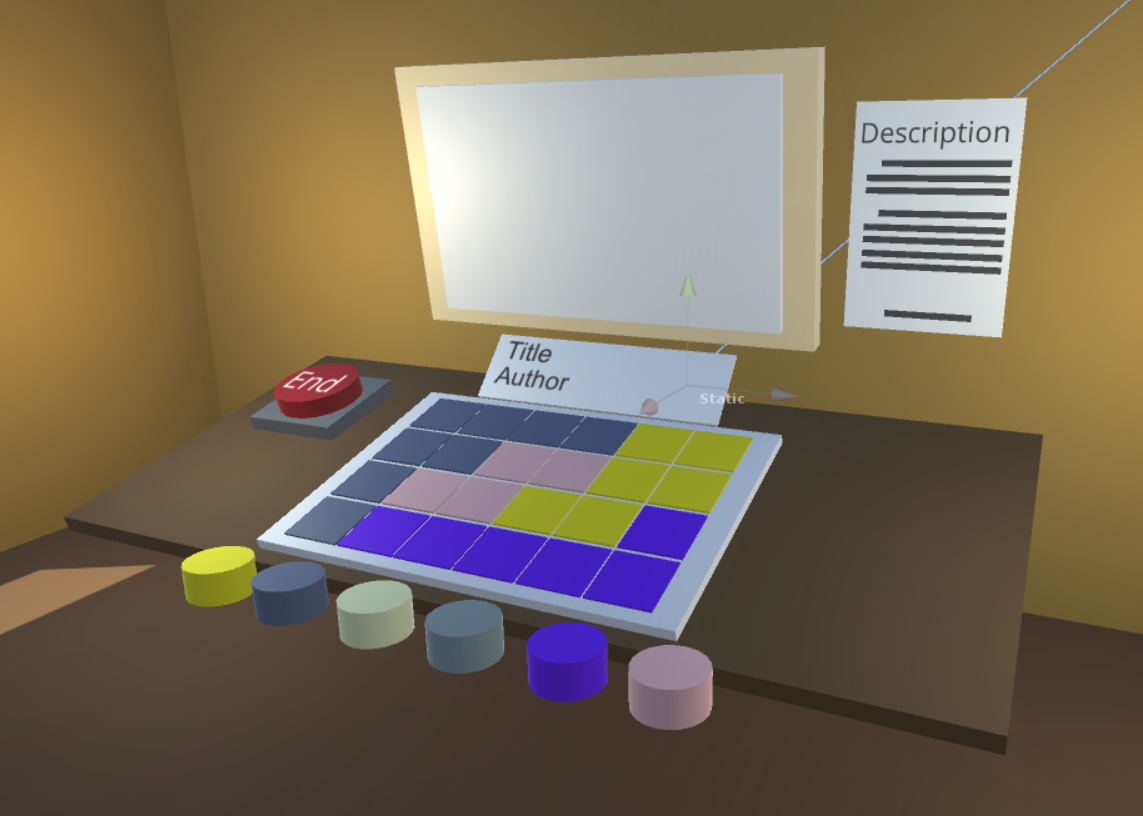
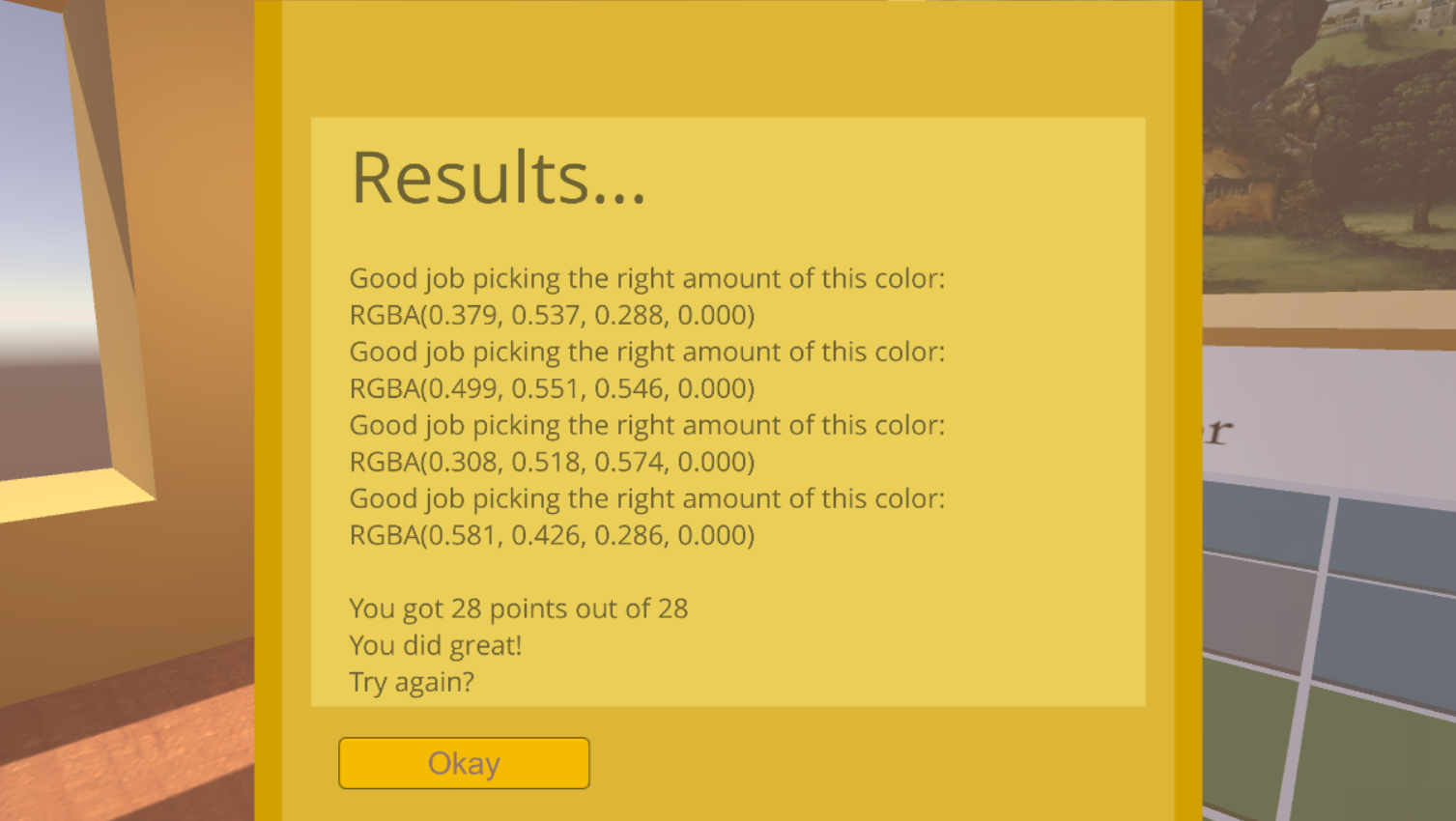
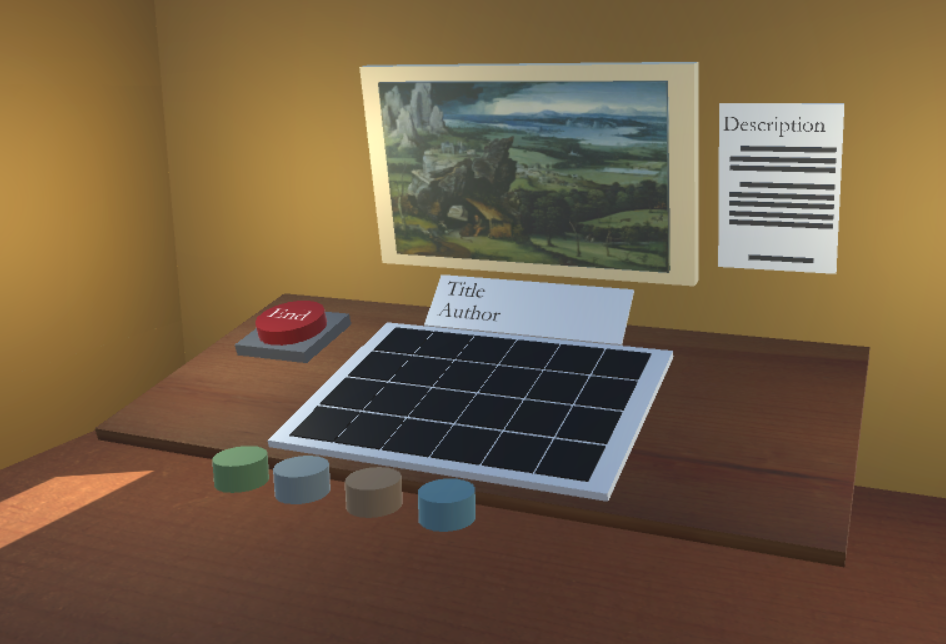
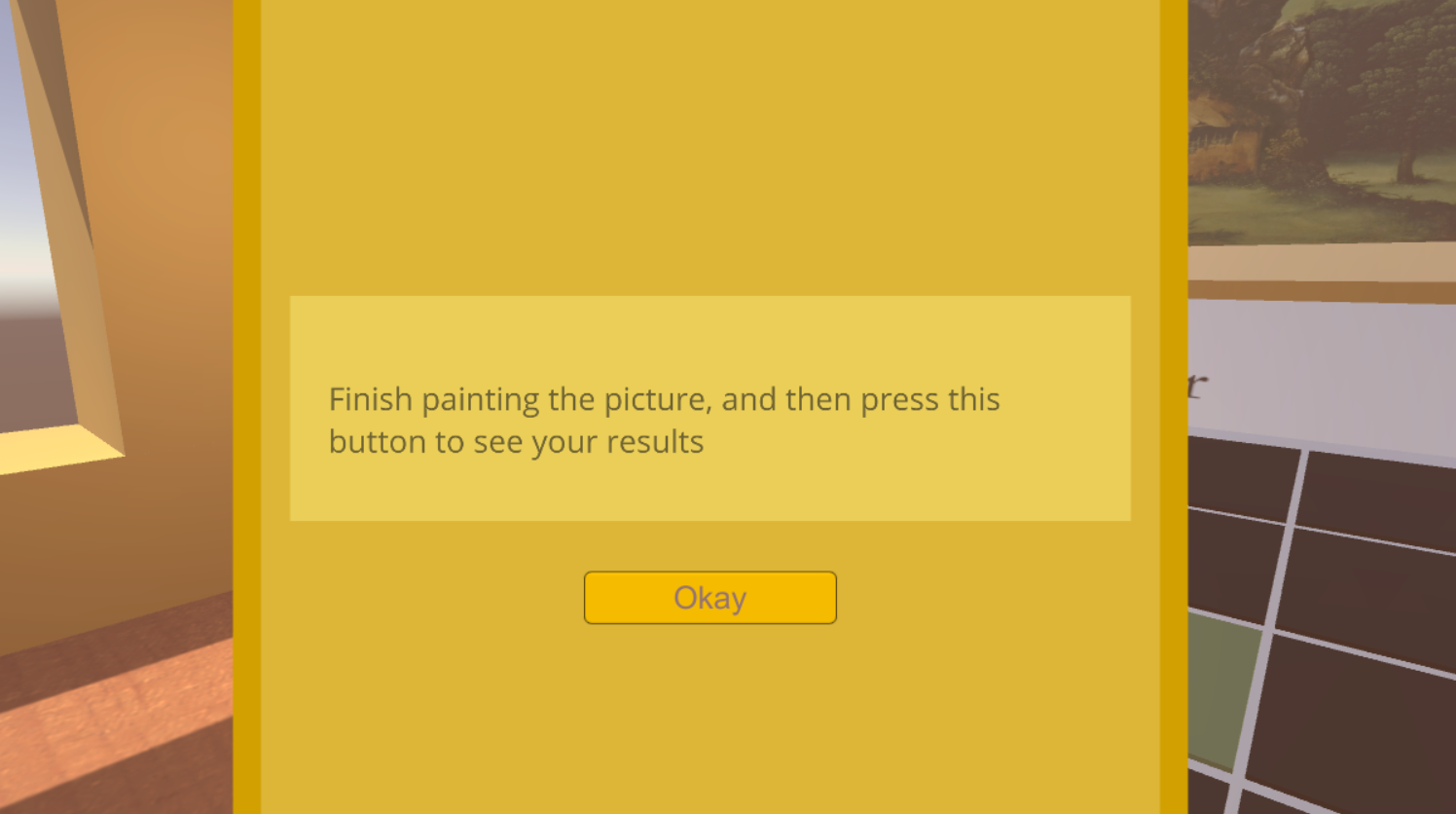
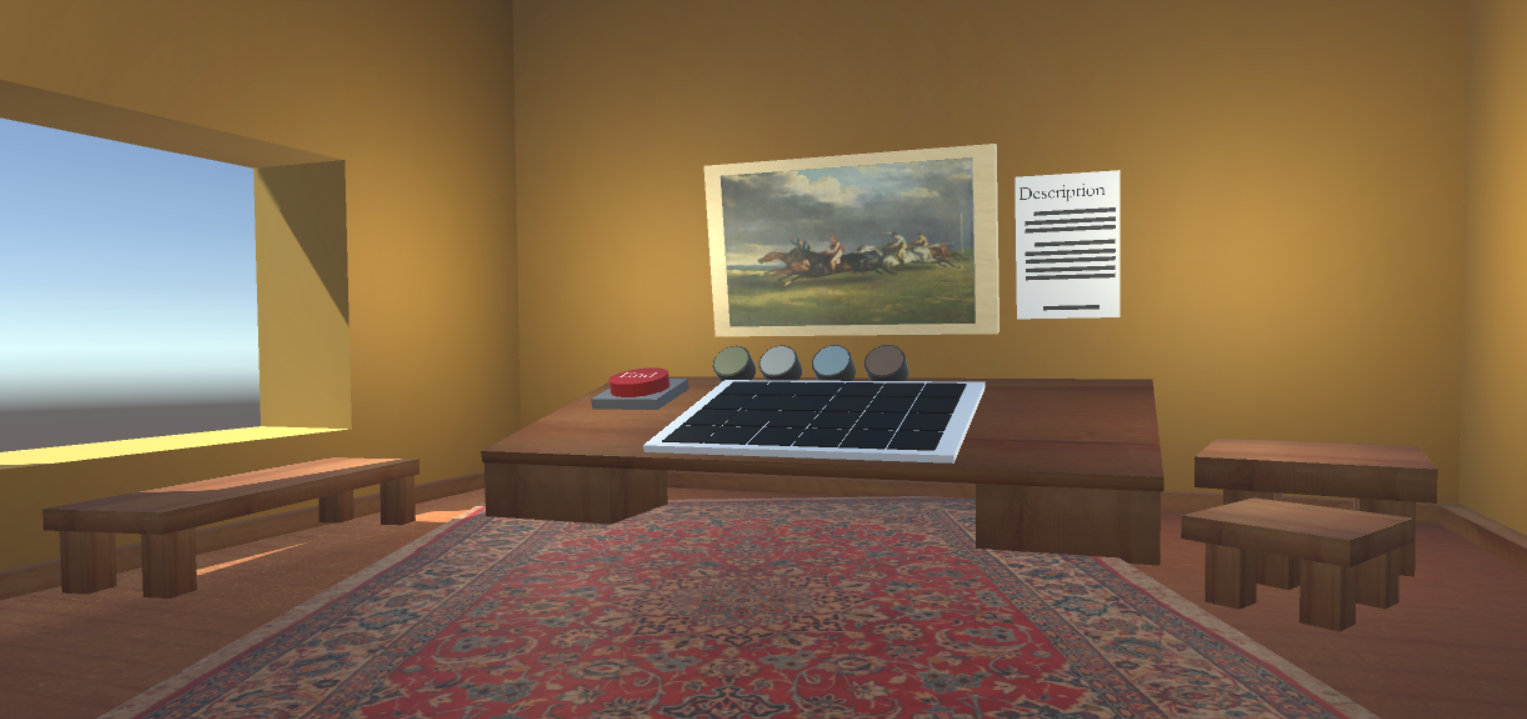
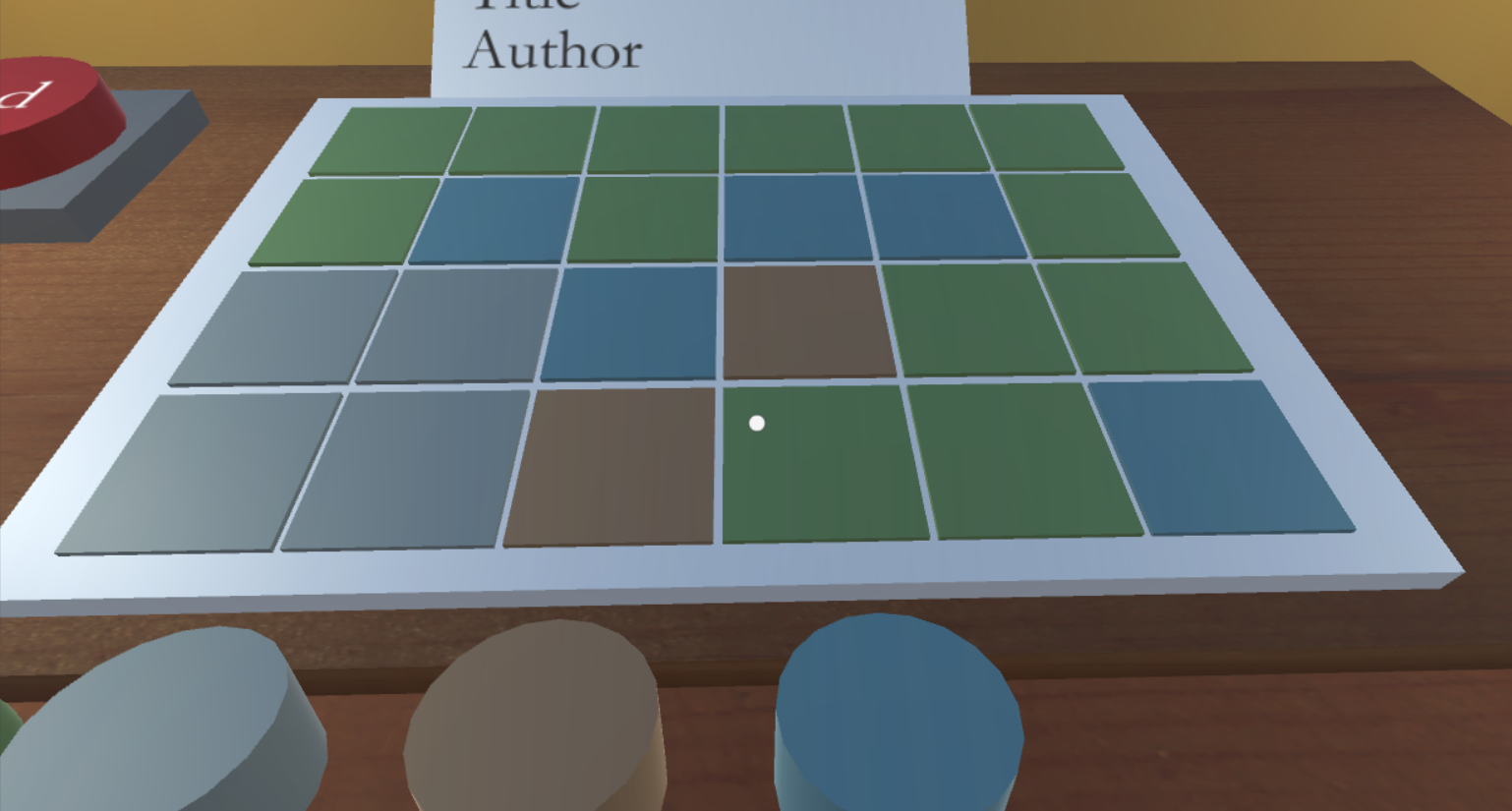
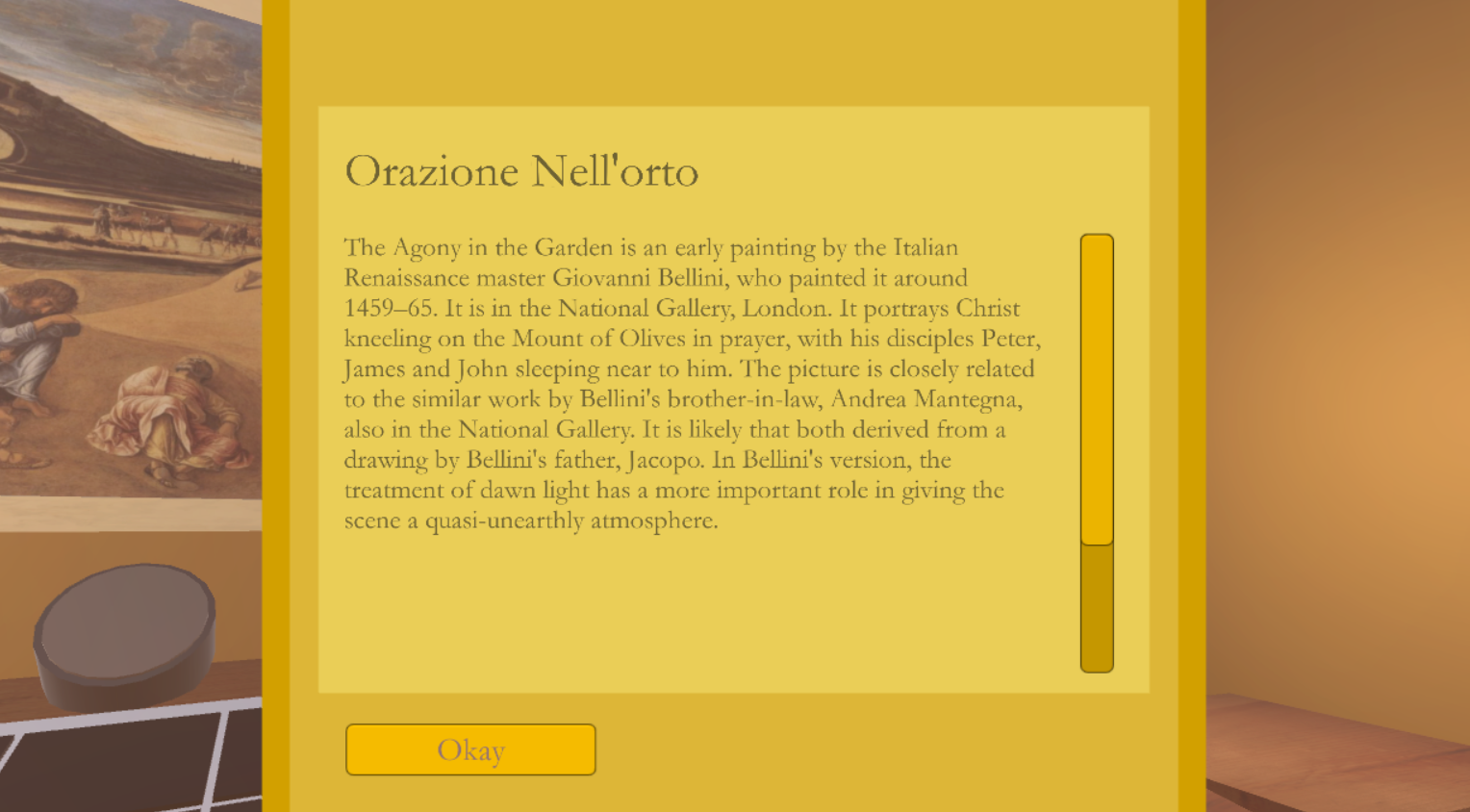
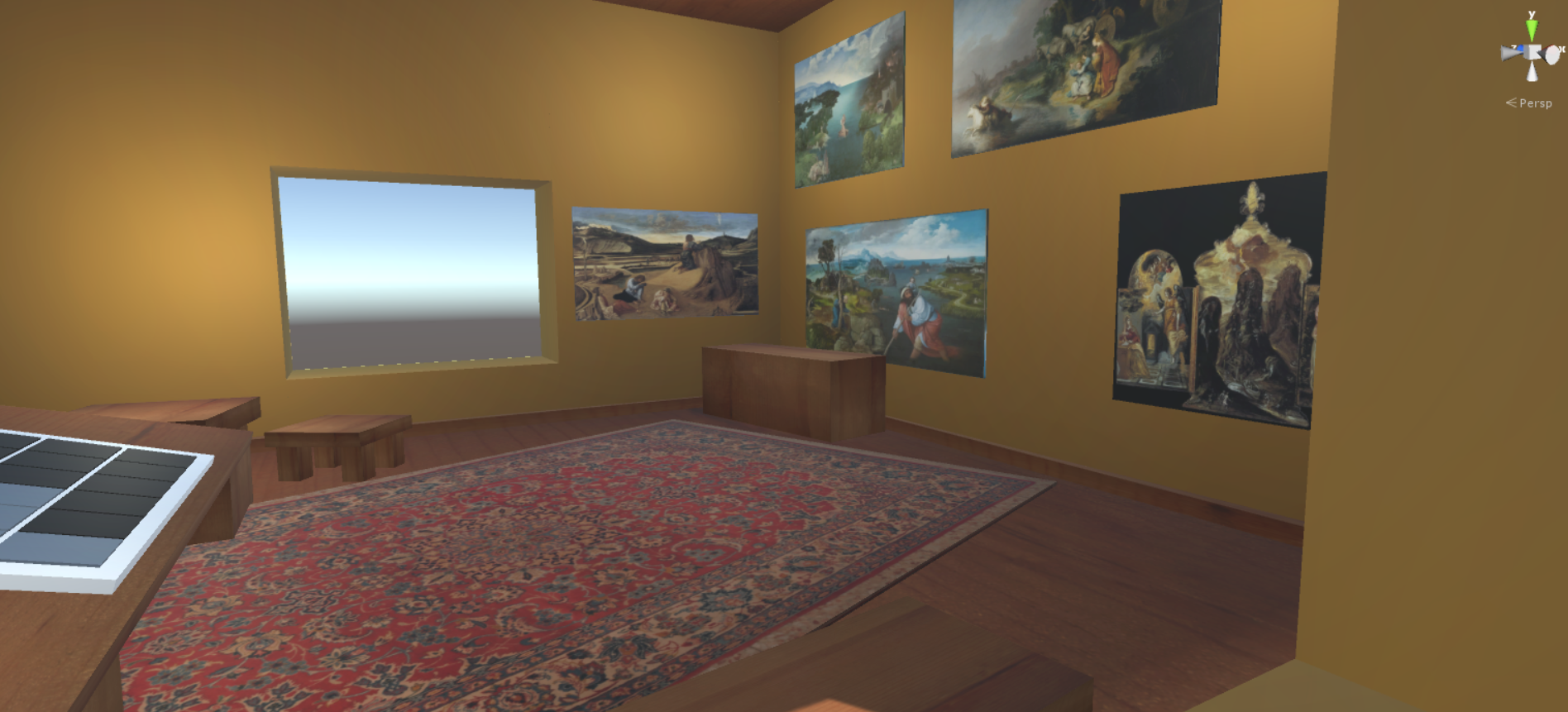
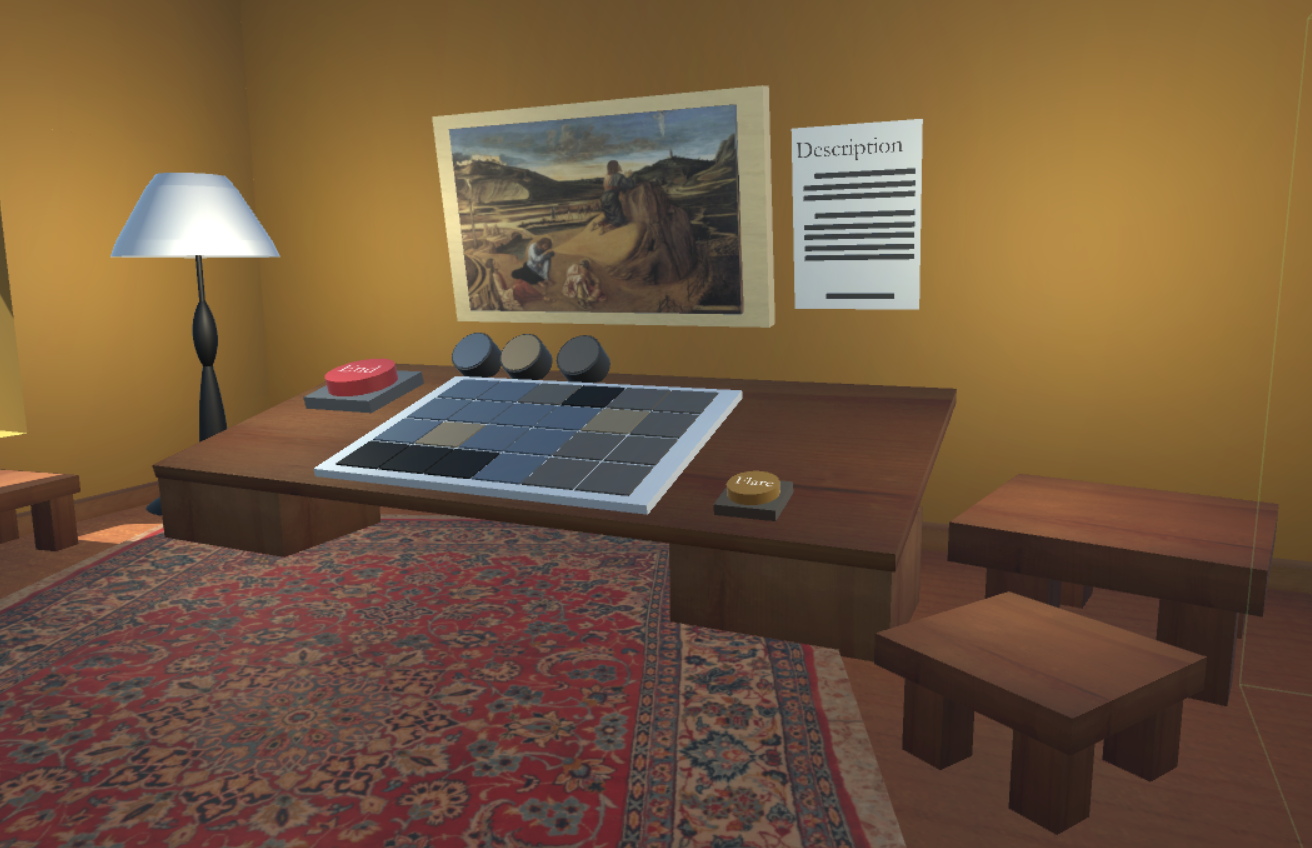
Pallettrain introduces beginning artists to the concepts behind master studies, and gives an overview of moments in art history through each of the paintings descriptions. More experienced artists can benefit from using Pallettrain as well, as it gives a refresher on concepts and history which they might have forgotten.
How we built it
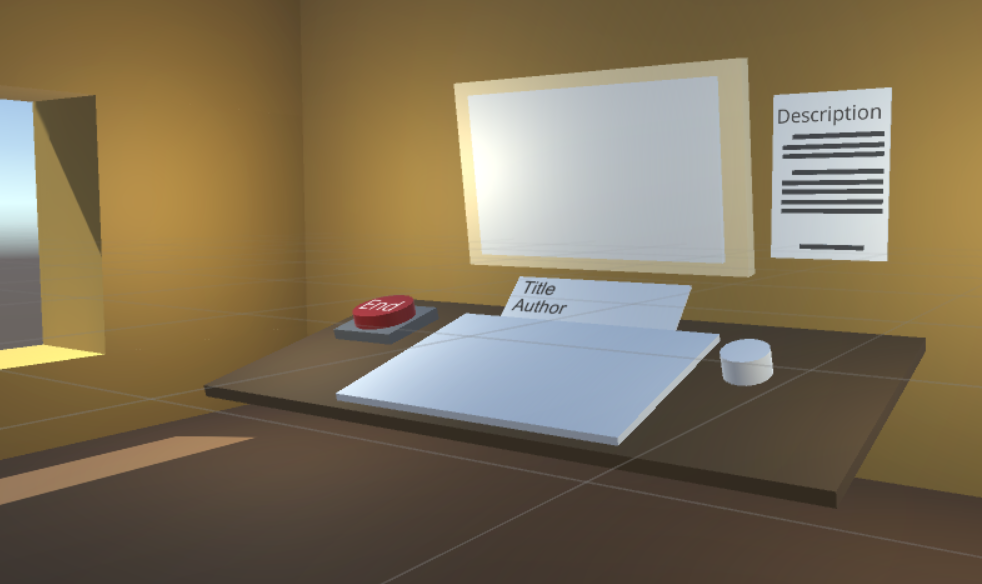
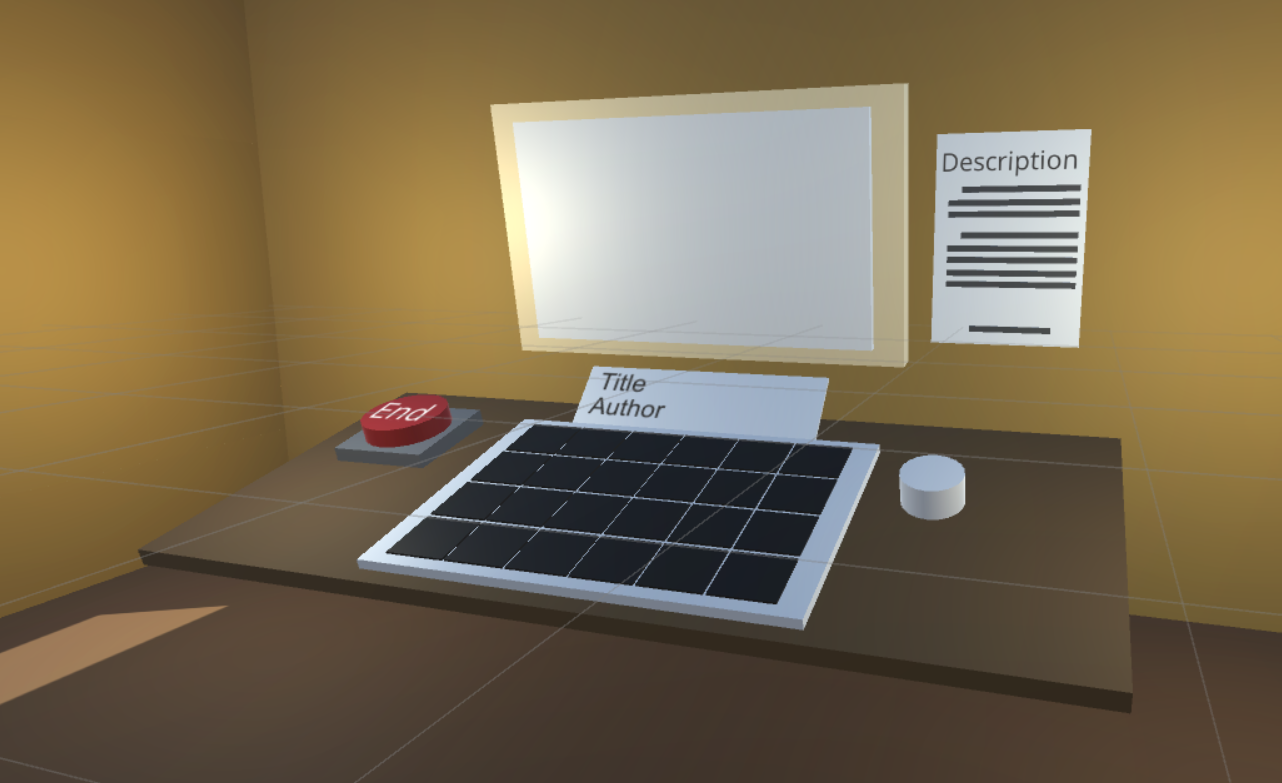
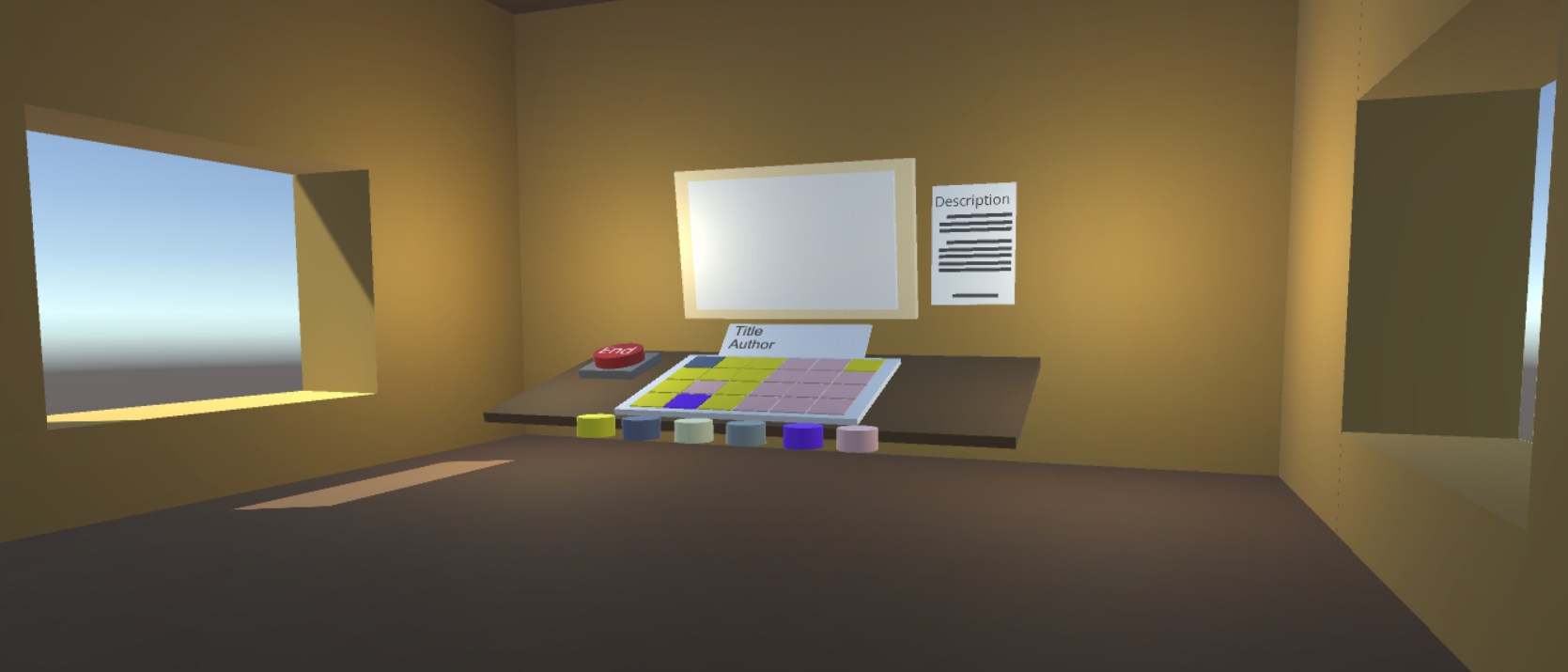
After coming up with the idea for Pallettrain with the help of Adobe XD, we used Unity and C# to prototype the initial gameplay mechanics, and then used Autodesk Fusion 360 to develop some of the 3D art assets for the tool.
Challenges we ran into
When using Unity to prototype Pallettrain we initially had trouble raycasting from the first person character controller prefab forward into the scene, but once we overcame that hurdle, the rest of the project was not too bad!
Accomplishments that we're proud of
We're proud of the completeness and extensibility of the finished prototype. We're also proud that we have a working product which can be used to effectively demonstrate the capability of Pallettrain as a learning tool for artists to develop a higher degree of color theory comprehension and art history knowledge.
What we learned
We learned how to work together as a team and commit to a finished product. Through this work, we each developed critical skills in Unity, Autodesk Fusion 360, and Adobe XD.
What's next for Pallettrain
We are considering introducing categories for Pallettrain, with each category containing art from different periods and styles. We are also considering developing other art education tools such as a perspective tool, or a more advanced color theory tool, to teach beginning artists and to refresh more experienced ones.

Log in or sign up for Devpost to join the conversation.