-
-
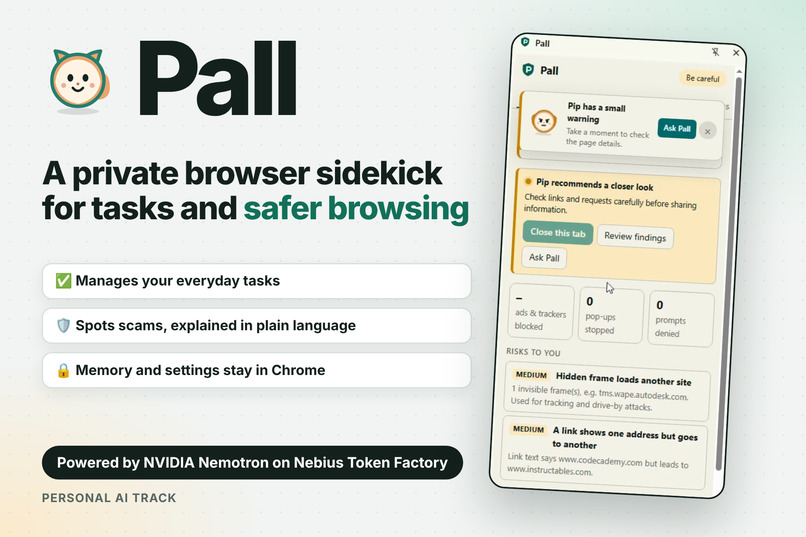
Pall
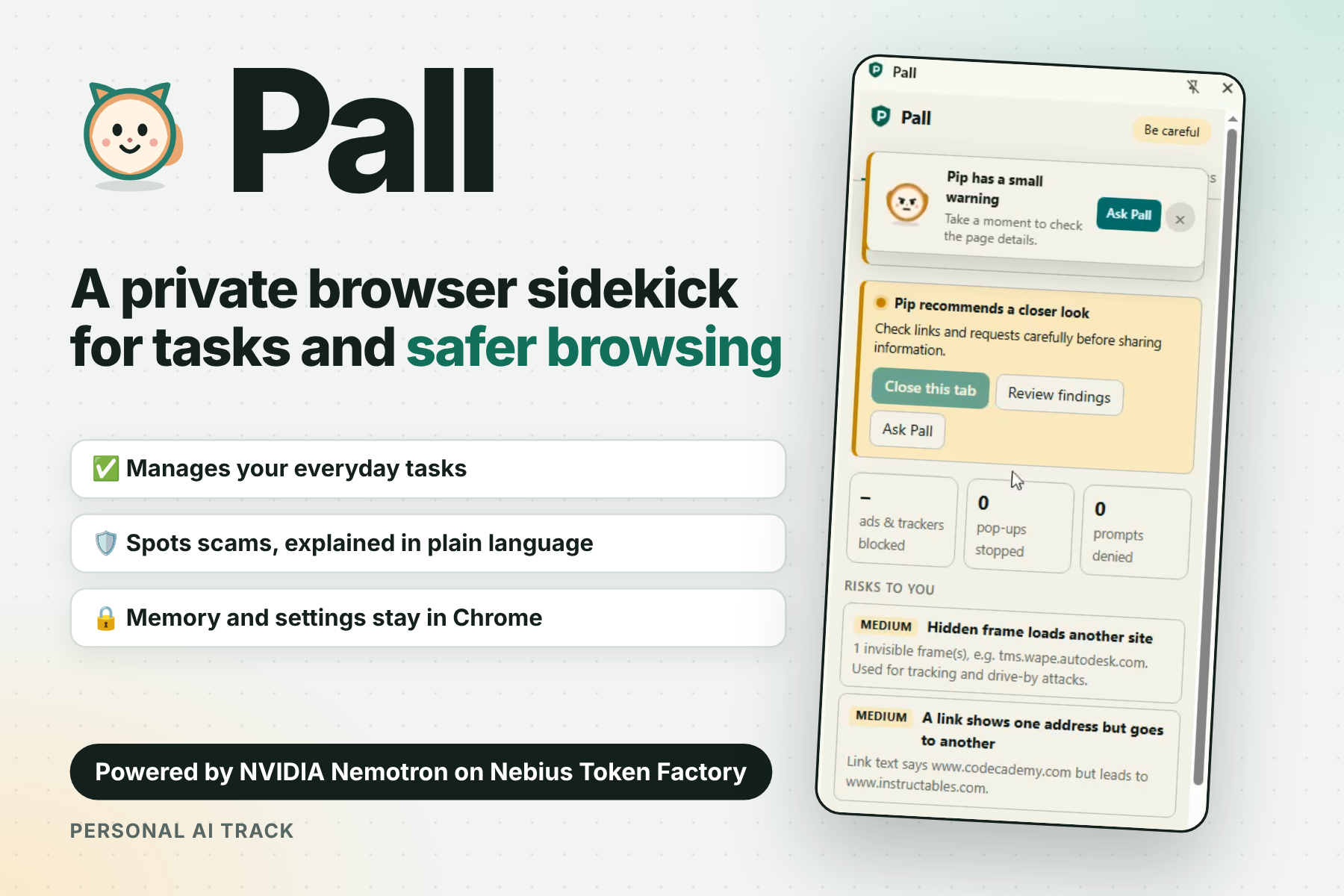
Inspiration
I've always wanted a browser extension that could warn me about dangerous sites, but most security tools are either invisible or full of jargon. They flash a red page, say "threat detected", and leave you guessing why. I wanted one that was interactive and easy to understand: something that tells you what it found, why it matters and what to do next, in plain language.
That became Pall, a privacy-first browser assistant with a companion called Pip, a cat or dog that changes expression and warning colour when a page looks risky.
What it does
- Checks pages and messages locally for warning signs such as phishing wording, links that go somewhere other than they say, hidden frames and risky extension permissions. It explains each finding and recommends what to do.
- Never closes your tabs by default. You can close a risky tab yourself after a confirmation. Automatic closing is optional, off by default and controlled in Settings.
- Manages everyday tasks and summarizes the page you're on, through an Assistant chat and a Tasks tab.
- Keeps your data in your browser. Tasks, notes, memory, skills and settings are stored in Chrome. Nothing is synced or uploaded.
- Is customizable. Choose Pip as a cat or a dog, change fur colour, and set your own accent and background colours. Pip's head and tail animate while the assistant is working.
Pall flags warning signs. It is not antivirus software and can't catch everything.
How I built it
Pall is a Manifest V3 Chrome extension with a side panel UI, plus a small local gateway.
- Models:the assistant uses NVIDIA Nemotron models on Nebius Token Factory:
nvidia/nemotron-3-super-120b-a12bfor reasoning andNVIDIA-Nemotron-3-Nano-30B-A3Bfor fast memory extraction. - Local gateway (
gateway.js): the extension never holds the Nebius API key. It talks to a Node gateway on127.0.0.1, which holds the key, requires a separate local token, restricts browser origins and repeats a sensitive-text check before forwarding to Token Factory's OpenAI-compatible API. - Redaction: detected names, places, organizations and secrets are replaced with placeholders before any model request. A local vault restores them in the browser.
- Tool calling: the model calls tools for tasks, notes, skills, page summaries and the page-safety findings produced by Pall's local heuristics.
- Safety checks: the heuristics run entirely on-device in content scripts, so scanning works without a model.
- Pip: an original SVG mascot whose expression and colour come from the local risk level.
Challenges
- Privacy versus usefulness. A model that helps with your browsing needs context, but raw personal details shouldn't leave your device. Redacting before requests and keeping the key in a gateway was how I balanced it.
- Treating web pages as untrusted. Page content could try to manipulate an assistant, so findings come from local rules and approvals are required for risky actions like changing protection settings or blocking a domain.
- Making security understandable. Deciding what to show, and in what words, mattered as much as detection. Severity labels, short explanations and a clear next step took more iteration than the checks themselves.
- Avoiding overreach. Closing tabs automatically felt too aggressive, so it stays manual by default.
What I learned
- Putting the API key in a local gateway instead of the extension is a simple pattern that makes the privacy story much stronger.
- Nemotron models in different sizes let me match the model to the job: a larger one for reasoning and a smaller, faster one for everyday memory extraction.
- A small character like Pip can make a security warning feel approachable rather than alarming.
What's next
- A hosted gateway on Nebius Serverless so it's easier to try.
- More local detection signals and clearer explanations.
- More companion options and reusable skills.
Built with
NVIDIA Nemotron · Nebius Token Factory · JavaScript · Chrome Extensions (Manifest V3)

Log in or sign up for Devpost to join the conversation.