-
-
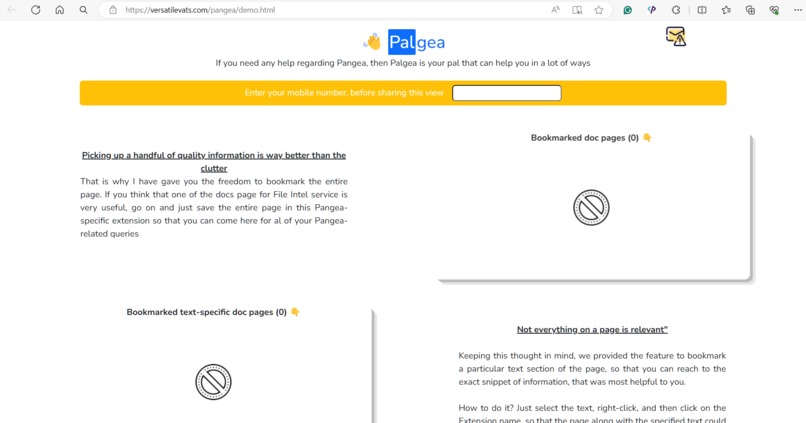
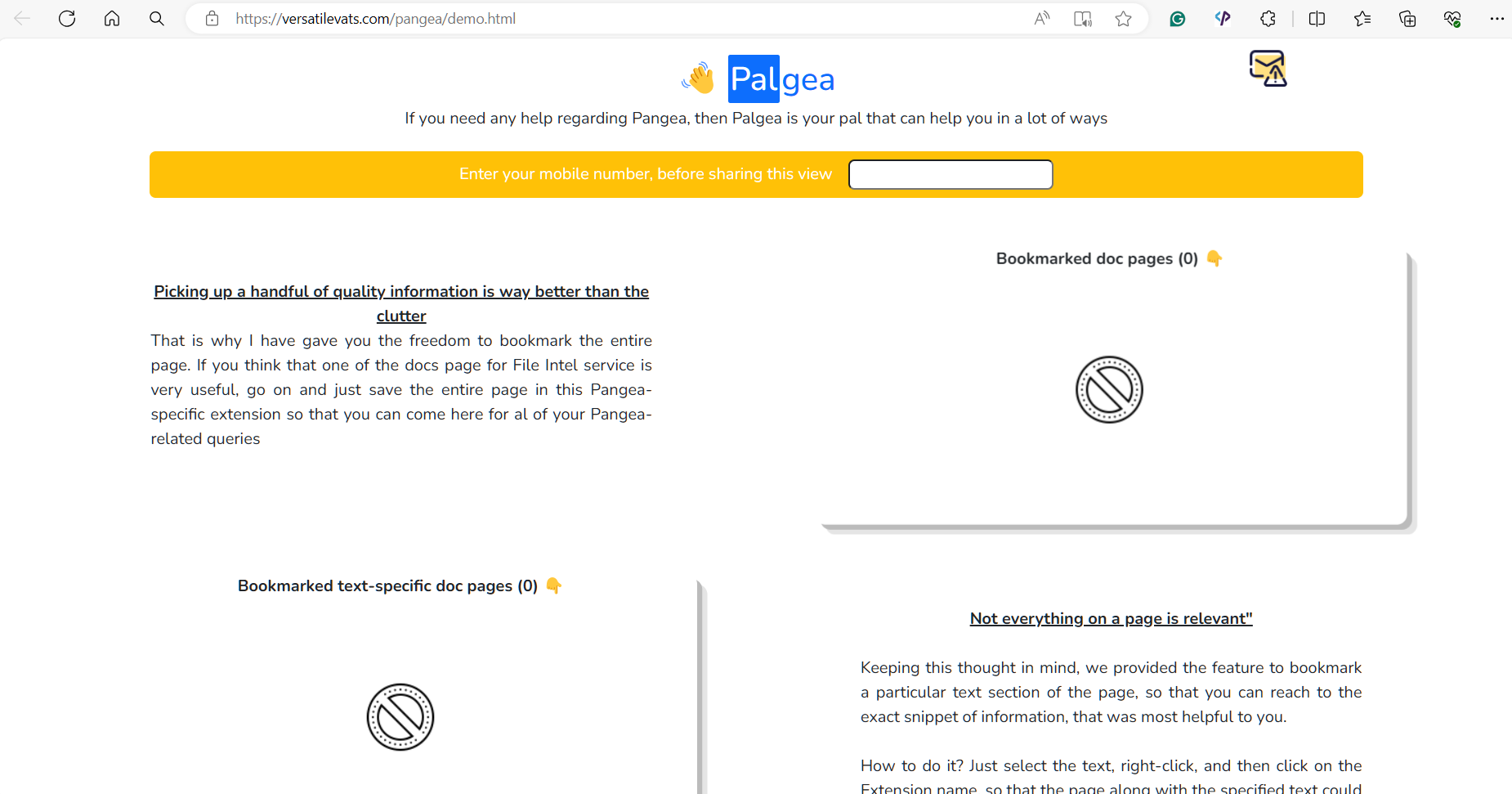
Landing page for the extension (it is empty at the start)
-
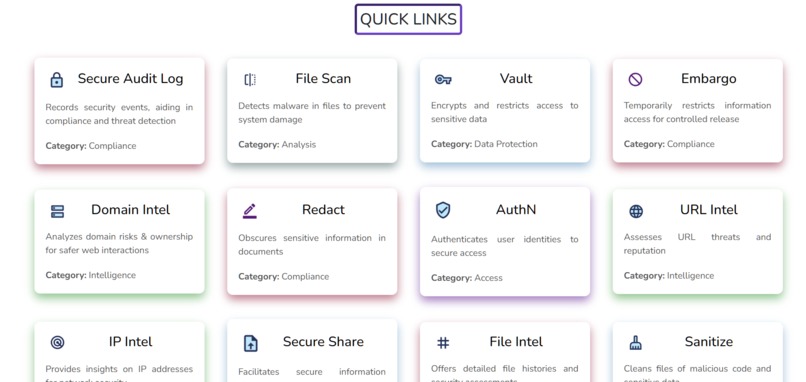
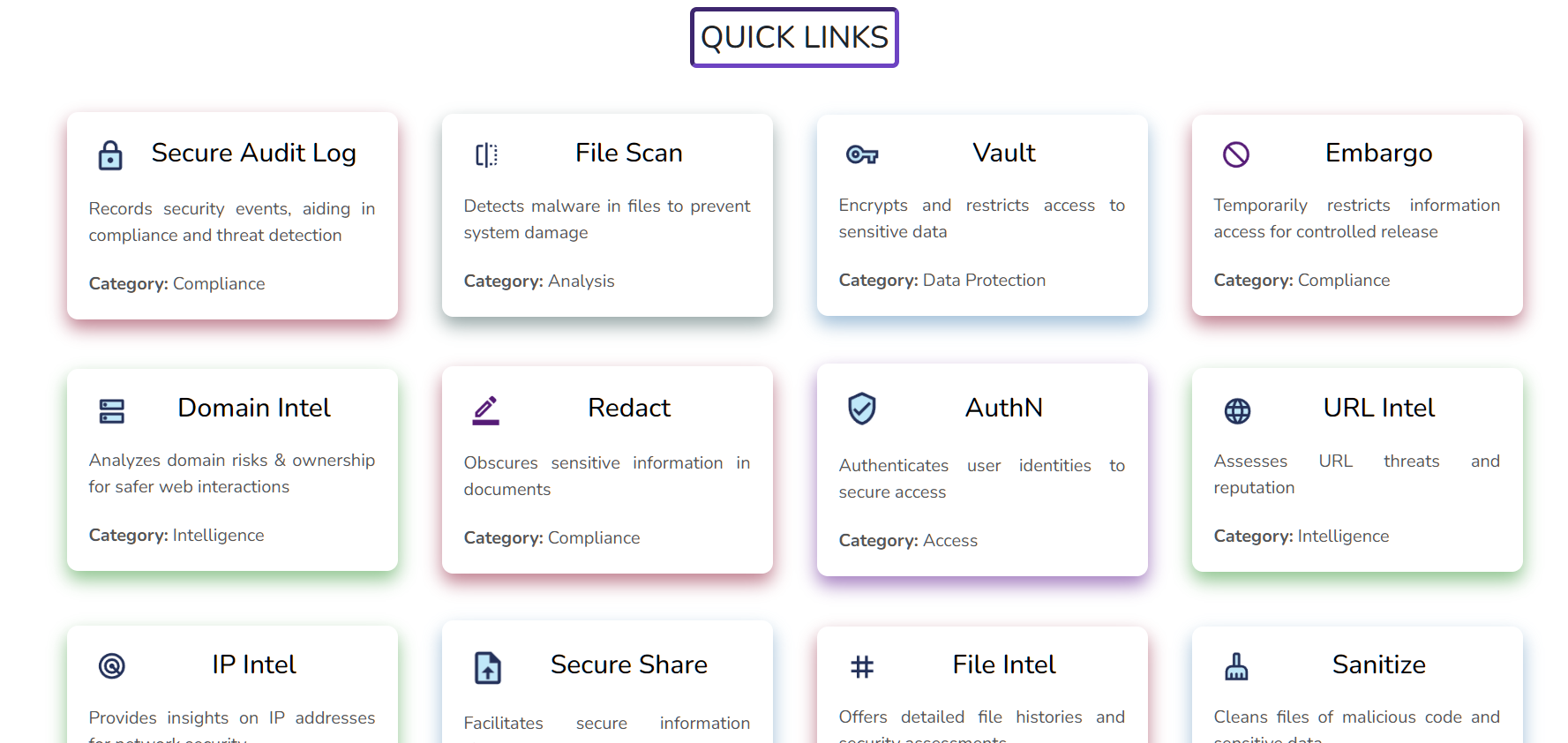
Documentation links for all of the Pangea services
-
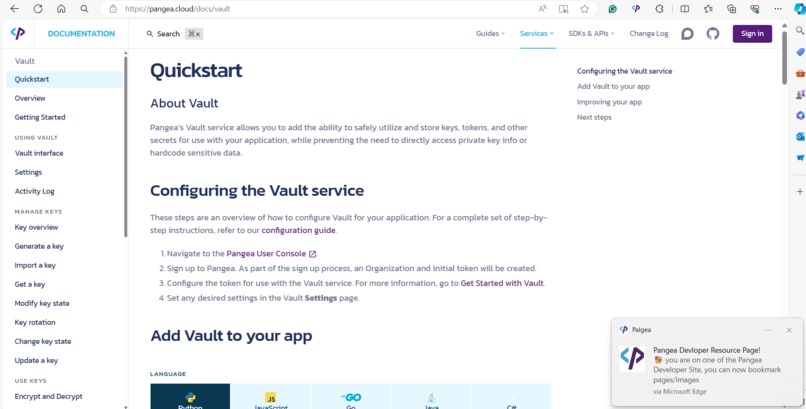
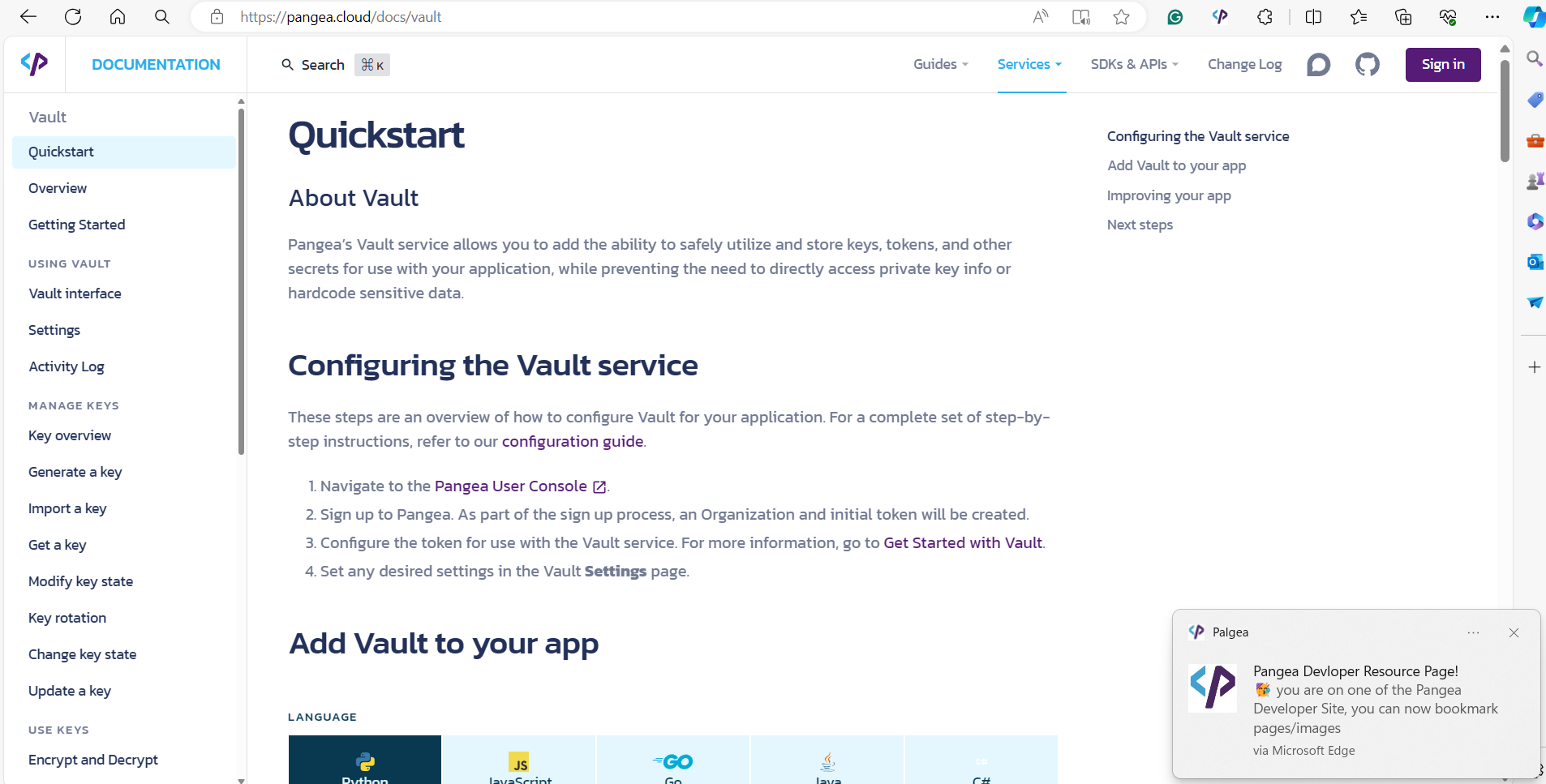
Notification coming when we visits the documentation
-

UI after completing mobile-verification
-
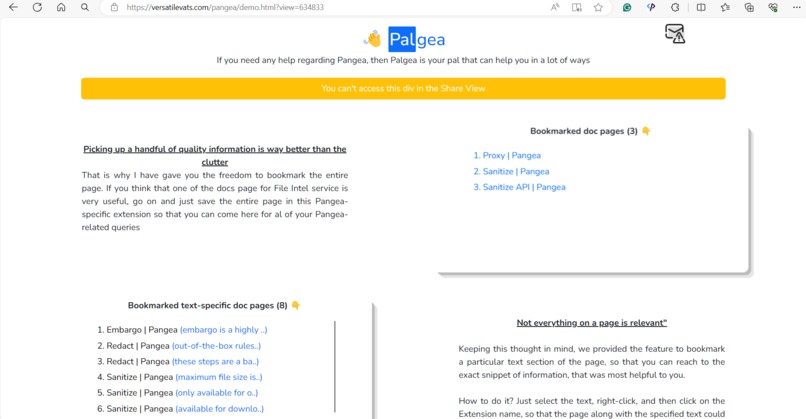
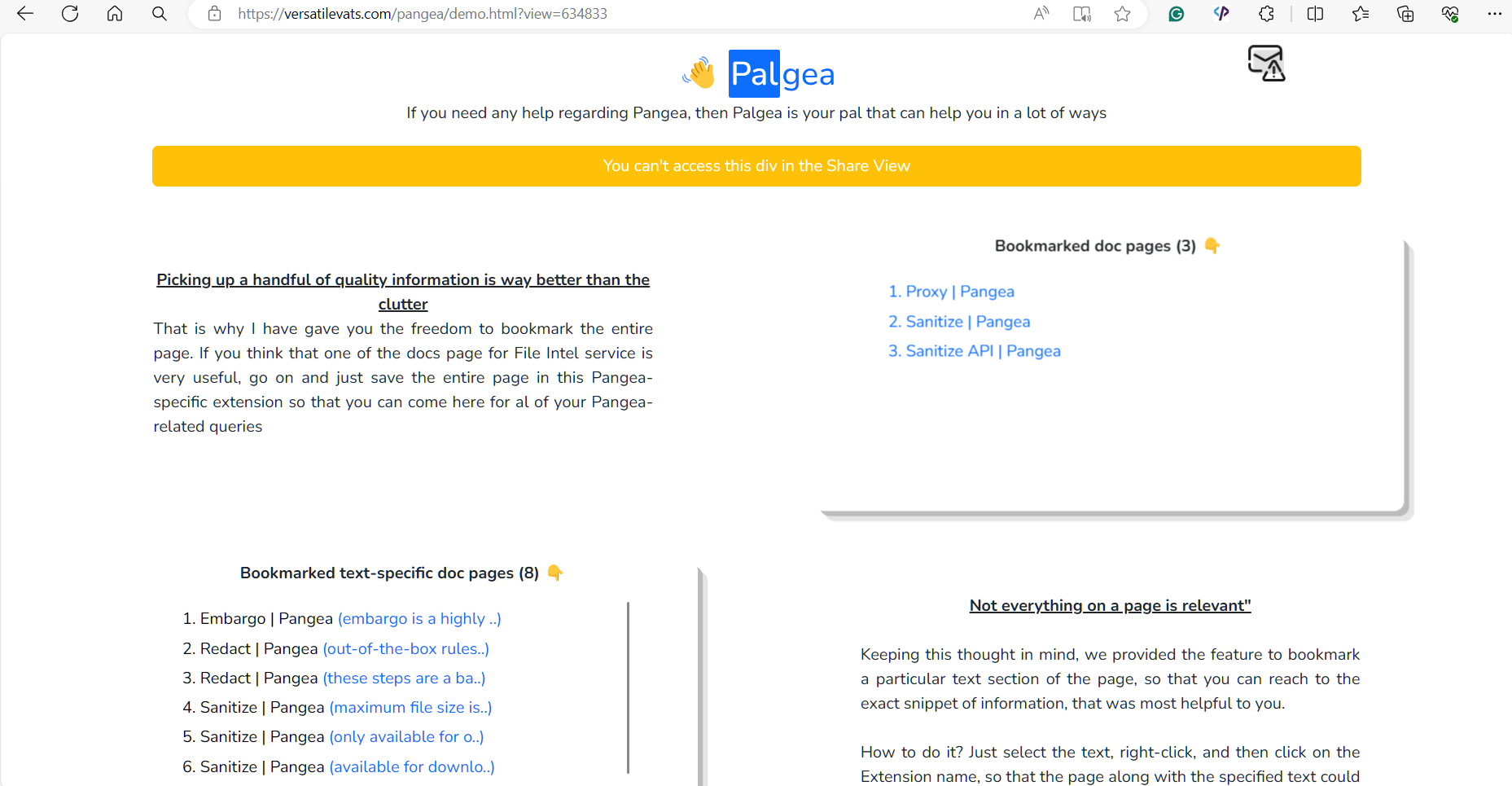
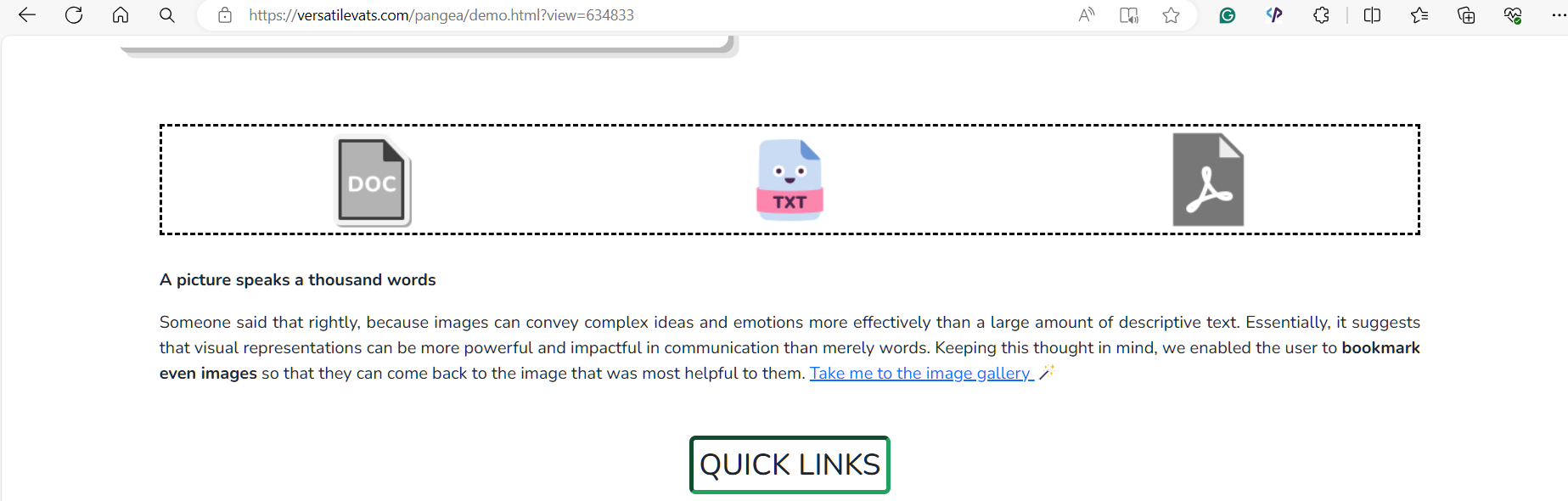
Saved bookmarks (pages, and specific texts)
-
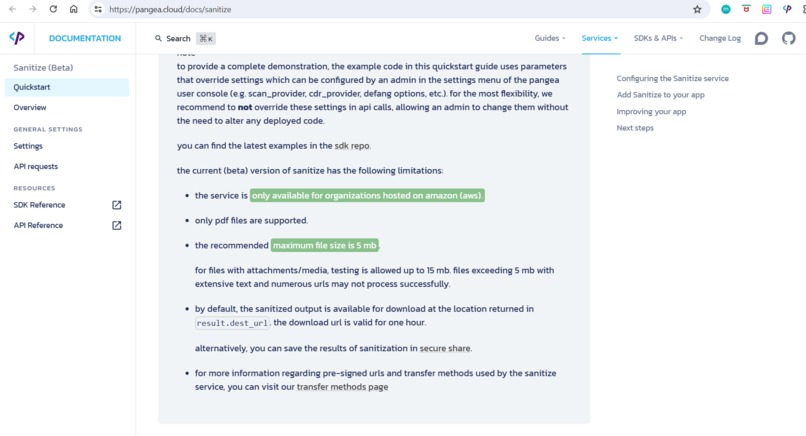
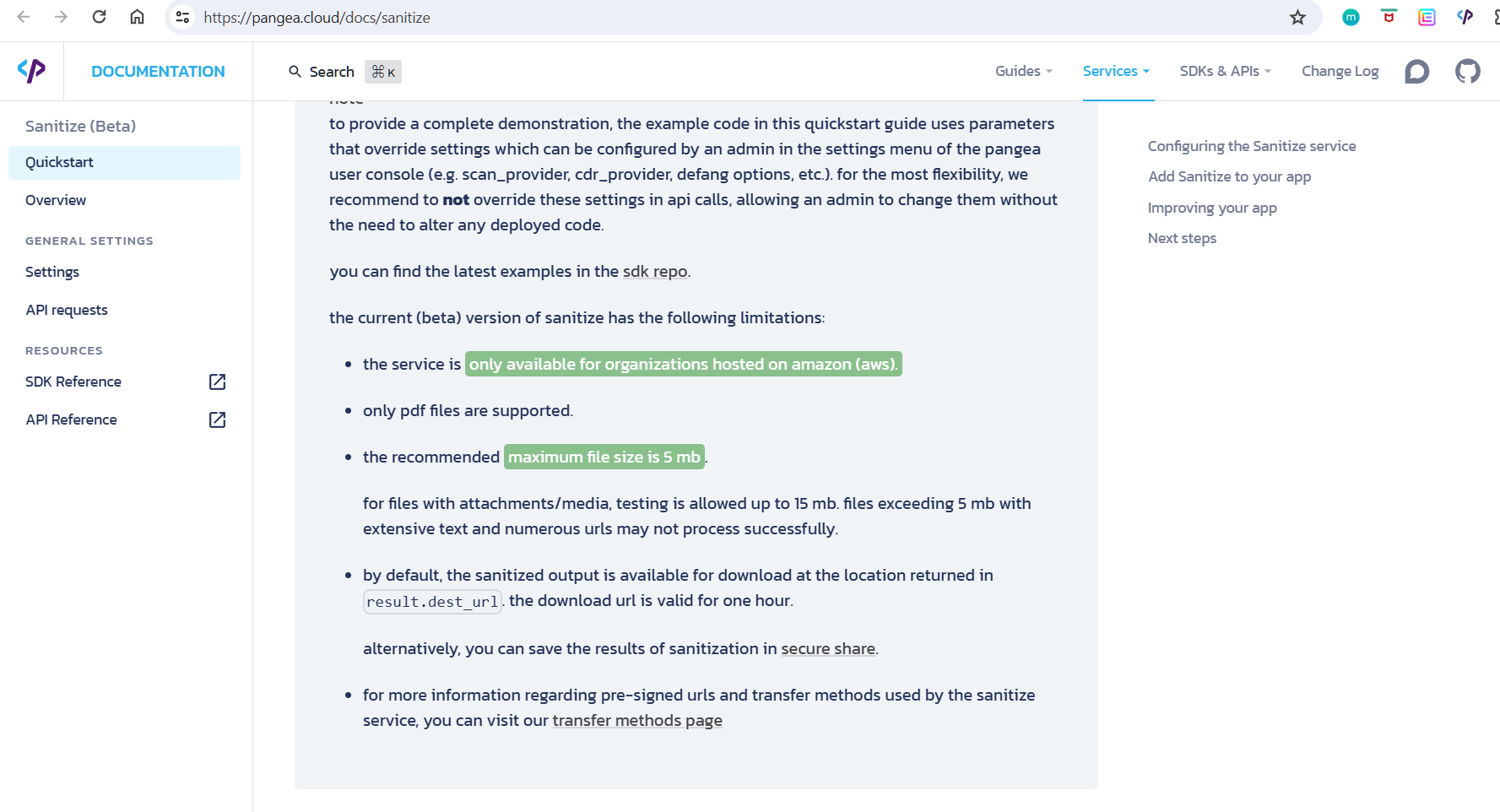
Highlighted text for the specific text bookmarks
-
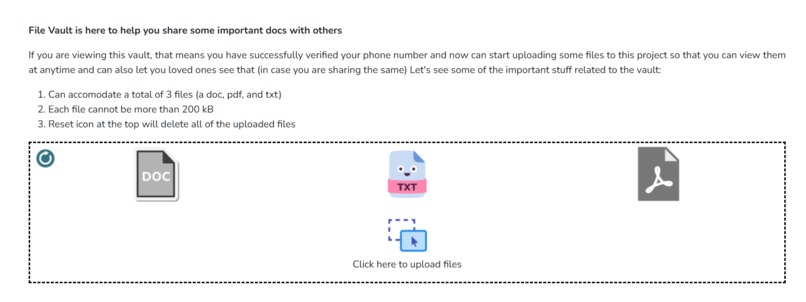
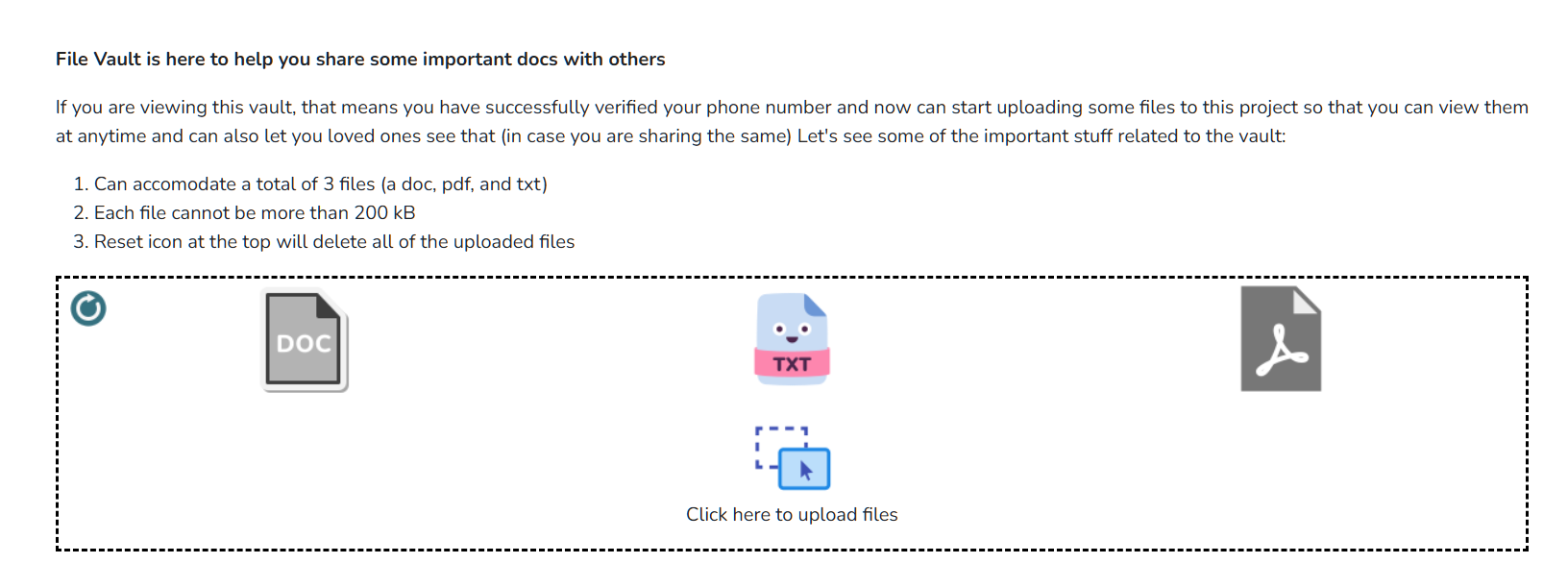
File vault having a doc file uploaded
-
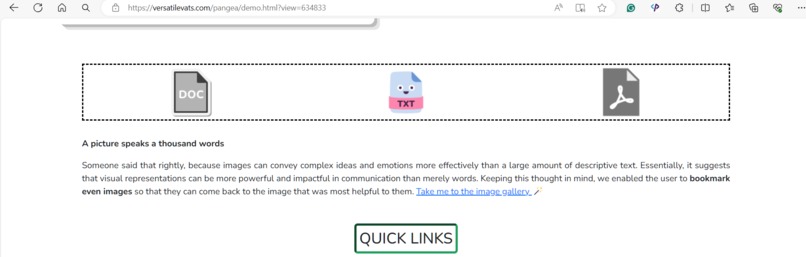
File vault in the SHARE view, where only viewing is allwed
-
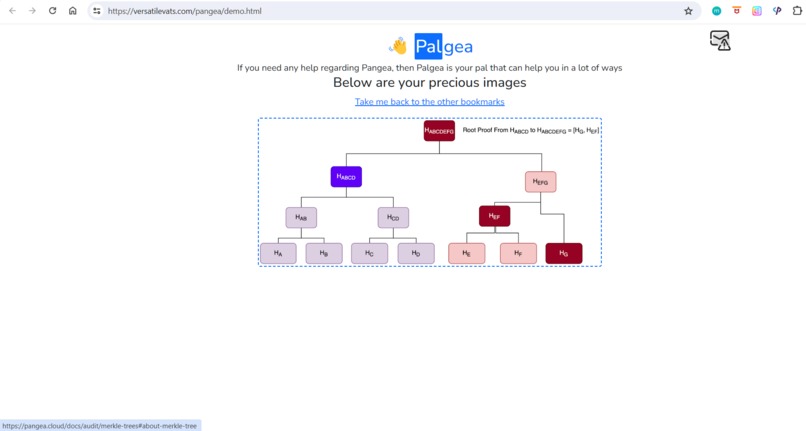
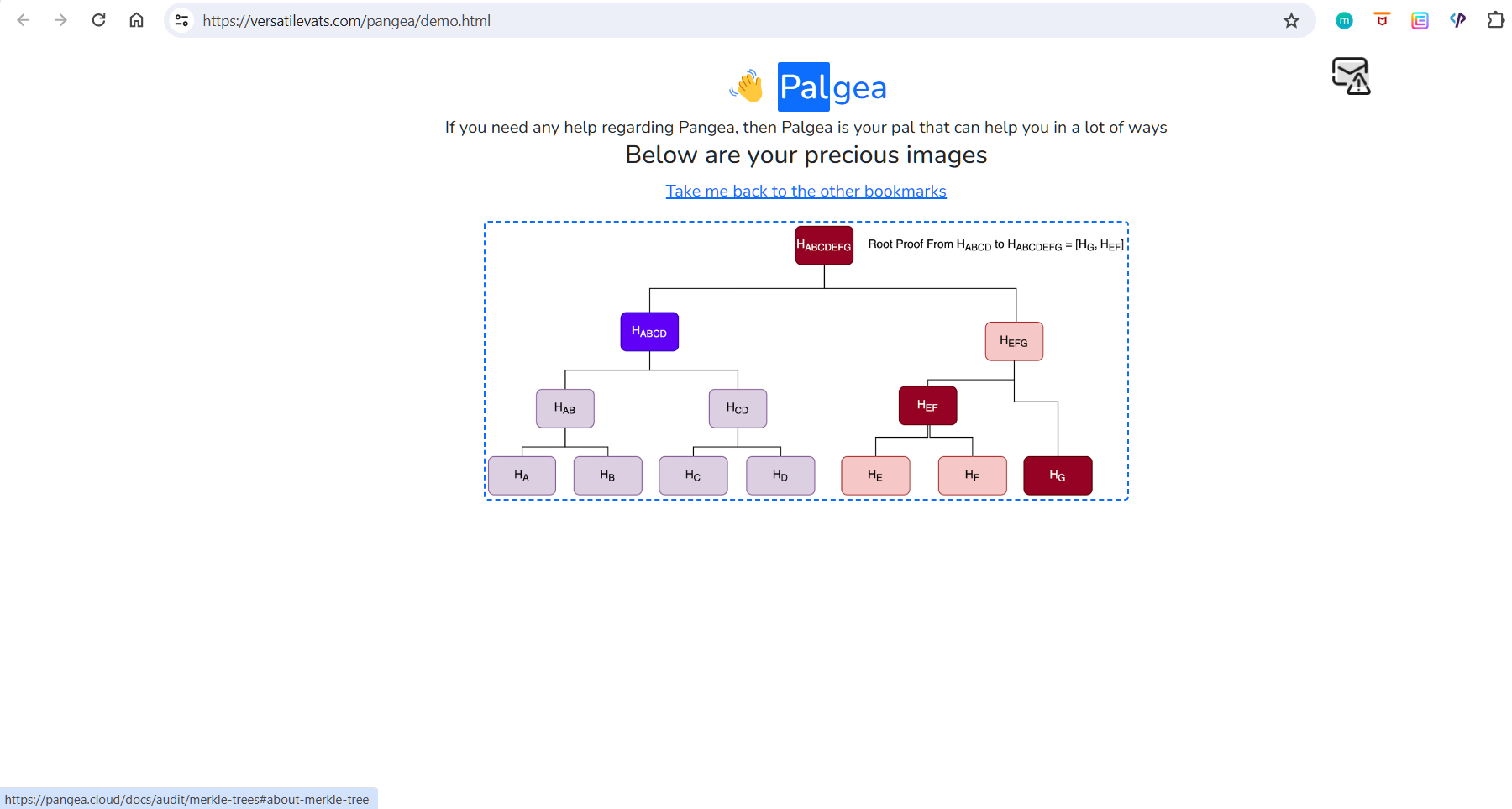
Bookmarked images (post clicking on the image, we are taken to the docs page on which it appears)
-

WhatsApp OTP for mobile verification
-

Using the OPEN BOOKMARKS feature of the extension and it opens and groups the tabs automatically



Note: Make sure that you see the entire images that are up in the image carousel as they have pictures from each part of the project. In the video, the navigation bar was not visible and thus the GROUPED TABS are not visible there, so you can see the same from the picture above. Also see the Readme of the Github repo as it tells something important.
Inspiration
Securing an application/piece of software in today's world is of utmost importance because no one wants to be a victim of the malicious data-breaches/thefts. That made me interested in learning about the great cyber-security aspect. Thus I learned about Pangea and thought of participating in this event.
As I was new to the platform, I dug into the documentation of the services that Pangea offers & it took a lot of time because Pangea provides a ton of services for almost every use case. In order to get a hold of the Pangea console and various services that they provide, I have to spend a huge chunk of time.
When I was ready with the studying/experimenting part, I thought of picking a project idea and for that I visited the projects that were submitted in the previous Pangea's hackathons. All of them were utilizing Pangea very well, but somehow it seemed like they thought of adding Pangea into an already-made project or as an afterthought!
So, I thought of making something closely tied to Pangea which should cater to the needs of any person who wants to develop projects using Pangea and that is how the idea for making the project: Palgea, came into existence. By the way, Palgea is made up of Pal + Pangea as it serves as the best pal for anyone willing to use Pangea for making something useful.
The main motive of making this project that by using the same, the end-user can cater all of the things related to the project at a single place and thus can integrate Pangea into the project effectively and seamlessly. Because when one goes through the documentation of an application, then there are many things which are of more importance than other pages/text written in the documentation and no one wants to use PEN & PAPER to note them down. So, by using this project, managing the important and relevant pages/text/images/files have been simplified to such a manner that the user can focus entirely on coding and should not care about managing/organizing the stuff. And thus it would increase the productivity of the users a lot and would encourage more adoption of Pangea into projects.
What it does
I did not wanted to make a project related to a healthcare/financial/any other sector. I wanted to make a project that will help people willing to use Pangea.
Making an external website or application for the same seemed childish and thus I thought of making a browser-extension that could not only be easily controlled by the user, but could also be lethal in empowering the user. Once you have the extension on your browser (Chrome, Safari, or Edge) then you can use the project. It basically does the following things:
1️⃣ Issue of saving/bookmarking pages : Are you using the 2G phones that were in the market in early 2000s? Clearly, NO! That is because time has changed and now you utilize technology in many different forms and those have made our lives easier. So, why use the same bookmarking technique which is native to browsers? And I am sure, you also might be frustrated with the ever-growing bookmarks-hell.
Solution: In order to empower the user with a new way of bookmarking Pangea-docs specific pages, I have provided the users with an option to save the page of his/her liking by just right-clicking and selecting the option: Bookmark entire page. And just with that, the page would be saved in the extension and then the same could be accessed anytime.
Not just this, once you have bookmarked some Pangea-doc pages, then you can use the Open Bookmarks option by right-clicking on the extension's icon to open all of the bookmarked pages. On top of that, all of the tabs that would be opened in a separate group (distinguishing them from the previously opened tabs in the browser). 😜 The tab group would be collapsed initially and you can expand the same just by clicking on the tab group name.
2️⃣ Not everything is important! (bookmarking specific text): If you are viewing the Overview page of the AuthN service, it is likely to happen that you would find a particular snippet of text to be very important, which you would like to remember as that could help you in integrating Pangea into your project. But that is not possible, through any way!
Solution: Text-fragments are a workaround for this (you may have seen URL links having syntax like: #:~:text=), but they are not adopted by every browser and majority of the sites do not allow this because of the fear of XSS attacks. Do not worry, you can still save specific texts from a Pangea doc webpage and can see it in a beautiful manner. You just have to be on a Pangea doc page and then select the text that you would like to save in the extension, then right-click and click on Bookmark specific text and then the text would be saved. There are no restrictions on number of text-specific bookmarks that you can save.
3️⃣ Doesn't a picture says a thousand words!: Yes, it is right because by seeing a picture one can recall a lot of things and thus it is very beneficial over the regular text thing, but my project does not offer any such provision as of now
Solution: As of now, Pangea offers almost zero images in the entire documentation. But in future, it would be great to involve many images because that would help a lot in conveying the message effectively. So, I have incorporated the feature of saving/bookmarking an image present on the Pangea docs pages.
4️⃣ File Shareability: If a team of developers is trying to use Pangea into their project and along with the bookmarked pages/texts/images, they want to share a doc/pdf/txt file that might have their project idea laid out, or the steps that they need to follow while integrating Pangea into their project, then do they need to share the file via an external platform (like email/social sites)
Solution: NO, they can use the file vault feature of the project and can share up to 3 files with each other (one pdf, one doc, and one txt) . If they want to delete the uploaded files, they could use the RESET button present in the vault division (it deletes all of the uploaded files).
Note: The file-vault division is not visible until you do not verify your mobile number. It is done because the files need to be sored onto the server and if I know that this person is storing these files, then it would be great for security reasons. As I have used Meta's WhatsApp Business API, I can only send OTP codes to the WhatsApp accounts that I have added in the developer site (so you guys would not be able to use the same).
5️⃣ How to share the entire bookmarks and files with peers?
Solution: The ultimate goal of the project was to increase connectivity between peers that are trying to incorporate Pangea into their projects. So, if one has saved some bookmarks (images/text/pages) and have uploaded some files also, then he/she can share the entire things to another person with just a click. Sharing feature also works for phone-verified users because that way I could verify the identity of who is trying to share the things (and the object also gets stored into the server). Once verified, just click on the top-most share division and you will get the SHARE link that can be shared with another person having the extension installed.
When the shared link will be opened, then the viewer will get to see the exact bookmarks that the initial user did and thus this will increase inclusivity because only a single person could research and after doing the same can share the link with the team so that they could also view the same.
Note: The person who is trying to view the share link should have the extension installed because it is responsible for each and everything at the end.
Another great feature of this sharing thing is that the data that is there at the time of generating the share link, will be attached with that link. Meaning, after generating the link if I would make some changes to the stuff, it would not be carry forward with the old share link. In order to propagate new changes into the link, you have to again generate a new version of the link. The link remains same, but you have to generate the same link again, so that the link can be updated with the new data. Isn't that great 😉
How I built it
I built it using JS, HTML, and CSS. Its great to see that just by using these basic things, I have developed such an interesting and effective project that really helps out the user trying to learn Pangea and incorporate the same into a project.
In making the extension, I have done things that are way different than the general approach taken during creating extensions. Used many complex functionalities (context menus, web navigation, storage methods, and much more) to shape the idea into a reality.
The following Pangea services are used in this project:
🟢 Redact Service: In the mobile verification flow, once the user enters the phone number, in the UI it is always shown in the redacted form, thanks to the Redact service. Right from the server, the actual number was redacted and then sent to the frontend, so that the entire number will never be visible in the UI.
🟡 IP Intel: Whenever there is a request coming from the frontend (during the mobile verification process), it has to go through the IP Intel service because I check the IP reputation score and also checks whether a VPN connection was used or not? If the score is not greater than 1 and there is no VPN connection used to make the server calls, I forwards the request to the correct endpoint and thus then only the results are fetched.
🔵 Audit Log: Whether the user has uploaded a new file to the file vault, deleted them, or completed a step in the verification process, everything is logged into the audit logs so that there are proof for every major thing happing at the frontend.
🟣 File Intel:Whenever a file is sent to the file vault, then this service comes in handy because after getting the file has, it returns a score that I use and if the file is safe, then only I saves it into the backend. Thus, I am maintaining the integrity and security of my application.
Challenges I ran into
From not knowing how to create an extension to making a fully-functional application at the end, it was a roller-coaster ride for me. When incorporating the share functionality, I have to tweak the code a lot because I have to ensure that the viewer sees the shared links and pages correctly. Adding the functionality of opening all of the bookmarked pages in a tab group via using chrome APIs was also challenging, but I relished all of those challenges and made my project a real shining star at the end.
To show the text specific bookmarks, I tried using Text Fragments so that the text could be highlighted in the browser. But some of the doc pages were not able to parse the url having the text fragments code and were trimming the url.
So, in order to overcome the problem, I had to look out for a manual way of highlighting the text bookmarks so that they can be clearly spotted by the user. For that I made custom function to first find the text in the web page and then have to edit its styling to finally get the great green background for the same.
And that is how I workaround the issue of text fragments. I would like to say that my way looks more beautiful than the normal way of how text fragments are shown 😃
And I am sure that this star will really guide some users who will be looking at it with a glimpse of hope
Accomplishments that I'm proud of
Making and finishing the project in time and integrating Pangea into it.
What I learnt
A whole lot about extensions and vast and diverse services offered by Pangea
Built With
- css3
- html5
- javascript
- pangea
- php


Log in or sign up for Devpost to join the conversation.