Inspiration
We've all been there. You find the perfect recipe on YouTube — a chef makes it look effortless. You hit play, start cooking, and within minutes reality sets in: your hands are covered in flour, the video is 30 seconds ahead, you're squinting at your phone trying to read quantities, and you just realized you're out of an ingredient the recipe mentioned two minutes ago.
The kitchen is the one place where screens fail us.
People find recipes on YouTube, Instagram, or by asking AI — but once cooking starts, the experience falls apart: messy screens, constant rewinds, wrong quantities, forgotten ingredients, and no real guidance. Managing pantry items, planning meals, and remembering what to cook next adds even more friction.
We asked ourselves: What if your phone could actually cook with you? Not just display a recipe — but listen, speak, navigate, set timers, control the video, track your ingredients, and adapt to your dietary needs — all through voice, completely hands-free?
That question became Pakao.
What it does
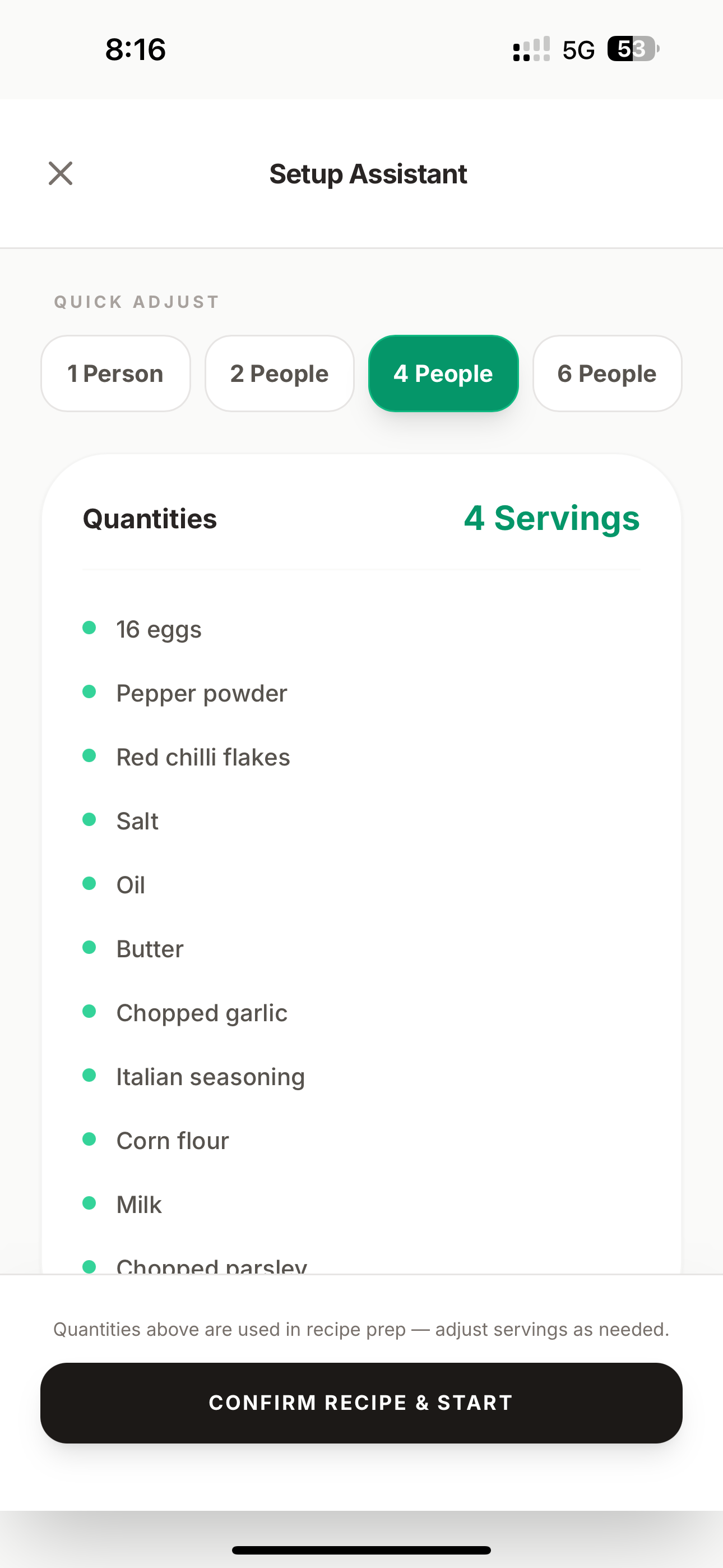
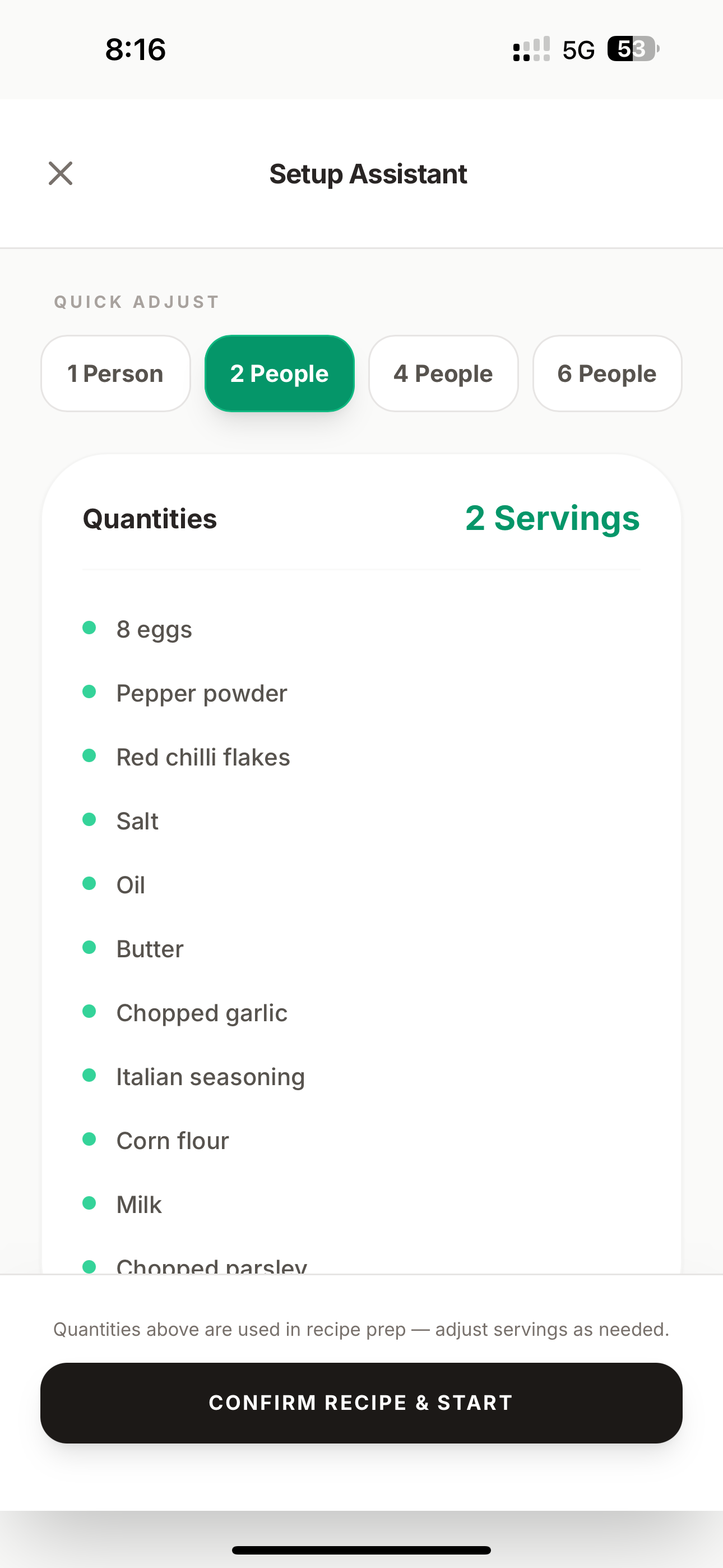
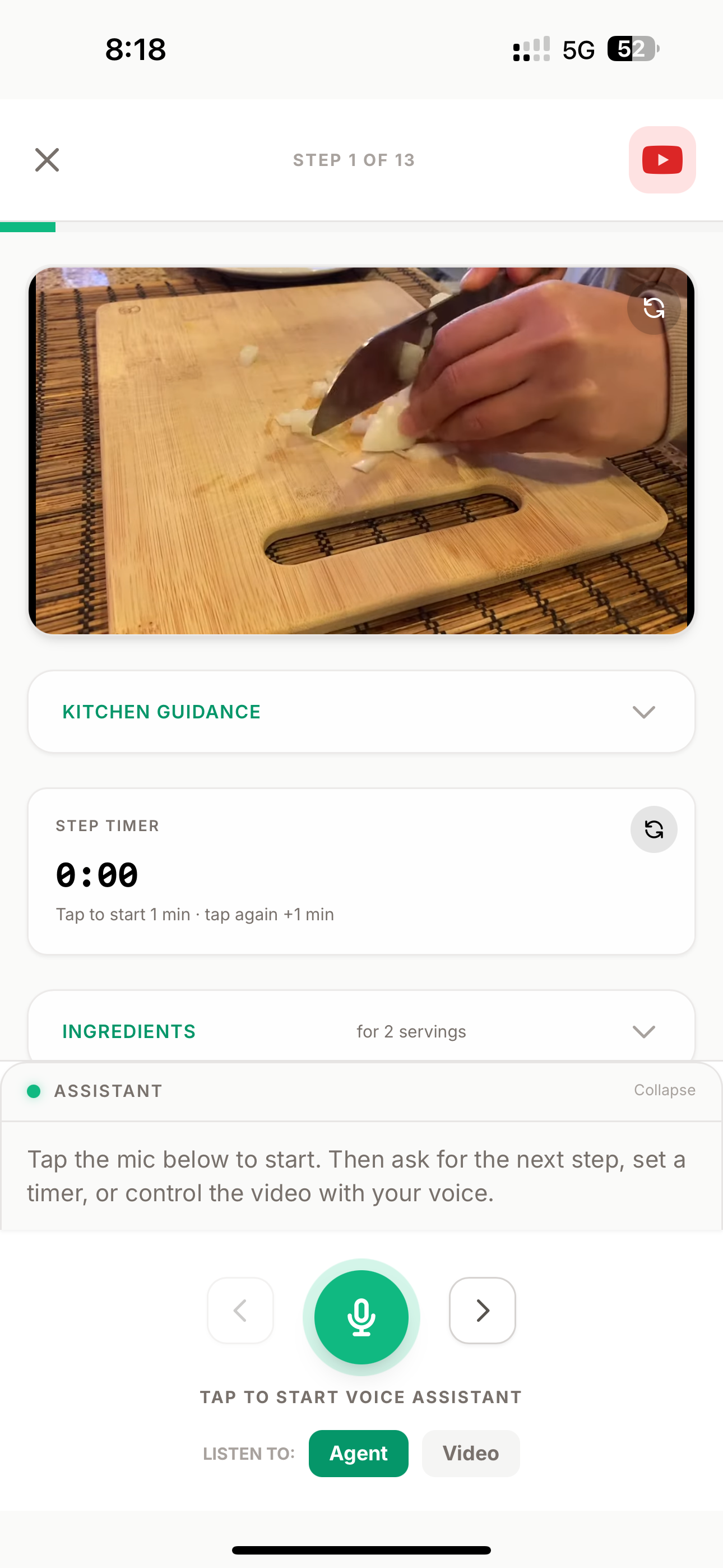
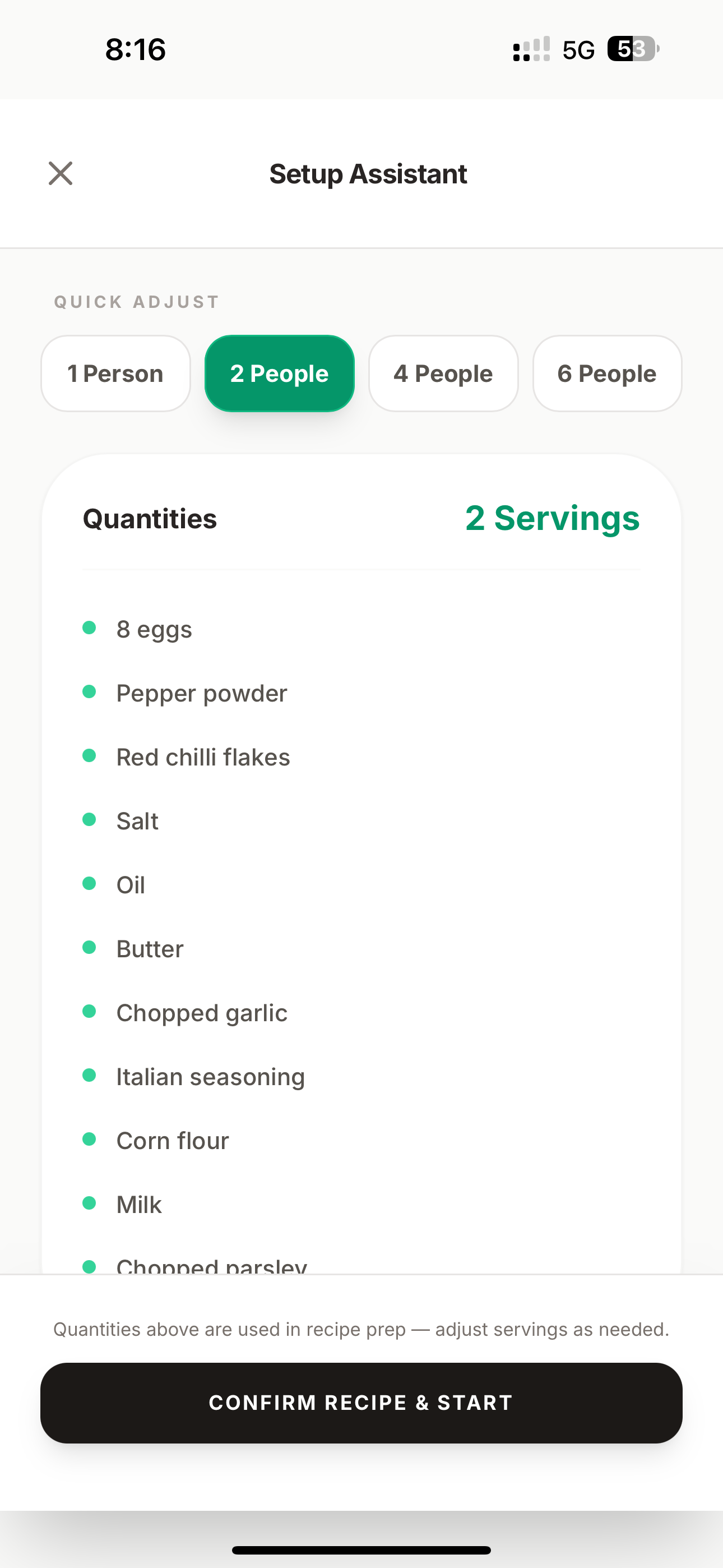
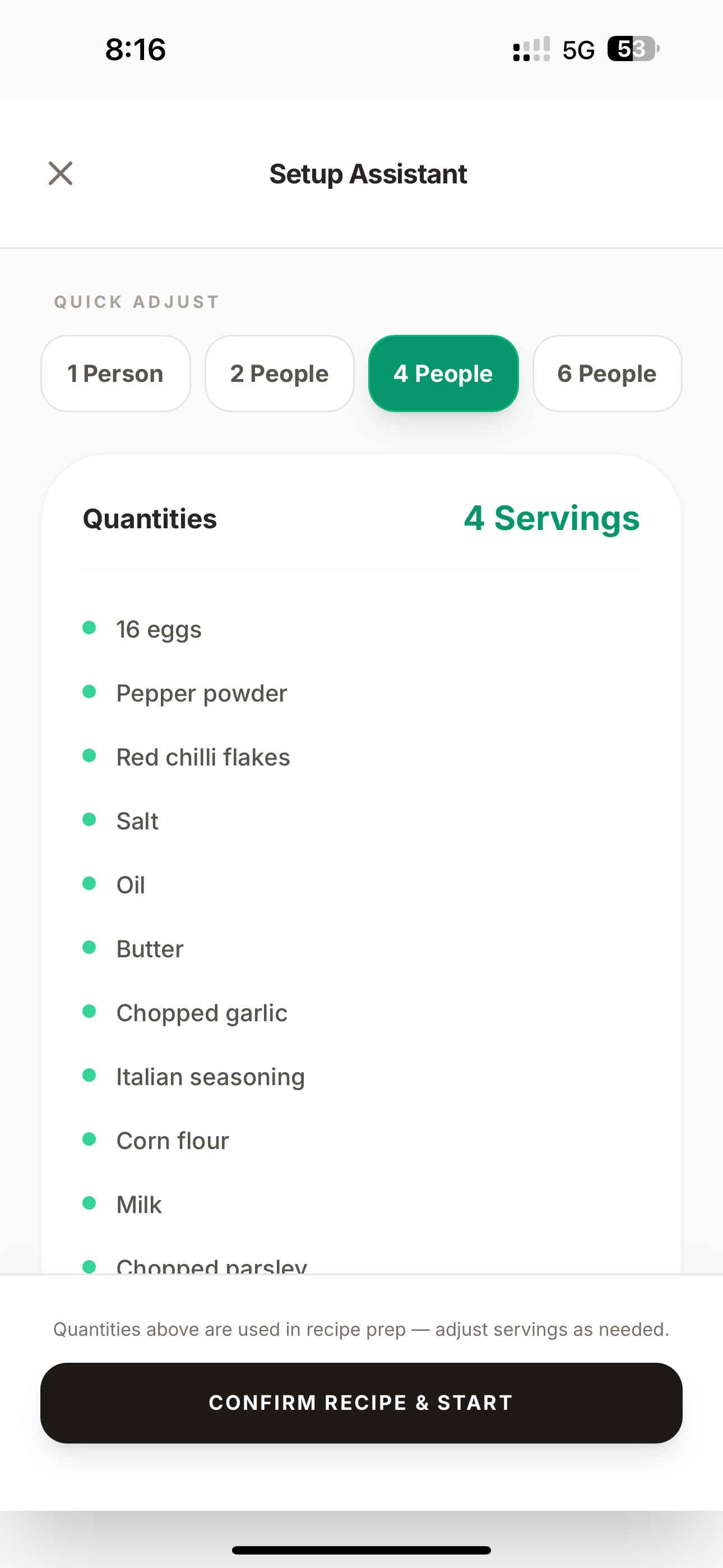
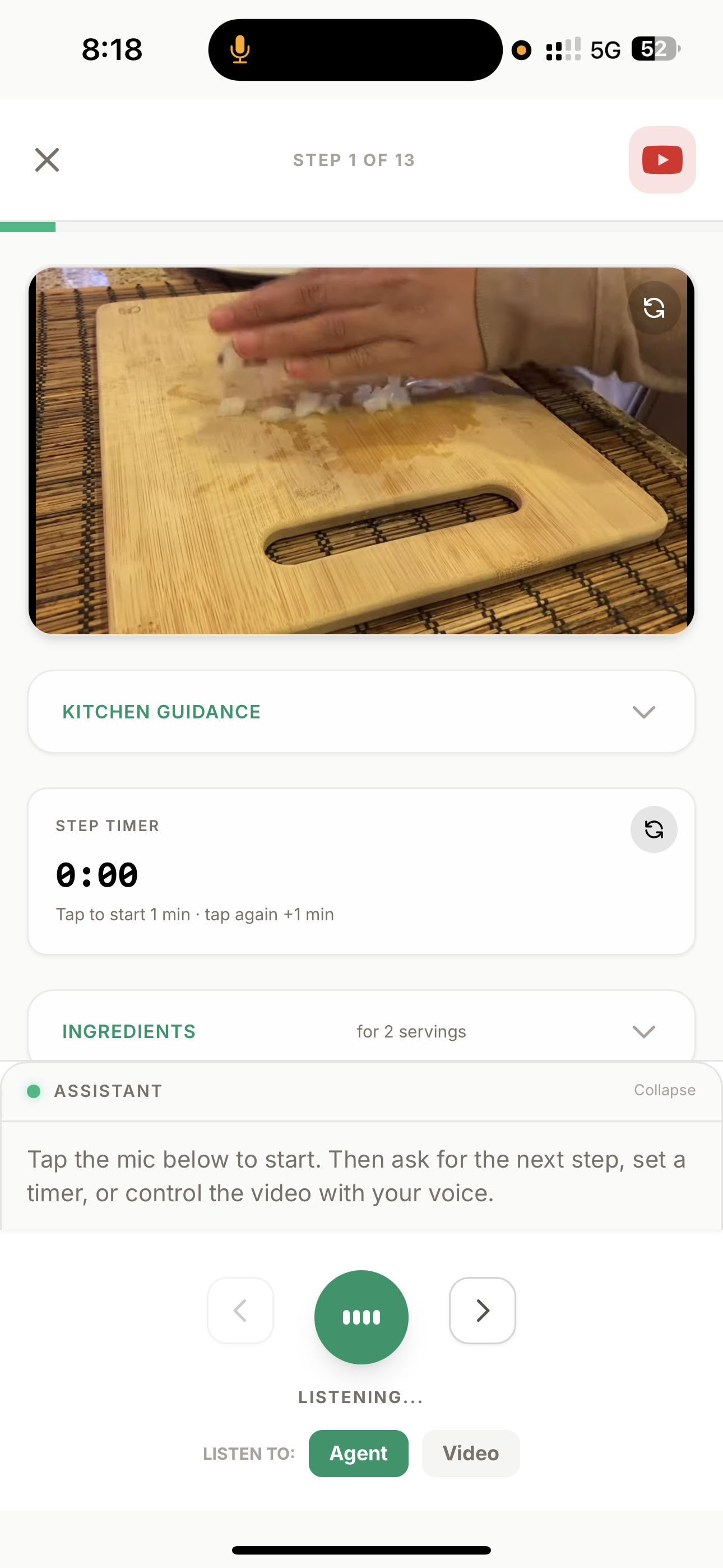
Pakao transforms any cooking video or text description into an interactive, voice-controlled cooking companion that syncs video, scales ingredients, manages your pantry, and guides you hands-free from start to finish.
The Core Experience: Voice Cooking Mode
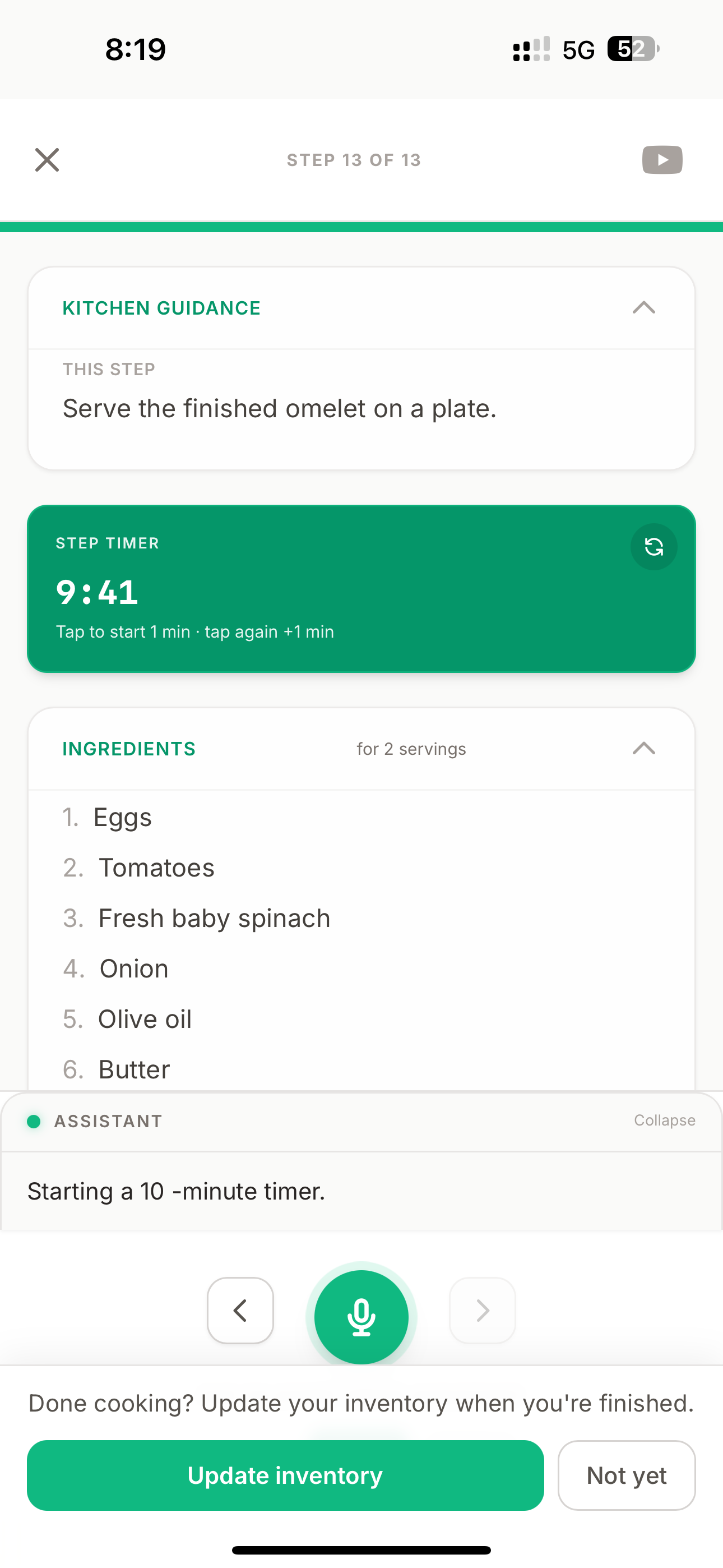
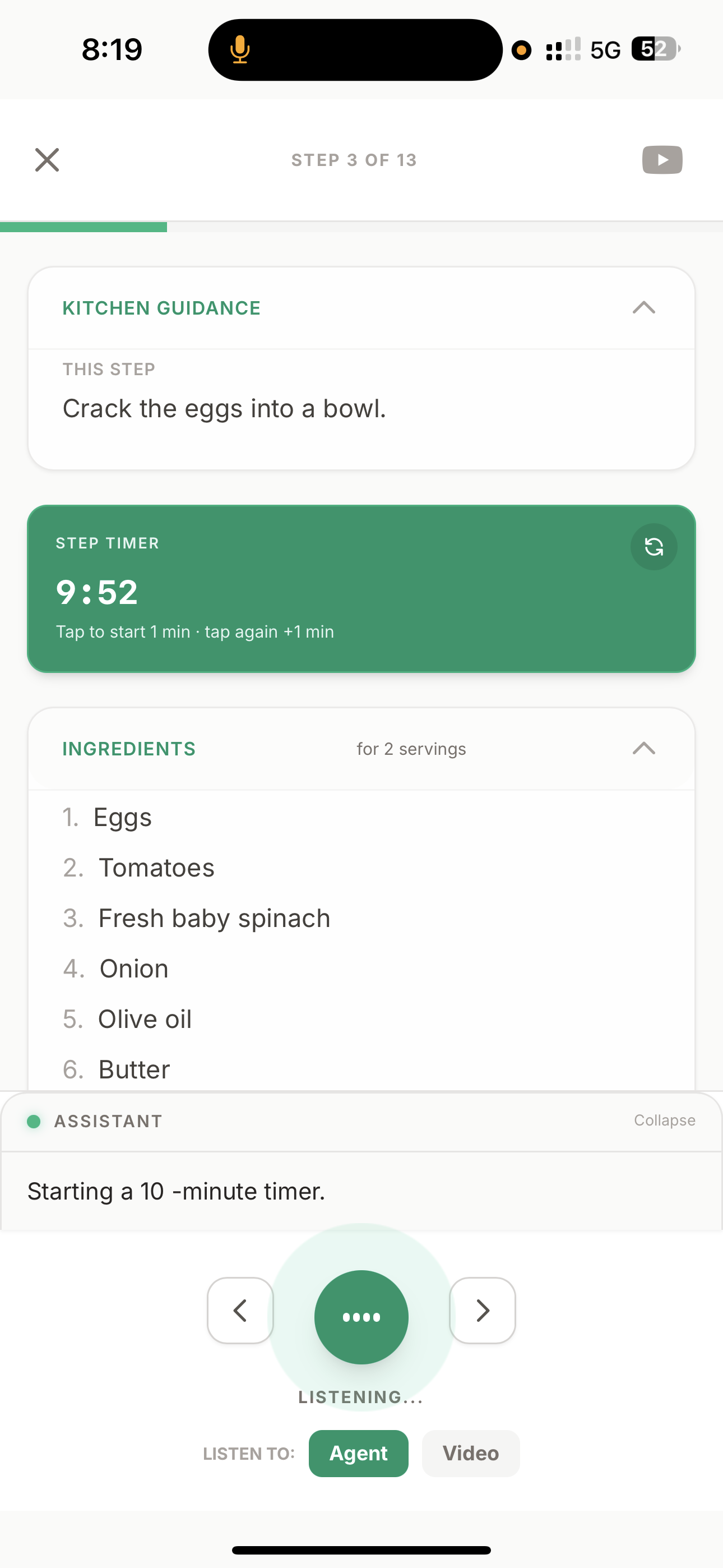
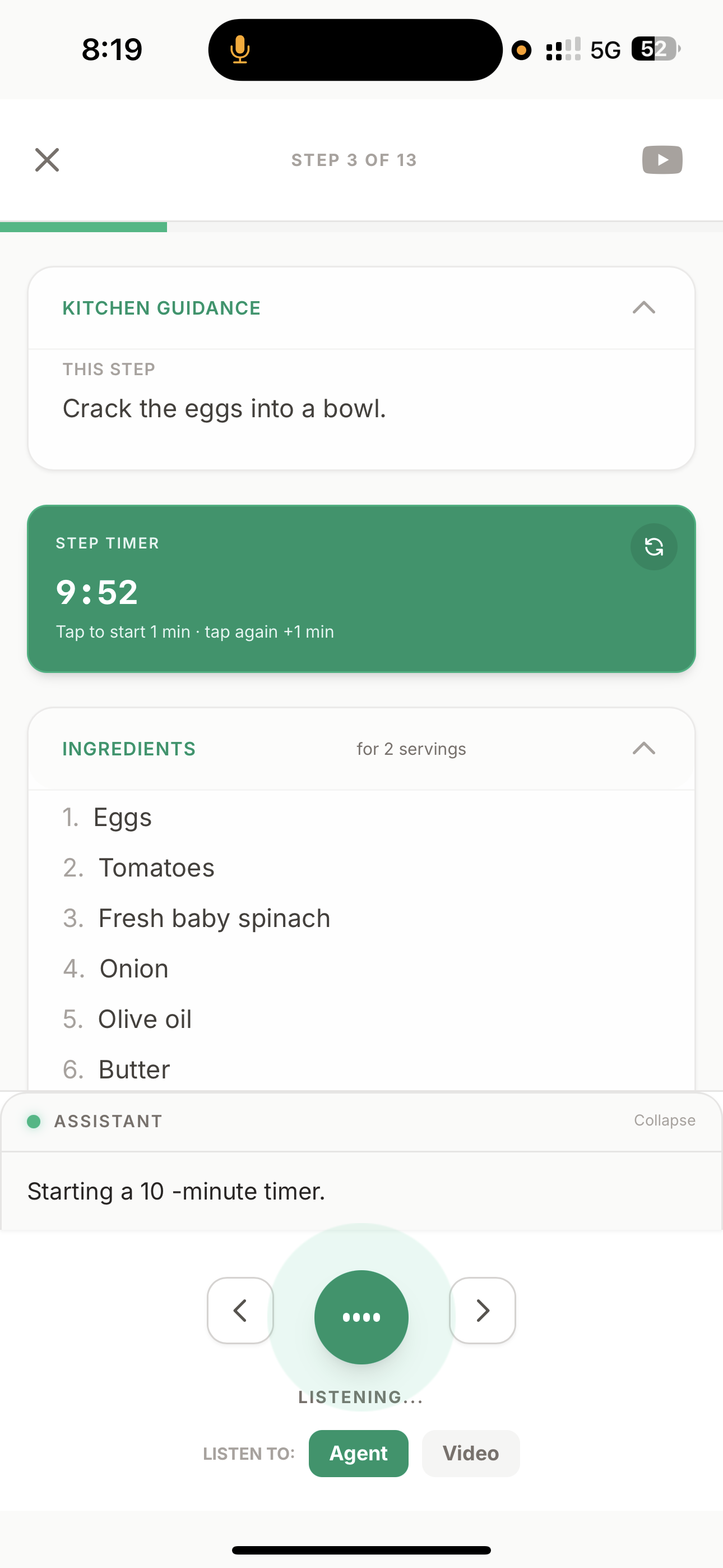
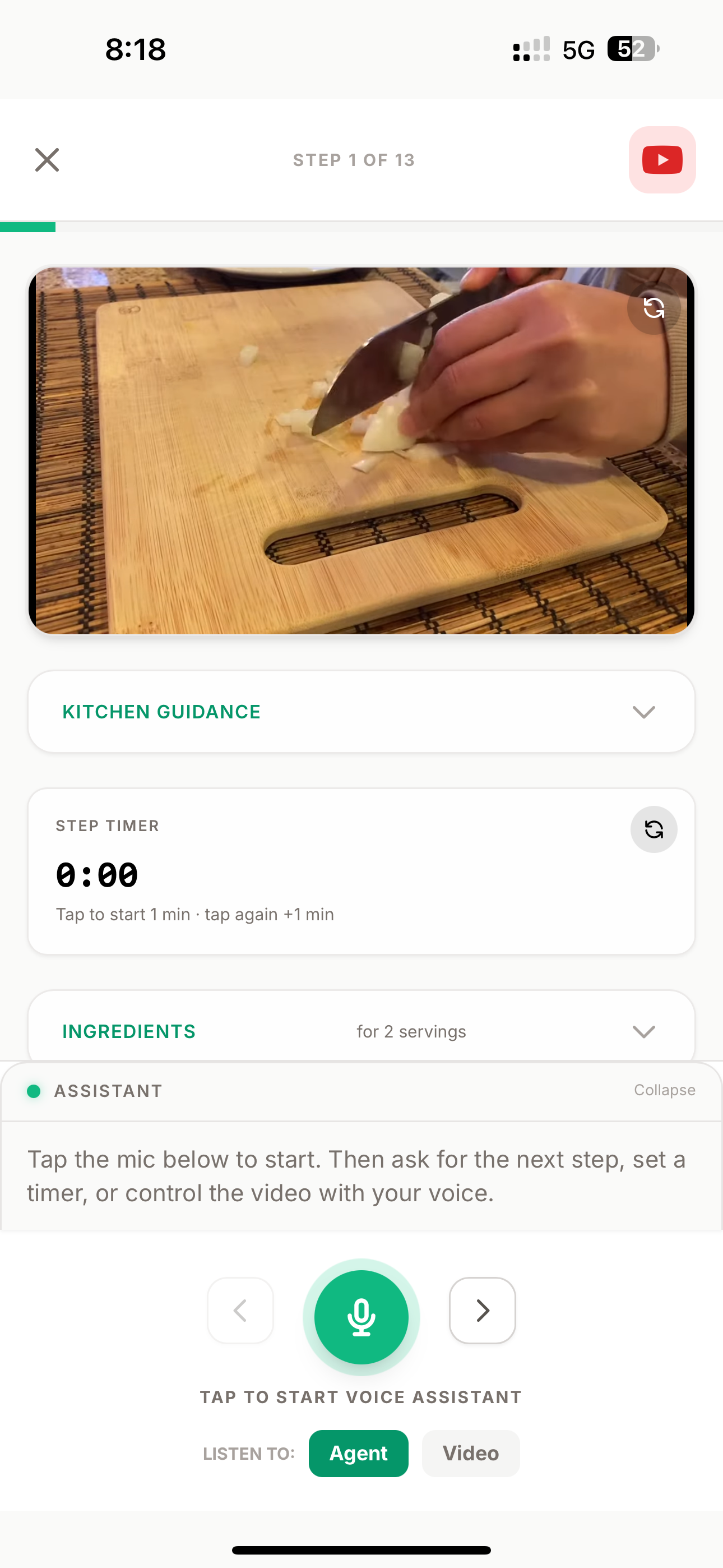
You open a recipe, tap "Start Cooking," and from that moment you never need to touch your phone again.
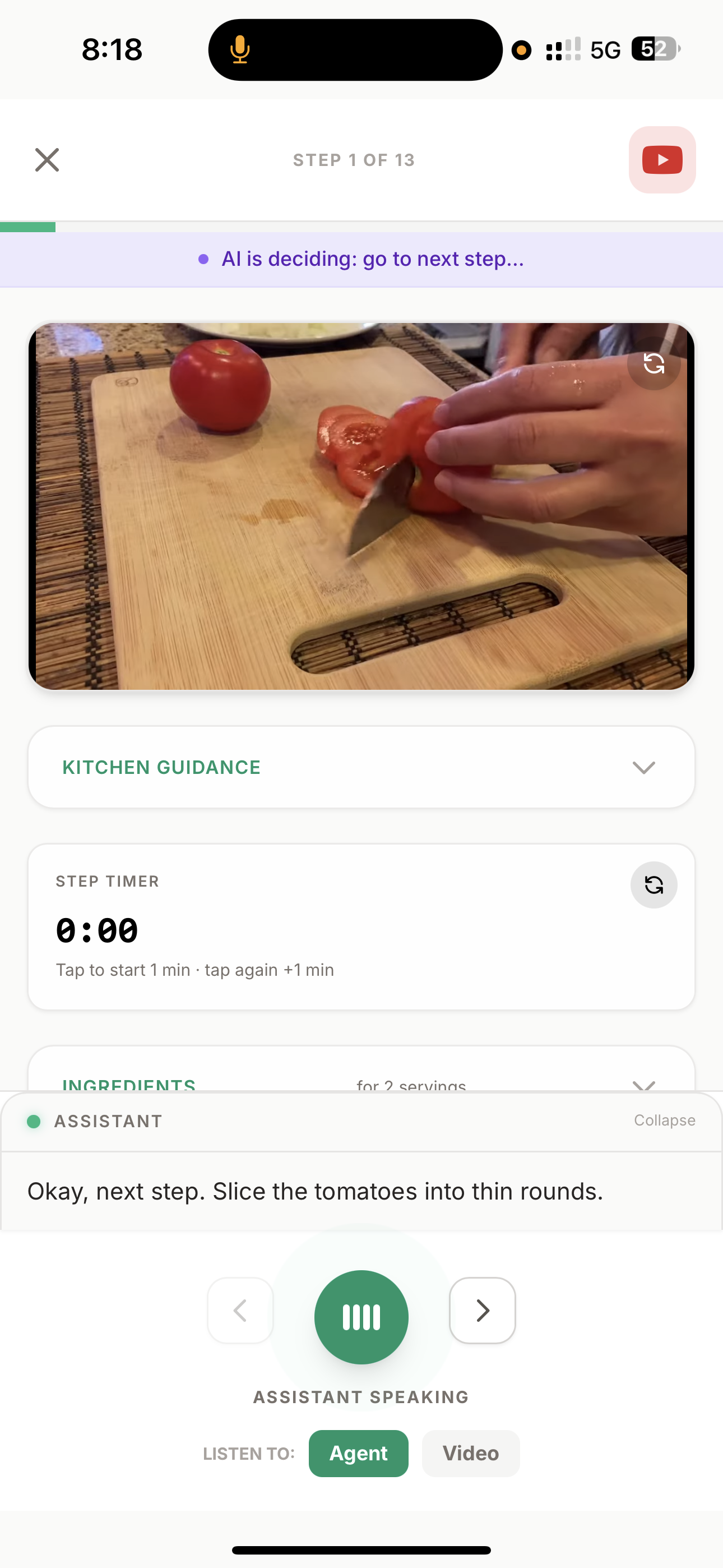
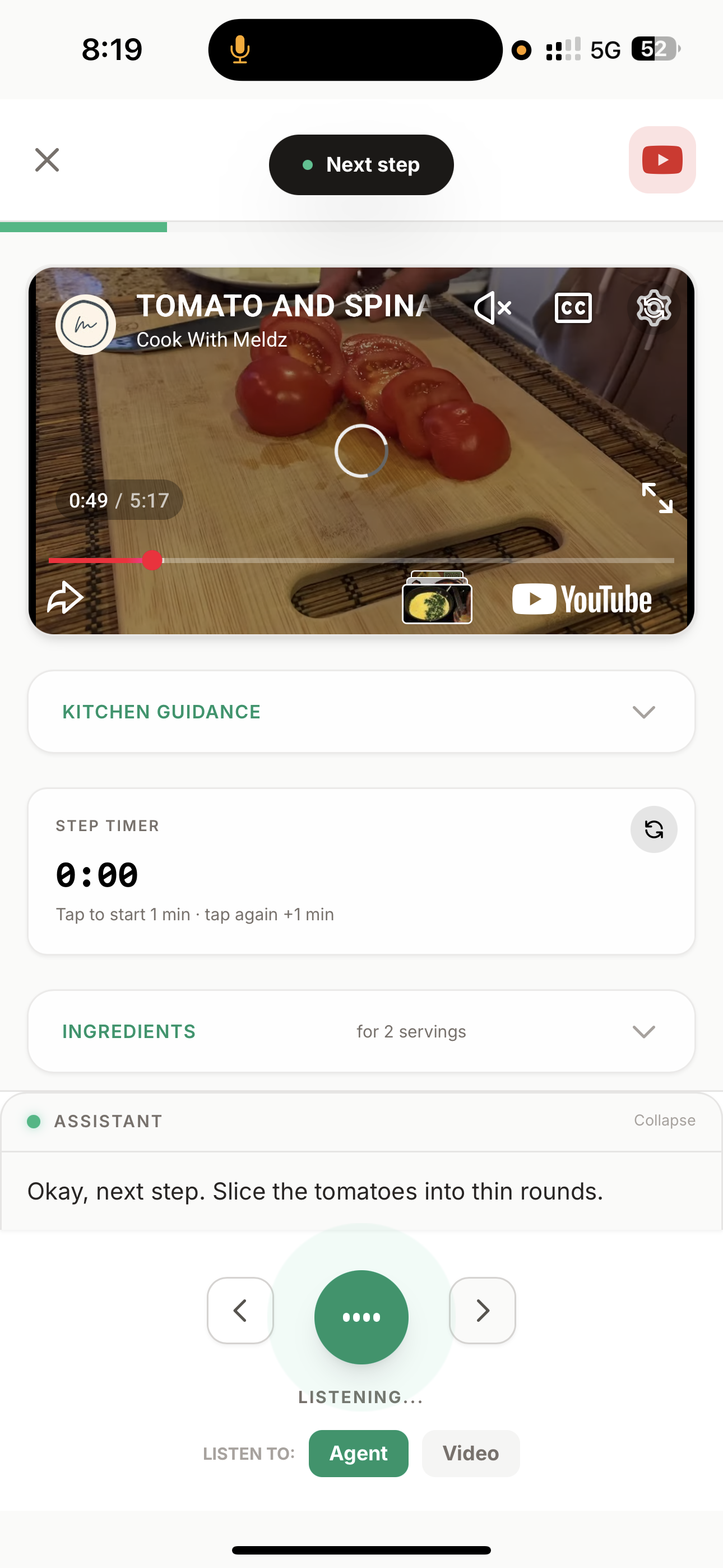
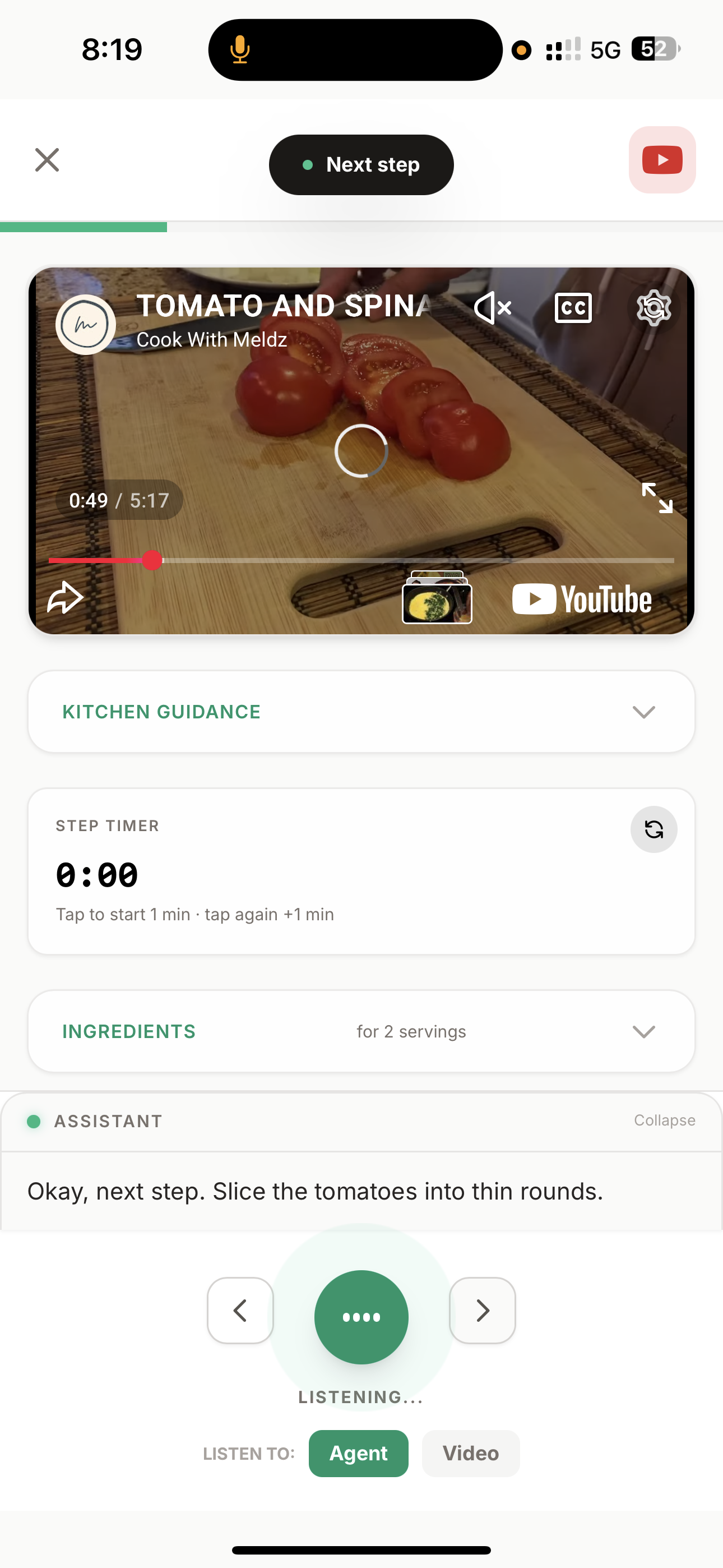
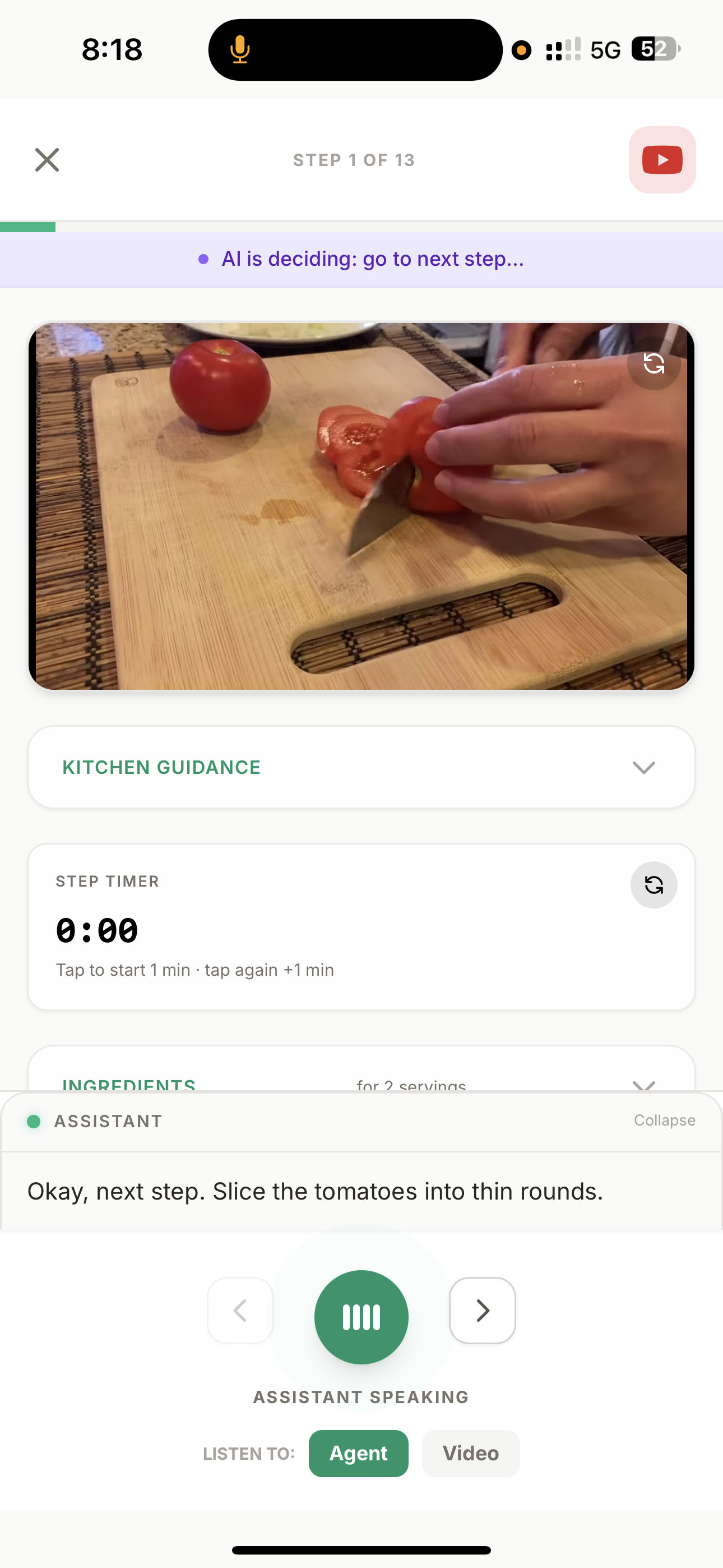
- Say "next step" → The AI advances to the next instruction, seeks the YouTube video to the exact timestamp where that step happens, and speaks the instruction aloud.
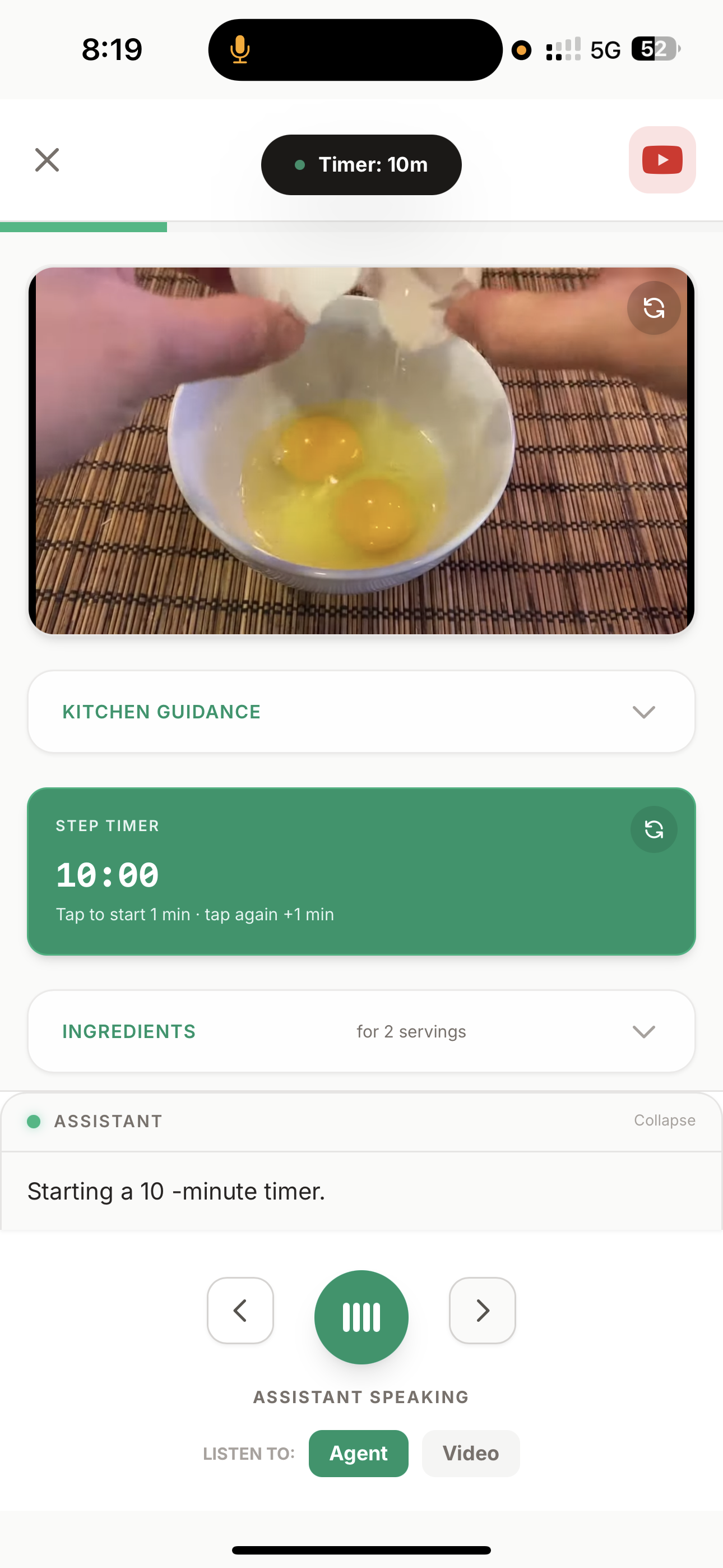
- Say "set timer 5 minutes" → A countdown timer appears on screen with audio alerts.
- Say "what temperature should the oven be?" → The AI answers based on the recipe context.
- Say "go to step 3" → Jumps to any step instantly, video syncs automatically.
- Say "I'm done" → Recipe is marked complete, used ingredients are automatically deducted from your inventory.
All of this happens through Gemini Live API — a full-duplex audio stream where Gemini doesn't just generate text, it reasons about which tool to call (step navigation, timer, video control, temperature) based on your voice commands and the current cooking context.
Beyond Cooking Mode
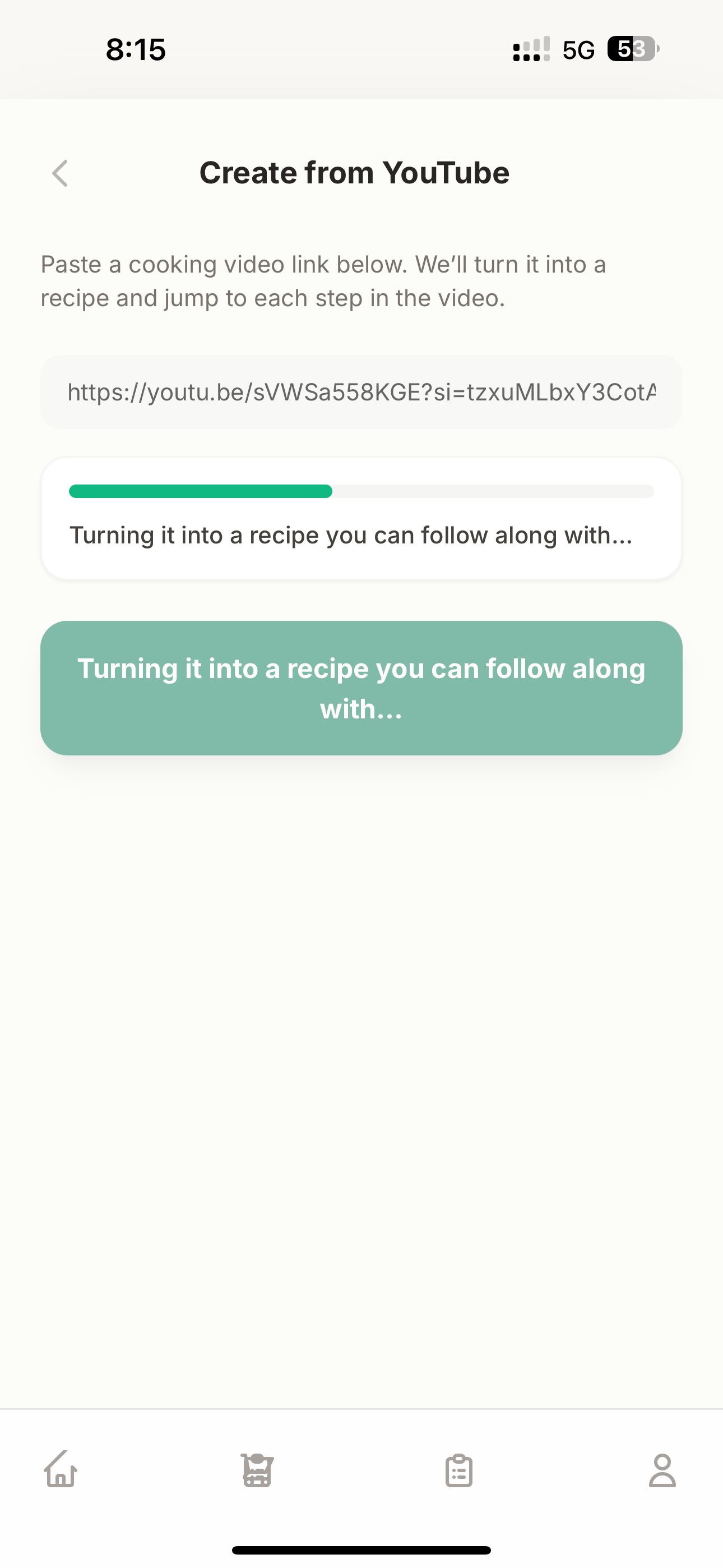
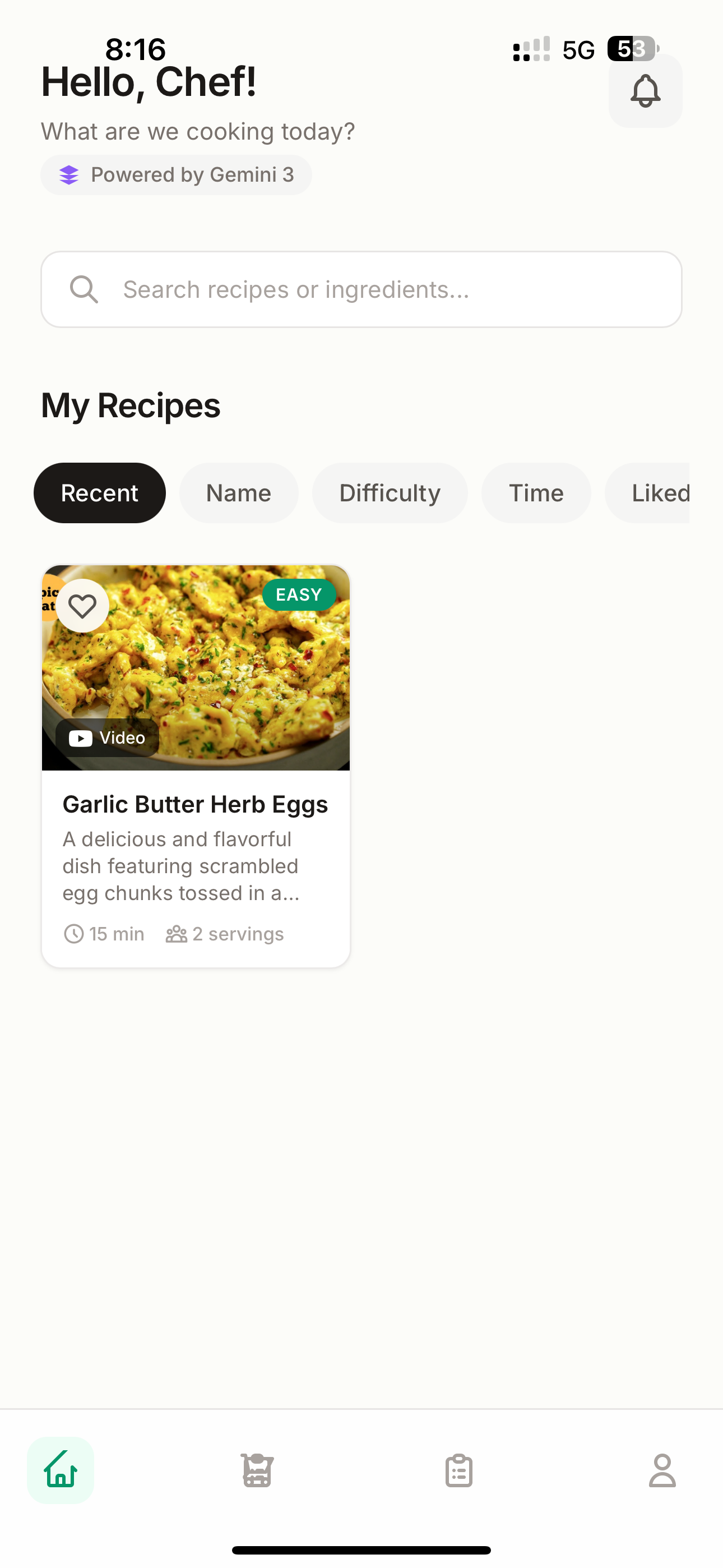
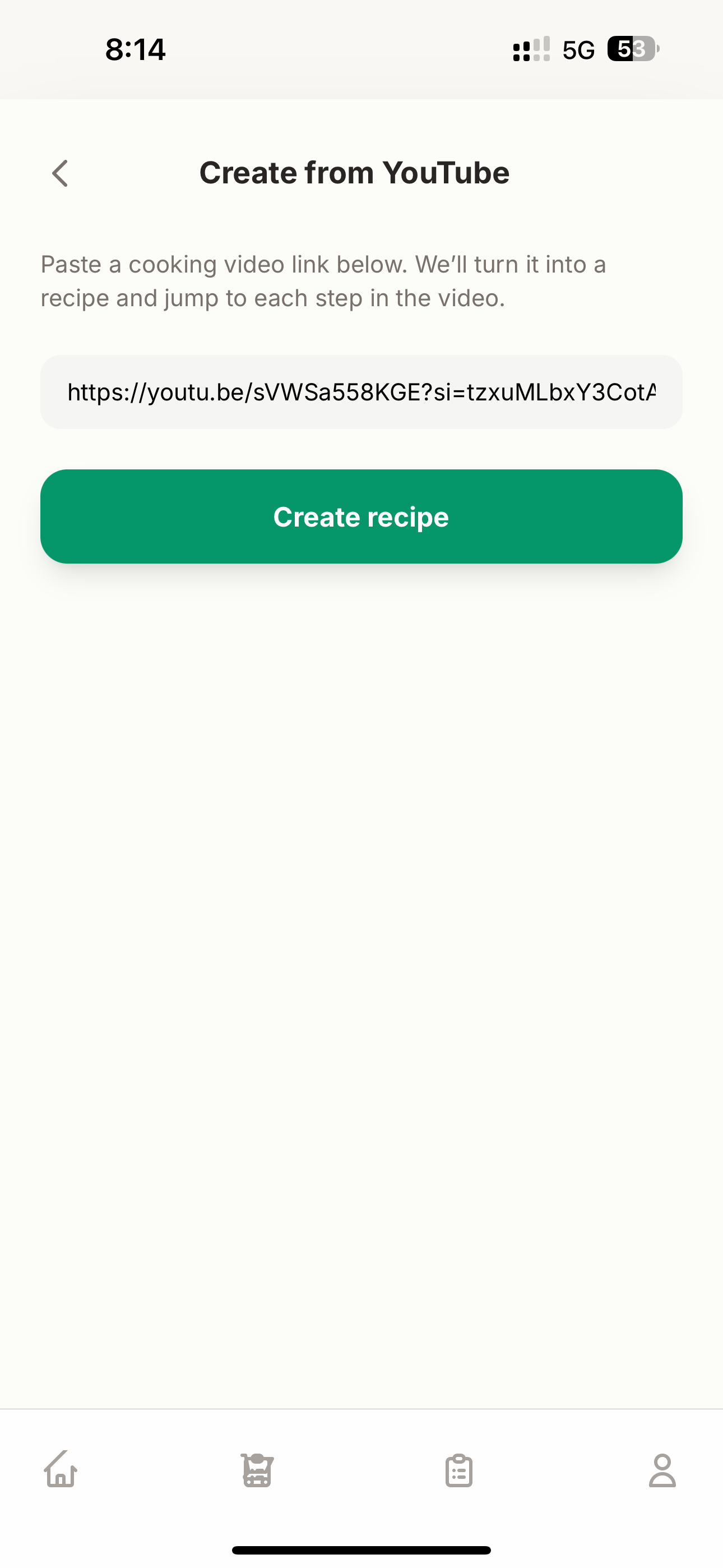
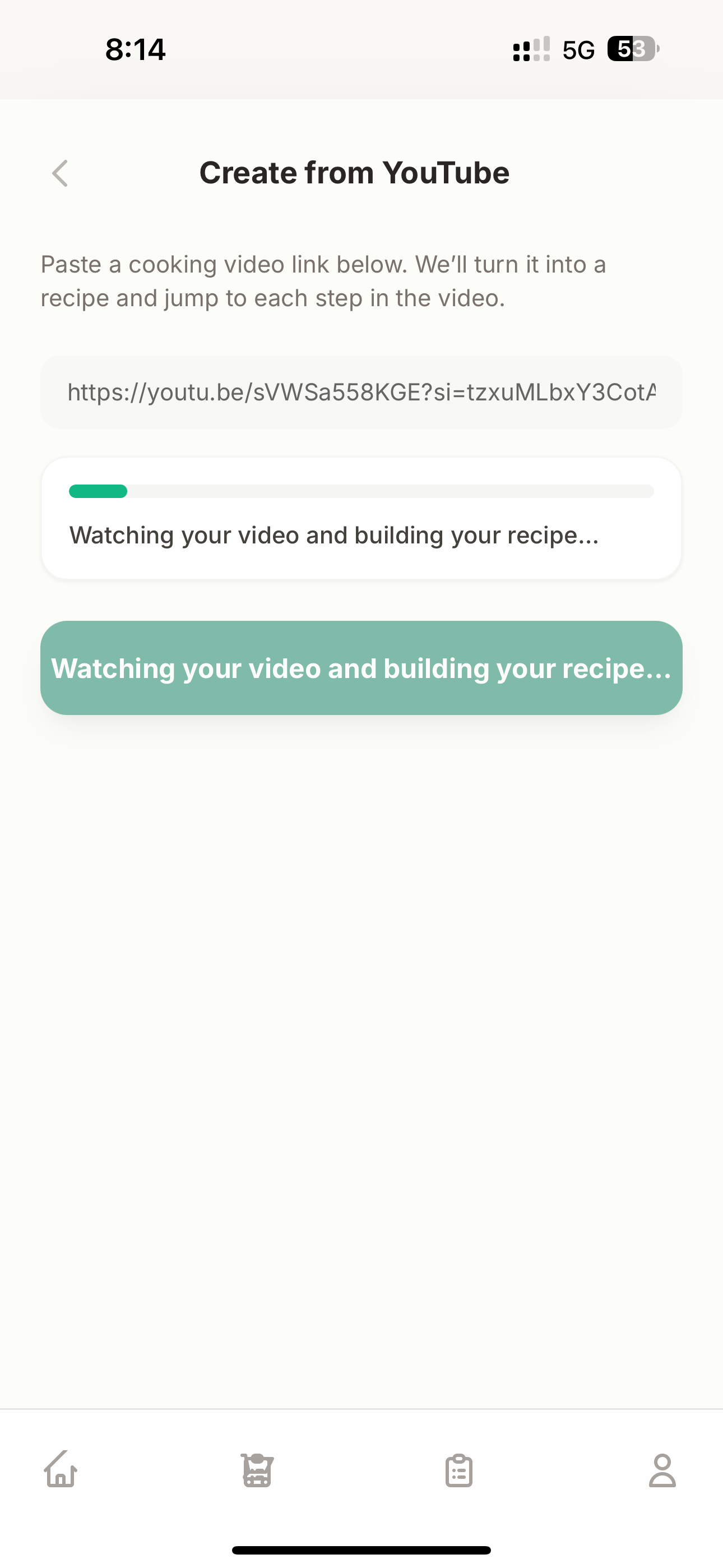
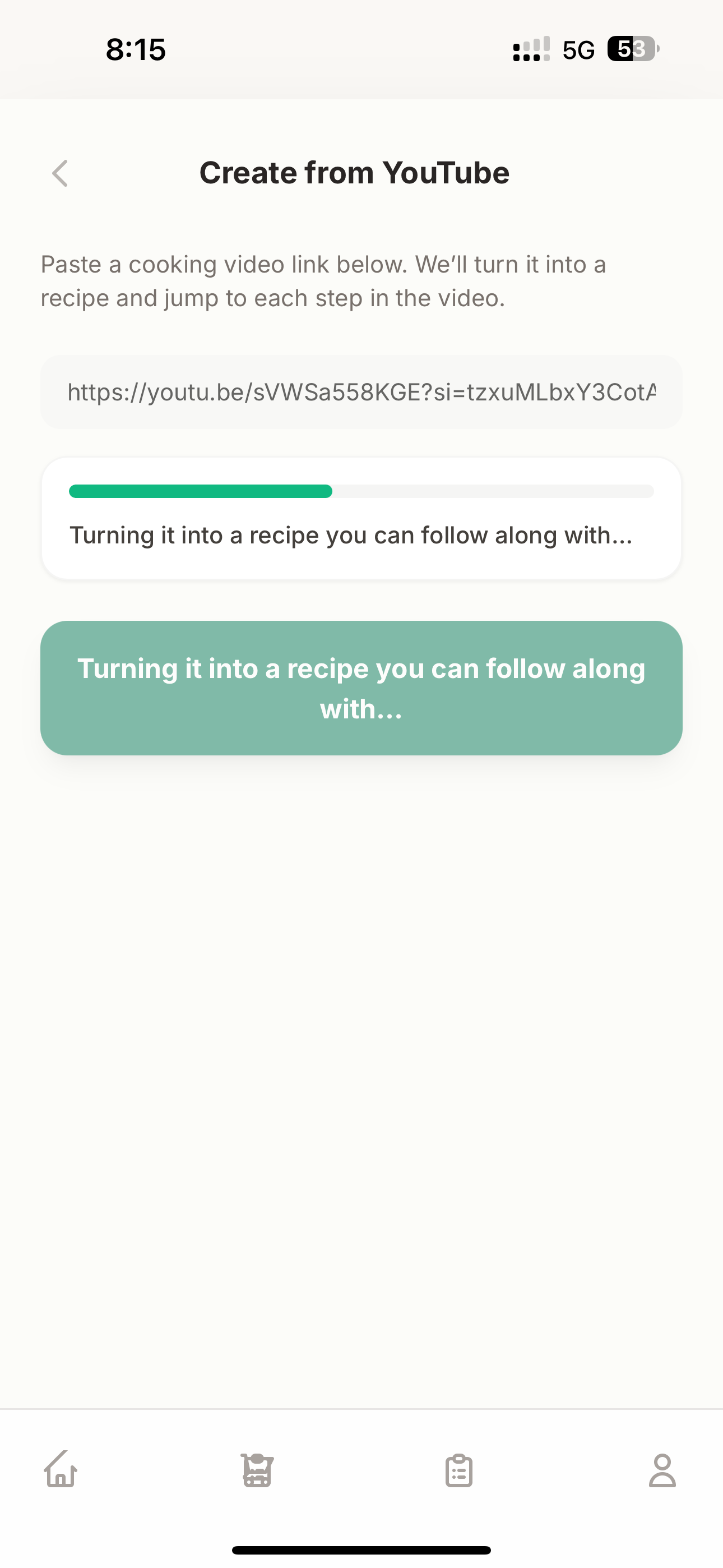
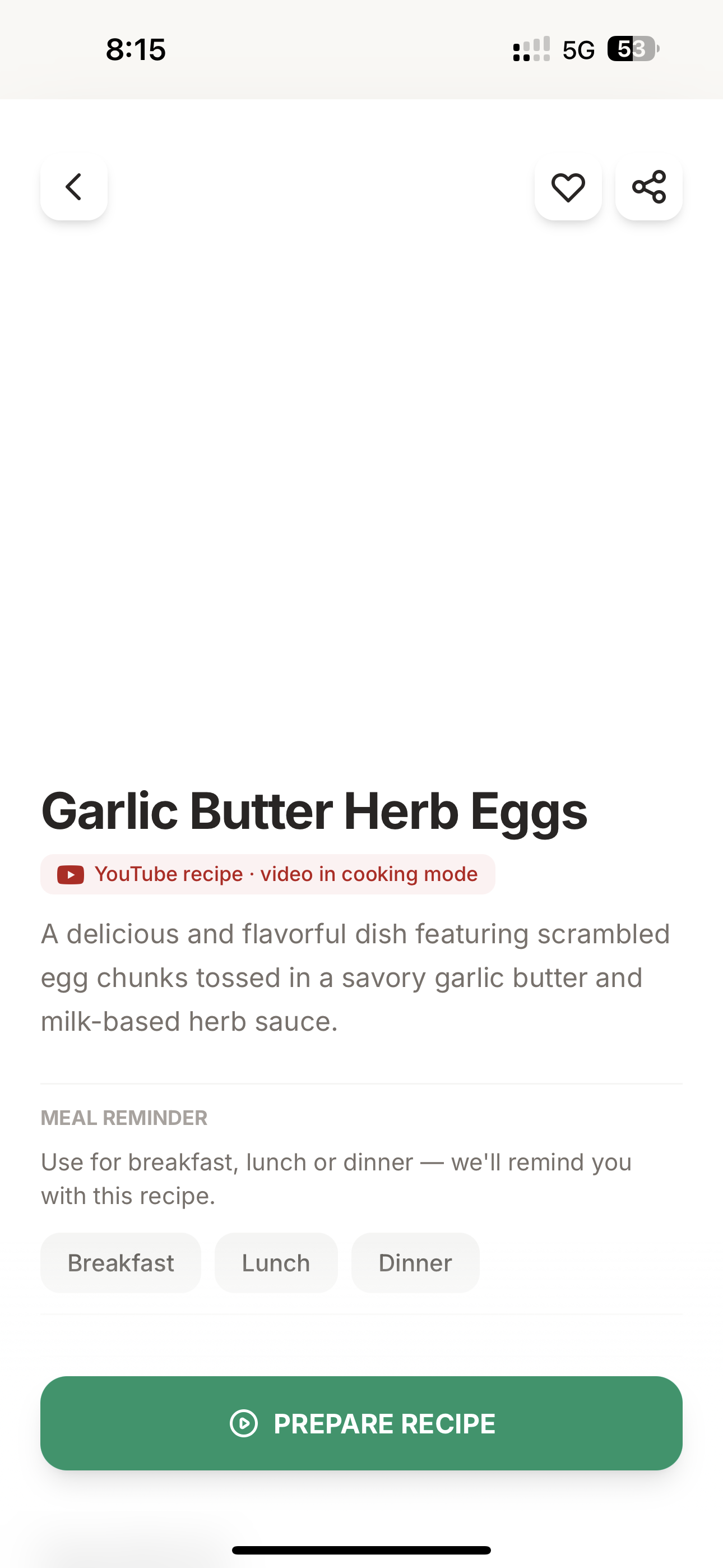
- Create recipes from YouTube — Paste a cooking video URL. Gemini watches the actual video, extracts a timestamped transcript, then builds a structured recipe where every step is linked to the exact moment in the video (MM:SS). When you cook, the video and instructions stay perfectly in sync.
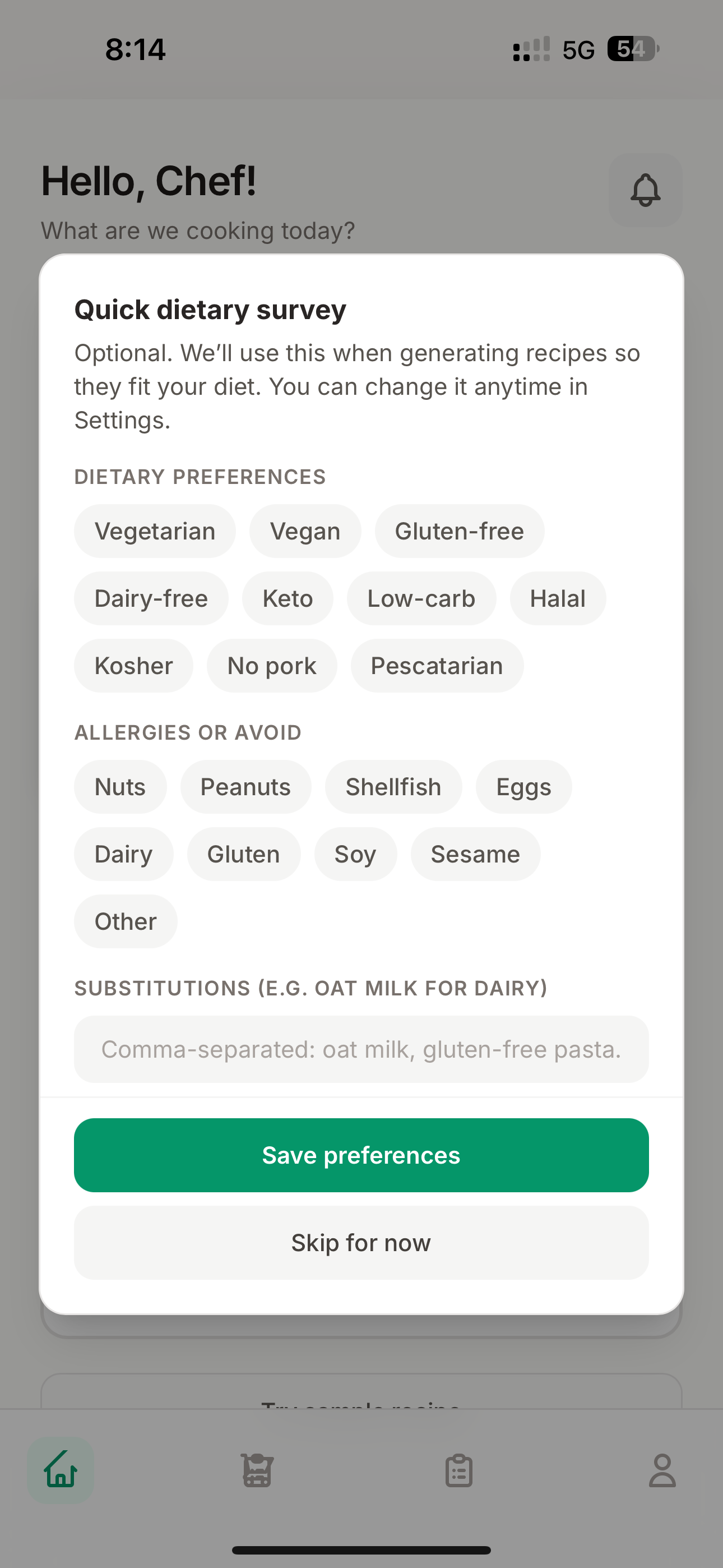
- Create recipes from text — Type "quick egg breakfast" or "vegan pasta for 4 people." Gemini generates a complete recipe respecting your dietary preferences and allergies.
- Ingredient scanner — Point your camera at your fridge or pantry. Gemini Vision identifies everything it sees. Then it recommends recipes you can make right now with what you have.
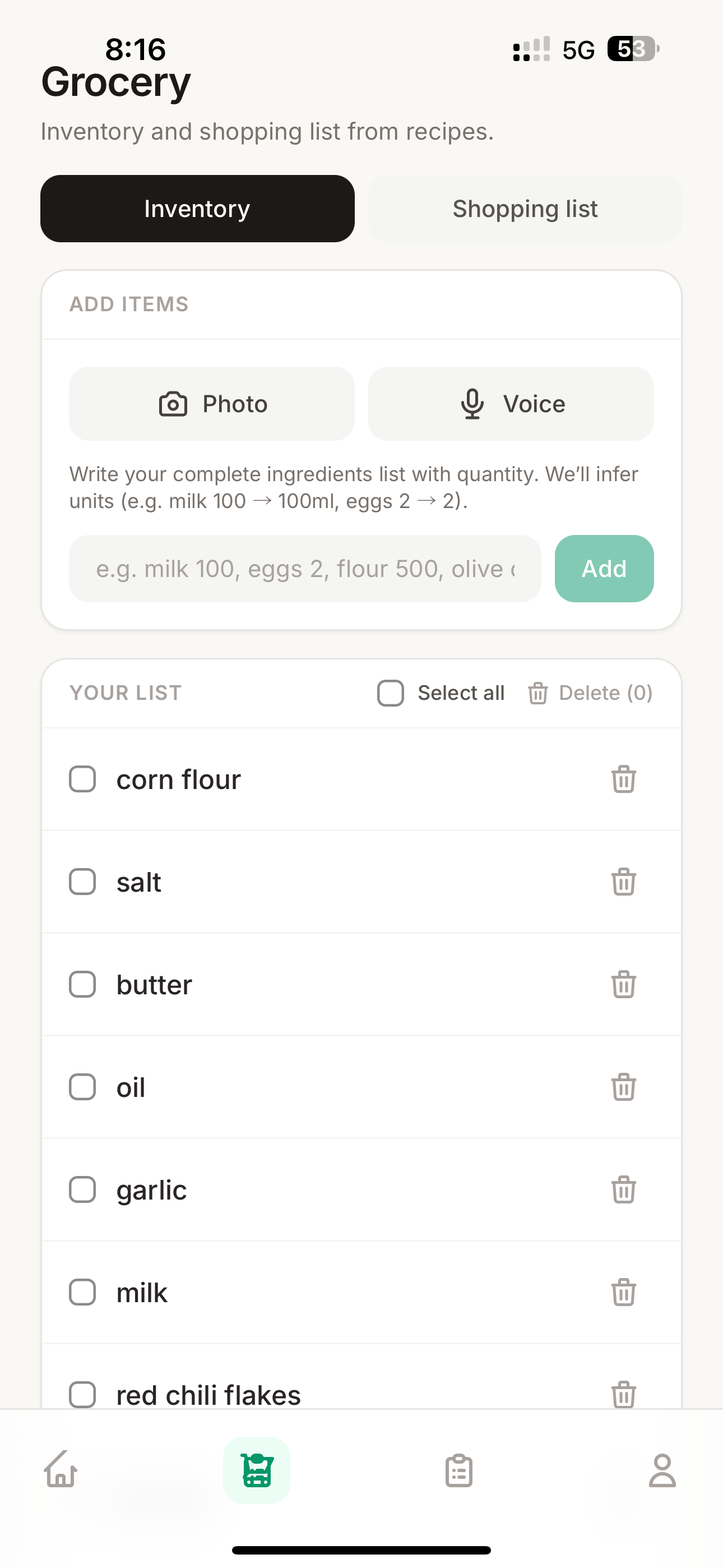
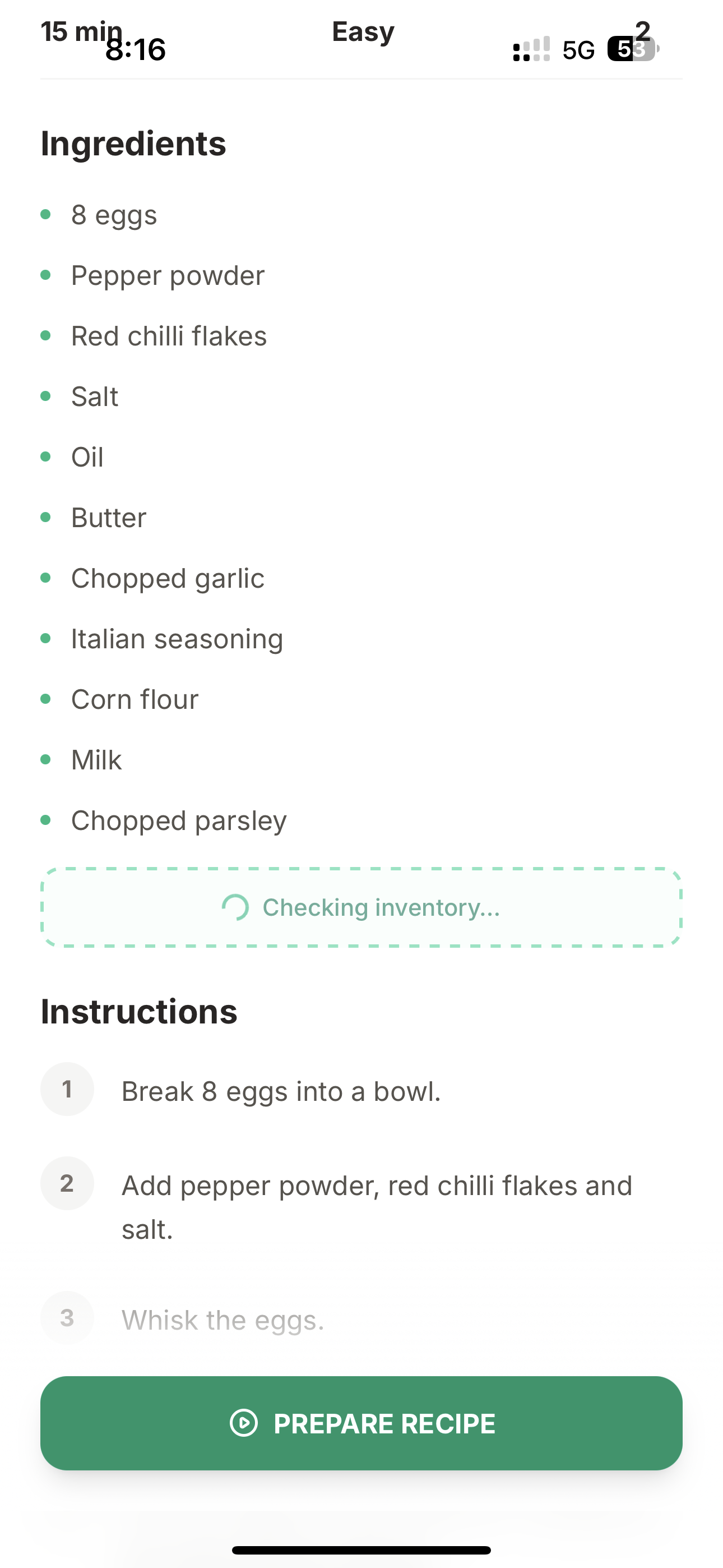
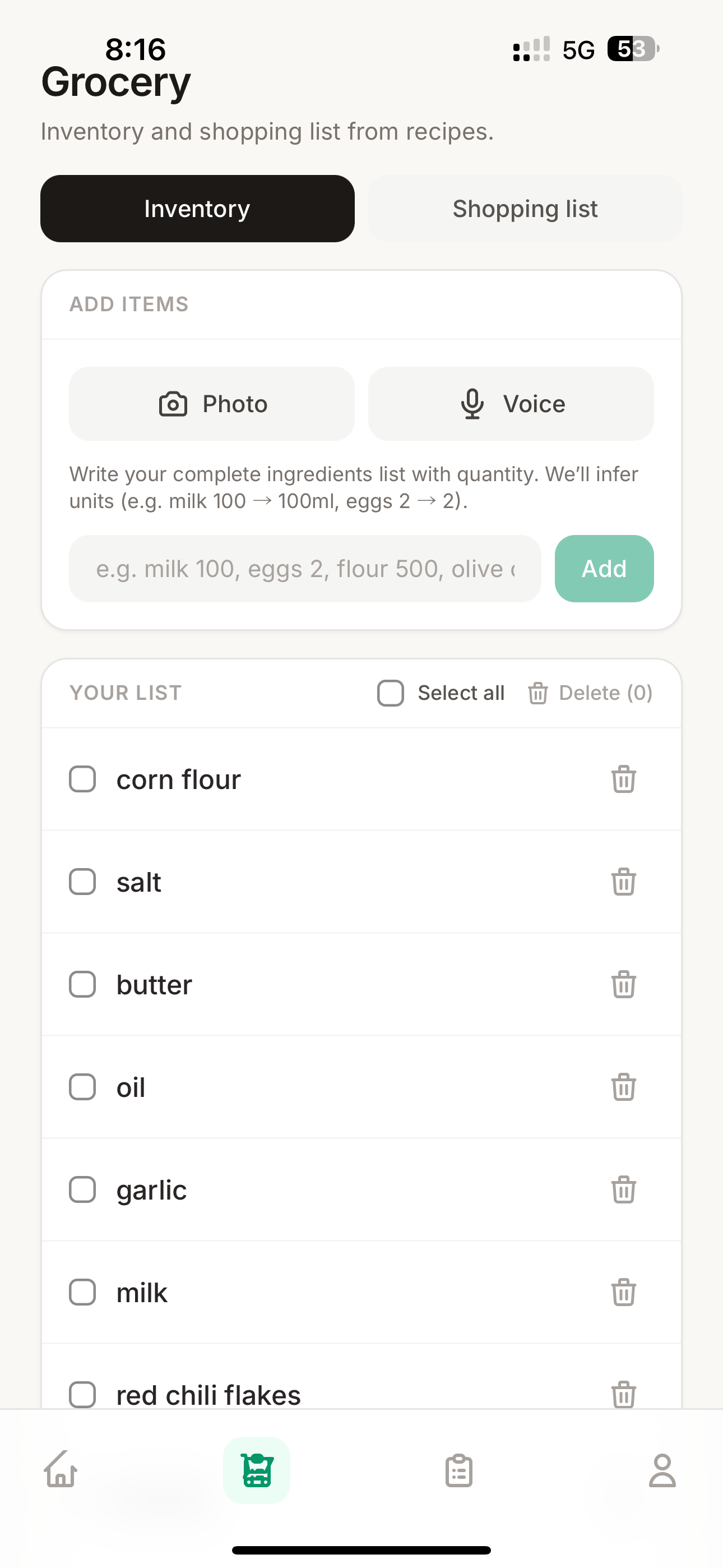
- Smart inventory — Add groceries by snapping a photo of a receipt, speaking a list, or typing. Gemini intelligently parses items with quantities and units. When you finish cooking, used ingredients are auto-deducted.
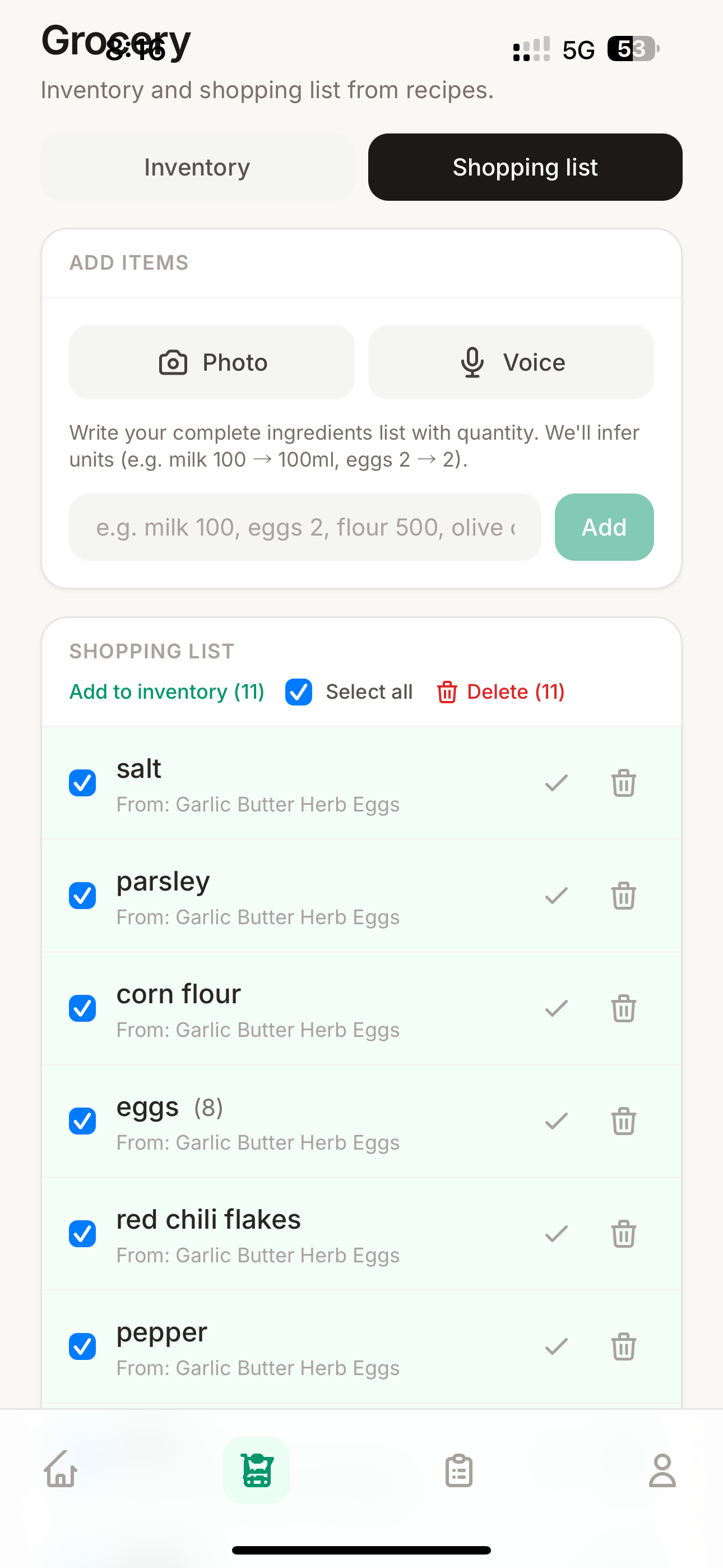
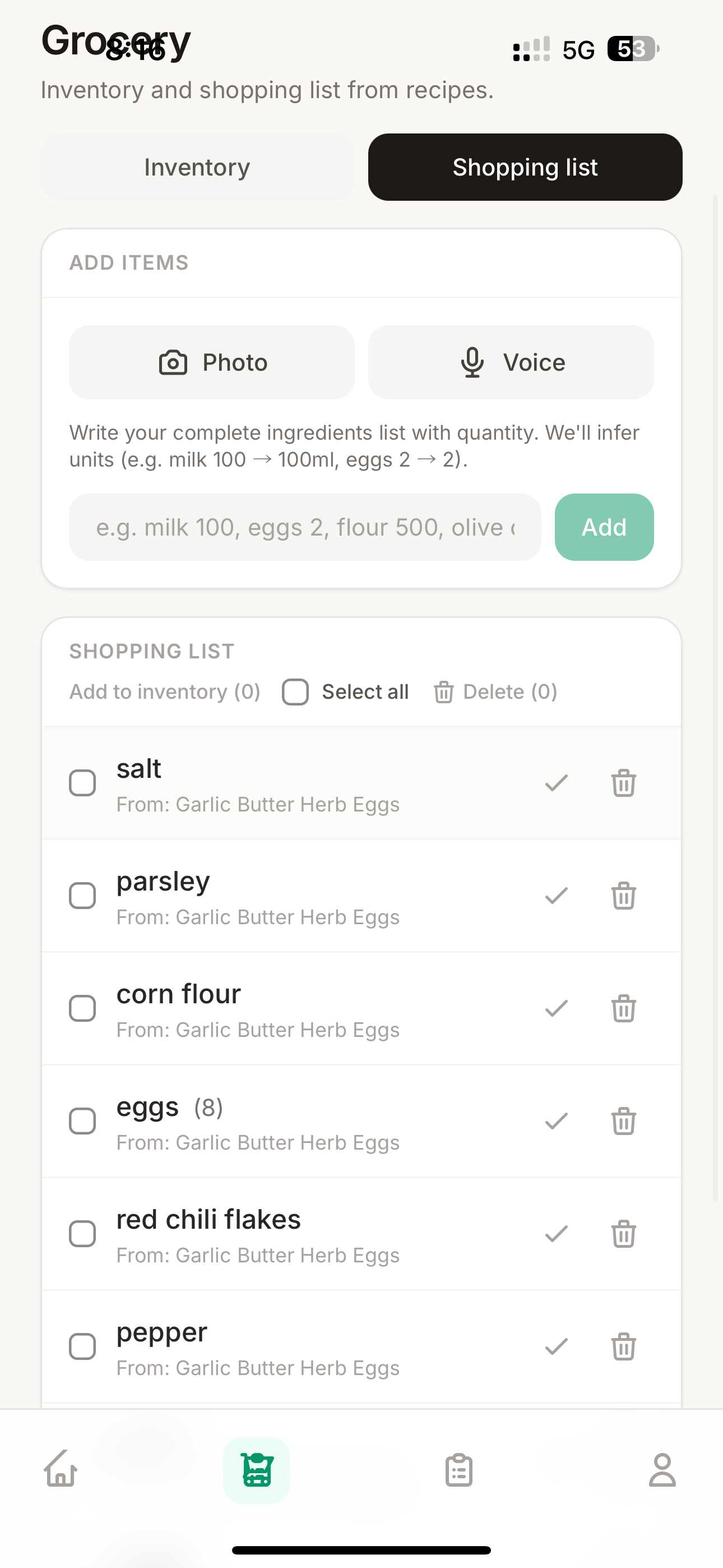
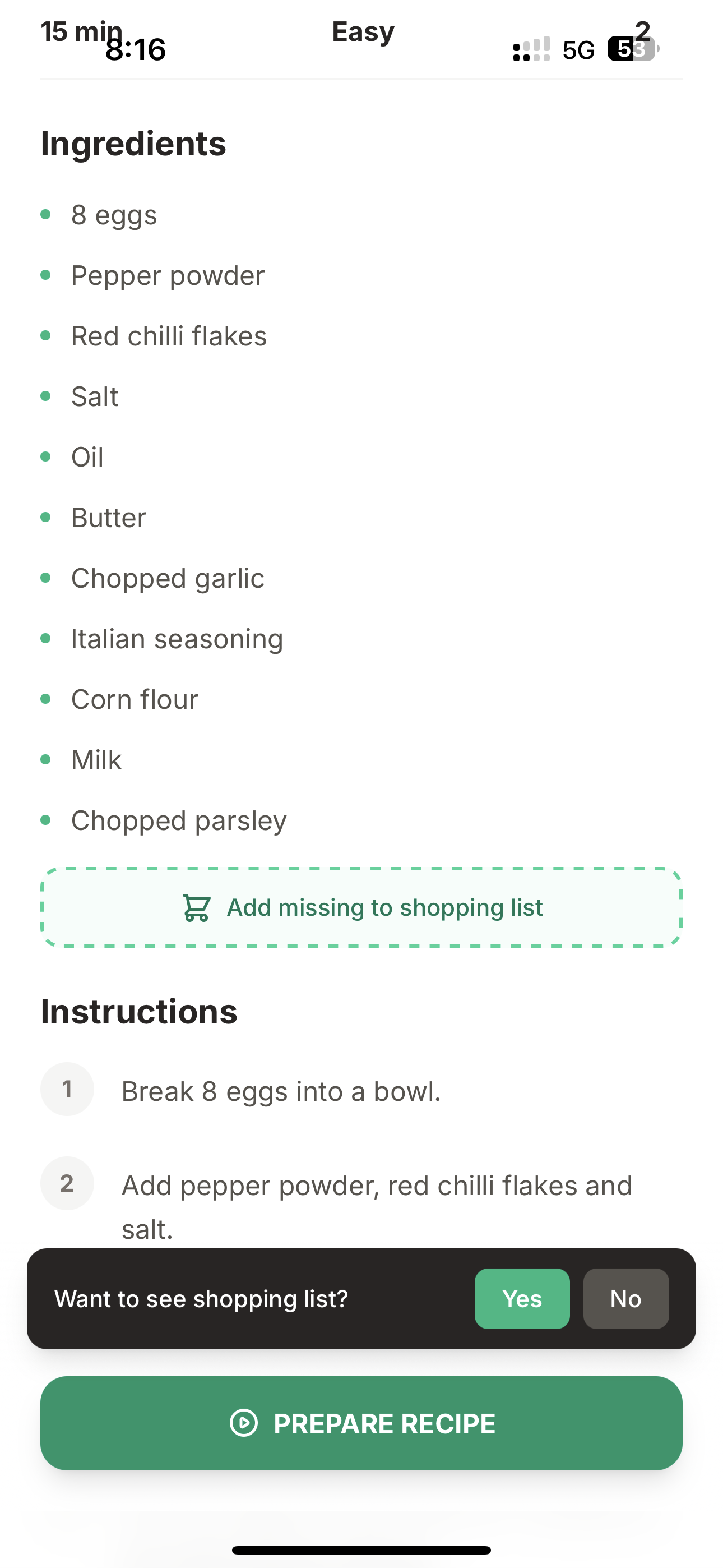
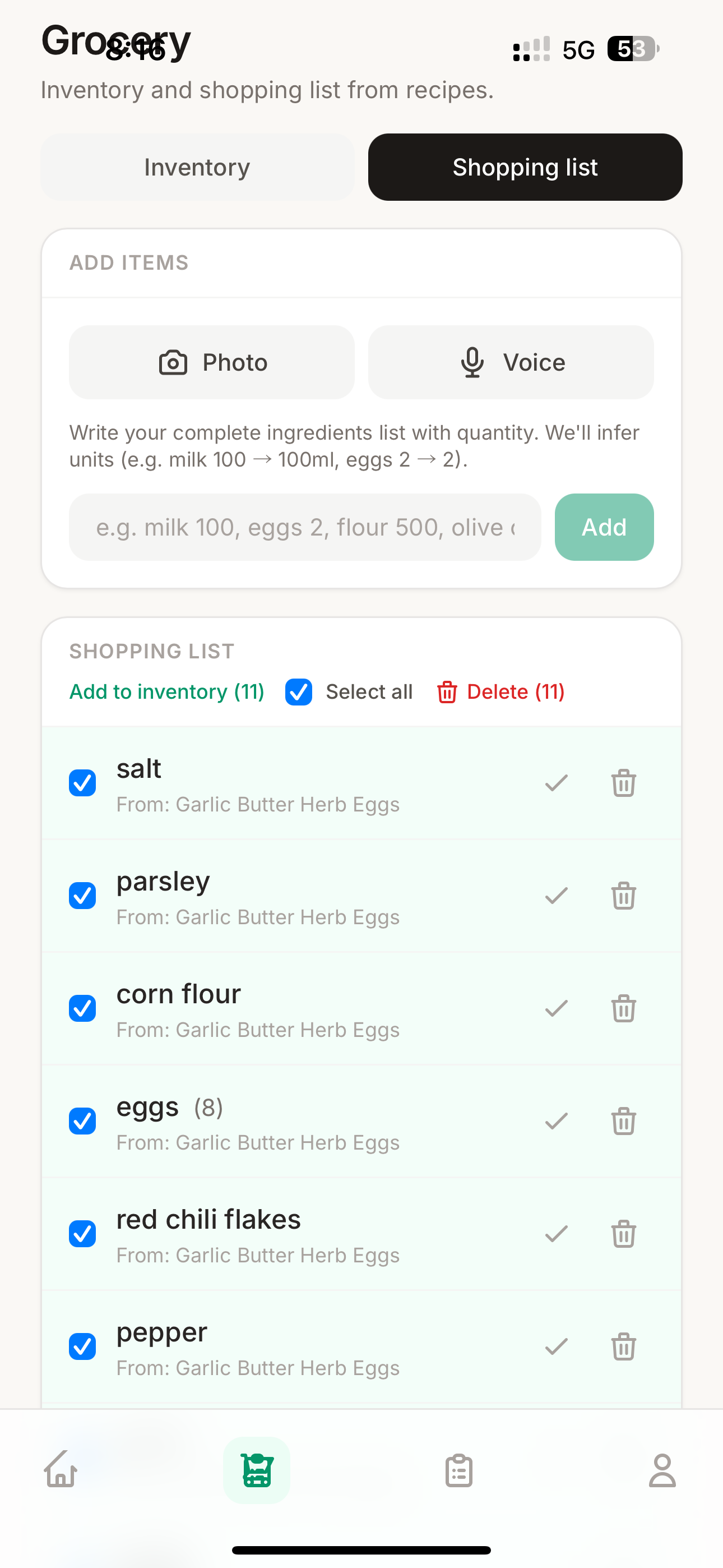
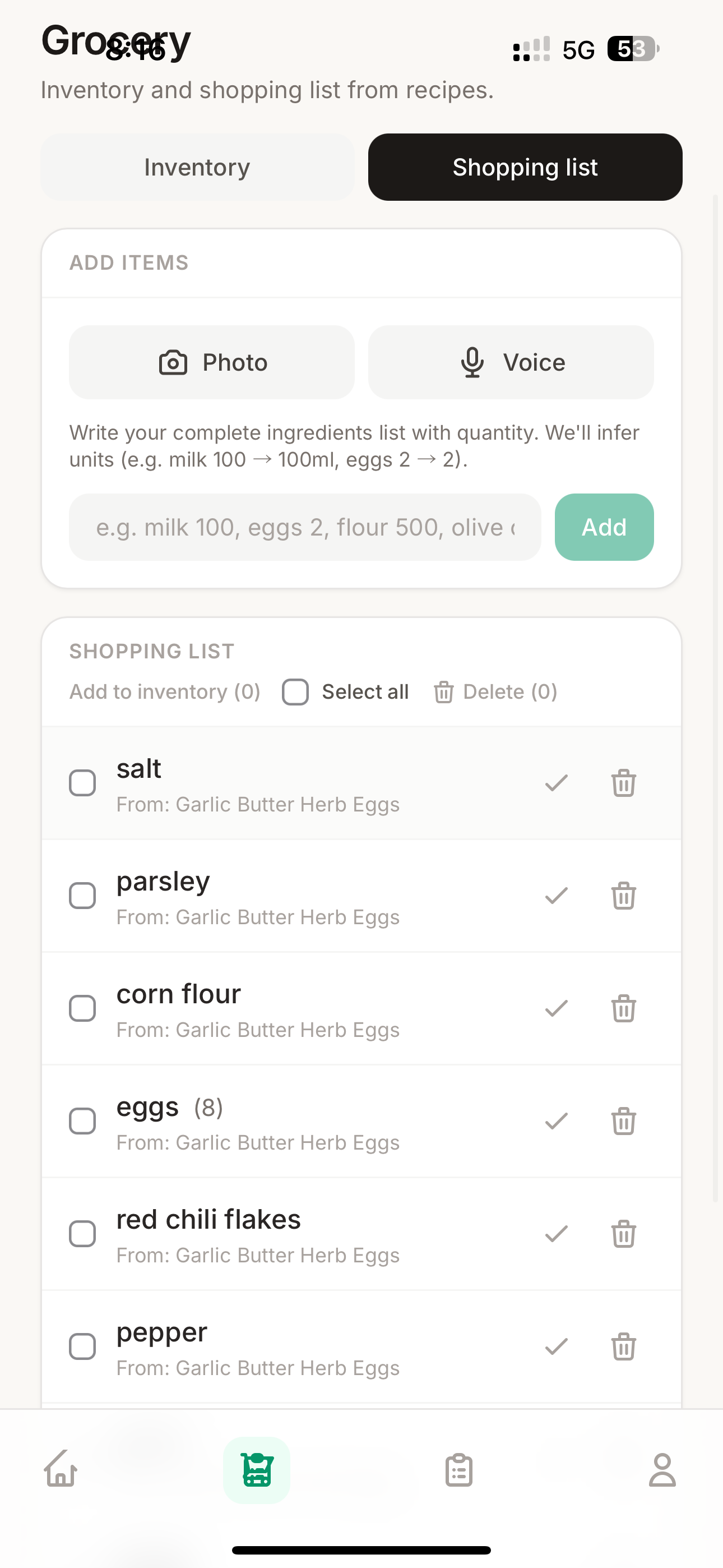
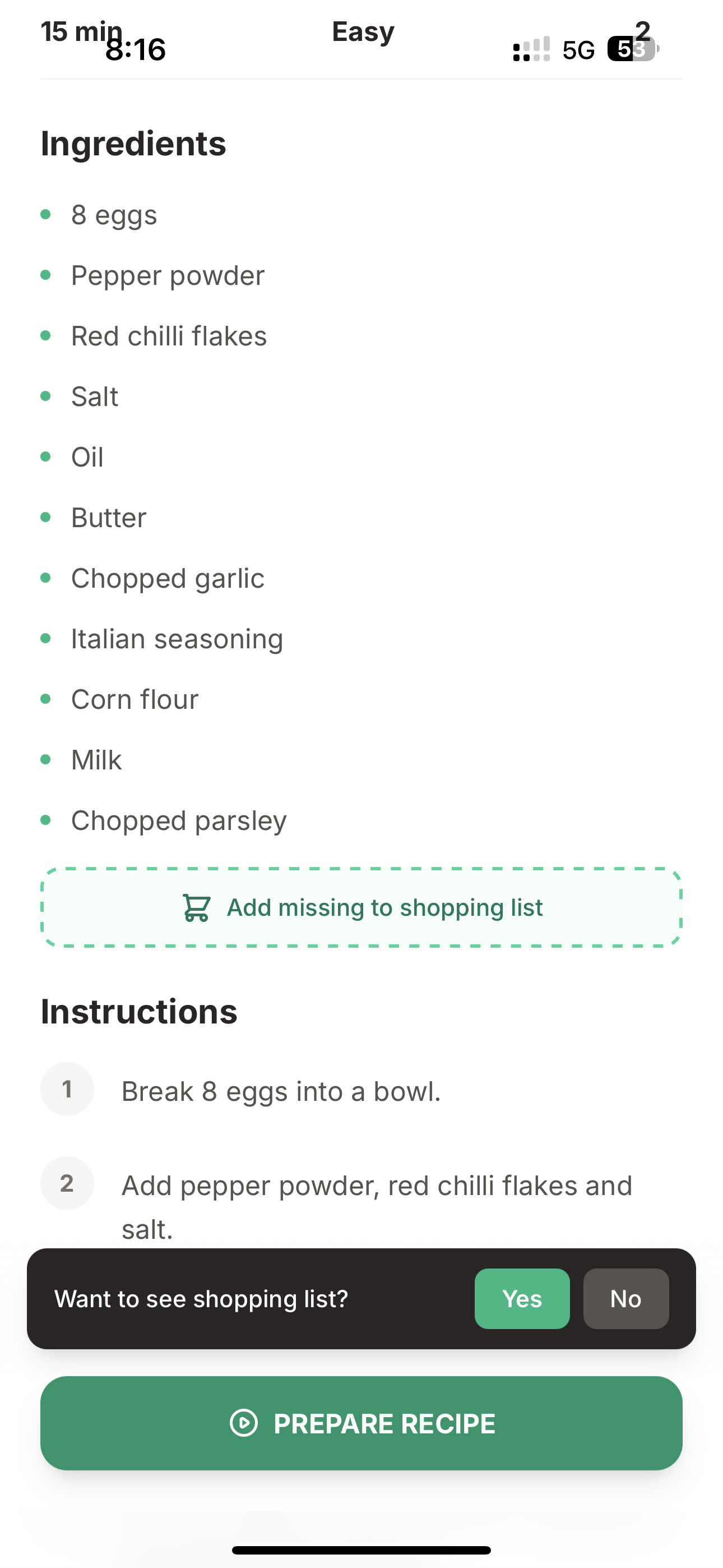
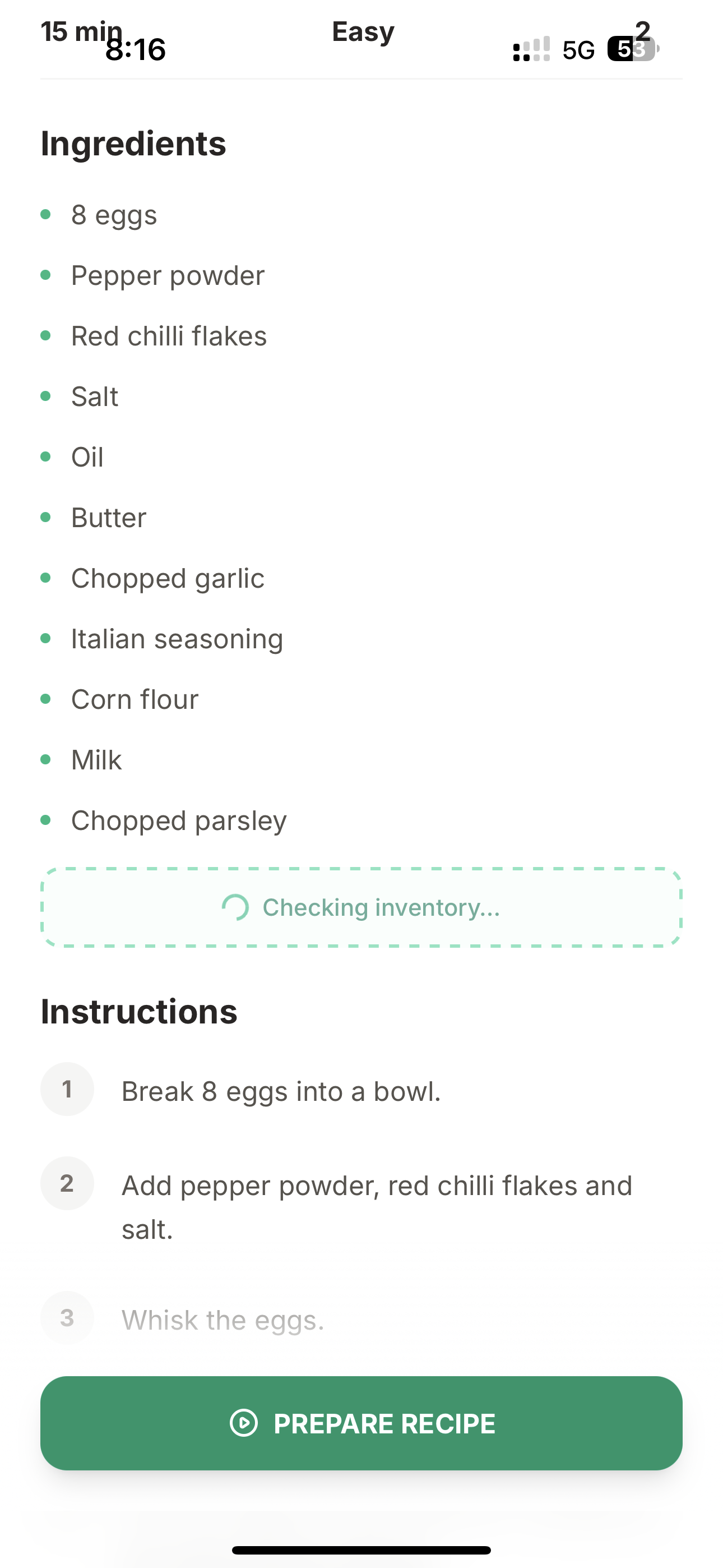
- Shopping list — Missing ingredients for a recipe? One tap adds them to your shopping list, tagged with which recipe needs them.
- Meal reminders — Push notifications at your preferred breakfast, lunch, and dinner times with personalized recipe suggestions based on what's actually in your pantry.
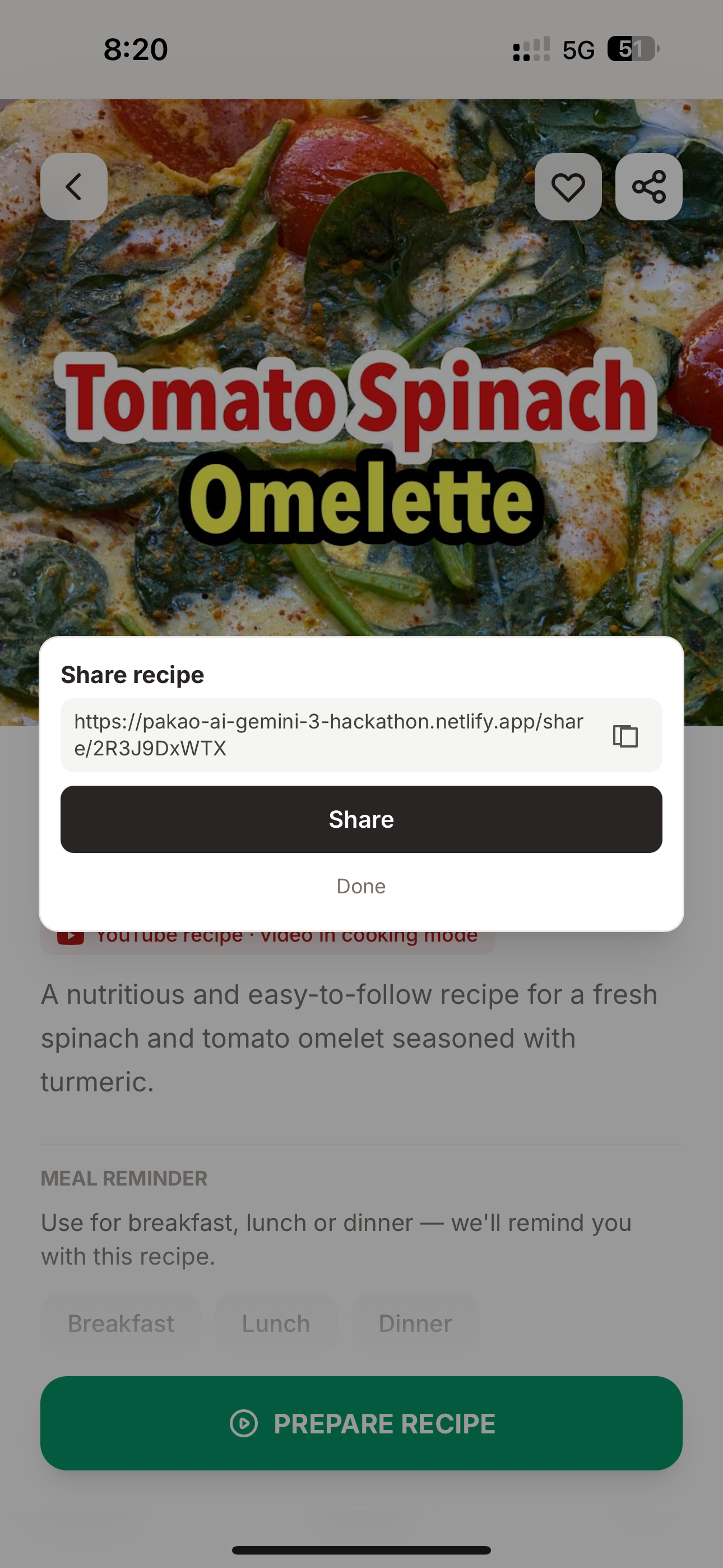
- Recipe sharing — Share any recipe via link. Recipients see a rich social media preview (Open Graph) and can save it to their own collection.
- 28 voice languages — Cook in English, Hindi, Marathi, Spanish, Japanese, Arabic, and 22 more. The AI responds in your chosen language.
- Installable PWA — Works on any device. Add to your home screen for a native app experience.
How we built it
Architecture
Pakao is a full-stack application with a clear separation between the client-side PWA and the server-side AI proxy.

Frontend — A React 19 Progressive Web App built with TypeScript and Vite. The UI is designed mobile-first for kitchen use: large tap targets, minimal text, voice-first interaction. Tailwind CSS handles responsive styling. Firebase SDK provides real-time data sync, authentication, and push notifications directly from the client.
Backend — A Python FastAPI server deployed on Google Cloud Run with min-instances: 1 for zero cold starts. It serves two critical roles:
- REST API proxy — All 7 Gemini REST endpoints are proxied through the backend so the API key never touches the client. Every request is authenticated via Firebase ID token verification.
- WebSocket proxy — The voice cooking mode requires a persistent bidirectional connection to Gemini Live API. The backend maintains this session, forwarding PCM audio frames between the browser and Gemini.
Database — Firebase Firestore stores all user data (recipes, inventory, shopping lists, preferences, settings) with security rules that enforce user isolation (auth.uid == userId).

Gemini Integration — 8 Distinct Touchpoints
Every AI capability in Pakao is powered by Gemini. We didn't use it as a simple chatbot wrapper — we leveraged structured output, vision, video understanding, real-time audio streaming, and tool calling.

REST API (7 endpoints) — Gemini 3 Flash:
| # | Endpoint | Gemini Capability | What It Does |
|---|---|---|---|
| 1 | /api/scan-ingredients |
Vision | Camera image → identified ingredient list |
| 2 | /api/parse-grocery-text |
Structured Output | Free-form text → [{name, quantity}] JSON |
| 3 | /api/parse-grocery-image |
Vision + Structured | Receipt/pantry photo → [{name, quantity}] JSON |
| 4 | /api/recipe-recommendations |
Structured Output | Ingredient list → 3 recipe suggestions |
| 5 | /api/generate-recipe |
Structured Output | Description + dietary constraints → full recipe JSON |
| 6 | /api/youtube-timestamps |
Video Understanding | YouTube URL (FileData) → timestamped transcript |
| 7 | /api/recipe-from-youtube |
Structured Output | Transcript + constraints → recipe with per-step timestamps |
Live API (1 WebSocket) — Gemini 2.5 Flash Native Audio:
| # | Endpoint | Gemini Capability | What It Does |
|---|---|---|---|
| 8 | /ws |
Audio Streaming + Tool Calling | Bidirectional voice cooking with 12 function tools, 28 languages |
All structured output endpoints use response_mime_type="application/json" with explicit JSON schemas to guarantee consistent, parseable responses.
Voice Cooking Mode — Deep Dive
This is the heart of Pakao and the most technically complex part of the system.

Audio pipeline:
- Browser captures microphone audio using Web Audio API with
AudioWorklet(fallback toScriptProcessorNode) - Audio is resampled from the browser's native sample rate to 16kHz
- Converted from Float32 to Int16 PCM
- Batched into 320-sample chunks (~20ms) and sent as binary WebSocket frames
Tool calling: Gemini Live API doesn't just respond with audio — it reasons about the user's intent and calls the appropriate tool before speaking. The session is configured with 12 tool declarations:
nextStep · previousStep · goToStep · startTimer · pauseTimer · resumeTimer · stopTimer · setTemperature · setAudioSource · setVideoPlayback · setVideoMute · finishRecipe
When a tool call arrives, the UI updates immediately (step counter advances, video seeks, timer starts) — before the audio response even finishes playing. This creates the feeling of instant responsiveness.
Context awareness: After every step change, the app sends updated context to Gemini with the current step's instruction, timestamp, and available ingredients. This means Gemini always knows exactly where you are in the recipe.
YouTube Video Understanding

This is a two-step pipeline:
- Video processing — We send the actual YouTube video to Gemini via
types.FileData. Gemini watches the video and produces a timestamped transcript with MM:SS markers for every segment. - Recipe extraction — The transcript is fed back to Gemini with instructions to build a structured recipe where each step references the exact timestamp from the video. The prompt explicitly requires: "Pick the segment where the chef actually does or introduces this action. Use the timestamp verbatim."
The result: when you're in cooking mode, saying "next step" not only advances the instruction — it seeks the YouTube player to the exact second where that step begins in the video.
Ingredient Scanner Flow

Camera capture → Gemini Vision identifies ingredients → second Gemini call recommends recipes → user picks one → full recipe generated → cooking mode.
Model Fallback Strategy

We implemented a 4-tier model fallback for all REST endpoints: gemini-3-flash-preview → gemini-2.5-flash-preview → gemini-2.0-flash → gemini-1.5-flash. If the primary model is unavailable, the system automatically tries the next one. Rate limit errors (429) are never retried with fallback — they're returned immediately to the client with a user-friendly message.
Deployment

- Netlify serves the static PWA via CDN and runs a cron function every 15 minutes for meal reminder push notifications.
- Google Cloud Run hosts the Python backend with
min-instances: 1— zero cold starts, critical for demo reliability. - Netlify proxy routes
/api/*,/ws, and/share/*to Cloud Run transparently.
Security

- Gemini API key lives only on the server. Never exposed to the client.
- Every API request requires a Firebase ID token (JWT), verified server-side with
firebase-admin. - Firestore rules enforce strict user isolation:
auth.uid == userId. - Shared recipes are publicly readable but only writable by authenticated users.
Challenges we ran into
Real-time audio streaming in the browser is hard. Getting a clean 16kHz PCM stream from the microphone, resampled from the browser's native sample rate, batched into 20ms chunks, and forwarded over WebSocket — while simultaneously playing back 24kHz audio from Gemini without echo or feedback — required careful audio engineering. We used AudioWorklet for low-latency capture with fallback to ScriptProcessorNode for browser compatibility, and echo cancellation + noise suppression to handle the noisy kitchen environment.
YouTube video-to-recipe timestamp alignment. Getting Gemini to produce timestamps that actually match the video content was the trickiest prompt engineering challenge. Early attempts would generate approximate timestamps that were off by 10-30 seconds. We solved this by processing the video through Gemini first to extract a faithful transcript with precise timestamps, then using a separate Gemini call to build the recipe from that transcript with explicit instructions to use timestamps verbatim.
Tool call latency vs. audio playback ordering. When Gemini decides to call a tool (like nextStep), the tool call arrives as JSON before the audio response. This is actually a feature — we update the UI immediately on tool call, so the step counter and video seek happen before Gemini finishes speaking. But it created race conditions where the audio response referenced a step that hadn't been synced yet. We resolved this by sending updated step context back to Gemini after every tool call execution.
Gemini 3 Flash Preview availability. As a preview model, gemini-3-flash-preview occasionally returned model-not-found errors during our development. The 4-tier fallback chain was born out of necessity — it gracefully degrades through 2.5-flash → 2.0-flash → 1.5-flash without the user ever knowing.
Rate limiting during hackathon crunch. With multiple team members testing simultaneously, we hit Gemini API rate limits frequently. We built detection for 429 status codes, "RESOURCE_EXHAUSTED" messages, and quota errors — and made the deliberate decision to never retry rate limits with fallback models (which would just hit the same quota), instead showing a user-friendly message.
Cross-browser audio compatibility. Safari on iOS handles Web Audio API differently from Chrome on Android. Microphone permissions, AudioWorklet support, and audio playback autoplay policies all required platform-specific handling. The AudioWorklet processor (mic-worklet.js) runs in a separate thread for low-latency capture, but not all browsers support it — hence the ScriptProcessorNode fallback.
Accomplishments that we're proud of
The voice cooking mode actually works — and it feels magical. When you say "next step" and the UI advances, the YouTube video seeks to the right timestamp, and Gemini speaks the instruction back to you — all in under 2 seconds with your hands covered in dough — that's the moment where it clicks. It's not a demo trick. It's a genuinely useful product.
8 distinct Gemini integrations, none of them gimmicky. Every Gemini call in Pakao solves a real problem: vision for ingredient recognition, video understanding for YouTube parsing, structured output for reliable recipe generation, and real-time audio + tool calling for the hands-free cooking experience. We used the right Gemini capability for each use case.
YouTube video syncing is seamless. The two-step pipeline (video understanding → recipe extraction with timestamps) produces step-by-step recipes where every instruction is linked to the exact second in the video. No manual tagging. No approximate guesses. Gemini watches the video and aligns it correctly.
The entire system is production-ready. This isn't a hackathon prototype with hardcoded responses. Firebase Auth with proper security rules. Server-side API key protection. Rate limit handling with user-friendly messages. Model fallback for reliability. Push notifications for meal reminders. OG meta tags for social sharing. PWA for mobile installation. It's a complete application.
28 voice languages out of the box. The system instruction dynamically adapts to the user's chosen language. You can cook in Hindi, Spanish, Marathi, Japanese, or any of 28 supported languages — and the AI responds naturally in that language, including understanding regional number words.
Automatic inventory management. Finishing a recipe isn't just a "well done" screen — Pakao subtracts the used ingredients from your inventory in Firestore. The next time you get a meal reminder, the suggestions already account for what you used.
What we learned
Gemini Live API is a game-changer for tool-based voice interfaces. The combination of real-time audio streaming with function calling opens up an entirely new UX paradigm. The AI doesn't just hear and respond — it reasons about which action to take and executes it through tools. This is fundamentally different from traditional voice assistants that match keywords to commands.
Structured output with JSON schemas makes AI reliable. Every REST endpoint uses response_mime_type="application/json" with explicit schemas. This transformed Gemini's output from "usually correct JSON" to "always parseable, always typed." For a production app, this is non-negotiable.
Video understanding through FileData is remarkably accurate. We expected Gemini to struggle with cooking videos (fast cuts, hands over food, multiple camera angles), but the timestamped transcripts it produces are surprisingly faithful. The key insight was to let Gemini first produce a raw transcript, then use a second pass to extract the recipe — separation of concerns works for AI too.
Prompt engineering for tool calling requires thinking about ordering. The system instruction for cooking mode explicitly tells Gemini: "Call the tool FIRST before speaking about the action." Without this, Gemini would sometimes narrate the step change before actually calling nextStep(), creating a disorienting UX where the audio and UI were out of sync.
PWA + WebSocket + Web Audio API is a powerful but fragile combination. Making these three browser APIs work together reliably across Chrome, Safari, and Firefox required extensive testing. The investment was worth it — the result is a native-feeling app that runs on any device with zero installation.
What's next for Pakao
Step memory. When you change an ingredient or technique during cooking (e.g., "I used oat milk instead of regular milk"), the AI will prompt you to save that as a "memory" for that step. Next time you make the recipe, it reminds you of your personal tweaks.
Curated recipe library. A collection of professionally tested recipes available on first login, so new users can jump straight into cooking mode without creating their own recipe first.
Instagram Reels and TikTok support. The same video understanding pipeline that works for YouTube can extract recipes from short-form cooking videos. Paste a Reel link, get a structured recipe.
Meal planning. Beyond individual reminders — a weekly meal planner that considers your inventory, dietary preferences, cooking history, and schedule to suggest a full week of meals with an auto-generated shopping list.
Community sharing. A social feed where users can share their recipes, rate others' creations, and discover trending dishes — all with the same one-tap-to-cook experience.
Smarter inventory. Track expiration dates, suggest recipes that use ingredients about to expire, and learn your purchasing patterns to predict when you'll run out of staples.
The Bottom Line
What makes Pakao special isn't just what it does — it's how intelligently it adapts to you.
It understands cooking videos at a temporal level, aligning each instruction with the exact moment it happens on screen. It watches out for your allergies and automatically swaps unsafe ingredients — even in video recipes. It speaks your language. It remembers what's in your kitchen. It updates your inventory as you cook and reminds you when it's time for the next meal. And when you create something great, you can share it instantly with friends.
Pakao doesn't just help you cook — it thinks ahead, personalizes every step, and turns cooking into a seamless, connected experience.
Tech Stack
| Layer | Technology |
|---|---|
| Frontend | React 19 · TypeScript · Vite · Tailwind CSS |
| Backend | Python FastAPI · Uvicorn · google-genai SDK |
| AI (REST) | Gemini 3 Flash Preview — structured output, vision, video understanding |
| AI (Voice) | Gemini 2.5 Flash Native Audio — real-time streaming + tool calling |
| Database | Firebase Firestore |
| Auth | Firebase Auth (email + anonymous) |
| Storage | Firebase Storage |
| Push | Firebase Cloud Messaging |
| Audio | Web Audio API · AudioWorklet · 16kHz/24kHz PCM |
| Frontend Host | Netlify (CDN + cron functions) |
| Backend Host | Google Cloud Run (zero cold starts) |
| PWA | Workbox · Service Workers |
**[Try Pakao Live](https://pakao-ai-gemini-3-hackathon.netlify.app)** · **[GitHub](https://github.com/iShelar/cooking-ai)**
Built With
- cloud-run
- cloud-storage
- custom-temporal-cooking-state-engine
- fastapi
- fcm)
- firebase-(auth
- firebase-admin
- firestore
- firestore-auth
- firestore-fcm
- gemini-2.5-live
- gemini-3
- gemini-3-flash
- google-genai
- netlify-(frontend)
- node.js/fastapi-backend
- postgresql
- pyjwt
- python
- react-19
- react-native-mobile-app
- real-time-voice-agent
- redis
- speech)
- tailwind-css-(cdn)
- typescript
- uvicorn
- vector-database
- vision
- vite
- vite-plugin-pwa
- websockets
Log in or sign up for Devpost to join the conversation.