-
-
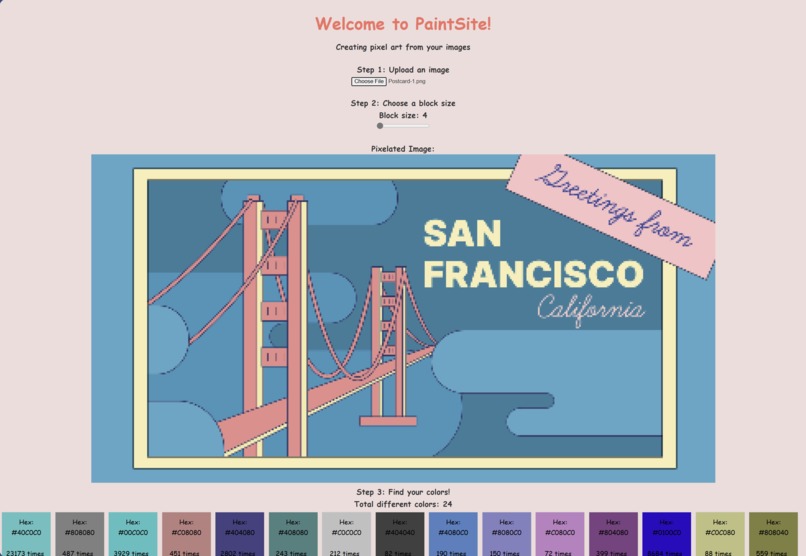
First, an image is uploaded
-
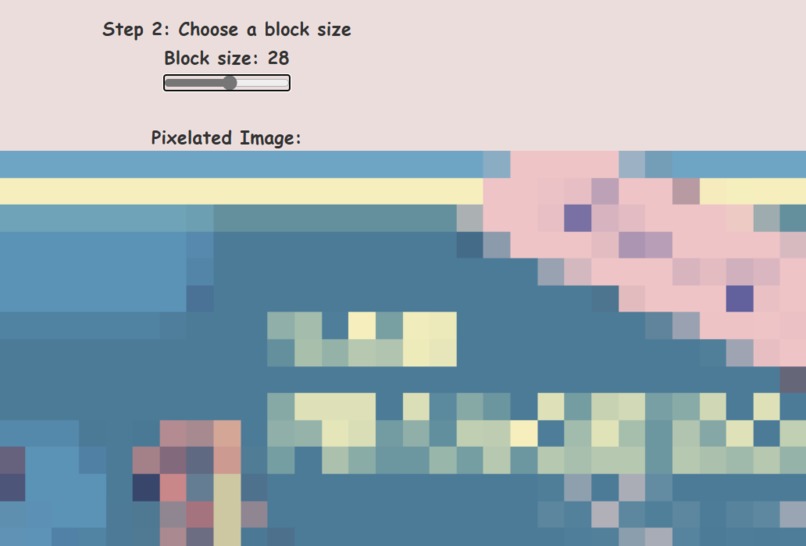
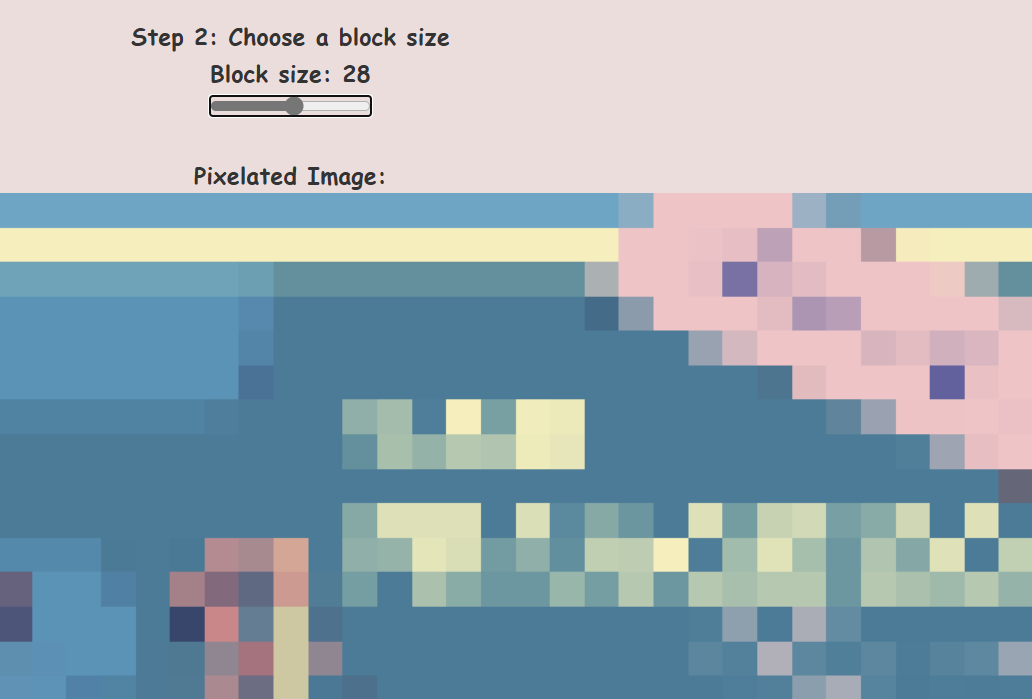
Adjust to your level of pixelation
-
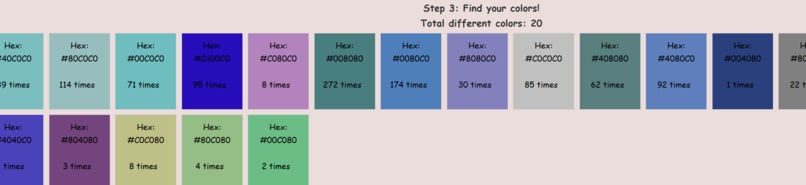
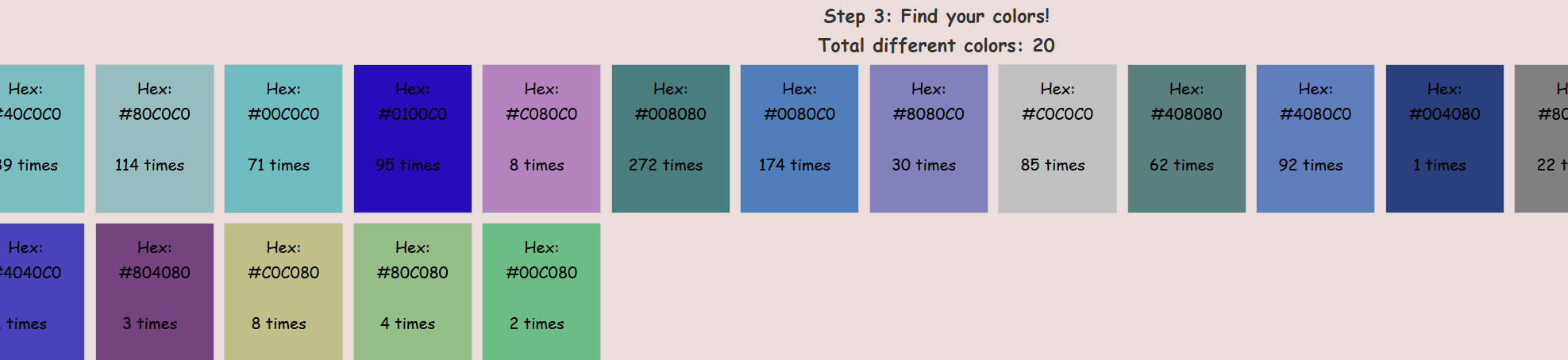
View all the colors you need
Inspiration
I was searching the other day for cool art to put in my new apartment instead of just posters. I stumbled across an artist Nick Smith who uses Pantone color swatches to recreate famous paintings but pixelated. Color swatches are often found at home-improvement stores and are free, but I wanted to know if there was a way for everyday people, not just artists, to create their own pixel art.
What it does
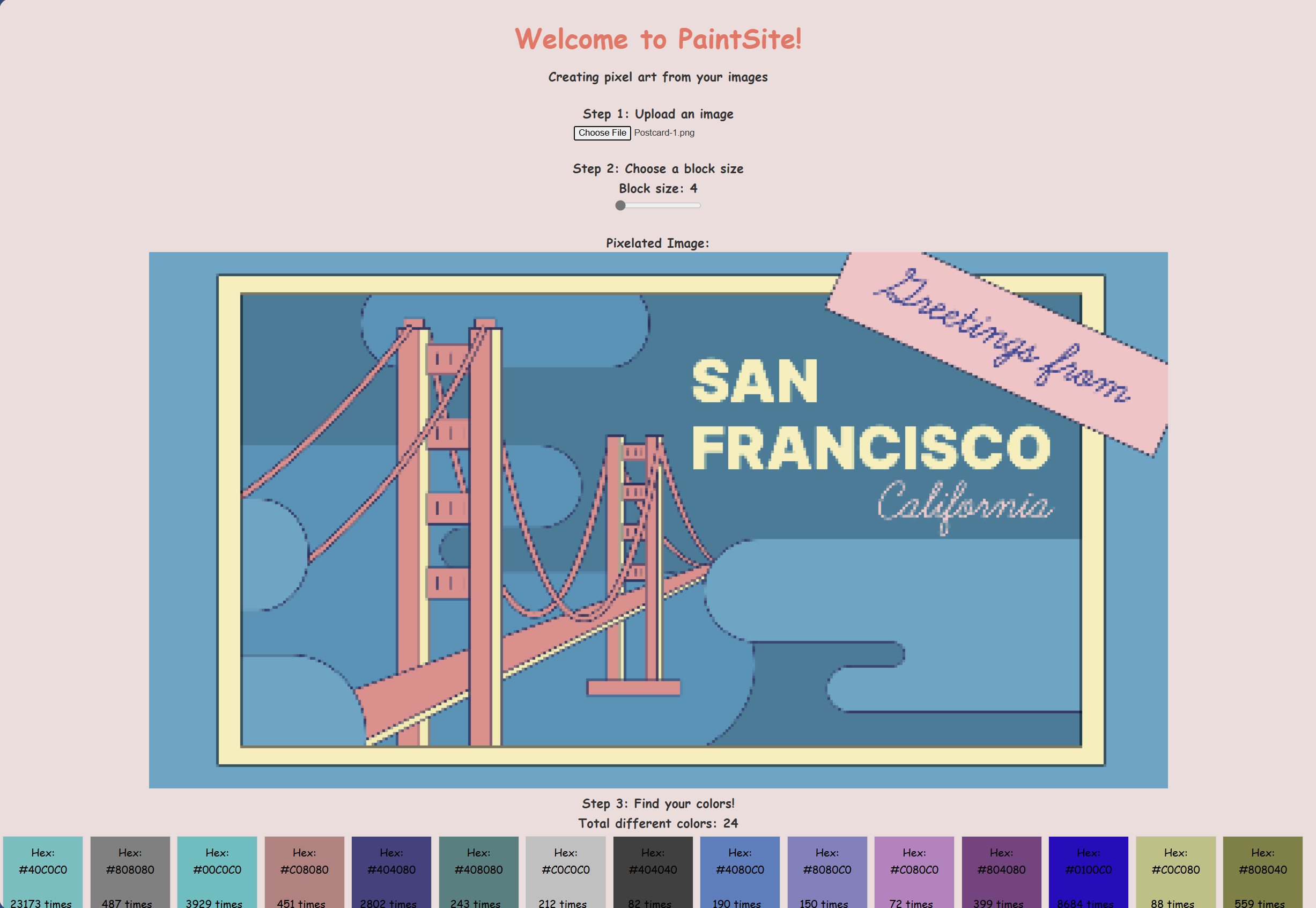
So far, the website allows users upload an image of their choosing, and turn the image into larger and larger pixels. The website will generate the similar colors of the pixels that are being loaded and also load the hex code.
How we built it
I built this website on
Challenges we ran into
The biggest challenge was figuring out how to scrape the data from a library or a website. It took me a long time, and I went to ask the mentors for help in filtering out the data from a website. Eventually, I discovered there were pre-built libraries that were easier to scrape the data from than the website I had originally intended on sourcing.
Accomplishments that we're proud of
I'm just proud that the website has a skeleton that can run the main feature. I'm also proud of myself for learning something new - scraping data.
What we learned
I learned about scraping data, which I had never done before. It's much more complicated than I had originally thought, but very rewarding seeing the data appear in the JSON file.
What's next for Painting Physical Pixels
While it's not perfect, it's the start of a project idea I had for a while. I would like to continue with this project by fixing bugs when finding that similar colors are all correct and have proper names from the database. I'd like to be able for users to hover over the image to specify a hex code or have the website highlight a similar color that a user is hovering over in the image. There's a lot of different ways that this can go.
Built With
- css
- javascript
- json
- py
- tsx

Log in or sign up for Devpost to join the conversation.