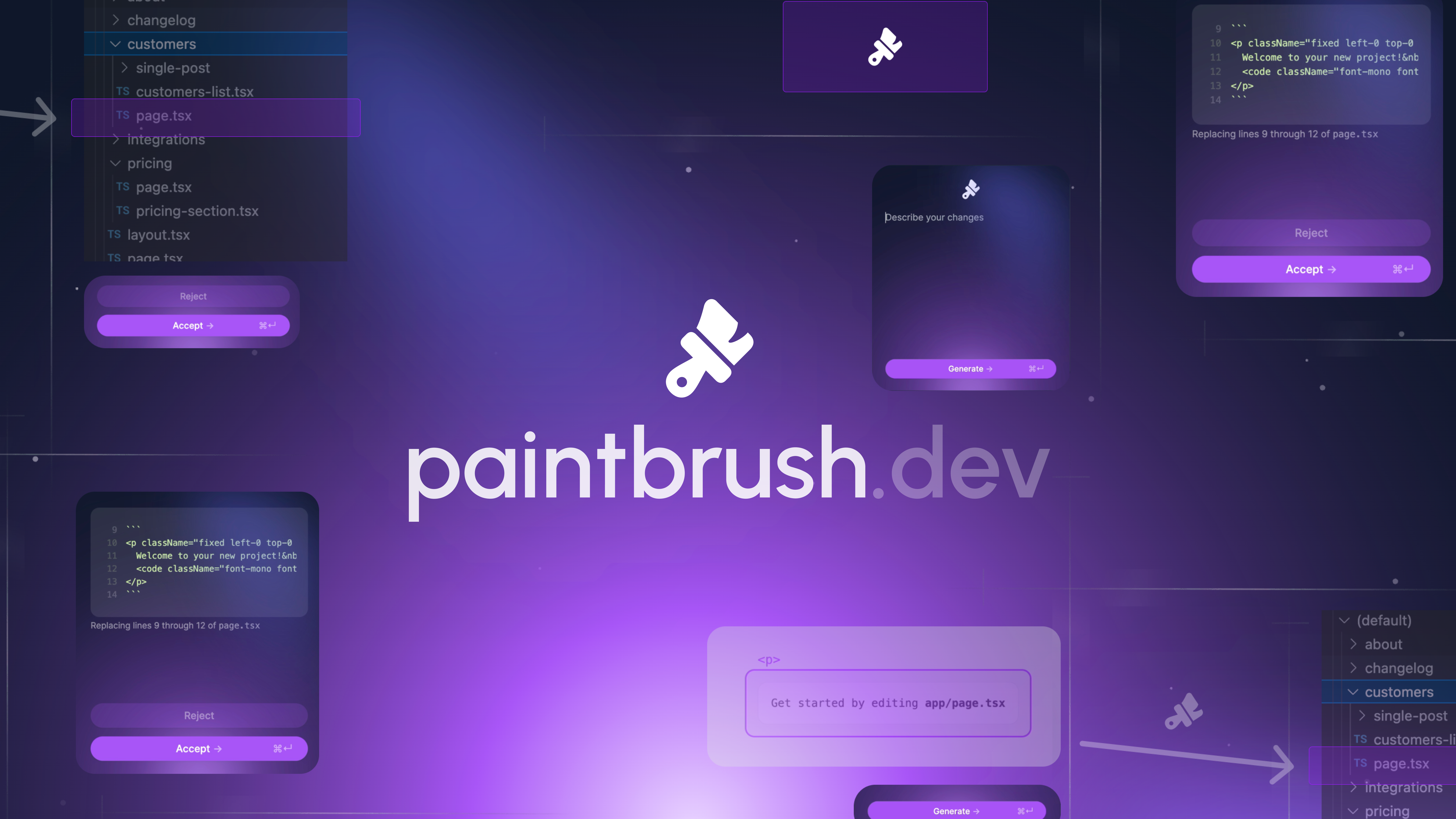
🎨 Paintbrush - Your visual AI agent for web dev
Inspiration
React's learning curve can be steep, a labyrinth of logic and syntax. But it doesn't have to be that way. Paintbrush transforms this complexity into clarity. It's the bridge connecting creative design to technical execution, ideal for those who envision in color and shape rather than lines of code. No more deciphering tangled code—Paintbrush illuminates the path from concept to creation.
What it does
Paintbrush lets everyone edit React apps visually. Just point, click, and type.
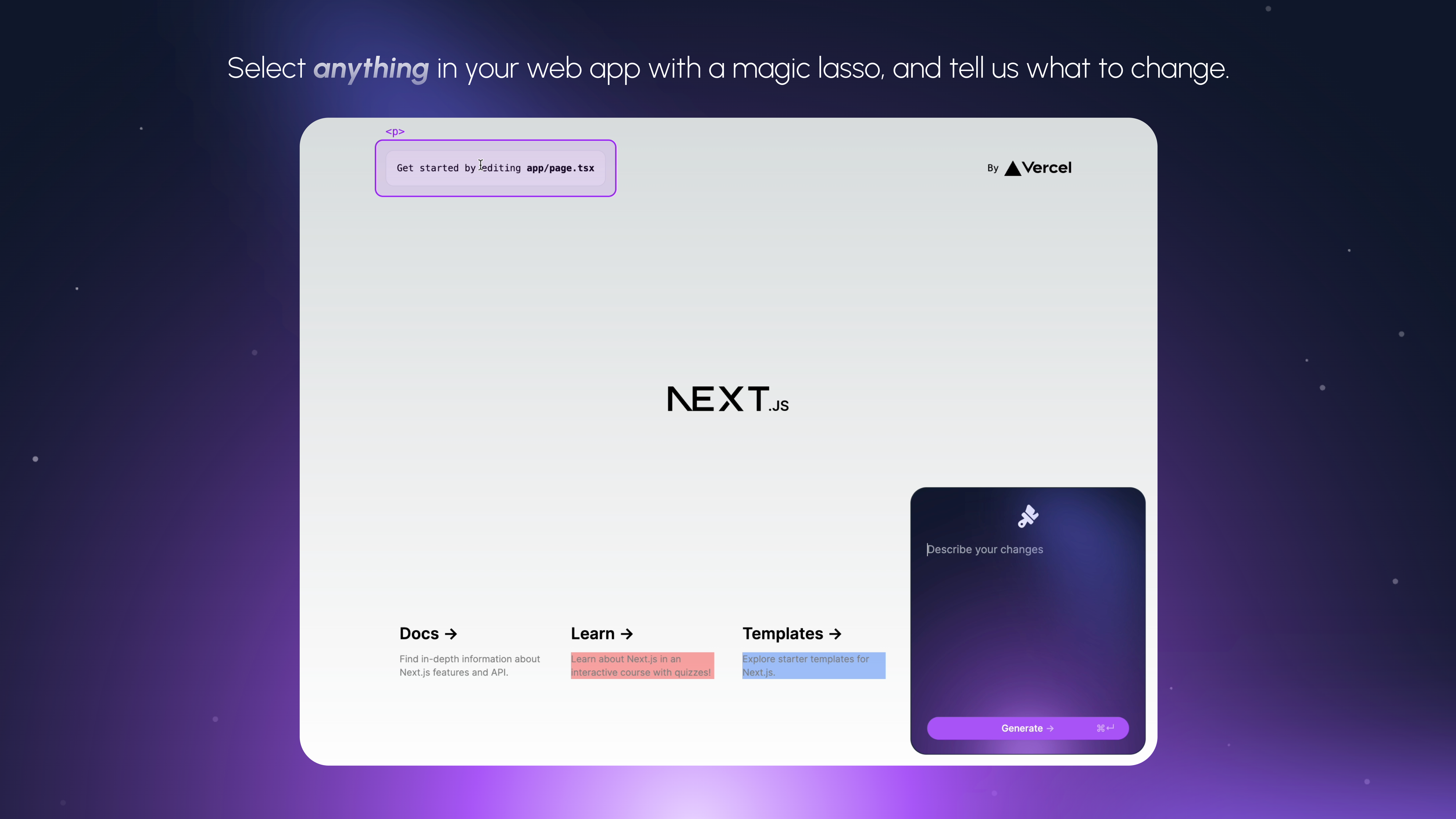
Let's say you have a complex React app with multiple pages and components. First, embed Paintbrush in your project by applying a simple wrapper to your root component (it's only 2 lines). Now, when you run locally via npm run dev, an AI assistant appears in the corner. When it's disabled, your app works as usual. But when you summon your AI assistant by typing CMD+I, a magic lasso appears to let you select any visual element on your page.
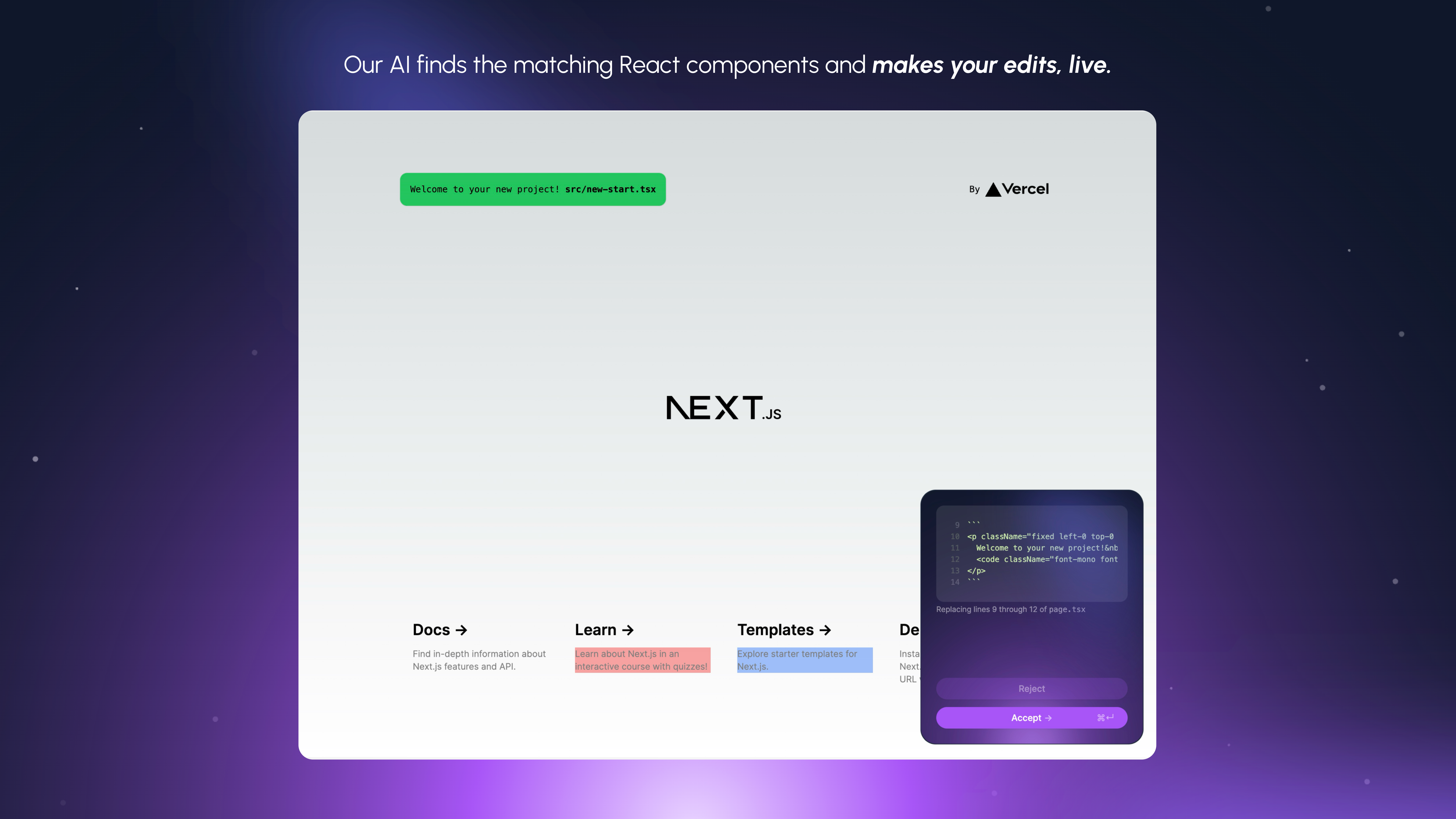
Edit the element by describing the changes you want to make in natural language. Our AI agent will find the lines of your React source code that compiled to the element you've selected and edit them (along with neighboring regions if needed). You can see its suggestions stream live into your browser, and thanks to hot reloading, they're previewed instantly in your app. All you need to do is click accept.
How we built it
We built Paintbrush by integrating cutting-edge AI and natural language processing technologies into a user-friendly interface. Our development process involved creating a wrapper that can be easily applied to any React app, allowing the AI assistant to interact with the codebase. We focused on developing an intuitive UI that enables users to select and edit elements visually, while the backend AI engine interprets natural language commands and makes the necessary code changes.
Challenges we ran into
One of the main challenges we faced was ensuring the AI's ability to accurately interpret and execute a wide range of user commands. Instead of fine-tuning, we had to refine our prompting strategies, employing chain-of-thought reasoning and careful prompt engineering to improve the AI's understanding of user intents. Additionally, maintaining the balance between the AI's autonomy and the user's control was a complex task. We also encountered technical hurdles in implementing hot reloading and real-time code preview features, which were essential for providing immediate feedback to users.
Accomplishments that we're proud of
We've learned how to design an AI agent that acts as a supportive co-pilot, assisting developers without overshadowing their creativity. This balance is crucial for making an AI tool that is both useful and respectful of the user's intentions.
What we learned
Prompt Engineering: We've explored various prompt engineering techniques to ensure that our AI can understand and execute natural language commands accurately. This has been a key aspect of making Paintbrush intuitive and user-friendly.
Web Development Fundamentals: We've deepened our understanding of essential web development concepts, such as hot reloading. This feature allows for instant feedback during the development process, making it easier for users to interact with Paintbrush seamlessly.
Context Management for Multi-File AI Coding Agents: We've learned the importance of managing context in multi-file AI coding agents. By carefully parsing the file tree, Paintbrush can maintain a clear understanding of the project structure, enabling it to make precise and contextually appropriate modifications to the code.
What's next for Paintbrush
In the coming months, our primary focus will be on maintaining and refining Paintbrush to ensure it continues to meet the needs of developers. We plan to regularly update the tool with new features and improvements based on user feedback. Our goal is to make Paintbrush an indispensable part of the web development toolkit.
To make Paintbrush more accessible, we are working on packaging it as an npm package. This will allow developers to easily integrate Paintbrush into their projects with just a few commands. We believe this will significantly lower the barrier to entry and encourage more developers to try out this innovative tool.
We are also planning to test Paintbrush with a wider developer audience. By exposing the tool to a diverse range of users and projects, we hope to gather valuable insights into its performance and usability in different contexts. This will help us fine-tune Paintbrush to better serve the needs of the web development community.
Built With
- javascript
- next.js
- openai
- python
- recact
- tailwind


