-
-
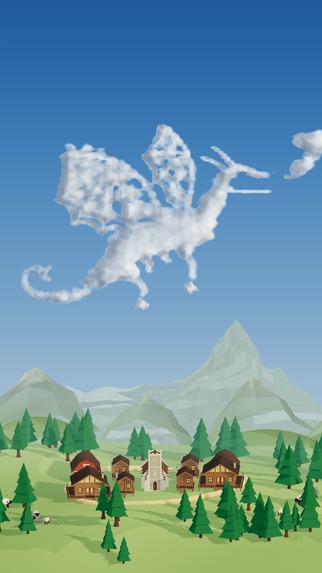
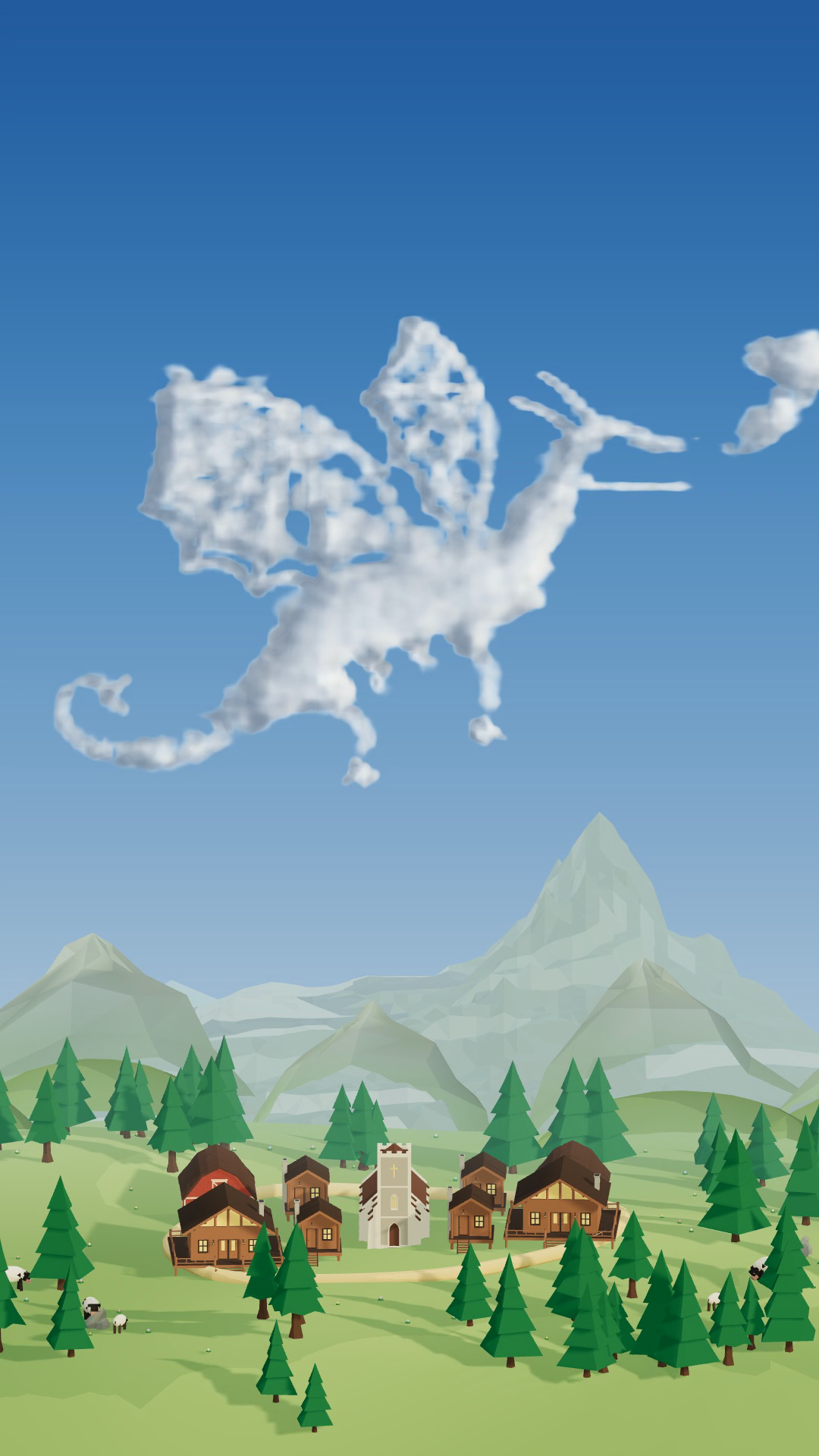
A dragon painted with Paint Clouds brushes in the browser studio.
-
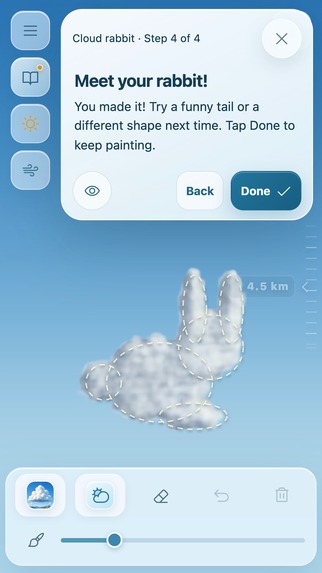
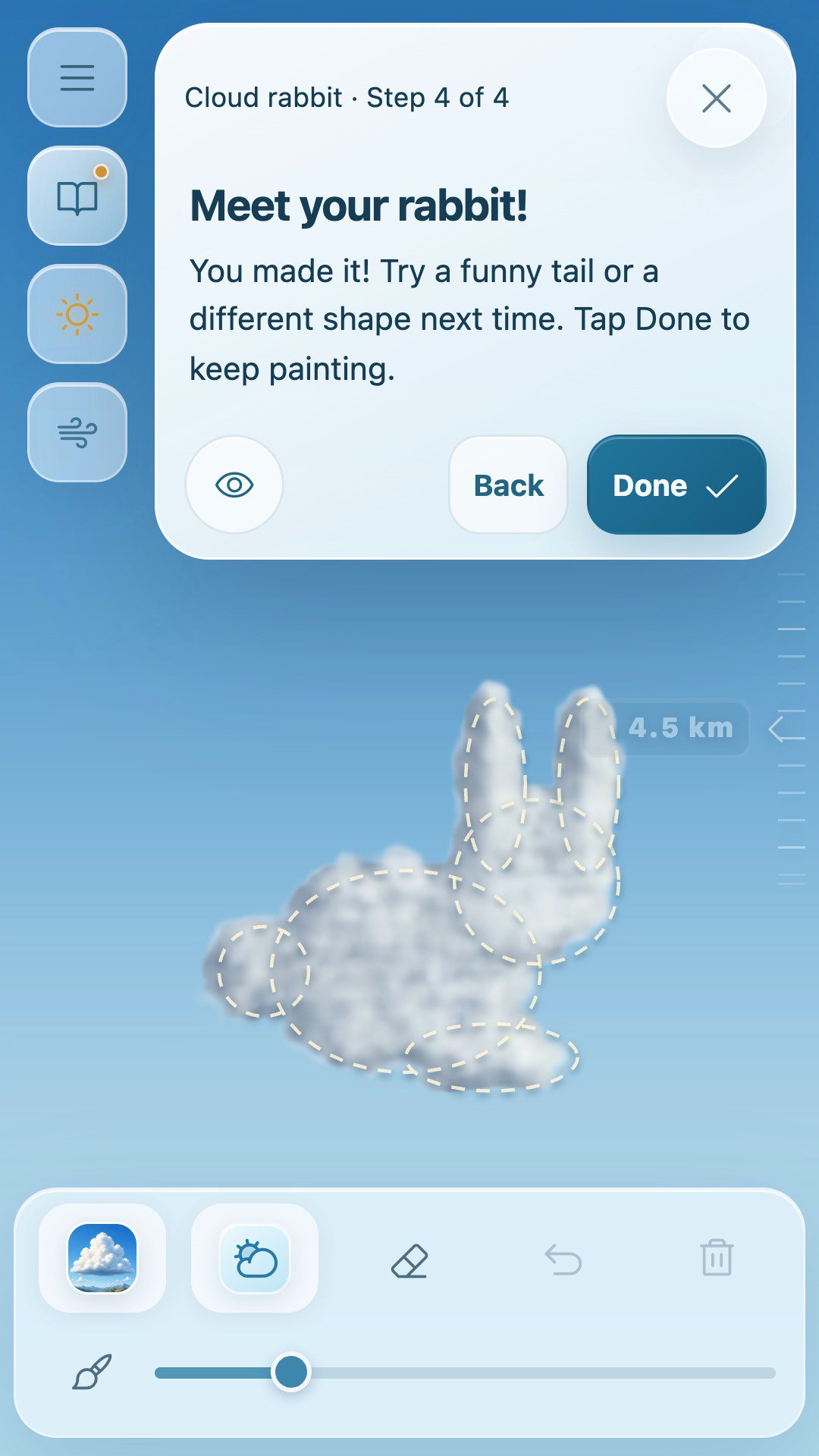
Cloud rabbit: follow the outline one step at a time.
-
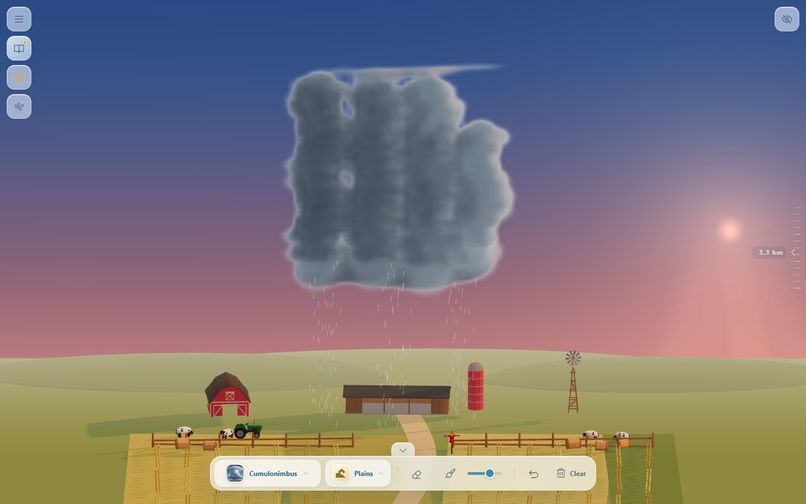
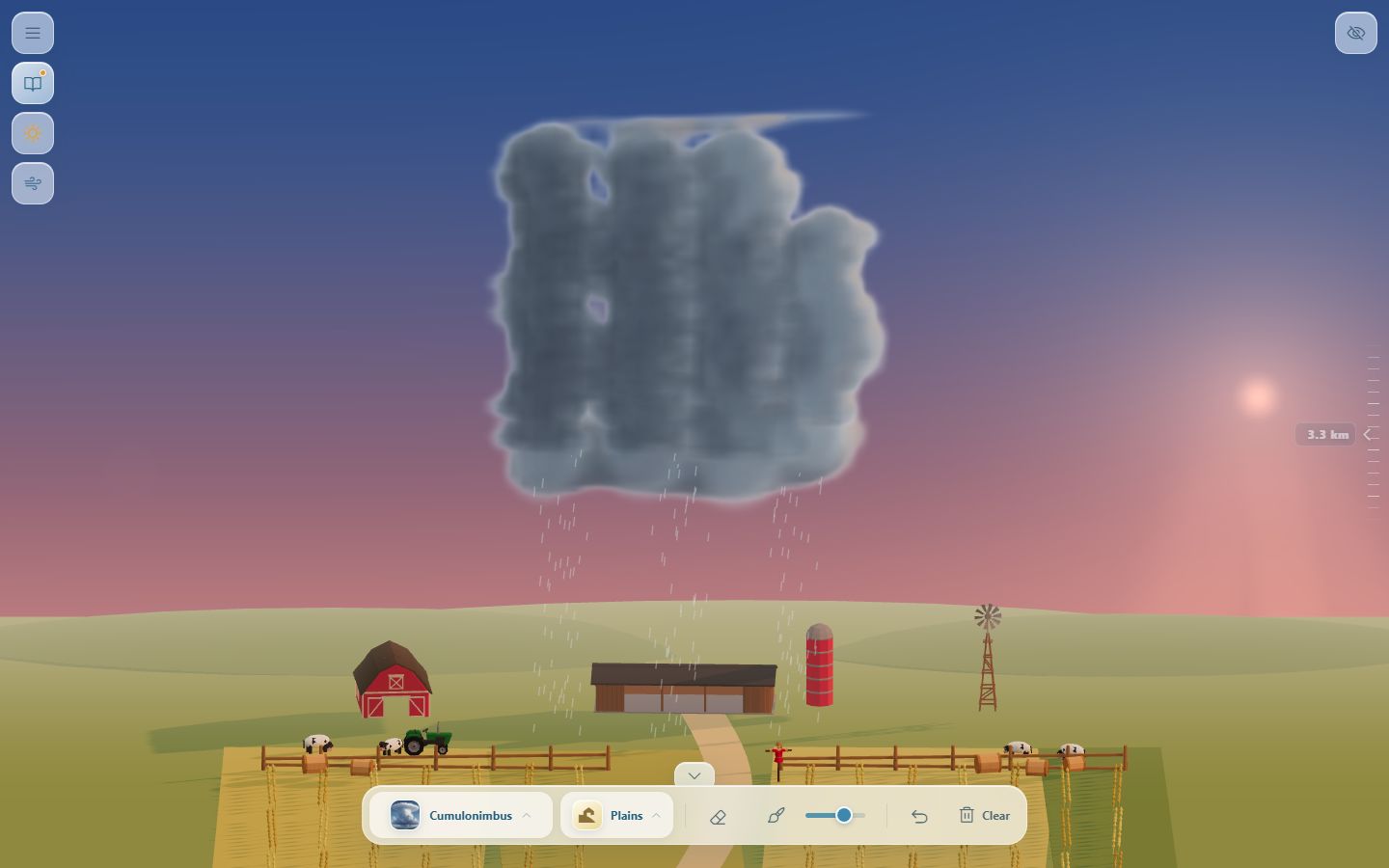
Storm clouds and rain above the Great Plains.
-
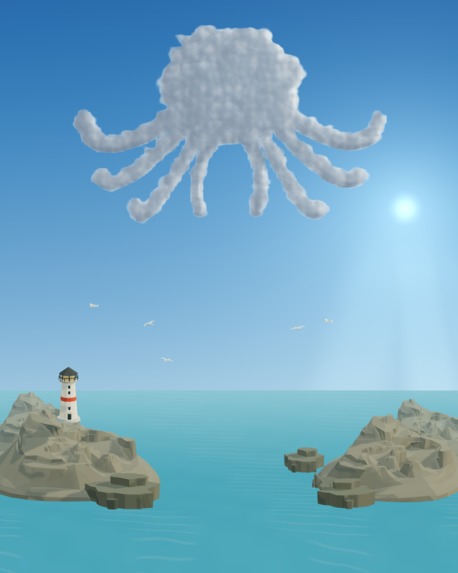
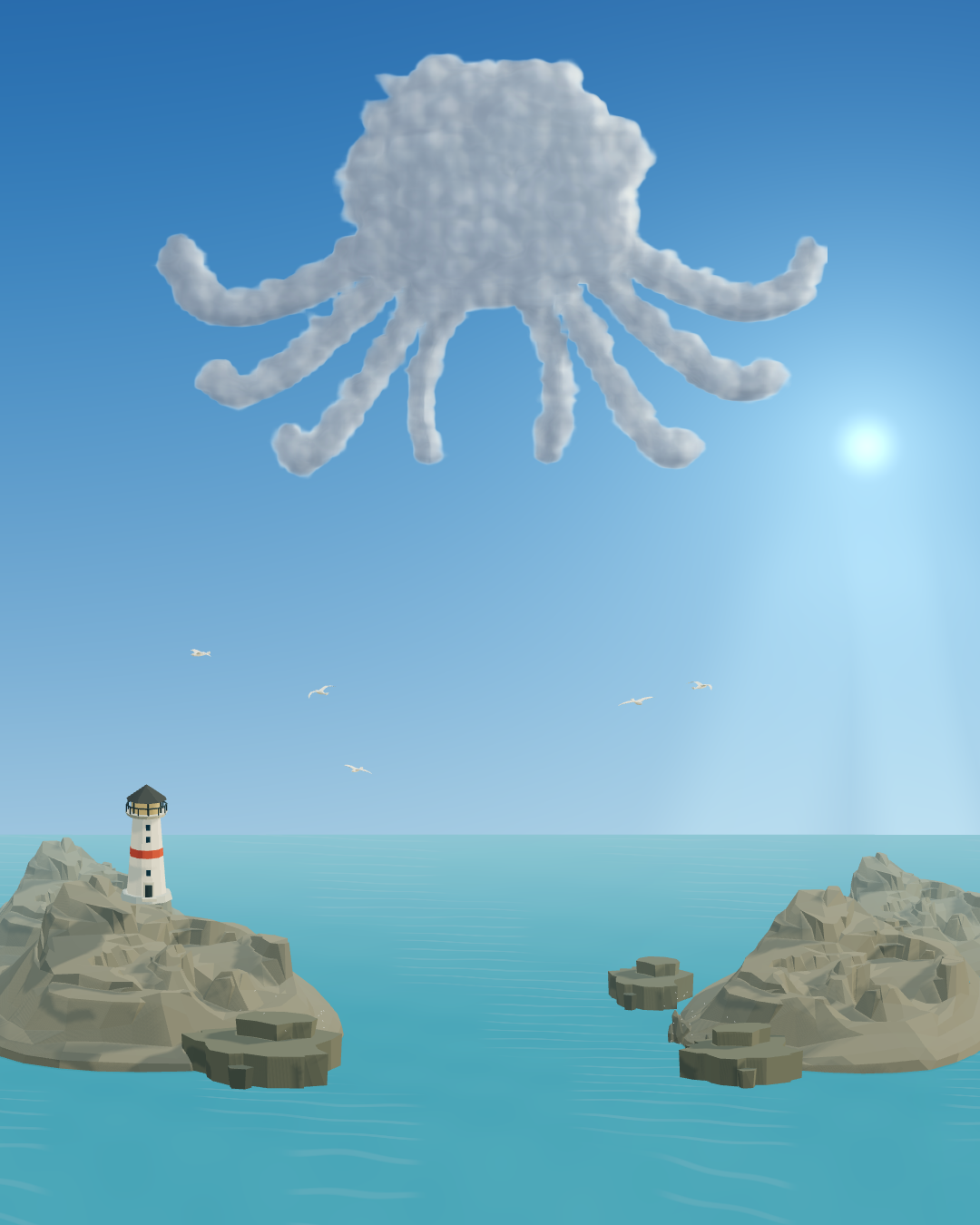
A playful octopus painted with cloud brushes.
-
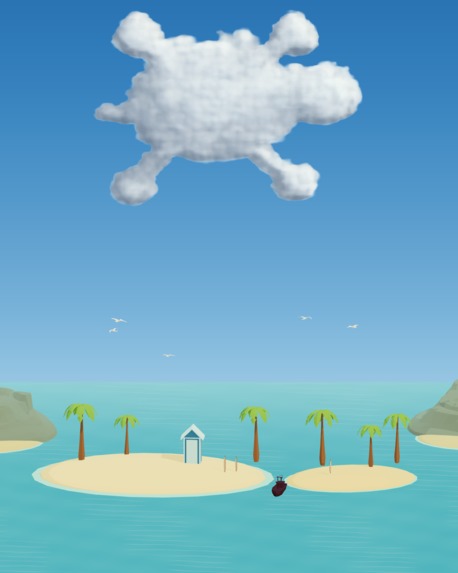
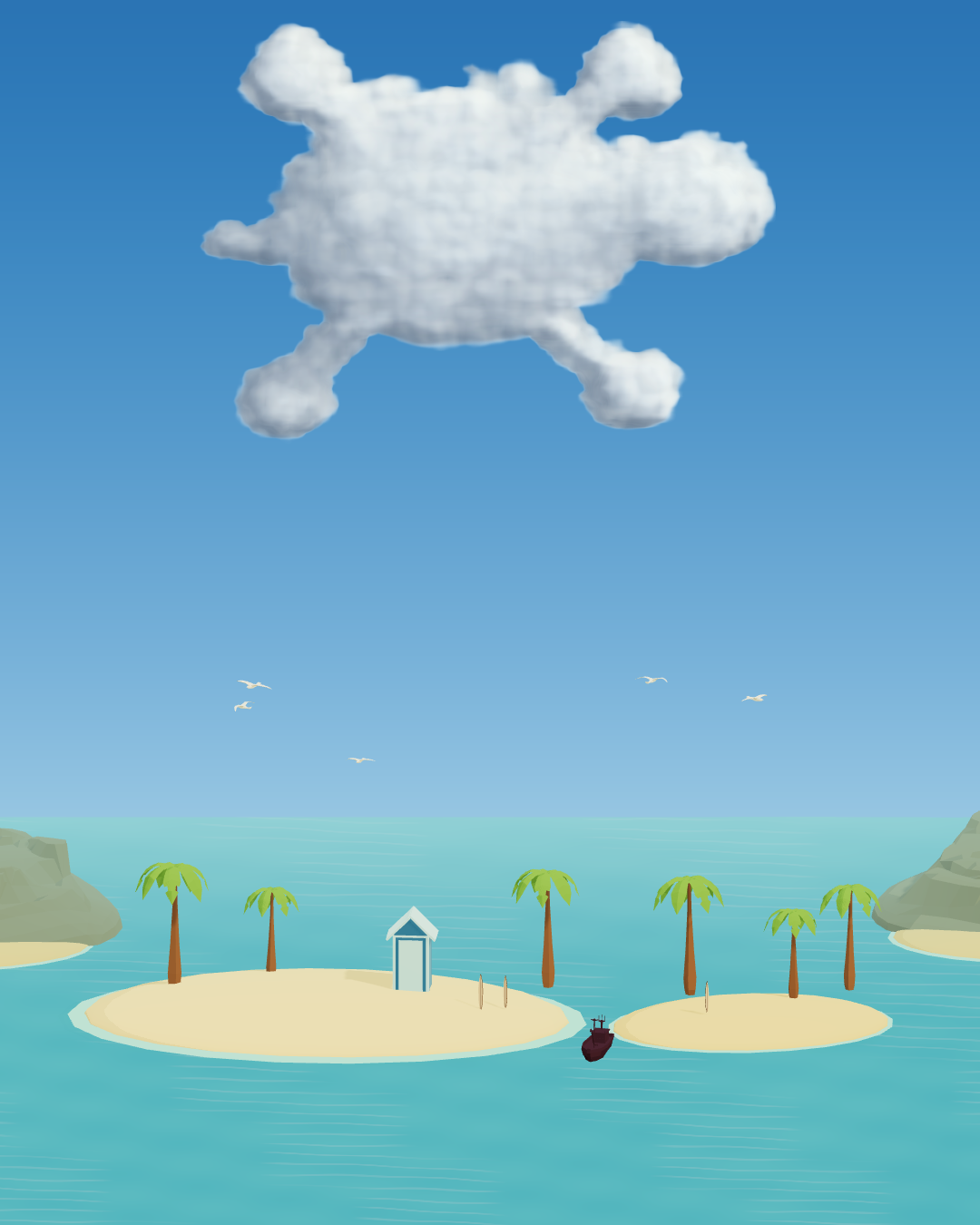
A cloud turtle floating above the landscape.
-
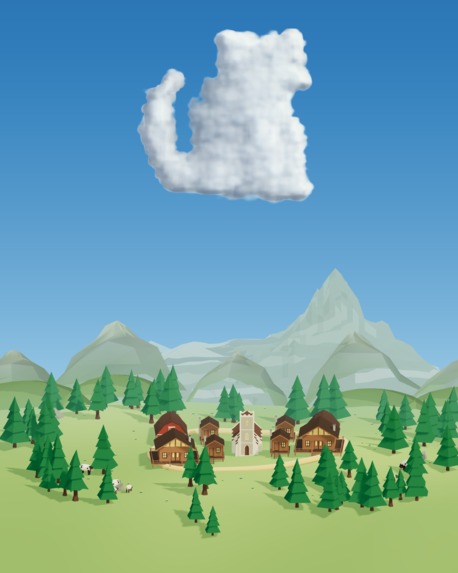
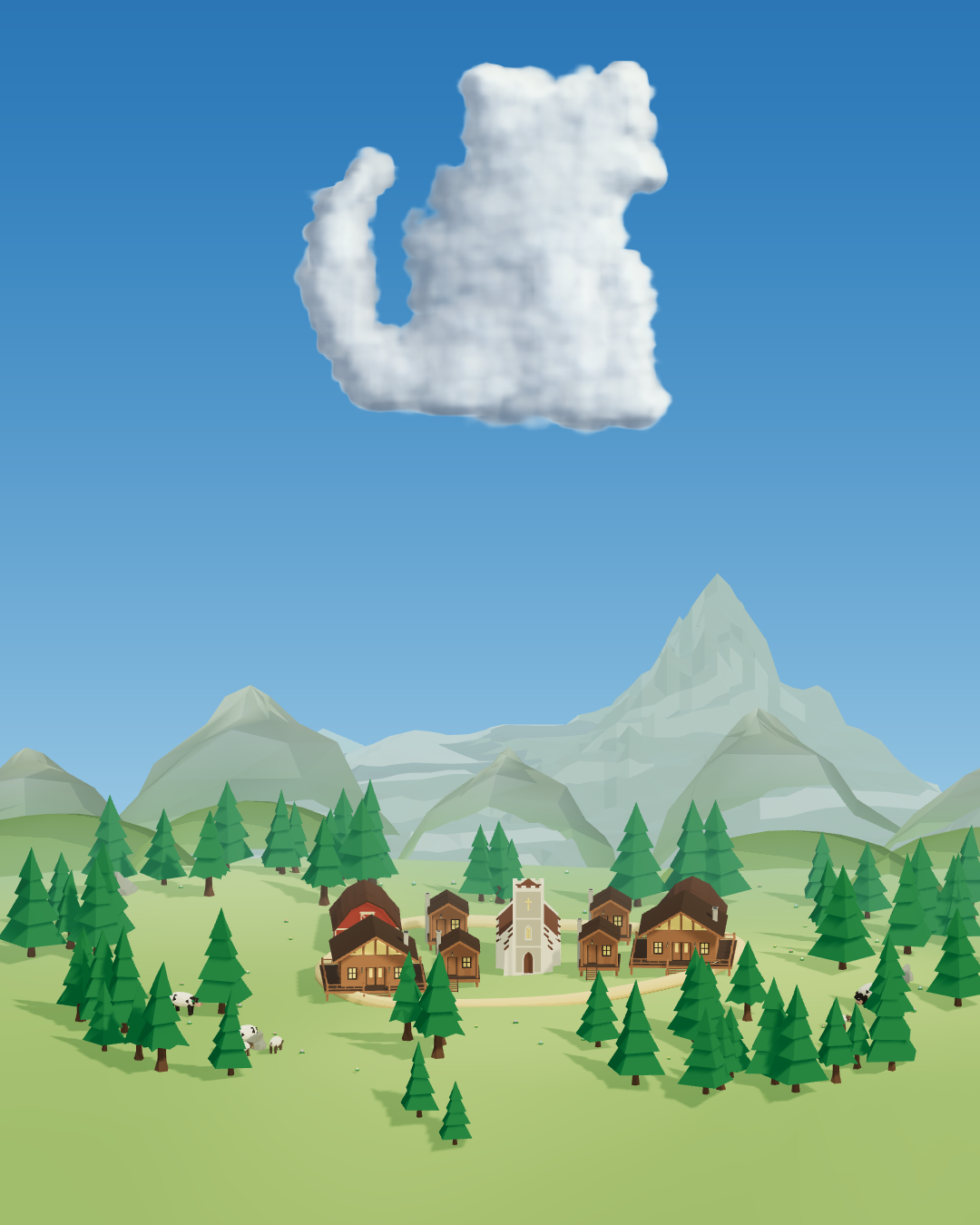
A cat painted from soft clouds in the browser studio.
-
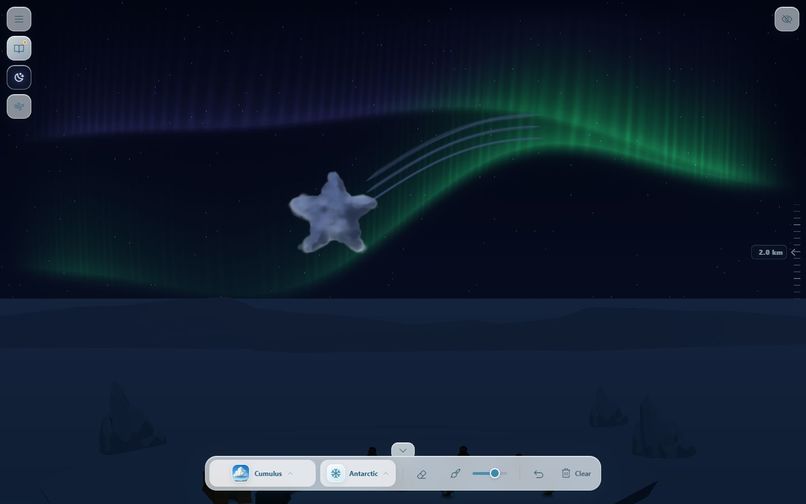
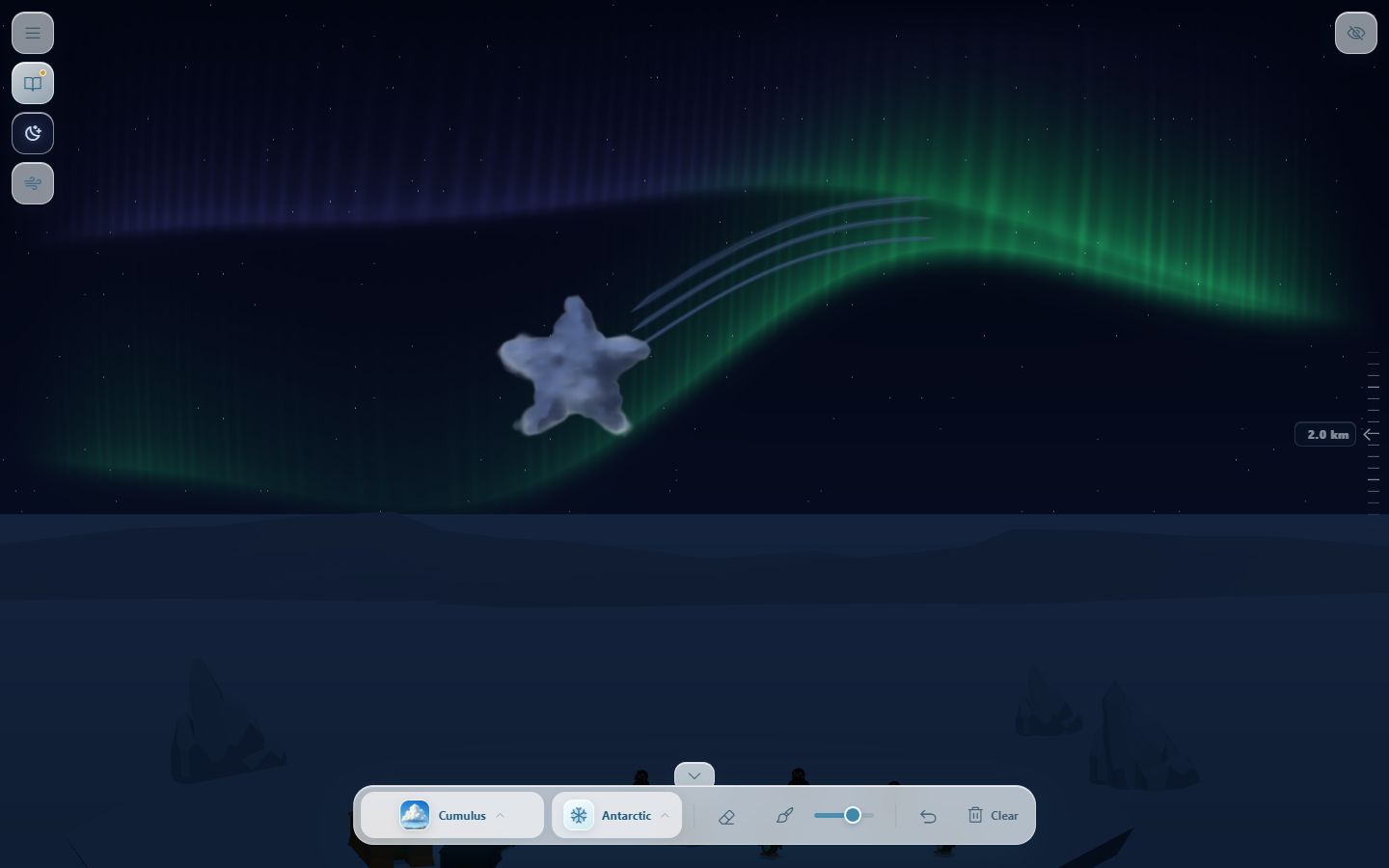
Aurora above the Antarctic environment.
-
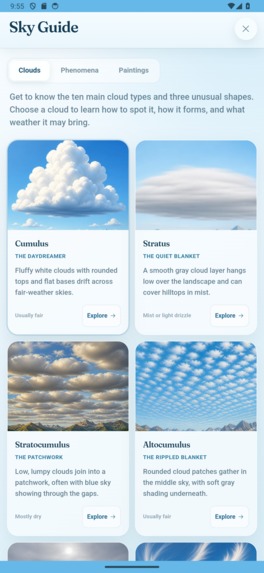
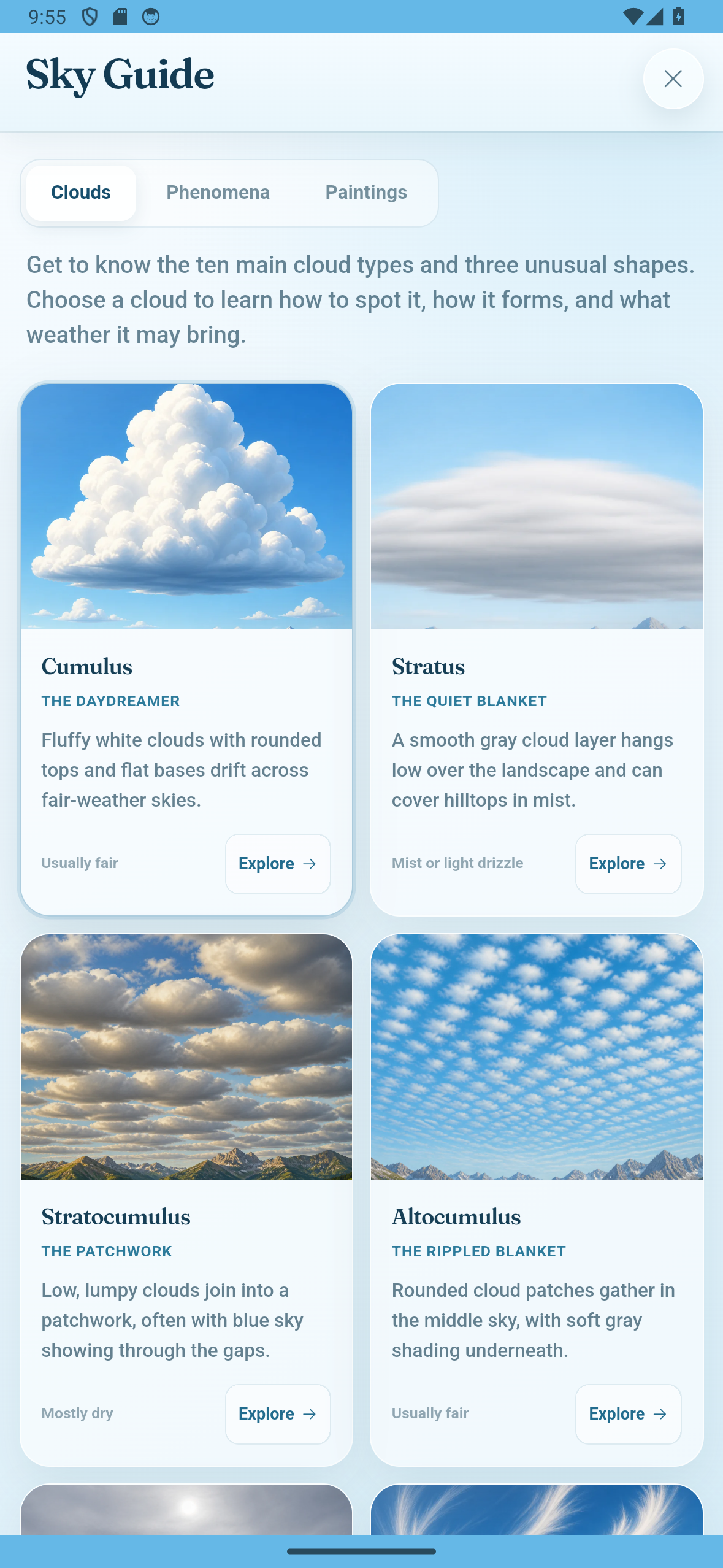
Sky Guide in English — native Android capture, 1179 × 2556, without a device frame.
-
Paint Clouds app icon — original 1024 × 1024 artwork.
Inspiration
Paint Clouds began with a conversation with a friend about clouds—how their shapes and movement can reveal what is happening in the atmosphere and hint at changing weather. I started reading about the different cloud genera and became fascinated by how varied they are.
I found several educational cloud apps, but as a game and playful-interaction designer, I felt there was room for something more creative and tactile.
The idea also connected to a personal memory. During a difficult period in the COVID years, I painted clouds on my tablet. I am not especially skilled at drawing, but painting clouds felt approachable, relaxing, and deeply satisfying. I have also always loved looking at the sky.
Those experiences came together in one question: what if anyone could paint clouds directly into a living sky?
What it does
Paint Clouds turns your device into an interactive sky canvas. You paint procedural cloud formations with your finger or mouse, then watch them grow, drift, condense, and react to changing light, wind, weather, and time.
Different brushes represent different cloud genera, from soft Cumulus and fibrous Cirrus to layered Stratus and dramatic storm clouds. You can explore atmospheric phenomena, change environments, move through a complete day-and-night cycle, and save your creations locally.
The goal is to combine creativity, relaxation, and discovery without requiring traditional drawing skills.
The app includes 13 cloud brushes, nine environments, 28 guided paintings and a five-stage Sky Journey. A local Gallery preserves editable skies and painting replays, with photo and timelapse exports. Menus and guides support ten languages.
Free to start, one lifetime unlock
The Android app includes three Journey stages, five brushes, Fog and Virga, and bear, cat and rabbit guides for free. An optional $4.99 / €4.99 lifetime purchase unlocks the complete studio. There are no accounts, ads or subscriptions. RevenueCat handles purchases, entitlement checks and Restore Purchases, after an adult confirmation. Paintings stay on the device.
How I built it
I built Paint Clouds as a browser-first TypeScript application using Vite, Three.js, and WebGL. Capacitor packages the same experience for Android and iOS.
The clouds are generated procedurally using a mix of volumetric density fields and custom shaders tailored to different cloud types. The painting system uses Pointer Events for mouse and touch input, and incorporates pen pressure and tilt when the device provides them.
Paintings and gallery previews are stored locally on the user’s device using IndexedDB.
Challenges and lessons
The biggest challenge was making volumetric clouds look beautiful while remaining responsive on mobile hardware. I had to balance rendering quality with GPU performance while preserving smooth gestures, lighting, movement, and weather effects.
I also learned that believable clouds are not only about their appearance. Each brush needs a distinctive formation behavior, density, movement, and silhouette. Small details—such as a cloud continuing to form briefly after a stroke—can make the interaction feel much more natural and satisfying.
Paint Clouds is now publicly available on Google Play. The iPhone and iPad version is awaiting App Review. The browser demo runs the newest web build and is also available, with all studio features temporarily unlocked.

Log in or sign up for Devpost to join the conversation.