-
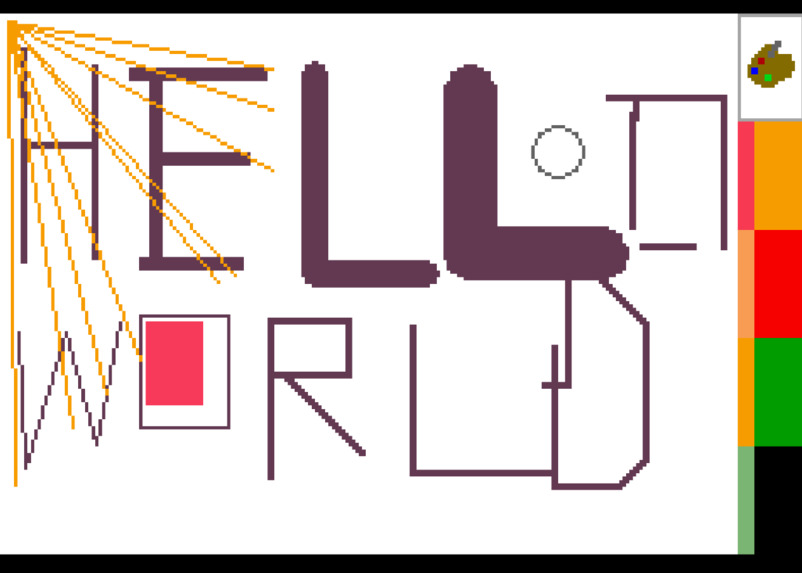
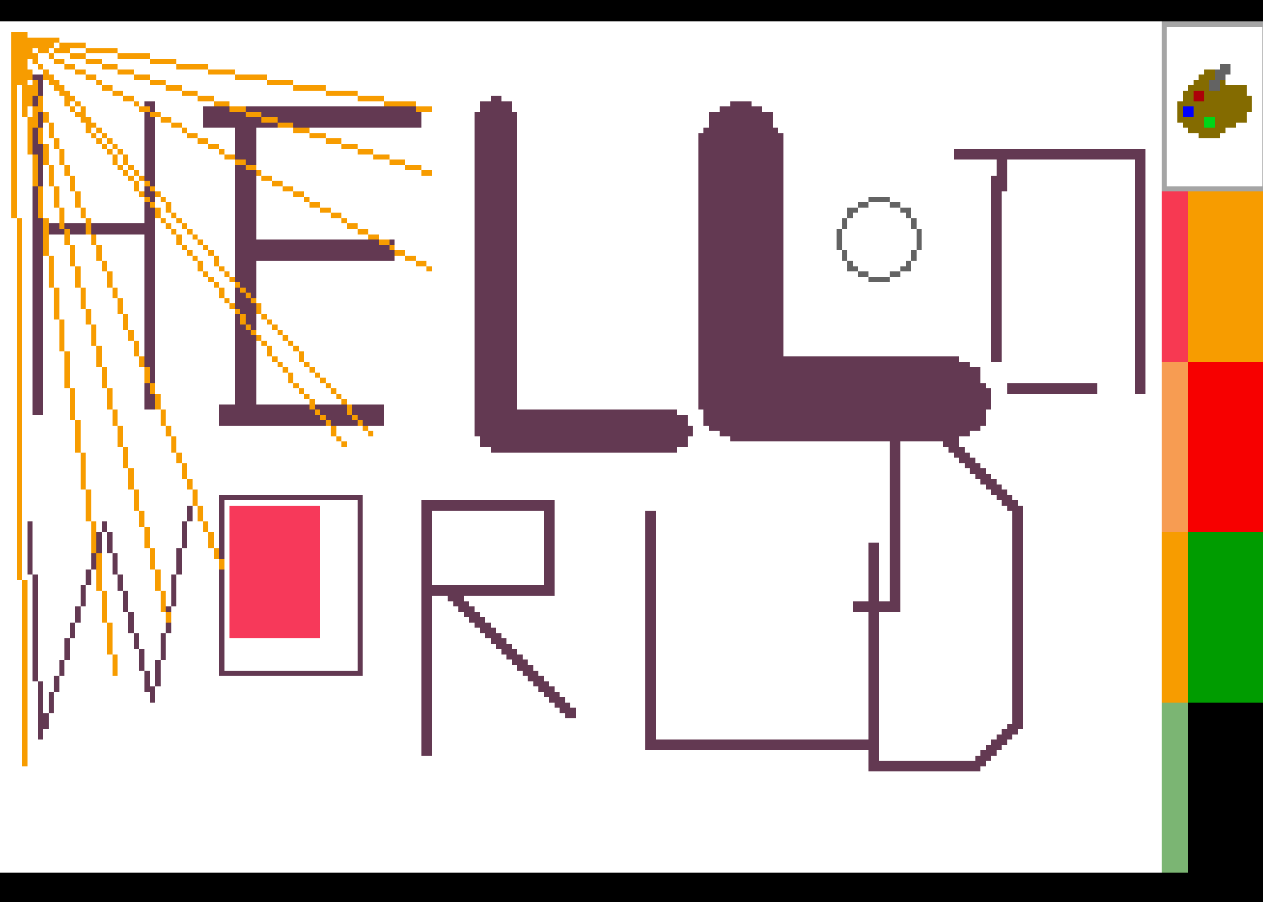
Hello World drawn with different cababilitis of Paint Advance
-
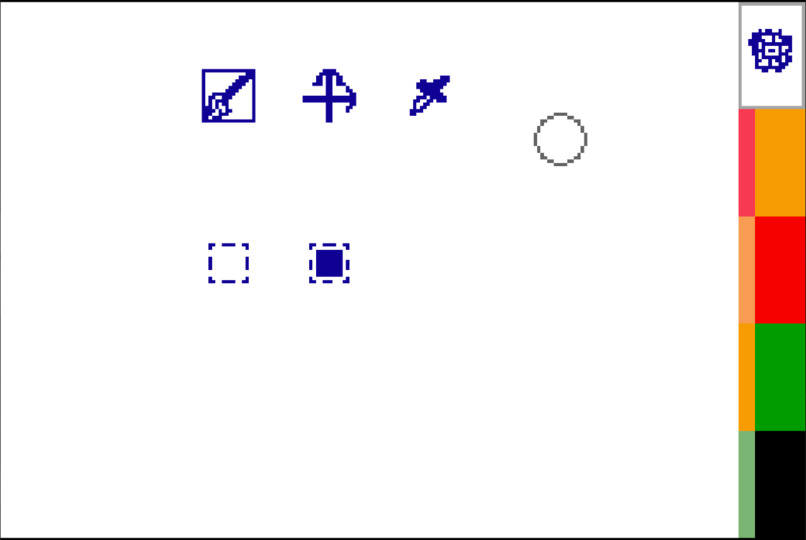
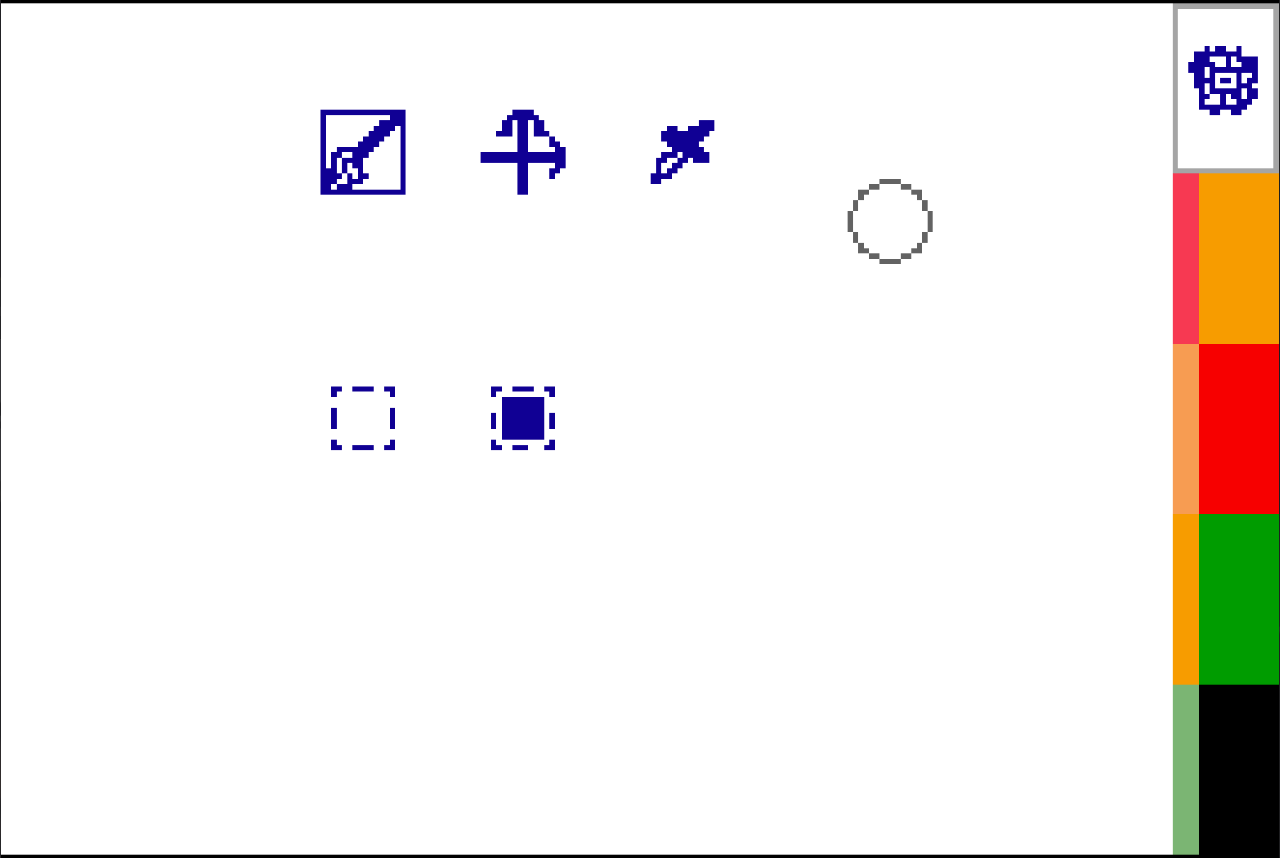
Tool Selection Mode
-
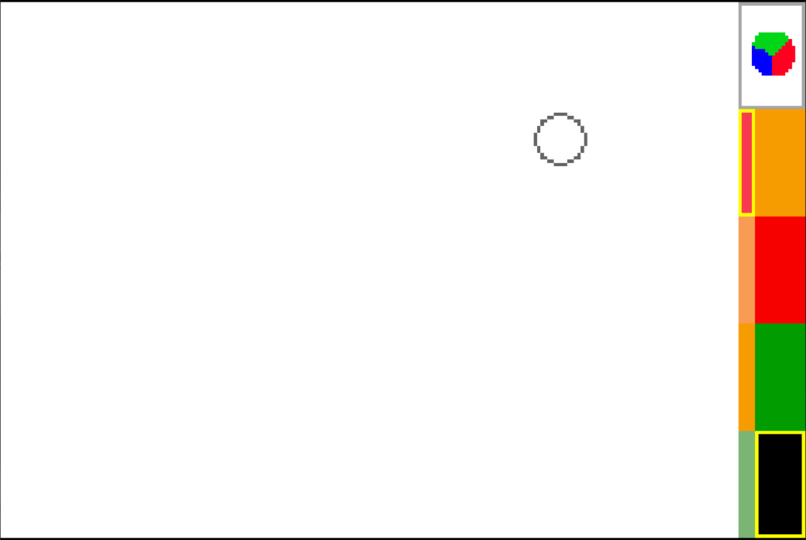
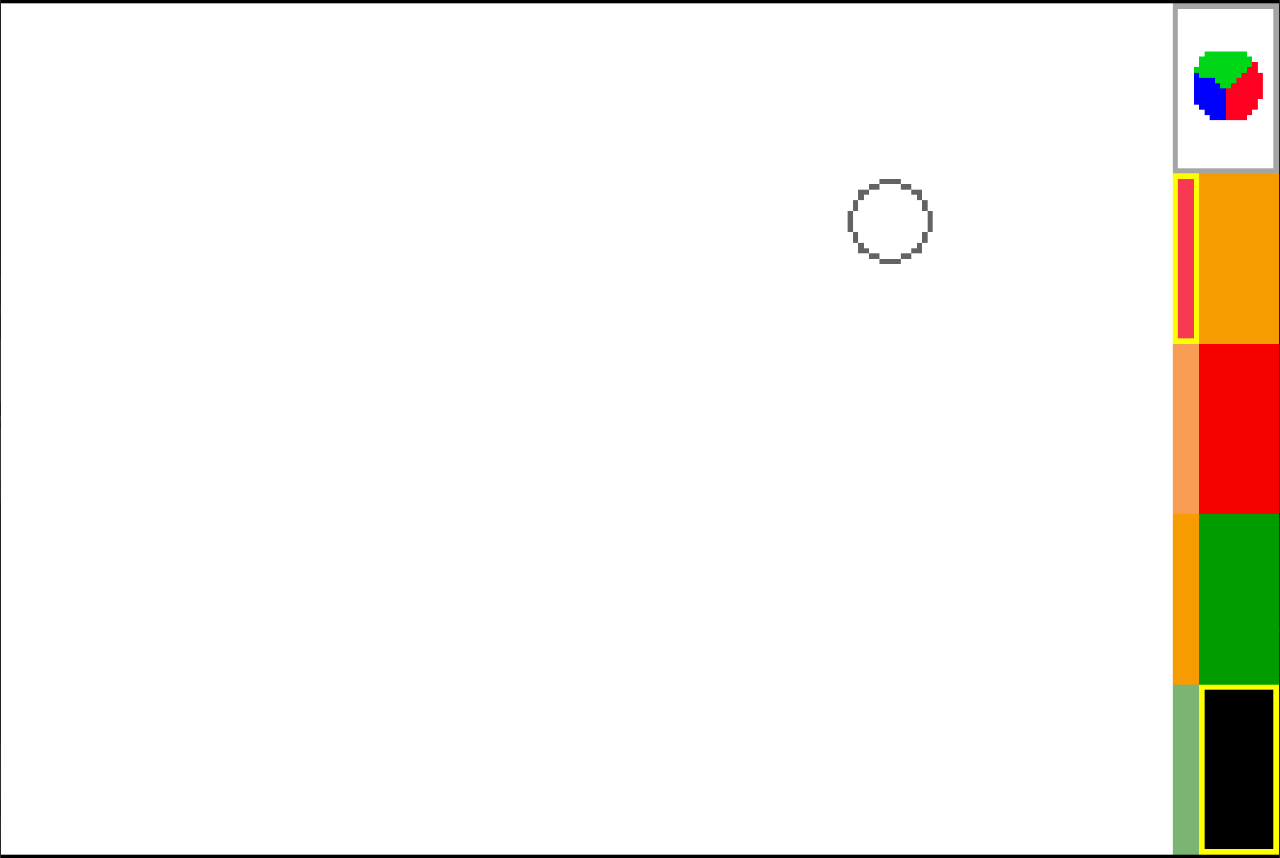
Colour mode. The right column displays: Mixed colour and channel intensity. Left Column shows saved colours.
-
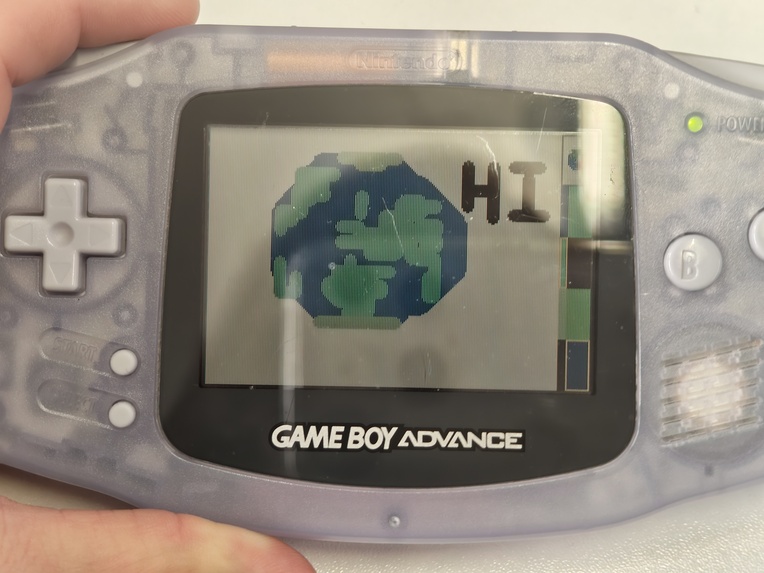
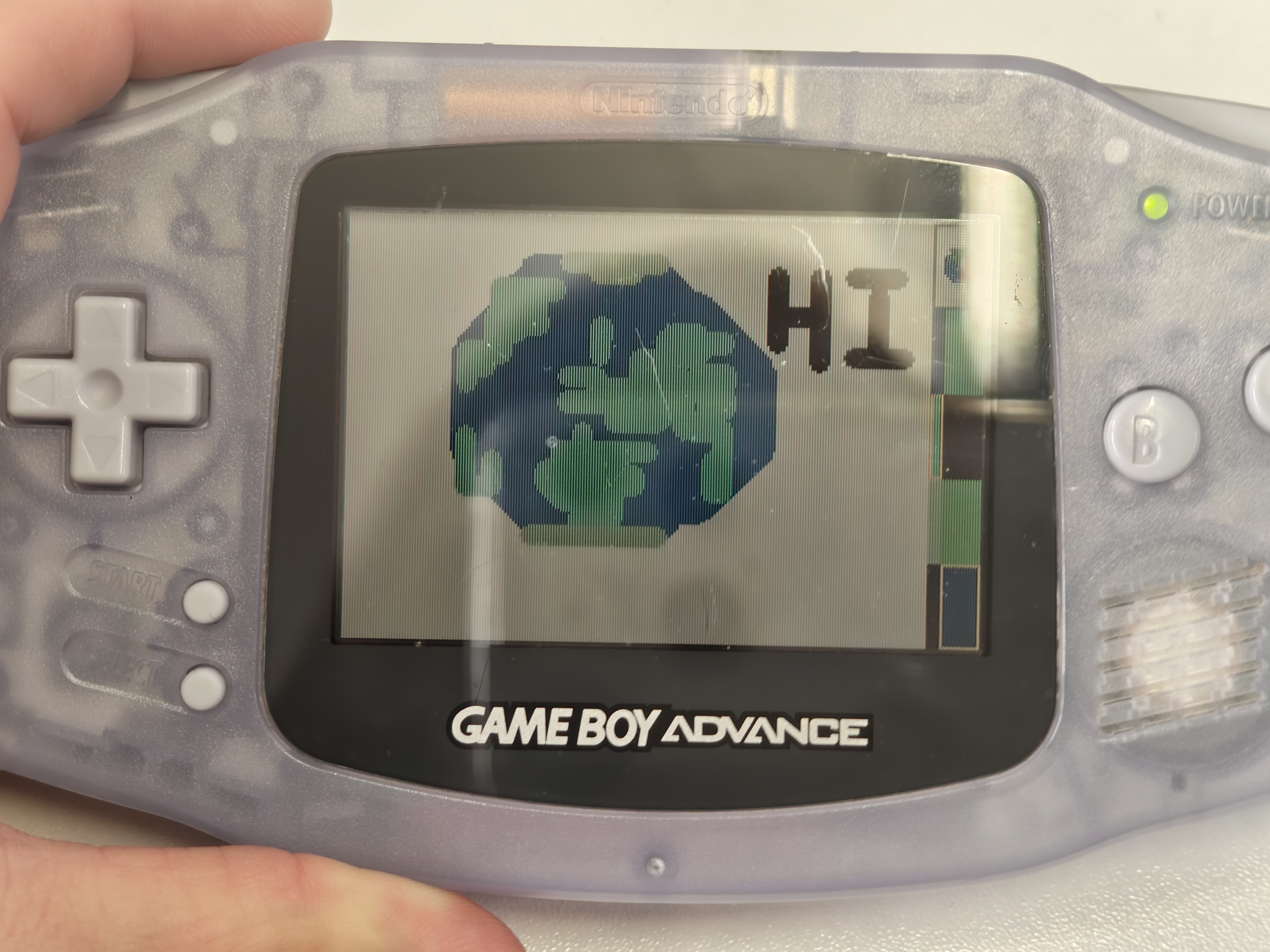
Running on real GBA!!!
Inspiration
The theme of Hacknotts was 2Y2K/Early 2000s. Luckily I have a GameBoy Advance which was made during that era of time. So it seemed like a great idea to make it run something other than games, an utility software such as ms paint. Also I've never developed a gba game before, so this would also oppose as a challenge.
What it does
It basically allows you to draw on the GBA! Has 3 modes (Draw, Colour, Tools) Draw mode
- Use D pad to move the cursor that can also change its size with Select button.
- A button draws while B button erases, Start button clears the whole screen.
- Hold Start and A to fill the whole screen with selected colour.
- Press R Button to enter Tool mode and use D pad to select tool and press R again to go back to Draw mode.
- With line tool, use A to draw one line or use B to draw mutliple lines from same origin point. (Select+A creates erase line)
- Brush Tool -- Makes you got to Draw mode
- Square Tool lets you draw empty squares
- SquareFill Tool lets you draw filled squares
- Colour pick tool: Use A to select colour, use B to go back in selection,Select to go back to draw mode.
- Press L button to enter colour mode.
- D Pad left right -- selects the intenisty of chosen Red, Green or Blue channel
- D Pad up down -- Selects the Red, Green or Blue channel to edit.
- B button -- cycle between 4 savable colour slots for easier colour switching
- A button -- select the saved colour as the brush colour
- Select -- Save the current brush colour as one of the 4 savable colours
- Start -- Set Red Green Blue channels to 0 (Black)
How I've built it
I've used C programming language with devkitpro toolkit to compile C code to .gba files. Used mGBA emulator to test the software. Then used flashcard to run the software on real hardware.
Challenges I ran into
Understanding the fundamentals of how GBA renders backgrounds and sprites. For some reason when you use transparent png with black colours, it will make the black pixels invisible. The Mode 3 that I've used disables the first half of available sprite tiles, so I've needed to learn hard way to offset the sprite tile id by 512. Trying to make the image to be saved onto the flashcard's SRAM. It didn't work as it would just show random pixels.
Accomplishments that we're proud of
Made GBA game(software) for the first time of my life, I was for first 5 hours banging my head against a table to render a moving circle but after that it went quite smoothly for the most part.
What I've learned
GBA doesn't like black pixels on the transparent sprites GBA bitmap rendering, input handling, building gba files, sprite engine basics.
What's next for Paint Advance
Maybe I will attempt the save feature again. There's few tools that could be added such as:
- Bucket Tool (Was scared that it might fry the console)
- Circle Tool -- To draw circles
- Maybe even more than 4 colours to be save, maybe up to 16 different colours.
- Otherwise I've managed to put most of basic drawing functionality into it, which is quite notable for a the time frame of the project.
Built With
- c
- devkitpro
- gba
- libtonc


Log in or sign up for Devpost to join the conversation.