-
-
cover
-
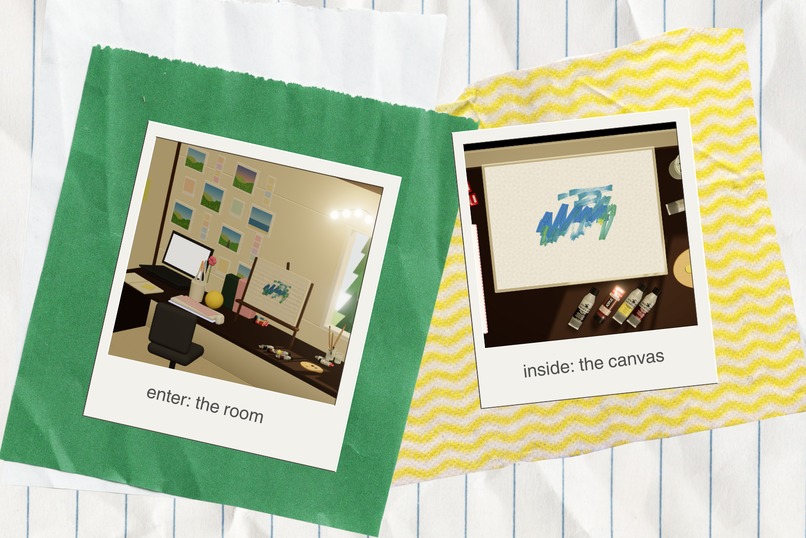
screenshots
-
painting i made (my niche hacker spot sunrise in e7!)
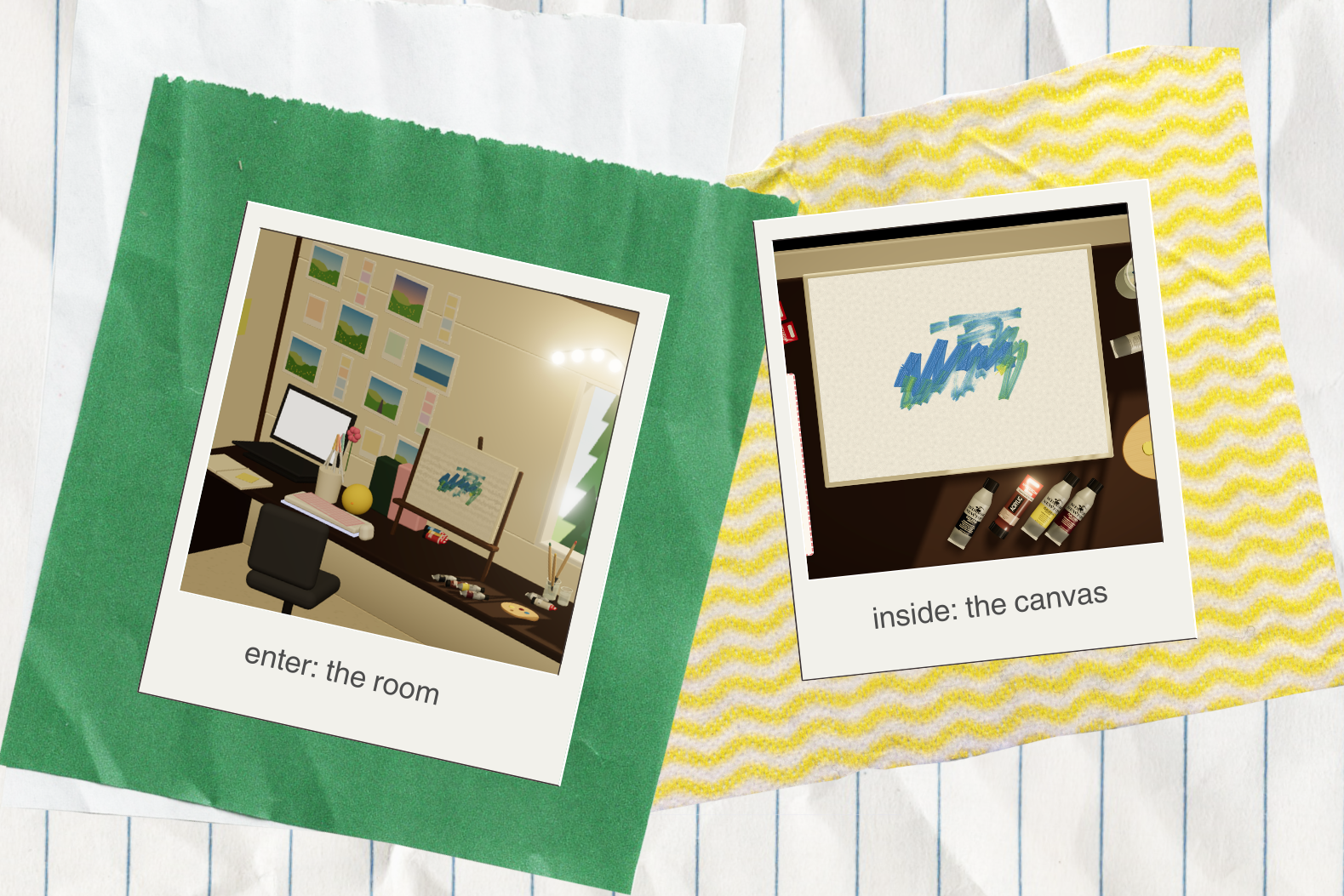
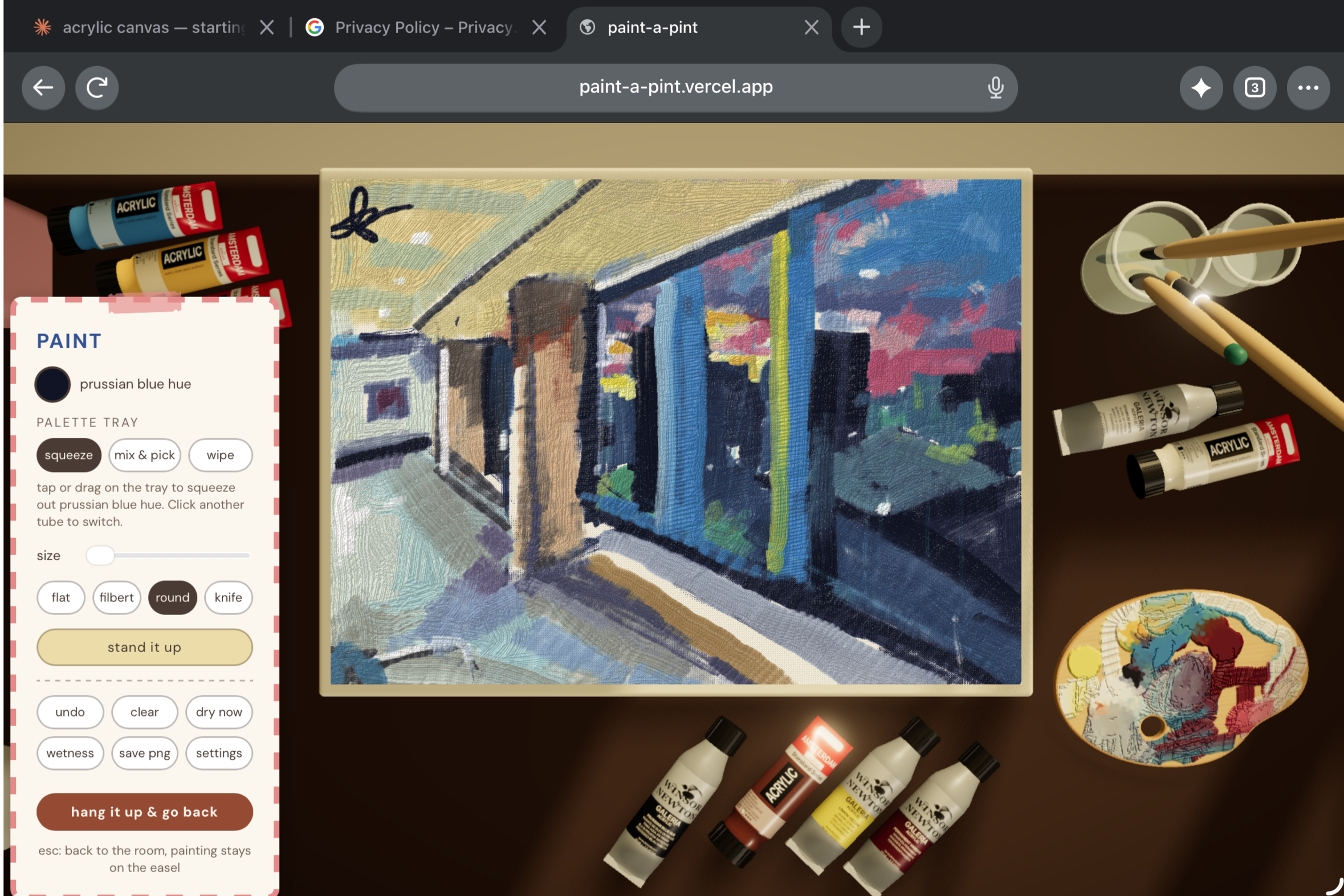
paint-a-pint 🎨⊹°
software allowing you to paint here, there, and everywhere.
What is it?
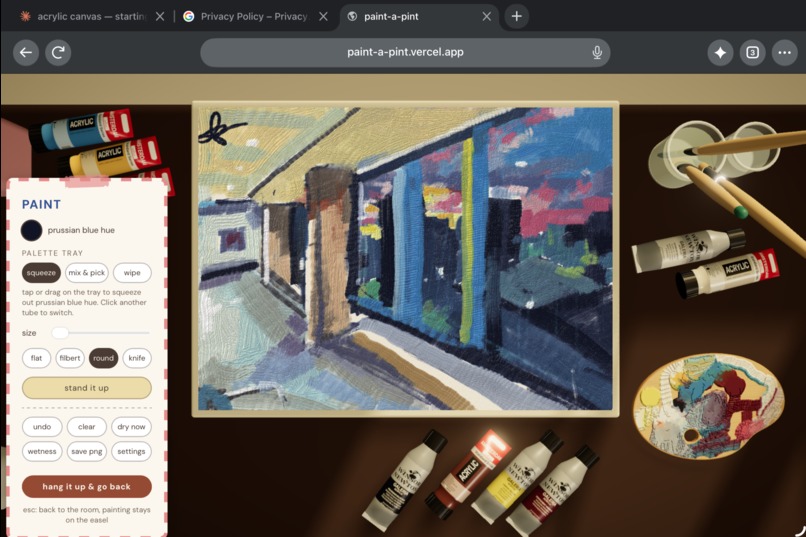
A digital simulation of the acrylic painting experience.
Why
It's easy for an artist to lose their home when their heart and tools are far away.
As a second year computer science student navigating early career, life undoubtedly throws an endless stream of toils that add friction to creation, but relinquish and regression can't be the only way.
I aimed to solve this through making the act of painting digital, without having to worry about costs, material, and negative respiratory impacts that real acrylic painting once burdened me with.
Built with
- Vite 8
- HTML, CSS, JavaScript
- Three.js with WebGL
Designed for
Large mobile device use (e.g. IPad with Apple Pencil) or desktop ideally paired with a drawing tablet, such as Wacom Intuos.
Known limitations
The numbers behind calculations such as that for drying times and paint thickness are educated guesses tuned by eye against a handful of my own paintings.
In particular, I found that it was difficult to create vibrant colours through mixing, since the pigments were derived from hex codes of images, which I realized while testing are quite different from the real thing (thus affecting the mixing science)
Hence, are not true measurements and are not intended to yield exact real-world behaviour.
Particularly proud of
My first ever time using Three.js!
- Paint mixing on the canvas: My biggest fear for this project was having it end up as a digital art tool with no differentiator, but seeing the painting mix made me feel like I was back on a real canvas.
Credits
Pigment mixing tables come from Spectral.js by Ronald van Wijnen (MIT), used as a dev dependency to generate src/brush/spectral-data.js.
Windsor & Newton Galeria and Amsterdam acrylics for being the best cost affordable acrylics that carried me through years of silly painting. Reference images and exact colour codes of paints I own were used to generate the 3D tubes.
What's next
- Two books on the desk that users can click: one an app tutorial and the other an art tutorial. I want to share my own (minimal) expertise to make creating art more accessible, less intimidating, and ultimately playful.
- An AI guide? 💭
Different locations to paint in, plus interface theme matching the local time of day.
Right now, paint-a-pint is front-end only, and that's by design. It fulfills its purpose of being a tool to build your skills. In the future, paint-a-pint could become a real personal gallery - or even a shared one among friends and community members, each writing their own playbooks on tips, techniques, and thinking.


Log in or sign up for Devpost to join the conversation.