-
-
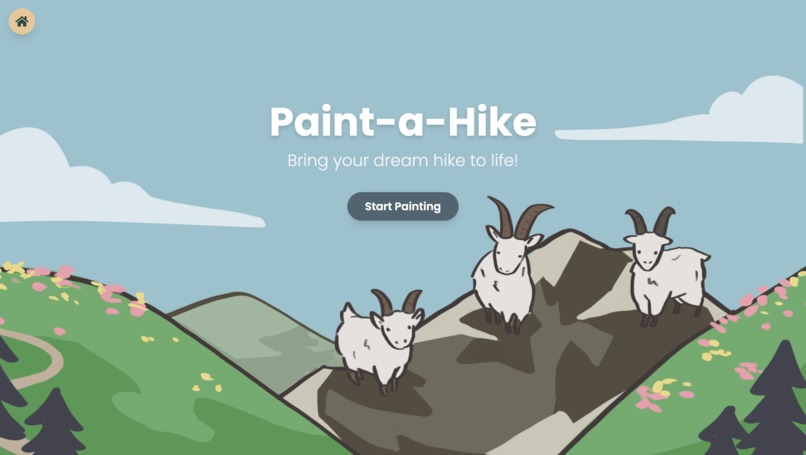
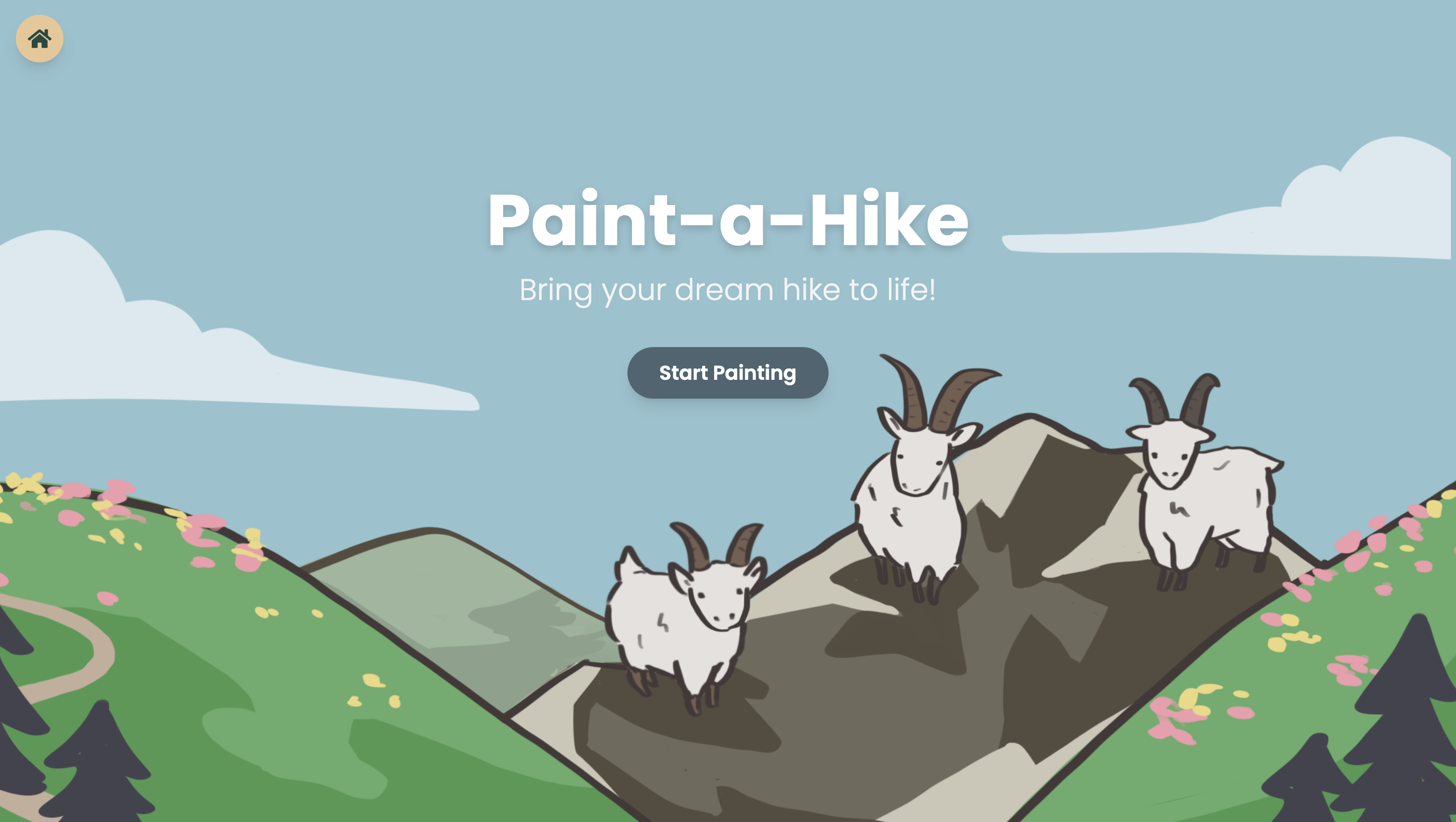
Our landing page :)
-
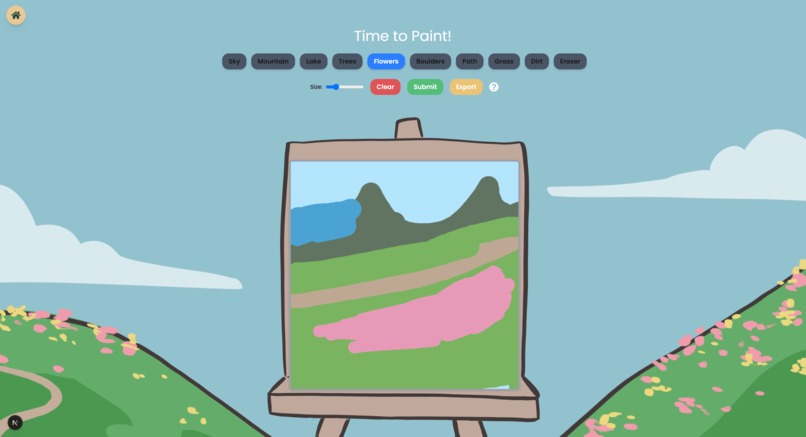
Canvas page to paint your sketch!
-
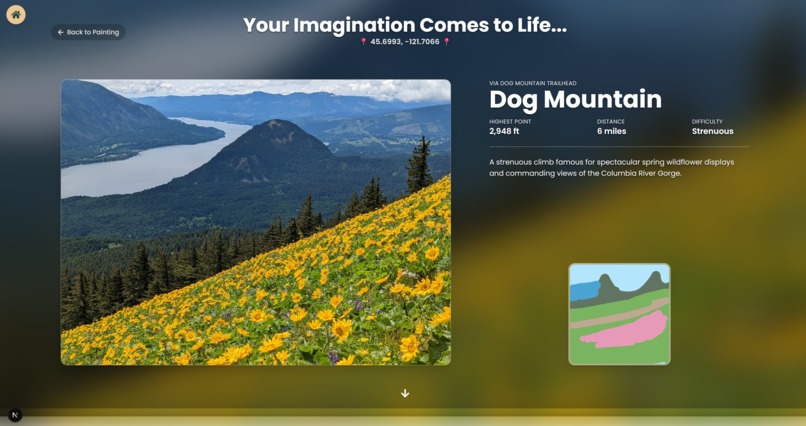
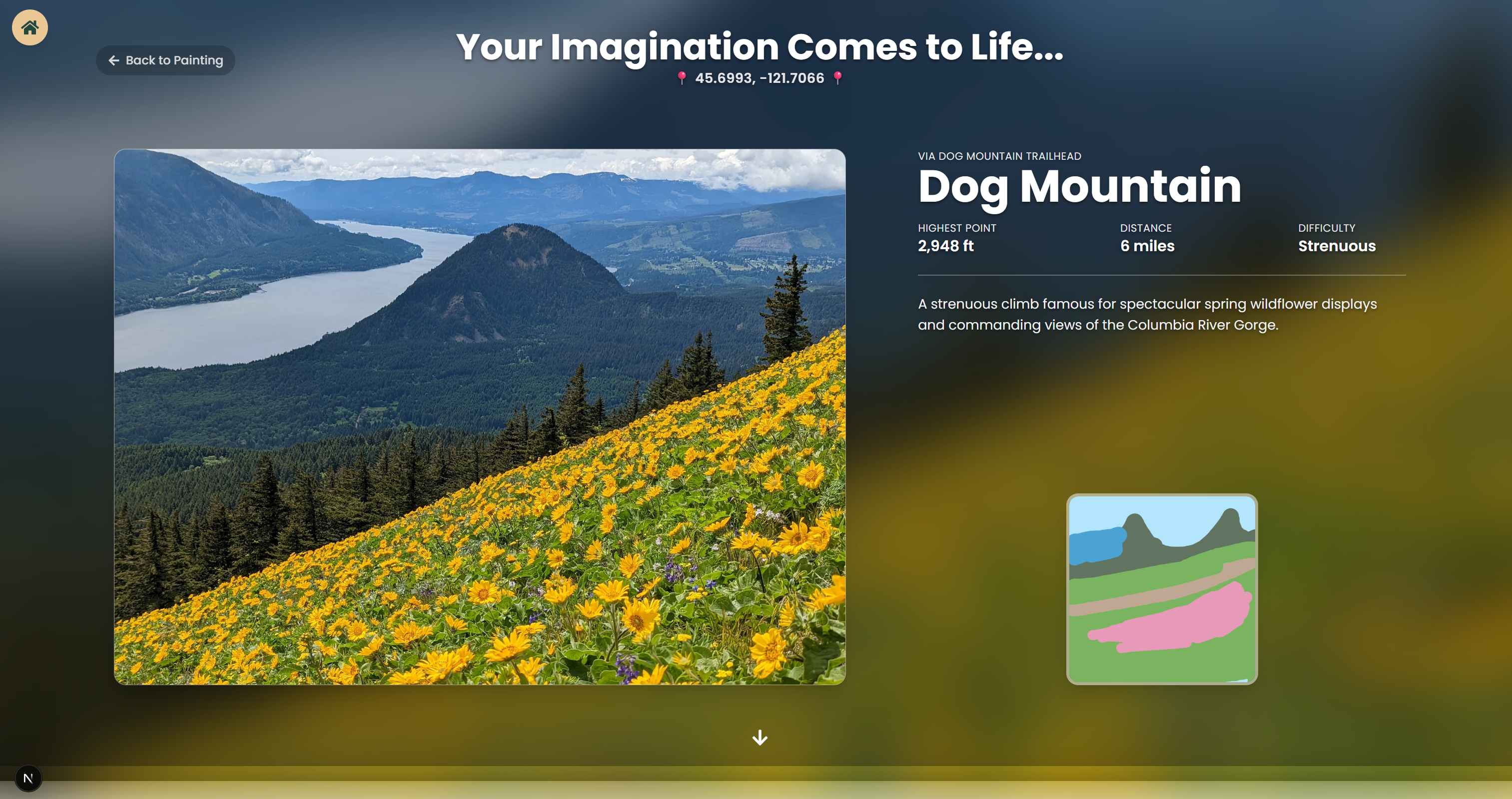
Your sketch brought to life :D
-
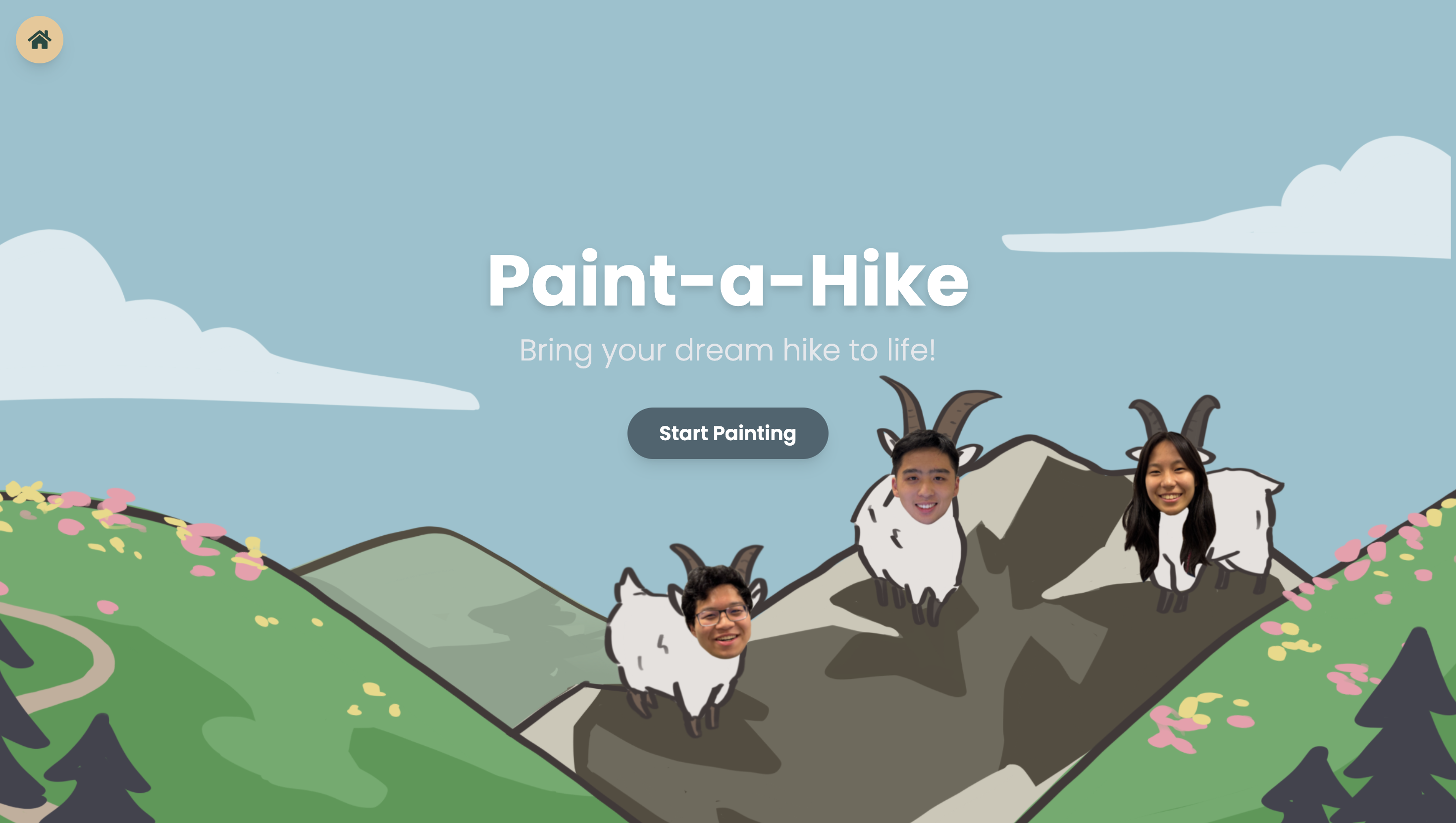
Three GOATs on a mountain

Inspiration
We love the nature, but sometimes, we just don't know where our dream scenery lies . We'd imagine the perfect picture: alpine lakes with good views of mountains, lots of greenery, and good flora, but have no idea where in the world that scenery exists, if it does.
Unfortunately, there isn't an effective way to search for the exact views you envision in your head. In light of that, we created an app that can do just that - turn your perfect scene into reality. We wanted to create an app that our team would actually want to use, one we would want to polish and finish no matter the outcome of this Hackathon. From that, Paint-A-Hike was born, an easy paintbrush-to-hike system that links your imagination to the real world.
What it does
Our web app finds your dream outdoor scenery in the real world. After you make a rough sketch of your ideal location, our web app makes your imagination come to life and gives you the perfect location to visit. It's a perfect app for people who love nature and hiking, along with photographers who are looking for specific scenery to capture. With a simple, intuitive UI and easy user access, it's the perfect way to find whatever scenery you dreamt of.
How we built it
First, we sketched out various ideas for how we wanted to implement the app and what features to include. After mocking up a design in Figma, we developed the frontend with Next.js, TypeScript, and TailwindCSS, implementing parallax and framer-motion animations to make the UI feel more dynamic. We wanted to lean into the spirit of letting your imagination and creativity run wild, so we used a more playful, hand-drawn design concept for the landing and painting page. The final results page was created with a more modern design to show the transition from fun imaginative drawings into stunning real-world pictures and places. But the real magic shines through in the backend.
In the backend, a Segformer model is run for every single image in our dataset to generate asemantic segmentation map. Essentially, each distinct area of an image is labeled with something like "mountains", "lakes", "flowers", etc. We then compare this to the user's sketch, which is already color coded, corresponding to the same segmentation labels generated by the Segformer. We then rank similarity by calculating the Intersection Over Union (IOU) between the user's sketch and the database images. We also generate CLiP embeddings for each image in our dataset and have Gemini tag the user's sketch with keywords and spatial relationships such as "lake below a mountain". CLiP embedding is then generated for Gemini's tag and compared to the image's CLiP embeddings in addition to the IOU score.
We then rank the results and present the top two locations to the user along with the trails that will take them there.
Challenges we ran into
It was difficult to train the machine to be able to identify images and places that matched what the user drew. We had to fine-tune many things, experiment with different drawings, and adjust our model in order to ensure accuracy.
At first, we tried to directly use the vector models of the images users drew and compare them with our dataset, but since the user and dataset images were too different, the same hikes came out every single time. We then tried to upscale the user drawings by using another model to transform them into realistic drawings, but that still was too different from the dataset.
We finally used a segmentation model to isolate different elements of the images such as grass, mountains, water, etc, and by comparing the element map of both image sets, we were able to semi-accurately compare the images.
However, we found the most accurate way to compare images was by also using Gemini to write a description of the user's drawing style and using that text prompt along with the element map to match it to the dataset images, and that gave us the most accurate results.
We also ran into the challenge of figuring out how to connect the frontend and backend along with being able to deploy the entire working web app, but we found that using ngrok to host our backend works just fine.
Accomplishments that we're proud of
We're proud of how accurate our model is, and how cool it feels to see your drawing in a real-life picture. We love how it seems almost like magic, how such a simple drawing can turn into such an accurate location. Additionally, the UI elements that start out seem like a simple imaginative and exploratory canvas, and then when the final trail comes out the UI transforms into a realistic and modern feel, almost like your imagination really came to life.
What we learned
Going into this project, we weren't very familiar with Next.js and TailwindCSS, as we had mostly coded in HTML, CSS, and JavaScript. Developing this web app allowed us to experiment with and become more familiar with the framework, gaining valuable hands-on experience. We also learned (and found out) a lot about the beautiful places in our world!
What's next for Paint-A-Hike
First, the easy steps. We want to include a loading screen between the painting and the hike reveal, something to show how we're taking your imaginative and making it reality. We also want to develop our app further and make it into a full-fledged product that include locations everywhere in the world and more elements that the AI can recognize, such as snow.
Additionally, we hope to integrate CesiumJS/Cesium Ion to include 3d models of the locations that the users will explore, along with a way to model the path of the trail itself. Adding a user login portal/system so that users can save whatever hikes or drawings they want is also something we're considering adding.


Log in or sign up for Devpost to join the conversation.