Inspiration
PainSketch-AI was inspired by the idea that not all patients can explain their pain with words. Language barriers, disabilities, or trauma can prevent patients from describing symptoms accurately. What if patients could simply draw where it hurts—and an AI could understand it?
What We Built
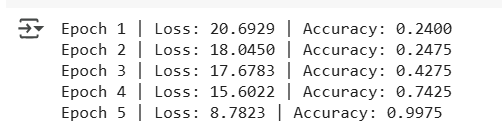
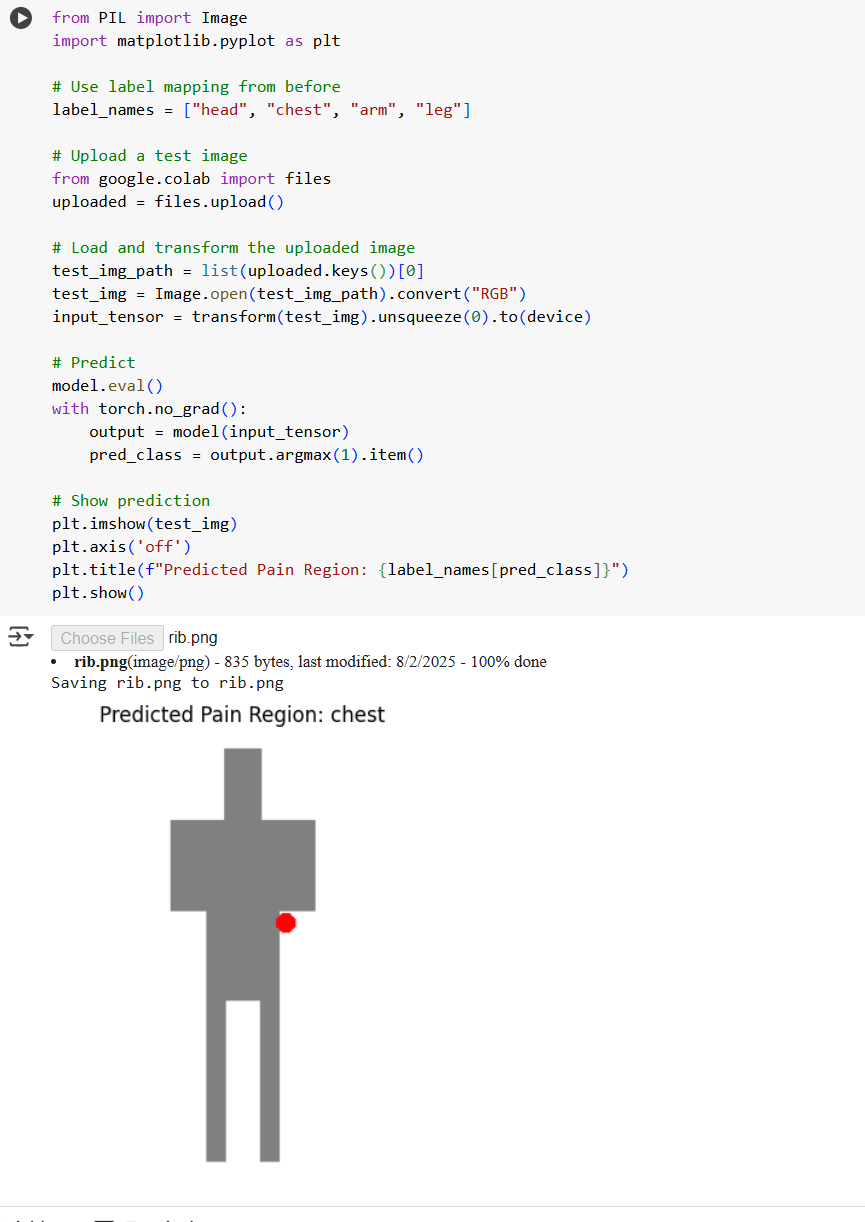
We created a machine learning model using PyTorch that detects where a user has marked pain on a body diagram. The user draws a red dot on a specific area (e.g., arm or chest), and our model classifies the location with high accuracy.
We used:
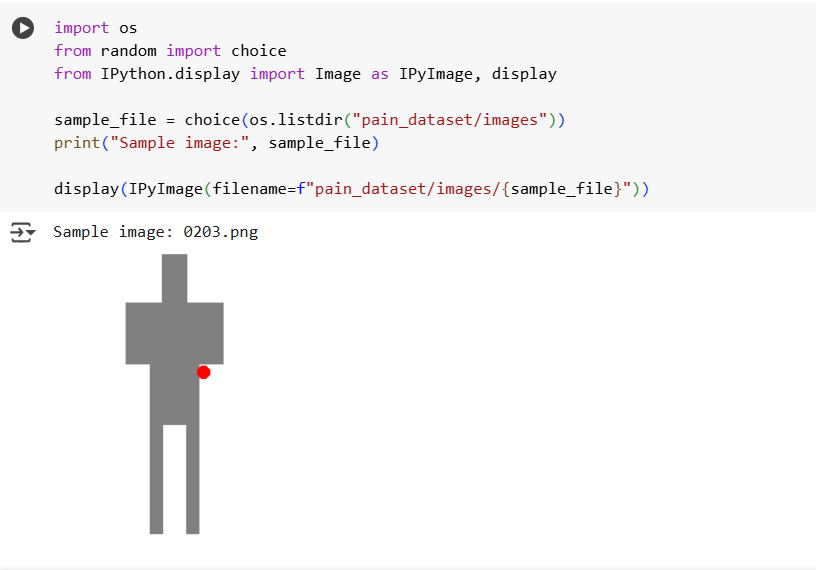
Synthetic data (400+ images with random pain marks) A custom CNN architecture trained in Google Colab PIL to generate training sketches A lightweight evaluation method for fast feedback How It Works
A Python script generates training images by placing red marks on stick-figure body diagrams.
Each sketch is labeled (0 = head, 1 = chest, etc.). A simple CNN with two convolutional layers is trained to classify the marked region. The model can now interpret user-uploaded sketches to identify the pain location.
What We Learned
How to generate synthetic data programmatically using PIL How to build, train, and test a CNN in PyTorch How to deploy fast ML workflows in Google Colab The importance of user-centered design in healthcare tech
Challenges We Faced
Creating a dataset from scratch without real patient data Getting early model predictions to stabilize with small datasets Ensuring pain marks were clearly detected despite image variations Designing for accessibility while keeping the system lightweight
Future Possibilities
Real-time drawing with Streamlit Expanding body zones to include “back”, “knee”, etc. Integrating symptom descriptions alongside sketches Deploying as a browser tool in clinics for patient check-in


Log in or sign up for Devpost to join the conversation.