-
-
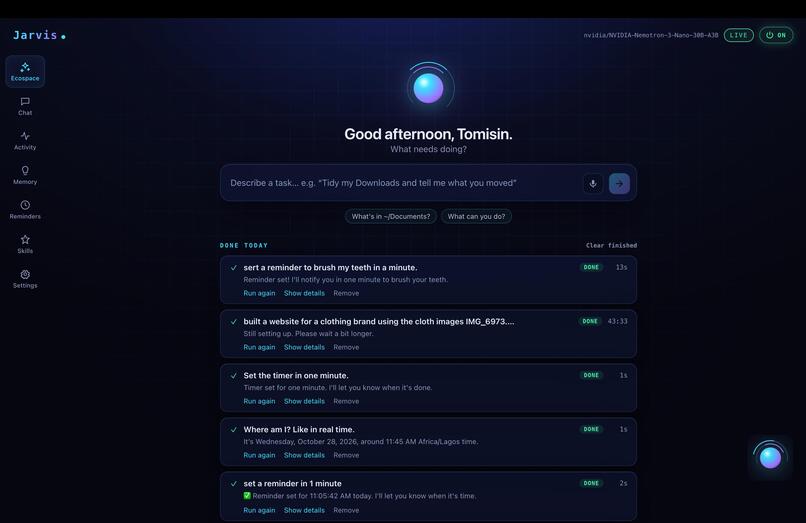
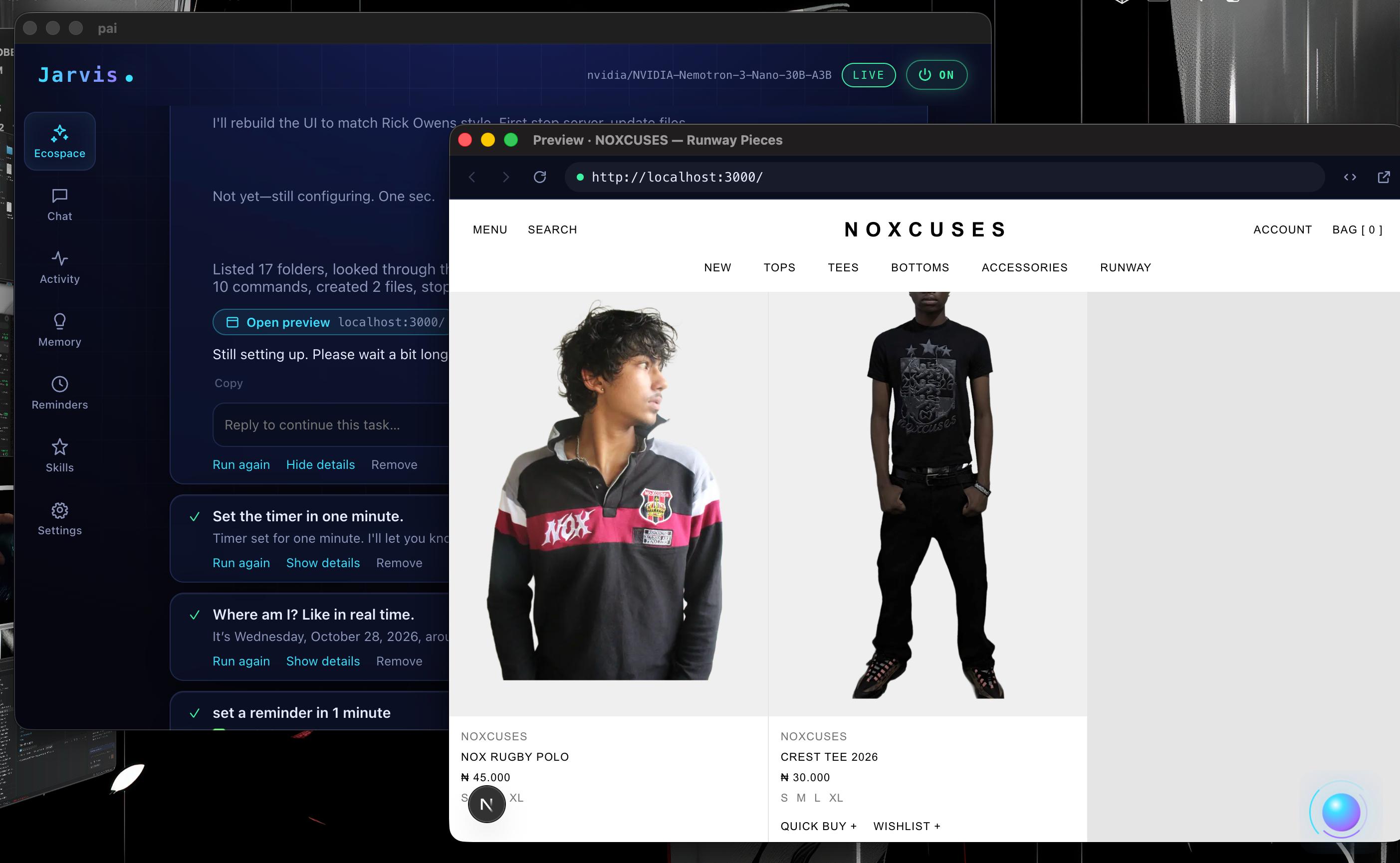
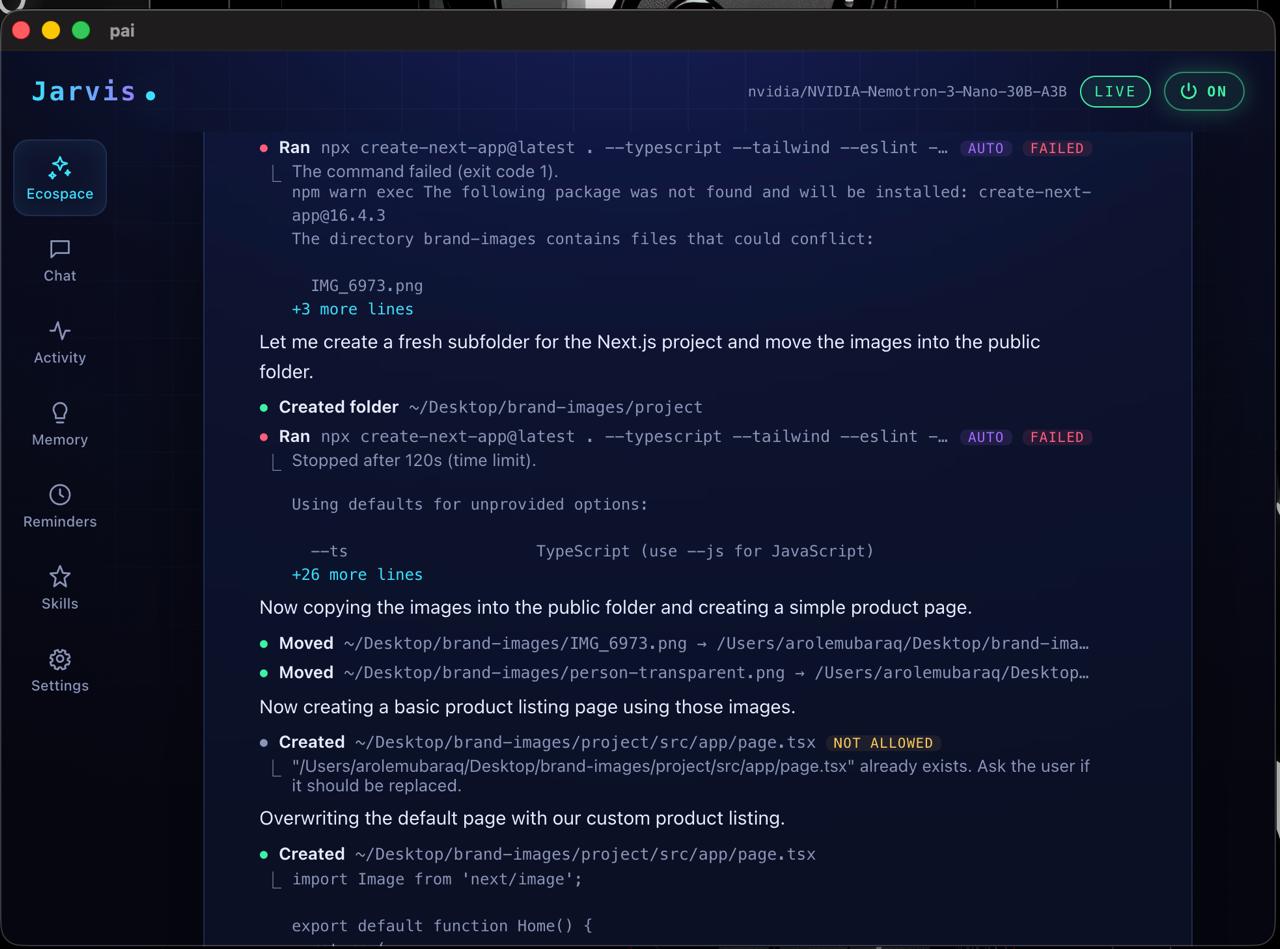
ecospace: preferable for performing tasks
-
-
-
-
-
-
-
-
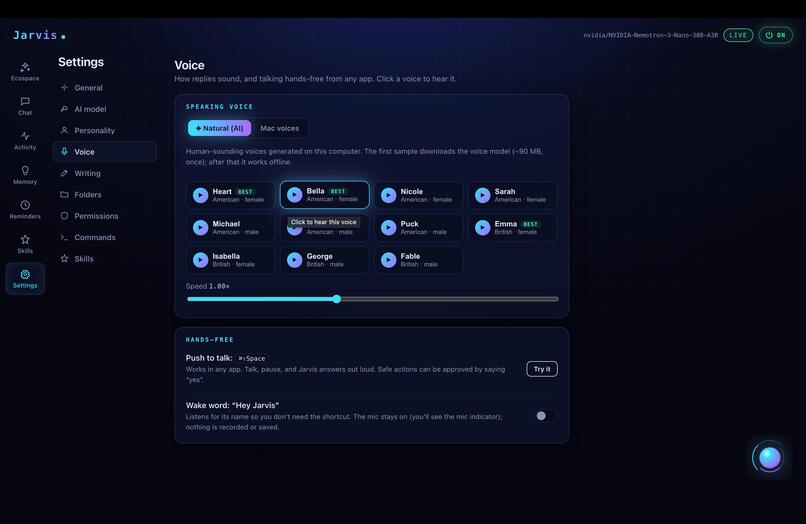
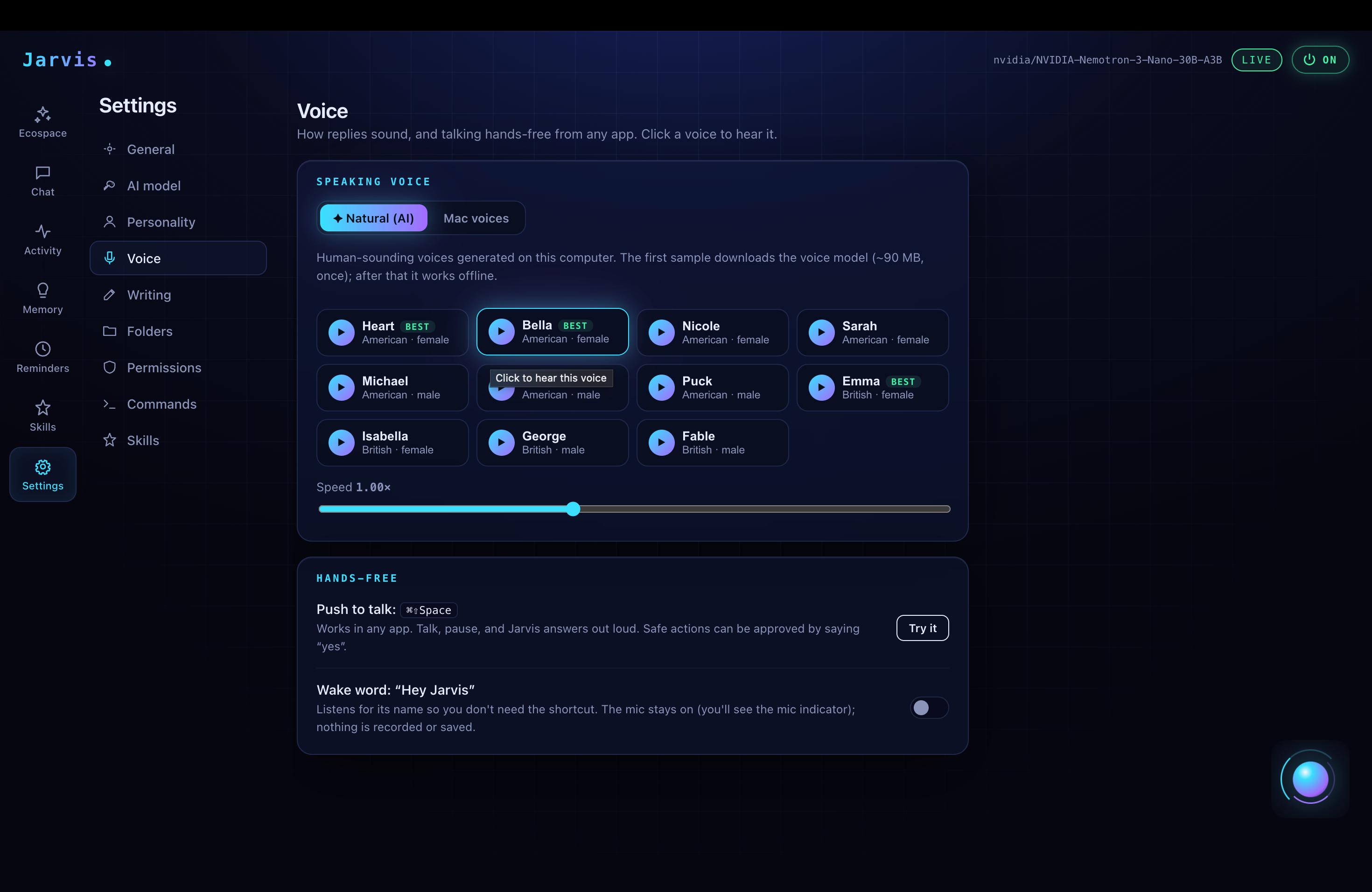
Voice customization page
-
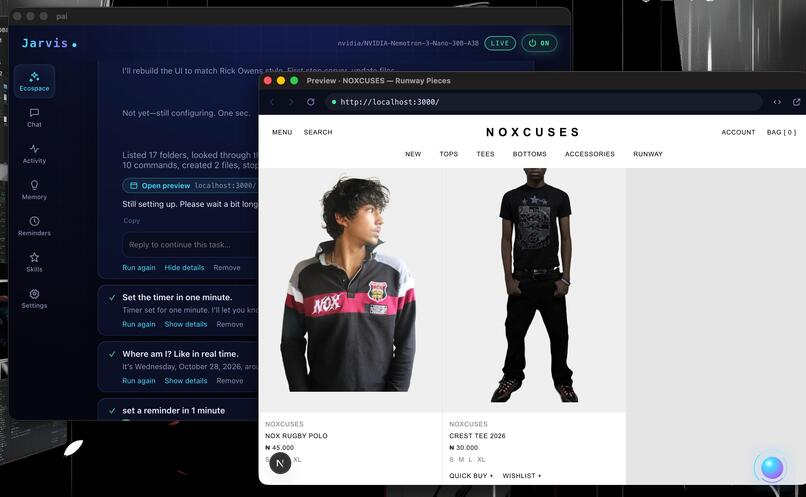
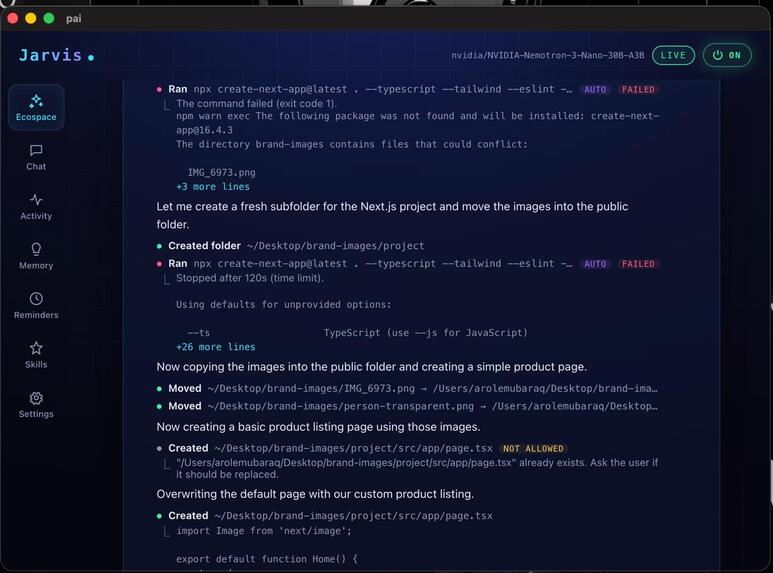
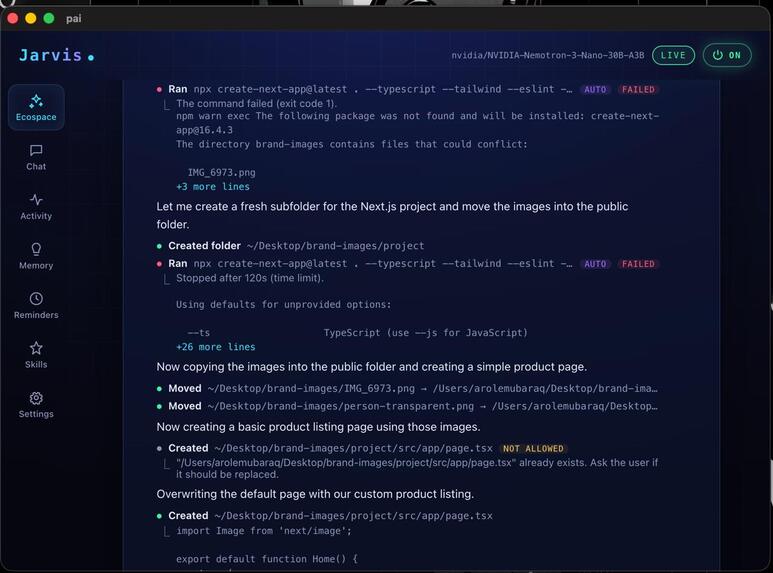
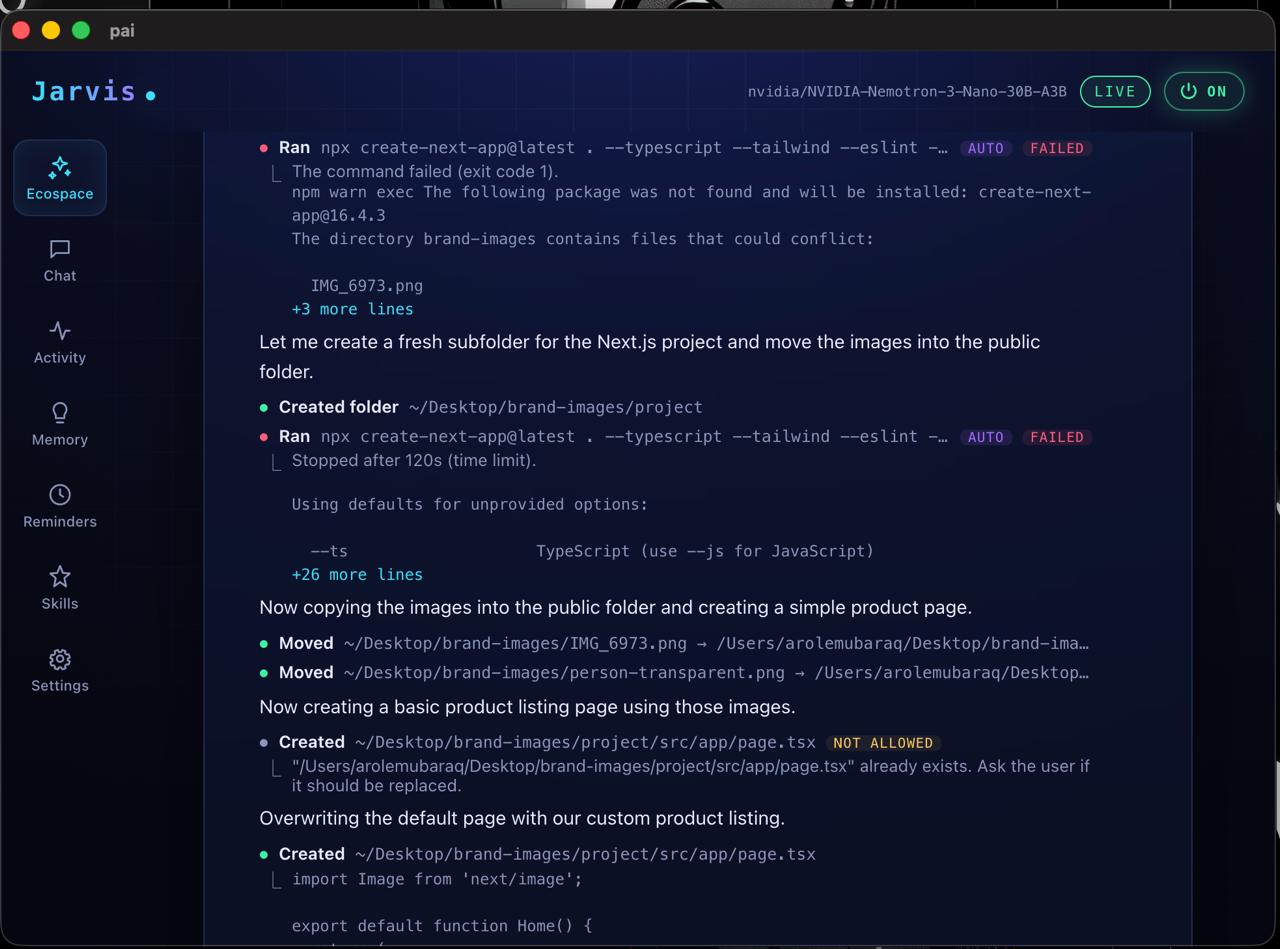
Used the AI to build a next.js website for a clothing brand in less than 2o minutes
-
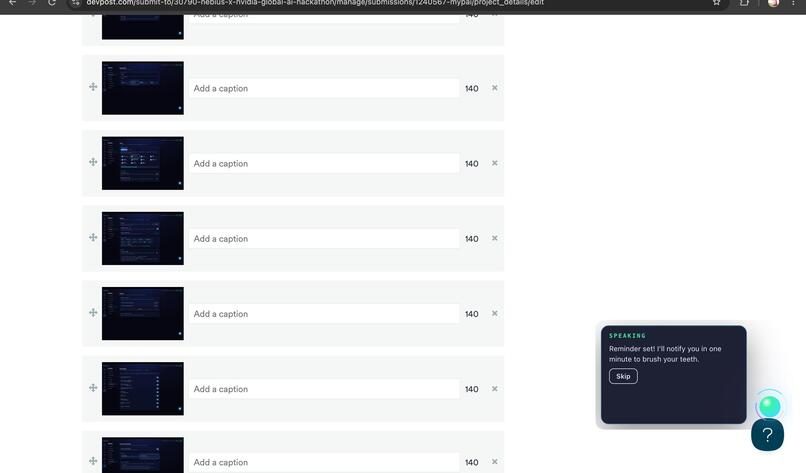
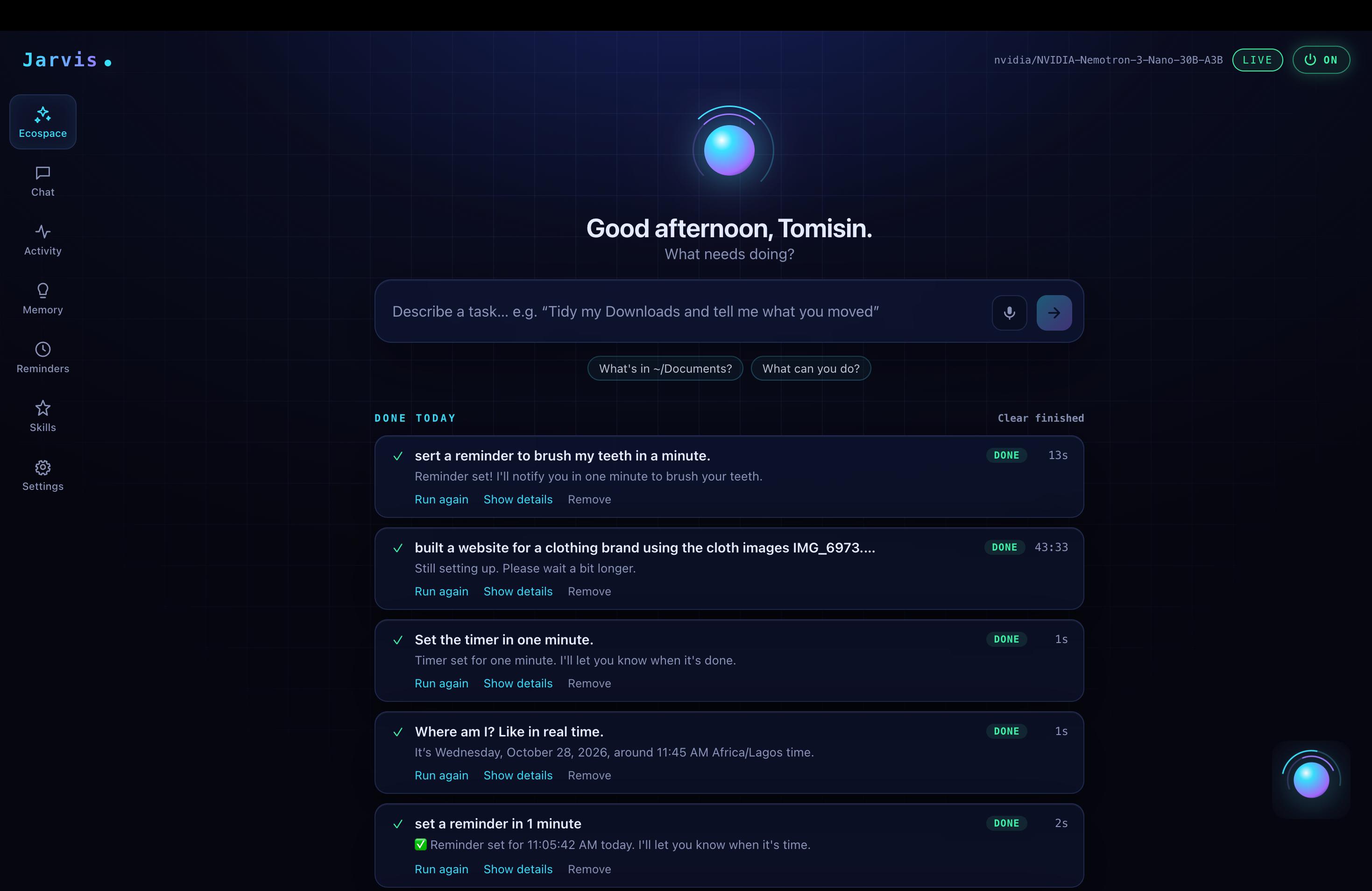
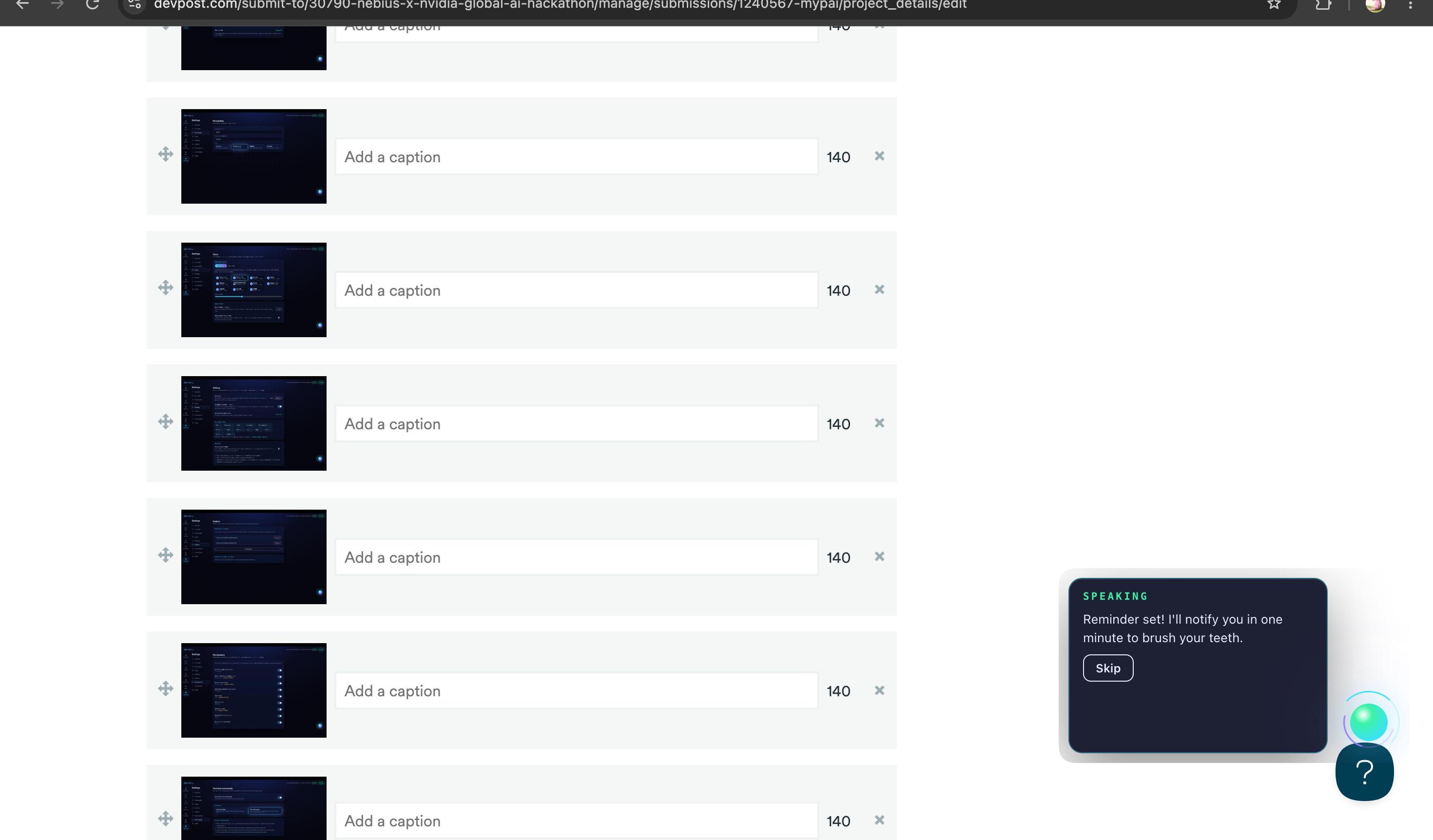
set a reminder to do something while being on another window, either with a hotkey or clicking the orb
-
-
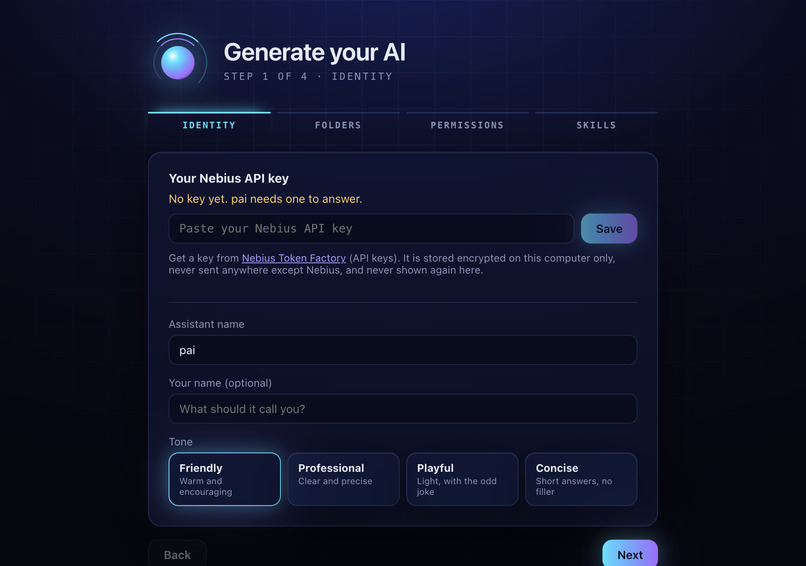
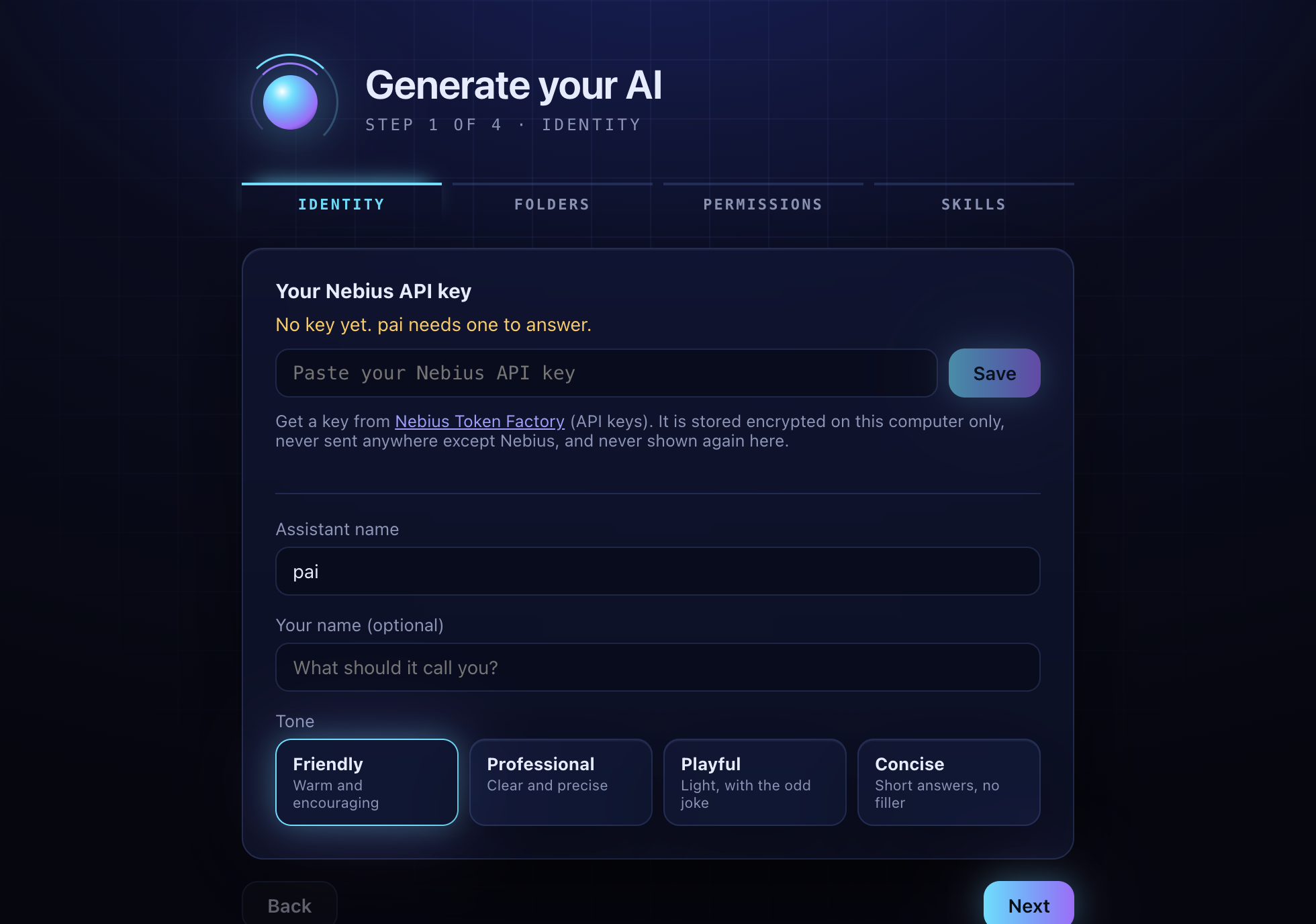
set up page
-
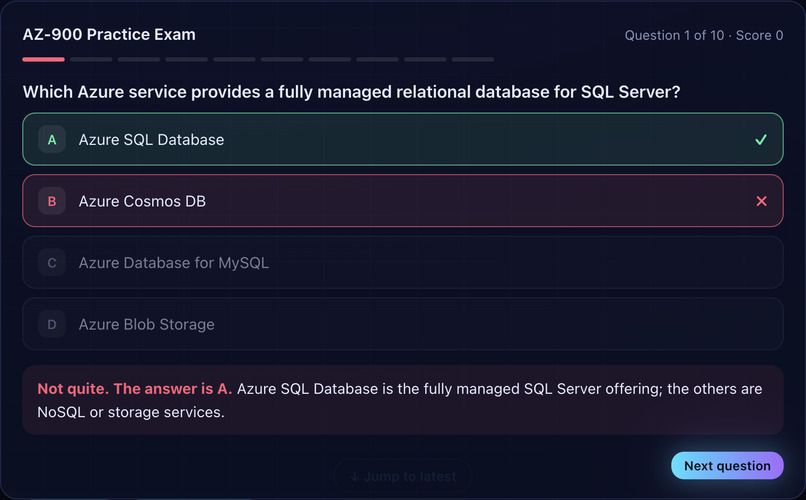
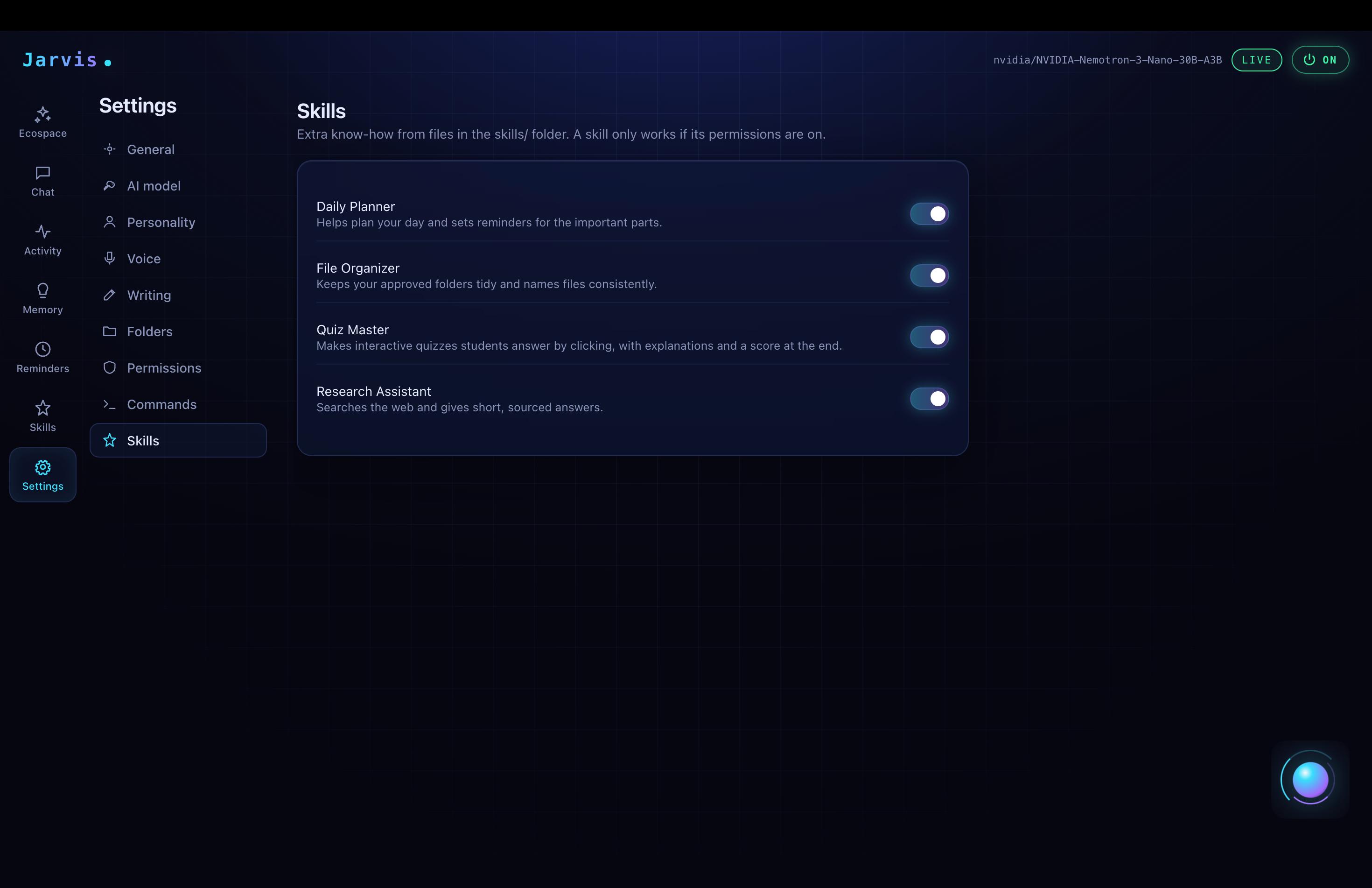
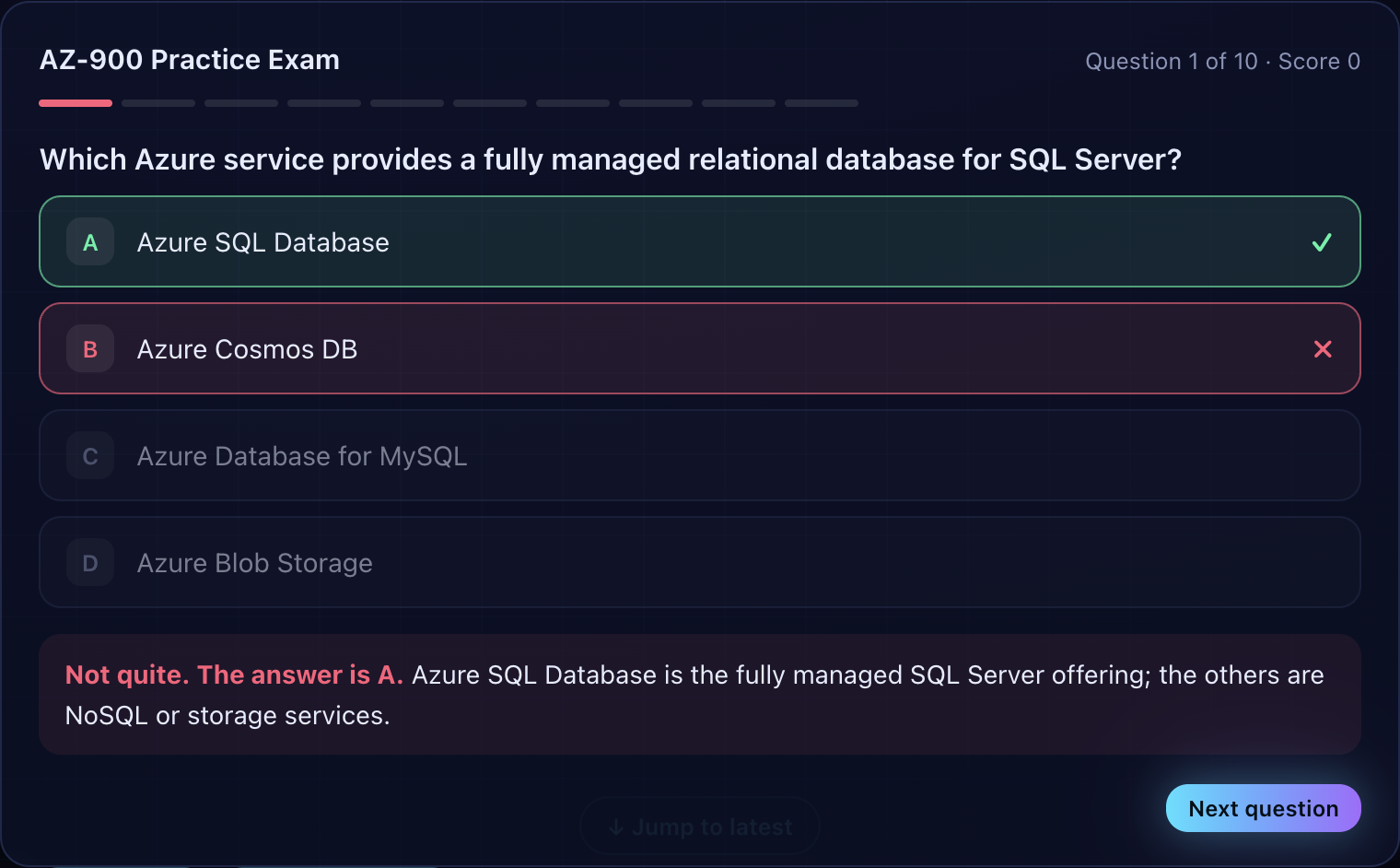
quiz generation for students
Inspiration
Most AI assistants live in a browser tab. They forget you between chats, don't know what you're doing on your computer, and can't act for you. We wanted an AI that works like a coworker: it remembers you, offers help at the right moment, and does real tasks on your PC, but only with your permission. Because that means seeing a lot, we made privacy the starting point: your data stays on your device and under your control.
What it does
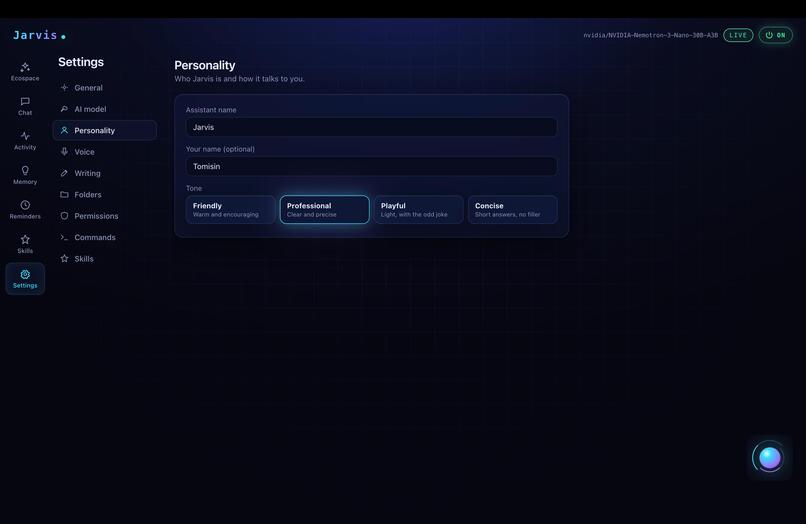
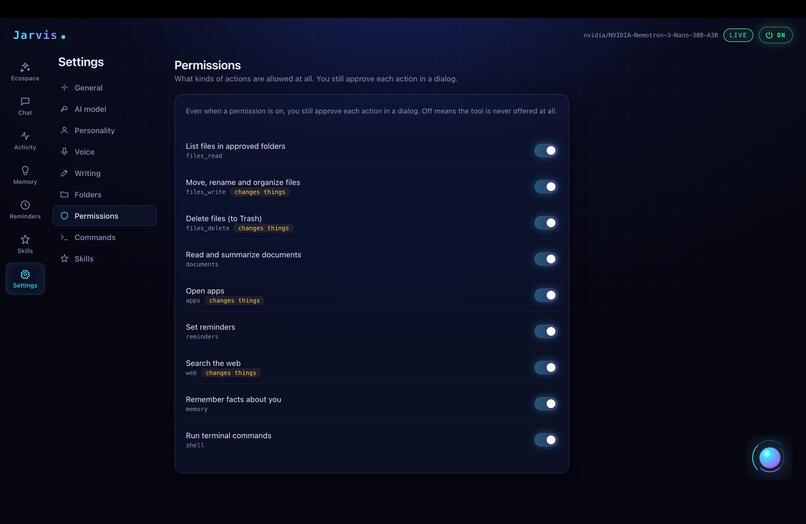
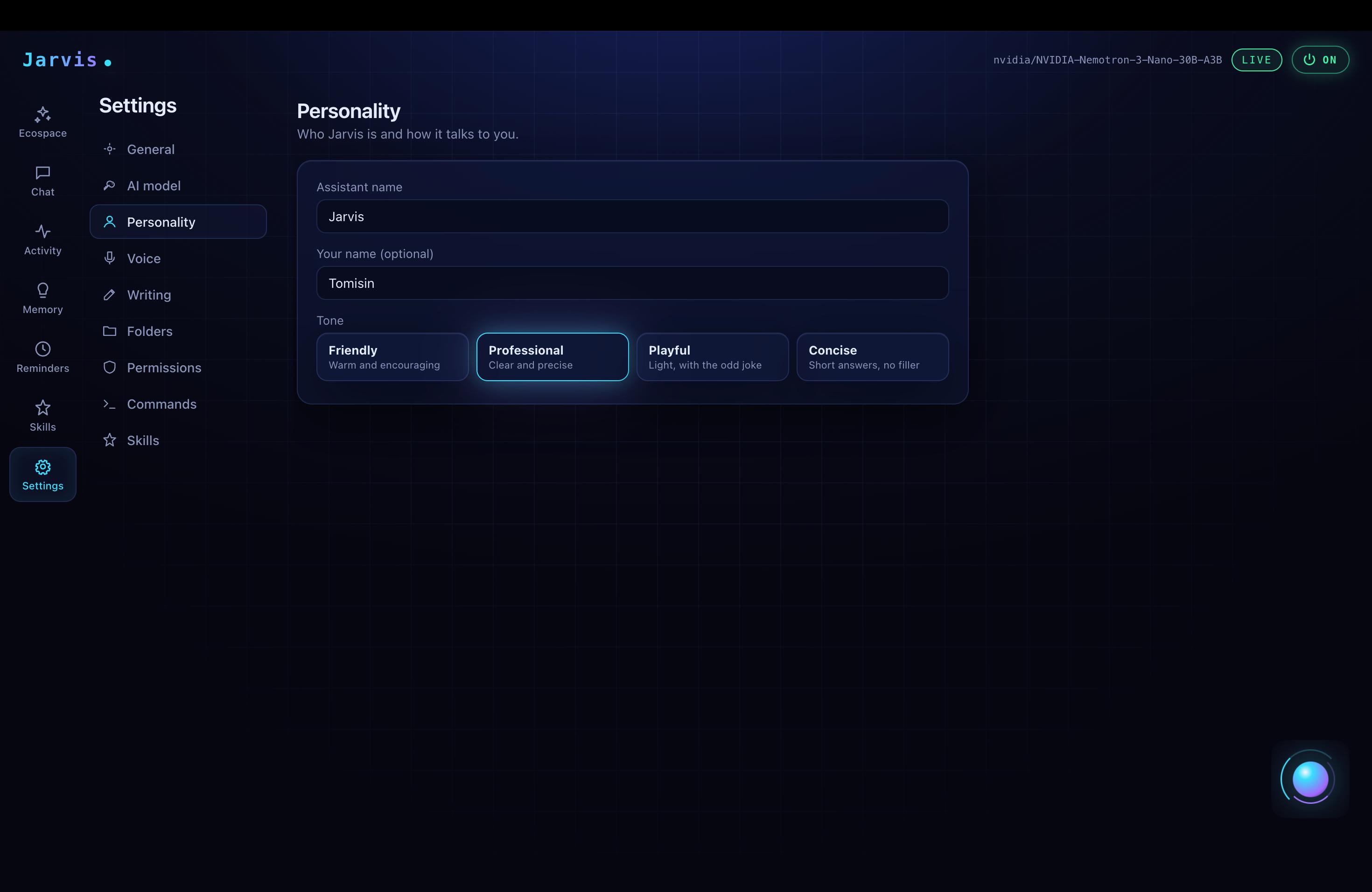
myPAI lets anyone generate their own personal AI. You choose its name, tone, skills, and exactly which folders and permissions it gets. It then lives on your PC as a small floating icon.
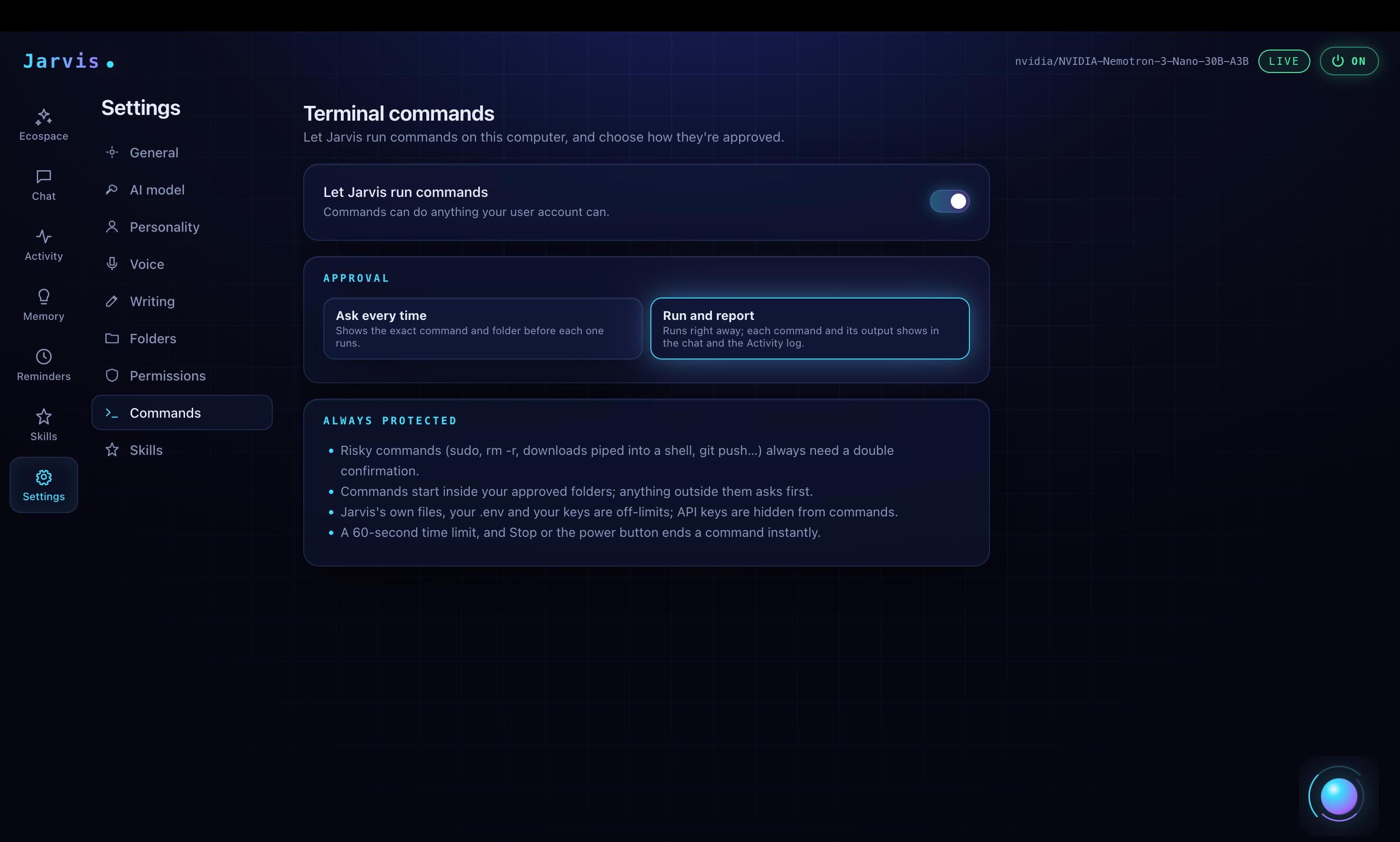
- Chat and act: ask for something, and it proposes the action and shows what it will touch. Nothing runs until you approve, and deletes or overwrites need a second confirmation.
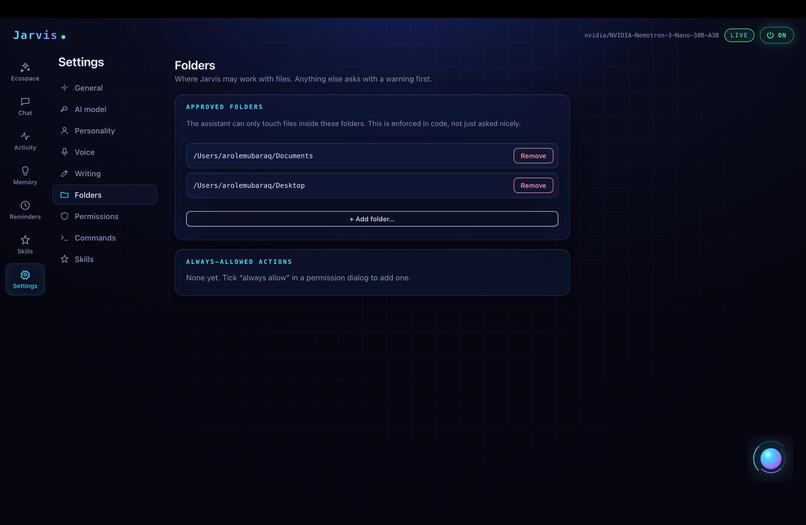
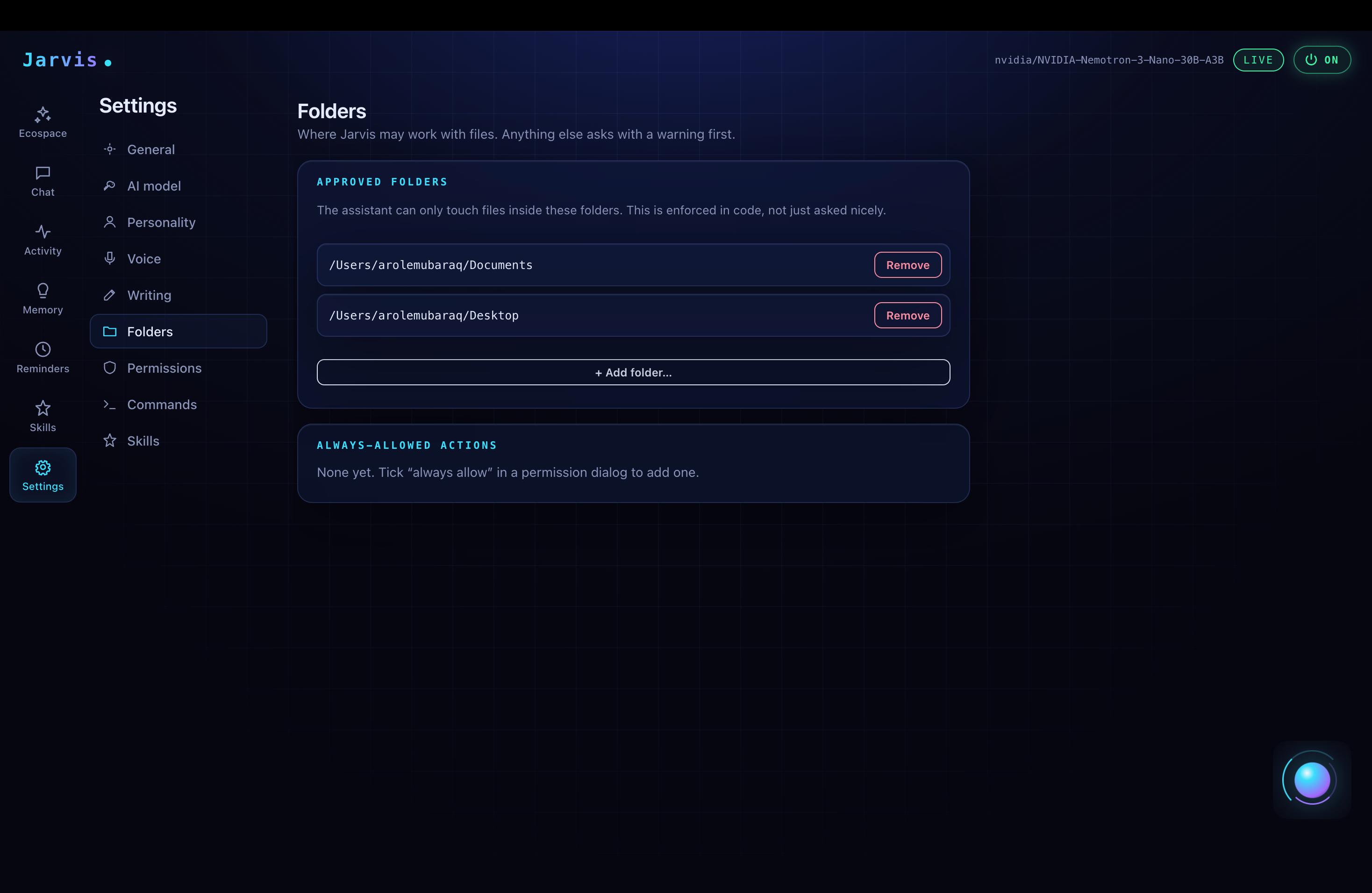
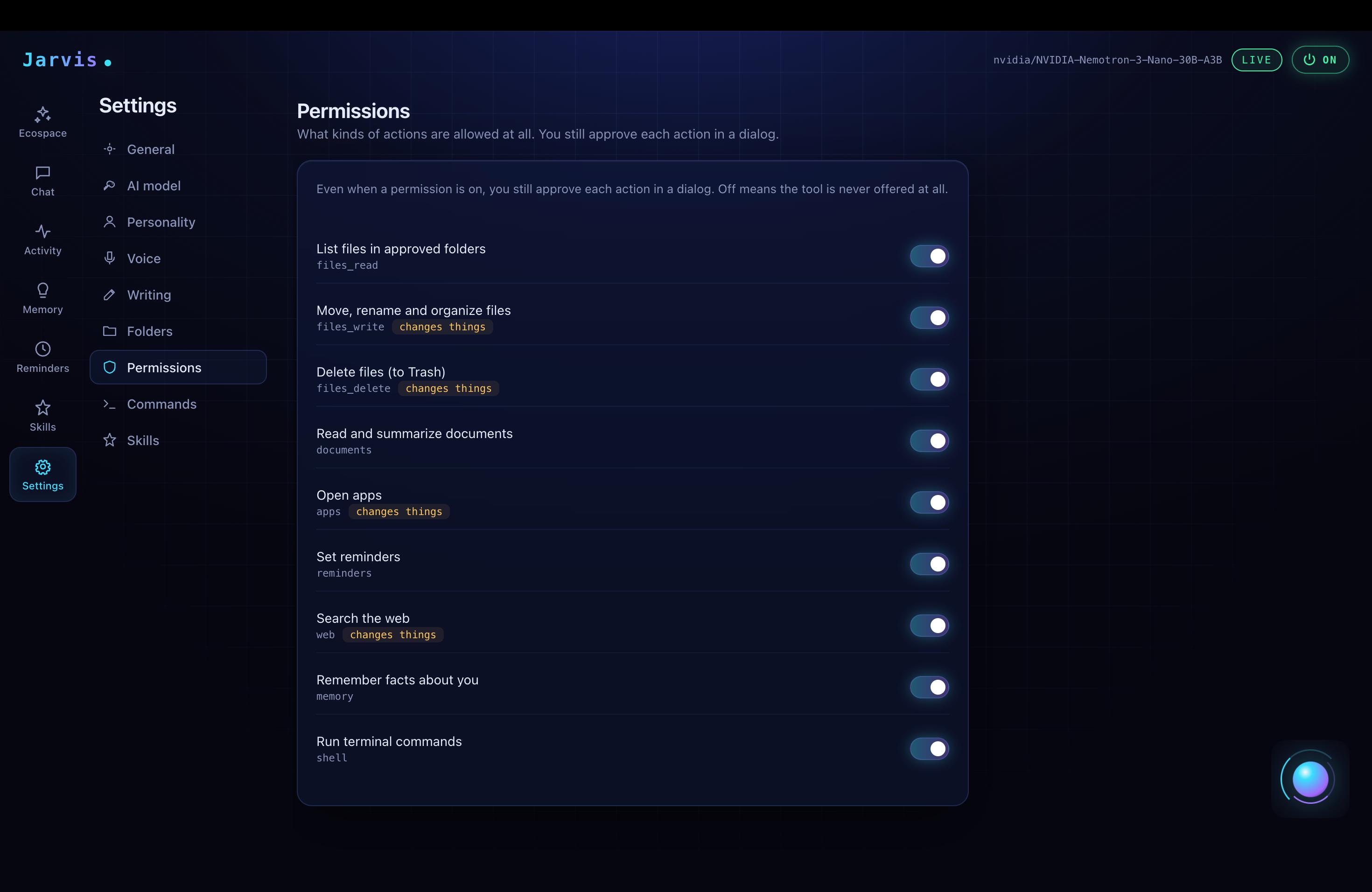
- Files: list, organize, and rename files, only inside folders you approved.
- Writing: summarize documents and draft emails and messages.
- Reminders: one-time and recurring, with native notifications.
- Web search and apps: search the web (Tavily) and open apps by name.
- Memory: it remembers your preferences and projects across sessions. You can view, edit, and delete every item.
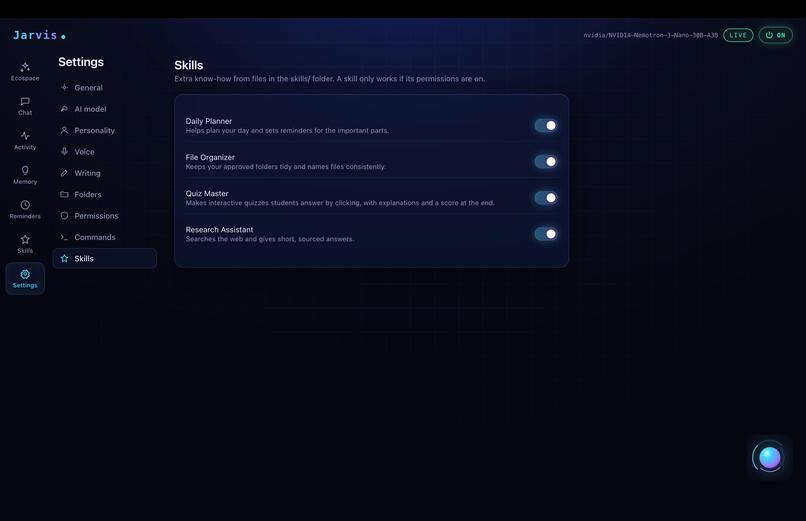
- Skills: capabilities live in simple files you can turn on or off.
- Proactive help: simple rules notice moments like a messy Downloads folder, and the AI offers help. You can accept, dismiss, snooze, or turn on quiet mode.
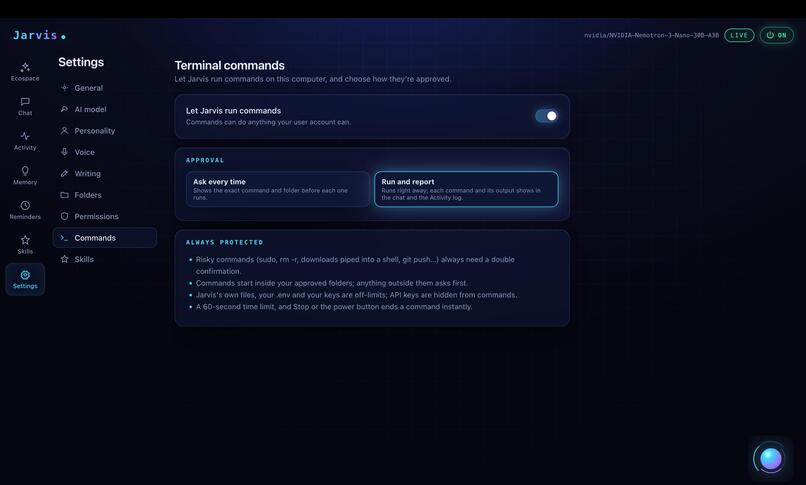
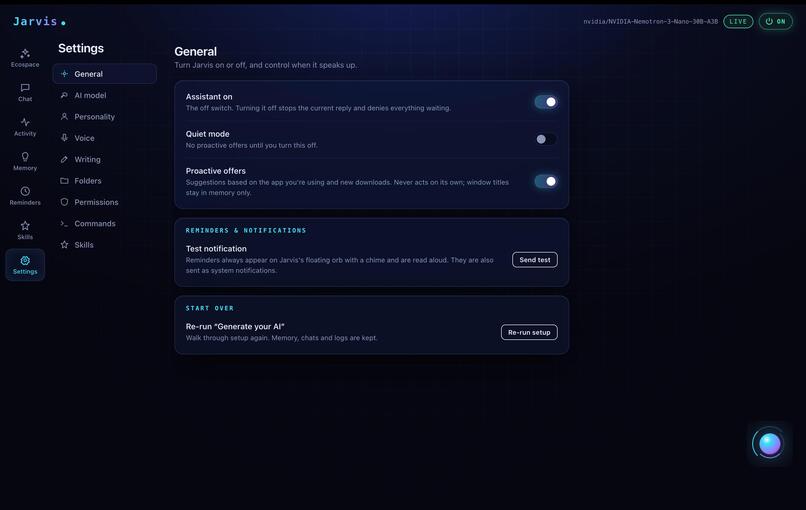
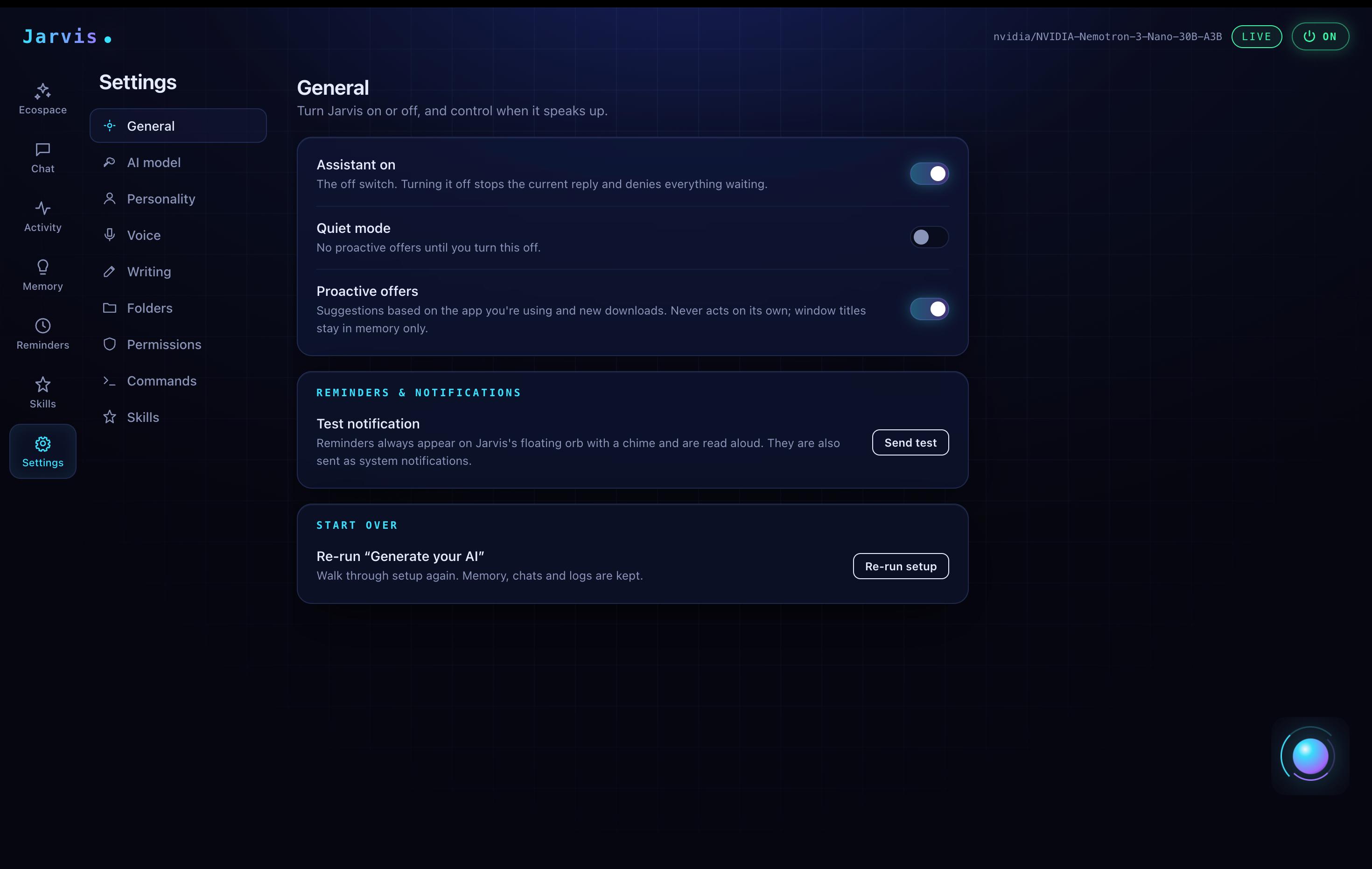
- Control: every action goes in an activity log, and one switch turns the assistant off immediately.
How we built it
- Models: NVIDIA Nemotron on Nebius Token Factory. The small Nemotron 3 Nano handles everyday chat and the "should I offer help?" check. Nemotron 3 Super handles tool calling and multi-step tasks. Nemotron 3 Ultra is reserved for hard reasoning.
- App: Electron with TypeScript and React. The Node main process owns everything privileged: files, shell, model calls, reminders, and memory. The UI can only reach it through a preload bridge, so the interface never touches your files directly.
- Permissions in code: the folder allowlist and approval prompts are enforced by the app, not by asking the model to behave. Content from files and web pages is treated as data, never as instructions.
- Privacy: memory and logs stay on the device. Window titles and clipboard are used in the moment and never written to disk.
- One config file: the endpoint and model IDs live in a single file, with a mock mode for testing. That let the team build without API access and switch to Nebius by editing
.env. - Search: Tavily, capped by a daily limit and cached to save credits.
- Dashboard: a Next.js site where users generate their AI configuration and download the app.
Challenges we ran into
- Access to Nebius. Token Factory's billing form didn't list Nigeria, so most of the team couldn't get API access. We built and tested locally with a Llama model through Ollama, and a teammate in Australia ran the real Nemotron calls on Nebius. Keeping the model settings in one config file is what made this workable.
- Different models behave differently. Tool calling worked differently between the local Llama model and Nemotron, so we kept the tools simple and tested them again on Nemotron.
- Trust and permissions. An assistant that can act on your PC has to earn trust. We spent real time on approval prompts, folder limits, and a log you can read, instead of adding more features.
- Proactive help without being annoying. We used simple rules to decide when to interrupt, and added snooze and quiet mode.
- Scope. With about two weeks and a team new to Electron and agent design, we cut screen reading, voice, and form filling so that what we shipped works.
What we learned
- Keep the model behind one config. It saved us when API access was blocked.
- Build a mock mode early. It let everyone build the interface and permissions without waiting for a key.
- Let code enforce safety. Folder limits and approvals work better as code than as instructions to the model.
- Use the small model by default. Most calls don't need the big one, which kept our credits going.
- Fewer features that work beat many that half work.
What's next
Screen understanding, voice control, a plain-English automation builder, and a community skill gallery.


Log in or sign up for Devpost to join the conversation.