-
-

eg-1-1-simplify
-

eg-1-2-simplify
-

eg-2-1-summarize
-

eg-2-2summarize
-
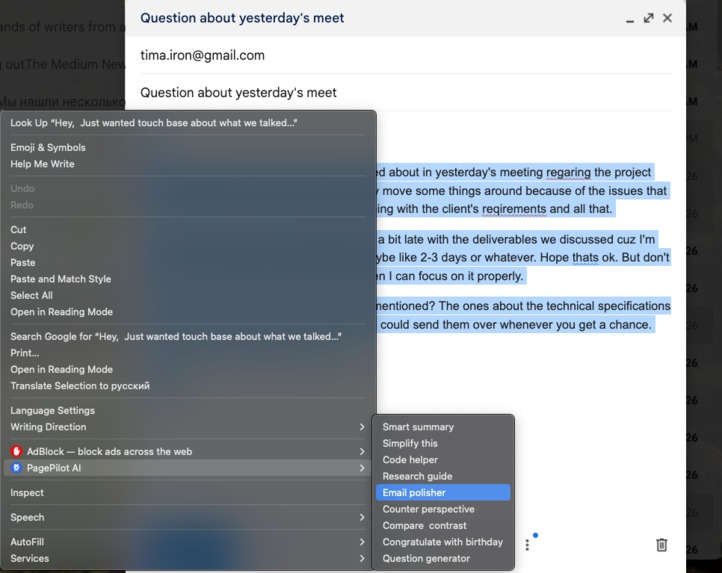
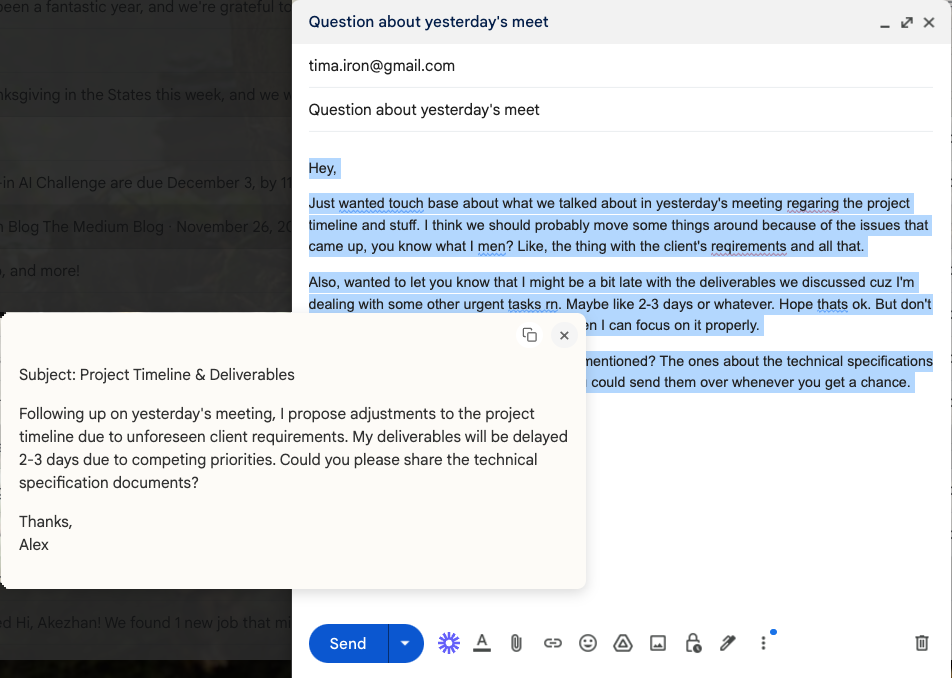
eg-3-1-email-polisher
-
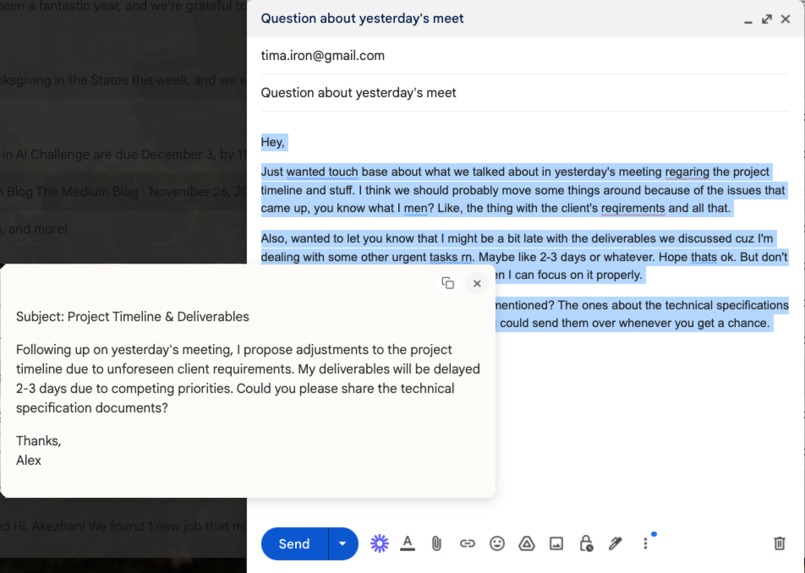
eg-3-2-email-polisher
-
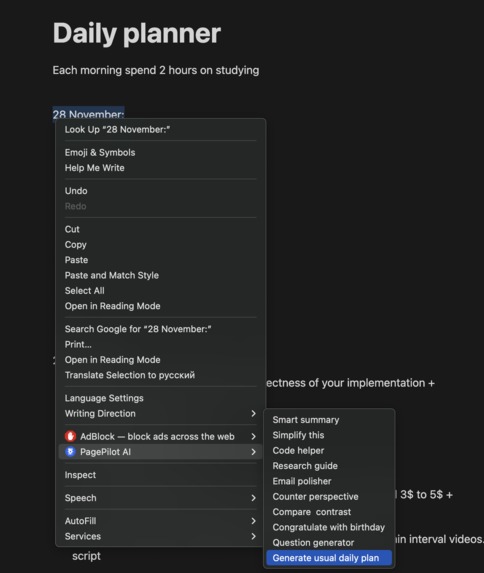
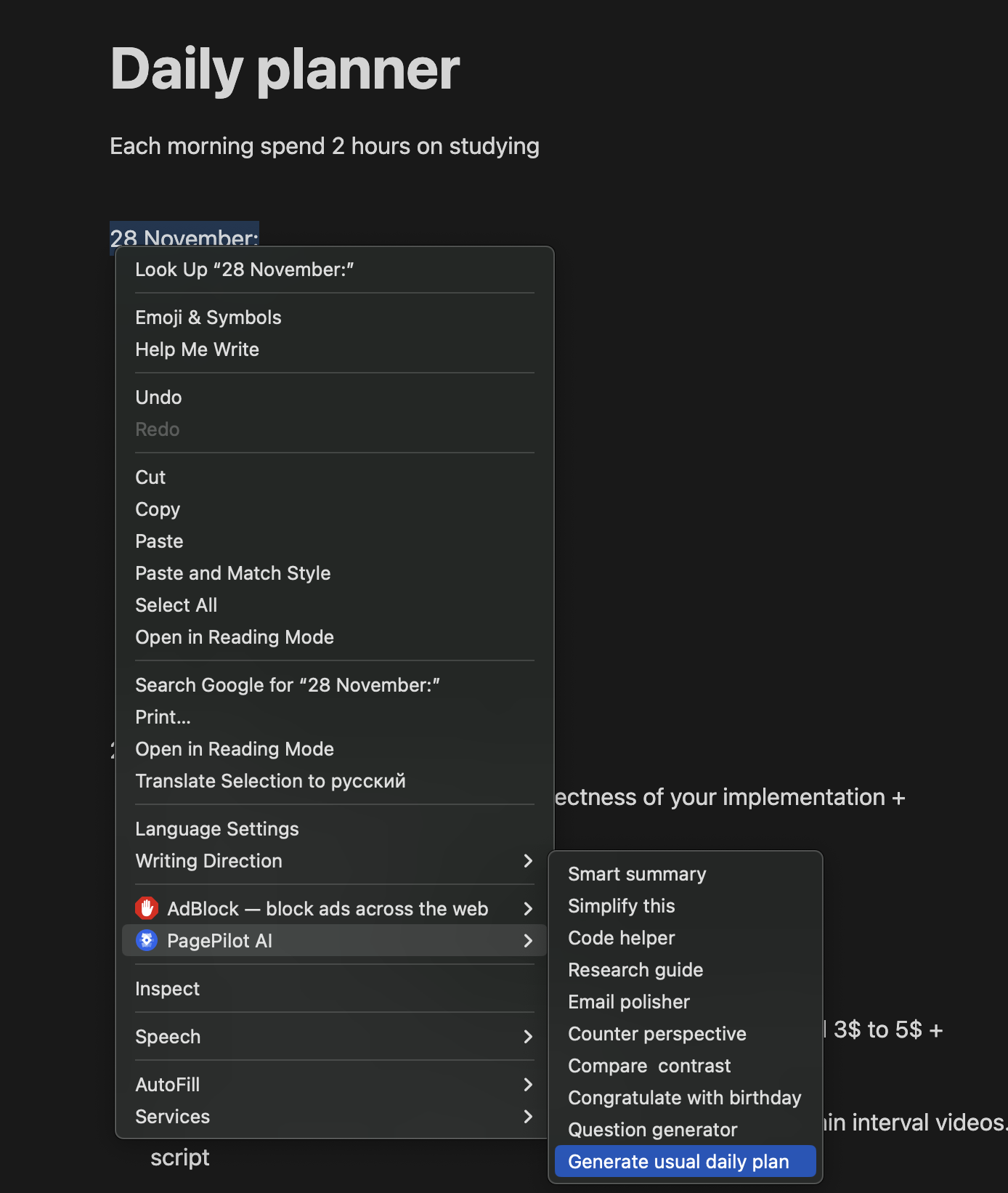
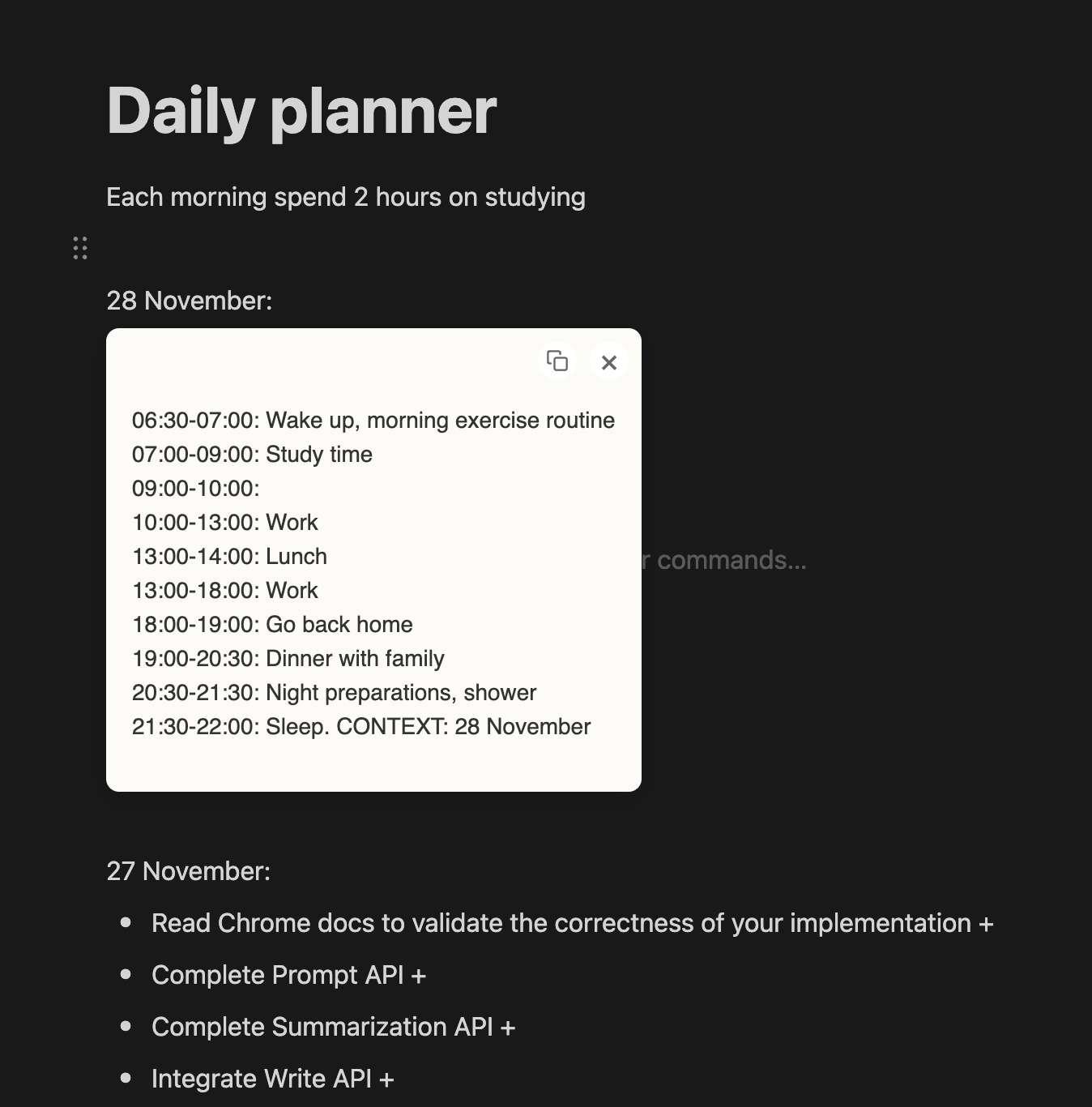
eg-4-1-planner
-
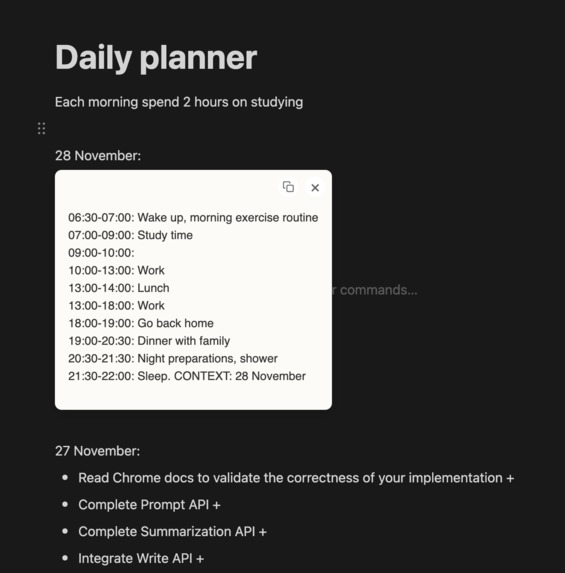
eg-4-2-planner
-
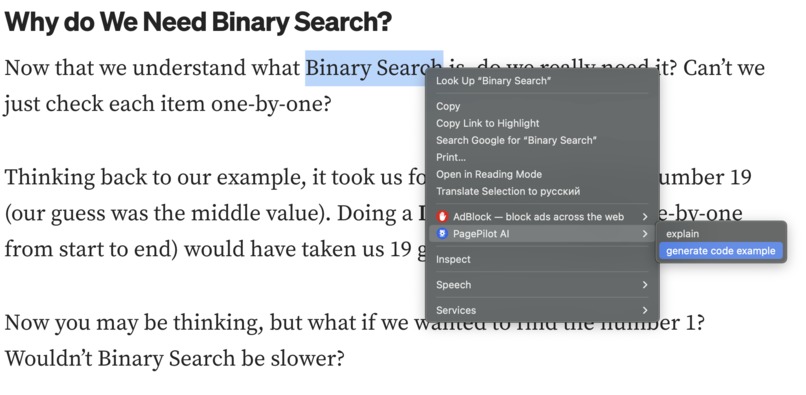
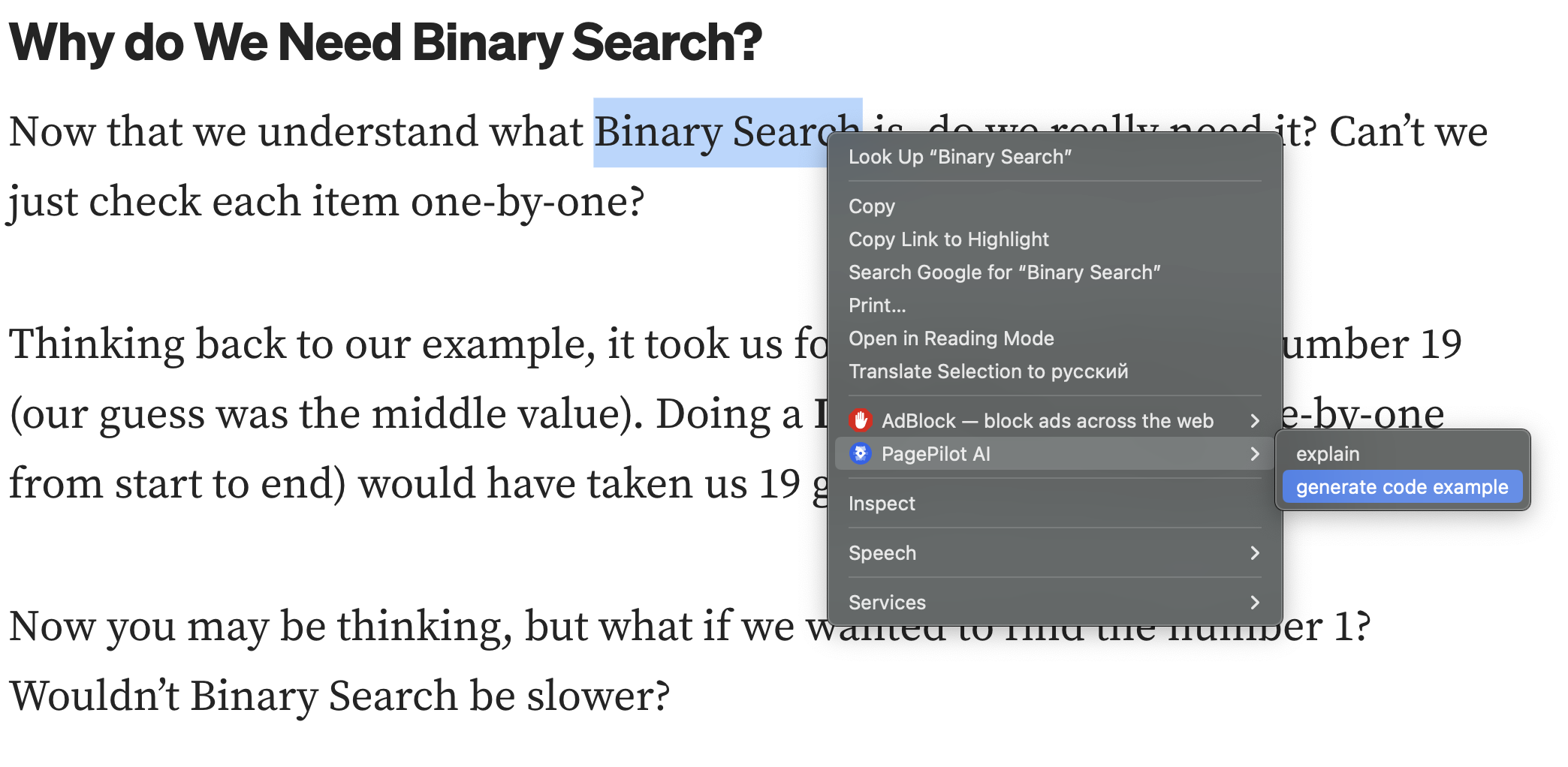
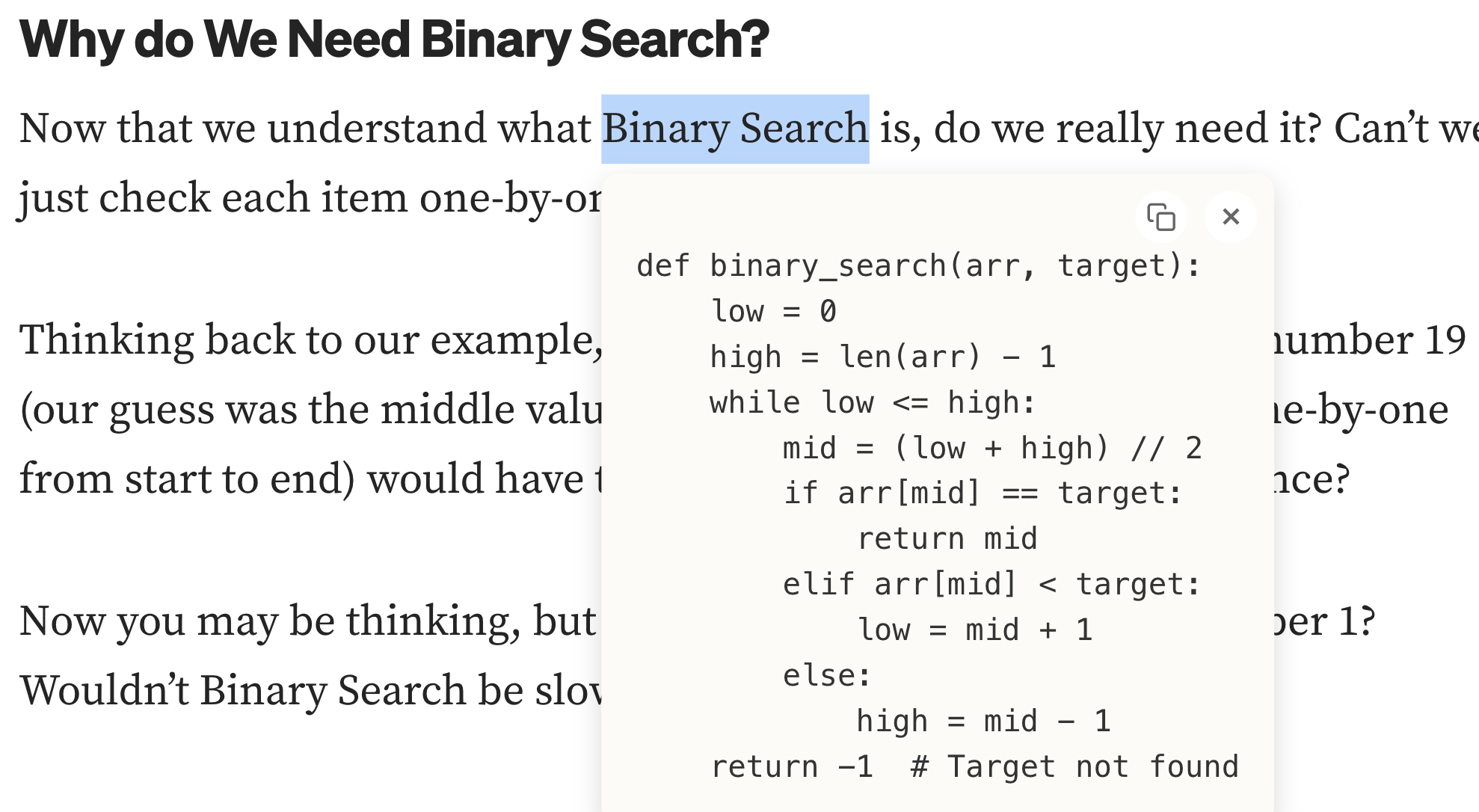
eg-5-1-code
-
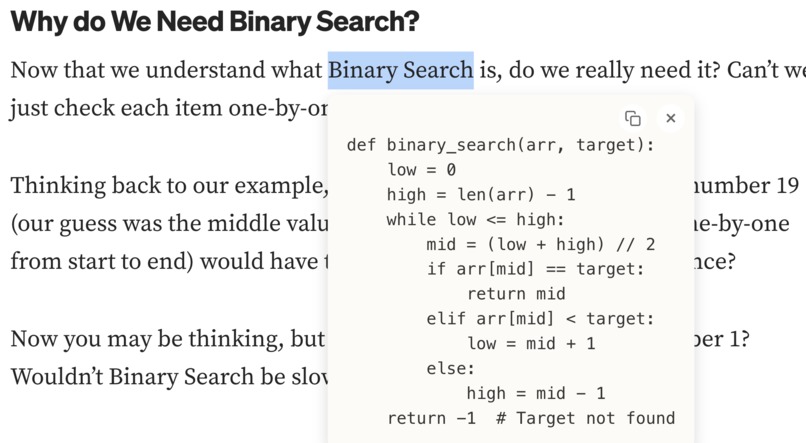
eg-5-2-code
-
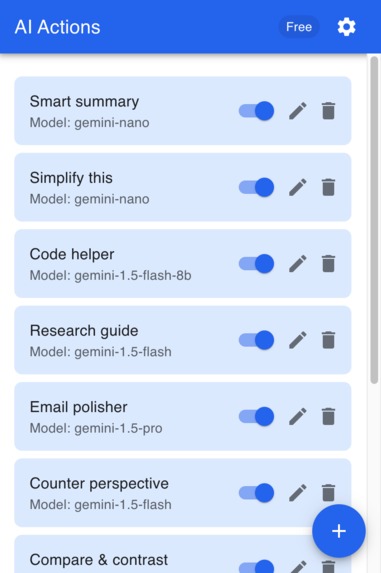
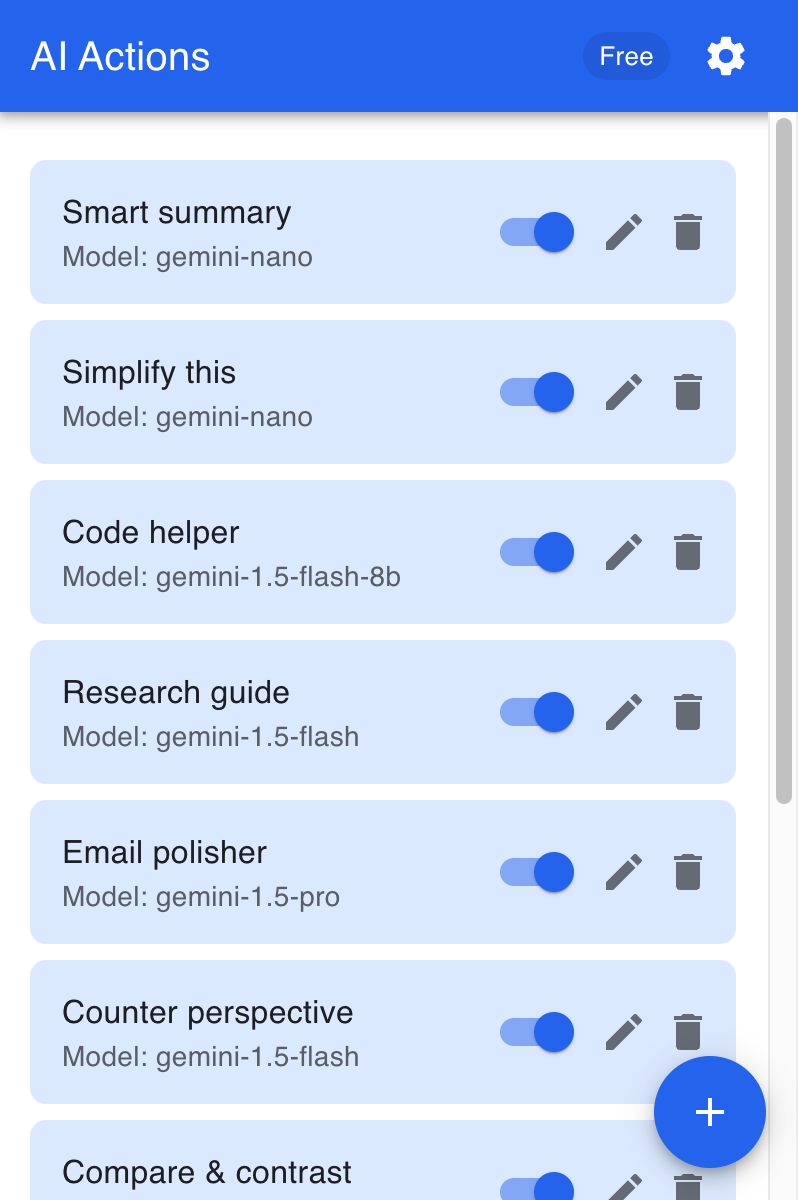
extension-1-AI actions list
-
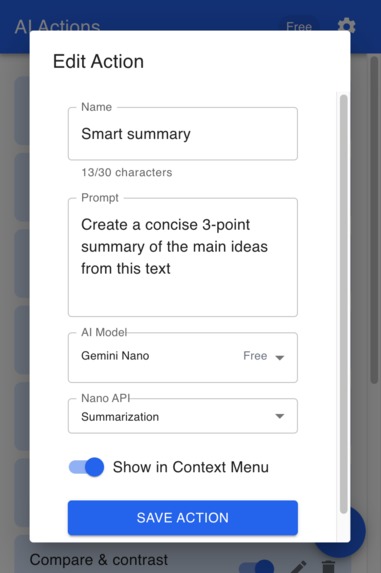
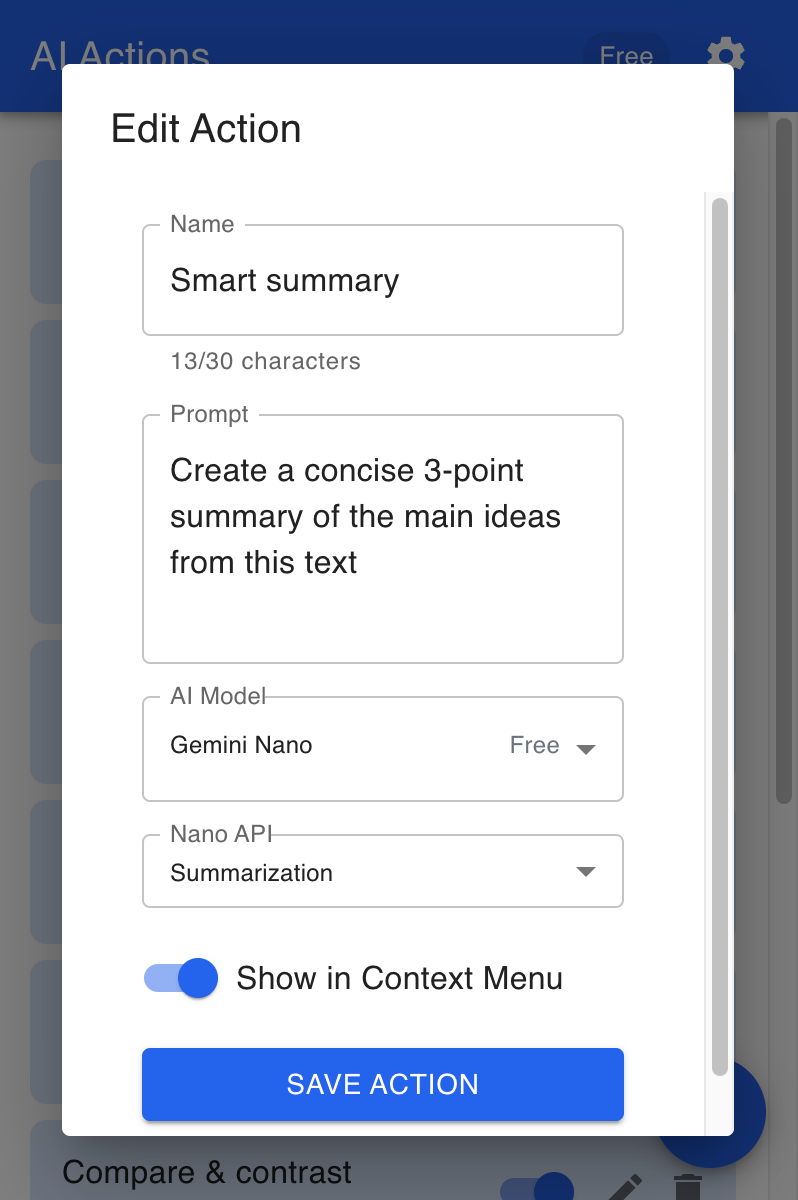
extension-2-AI action form
-
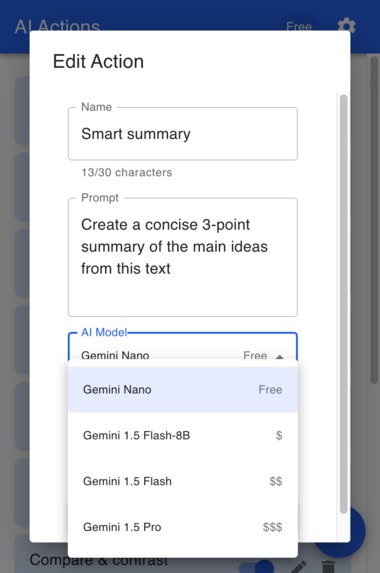
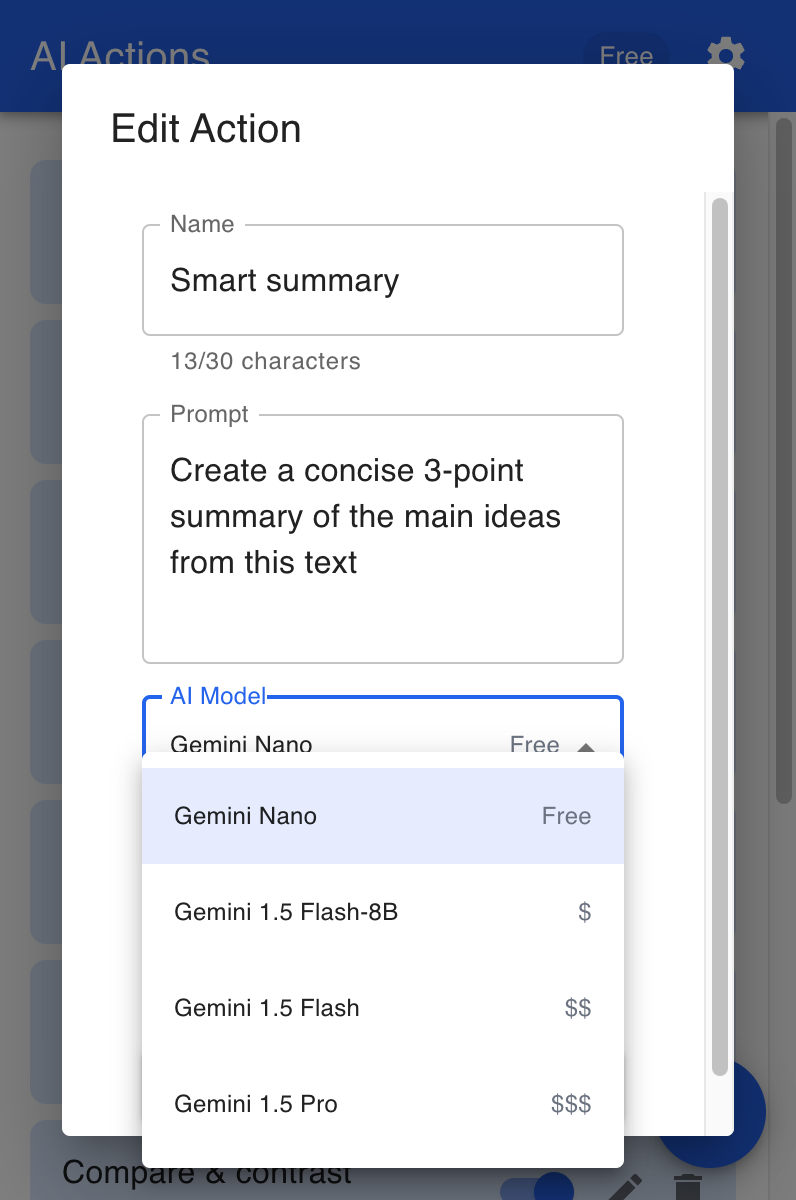
extension-3-Gemini models
-
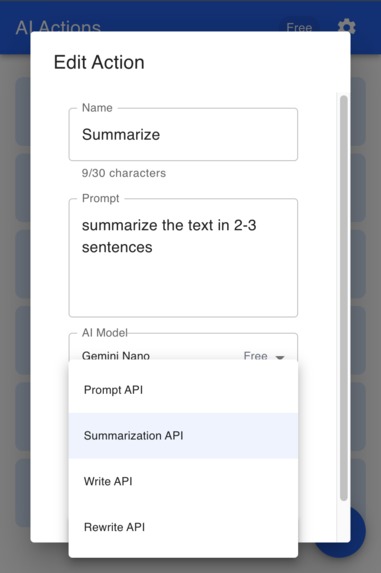
extension-4-Gemini Nano models
-
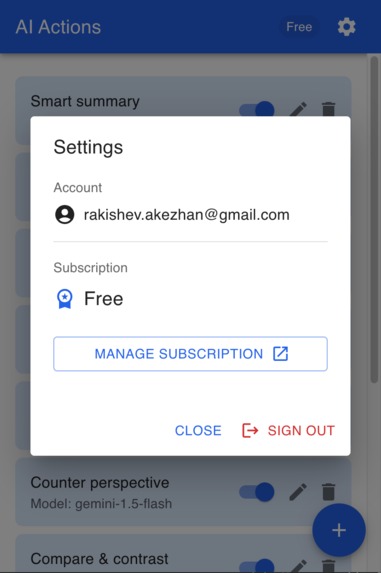
extension-5-settings
-
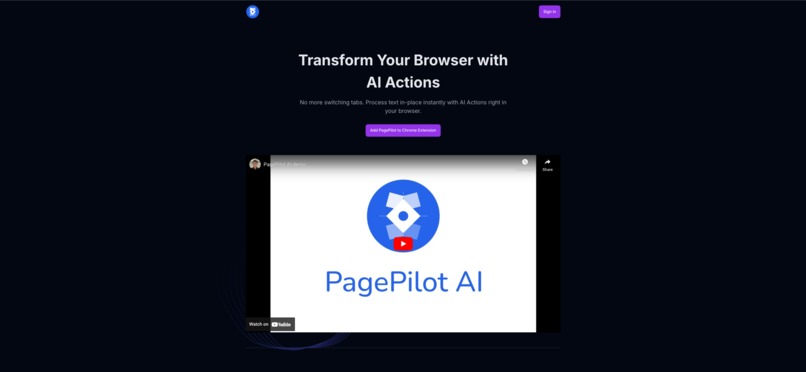
web app -1- landing
-
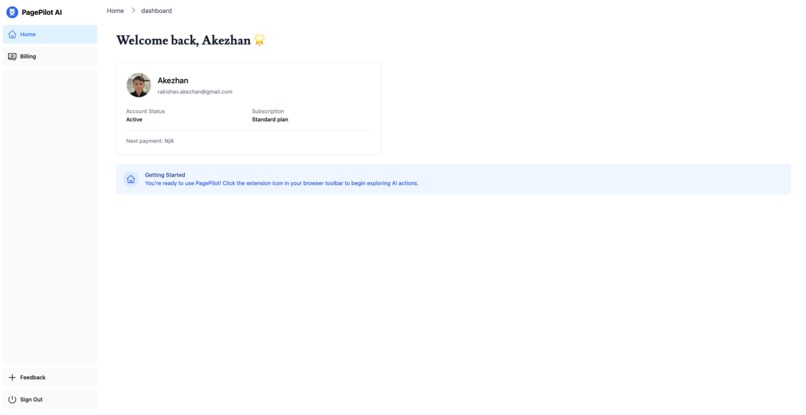
web app -2- admin - home
-
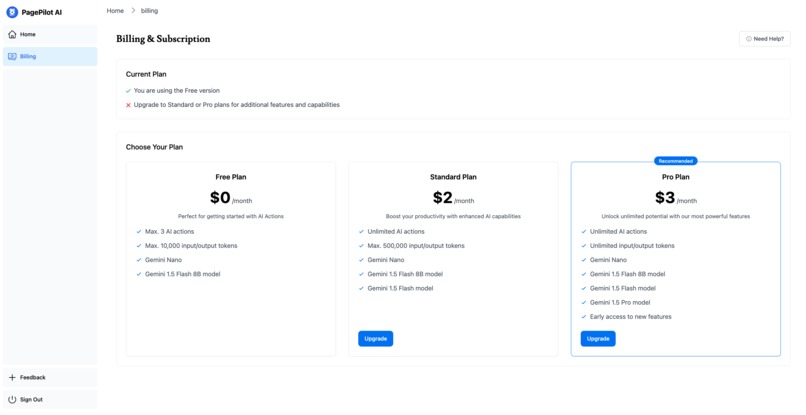
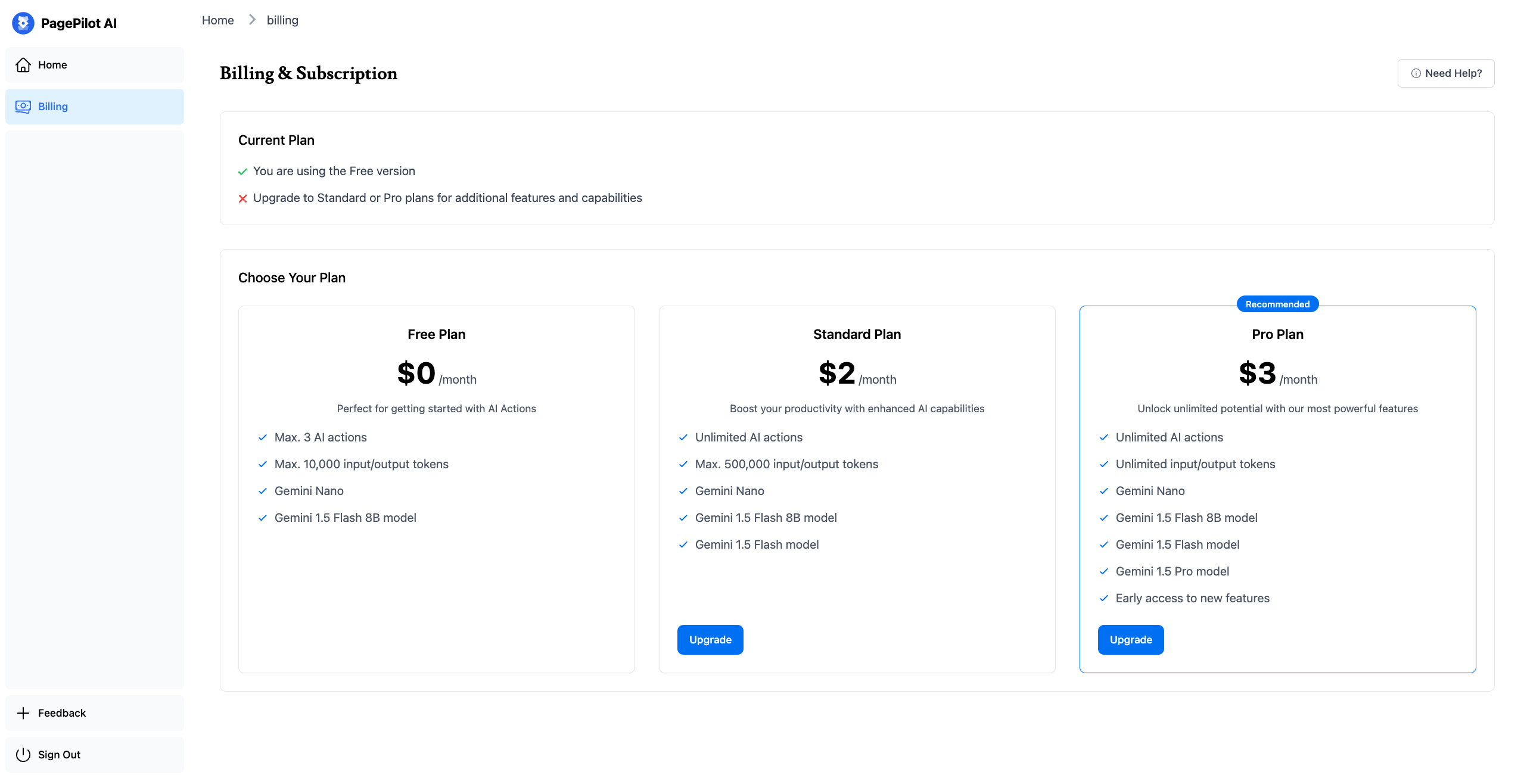
web app -3- admin - subscriptions
-
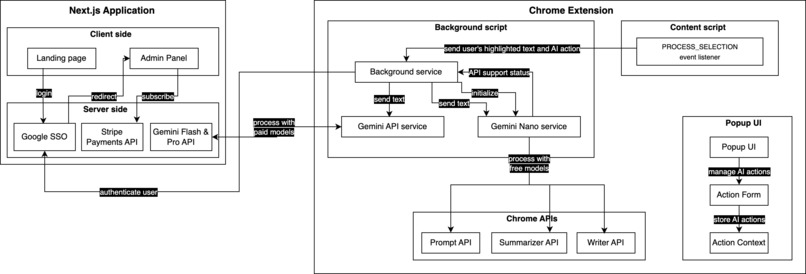
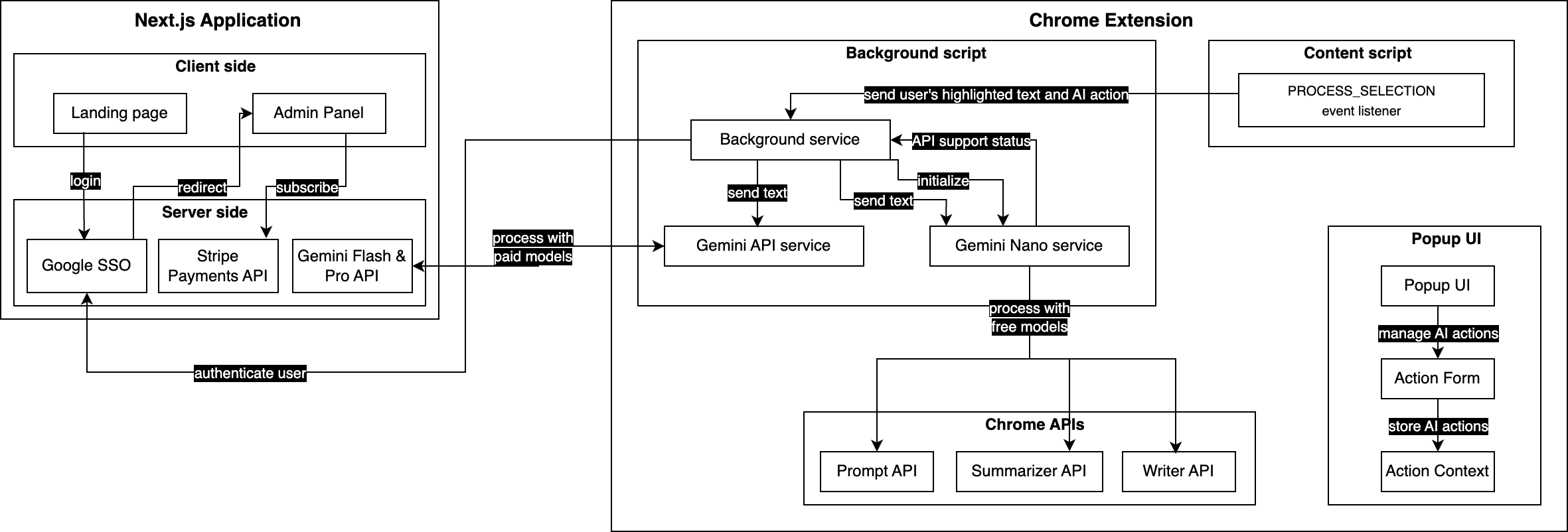
app-architecture




Inspiration
Many Chrome users right now are context switching while browsing for AI Services. Have you been switching between Gemini app or ChatGPT to understand, translate or summarize a text? Professionals, students and many other Chrome users constantly juggle between web pages and AI tools, disrupting their flow and productivity. This back-and-forth process breaks concentration and slows down Chrome users. We asked ourselves: "What if AI assistance could be used right where you're reading?"
What it does
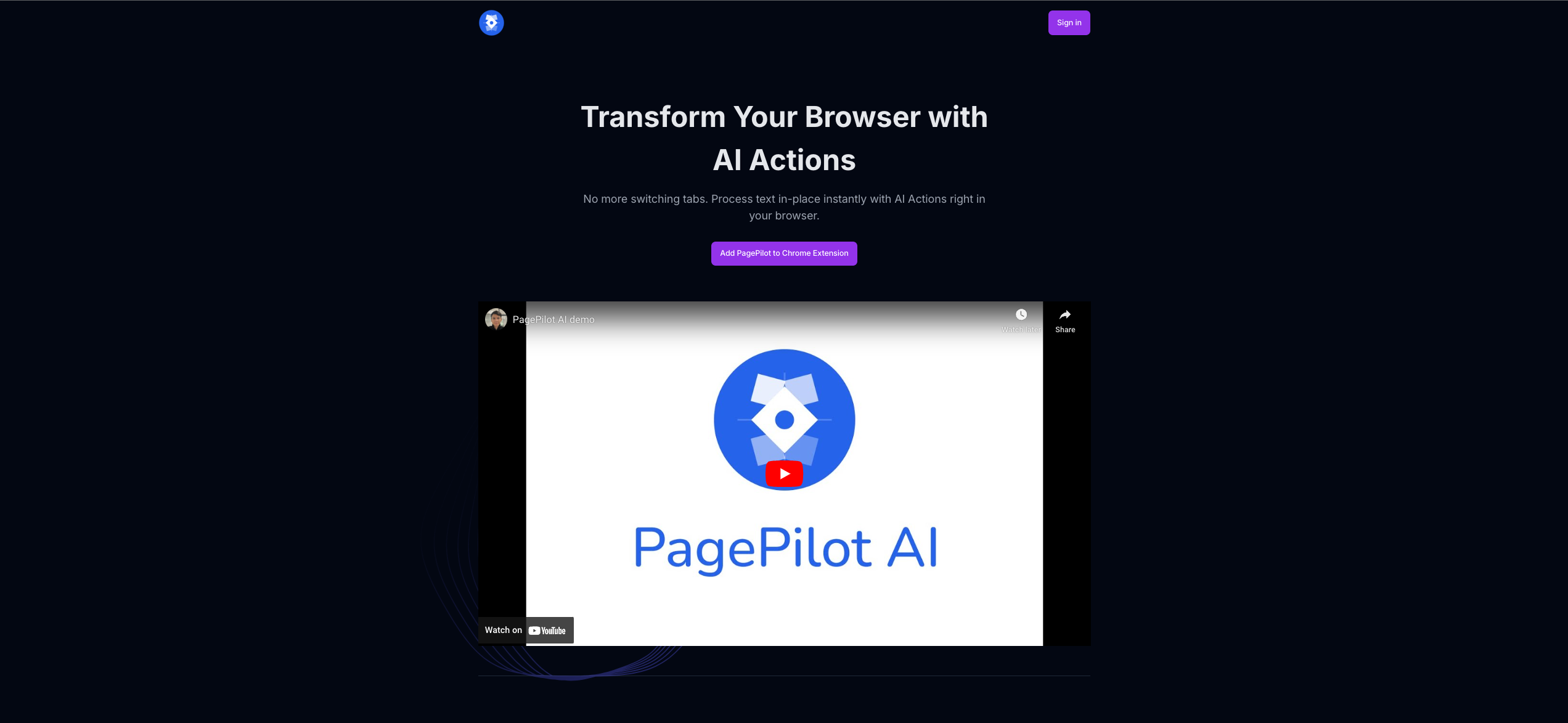
PagePilot AI allows you to use AI in-place over any word, paragraph, or text within the web page. It is very simple and useful. To use PagePilot, do the following:
- Go to Chrome extensions, select PagePilot AI, create new AI action that you want to perform over any text. For example, "Summarize" action, "Simplify this" action and so on.
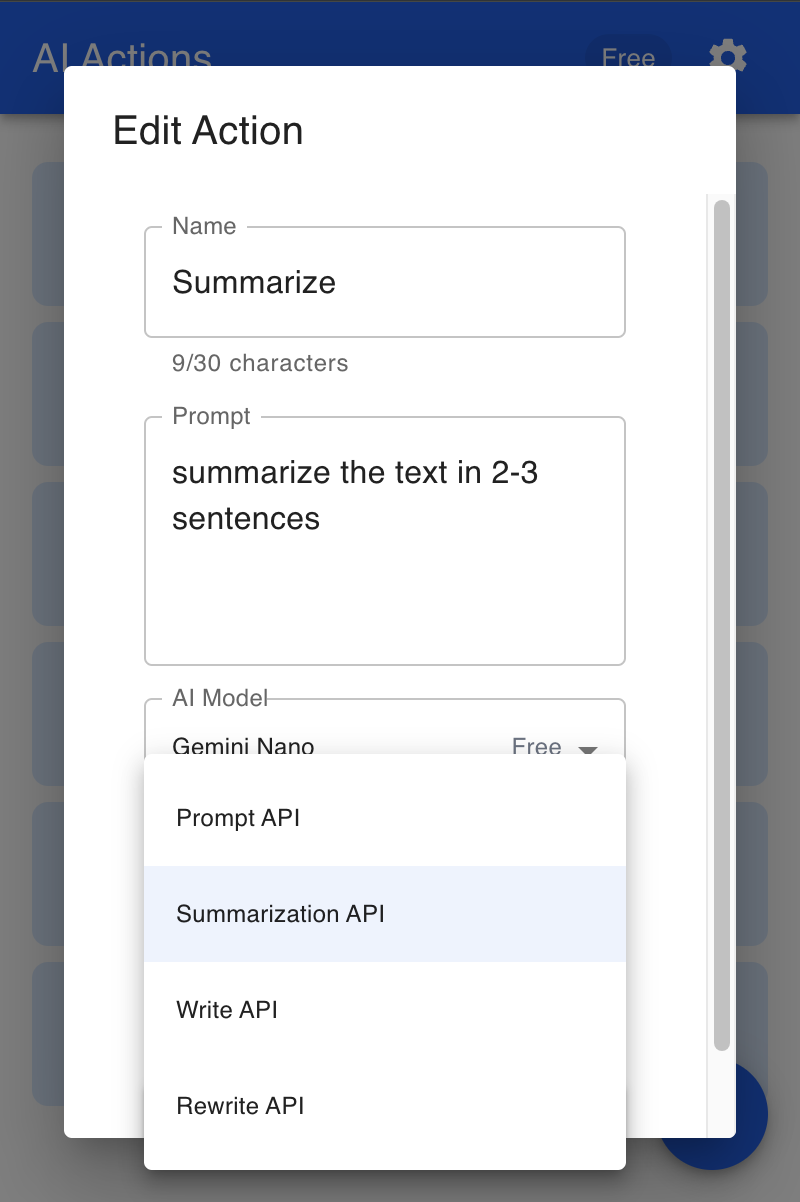
- Fill the name, prompt, and Gemini model for the AI action.
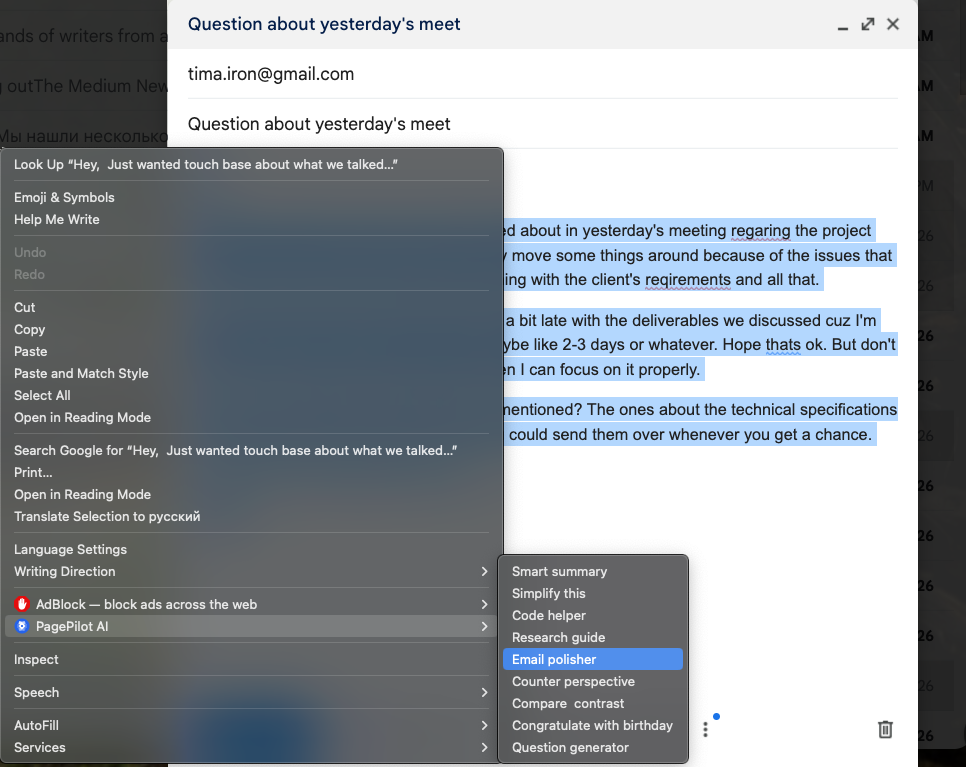
- Use it anywhere you want. Highlight any text on any website, select PagePilot AI in the context menu, and select the AI action you want to perform over the highlighted text.
How we built it
Chrome extension was built with React, TypeScript, and Vite using Chrome's Extensions Manifest V3. The extension leverages Chrome's built-in Gemini Nano models through Prompt API, Summarization API, Write API and Rewrite API. A custom overlay displays AI responses directly within web pages.
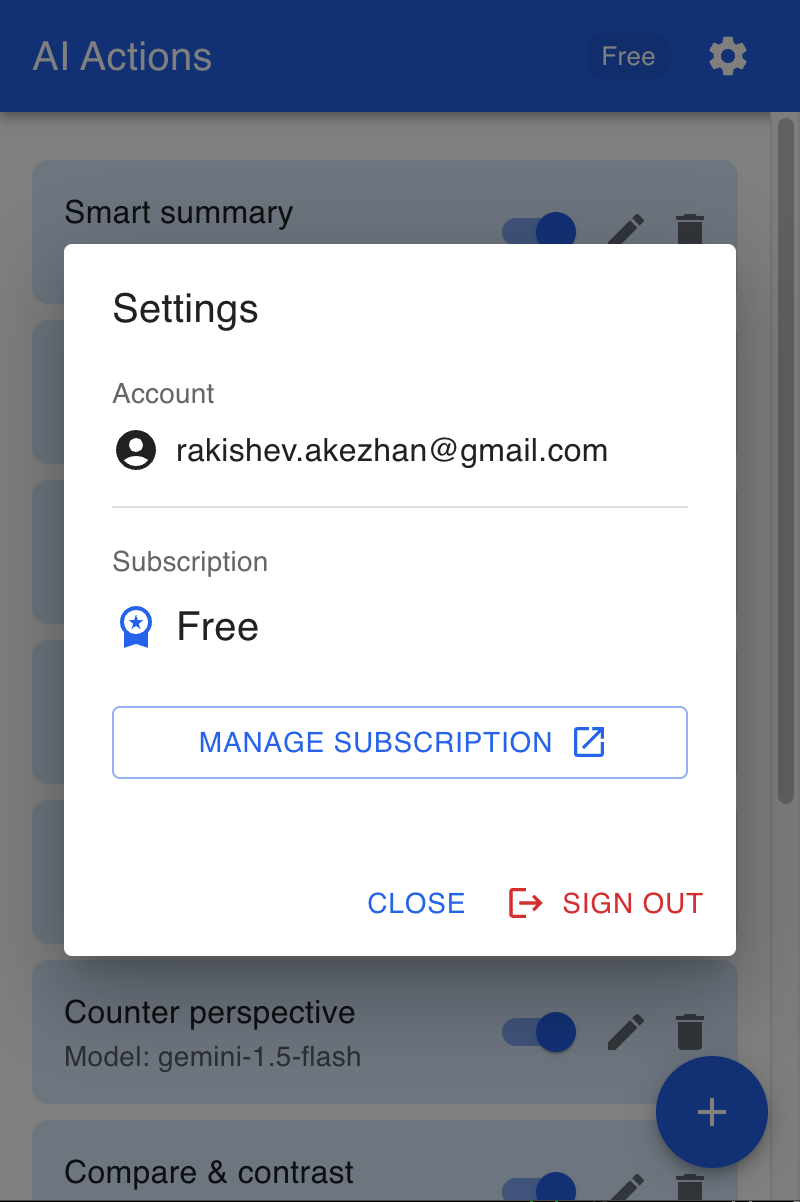
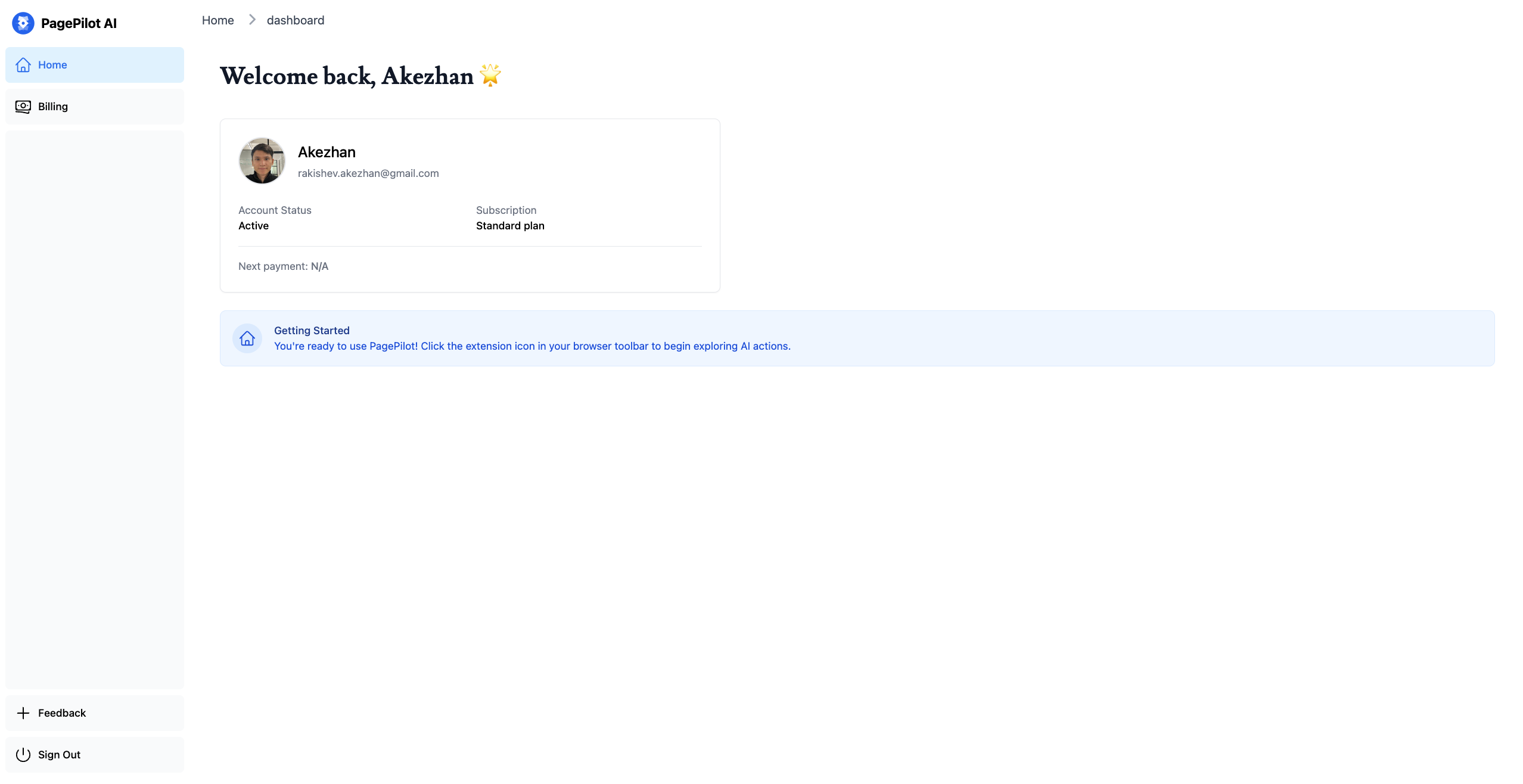
The backend uses Next.js for our serverless architecture and connects to advanced Gemini models (flash 8B, flash, and pro) through APIs. User data is stored in PostgreSQL (NeonDB), with Google SSO handling authentication. The admin panel and landing page use React with Next.js server-side rendering. The Chrome extension communicates with these Gemini models through our Next.js API layer, allowing access to more powerful AI capabilities beyond the built-in Nano models.
Challenges we ran into
- Creating an intuitive UI for extension's overlay that doesn't interfere with browsing
- Gemini Nano Write API integration
- And of course, CORS 😅
Accomplishments that we're proud of
- Successfully integrated Gemini AI capabilities - both online (Gemini AI API) and offline (Gemini Nano)
- Developed a intuitive AI actions system that users can customize
- Implemented clean, maintainable codebase with TypeScript
- The project would be soon commercialized and deployed as a Software as a Service
What we learned
- Gemini Nano, Prompt API, Summarization API, Write, Rewrite API
- Gemini AI Studio and powerful Gemini APIs
- Optimal ways to handle AI API interactions
- Chrome extension architecture best practices
- Stripe payments integrations, Stripe webhooks (for future plans)
- Security considerations for browser-based AI tools
What's next for PagePilot AI
- Coming soon: This project will be available as a commercial SaaS solution
- Implement an AI actions gallery for sharing custom templates
- Add cross-platform browser support (Microsoft Edge, Mozilla, Safari)
- Enable multiple language support
- Introduce custom styling options
- Launch smart subscription pricing - pay only for what you use
- Add image analysis capabilities
Built With
- chromeextension
- geminiapi
- gemininano
- google-auth
- google-cloud
- google-gemini-ai
- google-materialui
- next.js
- prisma
- prompt-api
- react
- rewrite-api
- summarization-api
- typescript
- vite
- write-api


Log in or sign up for Devpost to join the conversation.