-
-
-

Logo
-
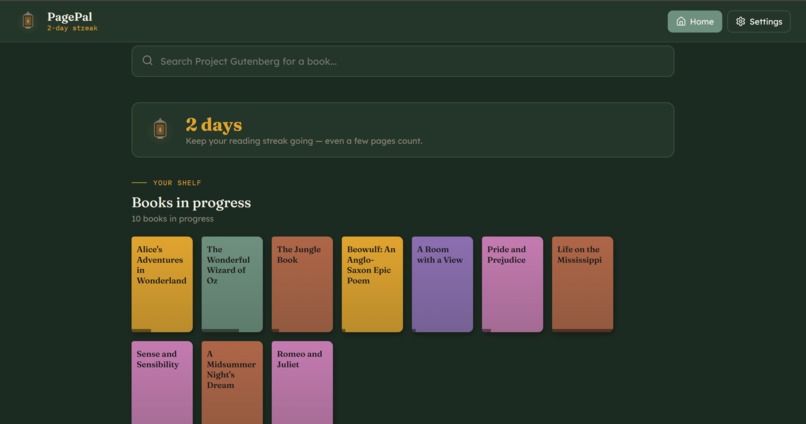
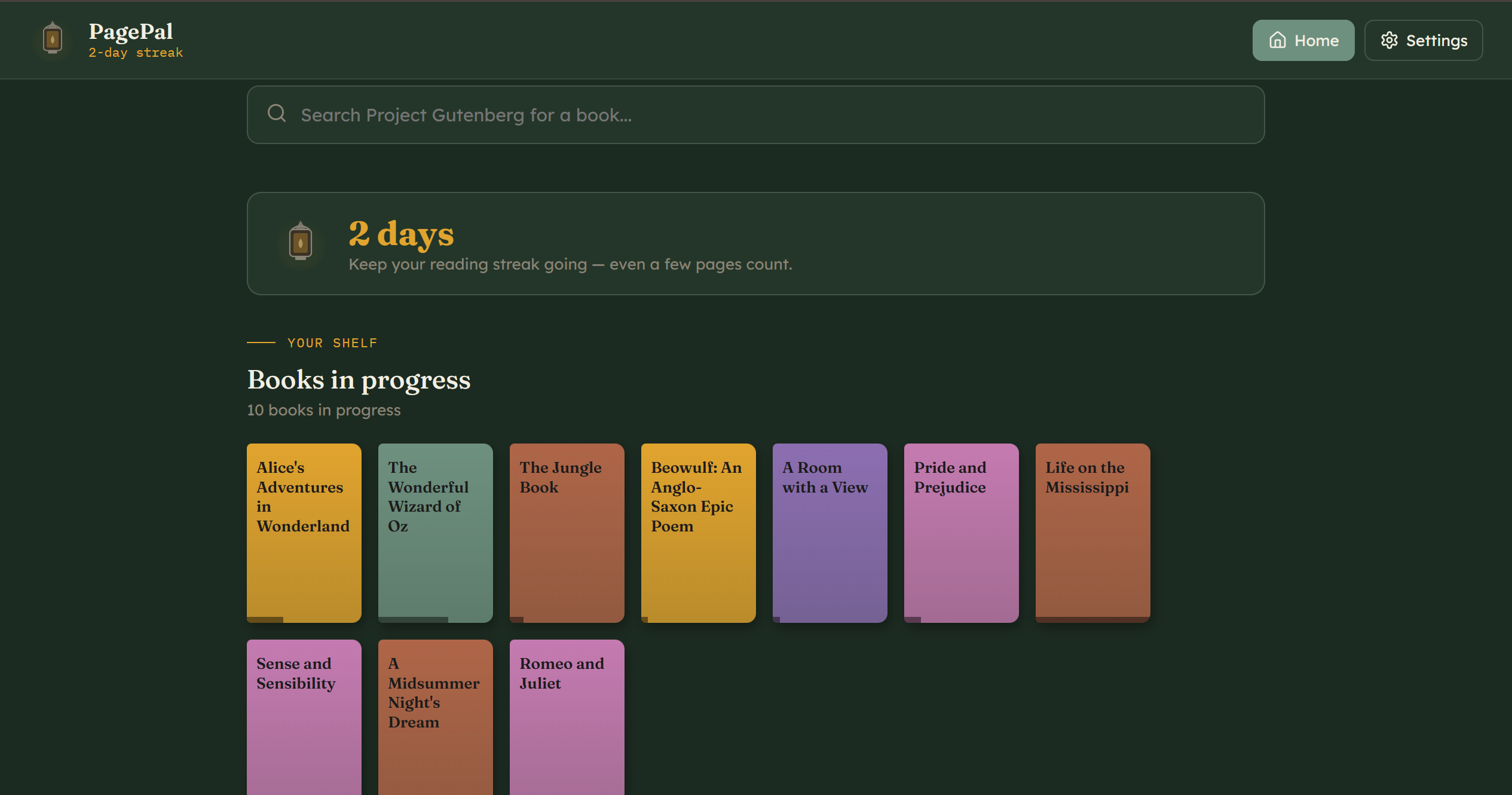
Home Page
-
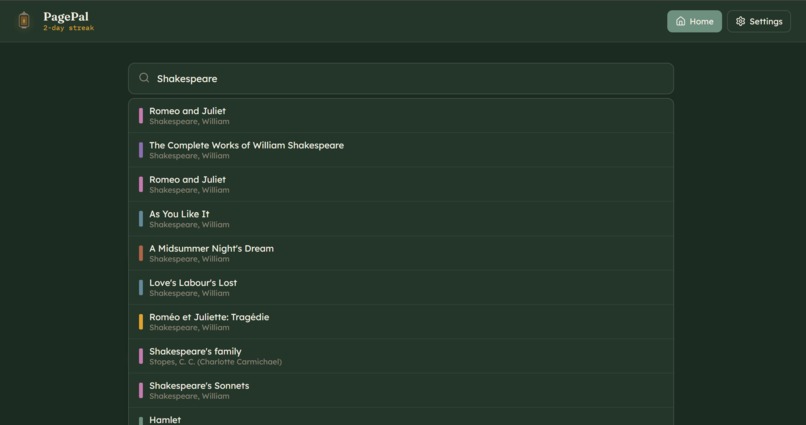
Search Bar
-
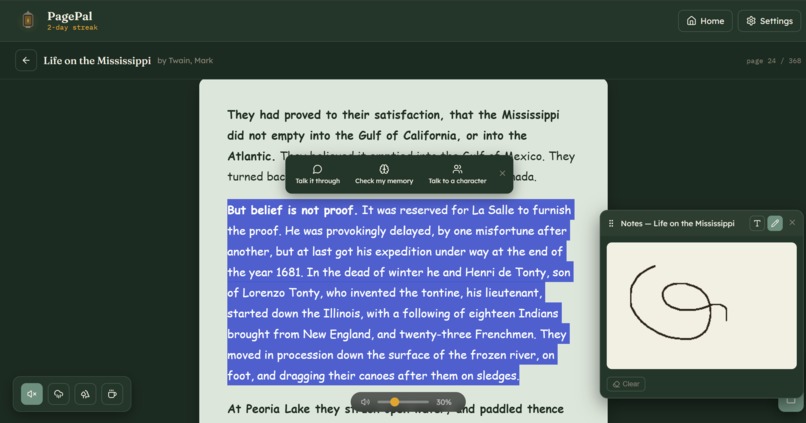
Read Page
-
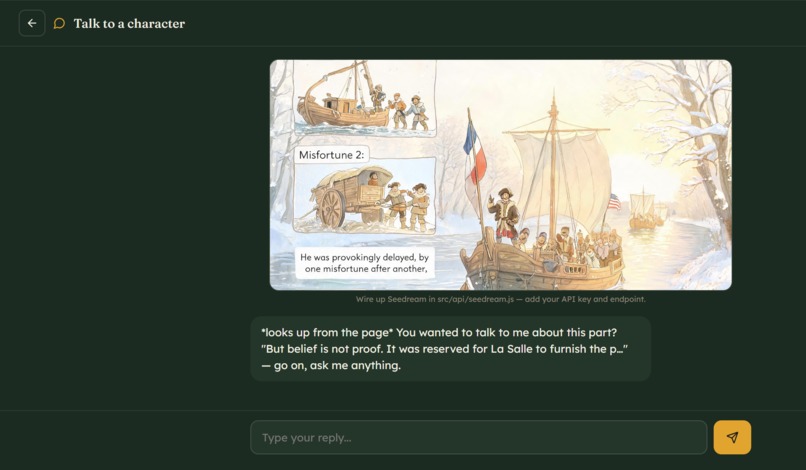
Chat Page
-
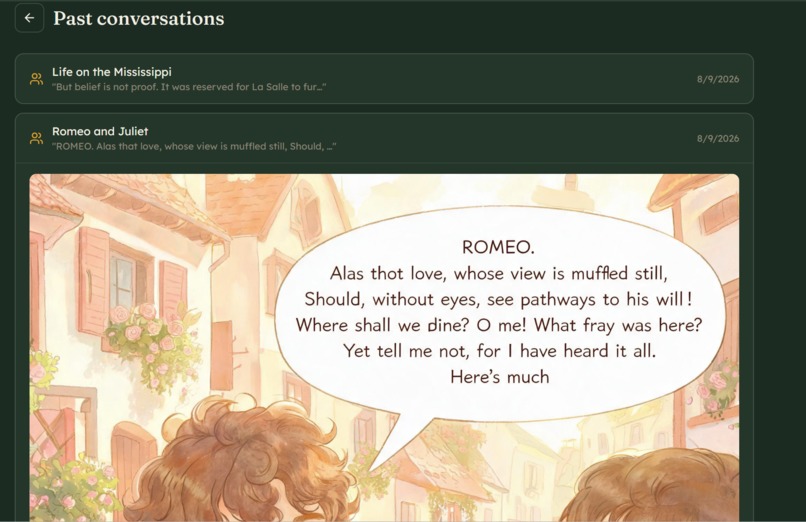
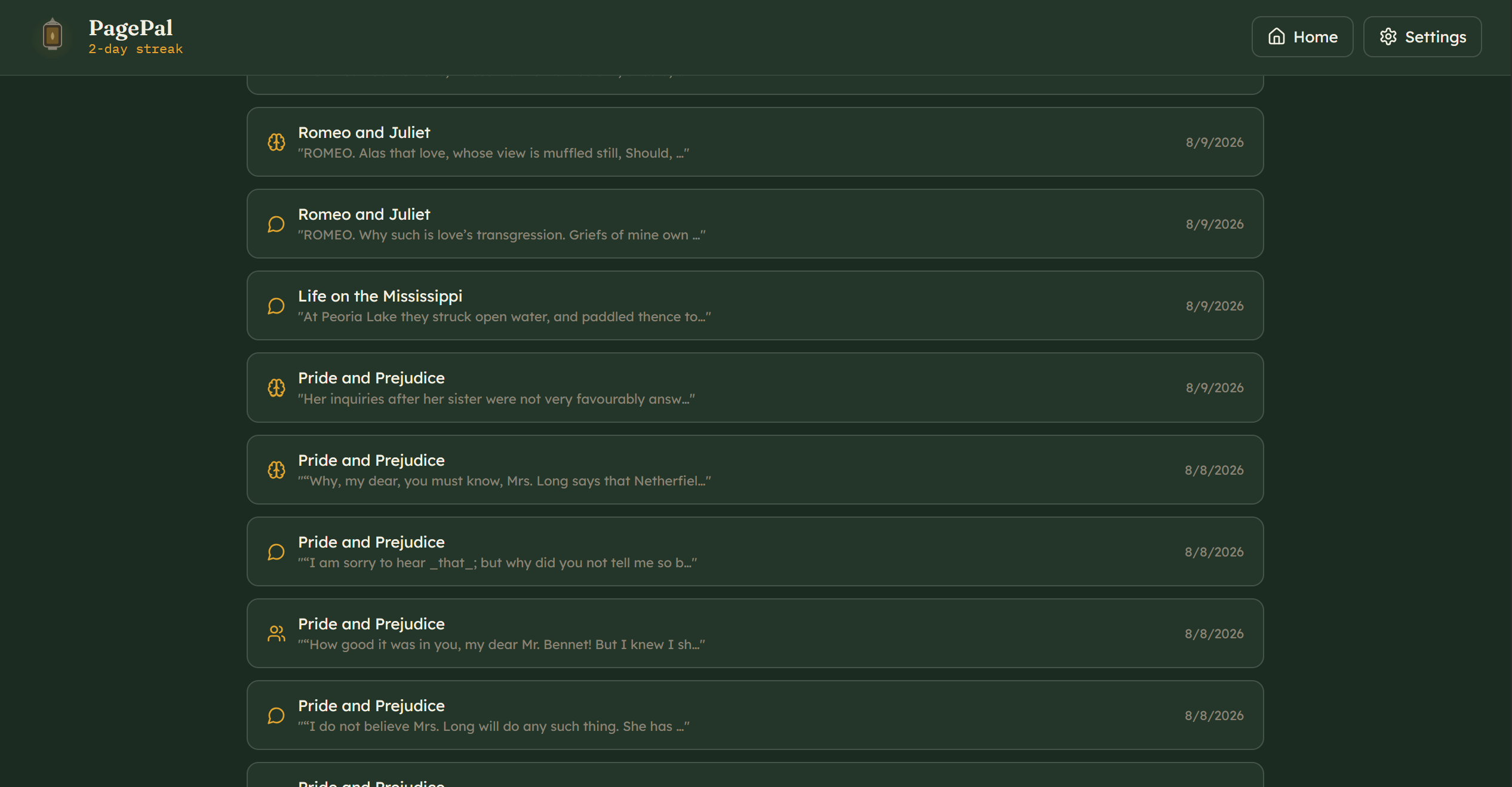
Past Conversation Page
-
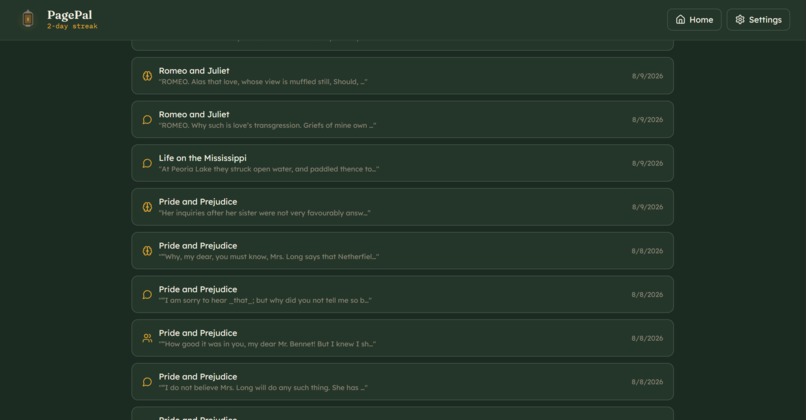
Past Conversation Page 2
-
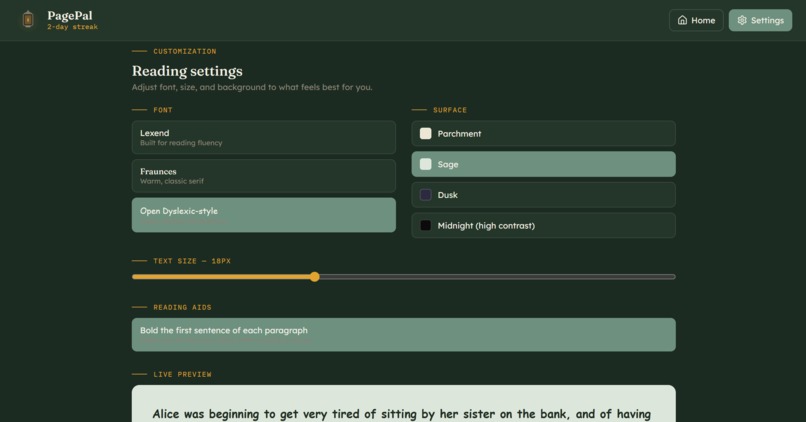
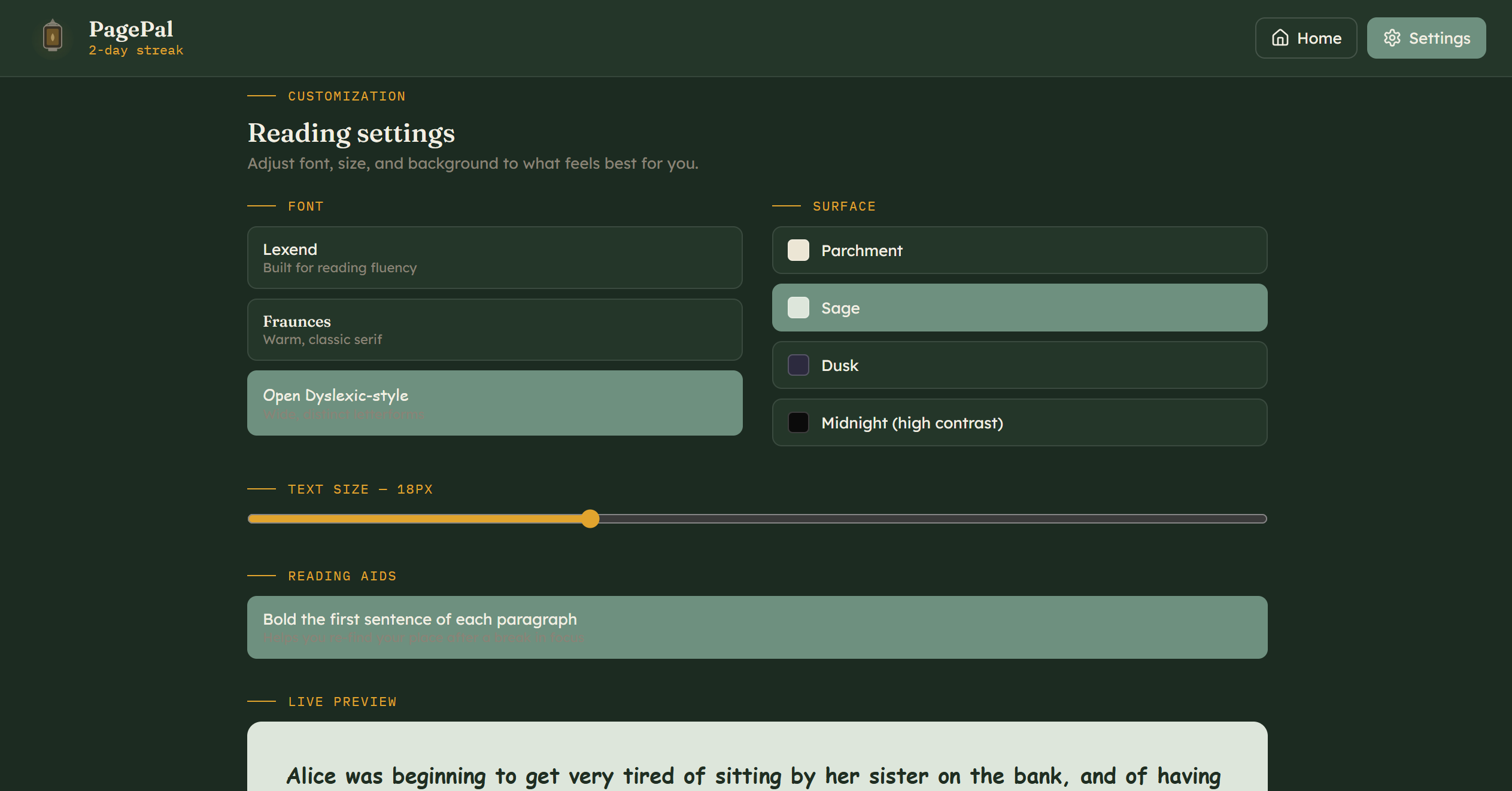
Customization Page
-
-

Inspiration
I was inspired when I noticed people around me slowly losing interest in reading, spending hours scrolling on their phones instead. Then I learned that ADHD students experience real difficulties maintaining focus for long periods, yet most reading apps are too basic and rarely offer meaningful support. I wanted to build something that could help neurodivergent kids fall back in love with books on their own terms and pace.
What it does
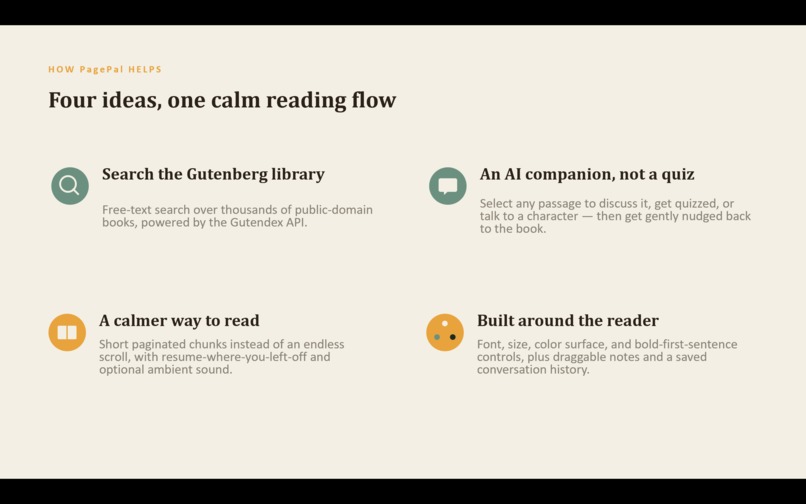
PagePal is a web-based reading companion designed to make reading more accessible and engaging. It lets users:
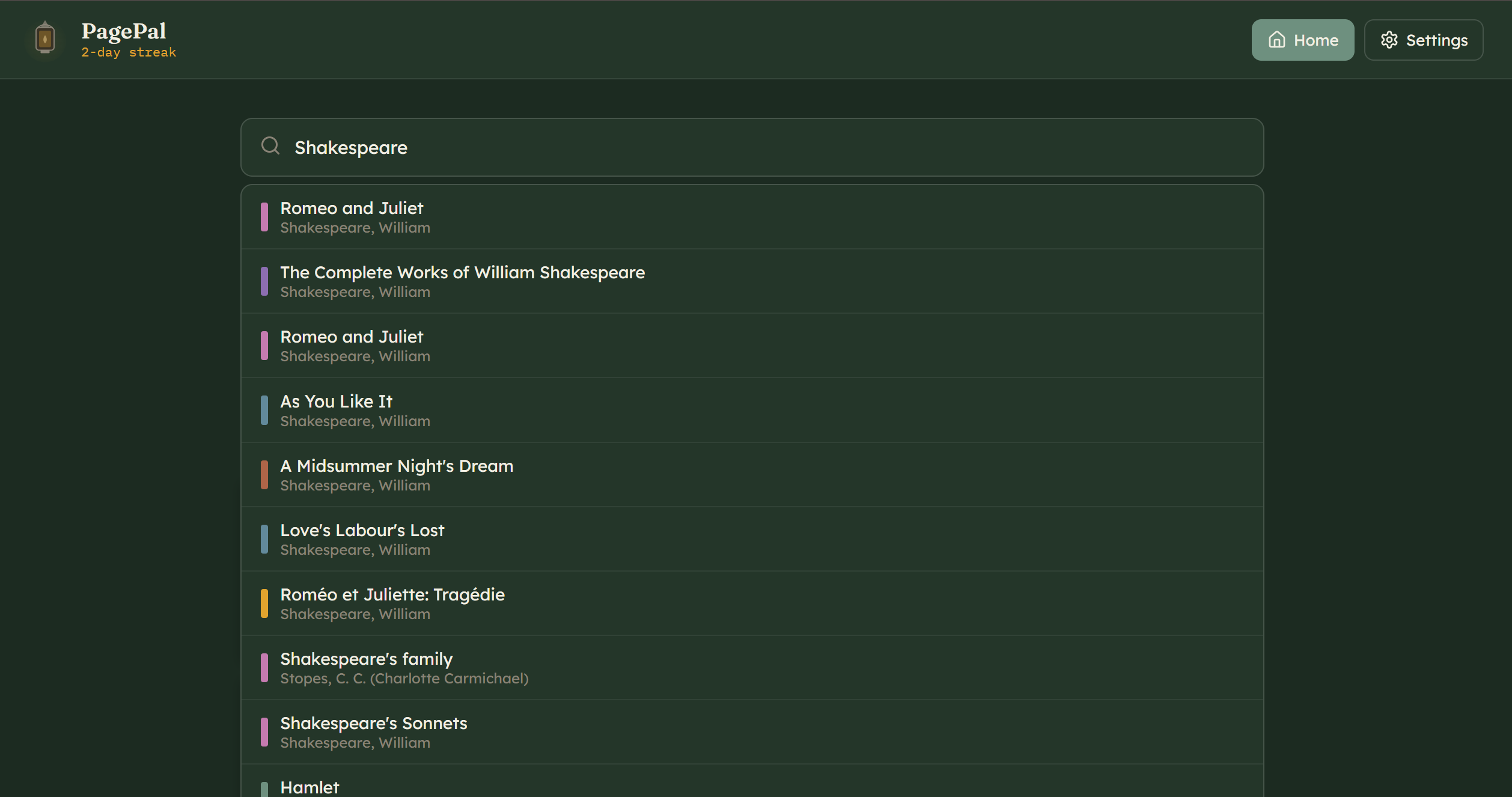
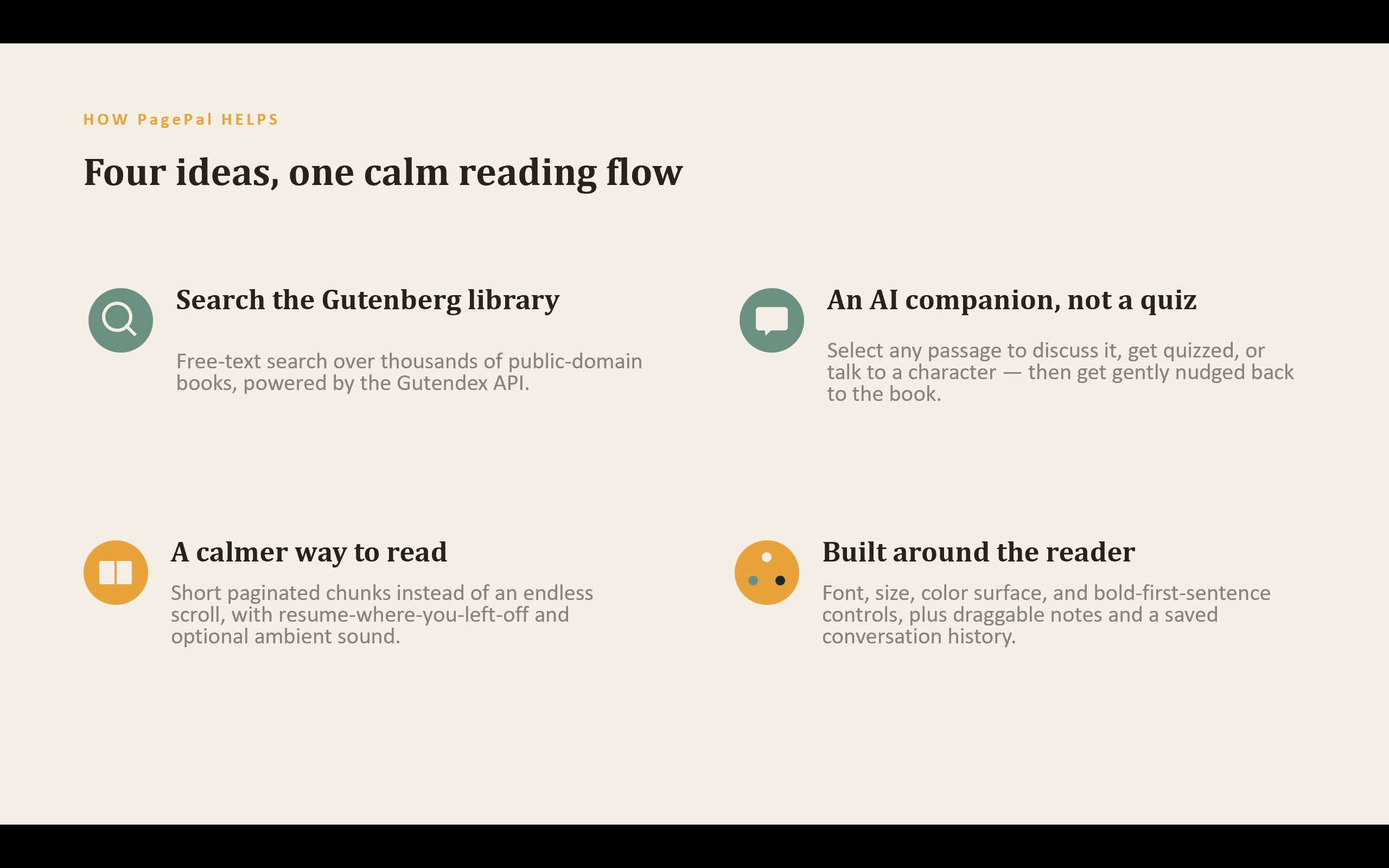
- Search and browse a large collection of free books from Project Gutenberg
- Track reading progress for each book and maintain a daily reading streak
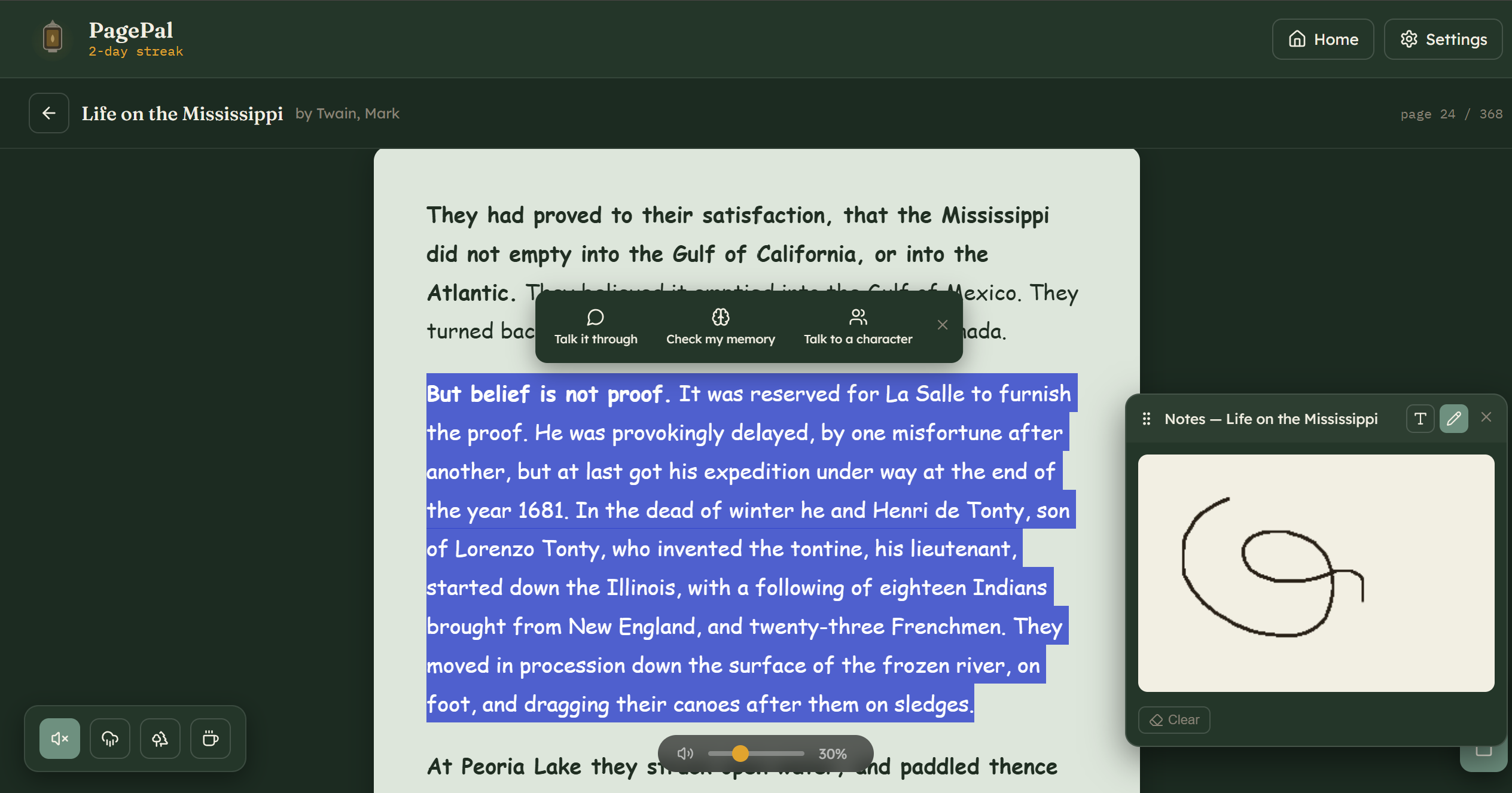
- Customize the reading environment by choosing font type, background color, text color, font size, and toggling "bold first sentence" for easier re-focusing
- Stay focused with built-in tools:
- Take notes conveniently by both typing and hand-drawing
- Play ambient sounds to create a calm reading atmosphere
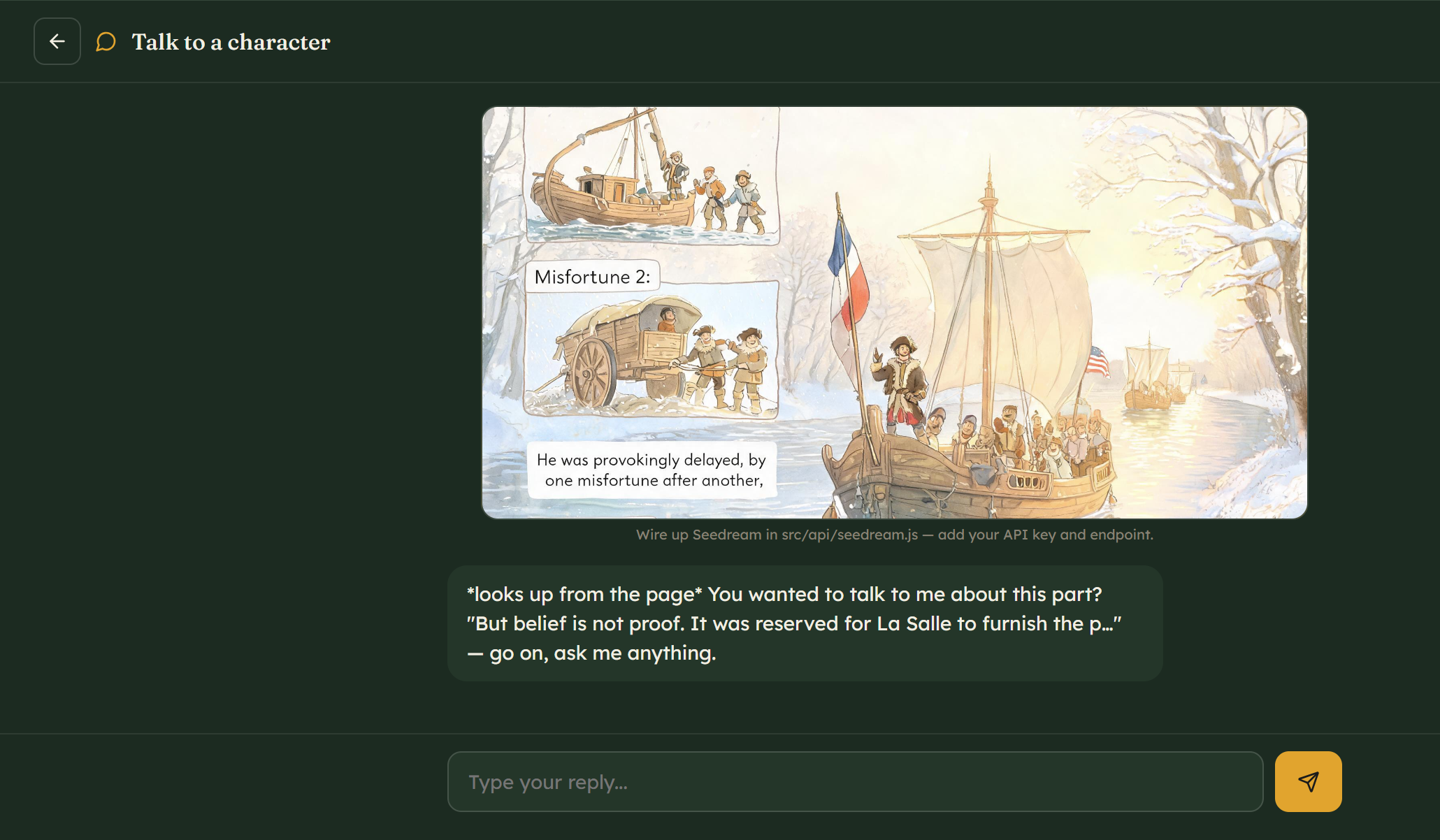
- Select any text and interact with an AI companion to:
- Ask questions about the passage
- Quiz themselves on what they've read
- Chat with a character from the story
- Generate AI illustrations based on the selected text for better comprehension
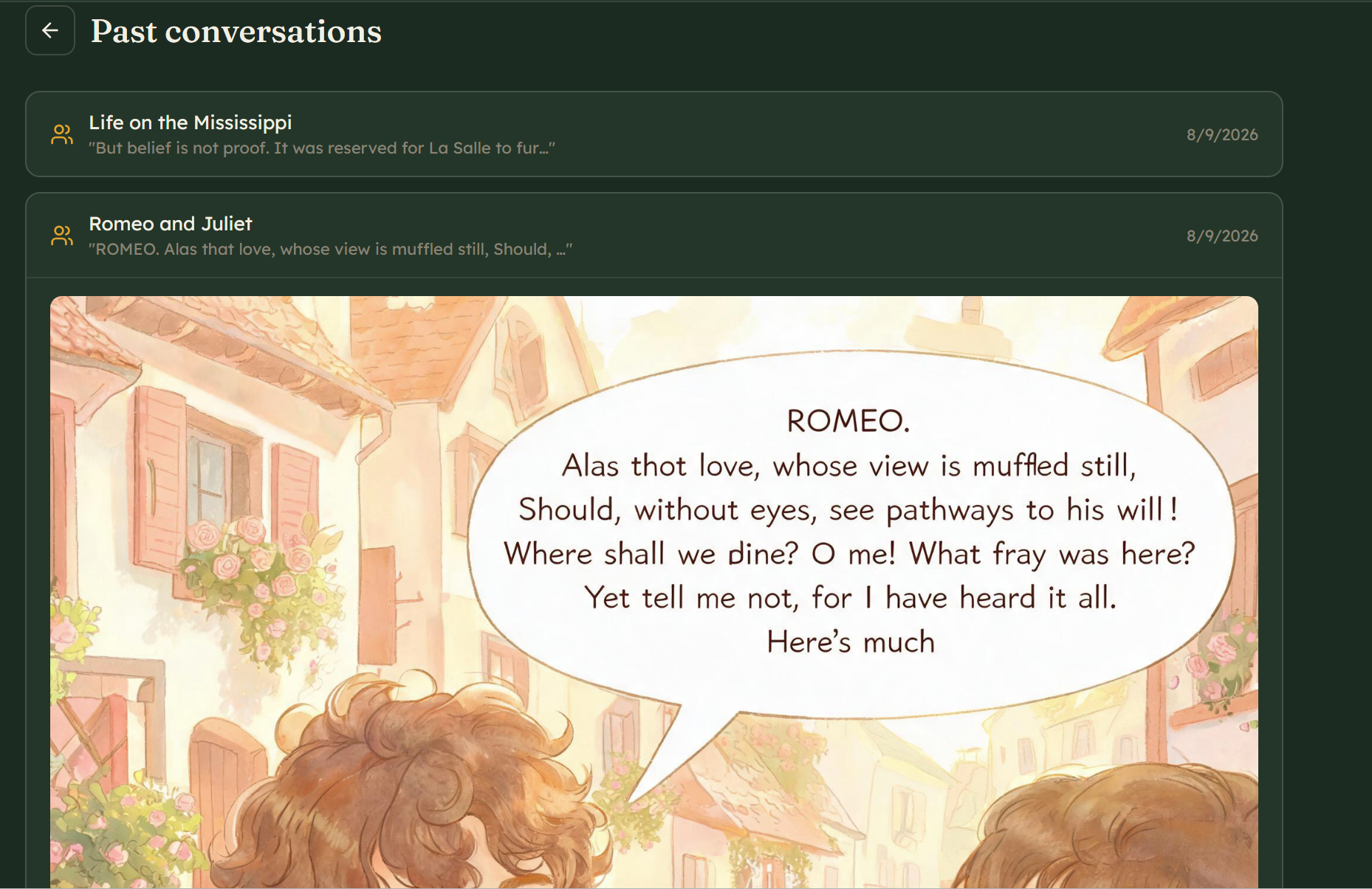
- View past conversations so they can revisit discussions anytime
How I built it
PagePal is built with React (Vite) and CSS, with all data stored locally in the browser using localStorage so users don't need an account to get started. The AI companion is powered by Seed Character/Seedream API, which handles both text-based role-play conversations and image generation. Books are sourced from Project Gutenberg through their open API.
Challenges I ran into
- Finding a free library: At first, it was hard to find a free, accessible book source. Eventually I found Project Gutenberg's open API, which works perfectly for this project.
- First-time API integration: This was my first time connecting an AI companion through an API. I ran into many errors: incorrect variable names, missing parameters, CORS issues. I solved them by carefully reading the API provider's documentation and testing step by step.
- State persistence: Making sure user progress, settings, and conversations survived page refreshes required careful use of
localStorageand custom React hooks. - Vercel deployment: Deploying the API routes and environment variables on Vercel was tricky, but I eventually got it working by moving the API endpoints to the root
api/folder and using the correct environment variable names.
Accomplishments I'm proud of
- Built a fully functional web app that anyone can access
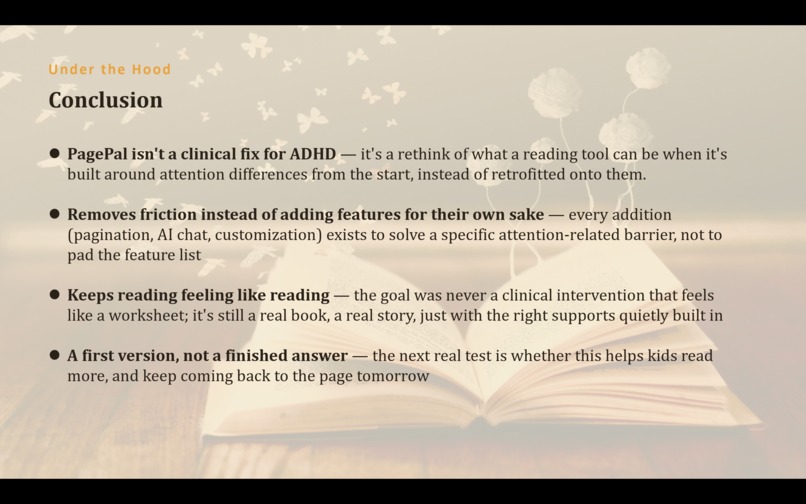
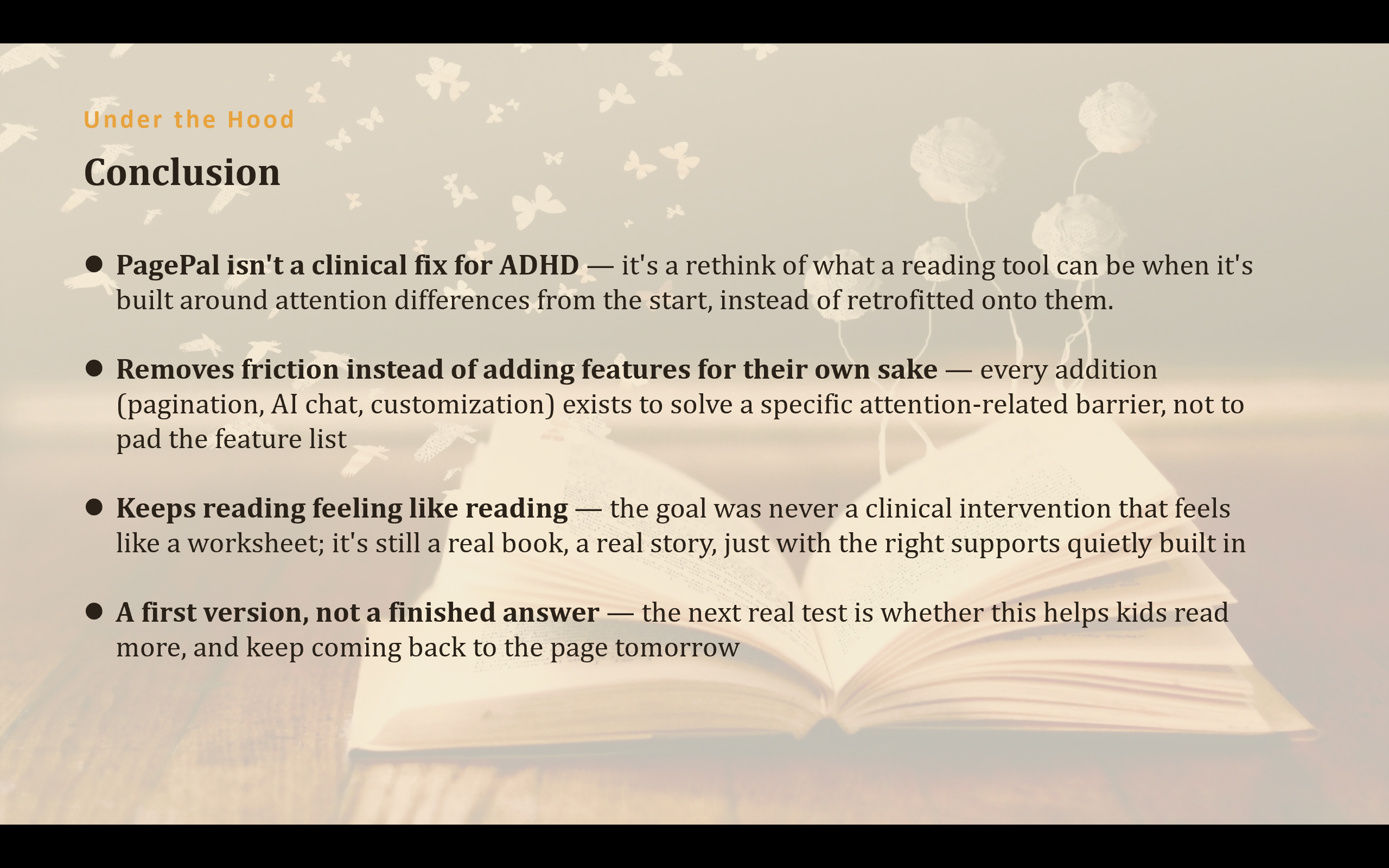
- Created a meaningful tool that actually addresses real ADHD user needs
- Improved my coding skills significantly through hands-on problem solving
- Successfully integrated AI features (chat + image generation) into a reading experience
What I learned
Building a project should always start with observing real life. When you focus on people who are often overlooked, you have the power to make a real difference. I also learned that debugging is not just about fixing code; it's about building patience and resilience.
What's next for PagePal
- User testing: I plan to invite more testers (especially ADHD readers) to try out the app and share feedback
- Personalized focus sounds: I want to experiment with different ambient sound and music options, and learn which ones help individual users focus best
- Mobile-friendly improvements: Making the experience smoother on phones and tablets
- More AI interactions: Adding more character personalities and deeper quiz interactions
Built With
- css
- doubaoapi
- github
- html
- javascript
- project-grutenberg
- react
- seedreamapi
- vercel


Log in or sign up for Devpost to join the conversation.