-
-
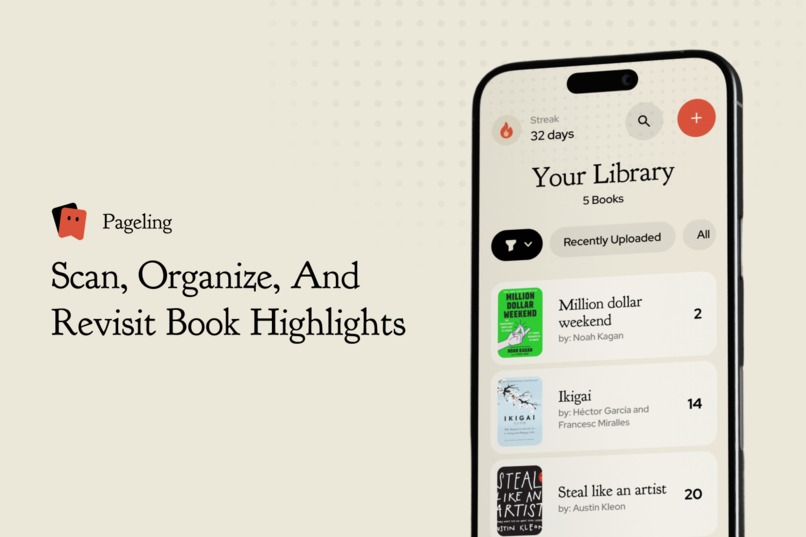
A little reading companion to capture the lines you love, keep them close, and revisit them long after the last page.
-
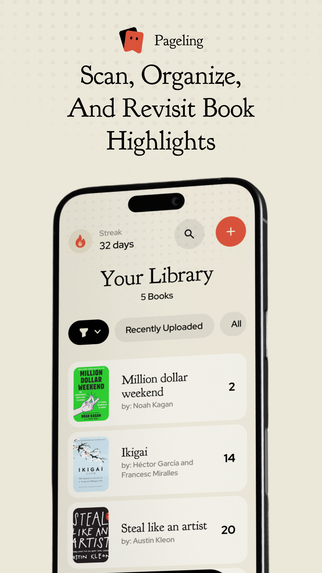
Add the book you're reading and start keeping the passages you don't want to forget.
-
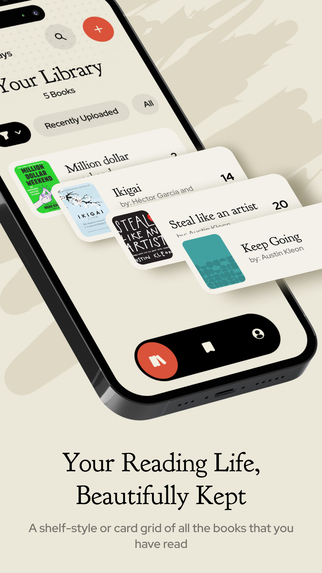
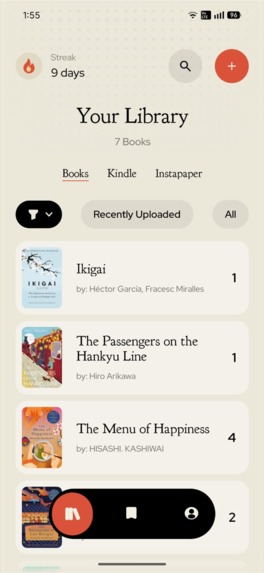
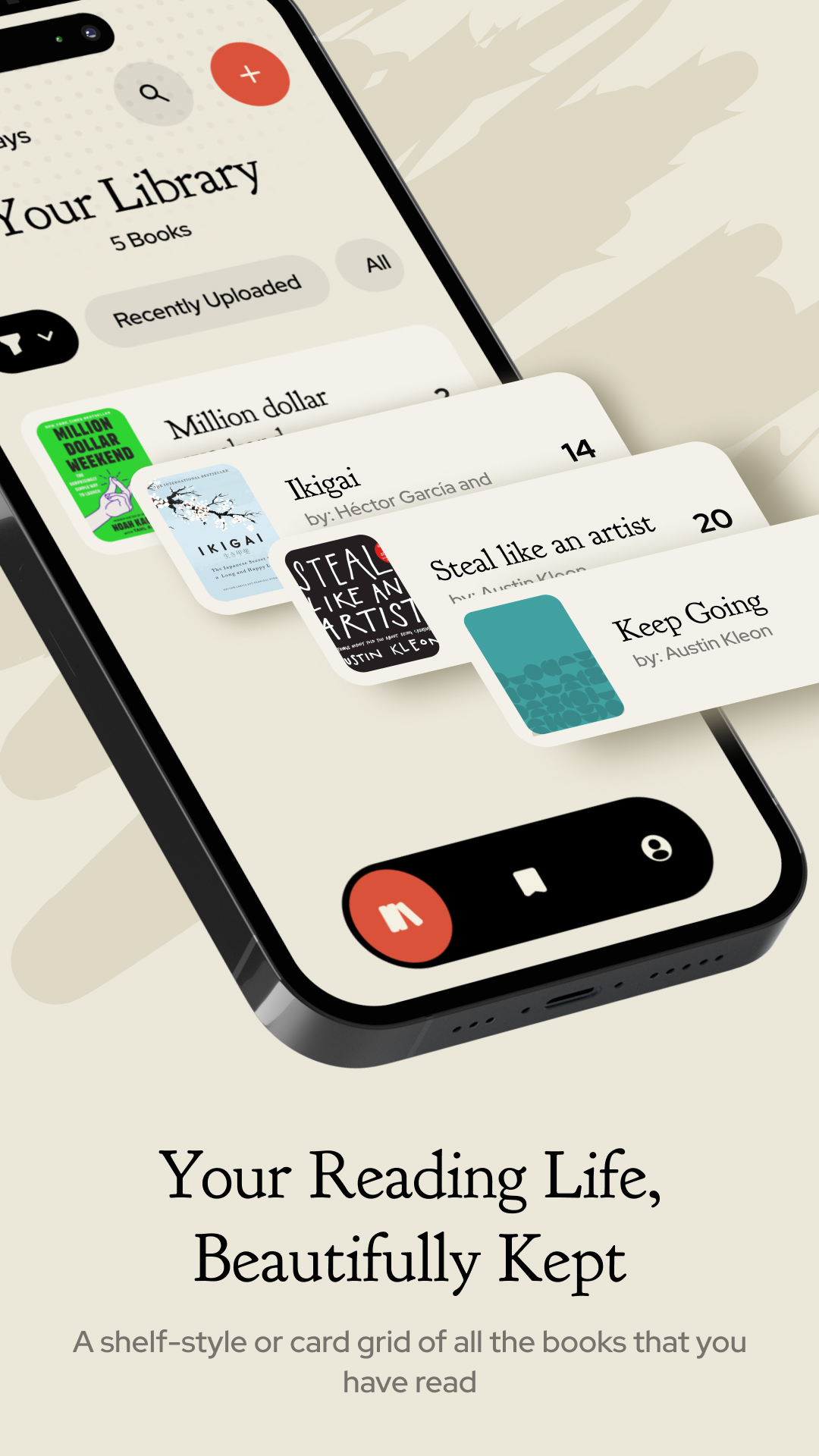
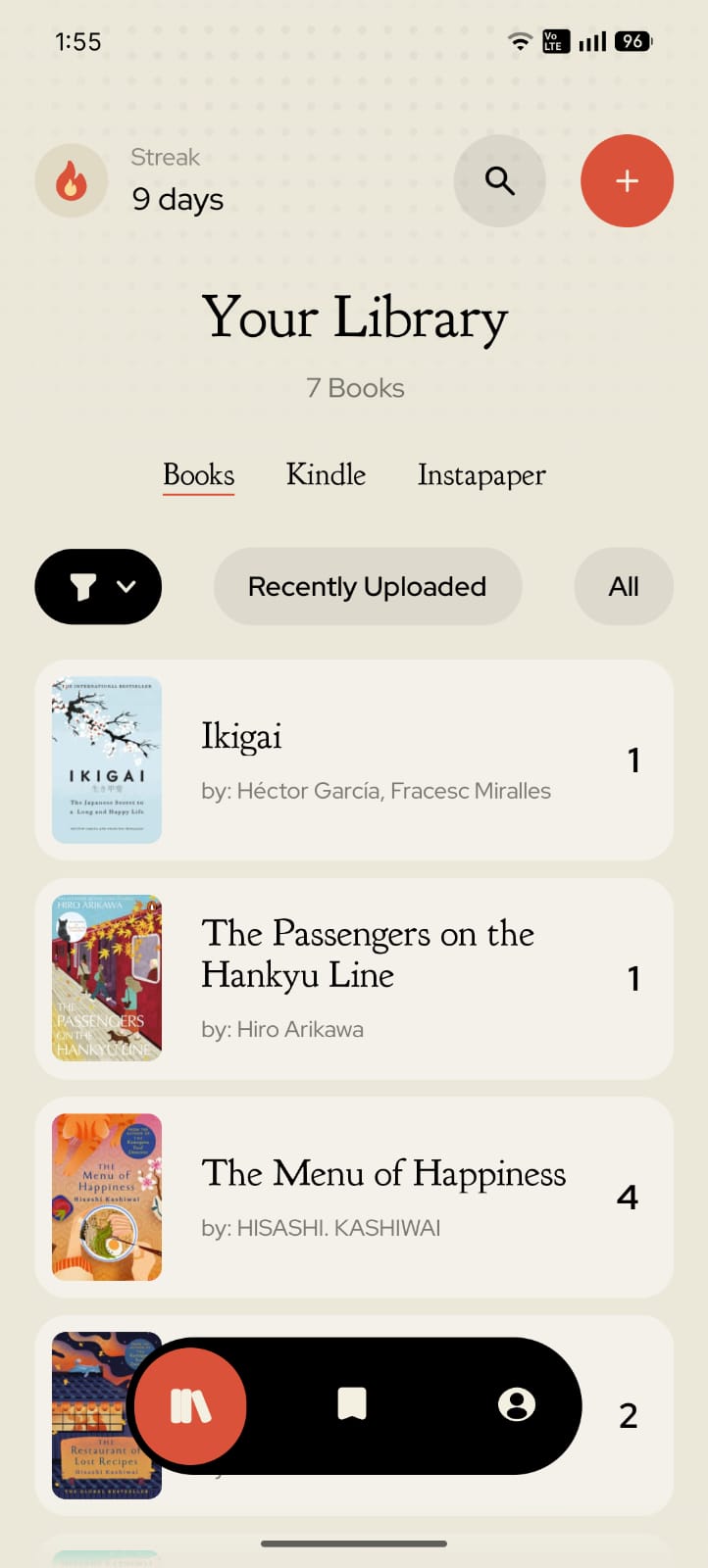
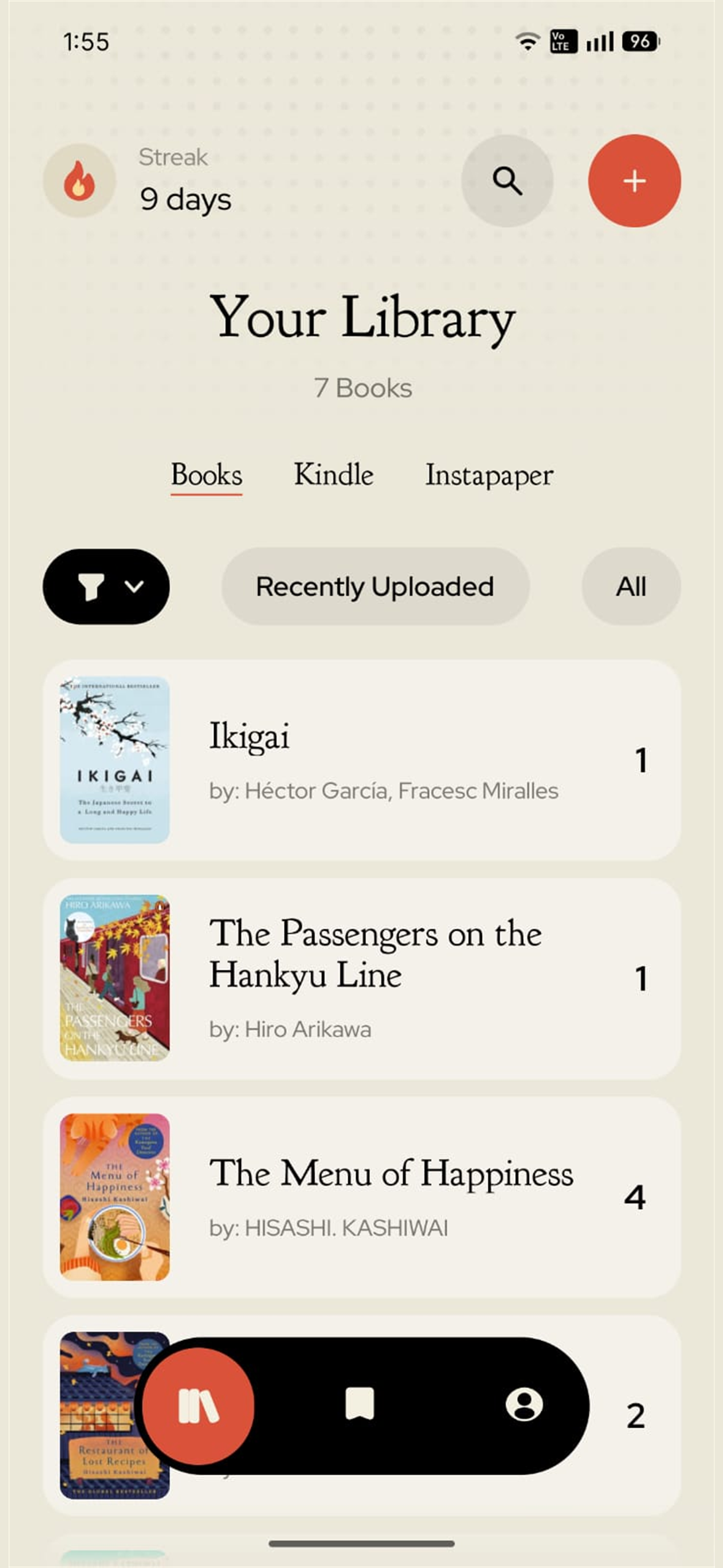
Your books, their covers, and the highlights you've collected, together in a library that feels like your own.
-
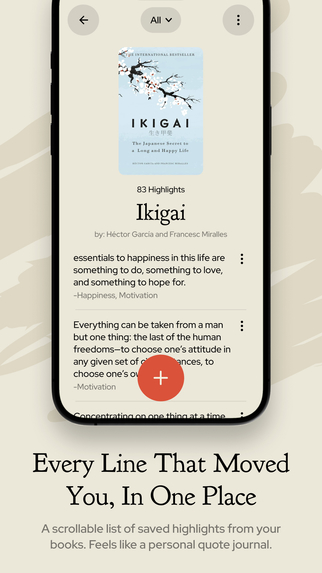
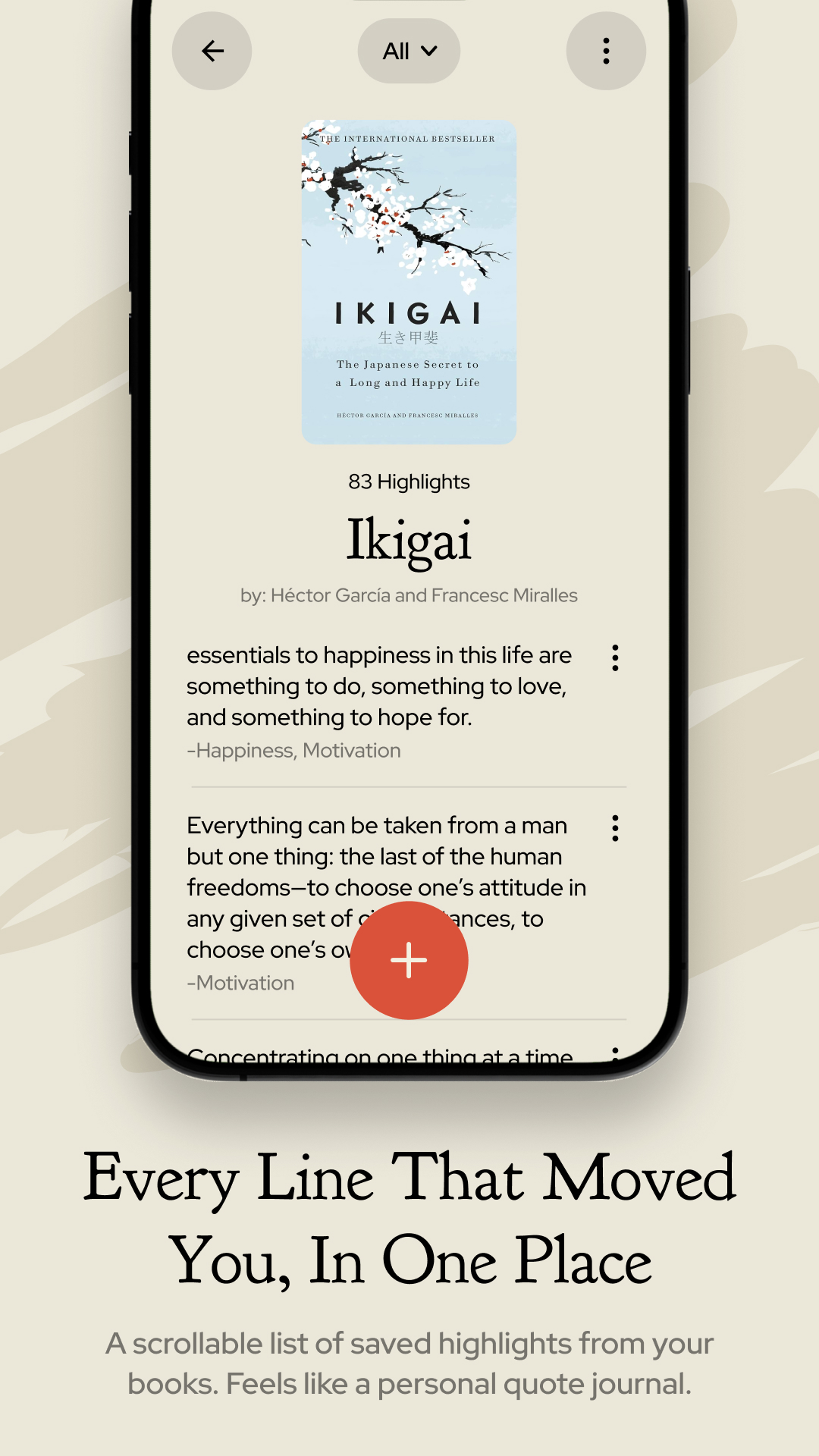
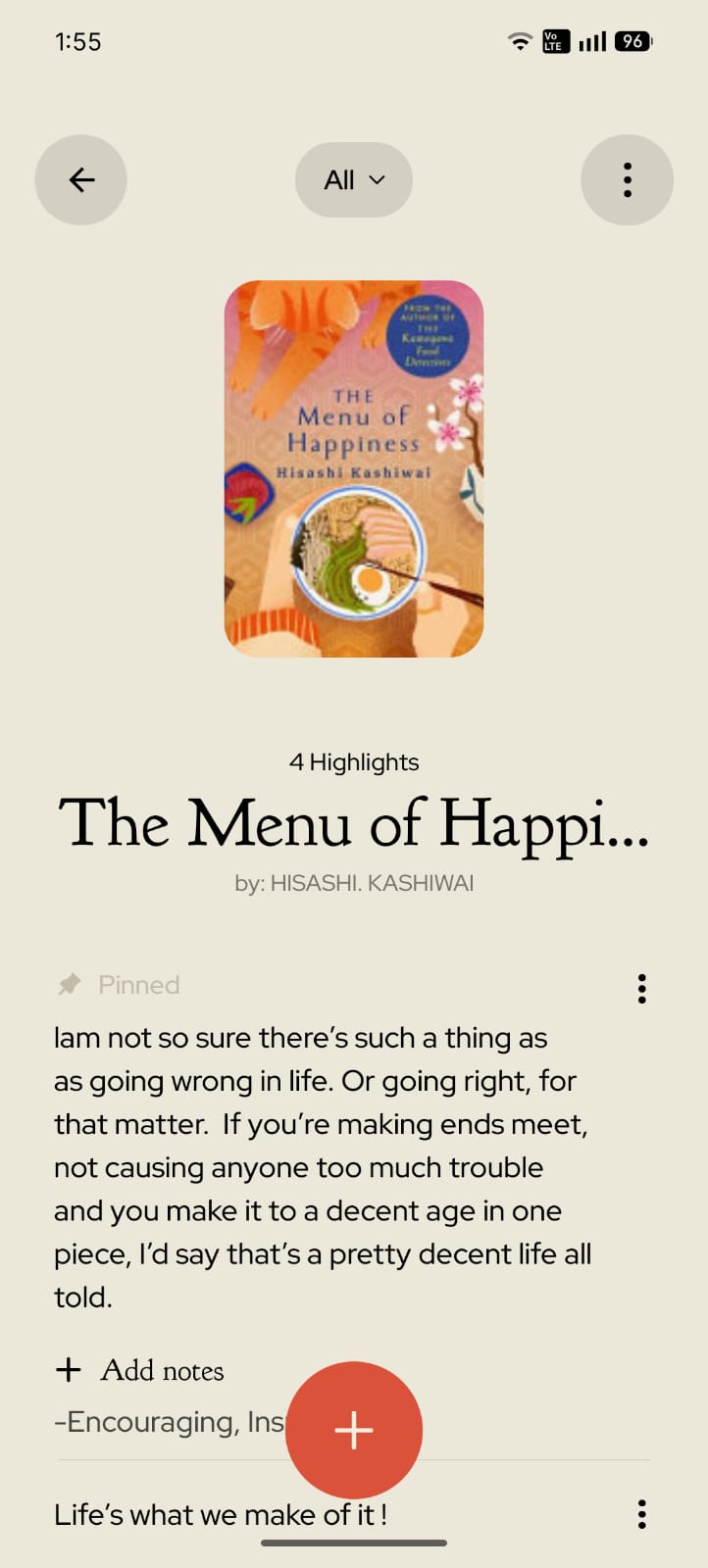
Open a book and rediscover the lines that moved you, with your notes and tags saved alongside them.
-
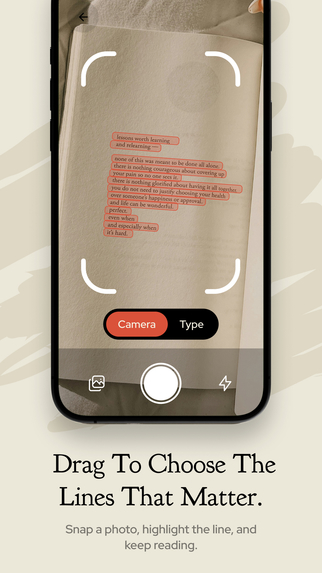
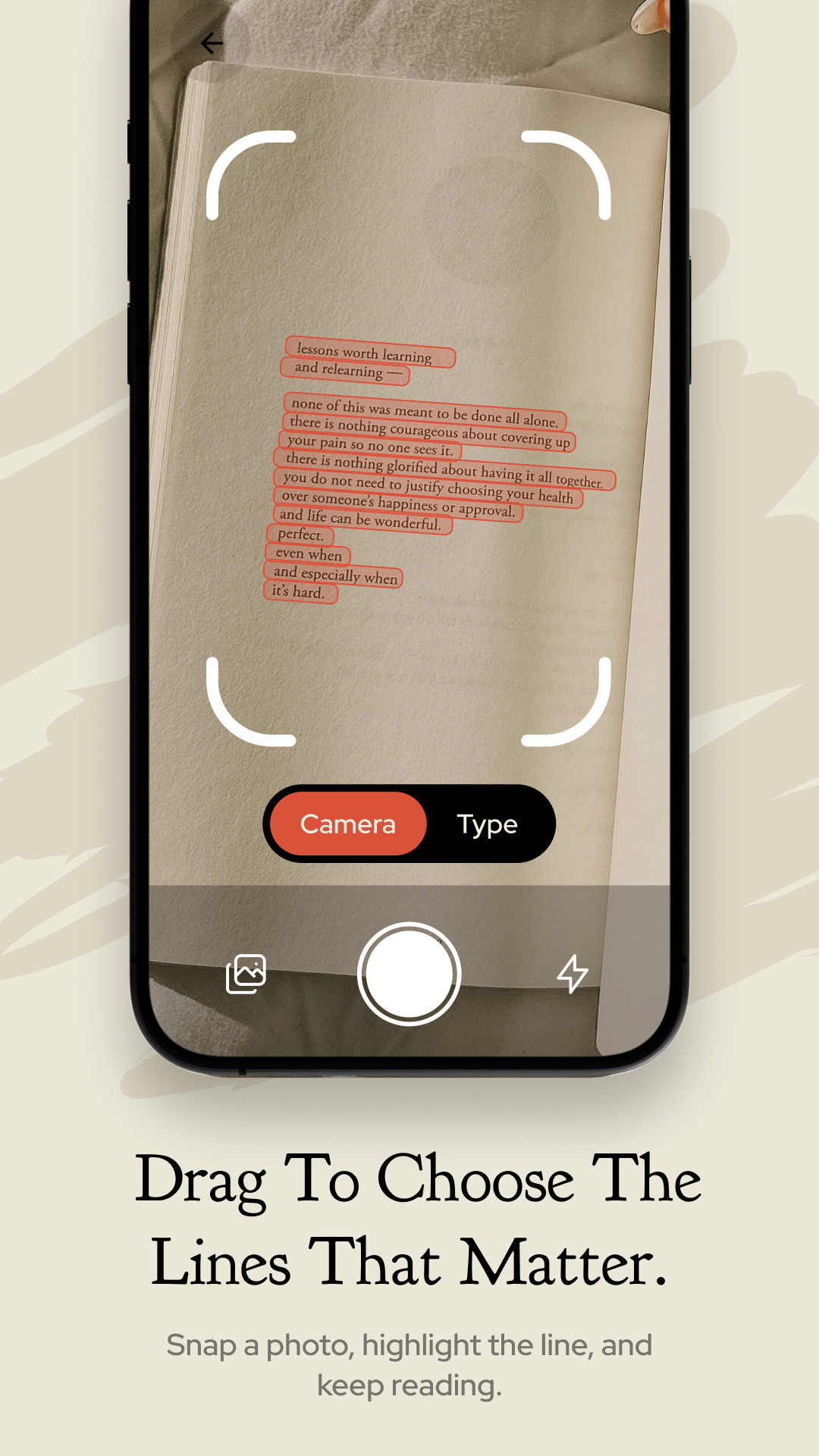
Snap a page, drag across the lines you want, and turn a passage into a saved highlight without retyping it.
-
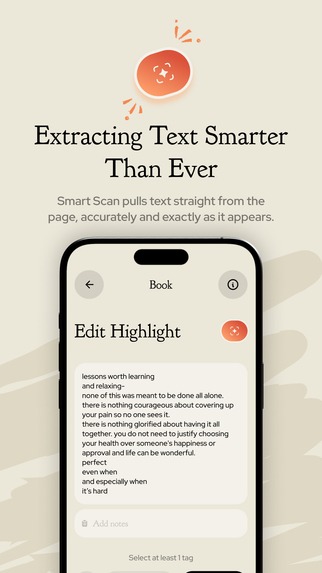
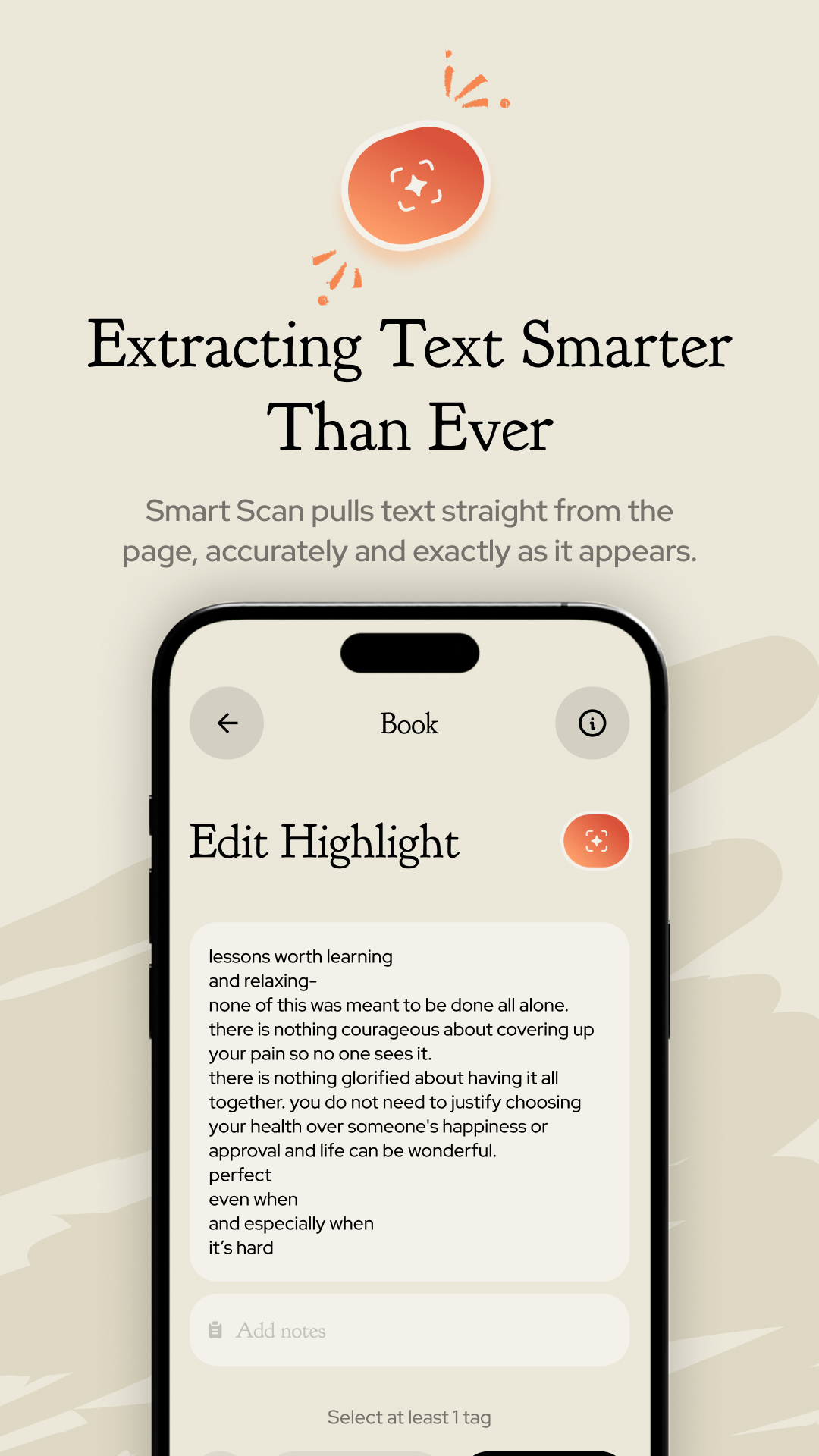
Smart Scan uses AI to help correct scanning errors and recover your selected passage's wording, punctuation, and formatting.
-
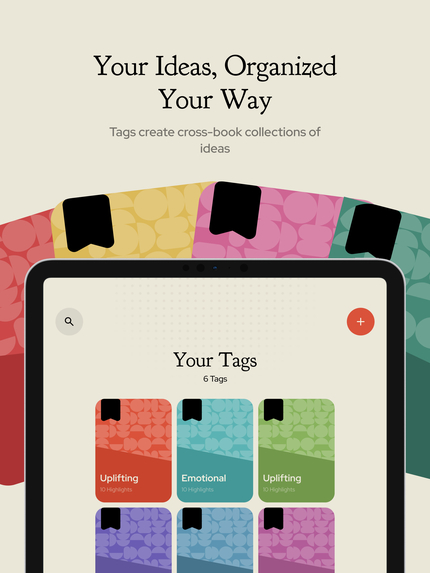
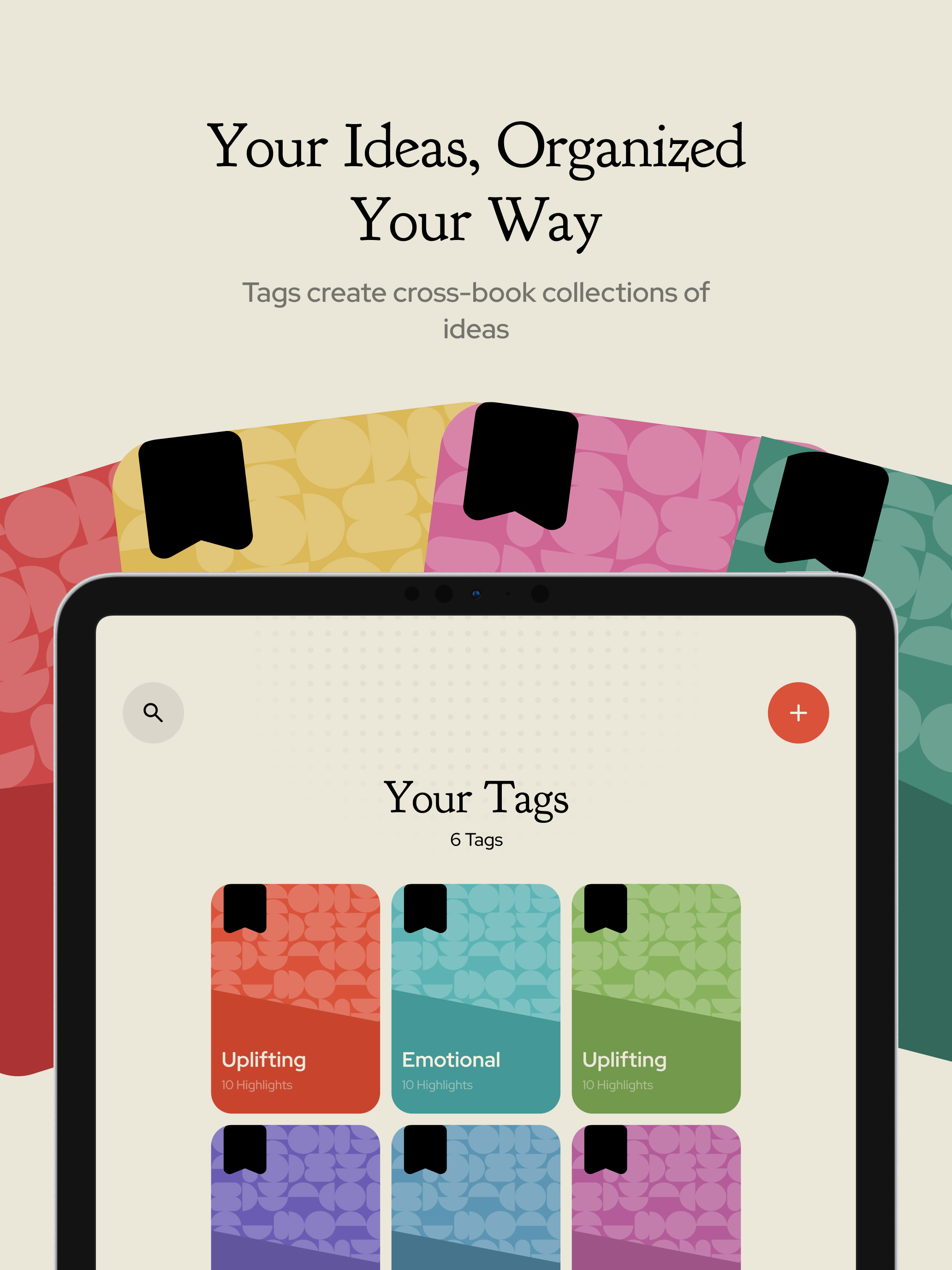
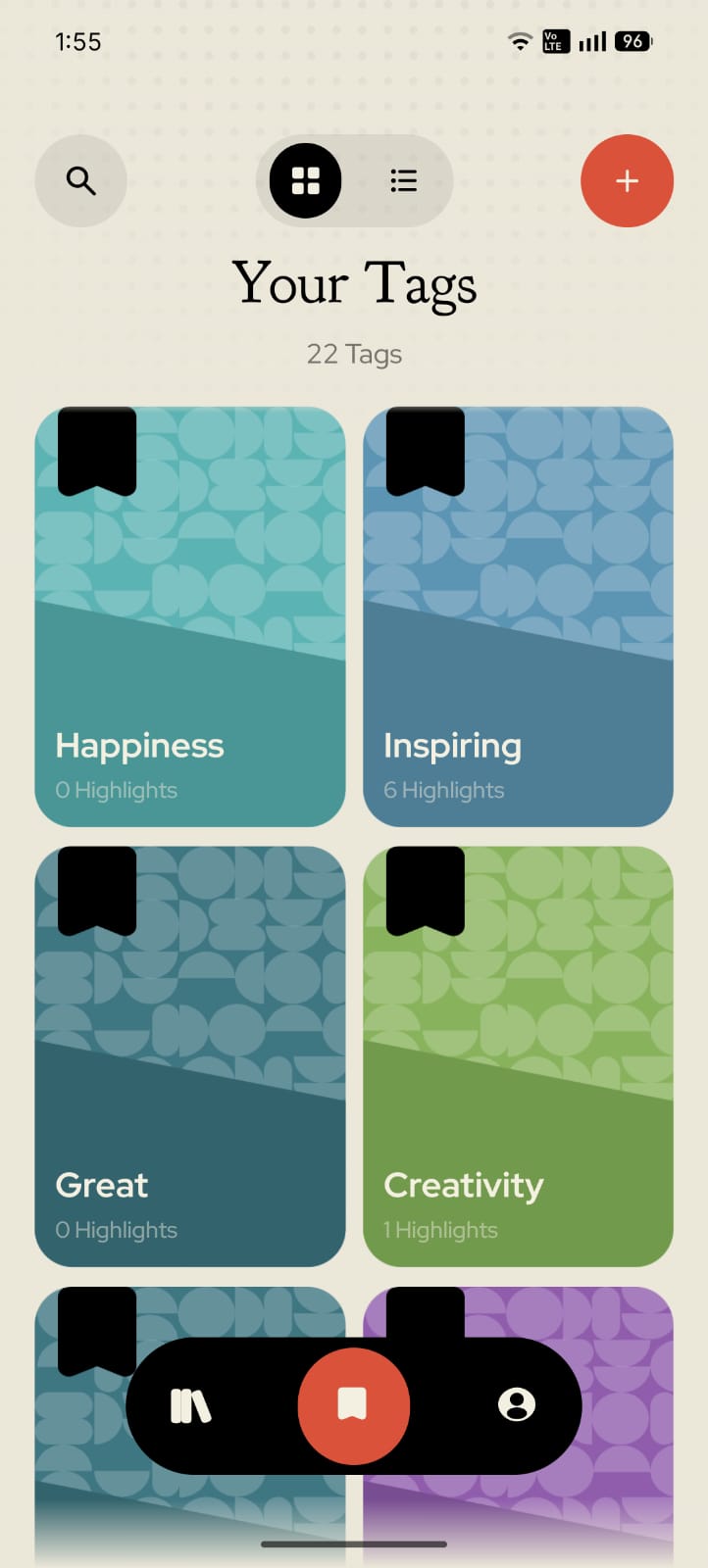
Connect ideas across books with your own tags, from thoughts that lift you up to lessons you want to live by.
-
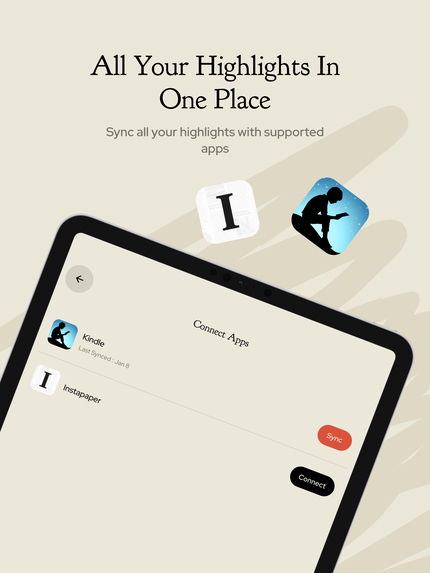
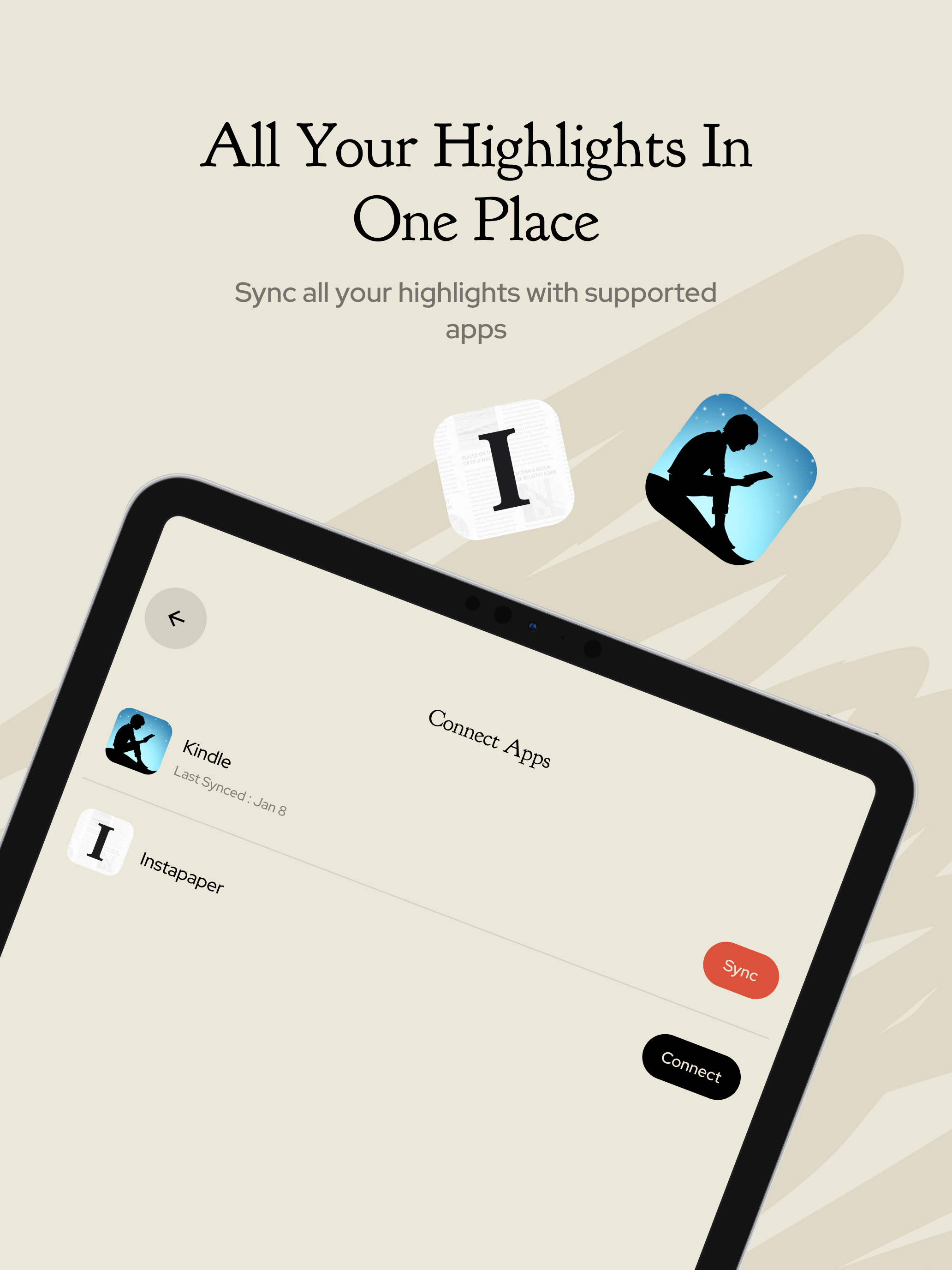
Bring your Kindle and Instapaper highlights into Pageling, alongside the passages you've saved from paper books.
-
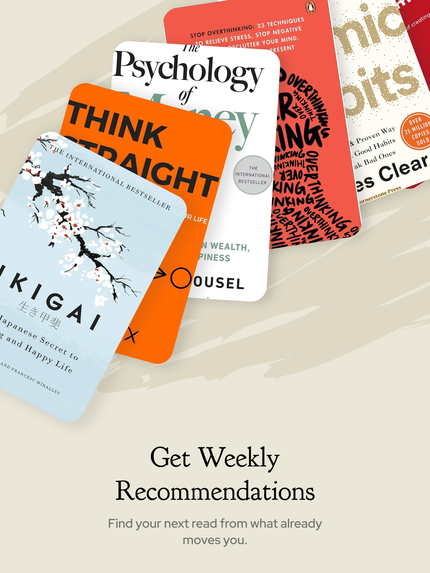
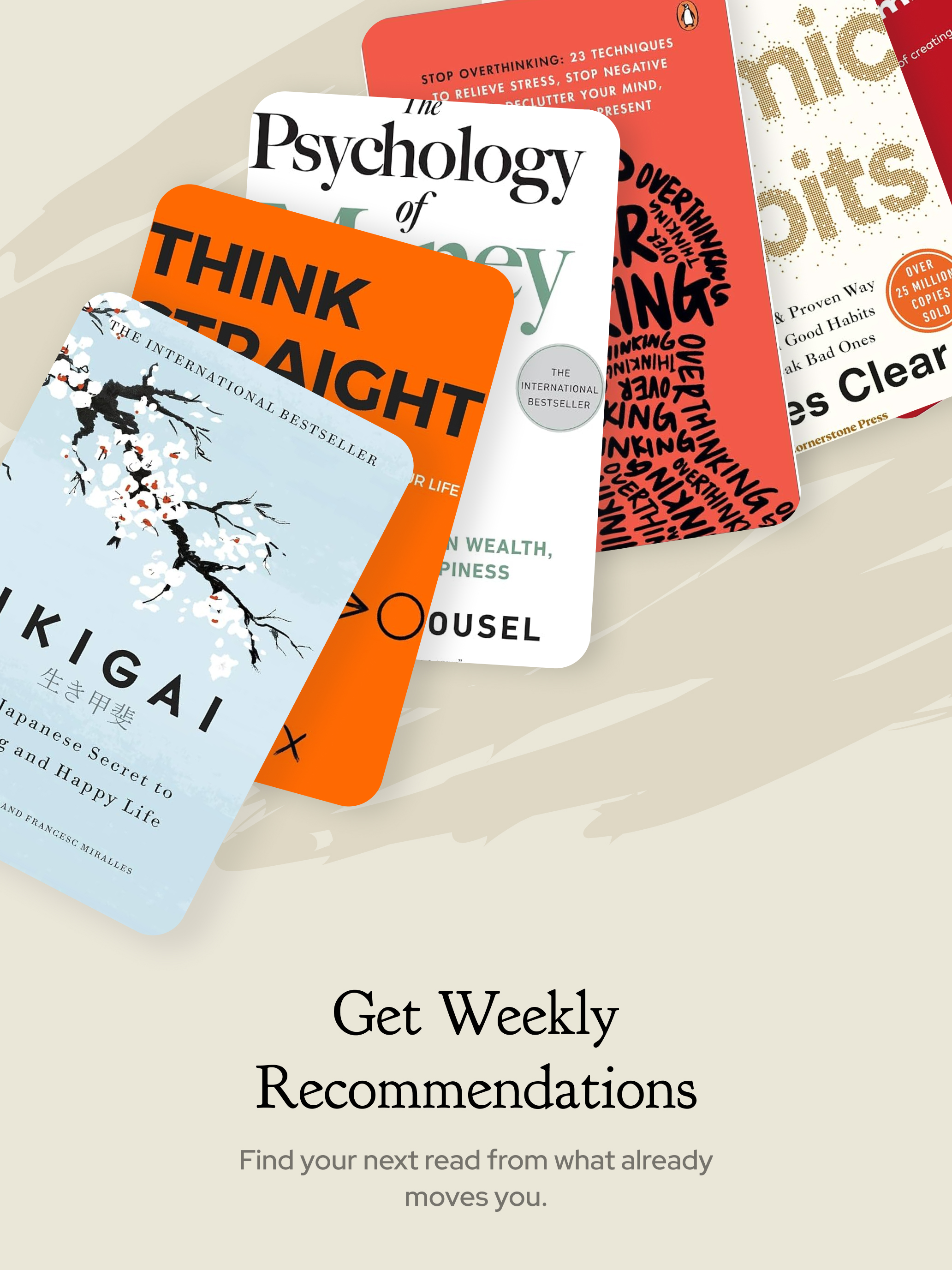
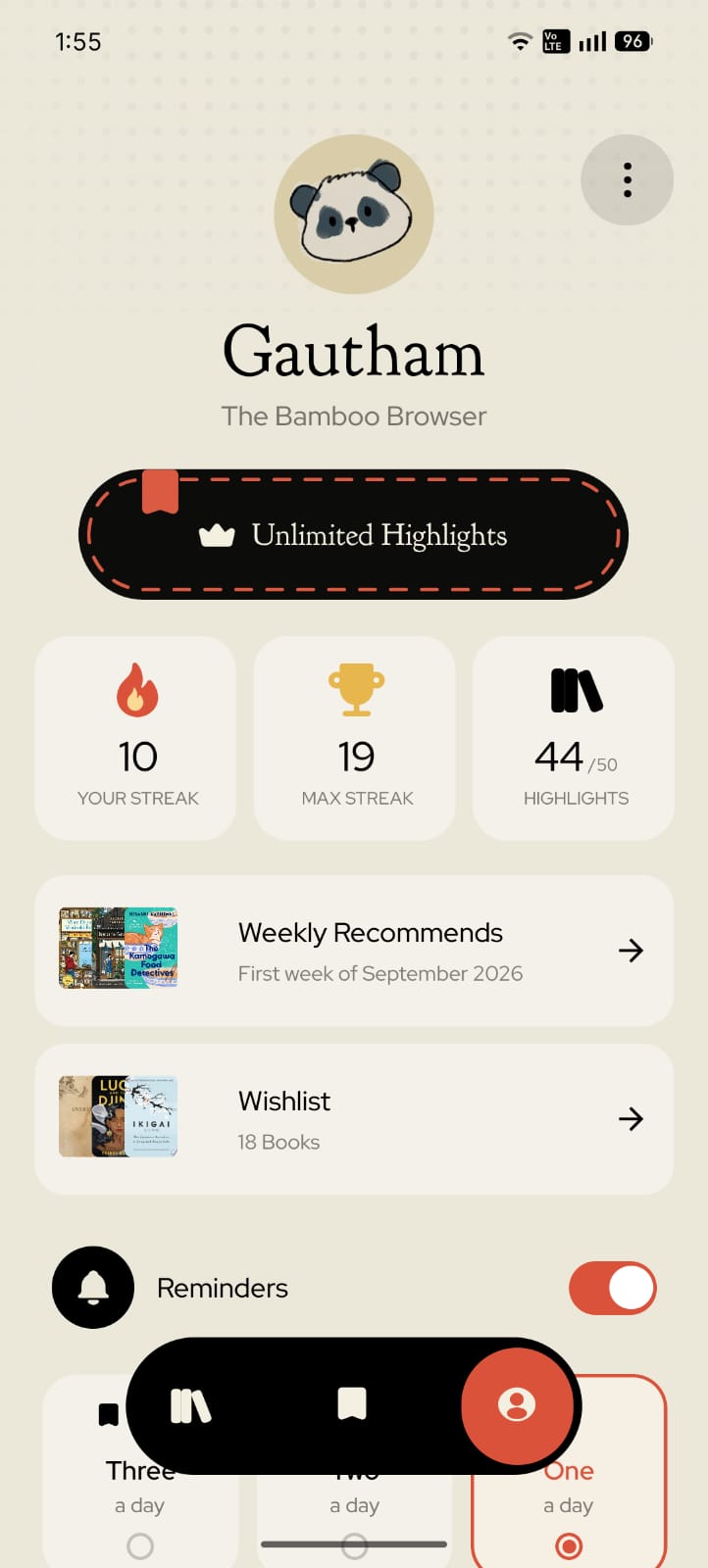
Let the books you love lead you to your next read, with weekly recommendations shaped by your library.
-
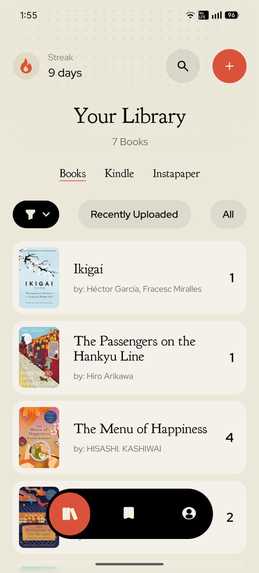
Your Library, just as readers see it: books, saved highlights, and a place for Kindle and Instapaper imports.
-
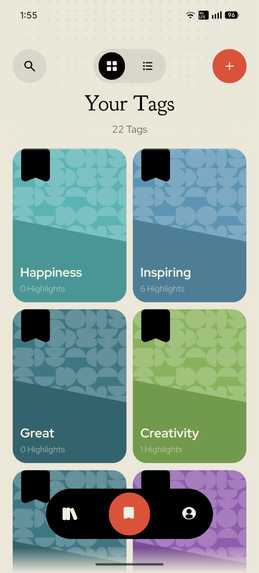
Give your ideas a home with colorful tags that connect favorite passages across books.
-
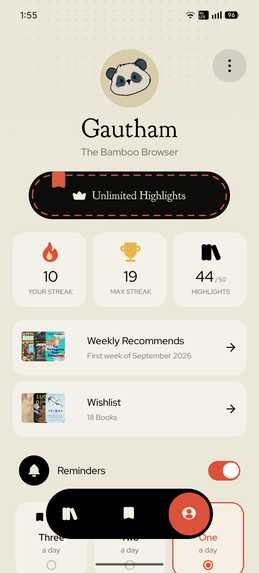
Make reading part of your day with streaks, a wishlist, weekly discoveries, and reminders you control.
-
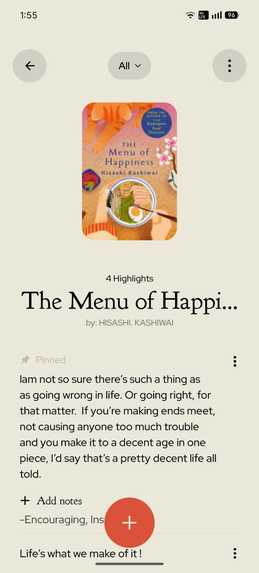
The lines worth keeping, together with their book, personal notes, and tags.
-

The little companion behind Pageling. Original app icon, uncropped at 1024 x 1024.
-
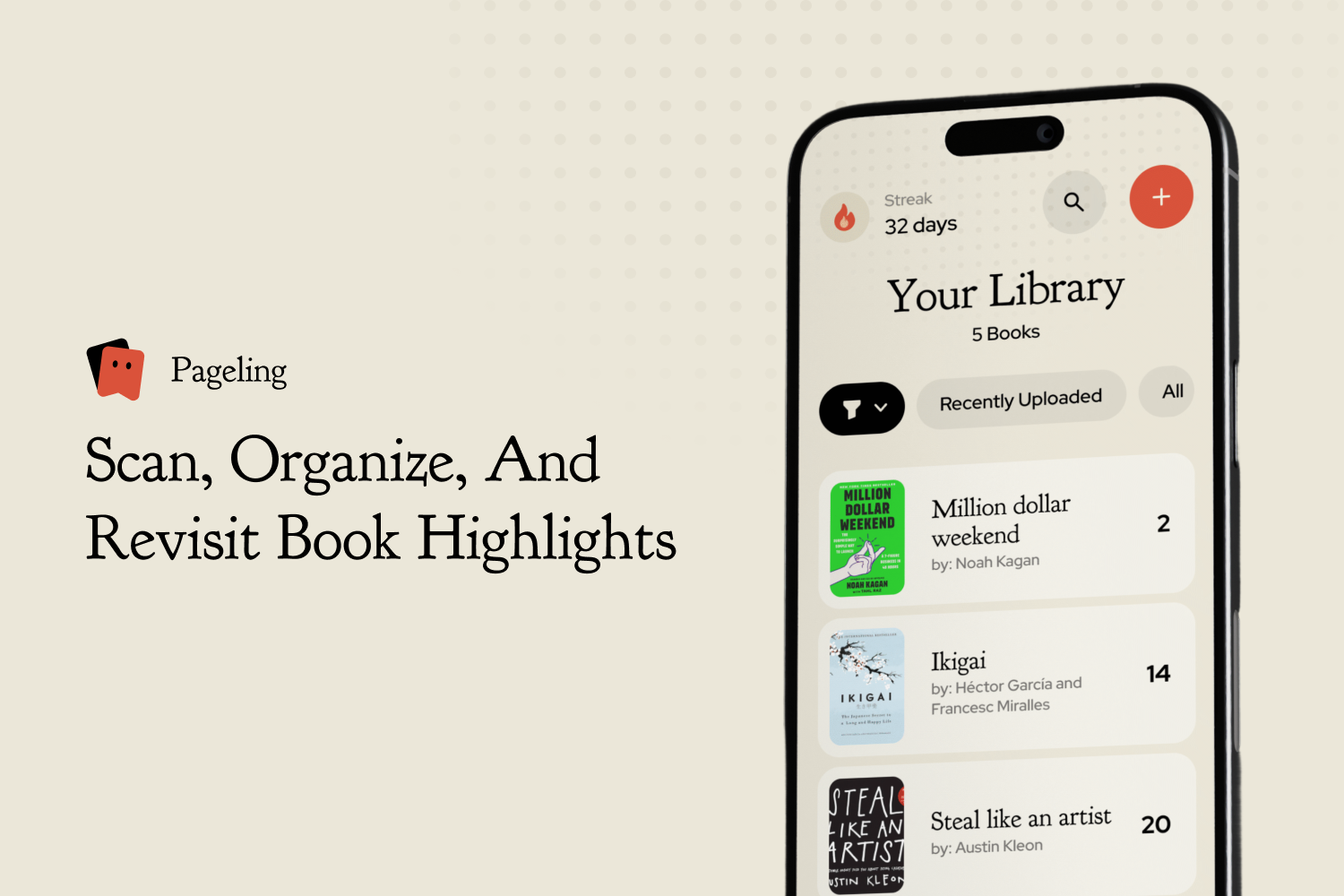
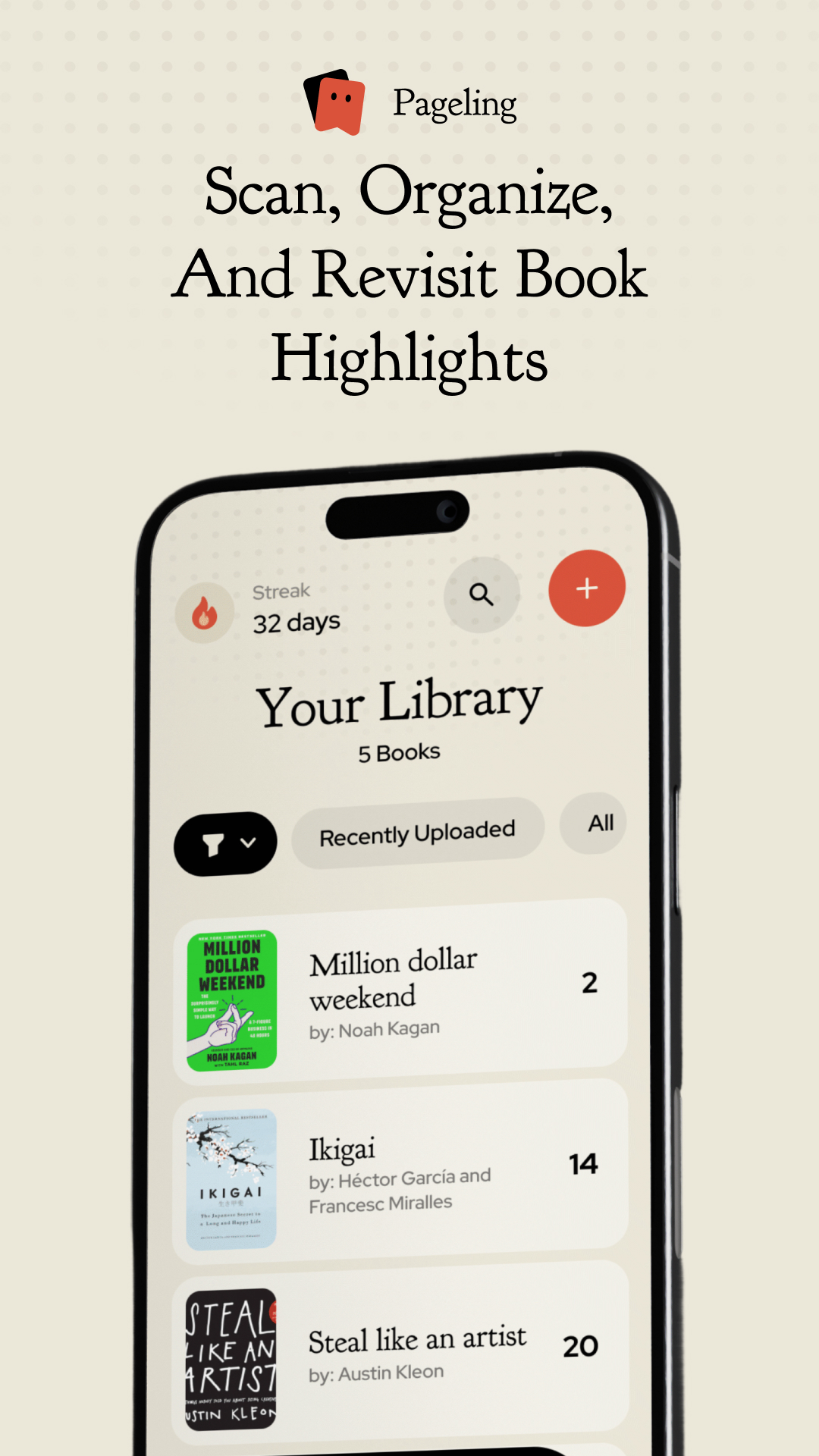
Your Library, unframed: proportionally resized with narrow side padding to fit the 1179 x 2556 submission canvas.

Inspiration
We both read, but one of us kept running into the same frustration: a month or two after finishing a book, much of it would slip away. Starting another book made the previous one harder to remember. We wanted to put what we read into practice, so it became discouraging: what's the point if we're going to forget it anyway?
We checked the market and tried other apps, but they felt more like tools than something made for readers like us. We wanted a companion that fitted into our reading lifestyle, kept our favorite ideas with us, and helped us revisit them without making it feel like a chore.
So we teamed up, started a small company, and decided to build it ourselves. That's how Pageling began.
What it does
Pageling isn't an app to read books in. It's a place to keep the words you want to remember. Add the book you're reading, snap a picture, select the lines of a passage you love, and save it neatly alongside your notes. You can organize highlights with tags, import Kindle highlights, keep a wishlist, and get weekly recommendations based on your library.
Our favorite part is what happens afterward. Pageling can bring back a highlight you've saved, so those good lines don't get forgotten once you finish the book. Readers choose how often they want reminders. A tap takes them back to the passage with a little illustrated message, giving an old thought another moment in their day.
How we built it
We wanted readers to feel at home in the app. We visited cafes and book clubs, took photographs, and gathered references from the places and books we enjoyed. We translated those influences into Figma, gradually finding the colors, typography and illustrations that felt right.
We chose React Native to reach readers on Android, iPhone and iPad, including people who read Kindle on their tablets. Vision Camera and Google ML Kit became the foundation for local capture. Firebase supports synchronization, SQLite stores highlights locally, and RevenueCat powers monthly and yearly Pro subscriptions.
Challenges we ran into
Capturing a highlight was initially more work than we wanted it to be. Fonts, camera angles and curved pages could confuse OCR, while punctuation and formatting often got lost. We spent weeks refining our selection and text-processing pipeline to better preserve how passages appeared in the book.
When difficult scans still needed correction, we added Smart Scan. It uses AI to check the selected photograph and help recover the wording and formatting, without translating or rewriting the author.
Keeping everything consistent across devices was another major challenge. We reworked parts of the backend and data handling several times to better handle simultaneous changes, offline use and synchronization.
Accomplishments that we're proud of
We're proud of the familiar, comfortable visual identity we created, and of how much we improved local capture before adding Smart Scan. Bringing Kindle highlights into the same library also took a creative approach we're happy with.
We gradually built around more of a reader's routine: tags for organizing ideas, recommendations for finding another book, and a wishlist for keeping it until later. We're also growing a catalog of clearer, spoiler-conscious synopses so readers can better understand a book before choosing it.
What we learned
This is the first app we've ever built in practice, and it took much longer than we expected. We went from learning how to build a screen or animate an element to working through the many problems involved in making an entire app.
Sometimes we found an alternative solution after getting stuck. Other times, we kept refining the same approach until it worked. There were hurdles at almost every step, but learning, experimenting and being willing to try again helped us keep moving. Building Pageling taught us how much we could figure out along the way.
What's next for Pageling
We want to expand our synopsis catalog and make revisiting highlights more playful and interactive.
Eventually, we'd love to build a social community where readers share their thoughts, reviews and experiences, recommend books, and connect through what they're reading. Pageling already helps them keep the parts that matter. We'd love those ideas to become the beginning of conversations, too.
Built With
- cloud-firestore
- expo.io
- figma
- firebase
- firebase-authentication
- firebase-cloud-functions
- google-gemini
- google-ml-kit
- react-native
- react-native-reanimated
- react-native-vision-camera
- revenuecat
- sqlite
- typescript

